🚢 800+ 1-click Portainer app templates
See the codeA compiled list of 500+ ready to go Portainer App templates
🌐 portainer-templates.as93.net

TL;DR Under Settings → App Templates in your Portainer GUI, paste this URL:
https://raw.githubusercontent.com/Lissy93/portainer-templates/main/templates.json
In Portainer, App Templates enable you to easily deploy services with a predetermined configuration, while allowing you to customize options through the web UI. While Portainer ships with some default templates (see portainer/templates), it's often helpful to have 1-click access to many more apps + stacks, without having to constantly switch template sources.
This repo combines app templates from several sources, to create a ready-to-go template file containing all the apps you'll ever need. It's also possible to self-host, as well as combine with your own custom templates.
You can browse all supported apps and stacks and see stats, config options and stand-alone installation commands for each, at portainer-templates.as93.net
The template file uses Portainer's v3 format, which is compatible with all Portainer versions. To add a new template, see this guide.
https://raw.githubusercontent.com/Lissy93/portainer-templates/main/templates.jsonAlternatively, when you start Portainer, you can append the --templates flag pointing to the templates URL.
If you'd prefer to source templates locally, you can self-host with Docker - there's a sample NGINX container provided
Just run: docker run -p 8080:80 lissy93/portainer-templates (changing 8080 to a port of your choice)
You'll then be able to pass Portainer the template file located at http://[host]:[port]/templates.json
If you'd prefer to build the image yourself locally, you can do so with the following commands (if you're using your own fork, don't forget to switch lissy93 out for your username!)
git clone https://github.com/lissy93/portainer-templates.git
cd portainer-templates
docker build -t portainer-templates .
docker run -d -p "8080:80" portainer-templates
If you're using your own template file, but don't want to fork this repository, you can instead simply pass your templates.json file to the above Docker container as a volume, with -v "${PWD}/templates.json:/usr/share/nginx/html/templates.json"
The template.json file is generated using the scripts in lib, using GitHub Actions.
Running the make command will download all listed sources, parse them, and combine them with anything in the sources dir, outputting the templates.json file.
So, you only need to edit either the sources.csv file, or add your templates directly into the sources/local/ directory.
Every row in sources.csv is name, url, maintainer, kind, where kind is either:
collection - somebody's maintained list covering many apps (the default, if you leave it blank)app - a single self-hosted app, published by its own authorAdd a row, and the next build downloads it, parses it and merges it into the final template. Because that happens every night, an app author only needs one PR here: from then on they edit the file in their own repo and the change shows up within a day.
If the same app appears more than once, duplicates are settled in this order:
sources/local/ - the copies maintained in this repoapp sources - the author's own template for their own appcollection sources, in the order they're listed in sources.csvAn app source carries exactly one template, so a row approved once can't grow entries nobody reviewed - an author shipping variants adds a row per variant. If an app source stops resolving it's simply left out of that build, whereas a missing collection stops the build, since it would take hundreds of apps with it.
Alternatively, place your template file within the sources/local/ directory, and it will be automatically combined into the main template.json. Be sure that your template corresponds to Portainer's App Template JSON Format. Note that anything in there becomes ours to maintain, and needs a PR for every change - so if it's your own app, publishing it from your own repo as an app source is usually the better deal.
There is a schema defined in Schema.json, which can be used to validate any Portainer template.
Run make validate to ensure your template conforms to Portainer's App Template specification.
To check a template you host yourself, point the validator straight at its URL with python lib/validate_sources.py <url>.
If you'd like to use this repo as a base, but maintain your own list of template, just fork the repository, and update lissy93 with your username in the import URL.
Click an item, to see stats, config options and installation instructions
 Activepieces -- (Report issues)
 Actual Budget -- (Report issues)
 Adguard -- (Report issues)
 Adguard Home (stack) -- (Report issues)
 Adguardhome (container) -- (Report issues)
 Adguardhome-sync -- (Report issues)
 AI Marketplace Monitor -- (Report issues)
 Airsonic (container) -- (Report issues)
 Airsonic (stack) -- (Report issues)
 Airsonic-advanced -- (Report issues)
 Alpine Xfce4 noVNC -- (Report issues)
 Altus -- (Report issues)
 Anchor -- (Report issues)
 Ansible-semaphore -- (Report issues)
 Anyviz Cloud Adaptor -- (Report issues)
 Apache Httpd -- (Report issues)
 Apache Kafka -- (Report issues)
 Apprise-api (container) -- (Report issues)
 Apprise-API (stack) -- (Report issues)
 Appsmith -- (Report issues)
 Appwrite -- (Report issues)
 Arcane -- (Report issues)
 ArchiSteamFarm -- (Report issues)
 Archivebox -- (Report issues)
 Ardour -- (Report issues)
 Aria2 Pro -- (Report issues)
 AriaNG -- (Report issues)
 Asciinema {shmolf} -- (Report issues)
 Atrium
 Audacity -- (Report issues)
 Audiobookshelf -- (Report issues)
 AudioMuse-AI AudioMuse-AI (NVIDIA GPU)
 Aurral -- (Report issues)
 Authelia -- (Report issues)
 Authentik -- (Report issues)
 Autobrr -- (Report issues)
 Azahar -- (Report issues)
 Babybuddy -- (Report issues)
 Bagisto -- (Report issues)
 Baikal -- (Report issues)
 Bambustudio -- (Report issues)
 Baserow (container) -- (Report issues)
 Bazarr (container) -- (Report issues)
 Bazarr (stack) -- (Report issues)
 Beets -- (Report issues)
 Bitcoin-knots -- (Report issues)
 Bitwarden RS -- (Report issues)
 Blade-of-agony -- (Report issues)
 Blender -- (Report issues)
 Blinko -- (Report issues)
 Boinc -- (Report issues)
 Booksonic -- (Report issues)
 Bookstack (container) -- (Report issues)
 Bookstack (stack) -- (Report issues)
 Bookstack (swarm) -- (Report issues)
 Brave -- (Report issues)
 Broadlink Manager -- (Report issues)
 Budibase -- (Report issues)
 Bugsink -- (Report issues)
 Caddy -- (Report issues)
 cairn
cairn Cal.com -- (Report issues)
 Calibre -- (Report issues)
 Calibre-web -- (Report issues)
 Calligra -- (Report issues)
 Cantinarr
 Cardigann -- (Report issues)
 CashPilot
 Castopod -- (Report issues)
 Change Detection -- (Report issues)
 Changedetection.io (container) -- (Report issues)
 changedetection.io (stack) -- (Report issues)
 Chatwoot -- (Report issues)
 Checkmate -- (Report issues)
 Chevereto -- (Report issues)
 Chibisafe -- (Report issues)
 Chiefonboarding -- (Report issues)
 Chowdown -- (Report issues)
 Chrome -- (Report issues)
 Chromium -- (Report issues)
 Chrony NTP -- (Report issues)
 Clamav -- (Report issues)
 ClickHouse Cluster -- (Report issues)
 Cloud Commander -- (Report issues)
 CloudBeaver
 Cloudflare DDNS -- (Report issues)
 Cockpit {shmolf} -- (Report issues)
 CockroachDB (container) -- (Report issues) CockroachDB (swarm) -- (Report issues)
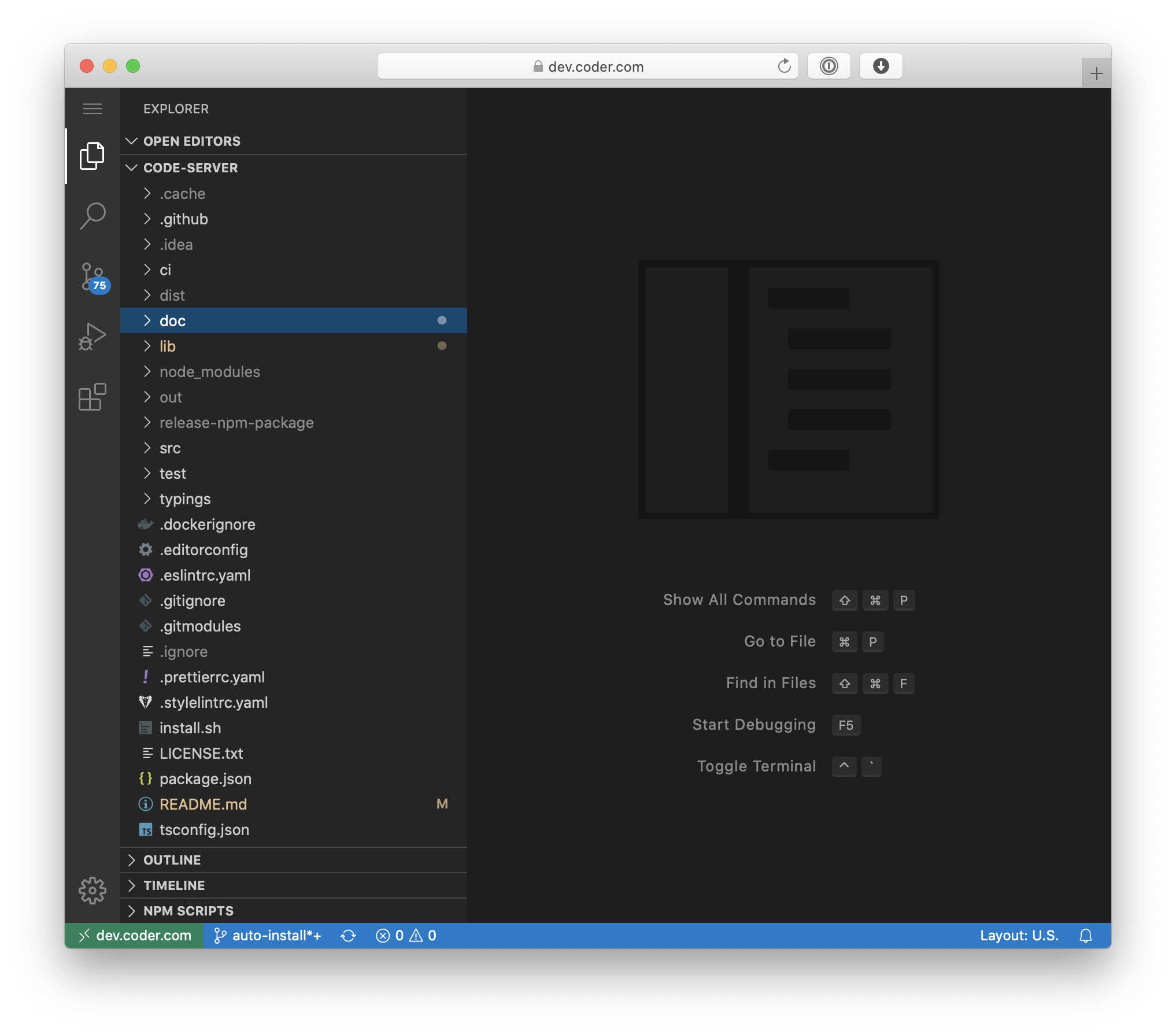 Code-server (container) -- (Report issues) Code-server {shmolf} -- (Report issues)
 Codex -- (Report issues)
 Codiad -- (Report issues)
 CommandBox -- (Report issues)
 ContentBox -- (Report issues)
 Cops -- (Report issues)
 CouchPotato -- (Report issues)
 CrateDB -- (Report issues)
 Cronicle -- (Report issues)
 Crowdsec WEB UI -- (Report issues)
 Cryptofolio -- (Report issues)
 CryptPad
 Cura -- (Report issues)
 Daapd -- (Report issues)
 Dagu
Dagu Darktable -- (Report issues)
 Dashdot -- (Report issues)
 DashMachine -- (Report issues)
 Dashy (container)
 Dashy (stack) -- (Report issues)
 Databag
 Datadog agent (container) -- (Report issues) Datadog agent (swarm) -- (Report issues)
 DaVinci Postgres Server -- (Report issues)
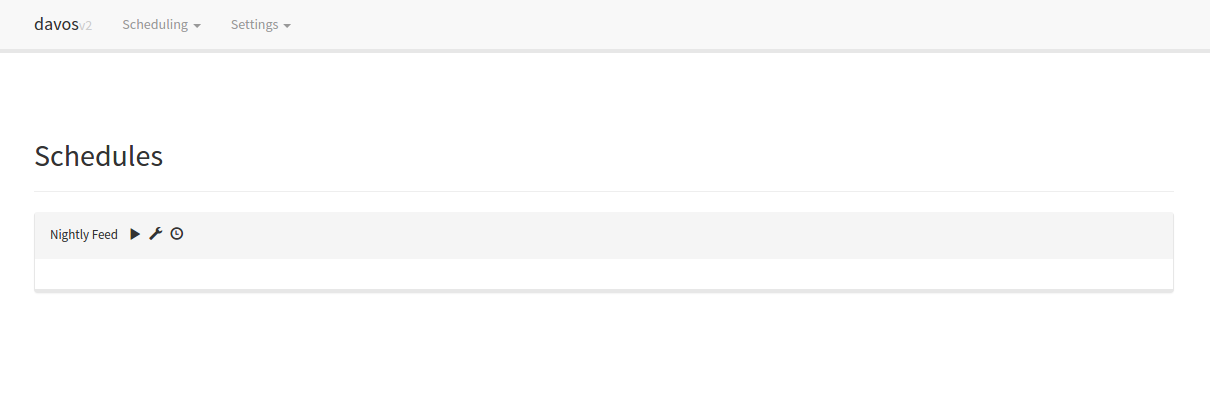 Davos -- (Report issues)
 Dawarich -- (Report issues)
 Ddclient -- (Report issues)
 DeeMix -- (Report issues)
 Deluge -- (Report issues)
 Dify -- (Report issues)
 Digikam -- (Report issues)
 Directus -- (Report issues)
 Diskover (container) -- (Report issues)
 Diskover (stack) -- (Report issues)
 Docker Compose maker -- (Report issues)
 Docker Container Stats -- (Report issues)
 Docker Registry -- (Report issues)
 Dockge -- (Report issues)
 DockRoute
 Docmost
 Documenso -- (Report issues)
 DocuSeal (container)
 DocuSeal (stack) -- (Report issues)
 Dogwalk -- (Report issues)
 Dokemon -- (Report issues)
 Dokuwiki -- (Report issues)
 Dolphin -- (Report issues)
 Domoticz -- (Report issues)
 Doplarr_rs -- (Report issues)
 Dosbox-staging -- (Report issues)
 Doublecommander -- (Report issues)
 Dradis -- (Report issues)
 Draw.io -- (Report issues)
 Droppy -- (Report issues)
 Drupal -- (Report issues)
 Duckdns -- (Report issues)
 Duckstation -- (Report issues)
 Duplicacy -- (Report issues)
 Duplicati -- (Report issues)
 Eclipse Mosquitto MQTT -- (Report issues)
 Eden -- (Report issues)
 Elasticsearch
 Emby -- (Report issues)
 EmbyStat -- (Report issues)
 EMQX Open Source MQTT Broker -- (Report issues)
 Eufy Security WS -- (Report issues)
 Excalidraw -- (Report issues)
 Fail2ban -- (Report issues)
 FDO -- (Report issues)
 Fenrus -- (Report issues)
 Ferdi Server -- (Report issues)
 Ferdium (container) -- (Report issues)
 Ferdium (stack) -- (Report issues)
 Ffmpeg -- (Report issues)
 File browser (container) -- (Report issues)
 FileBrowser (stack) -- (Report issues)
 FileBrowser latest -- (Report issues) FileBrowser S6 -- (Report issues)
 Filegator -- (Report issues)
 Filepizza -- (Report issues)
 Filerun -- (Report issues)
 Filestash -- (Report issues)
 Filezilla -- (Report issues)
 Firefox (container) -- (Report issues)
 Firefox (stack) -- (Report issues)
 Fireshare -- (Report issues)
 Fizzy -- (Report issues)
 Flame -- (Report issues)
 Flame-Dashboard -- (Report issues)
 FlareSolverr -- (Report issues)
 Flexget -- (Report issues)
 Floating License Server -- (Report issues)
 Flood -- (Report issues)
 Flowise -- (Report issues)
 Flowiseai -- (Report issues)
 FluxDown -- (Report issues)
 Flycast -- (Report issues)
 Foldingathome -- (Report issues)
 Forgejo (container)
 Forgejo (stack) -- (Report issues) Forgejo Runner -- (Report issues)
 FoundryVTT Server -- (Report issues)
 Freeboard -- (Report issues)
 Freecad -- (Report issues)
 Freescout -- (Report issues)
 Freshrss -- (Report issues)
 Frigate NVR -- (Report issues)
 Funkwhale -- (Report issues)
 Fuuz Device Gateway -- (Report issues) Fuuz In-House Trial -- (Report issues)
 Gaps -- (Report issues)
 Garage -- (Report issues)
 Gathio -- (Report issues)
 Gatus
Gatus Gazee -- (Report issues)
 Ghost (container) -- (Report issues)
 Ghost (stack) -- (Report issues)
 Ghostfolio -- (Report issues)
 Gimp -- (Report issues)
 Gitea -- (Report issues)
 GitHub Actions Runner -- (Report issues)
 Github-desktop -- (Report issues)
 GitLab CE -- (Report issues)
 GitLab Runner -- (Report issues)
 Gitqlient -- (Report issues)
 Glance
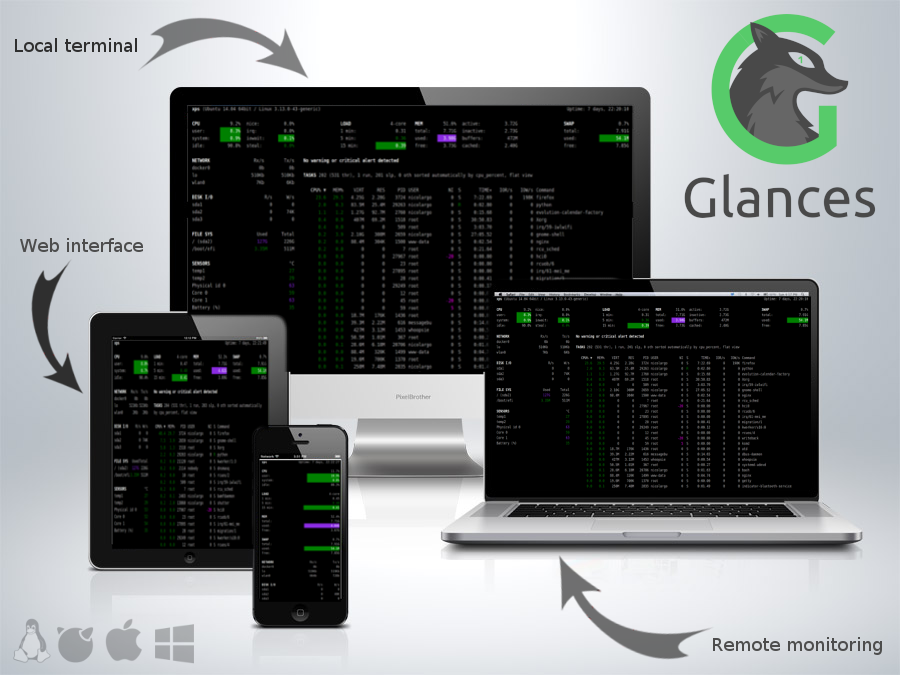 Glances -- (Report issues)
 GlitchTip -- (Report issues)
 Go-Socks5-Proxy -- (Report issues)
 Gokapi -- (Report issues)
 Gotenberg
 Gotify -- (Report issues)
 GoToSocial
 Grafana -- (Report issues)
 Grafana Dashboard -- (Report issues)
 Grafana Stack -- (Report issues)
 Grav -- (Report issues)
 Grocy (container) -- (Report issues)
 Grocy (stack) -- (Report issues)
 Guacamole -- (Report issues)
 Gzdoom -- (Report issues)
 Habridge -- (Report issues)
 Handbrake -- (Report issues)
 Hauk -- (Report issues)
 Headphones -- (Report issues)
 Healthchecks -- (Report issues)
 Hedgedoc -- (Report issues)
 Heimdall -- (Report issues)
 Helium -- (Report issues)
 Hishtory-server -- (Report issues)
 Hivekeep
 Hoarder -- (Report issues)
 Homarr (container) -- (Report issues)
 Homarr (stack) -- (Report issues) Homarr-Secured -- (Report issues)
 Homeassistant -- (Report issues)
 Homebox
 Homebridge (container) -- (Report issues)
 Homebridge (stack) -- (Report issues) Homebridge - Debian -- (Report issues)
 Homechart -- (Report issues)
 Homedex -- (Report issues)
 HomeLab Monitor
 Homepage (container) -- (Report issues)
 Homepage (stack) -- (Report issues)
 Homer -- (Report issues)
 Htpcmanager -- (Report issues)
 Httpd -- (Report issues)
 Huginn -- (Report issues)
 hydra2 -- (Report issues)
 Immich -- (Report issues)
 Immich {shmolf} -- (Report issues)
 Inductive Automation - Ignition Gateway -- (Report issues)
 Infisical -- (Report issues)
 Infisical {shmolf} -- (Report issues)
 Influxdb -- (Report issues)
 Influxdb & Telegraf -- (Report issues)
 Influxdb 1.8.10 -- (Report issues)
 InfluxDB for Edge -- (Report issues)
 Inkscape -- (Report issues)
 Intellij-idea -- (Report issues)
 Invidious -- (Report issues)
 Invoice Ninja (stack) -- (Report issues)
 Invoice Ninja (swarm) -- (Report issues)
 iobroker -- (Report issues)
 IronFunctions -- (Report issues) IronFunctions API -- (Report issues) IronFunctions UI -- (Report issues)
 IT-Tools
 Jackett -- (Report issues)
 JDownloader -- (Report issues)
 Jellyfin (container) -- (Report issues)
 Jellyfin (stack) -- (Report issues)
 Jellyfin-Accounts -- (Report issues)
 Jellyseer -- (Report issues)
 Jellyseerr -- (Report issues)
 Jenkins (container)
Truncated — view the full README on GitHub.
417 followers · starred Oct 2023
110 followers · starred Nov 2024
153 followers · starred Dec 2023
48 followers · starred Apr 2023
🚢 800+ 1-click Portainer app templates
See the codeA compiled list of 500+ ready to go Portainer App templates
🌐 portainer-templates.as93.net
TL;DR Under Settings → App Templates in your Portainer GUI, paste this URL:
https://raw.githubusercontent.com/Lissy93/portainer-templates/main/templates.json
In Portainer, App Templates enable you to easily deploy services with a predetermined configuration, while allowing you to customize options through the web UI. While Portainer ships with some default templates (see portainer/templates), it's often helpful to have 1-click access to many more apps + stacks, without having to constantly switch template sources.
This repo combines app templates from several sources, to create a ready-to-go template file containing all the apps you'll ever need. It's also possible to self-host, as well as combine with your own custom templates.
You can browse all supported apps and stacks and see stats, config options and stand-alone installation commands for each, at portainer-templates.as93.net
The template file uses Portainer's v3 format, which is compatible with all Portainer versions. To add a new template, see this guide.
https://raw.githubusercontent.com/Lissy93/portainer-templates/main/templates.jsonAlternatively, when you start Portainer, you can append the --templates flag pointing to the templates URL.
If you'd prefer to source templates locally, you can self-host with Docker - there's a sample NGINX container provided
Just run: docker run -p 8080:80 lissy93/portainer-templates (changing 8080 to a port of your choice)
You'll then be able to pass Portainer the template file located at http://[host]:[port]/templates.json
If you'd prefer to build the image yourself locally, you can do so with the following commands (if you're using your own fork, don't forget to switch lissy93 out for your username!)
git clone https://github.com/lissy93/portainer-templates.git
cd portainer-templates
docker build -t portainer-templates .
docker run -d -p "8080:80" portainer-templates
If you're using your own template file, but don't want to fork this repository, you can instead simply pass your templates.json file to the above Docker container as a volume, with -v "${PWD}/templates.json:/usr/share/nginx/html/templates.json"
The template.json file is generated using the scripts in lib, using GitHub Actions.
Running the make command will download all listed sources, parse them, and combine them with anything in the sources dir, outputting the templates.json file.
So, you only need to edit either the sources.csv file, or add your templates directly into the sources/local/ directory.
Every row in sources.csv is name, url, maintainer, kind, where kind is either:
collection - somebody's maintained list covering many apps (the default, if you leave it blank)app - a single self-hosted app, published by its own authorAdd a row, and the next build downloads it, parses it and merges it into the final template. Because that happens every night, an app author only needs one PR here: from then on they edit the file in their own repo and the change shows up within a day.
If the same app appears more than once, duplicates are settled in this order:
sources/local/ - the copies maintained in this repoapp sources - the author's own template for their own appcollection sources, in the order they're listed in sources.csvAn app source carries exactly one template, so a row approved once can't grow entries nobody reviewed - an author shipping variants adds a row per variant. If an app source stops resolving it's simply left out of that build, whereas a missing collection stops the build, since it would take hundreds of apps with it.
Alternatively, place your template file within the sources/local/ directory, and it will be automatically combined into the main template.json. Be sure that your template corresponds to Portainer's App Template JSON Format. Note that anything in there becomes ours to maintain, and needs a PR for every change - so if it's your own app, publishing it from your own repo as an app source is usually the better deal.
There is a schema defined in Schema.json, which can be used to validate any Portainer template.
Run make validate to ensure your template conforms to Portainer's App Template specification.
To check a template you host yourself, point the validator straight at its URL with python lib/validate_sources.py <url>.
If you'd like to use this repo as a base, but maintain your own list of template, just fork the repository, and update lissy93 with your username in the import URL.
Click an item, to see stats, config options and installation instructions
Activepieces -- (Report issues) Actual Budget -- (Report issues) Adguard -- (Report issues) Adguard Home (stack) -- (Report issues) Adguardhome (container) -- (Report issues) Adguardhome-sync -- (Report issues) AI Marketplace Monitor -- (Report issues) Airsonic (container) -- (Report issues) Airsonic (stack) -- (Report issues) Airsonic-advanced -- (Report issues) Alpine Xfce4 noVNC -- (Report issues) Altus -- (Report issues) Anchor -- (Report issues) Ansible-semaphore -- (Report issues) Anyviz Cloud Adaptor -- (Report issues) Apache Httpd -- (Report issues) Apache Kafka -- (Report issues) Apprise-api (container) -- (Report issues) Apprise-API (stack) -- (Report issues) Appsmith -- (Report issues) Appwrite -- (Report issues) Arcane -- (Report issues) ArchiSteamFarm -- (Report issues) Archivebox -- (Report issues) Ardour -- (Report issues) Aria2 Pro -- (Report issues) AriaNG -- (Report issues) Asciinema {shmolf} -- (Report issues) Atrium Audacity -- (Report issues) Audiobookshelf -- (Report issues) AudioMuse-AI AudioMuse-AI (NVIDIA GPU) Aurral -- (Report issues) Authelia -- (Report issues) Authentik -- (Report issues) Autobrr -- (Report issues) Azahar -- (Report issues) Babybuddy -- (Report issues) Bagisto -- (Report issues) Baikal -- (Report issues) Bambustudio -- (Report issues) Baserow (container) -- (Report issues) Bazarr (container) -- (Report issues) Bazarr (stack) -- (Report issues) Beets -- (Report issues) Bitcoin-knots -- (Report issues) Bitwarden RS -- (Report issues) Blade-of-agony -- (Report issues) Blender -- (Report issues) Blinko -- (Report issues) Boinc -- (Report issues) Booksonic -- (Report issues) Bookstack (container) -- (Report issues) Bookstack (stack) -- (Report issues) Bookstack (swarm) -- (Report issues) Brave -- (Report issues) Broadlink Manager -- (Report issues) Budibase -- (Report issues) Bugsink -- (Report issues) Caddy -- (Report issues) cairn Cal.com -- (Report issues) Calibre -- (Report issues) Calibre-web -- (Report issues) Calligra -- (Report issues) Cantinarr Cardigann -- (Report issues) CashPilot Castopod -- (Report issues) Change Detection -- (Report issues) Changedetection.io (container) -- (Report issues) changedetection.io (stack) -- (Report issues) Chatwoot -- (Report issues) Checkmate -- (Report issues) Chevereto -- (Report issues) Chibisafe -- (Report issues) Chiefonboarding -- (Report issues) Chowdown -- (Report issues) Chrome -- (Report issues) Chromium -- (Report issues) Chrony NTP -- (Report issues) Clamav -- (Report issues) ClickHouse Cluster -- (Report issues) Cloud Commander -- (Report issues) CloudBeaver Cloudflare DDNS -- (Report issues) Cockpit {shmolf} -- (Report issues) CockroachDB (container) -- (Report issues) CockroachDB (swarm) -- (Report issues) Code-server (container) -- (Report issues) Code-server {shmolf} -- (Report issues) Codex -- (Report issues) Codiad -- (Report issues) CommandBox -- (Report issues) ContentBox -- (Report issues) Cops -- (Report issues) CouchPotato -- (Report issues) CrateDB -- (Report issues) Cronicle -- (Report issues) Crowdsec WEB UI -- (Report issues) Cryptofolio -- (Report issues) CryptPad Cura -- (Report issues) Daapd -- (Report issues) Dagu Darktable -- (Report issues) Dashdot -- (Report issues) DashMachine -- (Report issues) Dashy (container) Dashy (stack) -- (Report issues) Databag Datadog agent (container) -- (Report issues) Datadog agent (swarm) -- (Report issues) DaVinci Postgres Server -- (Report issues) Davos -- (Report issues) Dawarich -- (Report issues) Ddclient -- (Report issues) DeeMix -- (Report issues) Deluge -- (Report issues) Dify -- (Report issues) Digikam -- (Report issues) Directus -- (Report issues) Diskover (container) -- (Report issues) Diskover (stack) -- (Report issues) Docker Compose maker -- (Report issues) Docker Container Stats -- (Report issues) Docker Registry -- (Report issues) Dockge -- (Report issues) DockRoute Docmost Documenso -- (Report issues) DocuSeal (container) DocuSeal (stack) -- (Report issues) Dogwalk -- (Report issues) Dokemon -- (Report issues) Dokuwiki -- (Report issues) Dolphin -- (Report issues) Domoticz -- (Report issues) Doplarr_rs -- (Report issues) Dosbox-staging -- (Report issues) Doublecommander -- (Report issues) Dradis -- (Report issues) Draw.io -- (Report issues) Droppy -- (Report issues) Drupal -- (Report issues) Duckdns -- (Report issues) Duckstation -- (Report issues) Duplicacy -- (Report issues) Duplicati -- (Report issues) Eclipse Mosquitto MQTT -- (Report issues) Eden -- (Report issues) Elasticsearch Emby -- (Report issues) EmbyStat -- (Report issues) EMQX Open Source MQTT Broker -- (Report issues) Eufy Security WS -- (Report issues) Excalidraw -- (Report issues) Fail2ban -- (Report issues) FDO -- (Report issues) Fenrus -- (Report issues) Ferdi Server -- (Report issues) Ferdium (container) -- (Report issues) Ferdium (stack) -- (Report issues) Ffmpeg -- (Report issues) File browser (container) -- (Report issues) FileBrowser (stack) -- (Report issues) FileBrowser latest -- (Report issues) FileBrowser S6 -- (Report issues) Filegator -- (Report issues) Filepizza -- (Report issues) Filerun -- (Report issues) Filestash -- (Report issues) Filezilla -- (Report issues) Firefox (container) -- (Report issues) Firefox (stack) -- (Report issues) Fireshare -- (Report issues) Fizzy -- (Report issues) Flame -- (Report issues) Flame-Dashboard -- (Report issues) FlareSolverr -- (Report issues) Flexget -- (Report issues) Floating License Server -- (Report issues) Flood -- (Report issues) Flowise -- (Report issues) Flowiseai -- (Report issues) FluxDown -- (Report issues) Flycast -- (Report issues) Foldingathome -- (Report issues) Forgejo (container) Forgejo (stack) -- (Report issues) Forgejo Runner -- (Report issues) FoundryVTT Server -- (Report issues) Freeboard -- (Report issues) Freecad -- (Report issues) Freescout -- (Report issues) Freshrss -- (Report issues) Frigate NVR -- (Report issues) Funkwhale -- (Report issues) Fuuz Device Gateway -- (Report issues) Fuuz In-House Trial -- (Report issues) Gaps -- (Report issues) Garage -- (Report issues) Gathio -- (Report issues) Gatus Gazee -- (Report issues) Ghost (container) -- (Report issues) Ghost (stack) -- (Report issues) Ghostfolio -- (Report issues) Gimp -- (Report issues) Gitea -- (Report issues) GitHub Actions Runner -- (Report issues) Github-desktop -- (Report issues) GitLab CE -- (Report issues) GitLab Runner -- (Report issues) Gitqlient -- (Report issues) Glance Glances -- (Report issues) GlitchTip -- (Report issues) Go-Socks5-Proxy -- (Report issues) Gokapi -- (Report issues) Gotenberg Gotify -- (Report issues) GoToSocial Grafana -- (Report issues) Grafana Dashboard -- (Report issues) Grafana Stack -- (Report issues) Grav -- (Report issues) Grocy (container) -- (Report issues) Grocy (stack) -- (Report issues) Guacamole -- (Report issues) Gzdoom -- (Report issues) Habridge -- (Report issues) Handbrake -- (Report issues) Hauk -- (Report issues) Headphones -- (Report issues) Healthchecks -- (Report issues) Hedgedoc -- (Report issues) Heimdall -- (Report issues) Helium -- (Report issues) Hishtory-server -- (Report issues) Hivekeep Hoarder -- (Report issues) Homarr (container) -- (Report issues) Homarr (stack) -- (Report issues) Homarr-Secured -- (Report issues) Homeassistant -- (Report issues) Homebox Homebridge (container) -- (Report issues) Homebridge (stack) -- (Report issues) Homebridge - Debian -- (Report issues) Homechart -- (Report issues) Homedex -- (Report issues) HomeLab Monitor Homepage (container) -- (Report issues) Homepage (stack) -- (Report issues) Homer -- (Report issues) Htpcmanager -- (Report issues) Httpd -- (Report issues) Huginn -- (Report issues) hydra2 -- (Report issues) Immich -- (Report issues) Immich {shmolf} -- (Report issues) Inductive Automation - Ignition Gateway -- (Report issues) Infisical -- (Report issues) Infisical {shmolf} -- (Report issues) Influxdb -- (Report issues) Influxdb & Telegraf -- (Report issues) Influxdb 1.8.10 -- (Report issues) InfluxDB for Edge -- (Report issues) Inkscape -- (Report issues) Intellij-idea -- (Report issues) Invidious -- (Report issues) Invoice Ninja (stack) -- (Report issues) Invoice Ninja (swarm) -- (Report issues) iobroker -- (Report issues) IronFunctions -- (Report issues) IronFunctions API -- (Report issues) IronFunctions UI -- (Report issues) IT-Tools Jackett -- (Report issues) JDownloader -- (Report issues) Jellyfin (container) -- (Report issues) Jellyfin (stack) -- (Report issues) Jellyfin-Accounts -- (Report issues) Jellyseer -- (Report issues) Jellyseerr -- (Report issues) Jenkins (container)Truncated — view the full README on GitHub.
417 followers · starred Oct 2023
110 followers · starred Nov 2024
153 followers · starred Dec 2023
48 followers · starred Apr 2023