MLX Studio - Easiest way to run LLM's on your Mac. All in one engine.
See the code

Native macOS app for the vMLX inference server on Apple Silicon
Looking for a native Swift macOS app or Swift inference engine? See osaurus.ai.




MLX Studio is a full-featured macOS app that wraps the vMLX inference server — large language models, vision models, and image generation served via an OpenAI-compatible HTTP API on Apple Silicon. Built on Apple's MLX framework for GPU-accelerated inference, self-hosted on the user's machine.
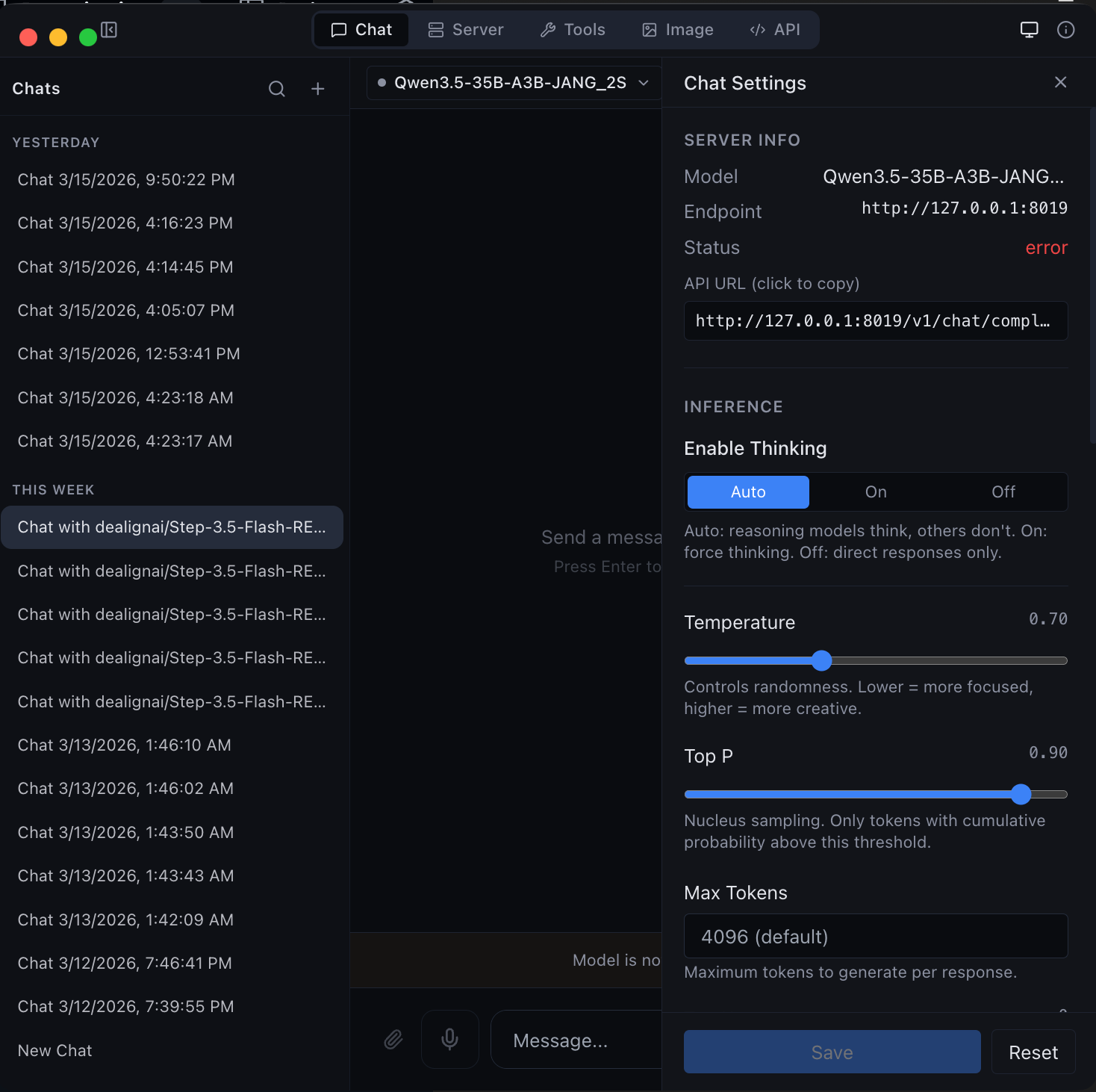 Chat Interface | 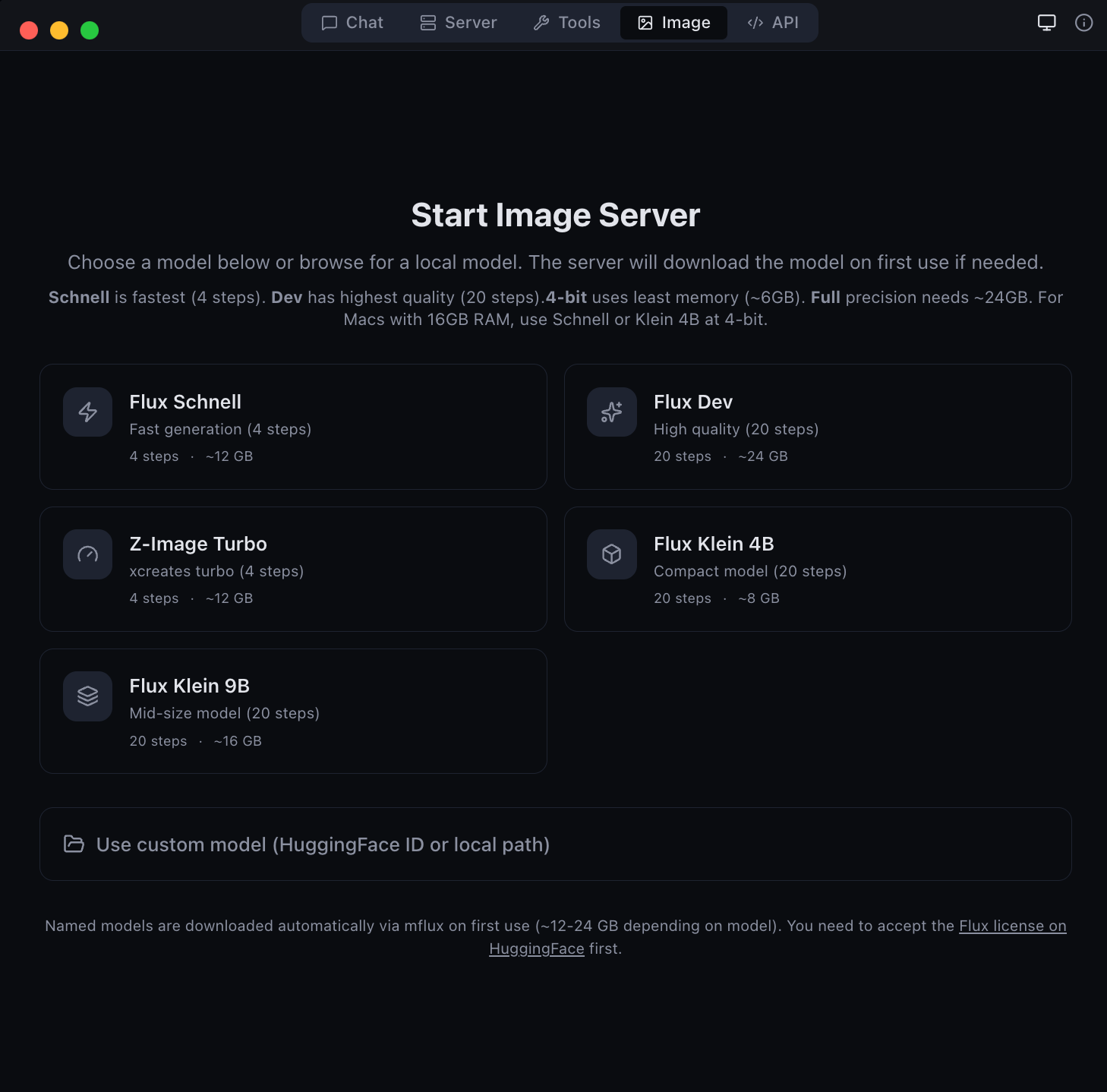 Image Generation |
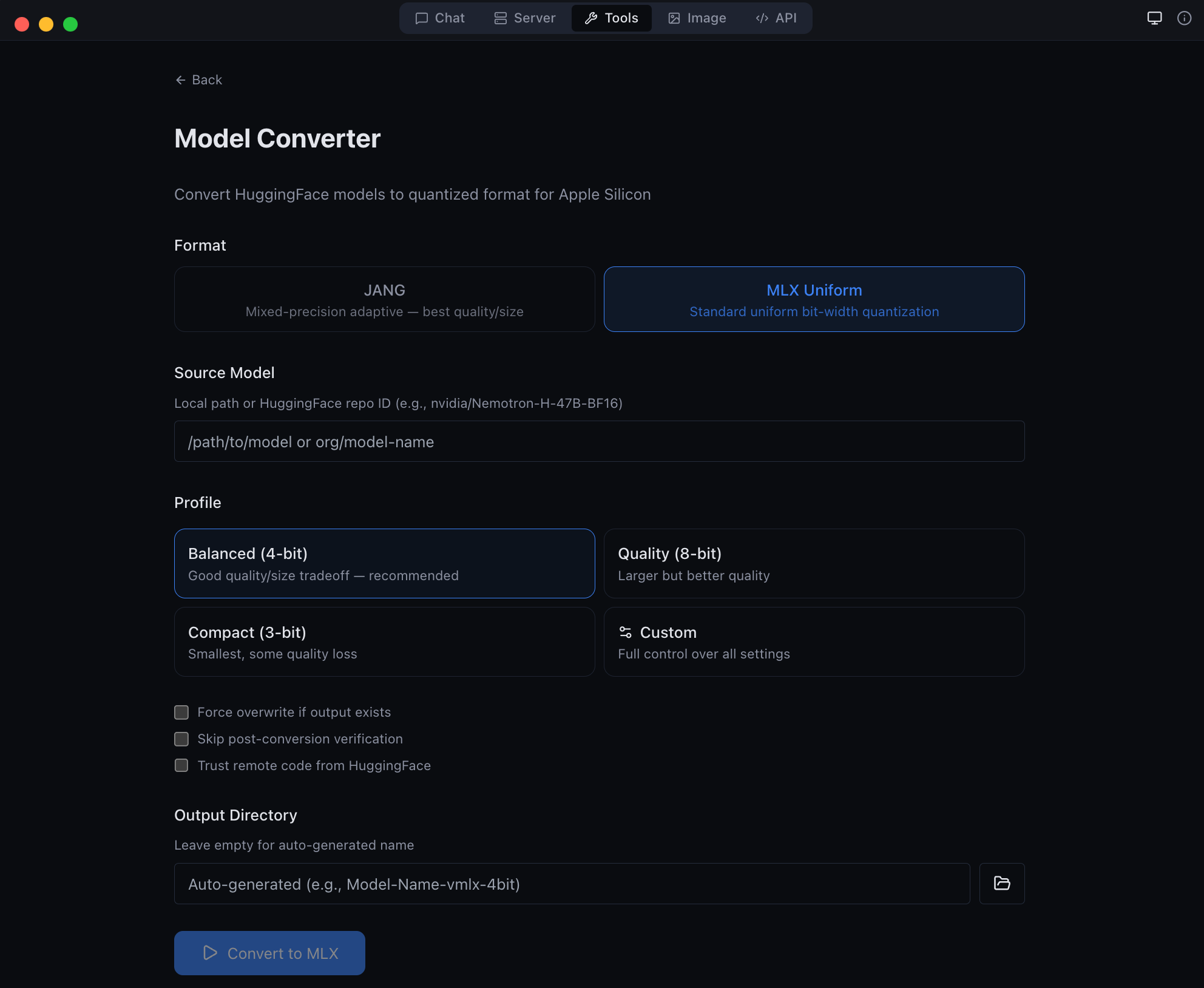 Developer Tools | 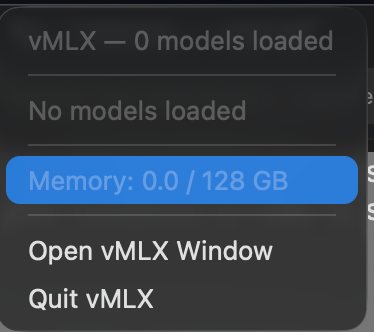 Menu Bar Tray |
vMLX-X.Y.Z-tahoe-arm64.dmg for macOS Tahoe (recommended), or
vMLX-X.Y.Z-sequoia-arm64.dmg for macOS SequoiaAll releases are signed and notarized by Apple for Gatekeeper compatibility.
localhost for any compatible client| Requirement | Minimum |
|---|---|
| macOS | 14.0 Sonoma or later |
| Chip | Apple Silicon (M1, M2, M3, M4 -- any variant) |
| RAM | 8 GB (16 GB+ recommended for larger models) |
| Disk | ~500 MB for the app; models vary (1--50 GB each) |
MLX Studio bundles everything needed to run the inference server:
| Mode | Description |
|---|---|
| Chat | Conversational UI with vision, reasoning, and tool support |
| Server | OpenAI-compatible API server (/v1/chat/completions, /v1/responses) |
| Image | Text-to-image generation with diffusion models |
| Tools | Model conversion, quantization, diagnostics, and inspection |
| API | Interactive API documentation and testing playground |
A bundled Python 3.12 environment with all dependencies is included -- no system Python or virtual environments required.
If you prefer to build MLX Studio yourself:
# Clone the source repository
git clone https://github.com/jjang-ai/vmlx.git
cd vmlx

# Set up the Python engine
python3 -m venv .venv
source .venv/bin/activate
pip install -e .

# Build the Electron app
cd panel
npm install
npm run build
npx electron-builder --mac --dir

# The app is in panel/release/mac-arm64/MLX Studio.app
For a distributable DMG:
npx electron-builder --mac dmg
| Resource | Link |
|---|---|
| PyPI (CLI / Python library) | pip install vmlx -- pypi.org/project/vmlx |
| Source Code | github.com/jjang-ai/vmlx |
| JANG Quantization | Mixed-precision quantization for MLX -- docs |
| Models on Hugging Face | huggingface.co/jjang-ai |
| Website | vmlx.net |
Apache License 2.0. See the source repository license for details.
Jinho Jang -- [email protected]
Built by JANGQ AI
581 followers · starred Apr 2026
325 followers · starred Jul 2026
6,684 followers · starred Jun 2026
4,603 followers · starred Apr 2026
MLX Studio - Easiest way to run LLM's on your Mac. All in one engine.
See the code
Native macOS app for the vMLX inference server on Apple Silicon
Looking for a native Swift macOS app or Swift inference engine? See osaurus.ai.
MLX Studio is a full-featured macOS app that wraps the vMLX inference server — large language models, vision models, and image generation served via an OpenAI-compatible HTTP API on Apple Silicon. Built on Apple's MLX framework for GPU-accelerated inference, self-hosted on the user's machine.
Chat Interface | Image Generation |
Developer Tools | Menu Bar Tray |
vMLX-X.Y.Z-tahoe-arm64.dmg for macOS Tahoe (recommended), or
vMLX-X.Y.Z-sequoia-arm64.dmg for macOS SequoiaAll releases are signed and notarized by Apple for Gatekeeper compatibility.
localhost for any compatible client| Requirement | Minimum |
|---|---|
| macOS | 14.0 Sonoma or later |
| Chip | Apple Silicon (M1, M2, M3, M4 -- any variant) |
| RAM | 8 GB (16 GB+ recommended for larger models) |
| Disk | ~500 MB for the app; models vary (1--50 GB each) |
MLX Studio bundles everything needed to run the inference server:
| Mode | Description |
|---|---|
| Chat | Conversational UI with vision, reasoning, and tool support |
| Server | OpenAI-compatible API server (/v1/chat/completions, /v1/responses) |
| Image | Text-to-image generation with diffusion models |
| Tools | Model conversion, quantization, diagnostics, and inspection |
| API | Interactive API documentation and testing playground |
A bundled Python 3.12 environment with all dependencies is included -- no system Python or virtual environments required.
If you prefer to build MLX Studio yourself:
# Clone the source repository
git clone https://github.com/jjang-ai/vmlx.git
cd vmlx

# Set up the Python engine
python3 -m venv .venv
source .venv/bin/activate
pip install -e .

# Build the Electron app
cd panel
npm install
npm run build
npx electron-builder --mac --dir

# The app is in panel/release/mac-arm64/MLX Studio.app
For a distributable DMG:
npx electron-builder --mac dmg
| Resource | Link |
|---|---|
| PyPI (CLI / Python library) | pip install vmlx -- pypi.org/project/vmlx |
| Source Code | github.com/jjang-ai/vmlx |
| JANG Quantization | Mixed-precision quantization for MLX -- docs |
| Models on Hugging Face | huggingface.co/jjang-ai |
| Website | vmlx.net |
Apache License 2.0. See the source repository license for details.
Jinho Jang -- [email protected]
Built by JANGQ AI
581 followers · starred Apr 2026
325 followers · starred Jul 2026
6,684 followers · starred Jun 2026
4,603 followers · starred Apr 2026



