iongion/container-desktop

Podman desktop companion

TypeScript

1,639

815 commits

updated Sep 29, 2026

See the code

README

Container Desktop

Podman Desktop Companion

GitHub Release GitHub repo size Github All Releases

Documentation

Full project documentation lives in docs/:

Author notes

  • No telemetry
  • Identical UI on all platforms
  • Dynamic engine based theme

Requirements

  • Linux - Install podman - note that distributions usually have older versions of podman, see Aalvistack for the most recent repositories. Additional packages besides podman may be required, such as aardvark-dns and passt for networking (https://passt.top/passt/about/). If one wants to add support for docker container engine, the easiest is to install rootless docker as documented here https://linuxhandbook.com/rootless-docker/
  • Windows - Install podman or provision your favorite WSL distribution with latest podman by following the instructions above for Linux. On your custom WSL distribution, the engine's own system dial-stdio bridges its unix socket back to the Windows native context (named pipe ↔ wsl.exe stdio — no TCP listener or SSH server inside the distribution).
  • MacOS - Install podman or lima

Usage

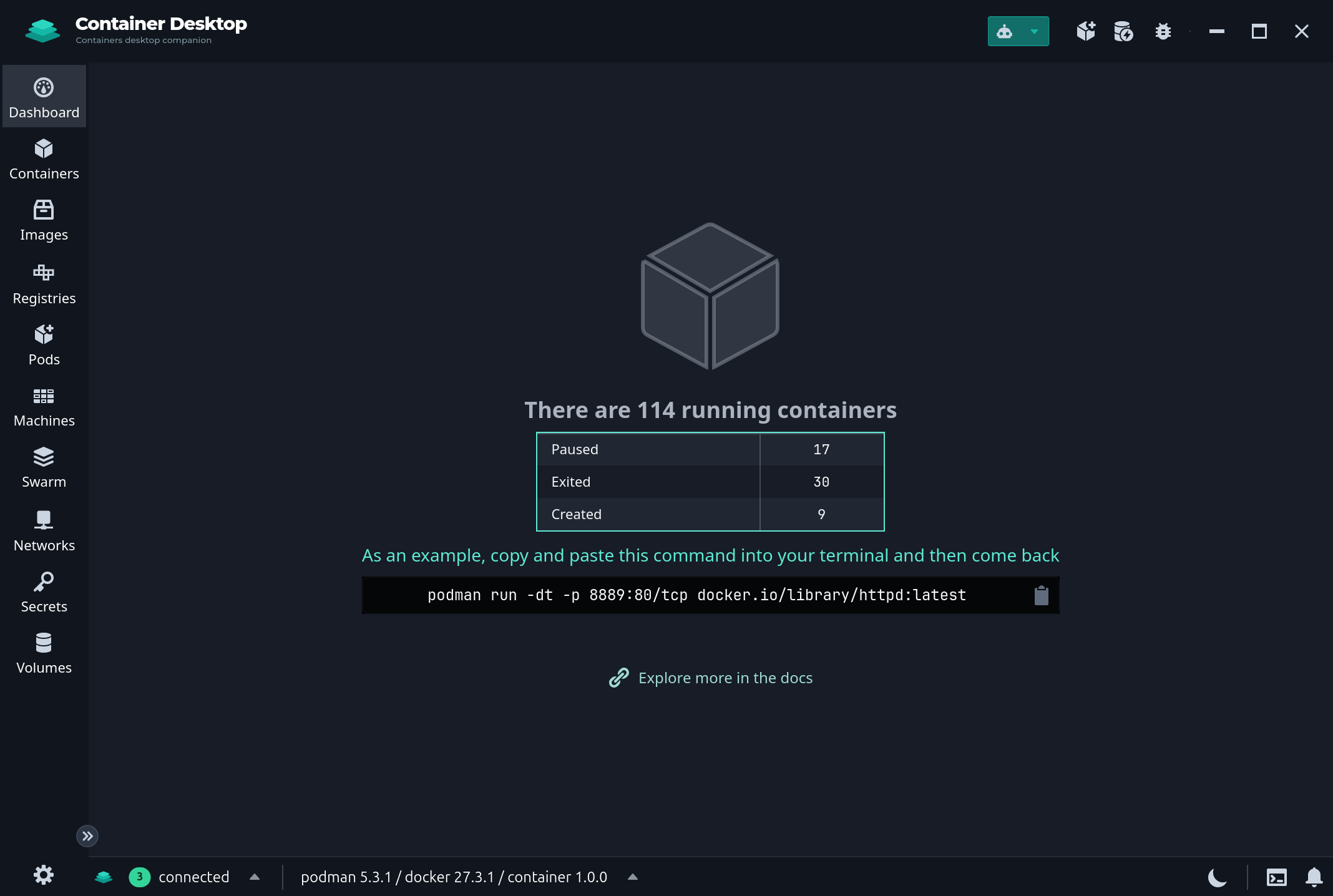
Familiar interface

Container Desktop Dashboard

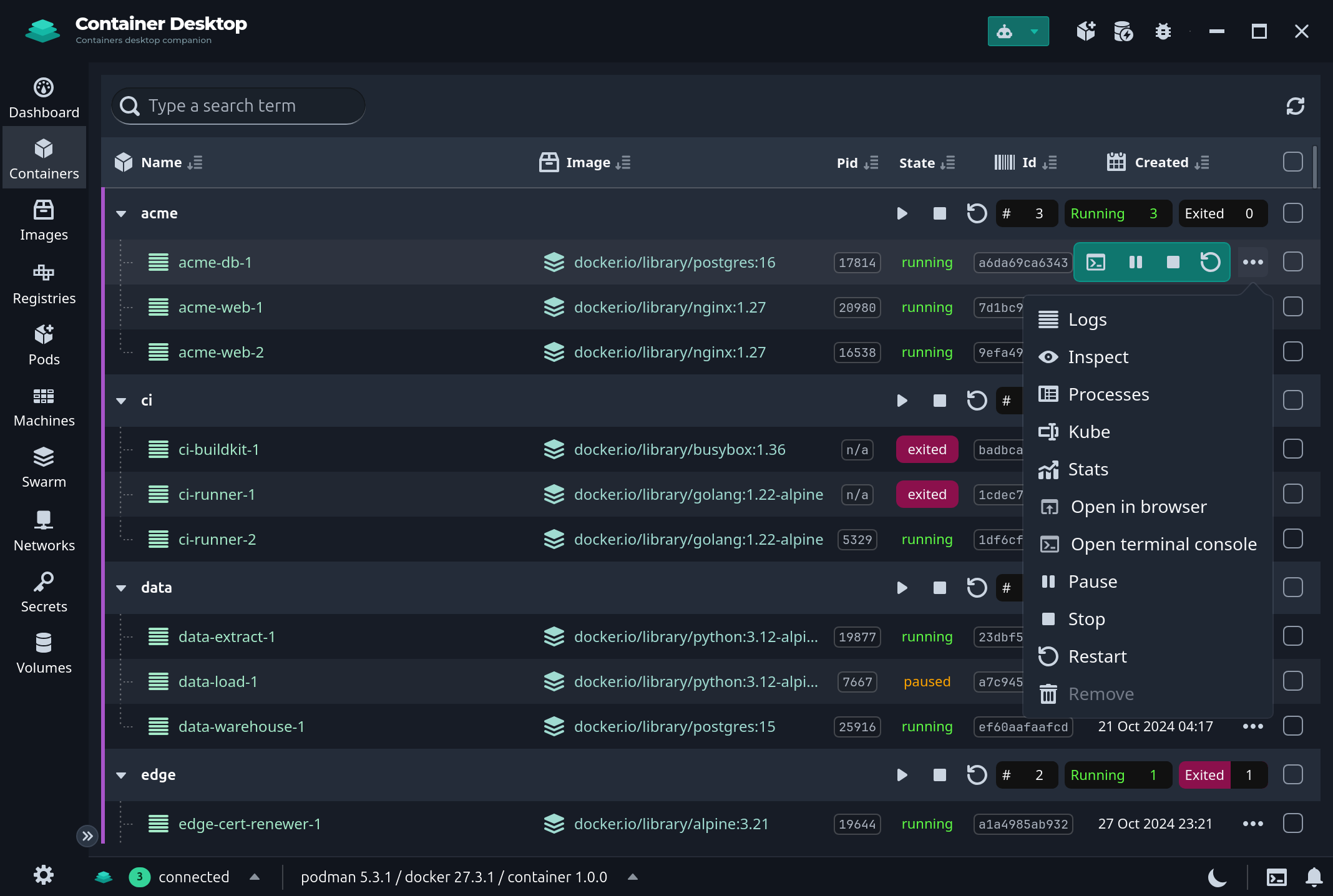
Containers management

Container Actions

Image building

Image Actions

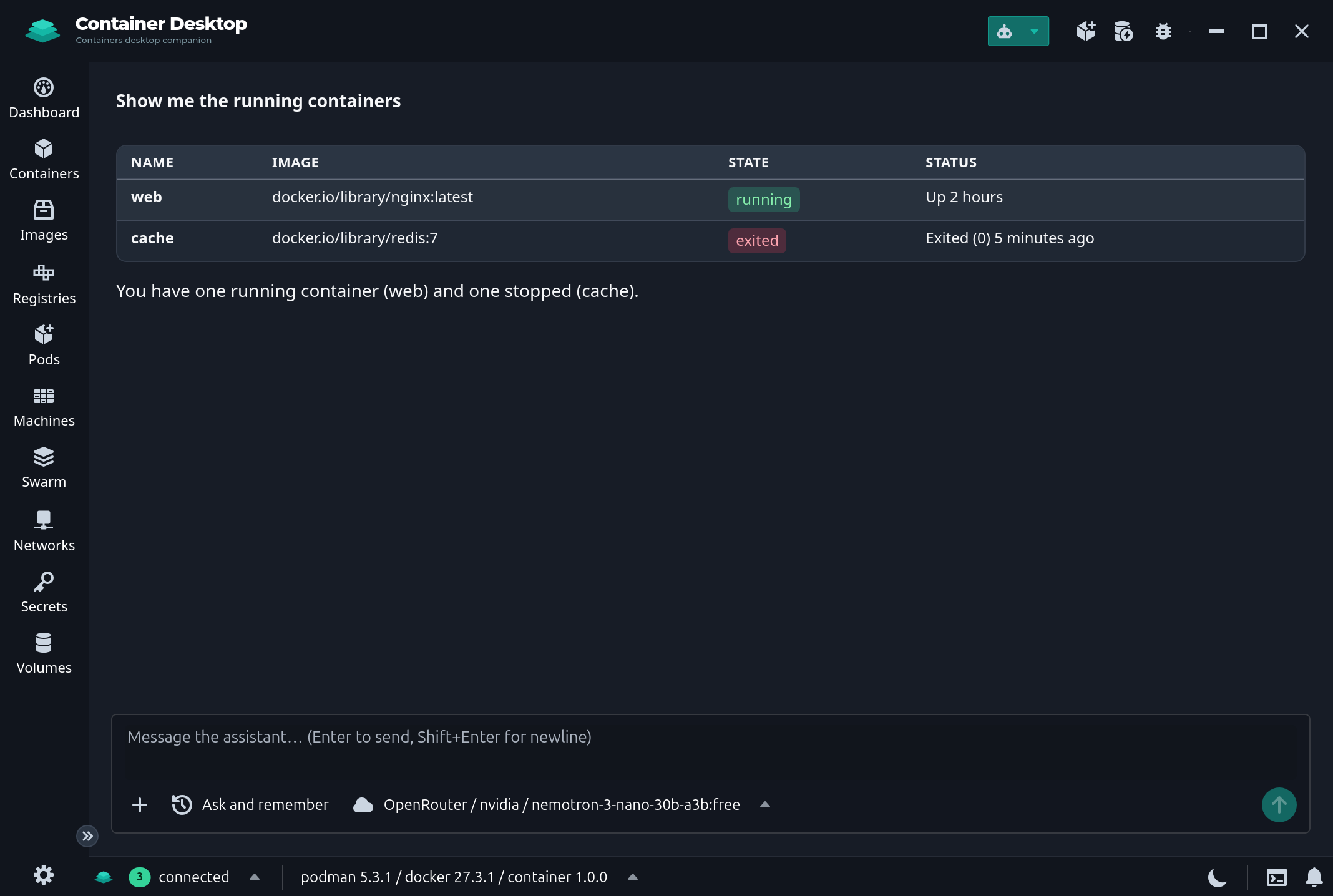
AI assistant

AI assistant

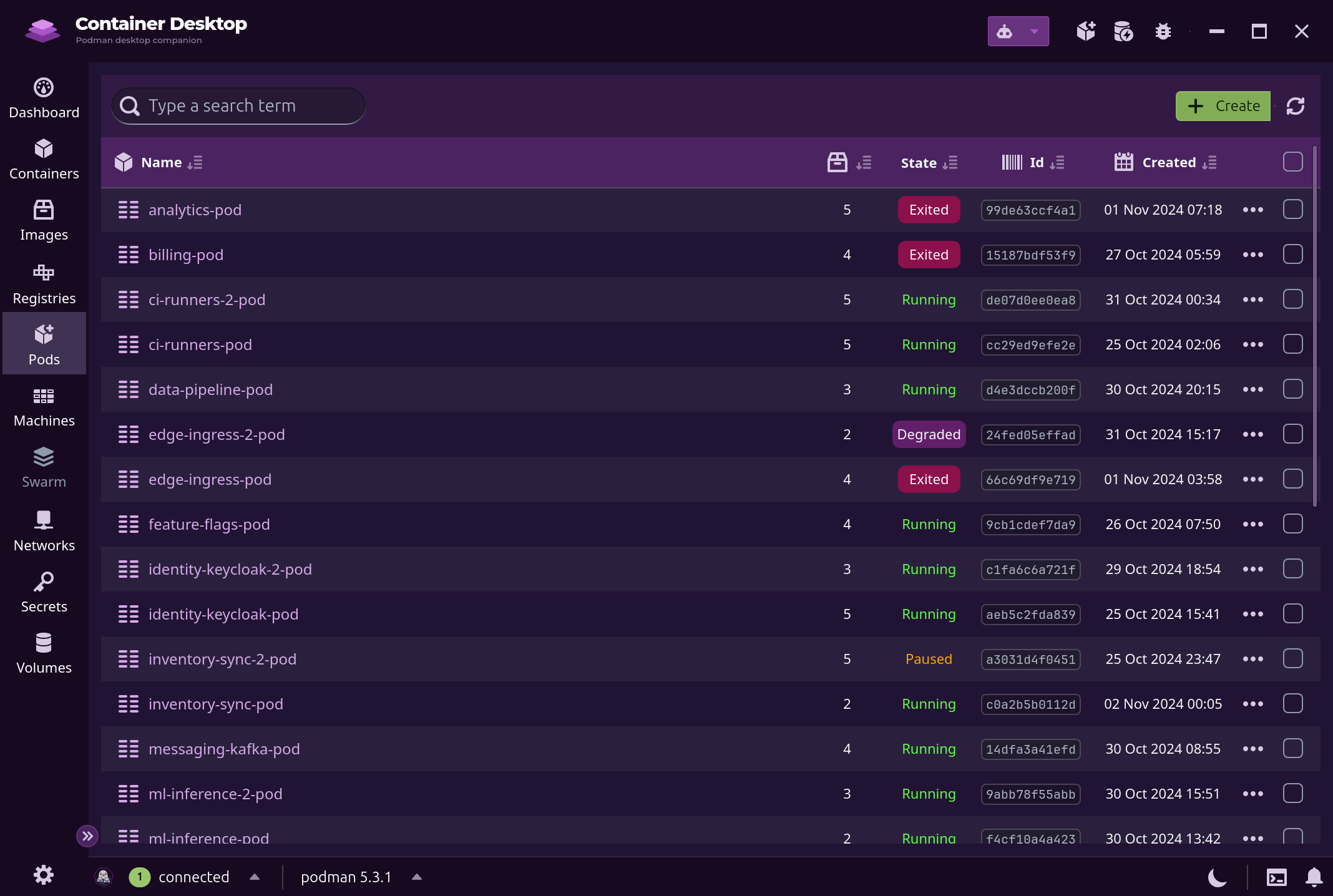
Podman is the driving engine

Container Desktop Dashboard

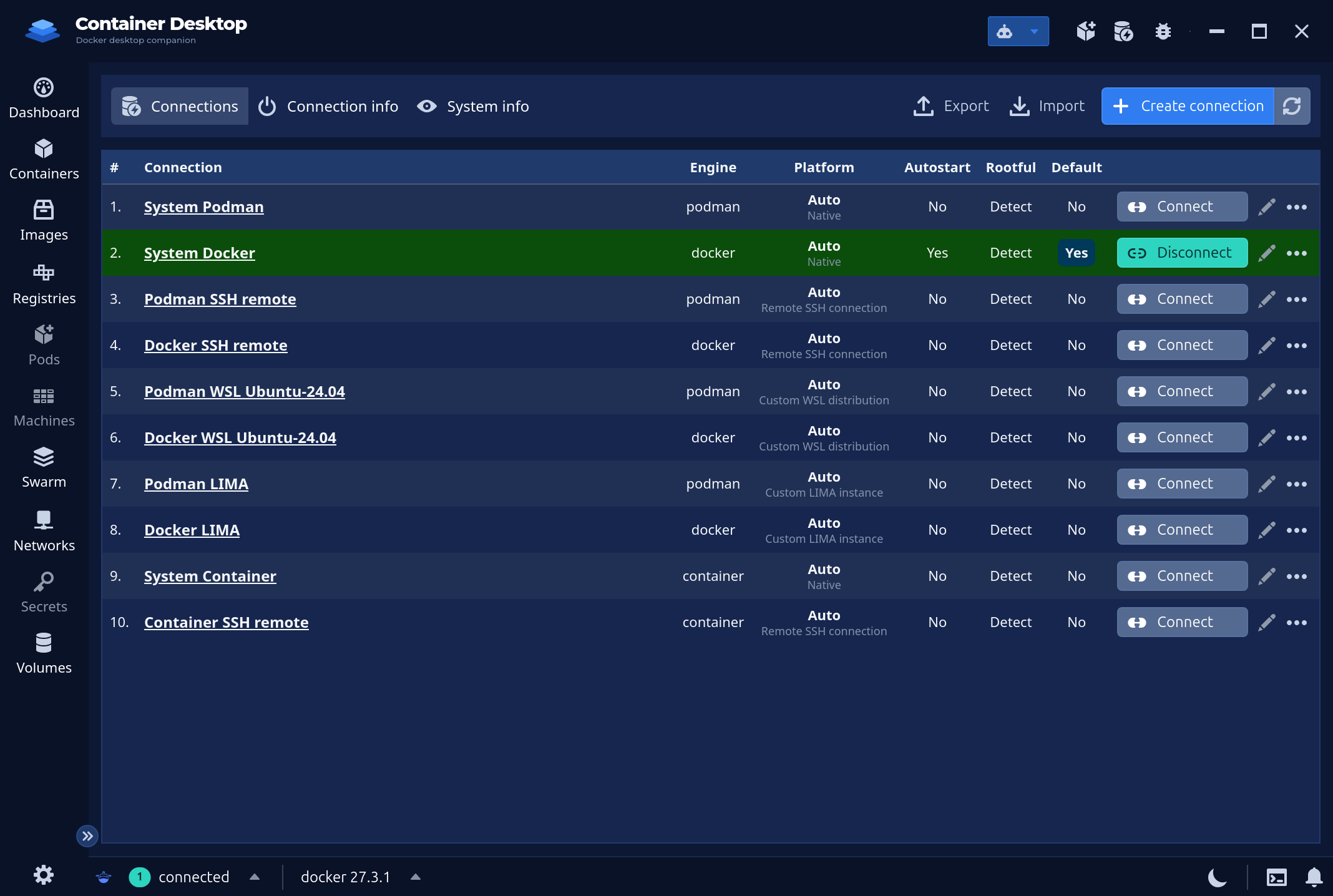
Multiple engines and remote connections supported

Docker engine Connections

iongion/container-desktop

Podman desktop companion

TypeScript

1,639

815 commits

updated Sep 29, 2026

See the code

README

Container Desktop

Podman Desktop Companion

GitHub Release GitHub repo size Github All Releases

Documentation

Full project documentation lives in docs/:

Author notes

  • No telemetry
  • Identical UI on all platforms
  • Dynamic engine based theme

Requirements

  • Linux - Install podman - note that distributions usually have older versions of podman, see Aalvistack for the most recent repositories. Additional packages besides podman may be required, such as aardvark-dns and passt for networking (https://passt.top/passt/about/). If one wants to add support for docker container engine, the easiest is to install rootless docker as documented here https://linuxhandbook.com/rootless-docker/
  • Windows - Install podman or provision your favorite WSL distribution with latest podman by following the instructions above for Linux. On your custom WSL distribution, the engine's own system dial-stdio bridges its unix socket back to the Windows native context (named pipe ↔ wsl.exe stdio — no TCP listener or SSH server inside the distribution).
  • MacOS - Install podman or lima

Usage

Familiar interface

Container Desktop Dashboard

Containers management

Container Actions

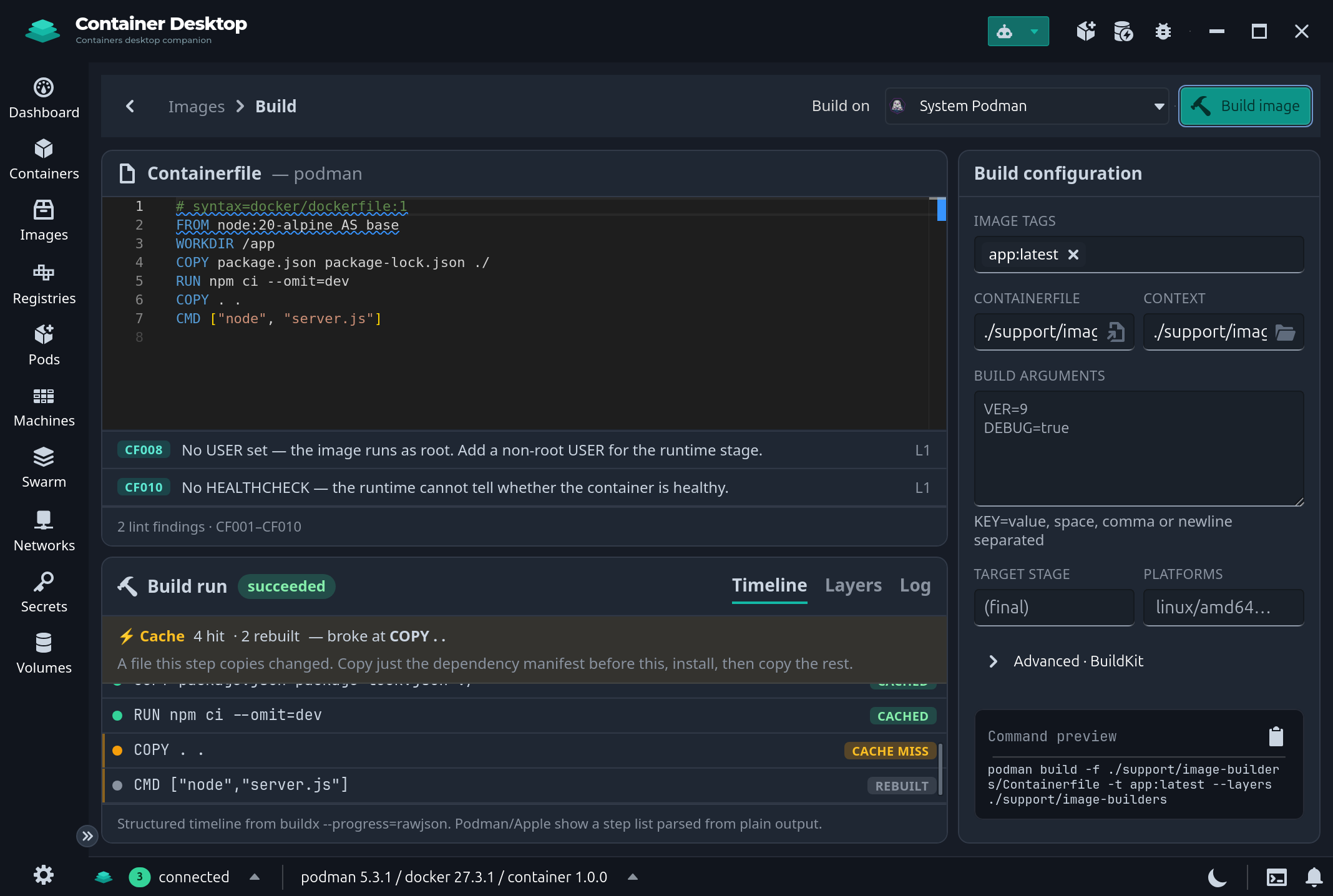
Image building

Image Actions

AI assistant

AI assistant

Podman is the driving engine

Container Desktop Dashboard

Multiple engines and remote connections supported

Docker engine Connections

Significant stargazers

Hemant Kumar

347 followers · starred Apr 2022

Jan

46 followers · starred Apr 2022

Rick

986 followers · starred May 2022

OJ Kwon

600 followers · starred Sep 2024