Estacado: a native PC recompilation of The Darkness (Xbox 360). Unofficial fan port; bring your own copy of the game.
C++
50
15 commits
updated Oct 11, 2026
An unofficial fan port of The Darkness (Xbox 360, 2007), made by static recompilation: the game's PowerPC code is translated into C++ and runs natively on Windows, with a Direct3D 12 graphics layer built on ReXGlue and XenonRecomp.
This is a free, non-commercial fan project. No game data is included: you need your own copy of the game (see Game files and Legal).
Pre-release. So far it has been tested on one Windows 11 PC with an NVIDIA RTX graphics card. Other hardware (AMD, Intel, older NVIDIA, laptops) is untested. Please report what you find.
Steam Deck: a player reports that with 0.9.1 both the settings launcher and the game work on the Deck under Proton: the launcher starts there and launches into the game (issue #2). A Steam Deck preset is included. If you copy the folder to a Deck, see Saves and settings to take your saves along.
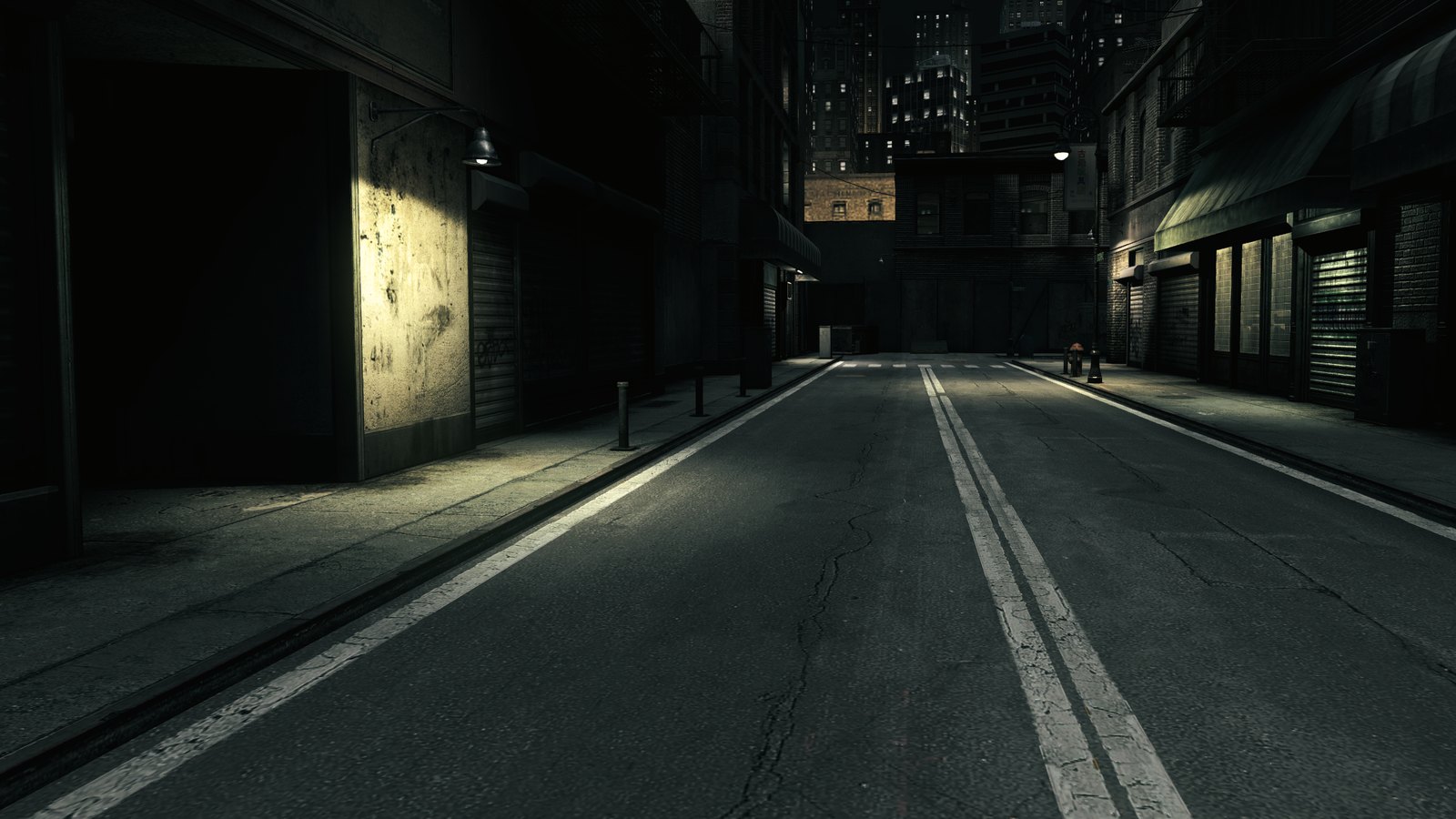
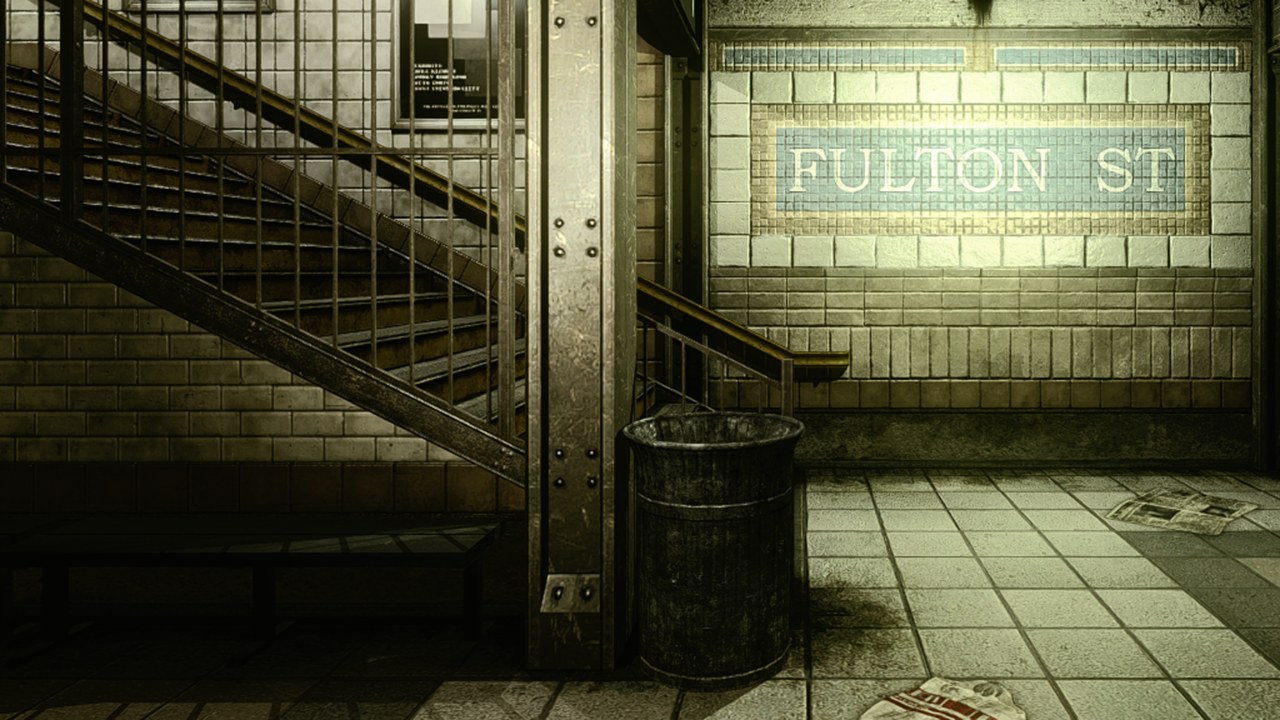
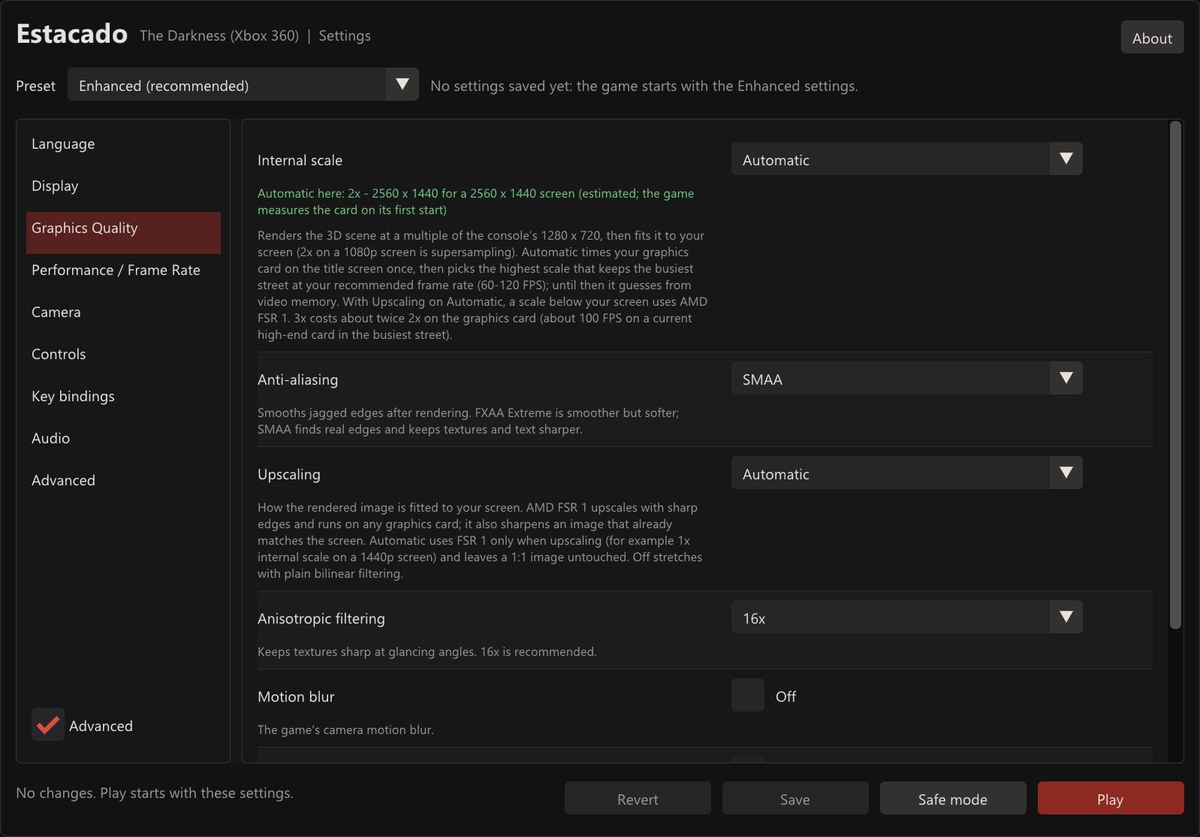
Our own captures from test runs of this port.
The recompiled code is that of this version, the one we own and test:
| Game | The Darkness, Xbox 360, USA/Europe disc (En, Fr, De, Es, It), title ID 545407EE |
| Disc image (Redump) | Darkness, The (USA, Europe) (En,Fr,De,Es,It).iso, SHA-256 46f7305c1e1972e888d3624f15b0ed483923aeeb50ecad0c6bf5b42f69d52a90 |
default.xex | SHA-256 aace35a8f9bcdc7f28aeab9ff8cf3bdf200353f5c83705f6284487347acb3c5f |
Other releases are accepted when they contain the same code. The launcher
decides this itself: it decrypts your default.xex and compares its code,
its structure and the data the code depends on with the version above. Text,
fonts and the game's own strings may differ, so a localised release that only
replaces those works and shows its own language. We can only fully test the
version we own: we checked a Russian release this way (same code, only text
and font data differ) but have not played it through.
A release with different code (another build of the game, or a title update)
does not run yet. The launcher says so plainly and saves a detailed report,
game_version_report.txt in the logs folder (names, sizes and hashes only,
no game data), that you can attach to an issue if you like. Never upload game
files.
Dump the game from your own disc; this project does not provide or link to game files.
Download the zip from the Releases page and extract it to a folder of your choice (not inside Program Files). Or build it yourself: see BUILDING.md.
TheDarknessSettings.exe (the launcher)..iso) or Choose game folder... (a folder with the extracted files, the
one that contains default.xex). It checks that the version is supported;
a disc image is extracted into the game folder next to the launcher.The launcher's About button shows the version and where your saves are,
and opens the licence texts and the logs folder.
Your saves and settings are kept in your Saved Games folder,
%USERPROFILE%\Saved Games\Estacado (settings: TheDarkness.pc.toml; saves:
content), apart from the program. An update can go into a new folder or
over the old one without touching your progress.
SAVES_MOVED.txt, says so). If
the copy cannot be made, the game keeps using the old folder and tries again
at the next start.portable.txt next to TheDarkness.exe. Saves and
settings then stay inside the game folder (TheDarkness.pc.toml and
runtime_data), as in 0.9.0.Open the launcher, or press F1 in the game. Changes to resolution, widescreen, language and a few graphics options apply at the next start; the launcher says so for each.
English, French, German, Italian and Spanish: the game's own languages, for its text and speech. Set Language in the launcher; Automatic follows the Windows display language.
Please open an issue with the Bug report template. It asks for:
TheDarkness.pc.toml (settings, in Saved Games\Estacado) and what
you did when the problem happened;logs folder (launcher: About, then Logs; usually
%LOCALAPPDATA%\Estacado\logs, or next to TheDarkness.exe in a portable
copy): runtime_crash.log and any TheDarkness_fatal_*.dmp and
TheDarkness_stall_*.dmp files.For a visual glitch, press F9 while it is on screen: the game saves a
screenshot and a small text file describing that frame in
Saved Games\Estacado\screenshots; attach both. For input or other
problems without a crash, create an empty file named session_log.txt next
to TheDarkness.exe, play until the problem happens, and attach the
session_*.log it writes in the logs folder.
Never attach game files (disc images, extracted files) to an issue.
See BUILDING.md. In short: one script checks your game files,
recompiles your own default.xex, builds the runtime and packages it.
TheDarkness.exe contains the game's
program code in translated form: the original PowerPC code converted into
native code by static recompilation. It does nothing on its own. It needs
your own, legally obtained copy of the game, which the launcher checks and
prepares on your computer. The game's files and everything made from them
(extracted files, shader caches, saves) stay on your computer: do not share
them.Estacado: a native PC recompilation of The Darkness (Xbox 360). Unofficial fan port; bring your own copy of the game.
C++
50
15 commits
updated Oct 11, 2026
An unofficial fan port of The Darkness (Xbox 360, 2007), made by static recompilation: the game's PowerPC code is translated into C++ and runs natively on Windows, with a Direct3D 12 graphics layer built on ReXGlue and XenonRecomp.
This is a free, non-commercial fan project. No game data is included: you need your own copy of the game (see Game files and Legal).
Pre-release. So far it has been tested on one Windows 11 PC with an NVIDIA RTX graphics card. Other hardware (AMD, Intel, older NVIDIA, laptops) is untested. Please report what you find.
Steam Deck: a player reports that with 0.9.1 both the settings launcher and the game work on the Deck under Proton: the launcher starts there and launches into the game (issue #2). A Steam Deck preset is included. If you copy the folder to a Deck, see Saves and settings to take your saves along.
Our own captures from test runs of this port.
The recompiled code is that of this version, the one we own and test:
| Game | The Darkness, Xbox 360, USA/Europe disc (En, Fr, De, Es, It), title ID 545407EE |
| Disc image (Redump) | Darkness, The (USA, Europe) (En,Fr,De,Es,It).iso, SHA-256 46f7305c1e1972e888d3624f15b0ed483923aeeb50ecad0c6bf5b42f69d52a90 |
default.xex | SHA-256 aace35a8f9bcdc7f28aeab9ff8cf3bdf200353f5c83705f6284487347acb3c5f |
Other releases are accepted when they contain the same code. The launcher
decides this itself: it decrypts your default.xex and compares its code,
its structure and the data the code depends on with the version above. Text,
fonts and the game's own strings may differ, so a localised release that only
replaces those works and shows its own language. We can only fully test the
version we own: we checked a Russian release this way (same code, only text
and font data differ) but have not played it through.
A release with different code (another build of the game, or a title update)
does not run yet. The launcher says so plainly and saves a detailed report,
game_version_report.txt in the logs folder (names, sizes and hashes only,
no game data), that you can attach to an issue if you like. Never upload game
files.
Dump the game from your own disc; this project does not provide or link to game files.
Download the zip from the Releases page and extract it to a folder of your choice (not inside Program Files). Or build it yourself: see BUILDING.md.
TheDarknessSettings.exe (the launcher)..iso) or Choose game folder... (a folder with the extracted files, the
one that contains default.xex). It checks that the version is supported;
a disc image is extracted into the game folder next to the launcher.The launcher's About button shows the version and where your saves are,
and opens the licence texts and the logs folder.
Your saves and settings are kept in your Saved Games folder,
%USERPROFILE%\Saved Games\Estacado (settings: TheDarkness.pc.toml; saves:
content), apart from the program. An update can go into a new folder or
over the old one without touching your progress.
SAVES_MOVED.txt, says so). If
the copy cannot be made, the game keeps using the old folder and tries again
at the next start.portable.txt next to TheDarkness.exe. Saves and
settings then stay inside the game folder (TheDarkness.pc.toml and
runtime_data), as in 0.9.0.Open the launcher, or press F1 in the game. Changes to resolution, widescreen, language and a few graphics options apply at the next start; the launcher says so for each.
English, French, German, Italian and Spanish: the game's own languages, for its text and speech. Set Language in the launcher; Automatic follows the Windows display language.
Please open an issue with the Bug report template. It asks for:
TheDarkness.pc.toml (settings, in Saved Games\Estacado) and what
you did when the problem happened;logs folder (launcher: About, then Logs; usually
%LOCALAPPDATA%\Estacado\logs, or next to TheDarkness.exe in a portable
copy): runtime_crash.log and any TheDarkness_fatal_*.dmp and
TheDarkness_stall_*.dmp files.For a visual glitch, press F9 while it is on screen: the game saves a
screenshot and a small text file describing that frame in
Saved Games\Estacado\screenshots; attach both. For input or other
problems without a crash, create an empty file named session_log.txt next
to TheDarkness.exe, play until the problem happens, and attach the
session_*.log it writes in the logs folder.
Never attach game files (disc images, extracted files) to an issue.
See BUILDING.md. In short: one script checks your game files,
recompiles your own default.xex, builds the runtime and packages it.
TheDarkness.exe contains the game's
program code in translated form: the original PowerPC code converted into
native code by static recompilation. It does nothing on its own. It needs
your own, legally obtained copy of the game, which the launcher checks and
prepares on your computer. The game's files and everything made from them
(extracted files, shader caches, saves) stay on your computer: do not share
them.


