A minimal terminal coding agent





⚠️NOTE: So far only
opencode-goanddeepseekhave been tested.
prux is a minimal terminal coding agent. The core stays small and focused, and its capabilities are extended through extensions, skills, prompt templates, themes, and customizable keybindings. It is a Rust rewrite of @earendil-works/pi-coding-agent, staying aligned with upstream in behavior and wording for the most part.
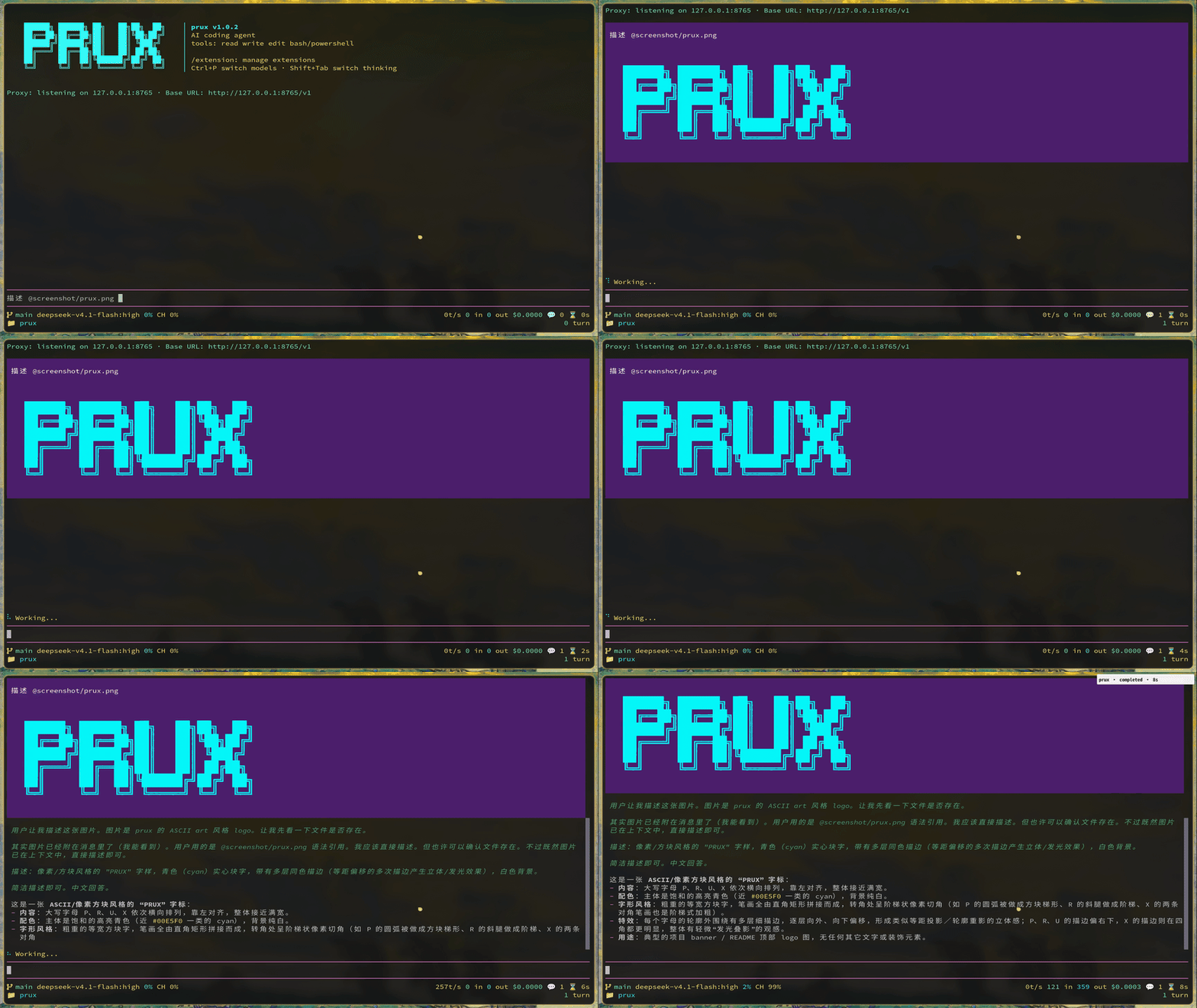
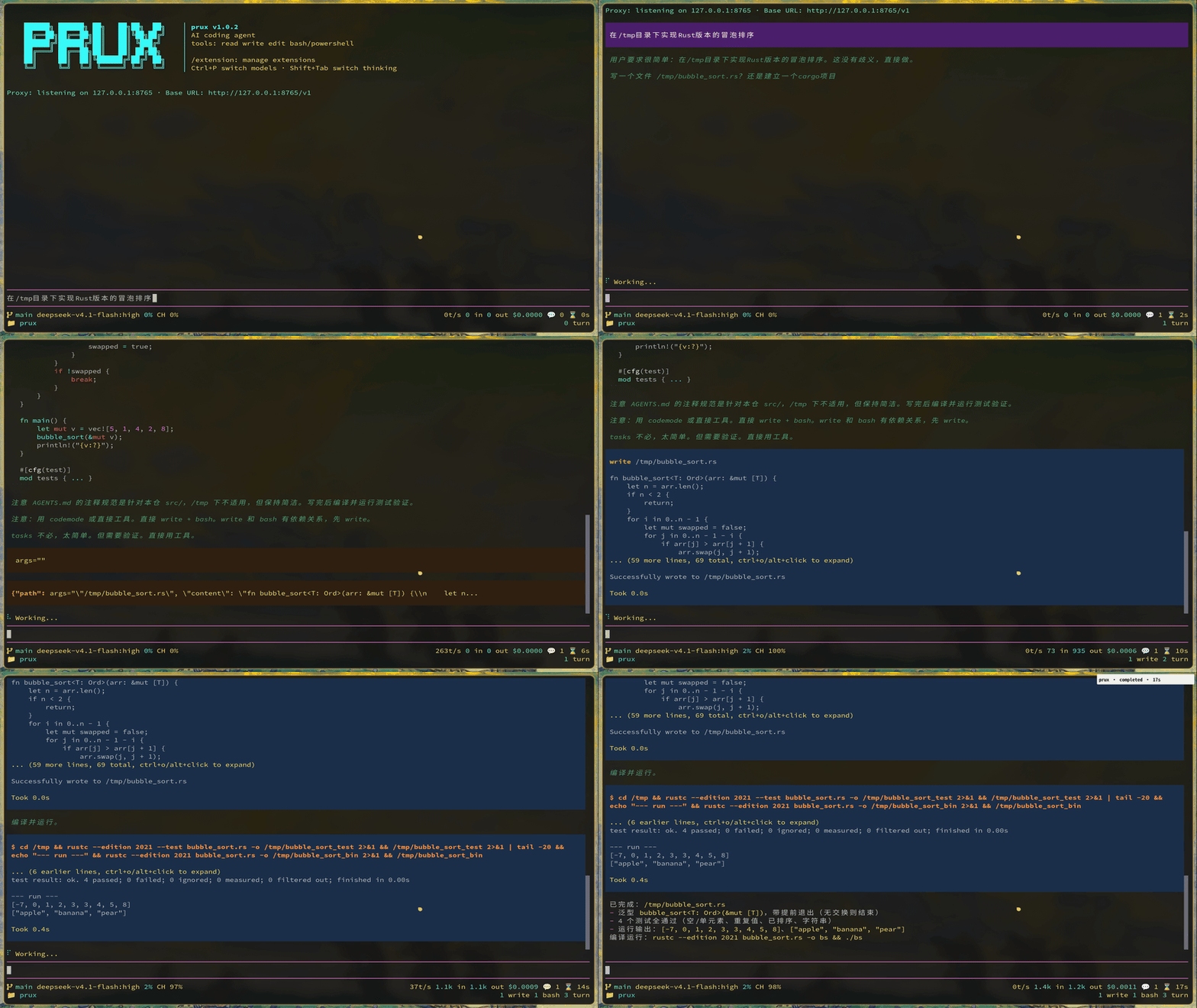
read / bash / edit / write / grep / find / ls, covering common coding tasks./resume restoration, forking, and tree navigation./compact compacts long contexts, with branch summaries.Extension trait in Rust to provide tools, commands, keybindings, CLI flags, and event hooks.Install the released binary from crates.io (requires a Rust toolchain):
cargo install prux
Or build from source:
cargo build --release
./target/release/prux --version
Common commands:
make          # cargo build --release
make build    # compile only (debug)
make debug    # cargo run
make check    # cargo check
cargo test    # full test suite
cargo clippy  # static checks
cd /path/to/project
prux
On the first run, configure a provider with /login inside the TUI, or set the environment variable before launching:
export ANTHROPIC_API_KEY=sk-ant-...
prux
Settings are written to ~/.prux/ (the agent directory, overridable with $PRUX_AGENT_DIR): credentials in auth.json, global settings in settings.json, and so on.
Besides conversational mode, the following commands do not require a TTY:
prux auth: credential managementprux mcp: MCP server managementprux --export: export a session as HTMLprux --list-models: list available modelsThe complete documentation is written in Chinese and lives in assets/docs/. It is embedded at compile time and synced to the agent directory at runtime. Start at assets/docs/index.md, and see assets/docs/quickstart.md to get up and running.
Development conventions, module layering, and build details are in AGENTS.md. The upstream alignment cadence is recorded in sync.md and migrations/.
Windows limitations: under Git Bash on Windows, prux goes through the legacy console API used by crossterm, which implements neither the kitty keyboard protocol nor bracketed paste. Shift+Enter therefore cannot be told apart from a plain Enter (use Ctrl+J to insert a newline), and pasted text arrives as ordinary keystrokes, so a multi-line paste may be submitted line by line. Running inside Windows Terminal (ANSI/VT support) is recommended.
MIT, see LICENSE.
A minimal terminal coding agent
⚠️NOTE: So far only
opencode-goanddeepseekhave been tested.
prux is a minimal terminal coding agent. The core stays small and focused, and its capabilities are extended through extensions, skills, prompt templates, themes, and customizable keybindings. It is a Rust rewrite of @earendil-works/pi-coding-agent, staying aligned with upstream in behavior and wording for the most part.
read / bash / edit / write / grep / find / ls, covering common coding tasks./resume restoration, forking, and tree navigation./compact compacts long contexts, with branch summaries.Extension trait in Rust to provide tools, commands, keybindings, CLI flags, and event hooks.Install the released binary from crates.io (requires a Rust toolchain):
cargo install prux
Or build from source:
cargo build --release
./target/release/prux --version
Common commands:
make          # cargo build --release
make build    # compile only (debug)
make debug    # cargo run
make check    # cargo check
cargo test    # full test suite
cargo clippy  # static checks
cd /path/to/project
prux
On the first run, configure a provider with /login inside the TUI, or set the environment variable before launching:
export ANTHROPIC_API_KEY=sk-ant-...
prux
Settings are written to ~/.prux/ (the agent directory, overridable with $PRUX_AGENT_DIR): credentials in auth.json, global settings in settings.json, and so on.
Besides conversational mode, the following commands do not require a TTY:
prux auth: credential managementprux mcp: MCP server managementprux --export: export a session as HTMLprux --list-models: list available modelsThe complete documentation is written in Chinese and lives in assets/docs/. It is embedded at compile time and synced to the agent directory at runtime. Start at assets/docs/index.md, and see assets/docs/quickstart.md to get up and running.
Development conventions, module layering, and build details are in AGENTS.md. The upstream alignment cadence is recorded in sync.md and migrations/.
Windows limitations: under Git Bash on Windows, prux goes through the legacy console API used by crossterm, which implements neither the kitty keyboard protocol nor bracketed paste. Shift+Enter therefore cannot be told apart from a plain Enter (use Ctrl+J to insert a newline), and pasted text arrives as ordinary keystrokes, so a multi-line paste may be submitted line by line. Running inside Windows Terminal (ANSI/VT support) is recommended.
MIT, see LICENSE.



