Share and collaborate by syncing with any Git repository instantly. Linux, macOS, and Windows
See the code[!NOTE] Please read 🌱 issue #2006 for the future of this project.
[!IMPORTANT] Hello! Hylke here. I was recently laid off. I'd love to work full-time creating apps for Linux and contributing design for FOSS projects. I hope to gather enough monthly sponsors for a minimum wage. Every little helps. Thank you.
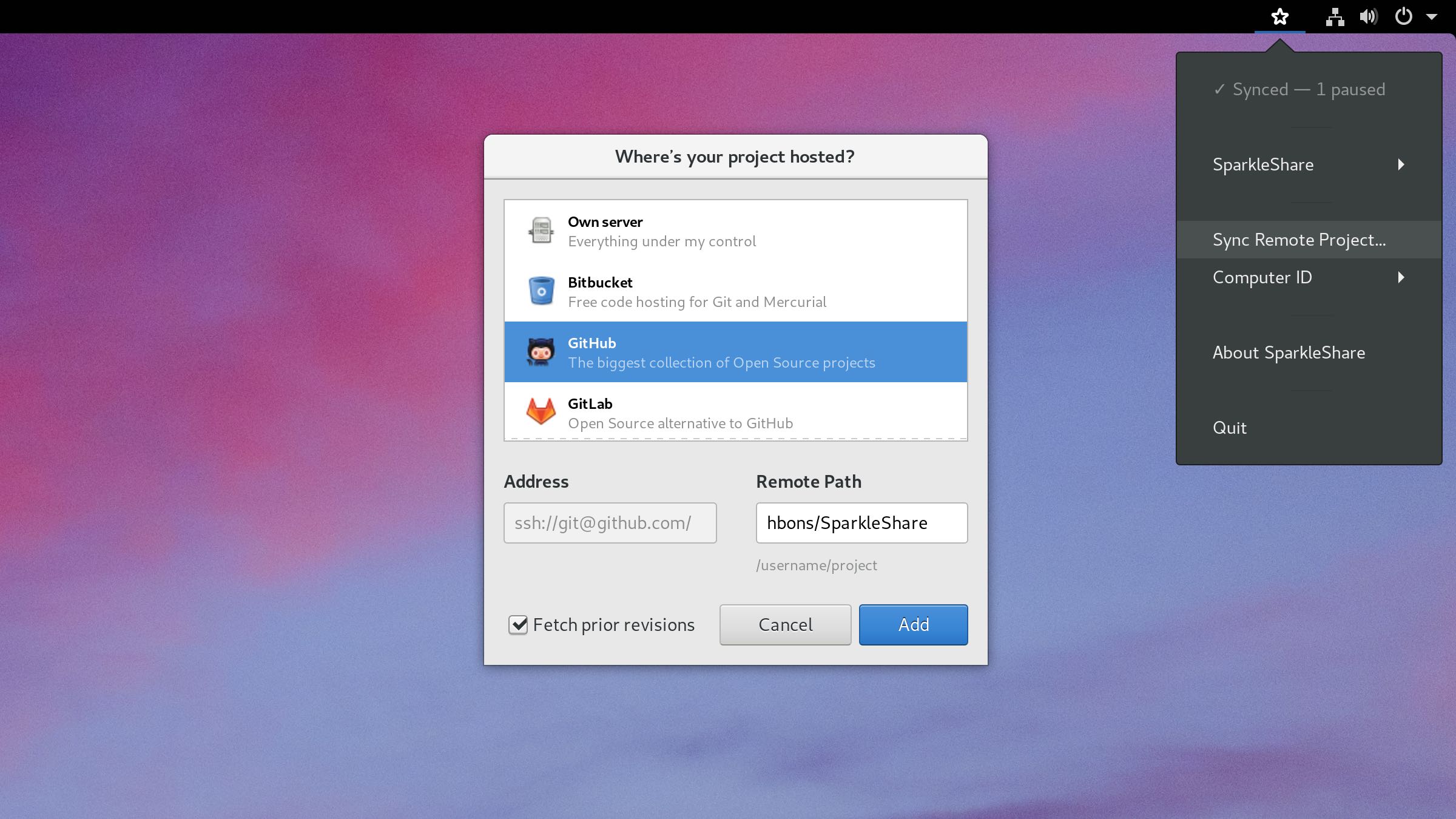
SparkleShare is a file sharing and collaboration app. It works just like Dropbox, and you can run it on your own server. It's available for Linux distributions, macOS, and Windows.
You can support this project through 💕 GitHub Sponsors.
SparkleShare creates a special folder on your computer. You can add remotely hosted folders (or "projects") to this folder. These projects will be automatically kept in sync with both the host and all of your peers when someone adds, removes or edits a file.
You can install the package from your distribution (likely old and not updated often), but we recommend to get our Flatpak with automatic updates to always enjoy the latest and greatest:
flatpak remote-add flathub https://flathub.org/repo/flathub.flatpakrepo
flatpak install flathub org.sparkleshare.SparkleShare
Now you can run SparkleShare from the apps menu.
Note: by default SparkleShare uses an AppIndicator status icon on Linux. If you use GNOME on a distribution other than Ubuntu, please install the AppIndicator extension. If you don't use GNOME, you can start SparkleShare with --status-icon=gtk.
Download the app from the releases page.
Under the hood SparkleShare uses the version control system Git and the large files extension Git LFS, so setting up a host yourself is relatively easy. Using your own host gives you more privacy and control, as well as lots of cheap storage space and higher transfer speeds. We've made a simple script that does the hard work for you. If you need to manage a lot of projects and/or users we recommend hosting a GitLab Community Edition instance.
SparkleShare is Free and Open Source software and licensed under the GNU GPLv3 or later. You are welcome to change and redistribute it under certain conditions. Its library Sparkles is licensed under the GNU LGPLv3 or later.
Here are instructions to build SparkleShare on Linux distributions, macOS, and Windows.
Have fun, make awesome. :)
(top 24 of 40)
1,809 followers · starred Oct 2010
783 followers · starred Mar 2013
970 followers · starred Oct 2010
224 followers · starred Aug 2026
Share and collaborate by syncing with any Git repository instantly. Linux, macOS, and Windows
See the code[!NOTE] Please read 🌱 issue #2006 for the future of this project.
[!IMPORTANT] Hello! Hylke here. I was recently laid off. I'd love to work full-time creating apps for Linux and contributing design for FOSS projects. I hope to gather enough monthly sponsors for a minimum wage. Every little helps. Thank you.
SparkleShare is a file sharing and collaboration app. It works just like Dropbox, and you can run it on your own server. It's available for Linux distributions, macOS, and Windows.
You can support this project through 💕 GitHub Sponsors.
SparkleShare creates a special folder on your computer. You can add remotely hosted folders (or "projects") to this folder. These projects will be automatically kept in sync with both the host and all of your peers when someone adds, removes or edits a file.
You can install the package from your distribution (likely old and not updated often), but we recommend to get our Flatpak with automatic updates to always enjoy the latest and greatest:
flatpak remote-add flathub https://flathub.org/repo/flathub.flatpakrepo
flatpak install flathub org.sparkleshare.SparkleShare
Now you can run SparkleShare from the apps menu.
Note: by default SparkleShare uses an AppIndicator status icon on Linux. If you use GNOME on a distribution other than Ubuntu, please install the AppIndicator extension. If you don't use GNOME, you can start SparkleShare with --status-icon=gtk.
Download the app from the releases page.
Under the hood SparkleShare uses the version control system Git and the large files extension Git LFS, so setting up a host yourself is relatively easy. Using your own host gives you more privacy and control, as well as lots of cheap storage space and higher transfer speeds. We've made a simple script that does the hard work for you. If you need to manage a lot of projects and/or users we recommend hosting a GitLab Community Edition instance.
SparkleShare is Free and Open Source software and licensed under the GNU GPLv3 or later. You are welcome to change and redistribute it under certain conditions. Its library Sparkles is licensed under the GNU LGPLv3 or later.
Here are instructions to build SparkleShare on Linux distributions, macOS, and Windows.
Have fun, make awesome. :)
(top 24 of 40)
1,809 followers · starred Oct 2010
783 followers · starred Mar 2013
970 followers · starred Oct 2010
224 followers · starred Aug 2026