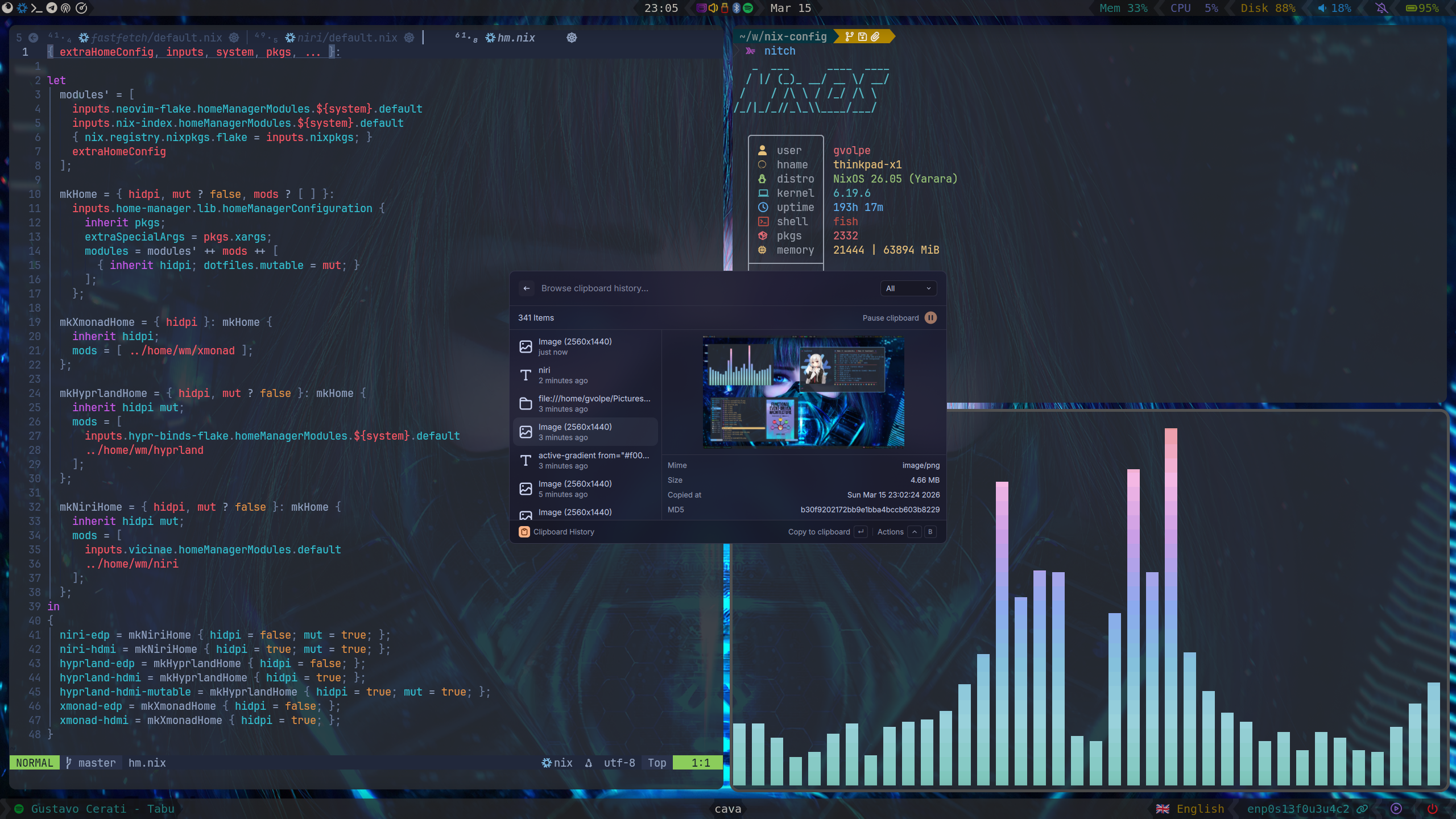
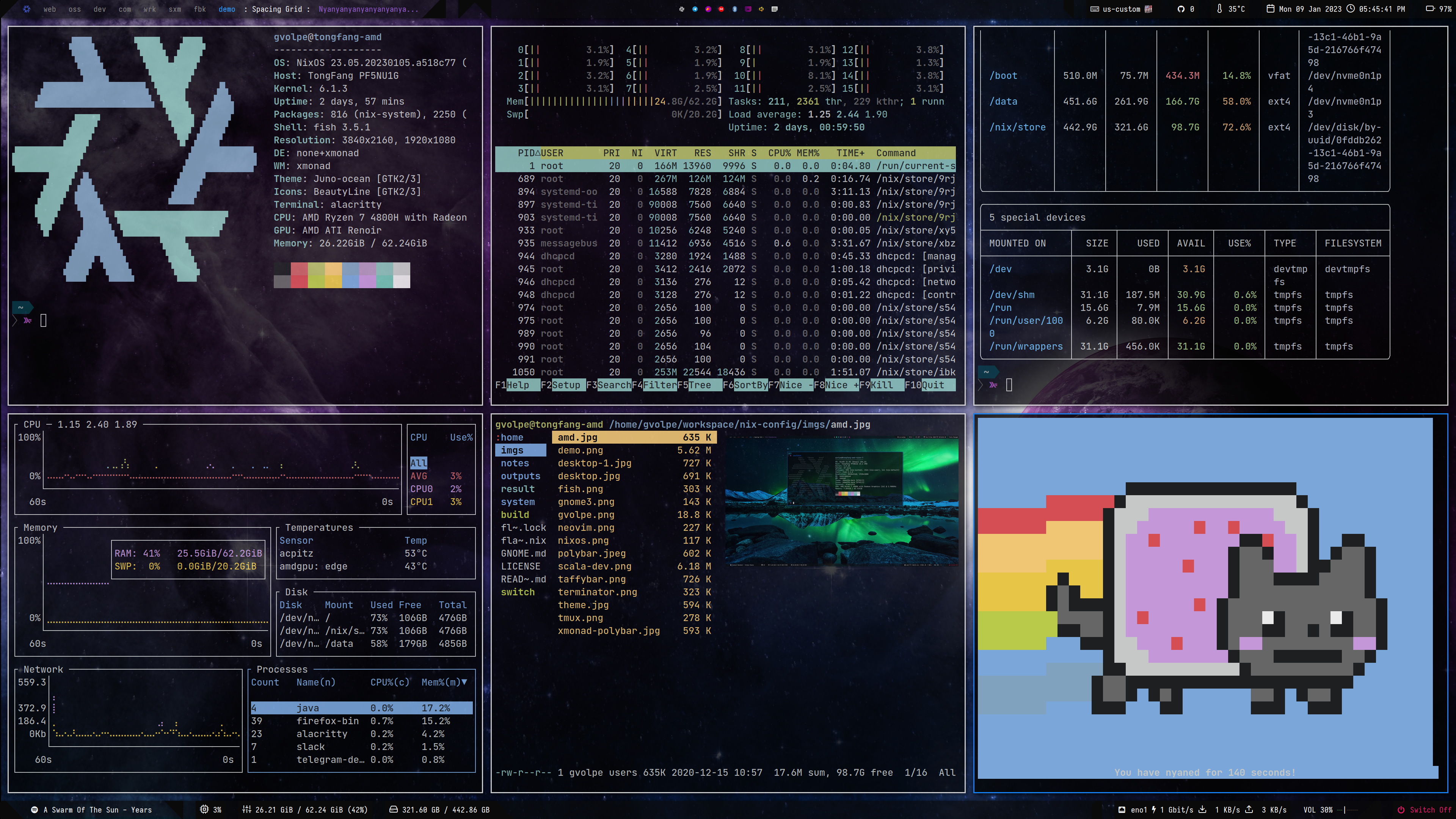
An incredible scrollable-tiling Wayland compositor.
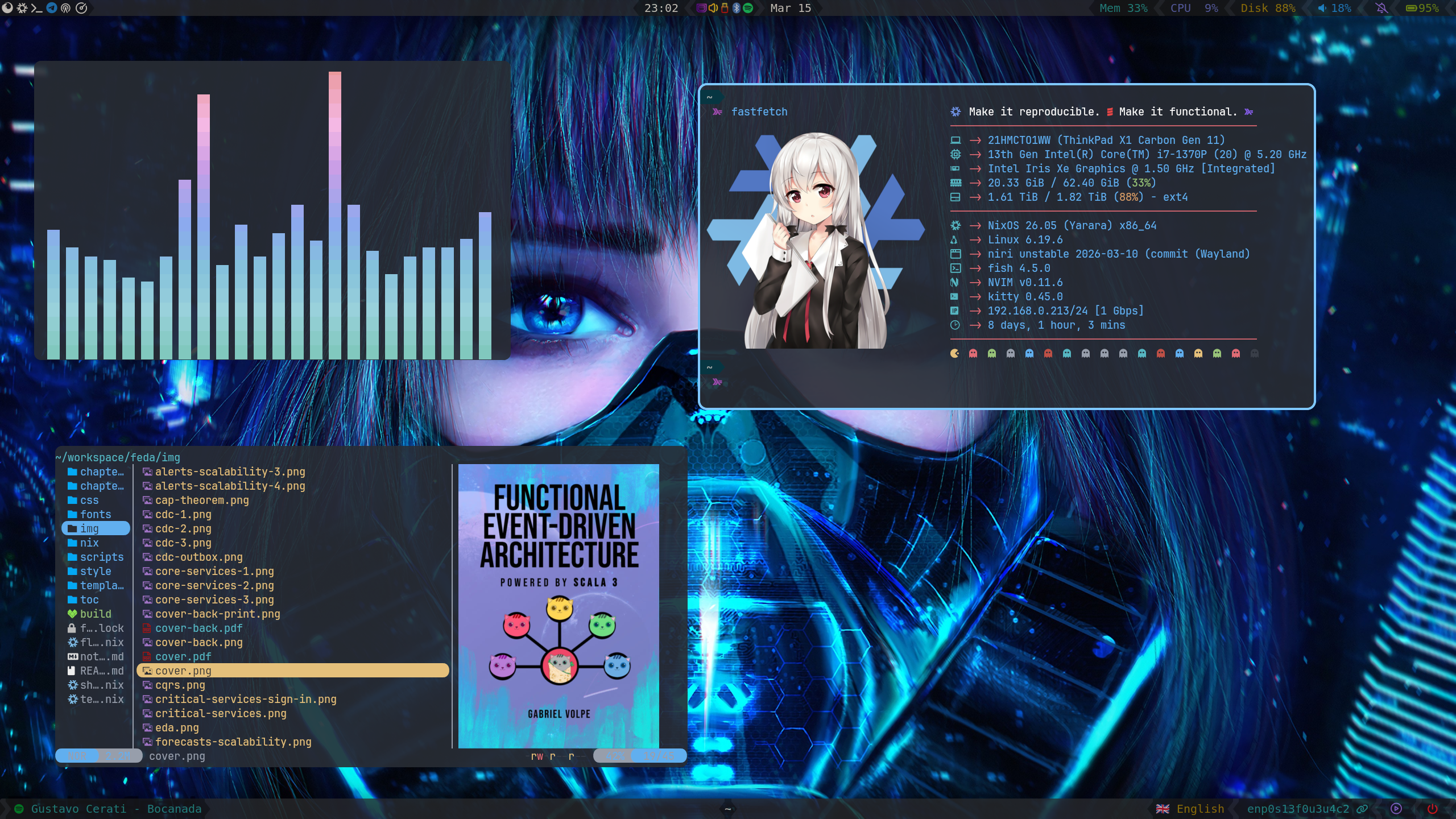
| Type | Program |
|---|---|
| Editor | NeoVim |
| Launcher | Fuzzel - Vicinae |
| Shell | Fish |
| Status Bar | Waybar |
| Terminal | Kitty |
| Window Manager | Niri |
| File Manager | Nemo |
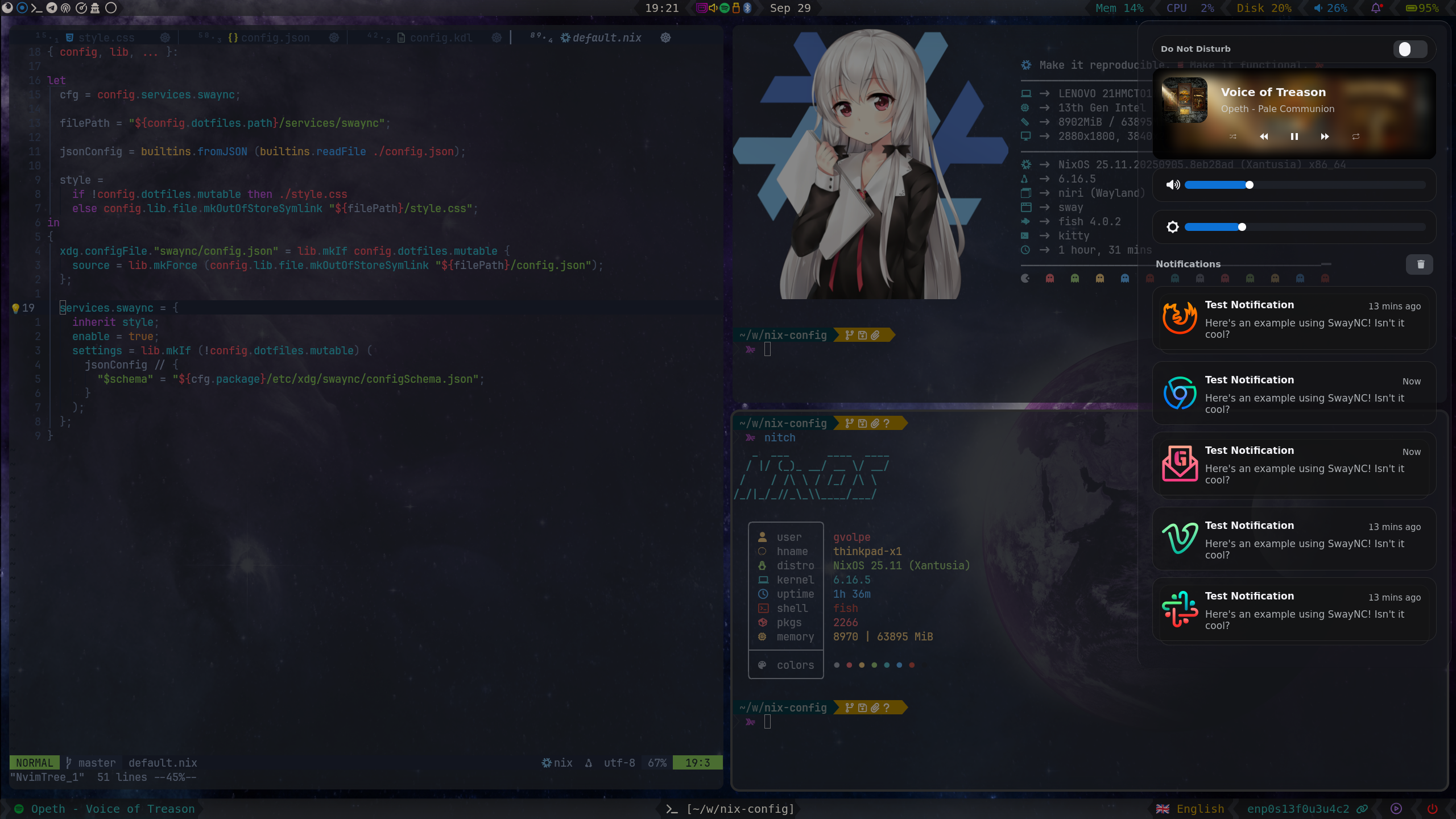
| Notifications | Sway NC |
| Wallpapers | Hyprlax |
| GTK Theme | Juno Ocean |
| GTK Icon Theme | Beauty Line |
| Terminal Font | JetBrainsMono |
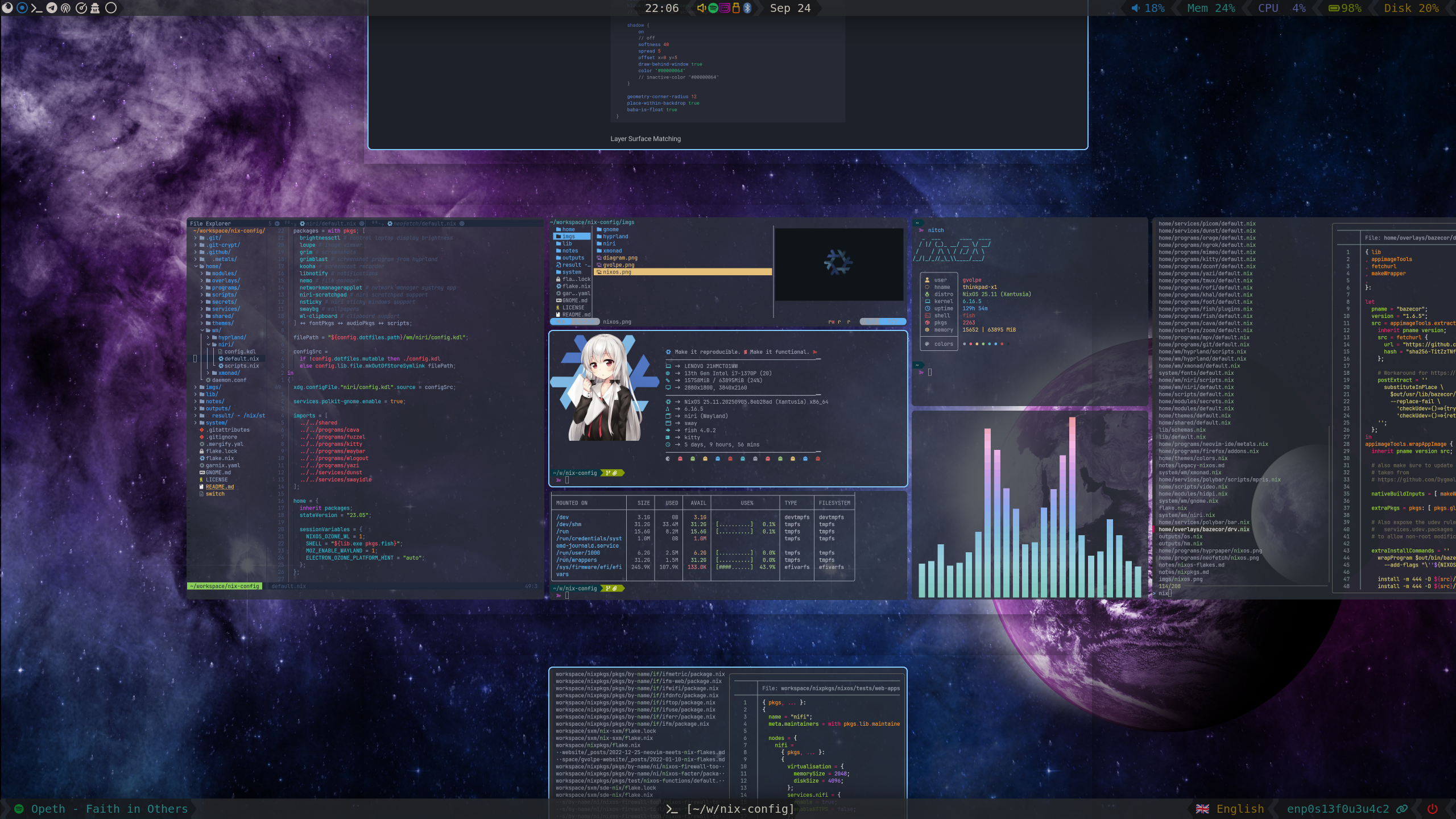
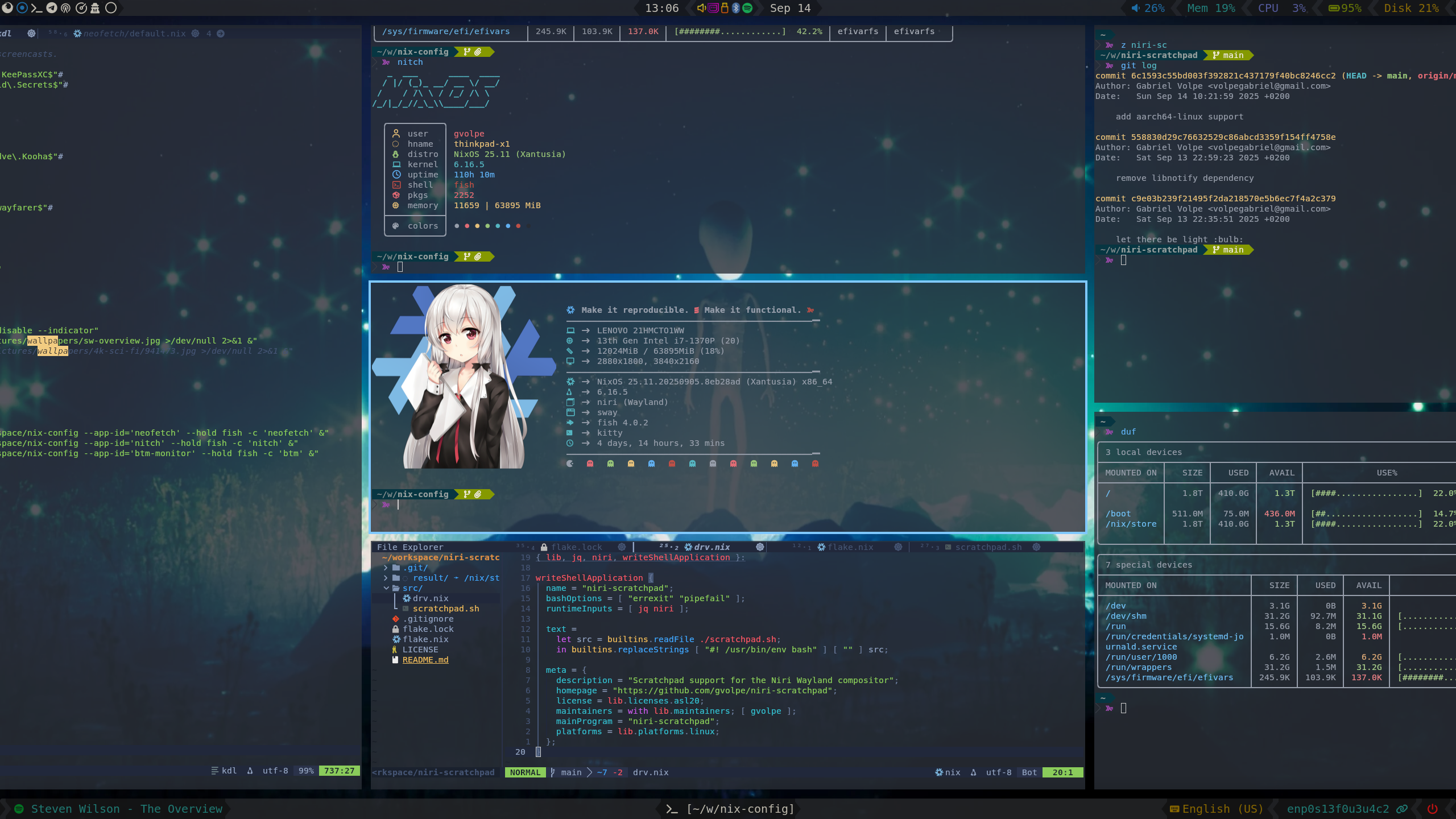
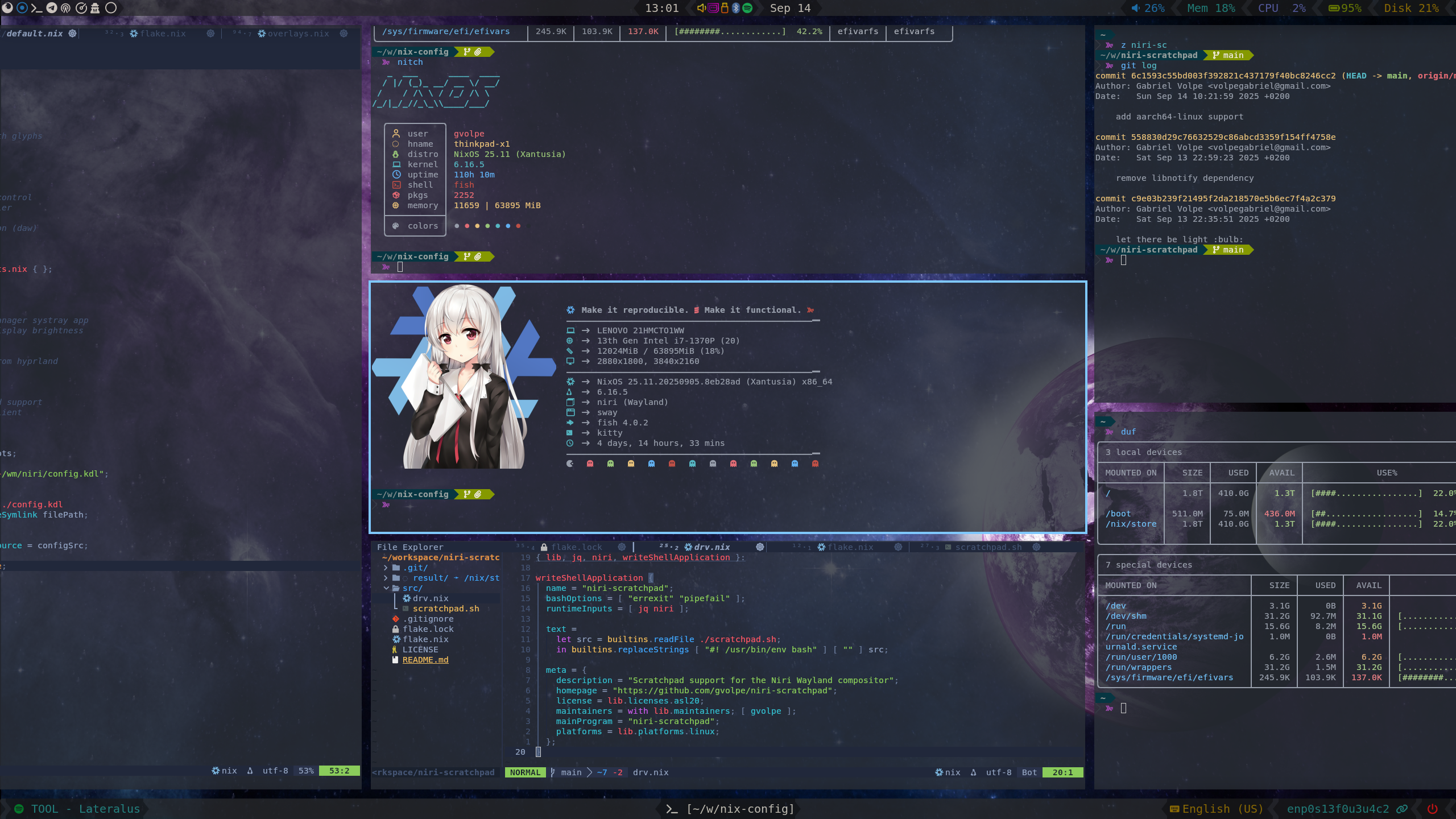
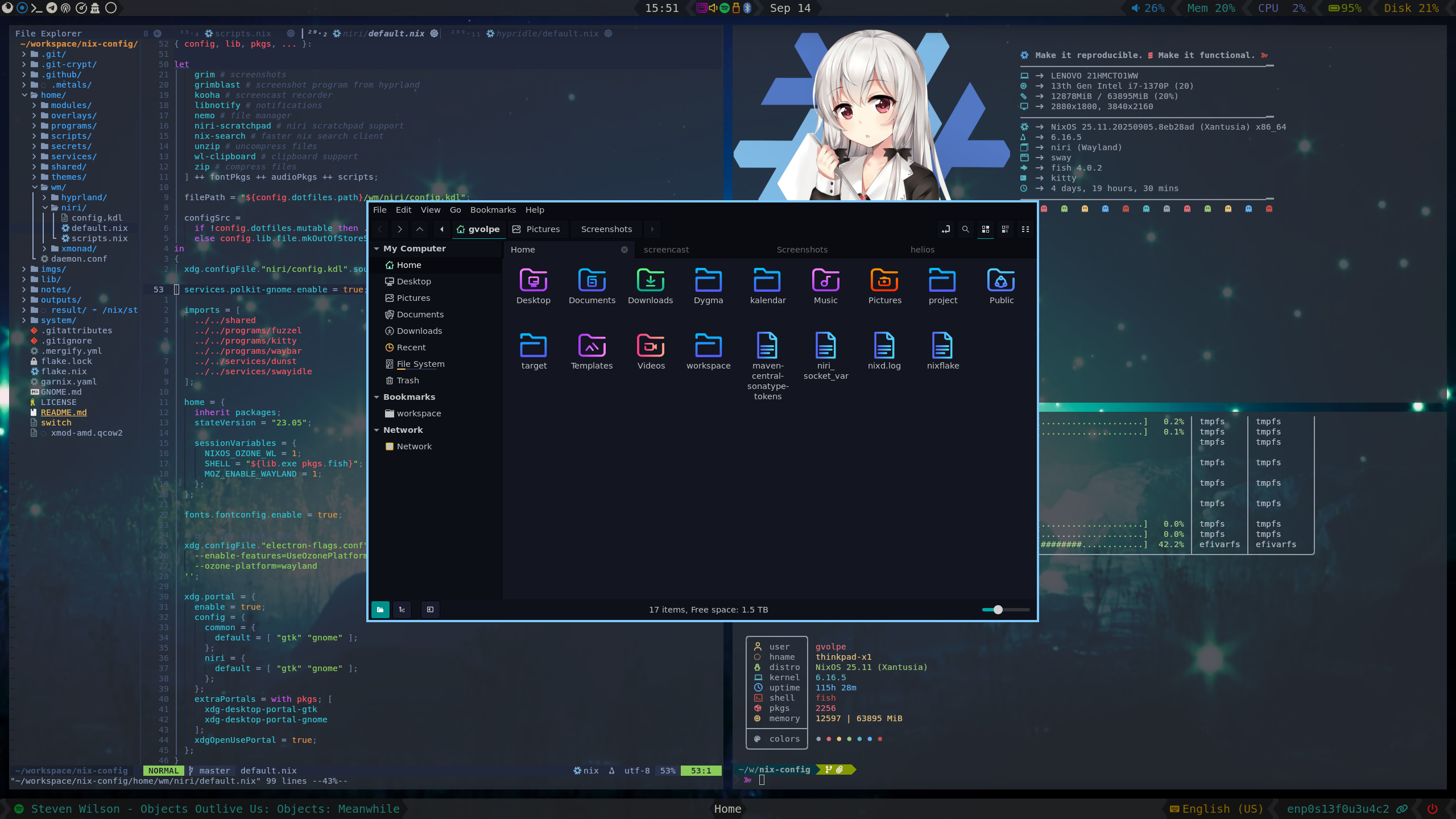
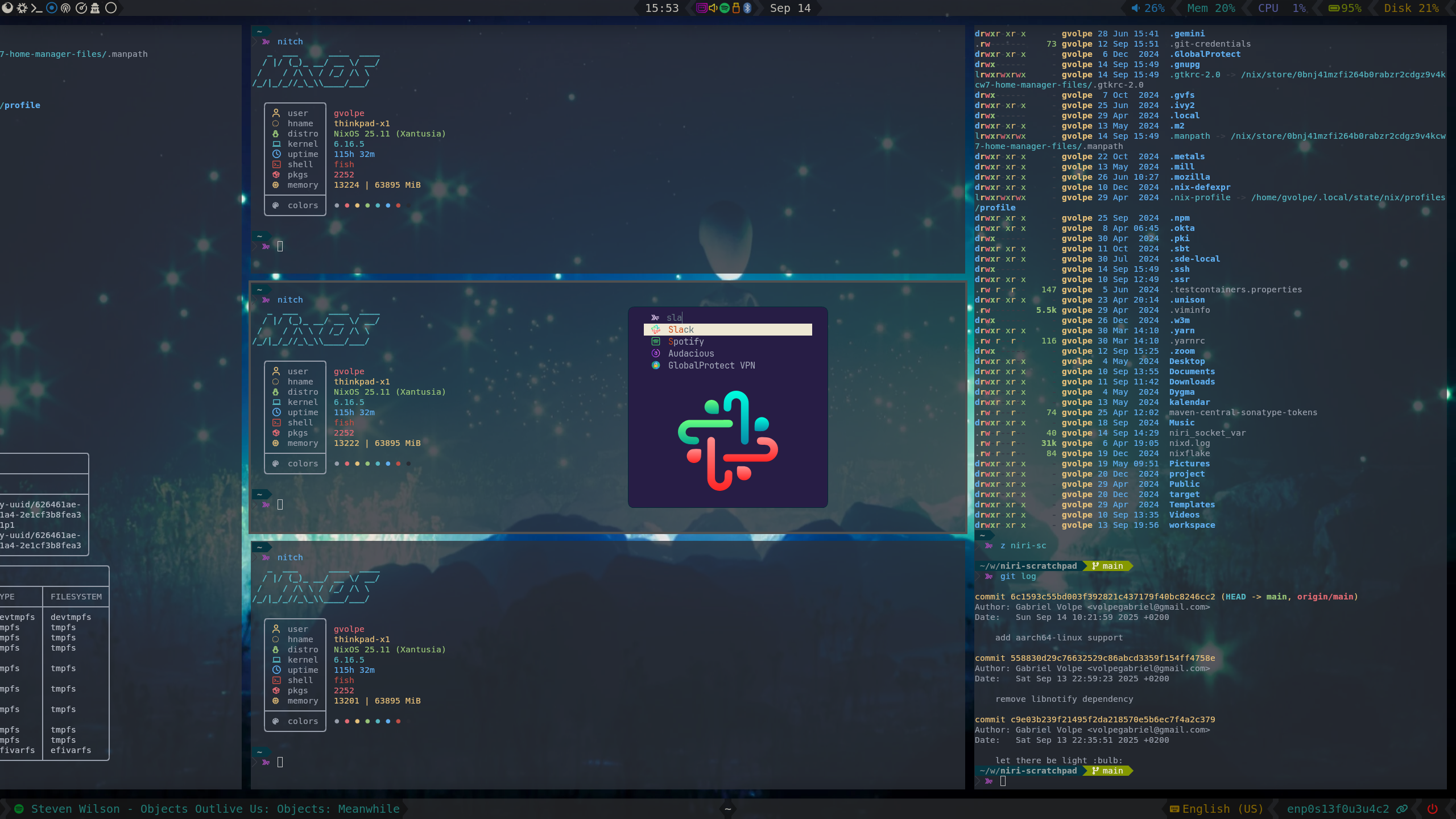
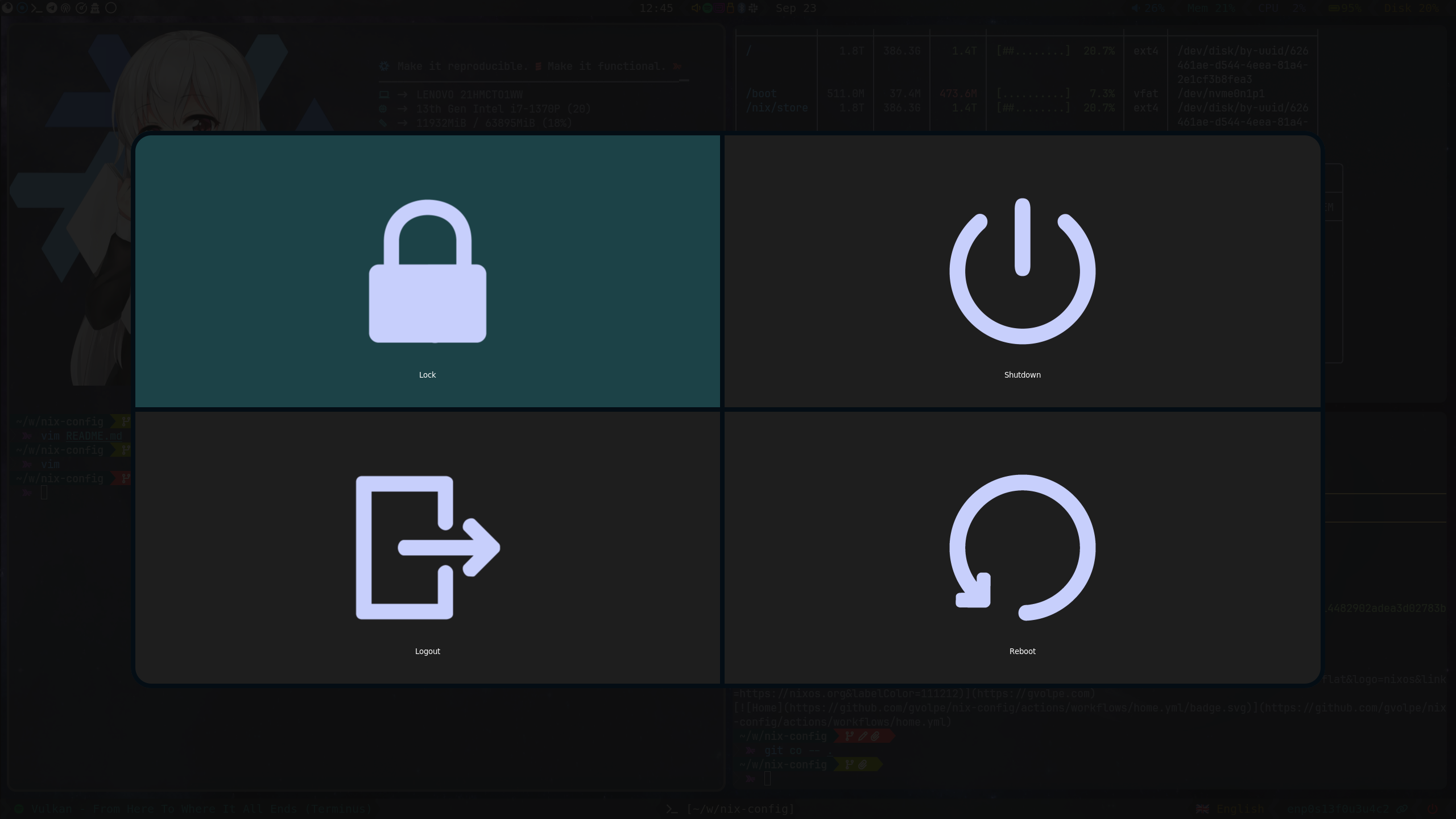
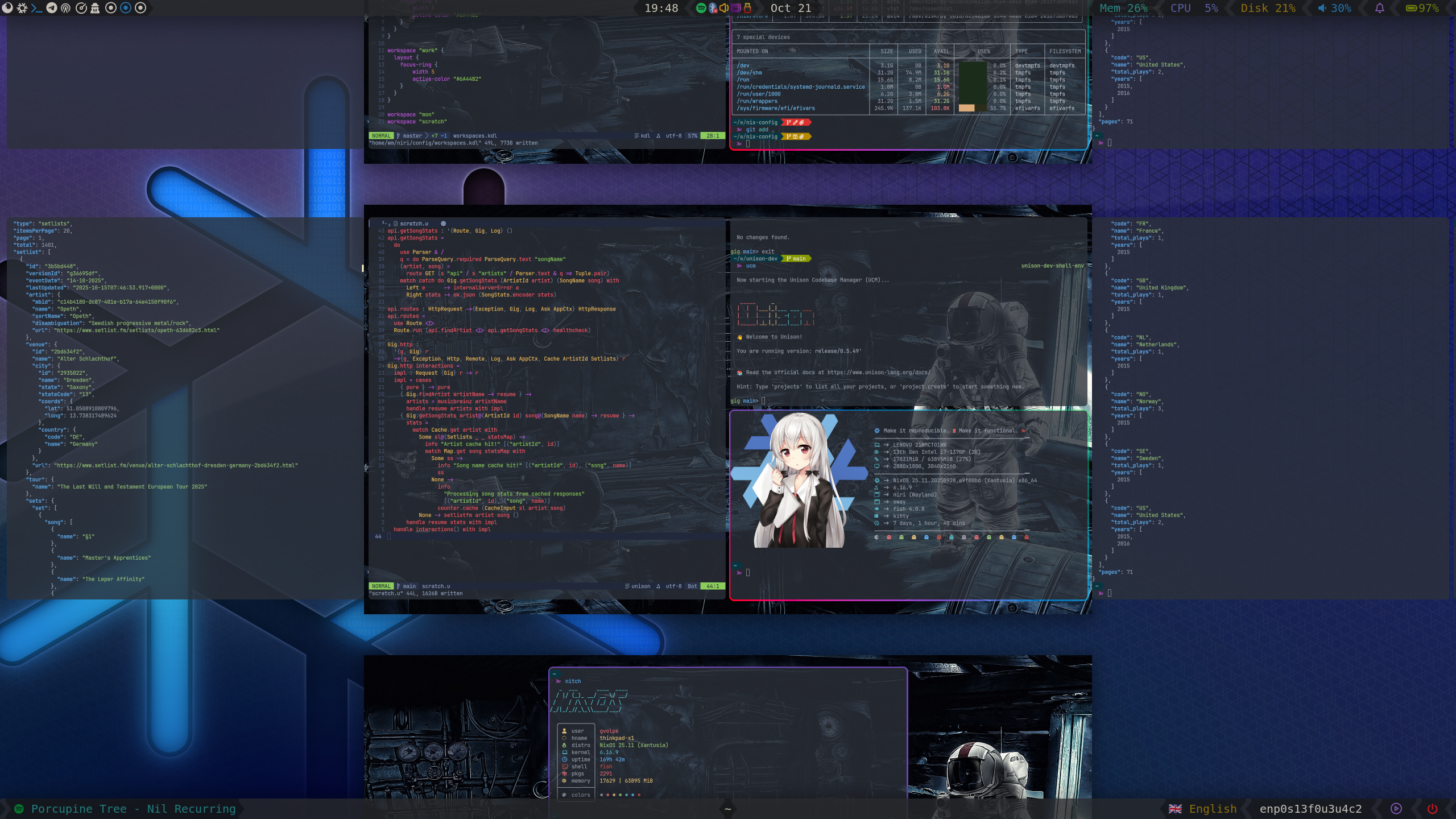
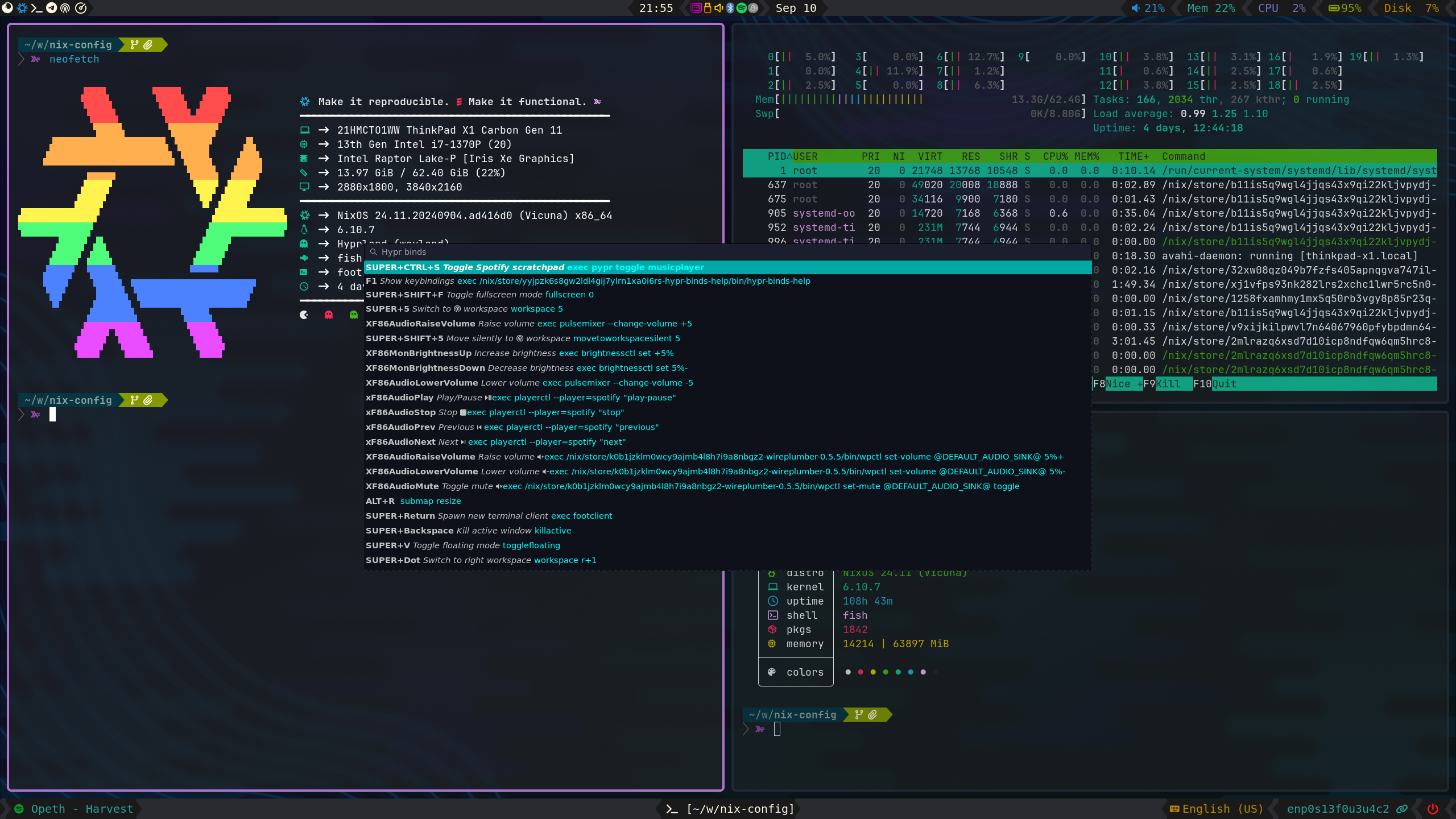
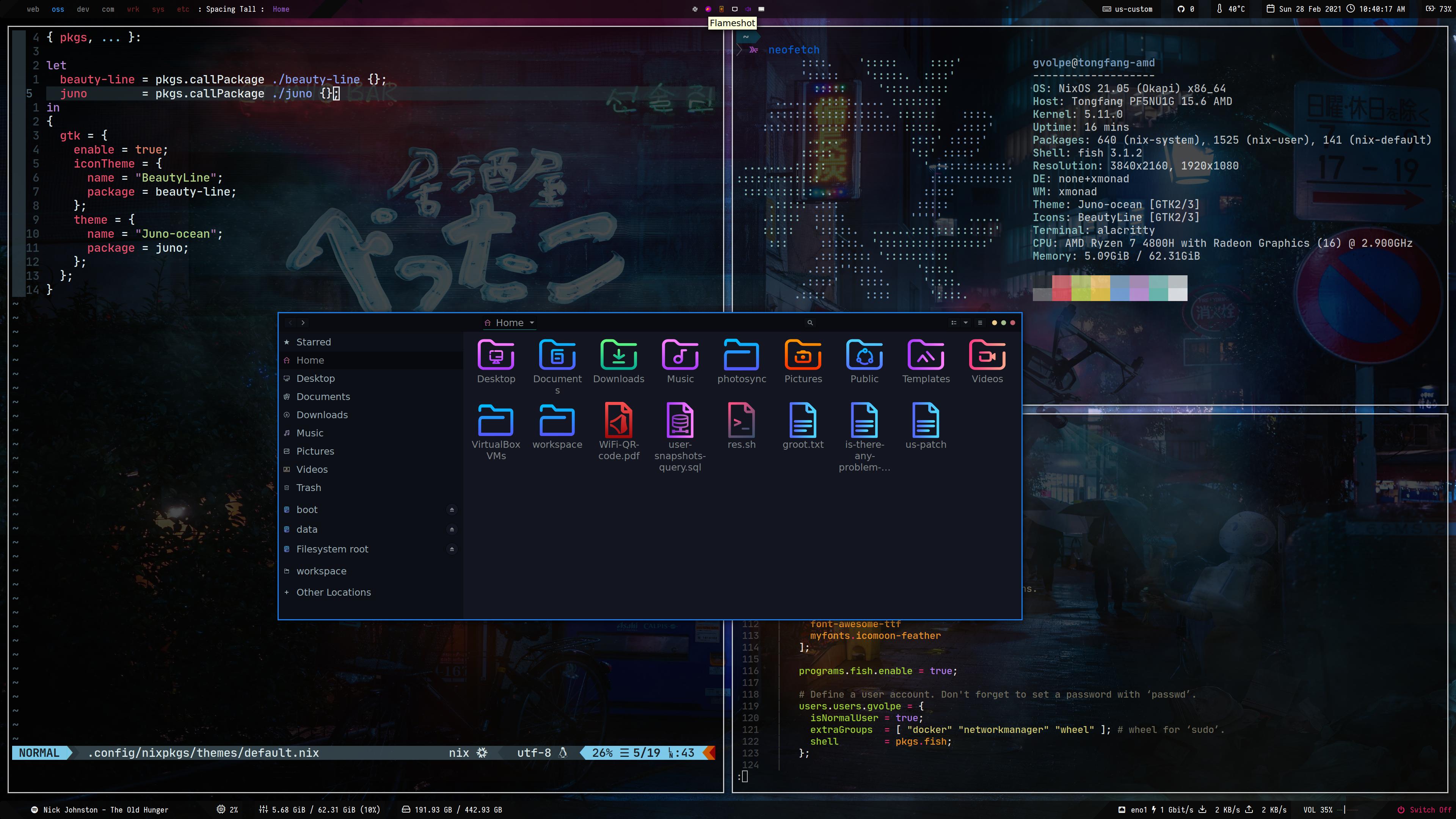
My first Wayland compositor experience (see Release v1.0.0).
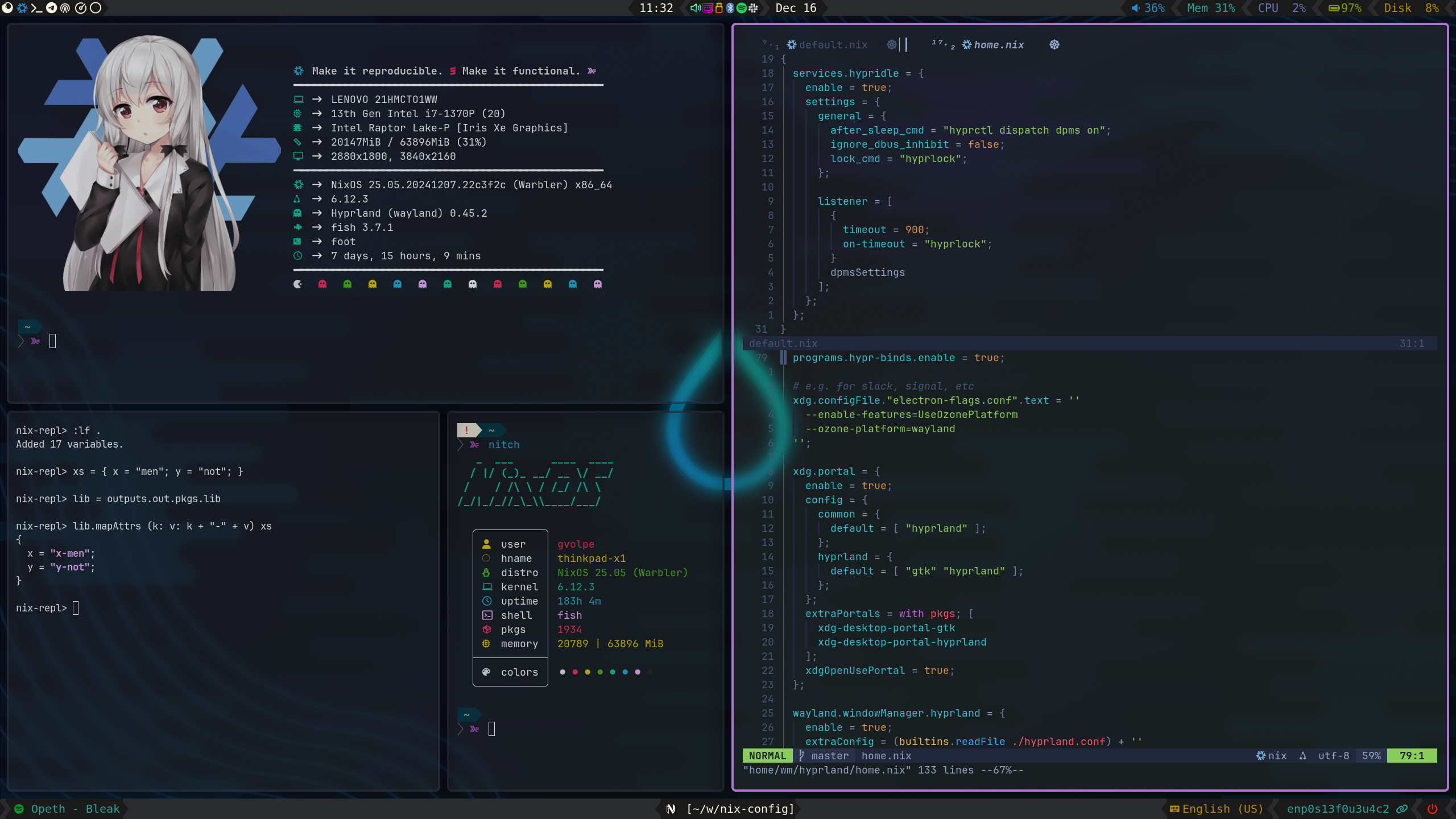
| Type | Program |
|---|---|
| Editor | NeoVim |
| Launcher | Wofi |
| Shell | Fish |
| Status Bar | Waybar |
| Terminal | Foot |
| Window Manager | Hyprland |
| File Manager | Nemo |
| Notifications | Dunst |
| GTK Theme | Juno Ocean |
| GTK Icon Theme | Beauty Line |
| Terminal Font | JetBrainsMono |
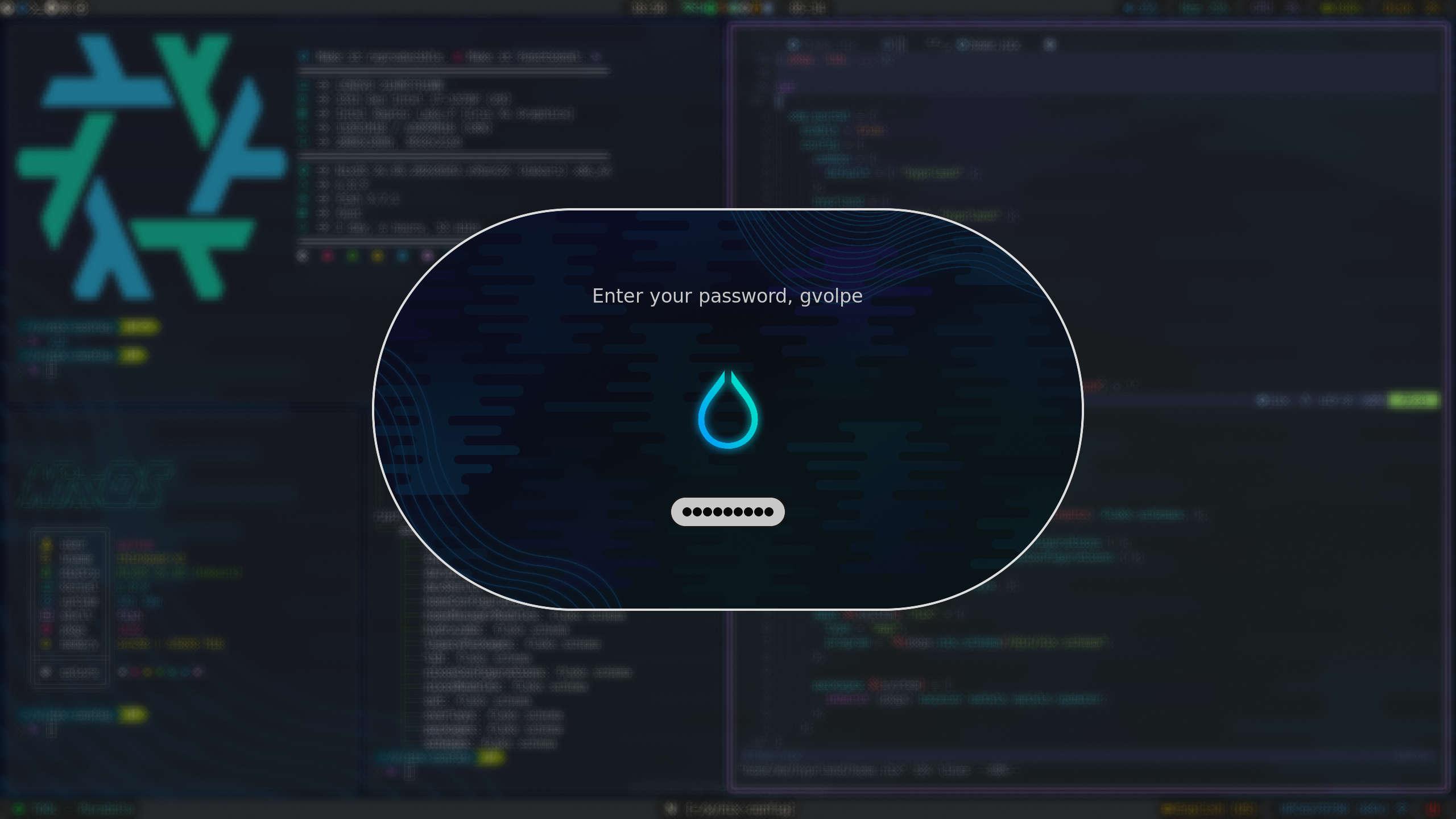
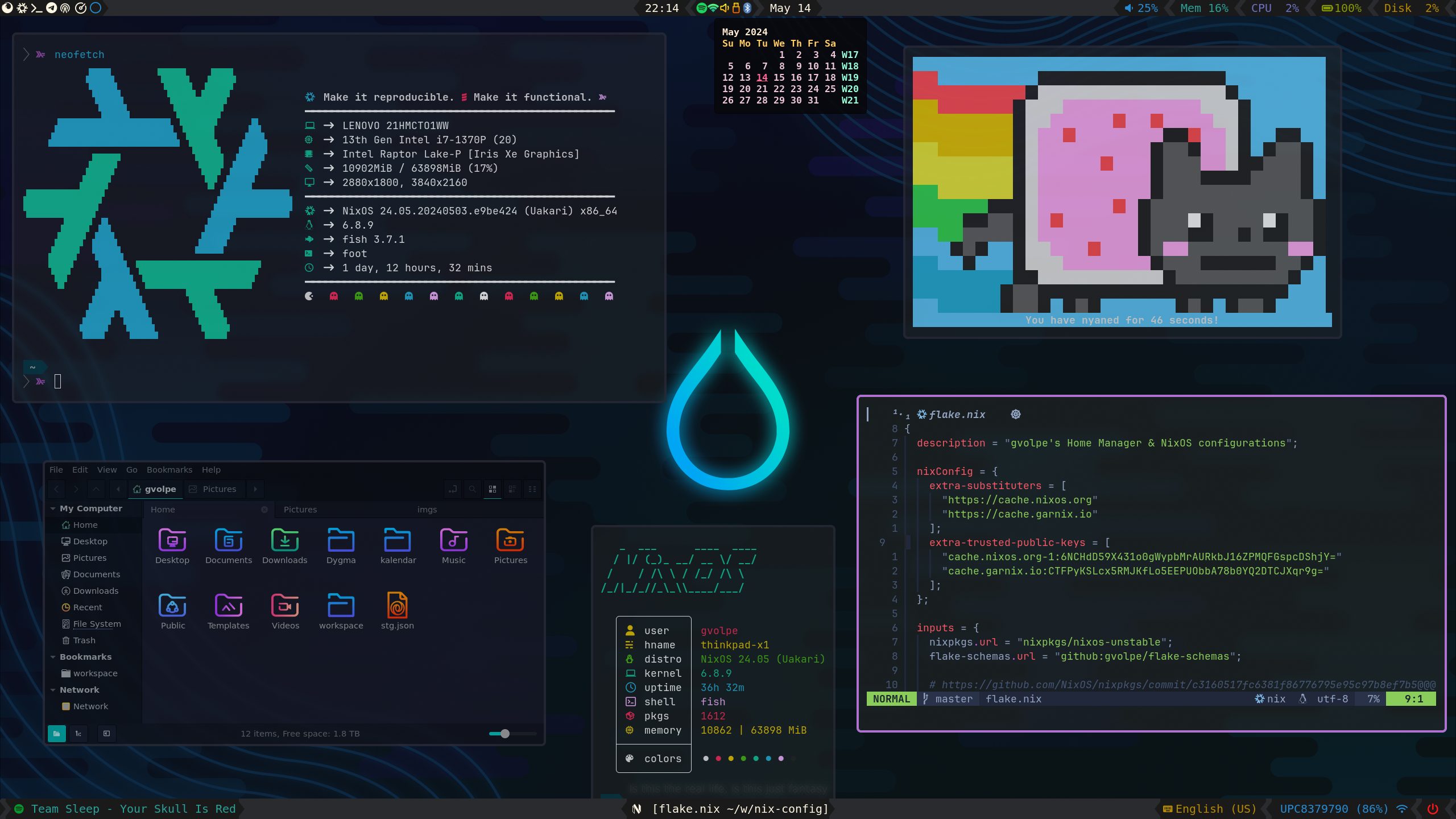
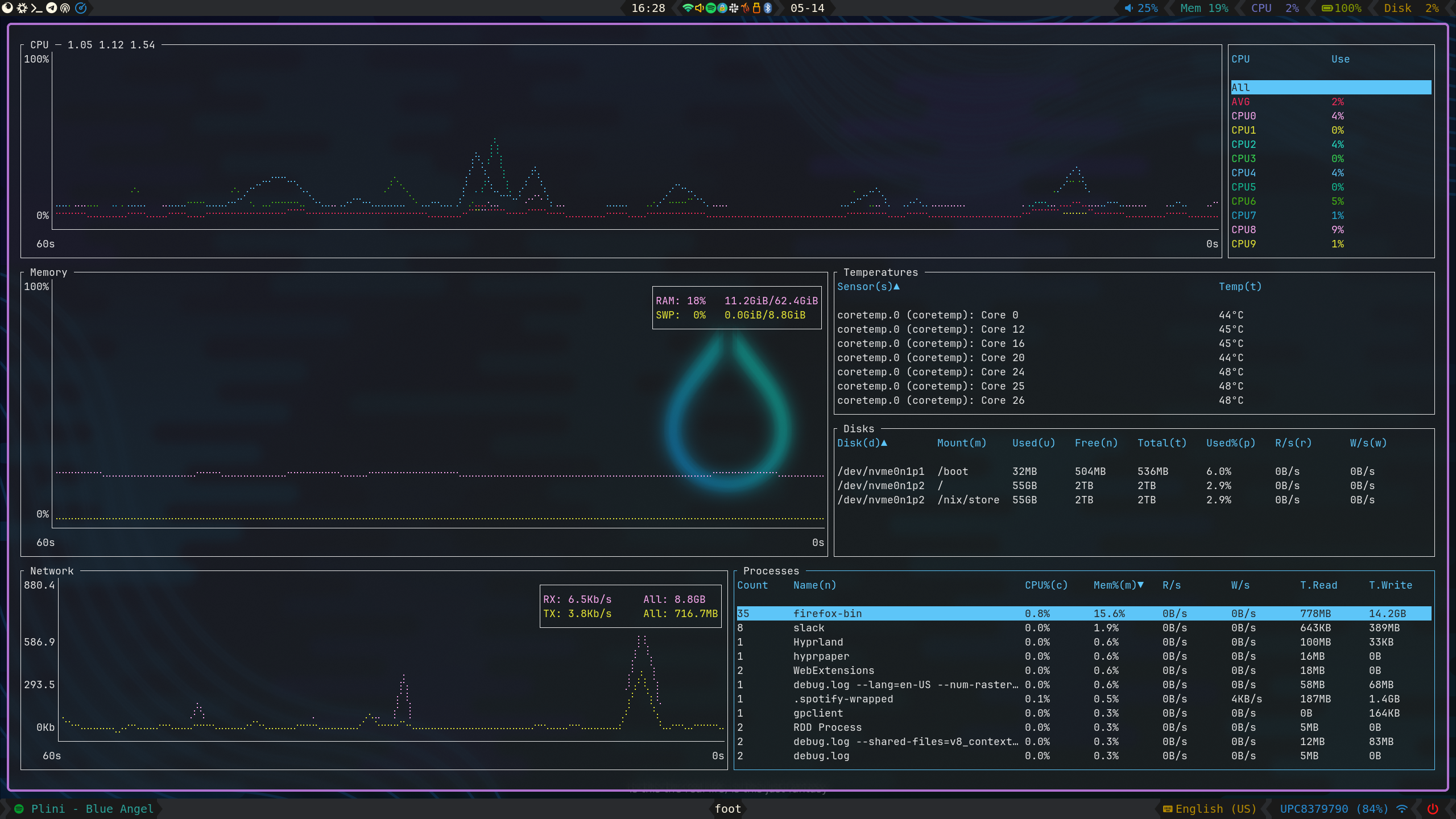
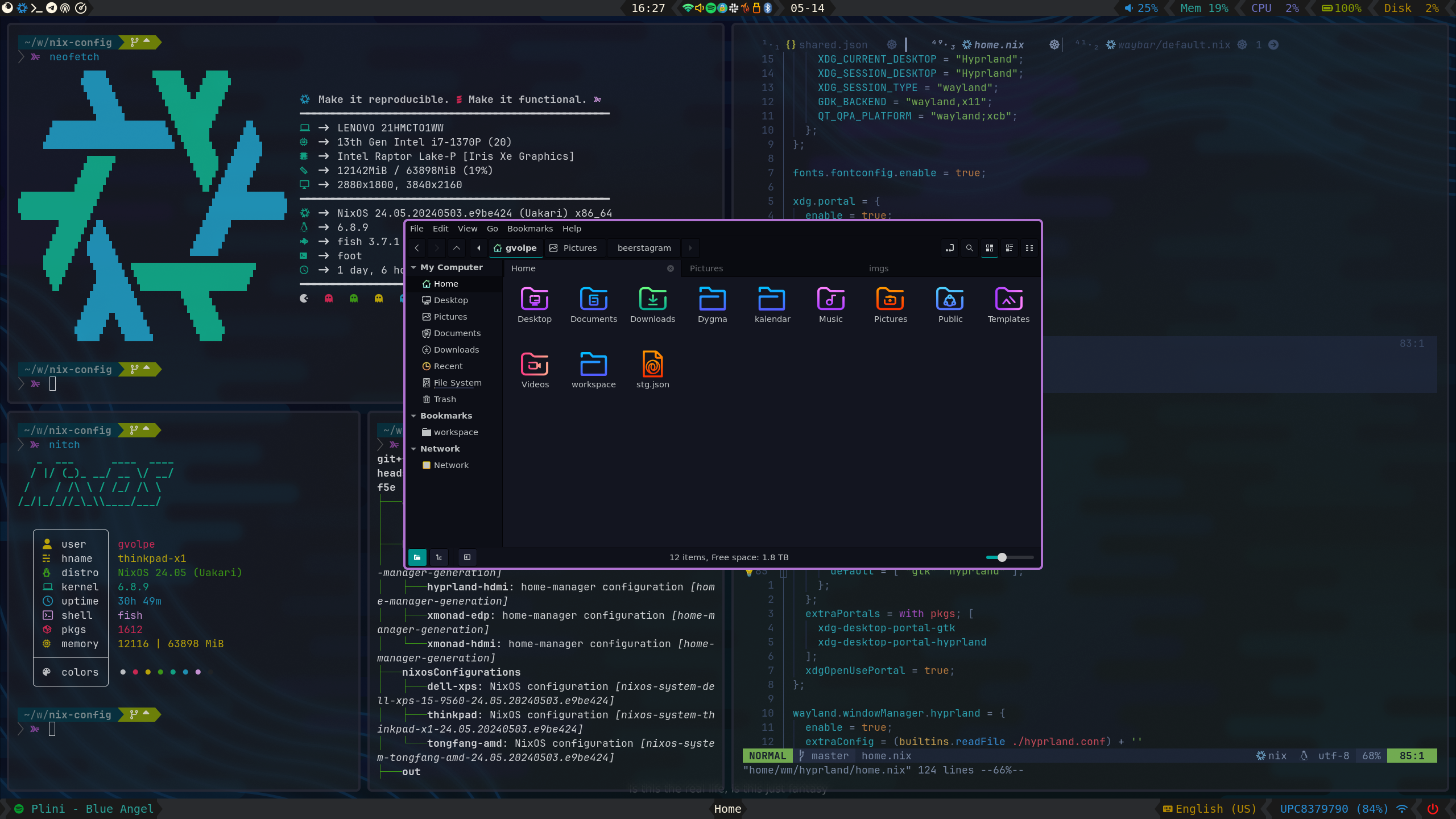
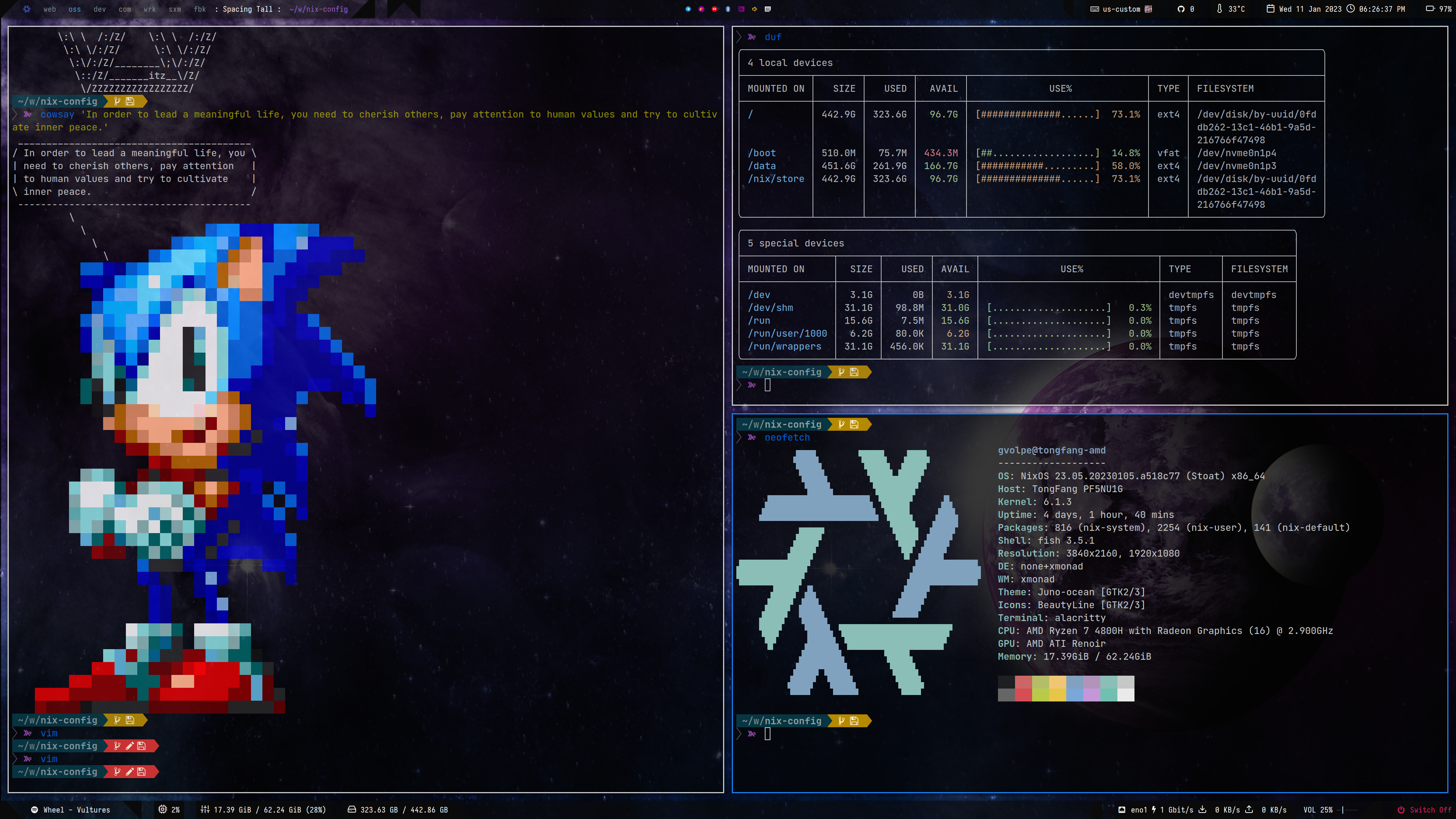
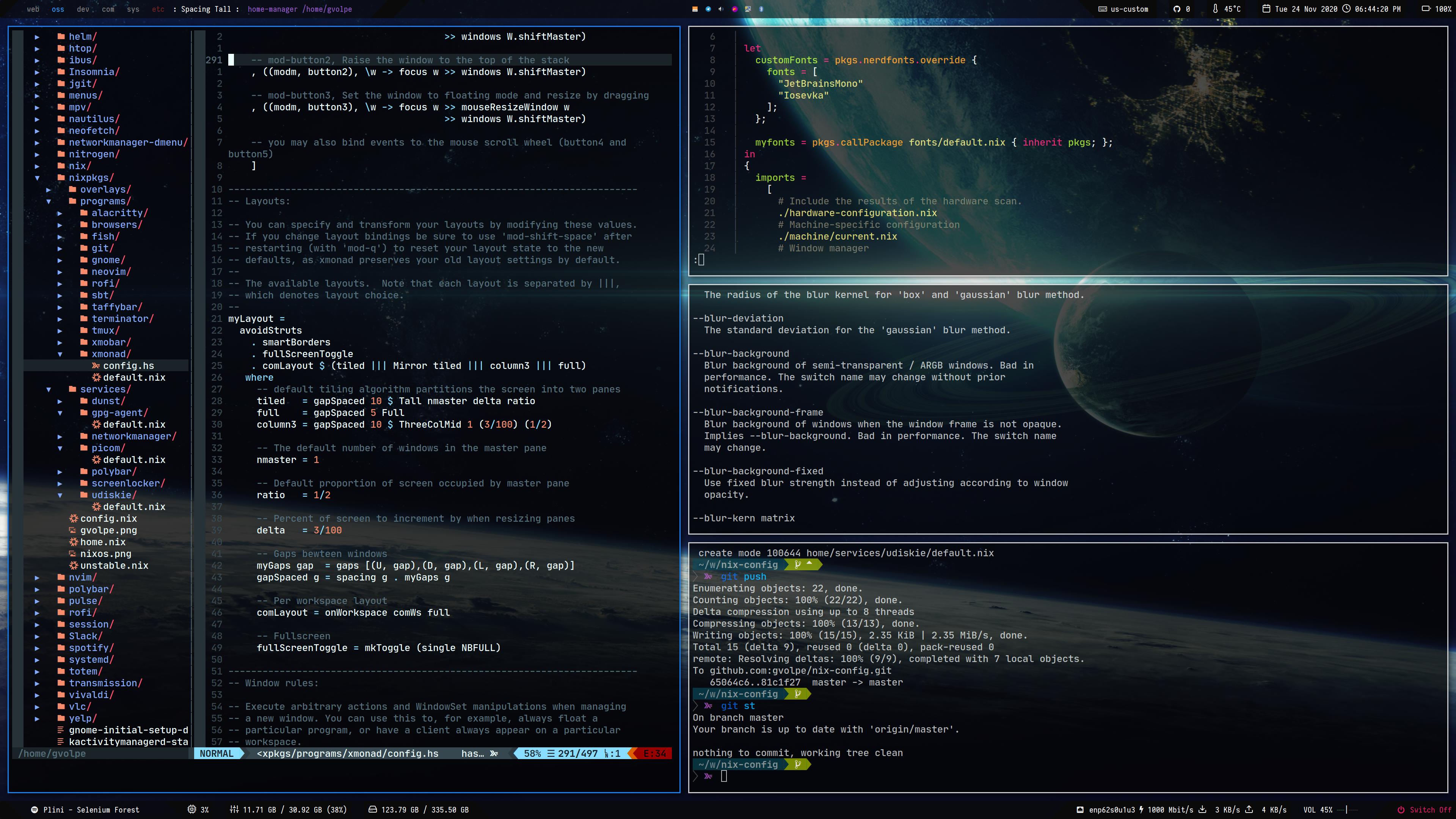
XMonad will be forever in my heart — the best X window manager! (see Release v1.0.0).
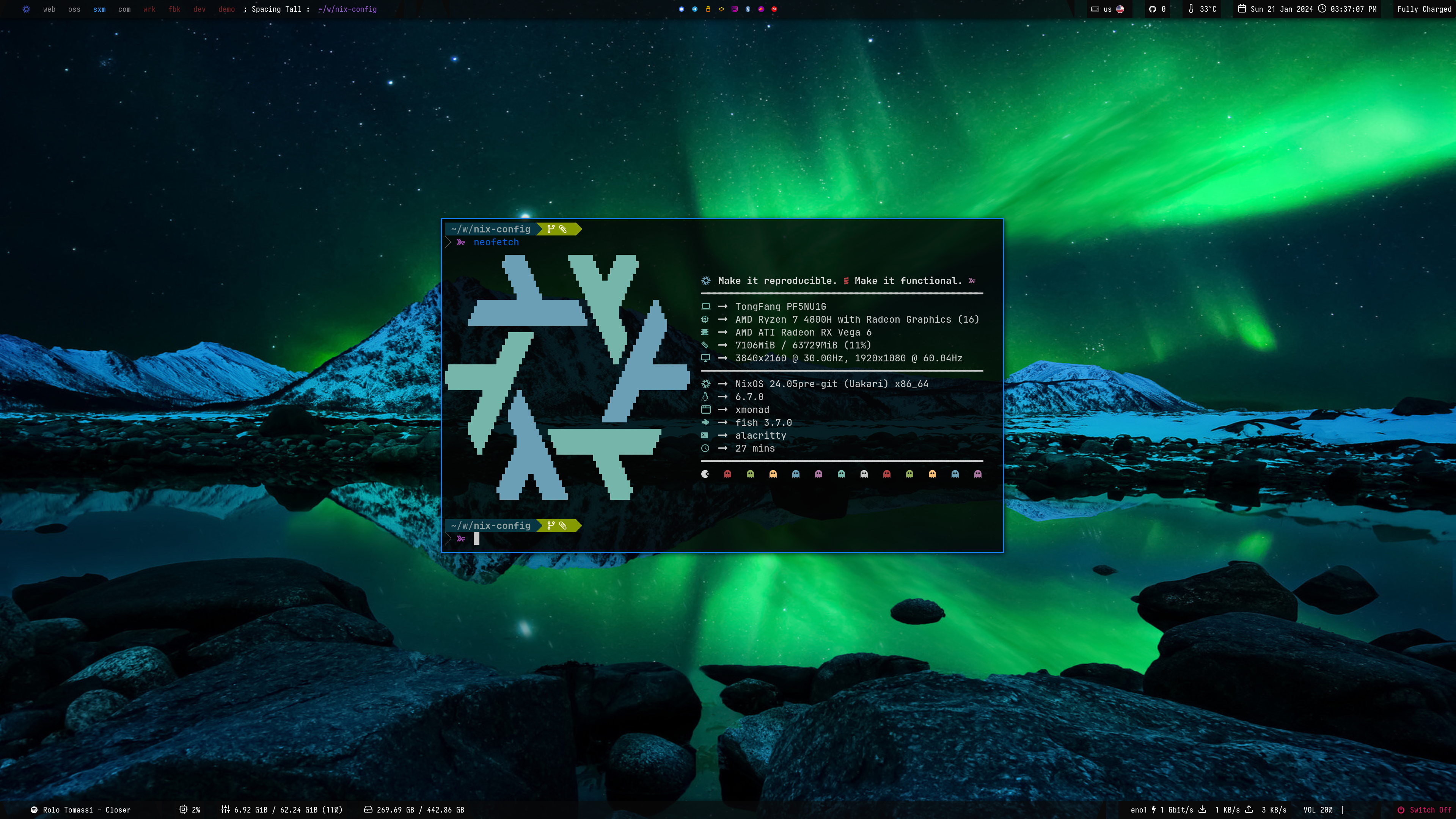
| Type | Program |
|---|---|
| Editor | NeoVim |
| Launcher | Rofi |
| Shell | Fish |
| Status Bar | Polybar |
| Terminal | Alacritty |
| Window Manager | XMonad |
| File Manager | Nautilus |
| Notifications | Dunst |
| GTK Theme | Juno Ocean |
| GTK Icon Theme | Beauty Line |
| Terminal Font | JetBrainsMono |
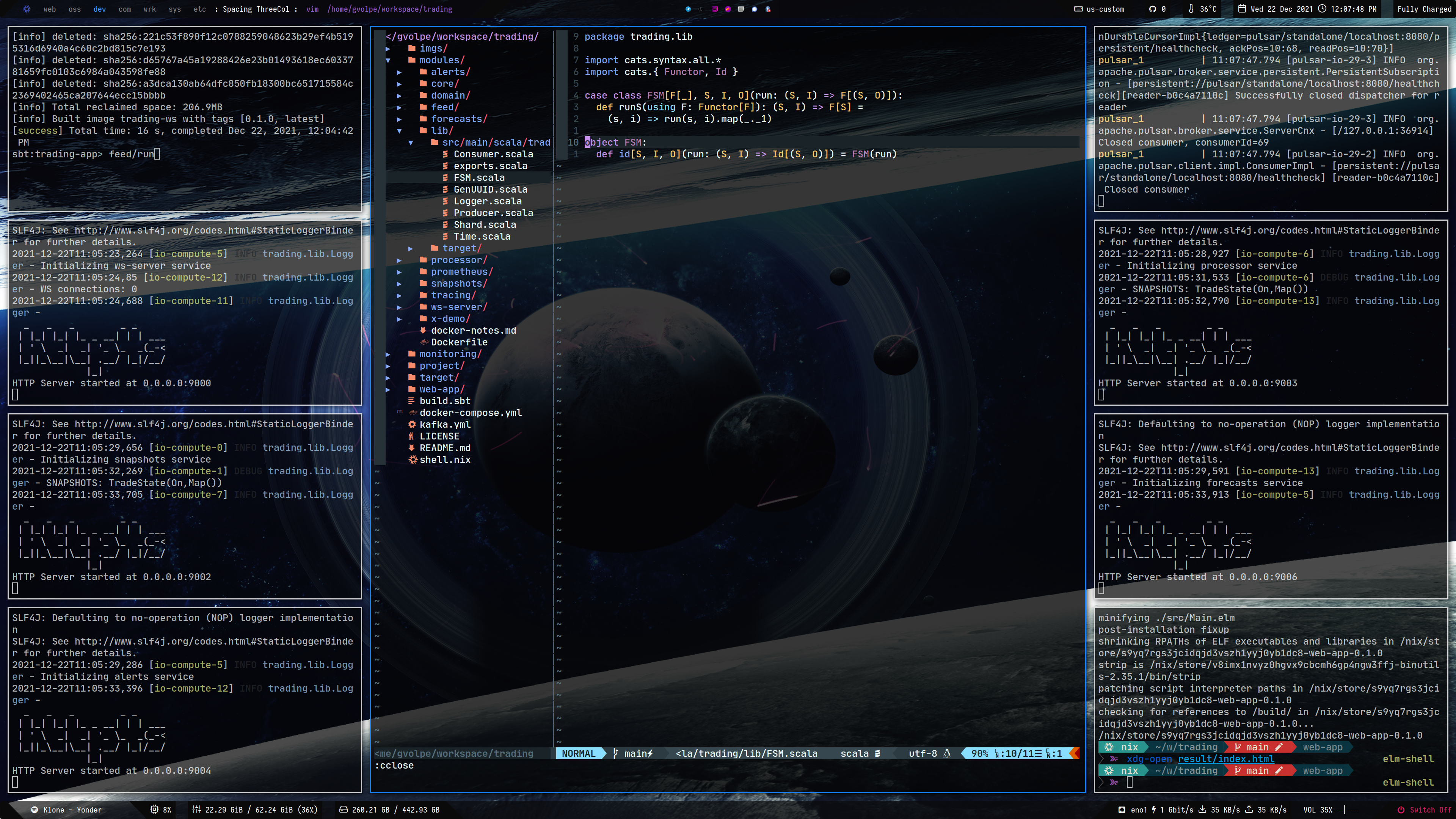
My NeoVim configuration lives here: https://github.com/gvolpe/mnw-flake
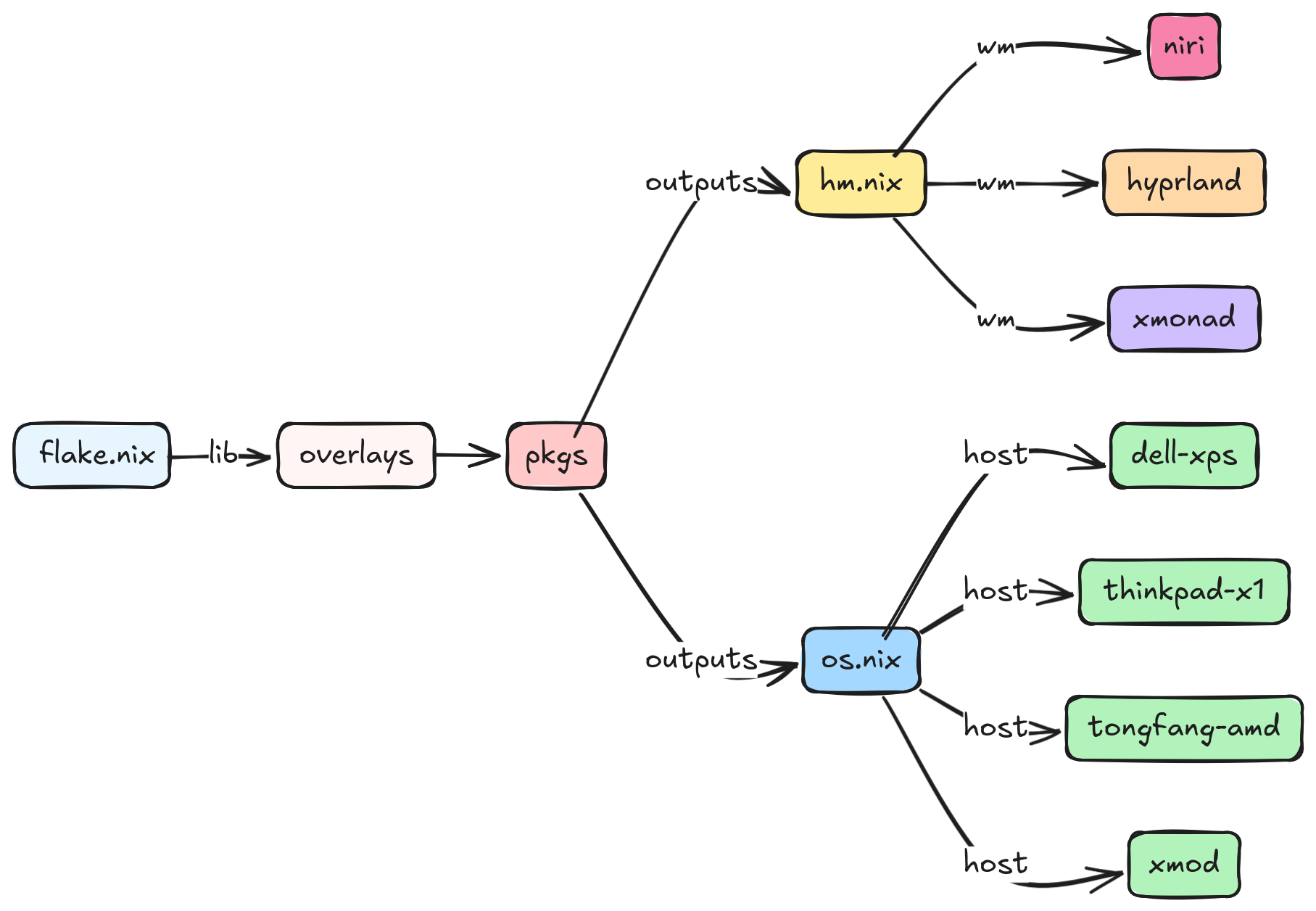
$ dnix flake show --drv-names github:gvolpe/nix-config
├───devShells
│   └───x86_64-linux
│       └───default: development environment [nix-shell]
├───homeConfigurations
│   ├───niri: Home Manager configuration [home-manager-generation]
│   ├───niri-desktop: Home Manager configuration [home-manager-generation]
│   └───niri-laptop: Home Manager configuration [home-manager-generation]
├───lib
│   ├───mkHome: library function
│   └───mkNixos: library function
├───nixosConfigurations
│   ├───aorus: NixOS configuration [nixos-system-aorus-26.11.20260908.d6524aa]
│   ├───dell-xps: NixOS configuration [nixos-system-dell-xps-26.11.20260908.d6524aa]
│   └───thinkpad-x1: NixOS configuration [nixos-system-thinkpad-x1-26.11.20260908.d6524aa]
├───out
│   ├───overlays: custom instance to be used by consumers of this flake
│   └───pkgs: custom instance to be used by consumers of this flake
└───packages
    └───x86_64-linux
        ├───bazecor: package [bazecor-1.10.0-patched]
        ├───metals: package [metals-1.6.7]
        ├───metals-updater: package [metals-updater-script]
        ├───neovim: package [neovim-0.12.5]
        ├───nix: package [determinate-nix-3.22.3]
        ├───quickemu: package [quickemu-4.9.9]
        └───slack: package [slack-4.51.180]
As well as all the declared flake inputs.
nix flake metadata github:gvolpe/nix-config
The xmod configuration also contains my Home Manager configuration using the NixOS module, so it can easily be tested with a single command.
nixos-rebuild switch --flake github:gvolpe/nix-config#xmod
Or you can test it directly on a QEMU virtual machine, though it has its limitations in terms of graphics.
nixos-rebuild build-vm --flake github:gvolpe/nix-config#xmod
./result/bin/run-xmod-amd-vm
Having both NixOS and Home Manager configurations combined makes it easier to quickly install it on a new machine, but my preference is to have both separate, as my Home Manager configuration changes more often than that of the NixOS one, which can result in multiple (unwanted) generations at boot time.
Managing the different Home Manager generations in isolation makes this way easier for me.
The NixOS configuration can be installed by running the following command.
nixos-rebuild switch --flake github:gvolpe/nix-config#thinkpad-x1
Beware that the hardware-configuration.nix file is the result of the hardware scan of the specific machine and might not be suitable for yours.
A fresh install requires the creation of certain directories (see what the switch script does). However, if you omit those steps, the entire HM configuration can also be built as any other flake.
nix build github:gvolpe/nix-config#homeConfigurations.niri-laptop.activationPackage
result/activate
To set up a new machine from scratch, have a look at this document.
Licensed under the Apache License, Version 2.0 (the "License"); you may not use this project except in compliance with the License. You may obtain a copy of the License at http://www.apache.org/licenses/LICENSE-2.0.
Unless required by applicable law or agreed to in writing, software distributed under the License is distributed on an "AS IS" BASIS, WITHOUT WARRANTIES OR CONDITIONS OF ANY KIND, either express or implied. See the License for the specific language governing permissions and limitations under the License.
(top 24 of 49)
187 followers · starred Aug 2020
146 followers · starred Oct 2022
262 followers · starred Feb 2023
139 followers · starred Aug 2022
An incredible scrollable-tiling Wayland compositor.
| Type | Program |
|---|---|
| Editor | NeoVim |
| Launcher | Fuzzel - Vicinae |
| Shell | Fish |
| Status Bar | Waybar |
| Terminal | Kitty |
| Window Manager | Niri |
| File Manager | Nemo |
| Notifications | Sway NC |
| Wallpapers | Hyprlax |
| GTK Theme | Juno Ocean |
| GTK Icon Theme | Beauty Line |
| Terminal Font | JetBrainsMono |
My first Wayland compositor experience (see Release v1.0.0).
| Type | Program |
|---|---|
| Editor | NeoVim |
| Launcher | Wofi |
| Shell | Fish |
| Status Bar | Waybar |
| Terminal | Foot |
| Window Manager | Hyprland |
| File Manager | Nemo |
| Notifications | Dunst |
| GTK Theme | Juno Ocean |
| GTK Icon Theme | Beauty Line |
| Terminal Font | JetBrainsMono |
XMonad will be forever in my heart — the best X window manager! (see Release v1.0.0).
| Type | Program |
|---|---|
| Editor | NeoVim |
| Launcher | Rofi |
| Shell | Fish |
| Status Bar | Polybar |
| Terminal | Alacritty |
| Window Manager | XMonad |
| File Manager | Nautilus |
| Notifications | Dunst |
| GTK Theme | Juno Ocean |
| GTK Icon Theme | Beauty Line |
| Terminal Font | JetBrainsMono |
My NeoVim configuration lives here: https://github.com/gvolpe/mnw-flake
$ dnix flake show --drv-names github:gvolpe/nix-config
├───devShells
│   └───x86_64-linux
│       └───default: development environment [nix-shell]
├───homeConfigurations
│   ├───niri: Home Manager configuration [home-manager-generation]
│   ├───niri-desktop: Home Manager configuration [home-manager-generation]
│   └───niri-laptop: Home Manager configuration [home-manager-generation]
├───lib
│   ├───mkHome: library function
│   └───mkNixos: library function
├───nixosConfigurations
│   ├───aorus: NixOS configuration [nixos-system-aorus-26.11.20260908.d6524aa]
│   ├───dell-xps: NixOS configuration [nixos-system-dell-xps-26.11.20260908.d6524aa]
│   └───thinkpad-x1: NixOS configuration [nixos-system-thinkpad-x1-26.11.20260908.d6524aa]
├───out
│   ├───overlays: custom instance to be used by consumers of this flake
│   └───pkgs: custom instance to be used by consumers of this flake
└───packages
    └───x86_64-linux
        ├───bazecor: package [bazecor-1.10.0-patched]
        ├───metals: package [metals-1.6.7]
        ├───metals-updater: package [metals-updater-script]
        ├───neovim: package [neovim-0.12.5]
        ├───nix: package [determinate-nix-3.22.3]
        ├───quickemu: package [quickemu-4.9.9]
        └───slack: package [slack-4.51.180]
As well as all the declared flake inputs.
nix flake metadata github:gvolpe/nix-config
The xmod configuration also contains my Home Manager configuration using the NixOS module, so it can easily be tested with a single command.
nixos-rebuild switch --flake github:gvolpe/nix-config#xmod
Or you can test it directly on a QEMU virtual machine, though it has its limitations in terms of graphics.
nixos-rebuild build-vm --flake github:gvolpe/nix-config#xmod
./result/bin/run-xmod-amd-vm
Having both NixOS and Home Manager configurations combined makes it easier to quickly install it on a new machine, but my preference is to have both separate, as my Home Manager configuration changes more often than that of the NixOS one, which can result in multiple (unwanted) generations at boot time.
Managing the different Home Manager generations in isolation makes this way easier for me.
The NixOS configuration can be installed by running the following command.
nixos-rebuild switch --flake github:gvolpe/nix-config#thinkpad-x1
Beware that the hardware-configuration.nix file is the result of the hardware scan of the specific machine and might not be suitable for yours.
A fresh install requires the creation of certain directories (see what the switch script does). However, if you omit those steps, the entire HM configuration can also be built as any other flake.
nix build github:gvolpe/nix-config#homeConfigurations.niri-laptop.activationPackage
result/activate
To set up a new machine from scratch, have a look at this document.
Licensed under the Apache License, Version 2.0 (the "License"); you may not use this project except in compliance with the License. You may obtain a copy of the License at http://www.apache.org/licenses/LICENSE-2.0.
Unless required by applicable law or agreed to in writing, software distributed under the License is distributed on an "AS IS" BASIS, WITHOUT WARRANTIES OR CONDITIONS OF ANY KIND, either express or implied. See the License for the specific language governing permissions and limitations under the License.
(top 24 of 49)
187 followers · starred Aug 2020
146 followers · starred Oct 2022
262 followers · starred Feb 2023
139 followers · starred Aug 2022