
My dotfiles + system configuration for NixOS and mac
Nix
176
924 commits
updated Sep 23, 2026
README
dotfiles
Nix flake-based dotfiles for my Mac and home server.
Current Setup
| Area | Current setup |
|---|---|
| Mac host | srt-l02-sekhmet |
| Home server | srt-n01-rivendell |
| User config | Home Manager |
| macOS system config | nix-darwin |
| NixOS server config | NixOS flake output with Home Manager and nixarr |
| Terminal emulator | Kitty plus kitty-dev |
| Shell | Nushell in Kitty |
| Server login shell | Bash, with Nushell installed for interactive use |
| Font | Hack Nerd Font Mono |
| Editor | Neovim |
| Browser | Firefox via Home Manager, Google Chrome via Mac GUI packages |
| macOS window manager | yabai + skhd |
| Home server services | Jellyfin, Radarr, Prowlarr, qBittorrent, Seerr, and Pi-hole |
The main flake outputs are:
homeConfigurations.srt-l02-sekhmetdarwinConfigurations.srt-l02-sekhmetnixosConfigurations.srt-n01-rivendell
Well these look different from normal dotfiles mate
Ok so I am one of those people who are all in on the "nix hype train". That is why this might look unfamiliar to someone who does not know what nix is.
Nix is a philosophy, a programming language, a package manager and an OS. All this culminates in a unique approach to package management and system configuration. The end result is reproducible, declarative and reliable systems.
Think of it like git but for your system, package management, etc.
:mind_blown:
Color me interested! Where can I know more?
Now if you are still with me and want to know more about it. Here are a few helpful links that you can visit to know more about it.
- Watch first 6 minutes of this video to get a gist of nix package management and how it's different from standard package management and then building on that what is NixOS)
- If the previous video peeks your curiosity then I recommend looking at this to get a deeper understanding
- Finally, if you decide that this is something you want for yourself. Then this brilliant playlist might just be the perfect place to start.
Setup
These commands assume the repo lives at ~/.dotfiles.
Mac user config
Requirements:
- nix with flake support is available
Apply the Home Manager config:
cd ~/.dotfiles
home-manager switch --flake "./#srt-l02-sekhmet" -b backup
The Home Manager config also installs an apply-user helper that runs the same
switch from ~/.dotfiles.
Mac system config
Apply the nix-darwin config:
sudo darwin-rebuild switch --flake ~/.dotfiles/.#srt-l02-sekhmet
The Home Manager config also installs an apply-system helper for this.
Home server config
The NixOS server flake output is nixosConfigurations.srt-n01-rivendell.
The host config lives under hosts/nixos/srt-n01-rivendell/.
The normal remote switch from the Mac builds and deploys over Tailscale:
env NIX_SSHOPTS='-i /Users/nixypanda/.ssh/github-key -o StrictHostKeyChecking=accept-new' \
  nix run nixpkgs#nixos-rebuild -- switch \
  --flake .#srt-n01-rivendell \
  --build-host nixypanda@100.127.3.54 \
  --target-host nixypanda@100.127.3.54 \
  --no-reexec \
  --use-substitutes \
  --ask-sudo-password
On the server itself, the equivalent is:
sudo nixos-rebuild switch --flake ~/.dotfiles#srt-n01-rivendell
Updating inputs
cd ~/.dotfiles
nix flake update --flake .
The Home Manager config also installs an update-dots helper for this.
Validation
Fast evaluation checks:
nix eval --raw .#homeConfigurations.srt-l02-sekhmet.activationPackage.drvPath
nix eval --raw .#darwinConfigurations.srt-l02-sekhmet.system.drvPath
nix eval --raw .#nixosConfigurations.srt-n01-rivendell.config.system.build.toplevel.drvPath
Build checks without changing the result symlink:
nix build --no-link .#homeConfigurations.srt-l02-sekhmet.activationPackage
nix build --no-link .#darwinConfigurations.srt-l02-sekhmet.system
Build the NixOS server output on the server or with a Linux remote builder; the
Mac is x86_64-darwin and cannot build Linux-only derivations locally.
Caveat
I use git-crypt for files under
.secrets/, and agenix for Rivendell homelab secrets under
hosts/nixos/srt-n01-rivendell/homelab/secrets/. If you plan to use these
dotfiles, replace those files with your own secrets or remove the references
from the codebase.
Code Structure
flake.nixwires the Mac Home Manager output, Mac nix-darwin output, and the NixOS home server output.- Home Manager modules live under
modules/. - macOS system modules live under
modules/mac/. - NixOS host modules live under
hosts/nixos/. - Neovim Lua config lives under
modules/nvim/lua/. - Homelab service docs live in
hosts/nixos/srt-n01-rivendell/homelab/.
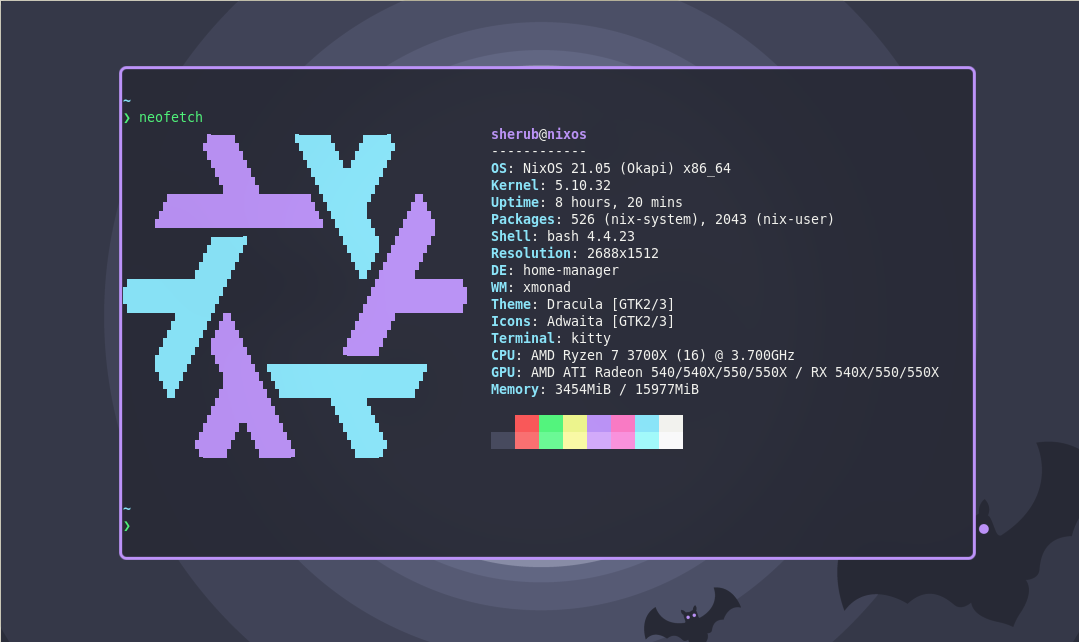
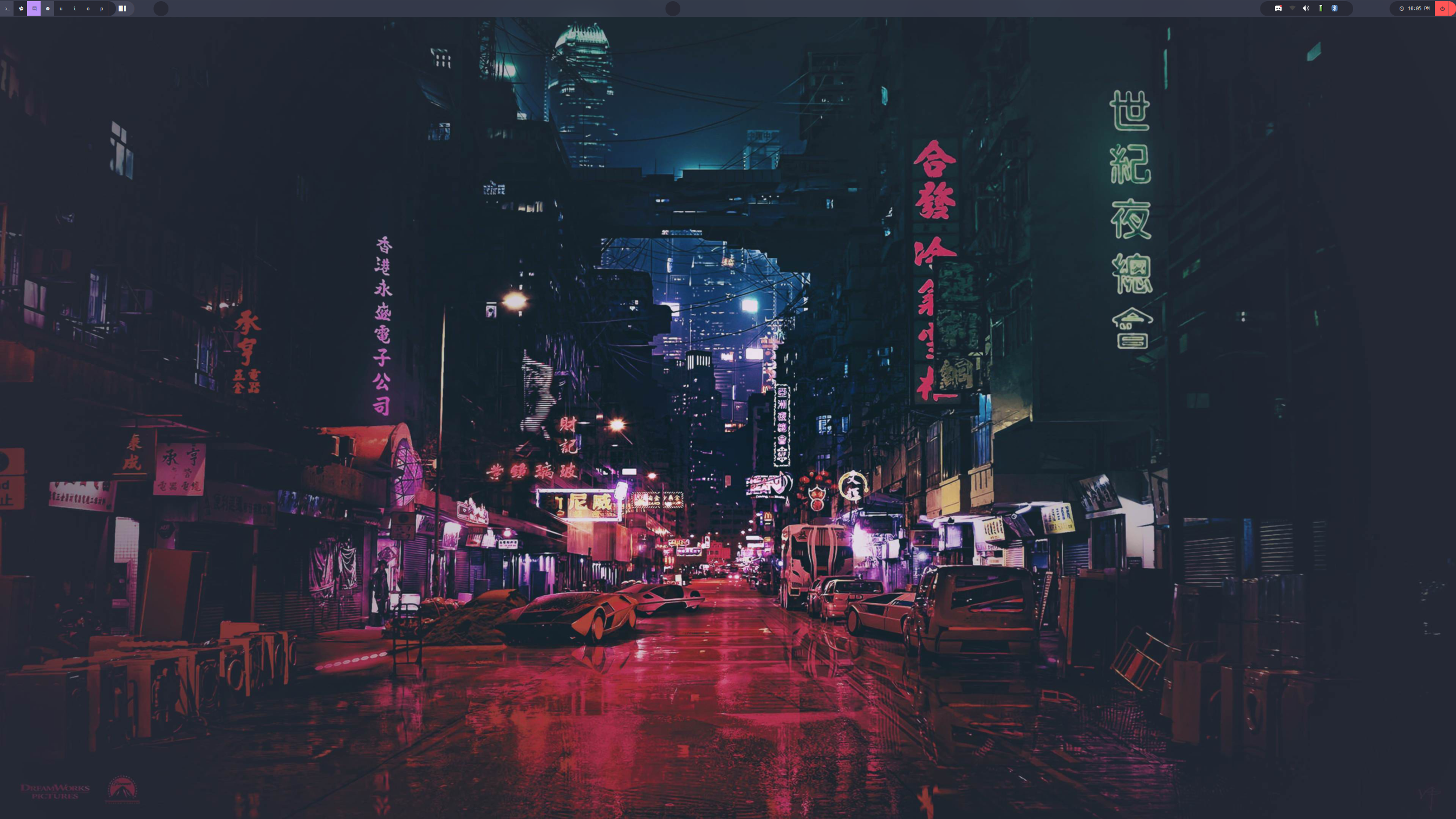
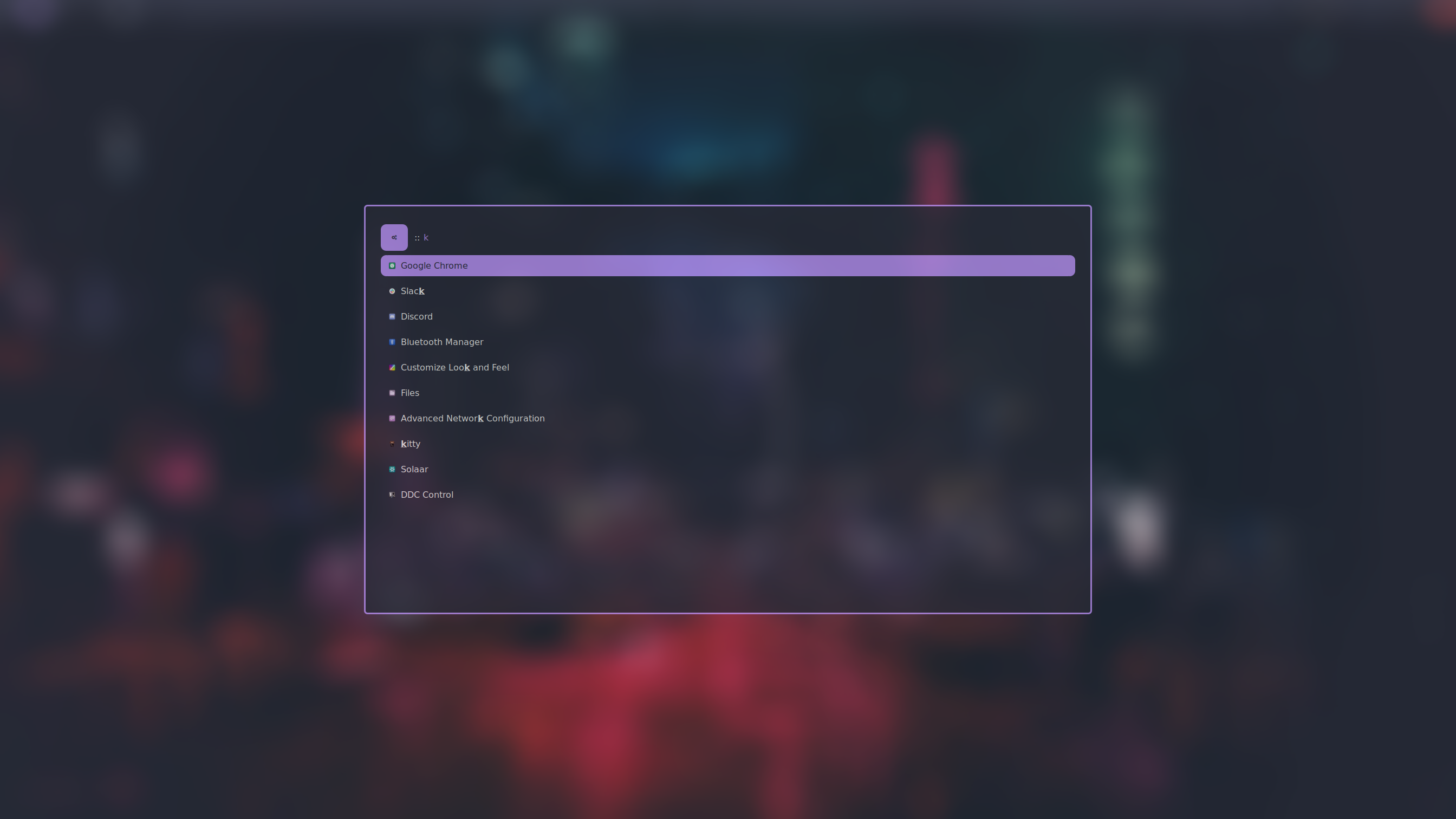
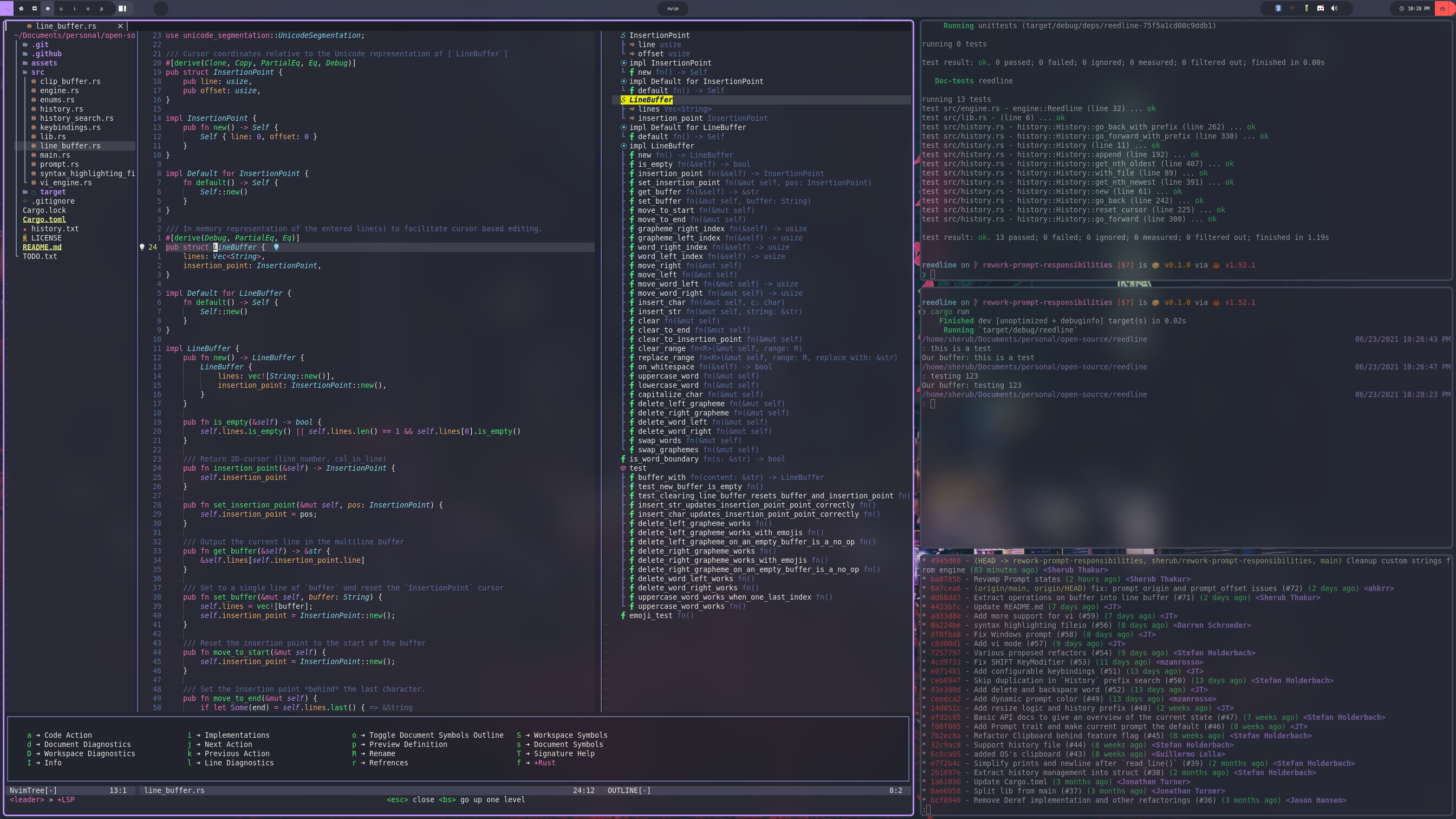
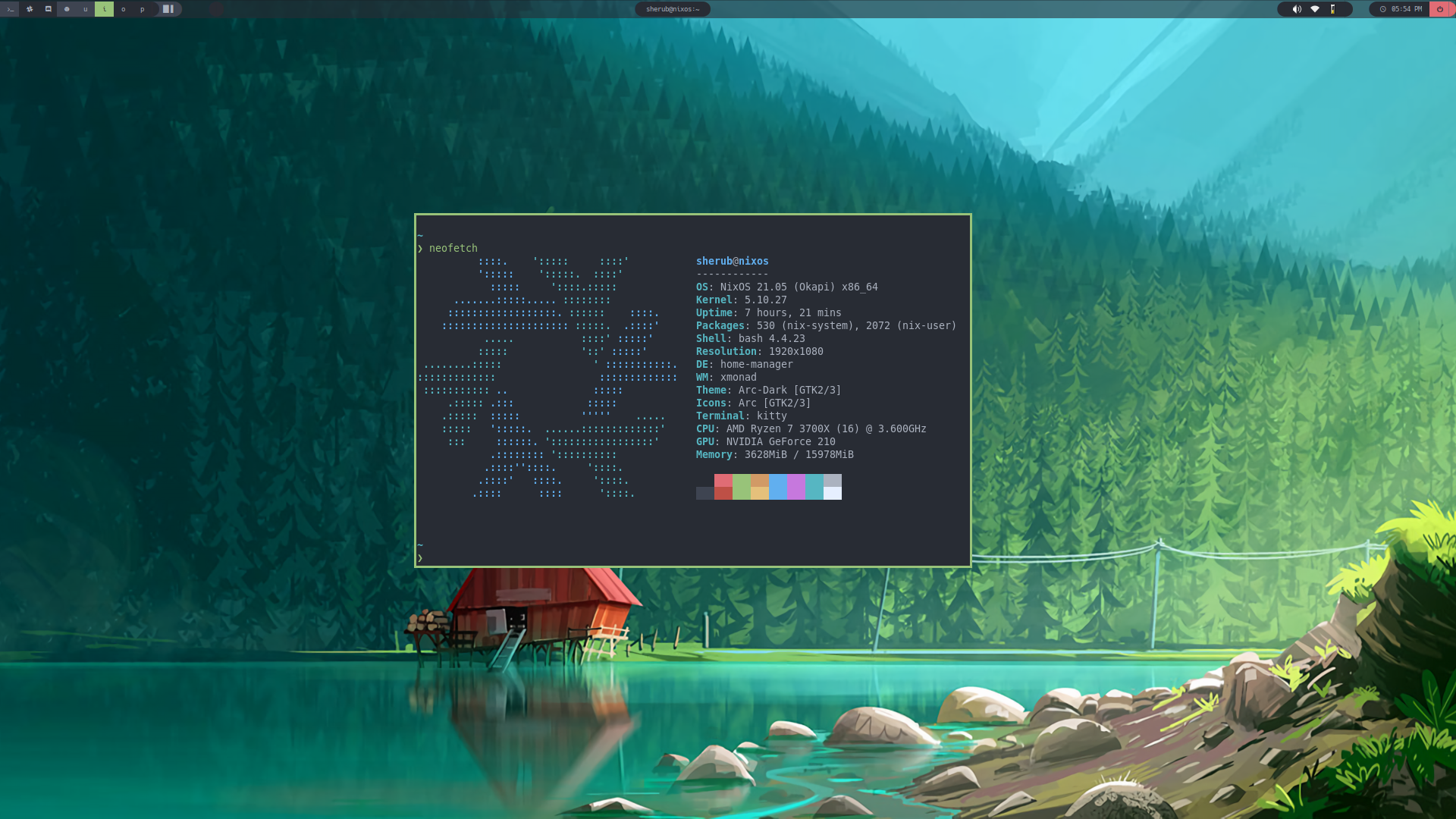
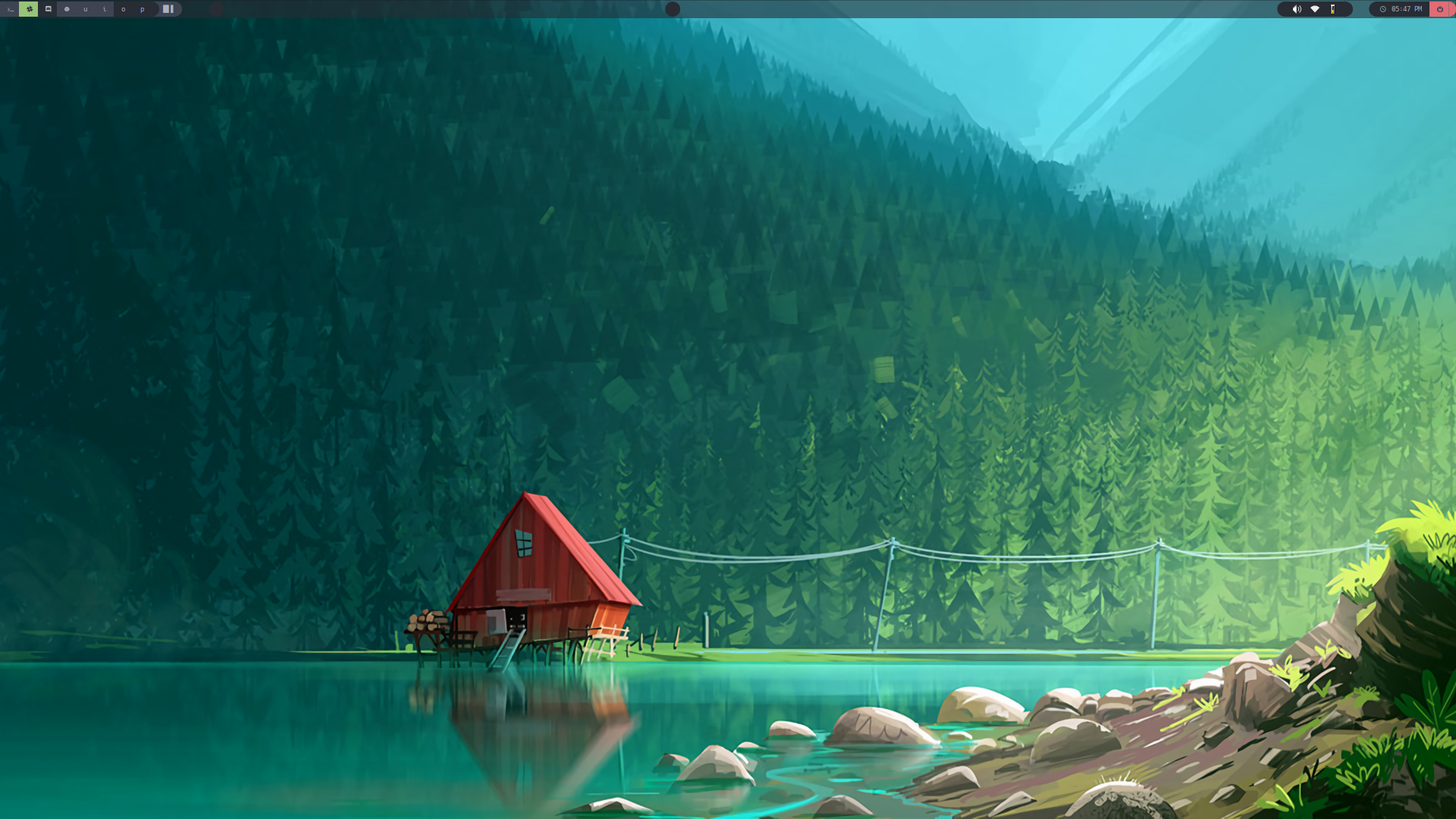
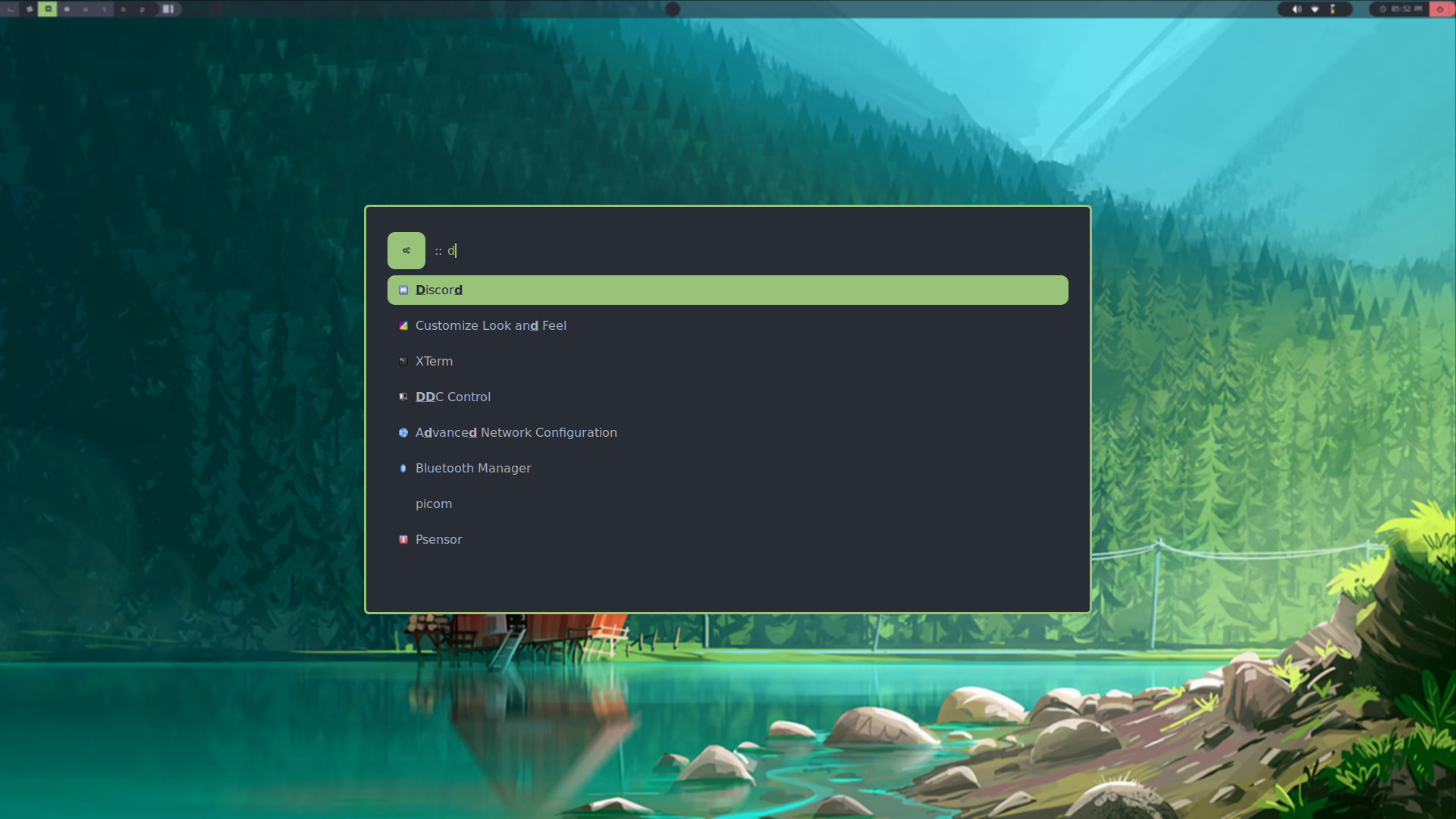
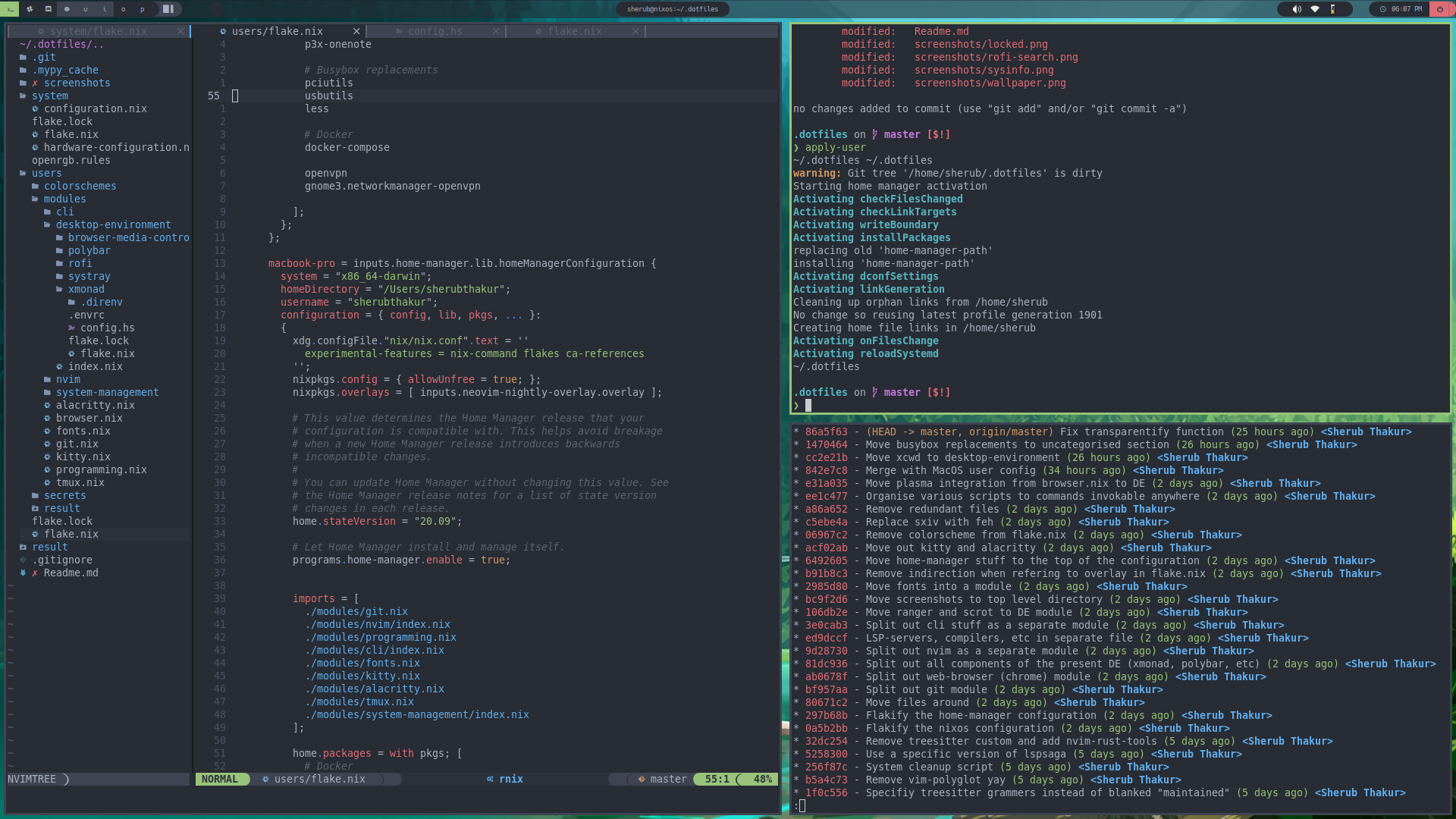
Here are a few screenshots to showcase this config in action
Note: these are legacy screenshots from an older NixOS desktop setup. The current desktop target is macOS, while NixOS is used for the home server.
Tokyonight
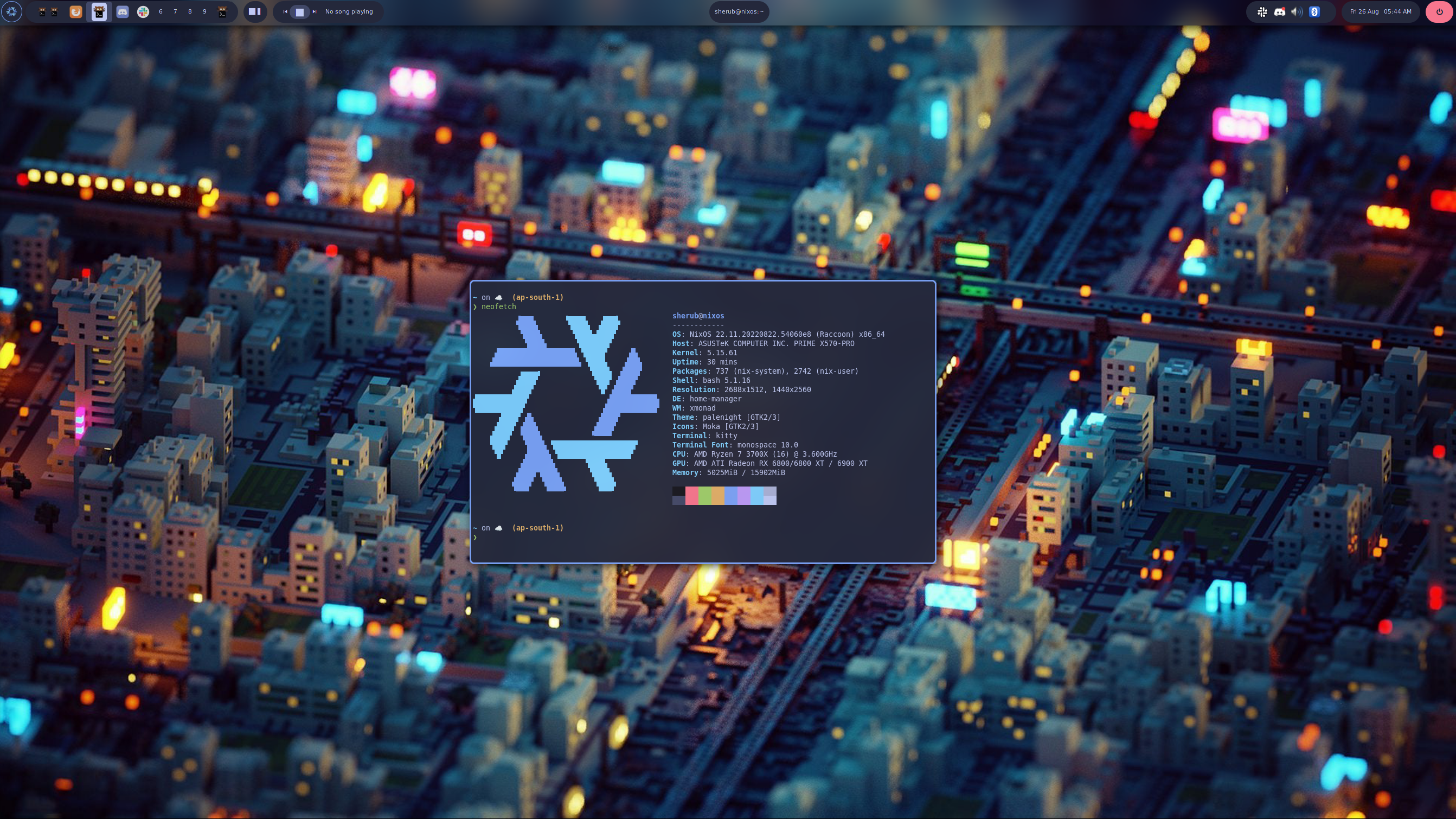
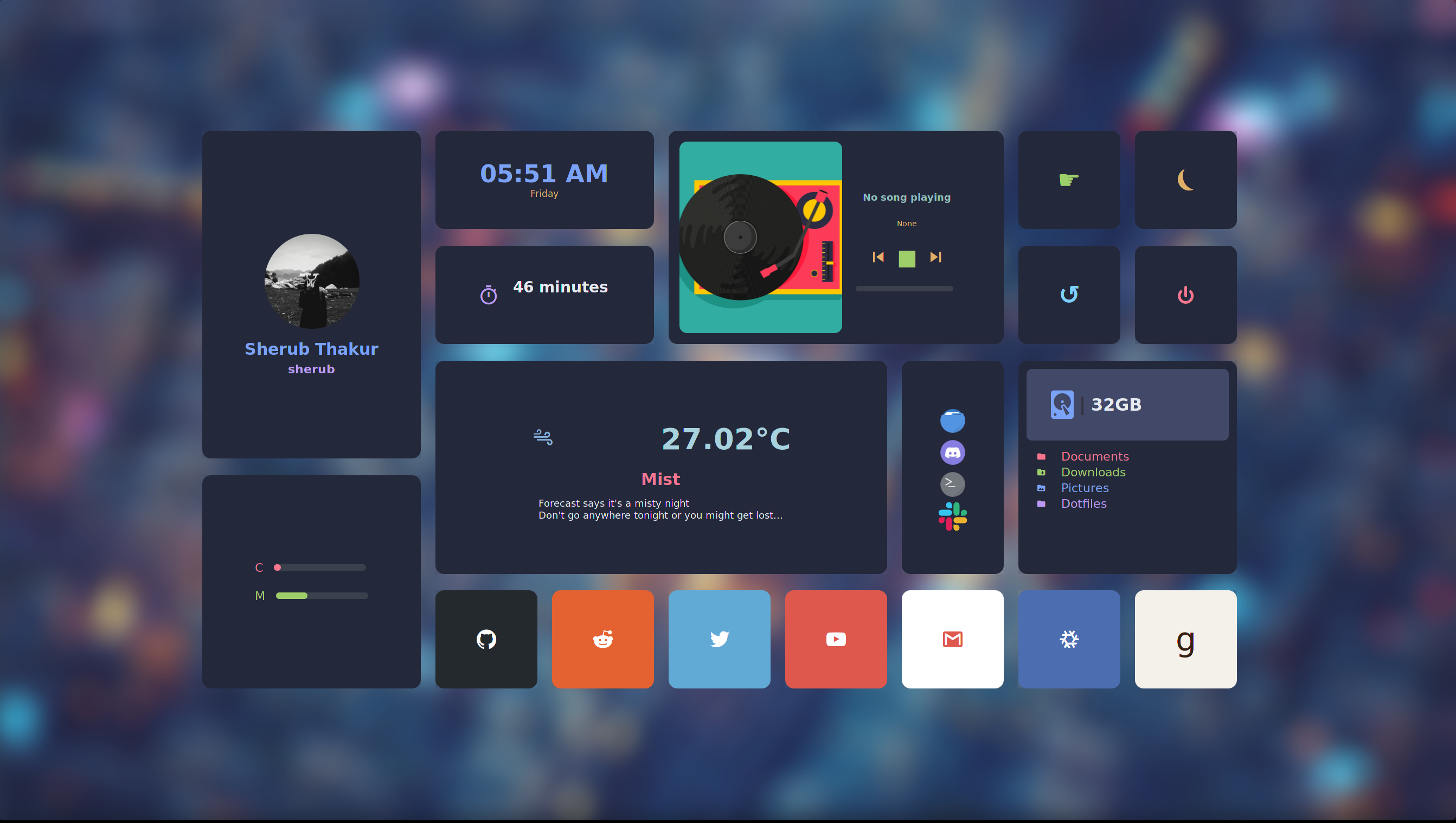
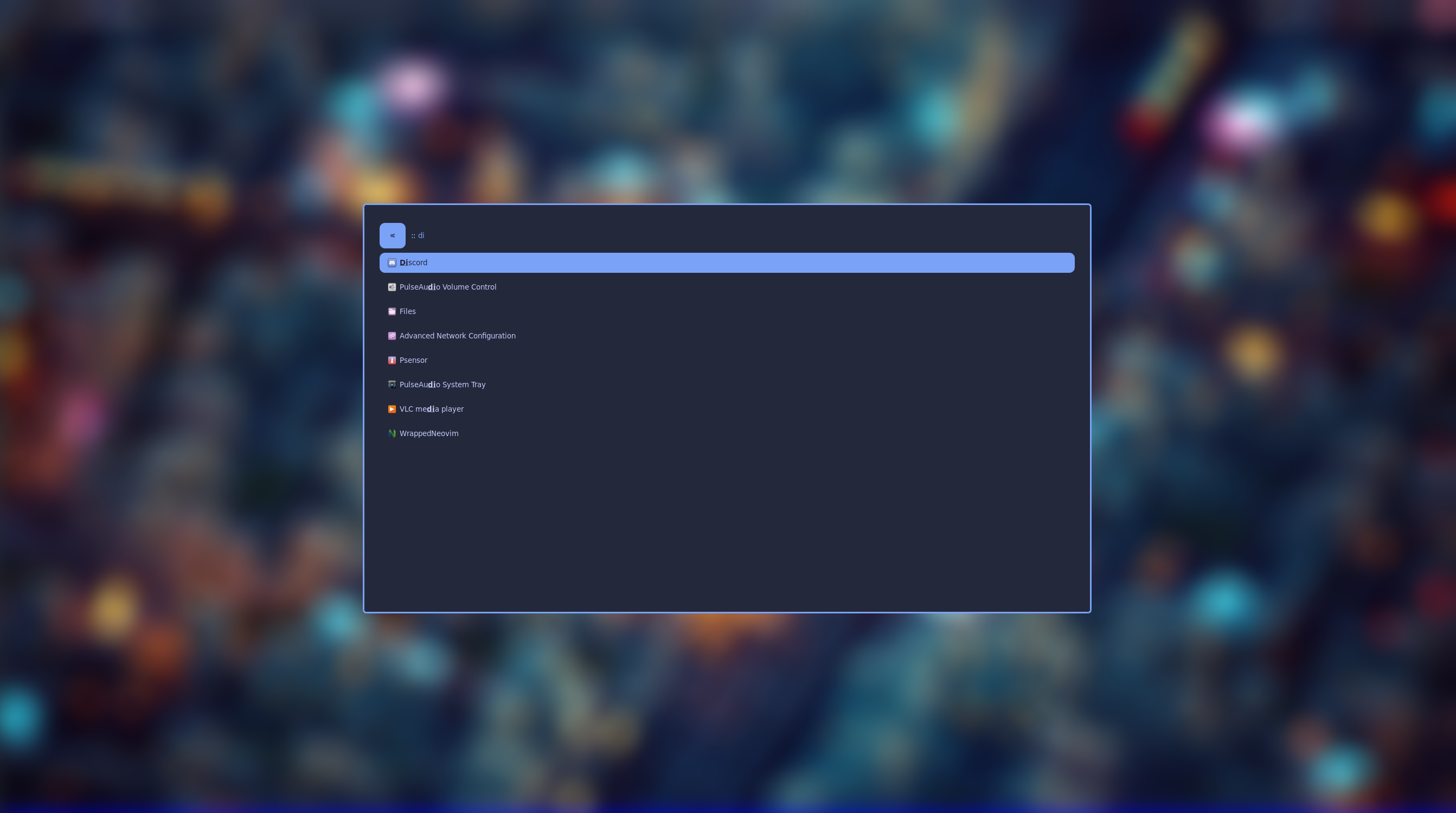
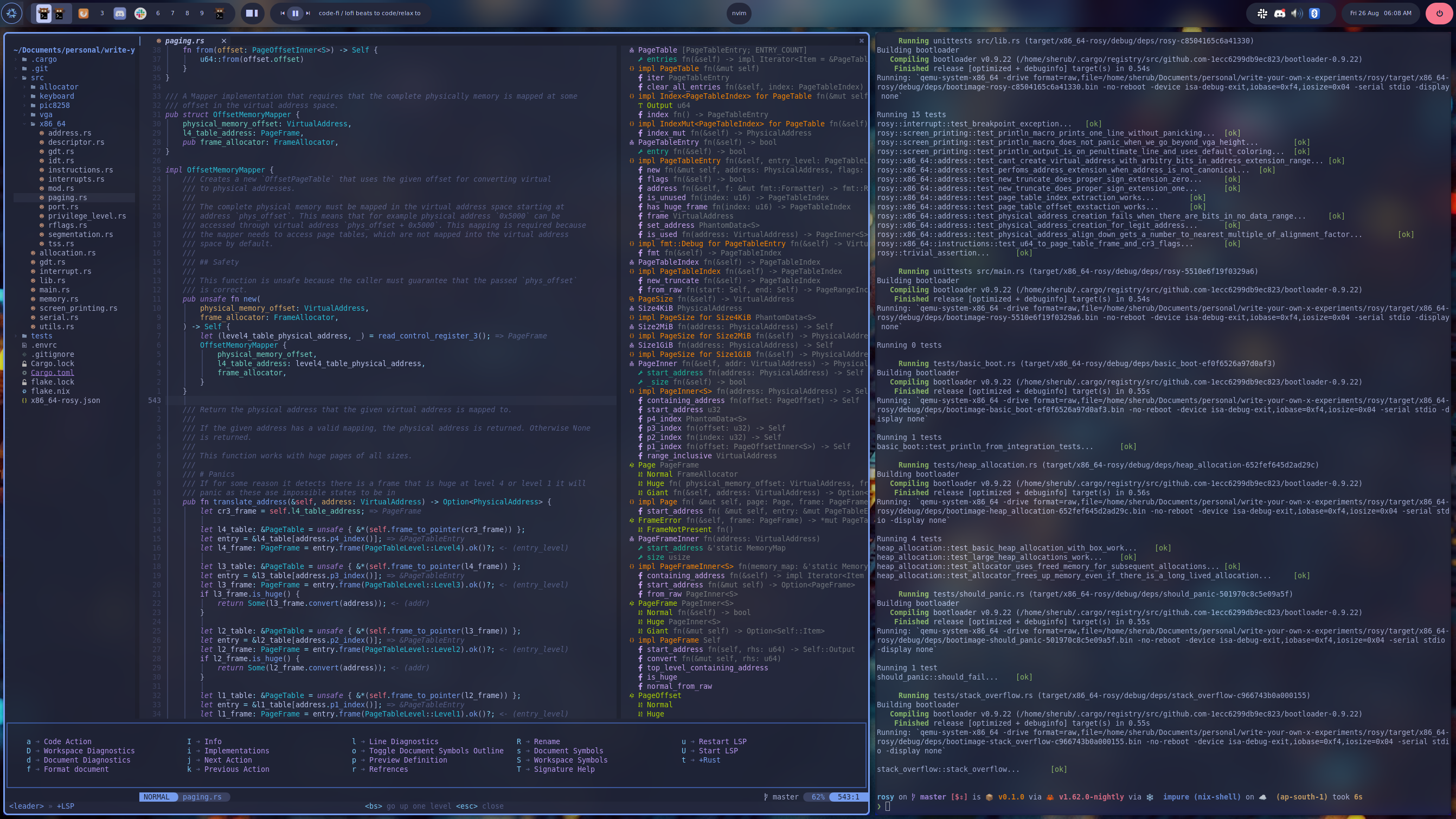

Click to see more screenshots from the past
Dracula
Onedark
Contributors

924 commits
Similar repos


Languages
Nix
74.9%
Lua
19.5%
Shell
2.5%
Nushell
2.5%
My dotfiles + system configuration for NixOS and mac
Nix
176
924 commits
updated Sep 23, 2026
README
dotfiles
Nix flake-based dotfiles for my Mac and home server.
Current Setup
| Area | Current setup |
|---|---|
| Mac host | srt-l02-sekhmet |
| Home server | srt-n01-rivendell |
| User config | Home Manager |
| macOS system config | nix-darwin |
| NixOS server config | NixOS flake output with Home Manager and nixarr |
| Terminal emulator | Kitty plus kitty-dev |
| Shell | Nushell in Kitty |
| Server login shell | Bash, with Nushell installed for interactive use |
| Font | Hack Nerd Font Mono |
| Editor | Neovim |
| Browser | Firefox via Home Manager, Google Chrome via Mac GUI packages |
| macOS window manager | yabai + skhd |
| Home server services | Jellyfin, Radarr, Prowlarr, qBittorrent, Seerr, and Pi-hole |
The main flake outputs are:
homeConfigurations.srt-l02-sekhmetdarwinConfigurations.srt-l02-sekhmetnixosConfigurations.srt-n01-rivendell
Well these look different from normal dotfiles mate
Ok so I am one of those people who are all in on the "nix hype train". That is why this might look unfamiliar to someone who does not know what nix is.
Nix is a philosophy, a programming language, a package manager and an OS. All this culminates in a unique approach to package management and system configuration. The end result is reproducible, declarative and reliable systems.
Think of it like git but for your system, package management, etc.
:mind_blown:
Color me interested! Where can I know more?
Now if you are still with me and want to know more about it. Here are a few helpful links that you can visit to know more about it.
- Watch first 6 minutes of this video to get a gist of nix package management and how it's different from standard package management and then building on that what is NixOS)
- If the previous video peeks your curiosity then I recommend looking at this to get a deeper understanding
- Finally, if you decide that this is something you want for yourself. Then this brilliant playlist might just be the perfect place to start.
Setup
These commands assume the repo lives at ~/.dotfiles.
Mac user config
Requirements:
- nix with flake support is available
Apply the Home Manager config:
cd ~/.dotfiles
home-manager switch --flake "./#srt-l02-sekhmet" -b backup
The Home Manager config also installs an apply-user helper that runs the same
switch from ~/.dotfiles.
Mac system config
Apply the nix-darwin config:
sudo darwin-rebuild switch --flake ~/.dotfiles/.#srt-l02-sekhmet
The Home Manager config also installs an apply-system helper for this.
Home server config
The NixOS server flake output is nixosConfigurations.srt-n01-rivendell.
The host config lives under hosts/nixos/srt-n01-rivendell/.
The normal remote switch from the Mac builds and deploys over Tailscale:
env NIX_SSHOPTS='-i /Users/nixypanda/.ssh/github-key -o StrictHostKeyChecking=accept-new' \
  nix run nixpkgs#nixos-rebuild -- switch \
  --flake .#srt-n01-rivendell \
  --build-host nixypanda@100.127.3.54 \
  --target-host nixypanda@100.127.3.54 \
  --no-reexec \
  --use-substitutes \
  --ask-sudo-password
On the server itself, the equivalent is:
sudo nixos-rebuild switch --flake ~/.dotfiles#srt-n01-rivendell
Updating inputs
cd ~/.dotfiles
nix flake update --flake .
The Home Manager config also installs an update-dots helper for this.
Validation
Fast evaluation checks:
nix eval --raw .#homeConfigurations.srt-l02-sekhmet.activationPackage.drvPath
nix eval --raw .#darwinConfigurations.srt-l02-sekhmet.system.drvPath
nix eval --raw .#nixosConfigurations.srt-n01-rivendell.config.system.build.toplevel.drvPath
Build checks without changing the result symlink:
nix build --no-link .#homeConfigurations.srt-l02-sekhmet.activationPackage
nix build --no-link .#darwinConfigurations.srt-l02-sekhmet.system
Build the NixOS server output on the server or with a Linux remote builder; the
Mac is x86_64-darwin and cannot build Linux-only derivations locally.
Caveat
I use git-crypt for files under
.secrets/, and agenix for Rivendell homelab secrets under
hosts/nixos/srt-n01-rivendell/homelab/secrets/. If you plan to use these
dotfiles, replace those files with your own secrets or remove the references
from the codebase.
Code Structure
flake.nixwires the Mac Home Manager output, Mac nix-darwin output, and the NixOS home server output.- Home Manager modules live under
modules/. - macOS system modules live under
modules/mac/. - NixOS host modules live under
hosts/nixos/. - Neovim Lua config lives under
modules/nvim/lua/. - Homelab service docs live in
hosts/nixos/srt-n01-rivendell/homelab/.
Here are a few screenshots to showcase this config in action
Note: these are legacy screenshots from an older NixOS desktop setup. The current desktop target is macOS, while NixOS is used for the home server.
Tokyonight
Click to see more screenshots from the past
Dracula
Onedark
Similar repos
Contributors
924 commits
Languages
Nix
74.9%
Lua
19.5%
Shell
2.5%
Nushell
2.5%