Path tracing renderer and utilities for three.js built on top of three-mesh-bvh.
See the code


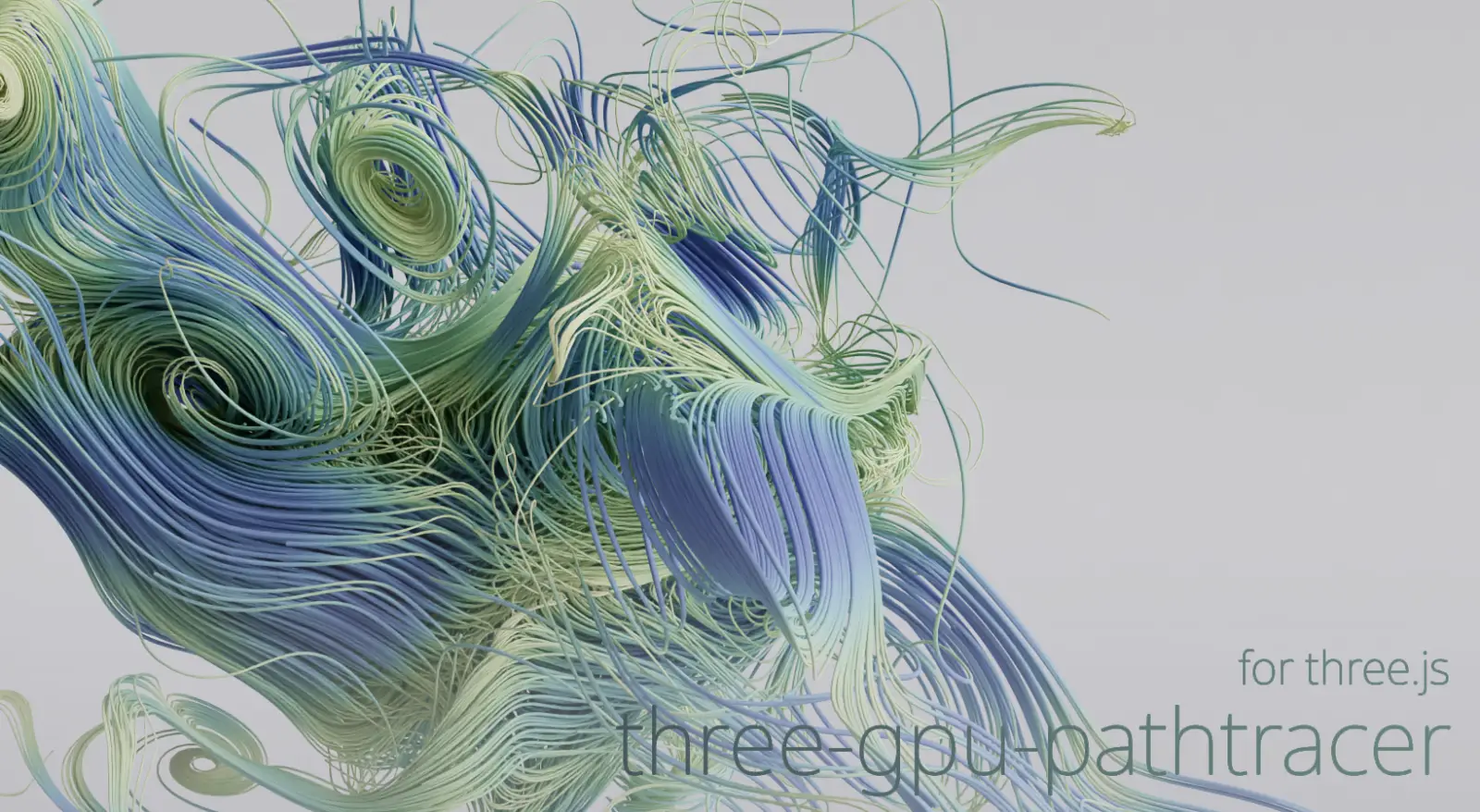
Path tracing project using three-mesh-bvh and WebGPU compute shaders to accelerate high quality, physically based rendering on the GPU.
Setup
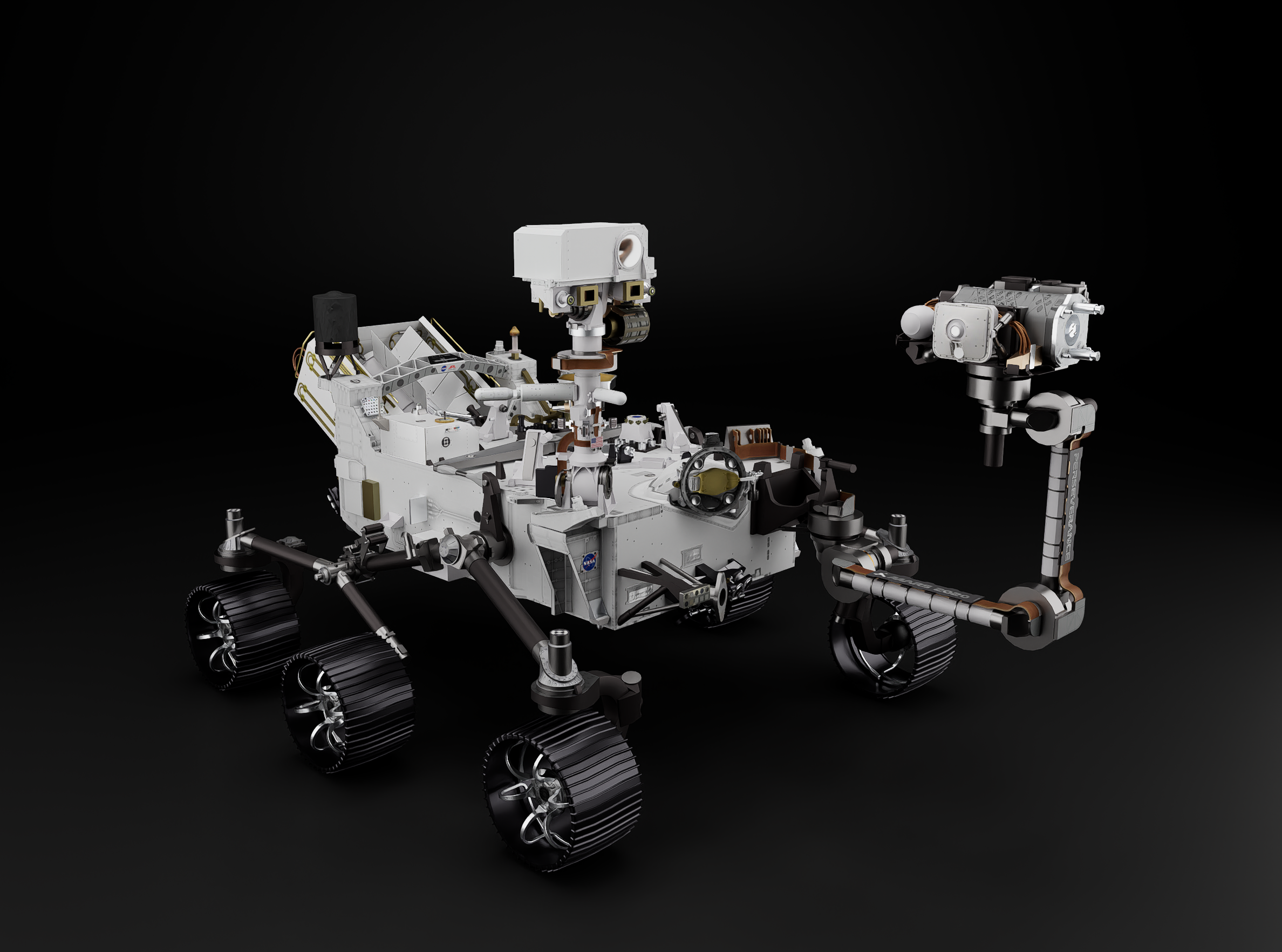
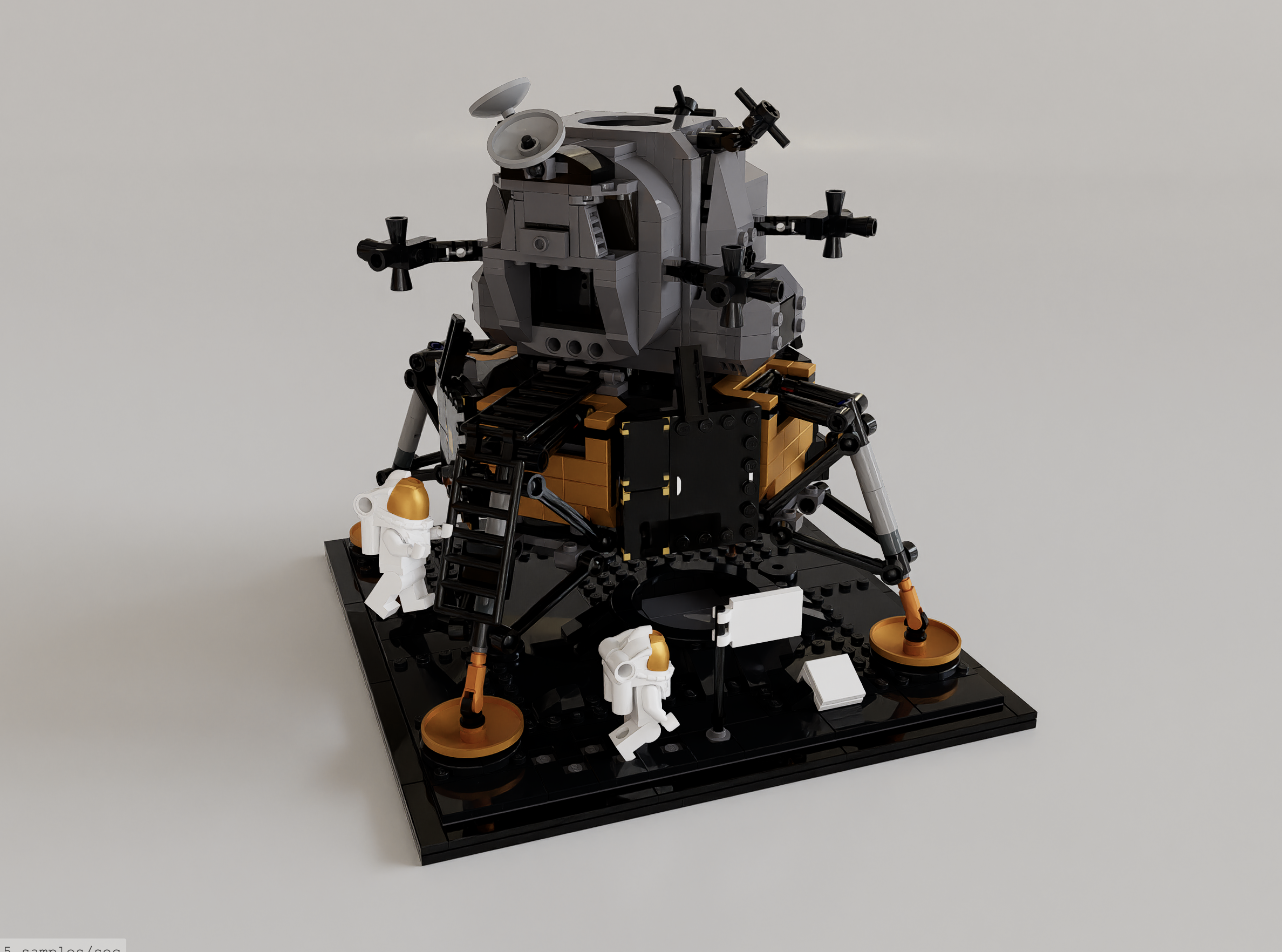
Basic Primitive Geometry Example
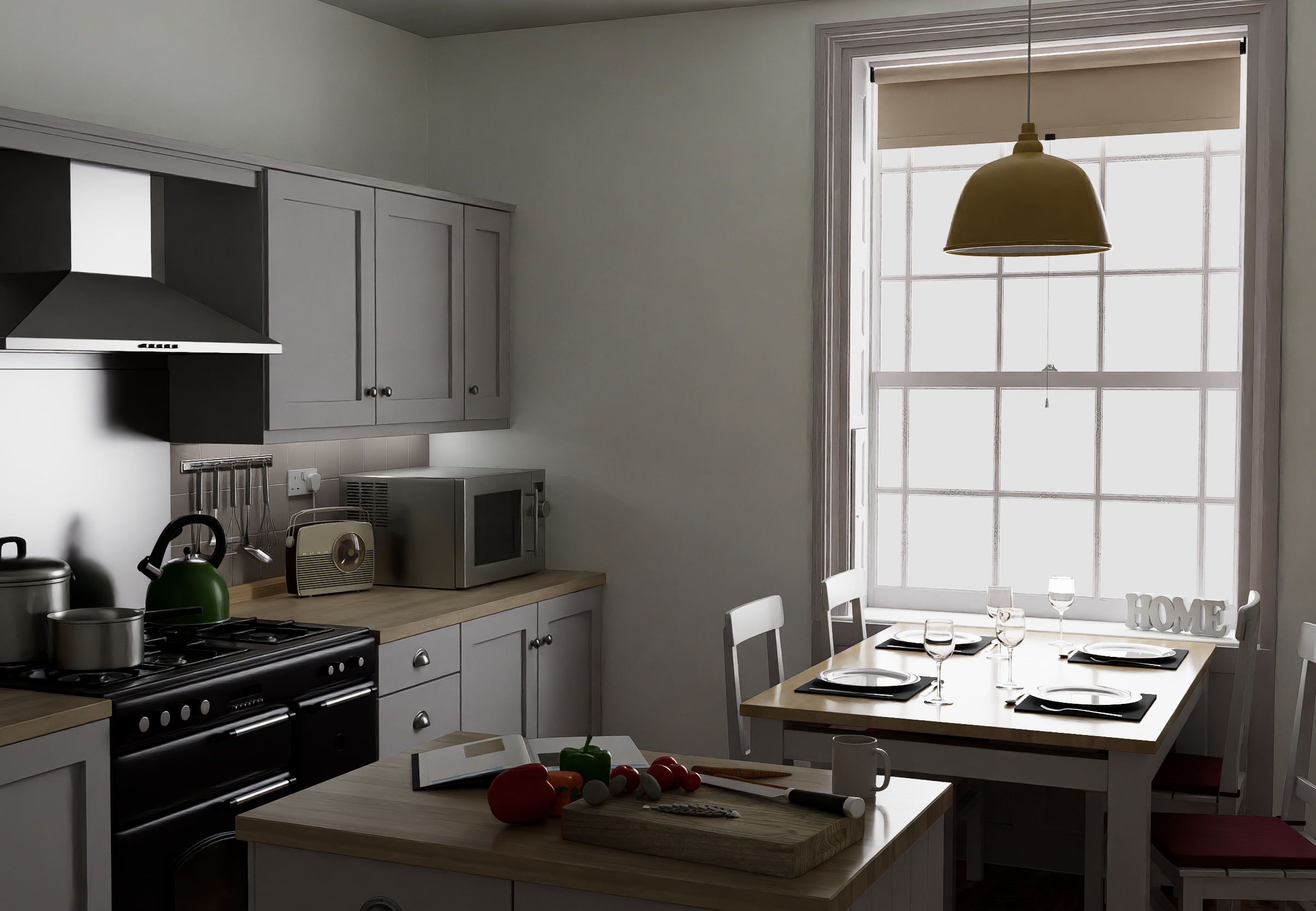
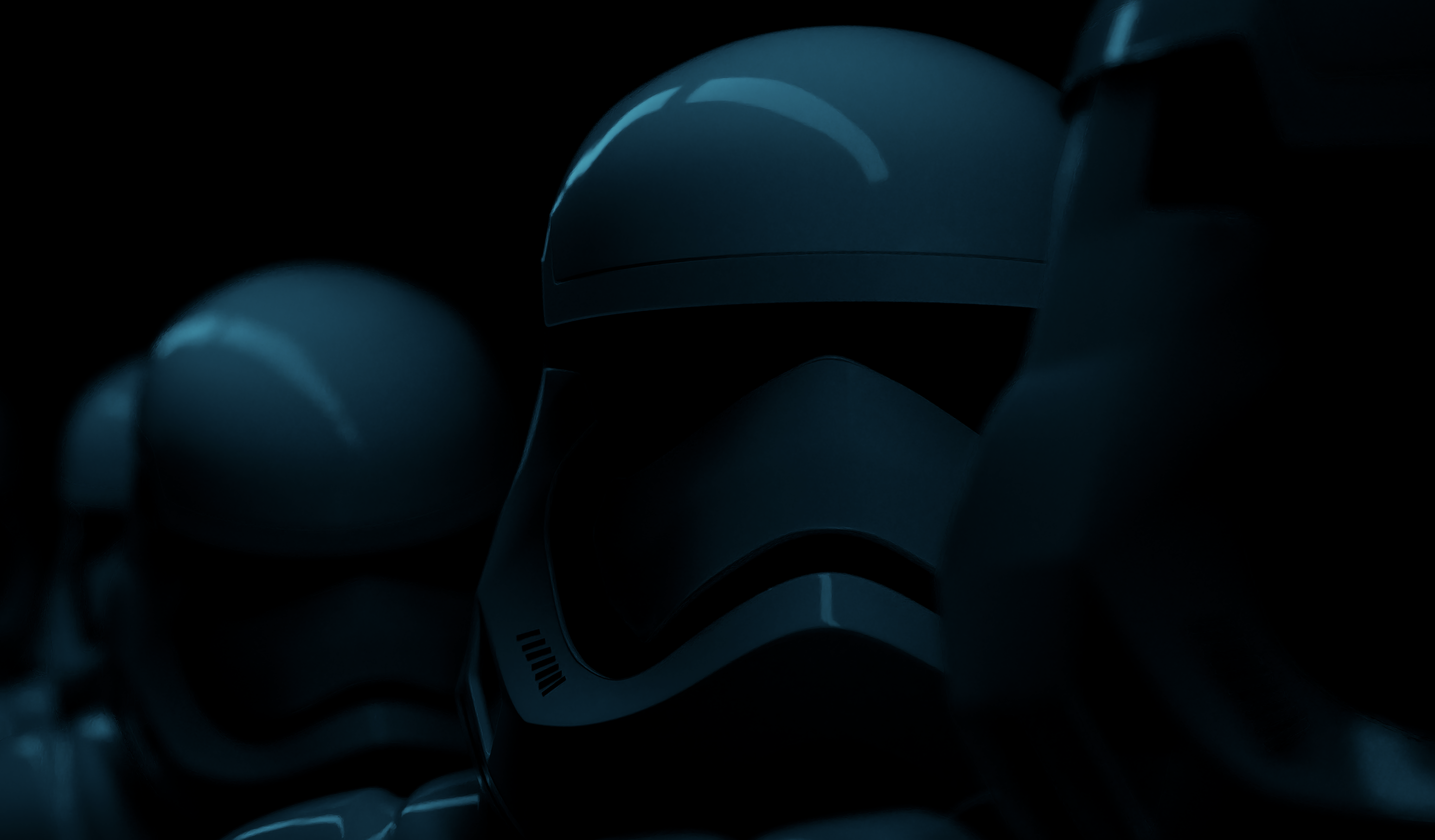
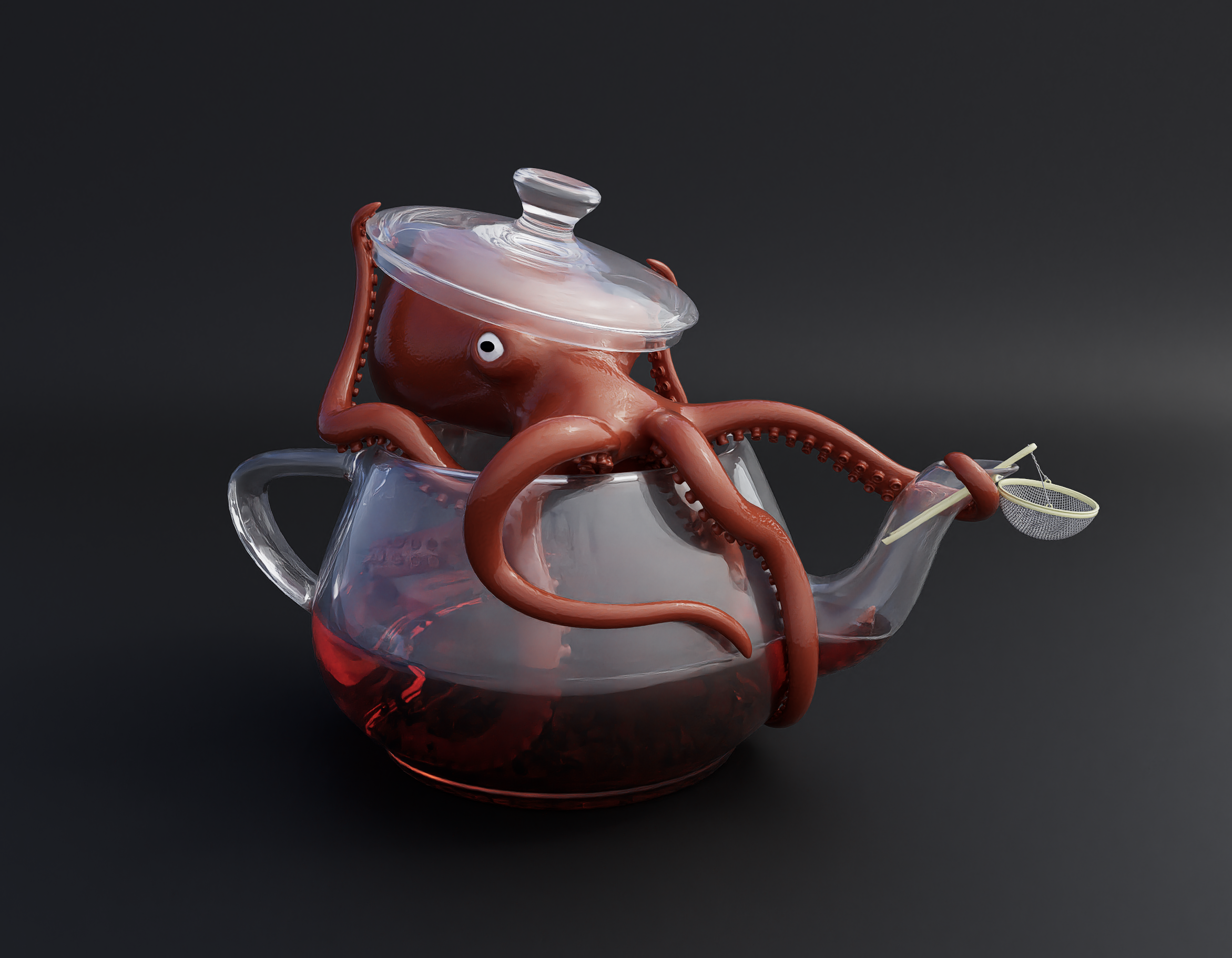
Beauty Demos
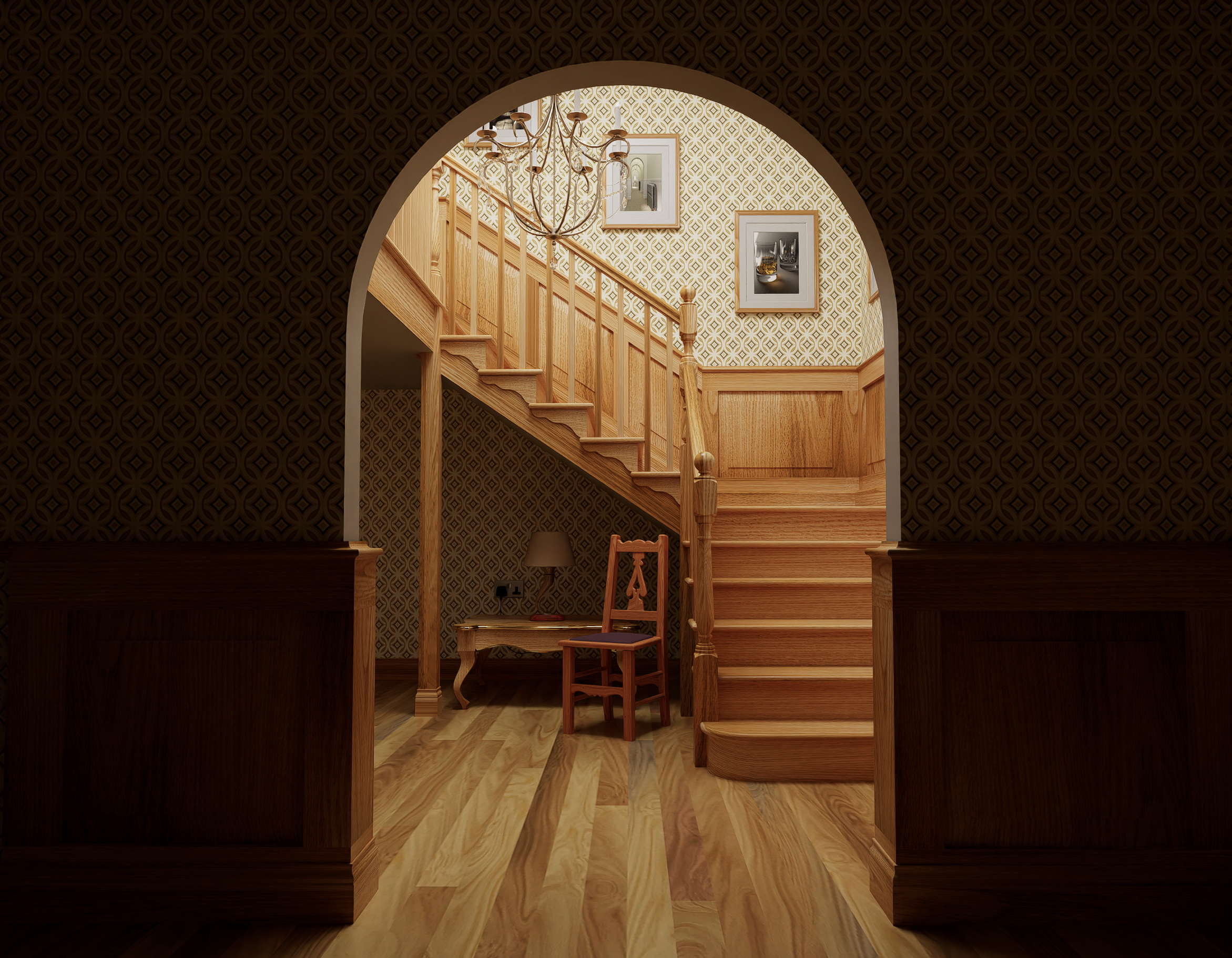
Interior Scene w/ Equirect Rendering
Features
Test Scenes
Model Viewer Fidelity Scene Comparisons
Tools
To run and modify the examples locally, make sure you have Node and NPM installed. Check the supported versions in the test configuration.
npm installnpm starthttp://localhost:5173/<demo-name.html>Basic Renderer
import * as THREE from 'three/webgpu';
import { WebGPUPathTracer } from 'three-gpu-pathtracer/webgpu';

// init scene, camera, controls, etc

renderer = new THREE.WebGPURenderer();
renderer.toneMapping = THREE.ACESFilmicToneMapping;
await renderer.init();

pathTracer = new WebGPUPathTracer( renderer );
pathTracer.setScene( scene, camera );

animate();

function animate() {

	requestAnimationFrame( animate );
	pathTracer.renderSample();

}
Blurred Environment Map
Using a pre blurred environment map can help improve frame convergence time at the cost of sharp environment reflections. If performance is a concern then multiple importance sampling can be disabled and a blurred environment map used.
import { BlurredEnvMapGenerator } from 'three-gpu-pathtracer/webgpu';

// ...

const envMap = await new HDRLoader().loadAsync( envMapUrl );
const generator = new BlurredEnvMapGenerator( renderer );
const blurredEnvMap = await generator.generate( envMap, 0.35 );
generator.dispose();

scene.environment = blurredEnvMap;

// render!
See the docs site for the WebGPU API documentation.
The same documentation is also available as markdown in API.md.


Raytracing in One Weekend Book
596 followers · starred Jan 2024
469 followers · starred Jan 2022
89 followers · starred Aug 2025
187 followers · starred Mar 2022
Path tracing renderer and utilities for three.js built on top of three-mesh-bvh.
See the code
Path tracing project using three-mesh-bvh and WebGPU compute shaders to accelerate high quality, physically based rendering on the GPU.
Setup
Basic Primitive Geometry Example
Beauty Demos
Interior Scene w/ Equirect Rendering
Features
Test Scenes
Model Viewer Fidelity Scene Comparisons
Tools
To run and modify the examples locally, make sure you have Node and NPM installed. Check the supported versions in the test configuration.
npm installnpm starthttp://localhost:5173/<demo-name.html>Basic Renderer
import * as THREE from 'three/webgpu';
import { WebGPUPathTracer } from 'three-gpu-pathtracer/webgpu';

// init scene, camera, controls, etc

renderer = new THREE.WebGPURenderer();
renderer.toneMapping = THREE.ACESFilmicToneMapping;
await renderer.init();

pathTracer = new WebGPUPathTracer( renderer );
pathTracer.setScene( scene, camera );

animate();

function animate() {

	requestAnimationFrame( animate );
	pathTracer.renderSample();

}
Blurred Environment Map
Using a pre blurred environment map can help improve frame convergence time at the cost of sharp environment reflections. If performance is a concern then multiple importance sampling can be disabled and a blurred environment map used.
import { BlurredEnvMapGenerator } from 'three-gpu-pathtracer/webgpu';

// ...

const envMap = await new HDRLoader().loadAsync( envMapUrl );
const generator = new BlurredEnvMapGenerator( renderer );
const blurredEnvMap = await generator.generate( envMap, 0.35 );
generator.dispose();

scene.environment = blurredEnvMap;

// render!
See the docs site for the WebGPU API documentation.
The same documentation is also available as markdown in API.md.
Raytracing in One Weekend Book
596 followers · starred Jan 2024
469 followers · starred Jan 2022
89 followers · starred Aug 2025
187 followers · starred Mar 2022



