





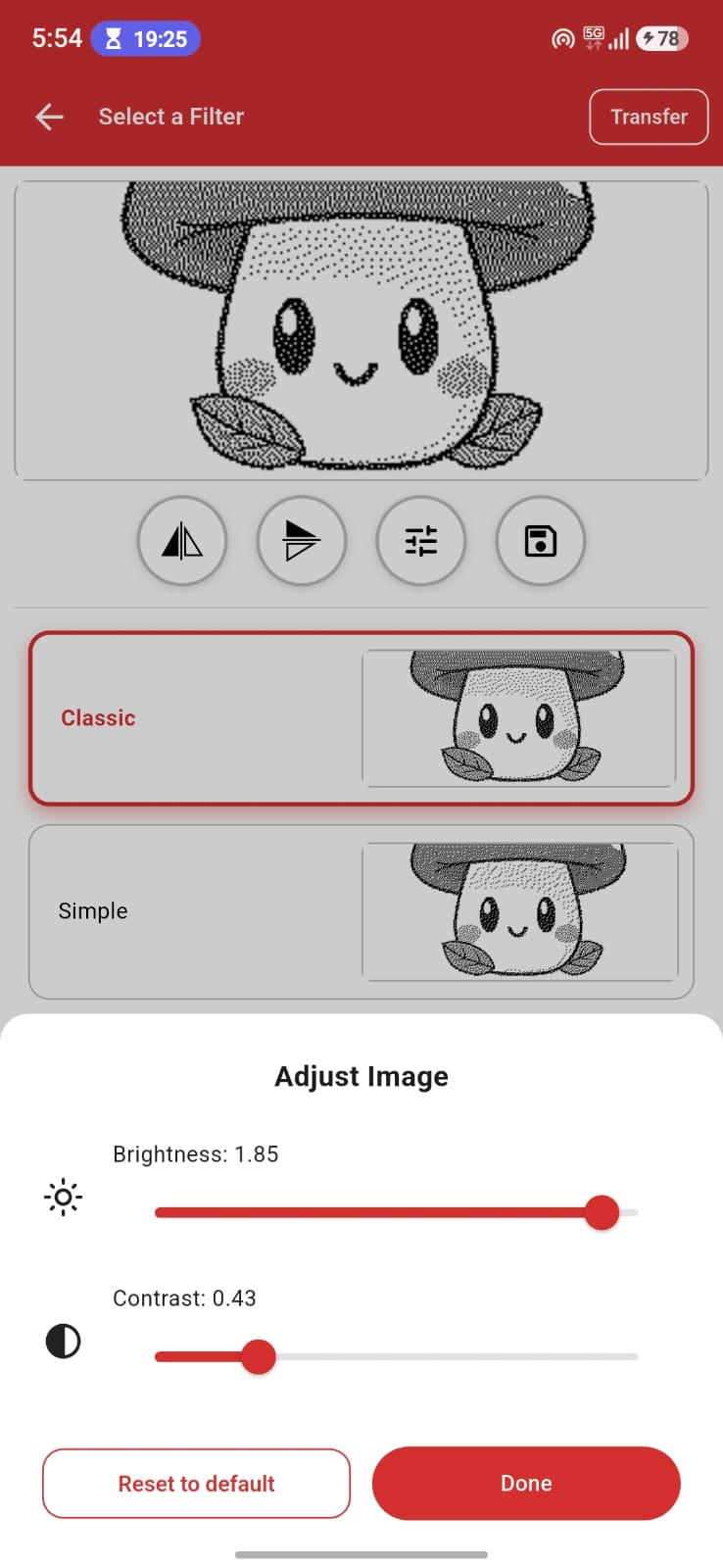
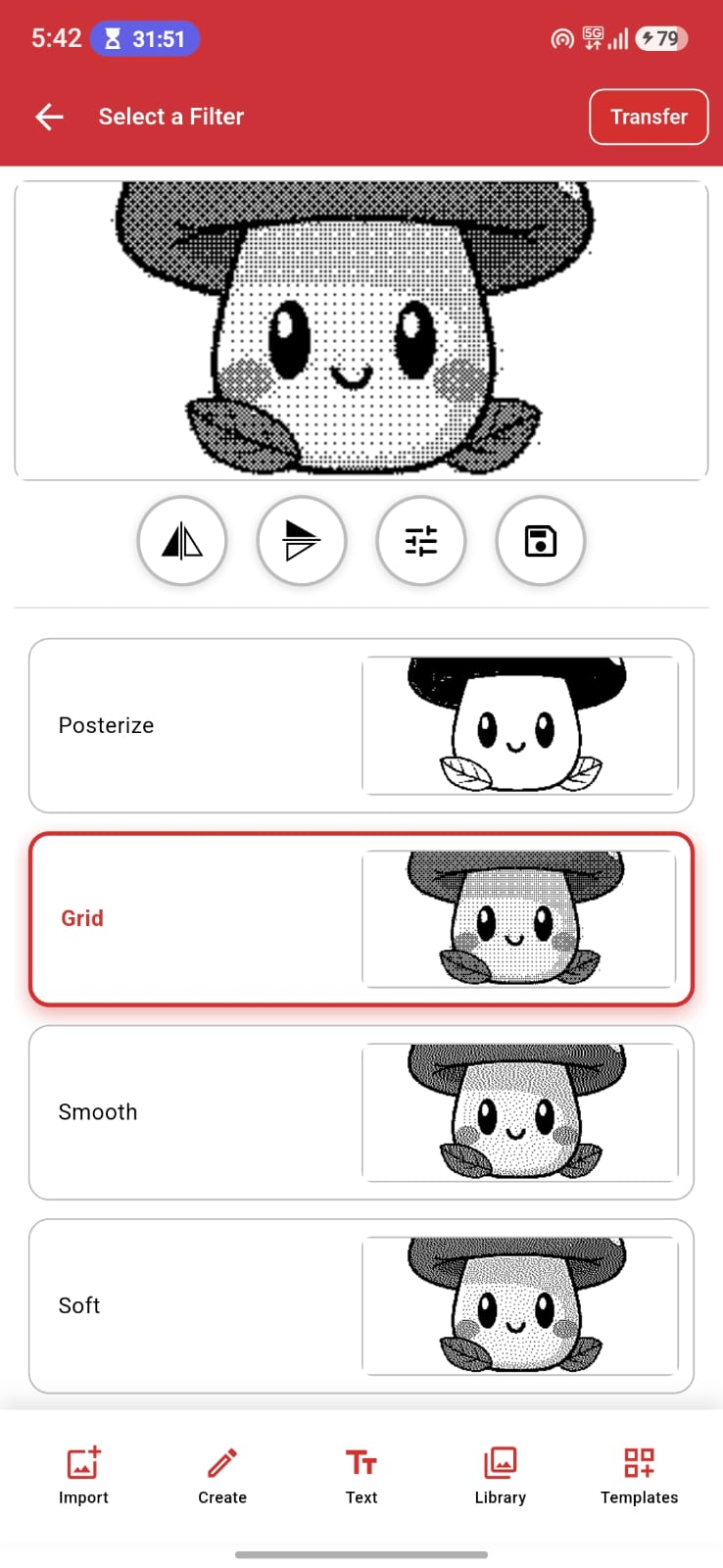
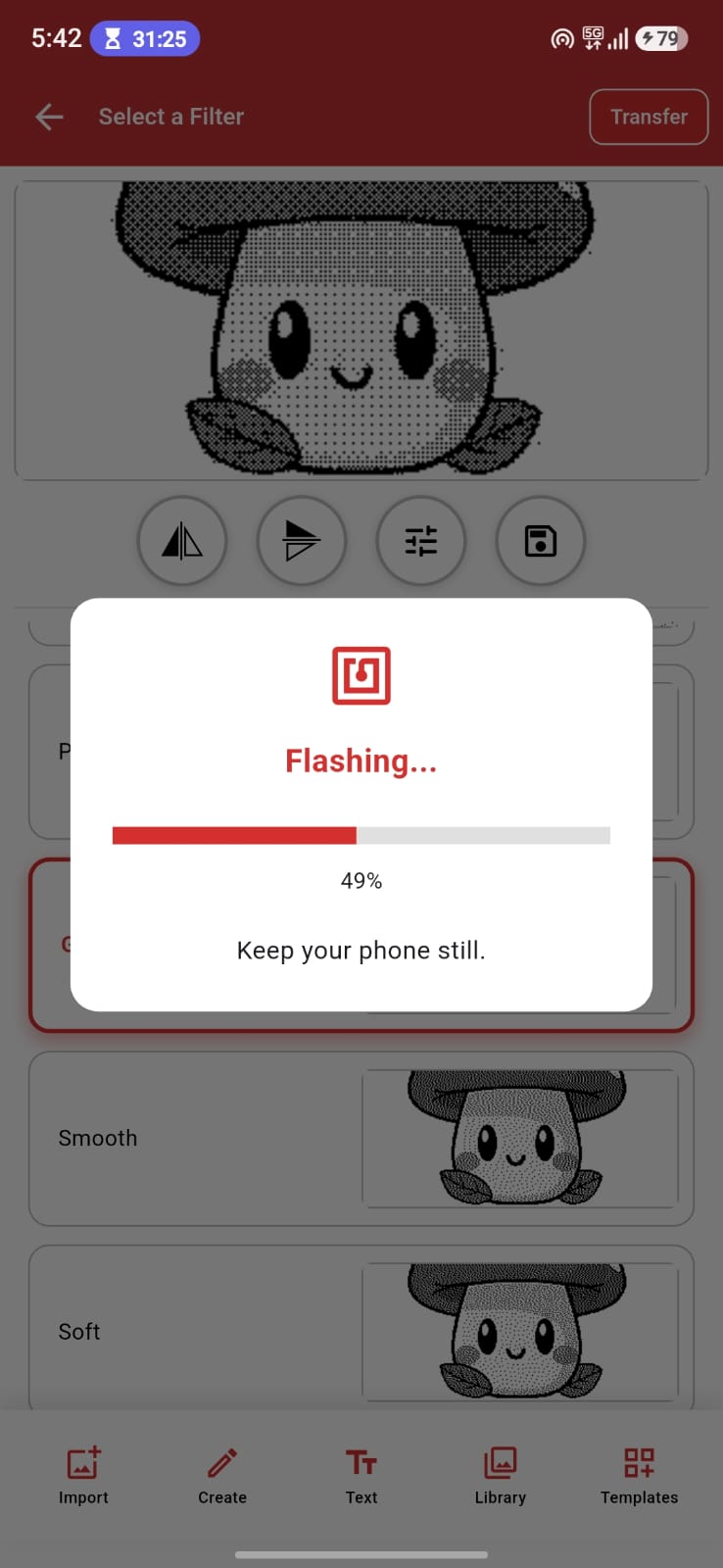
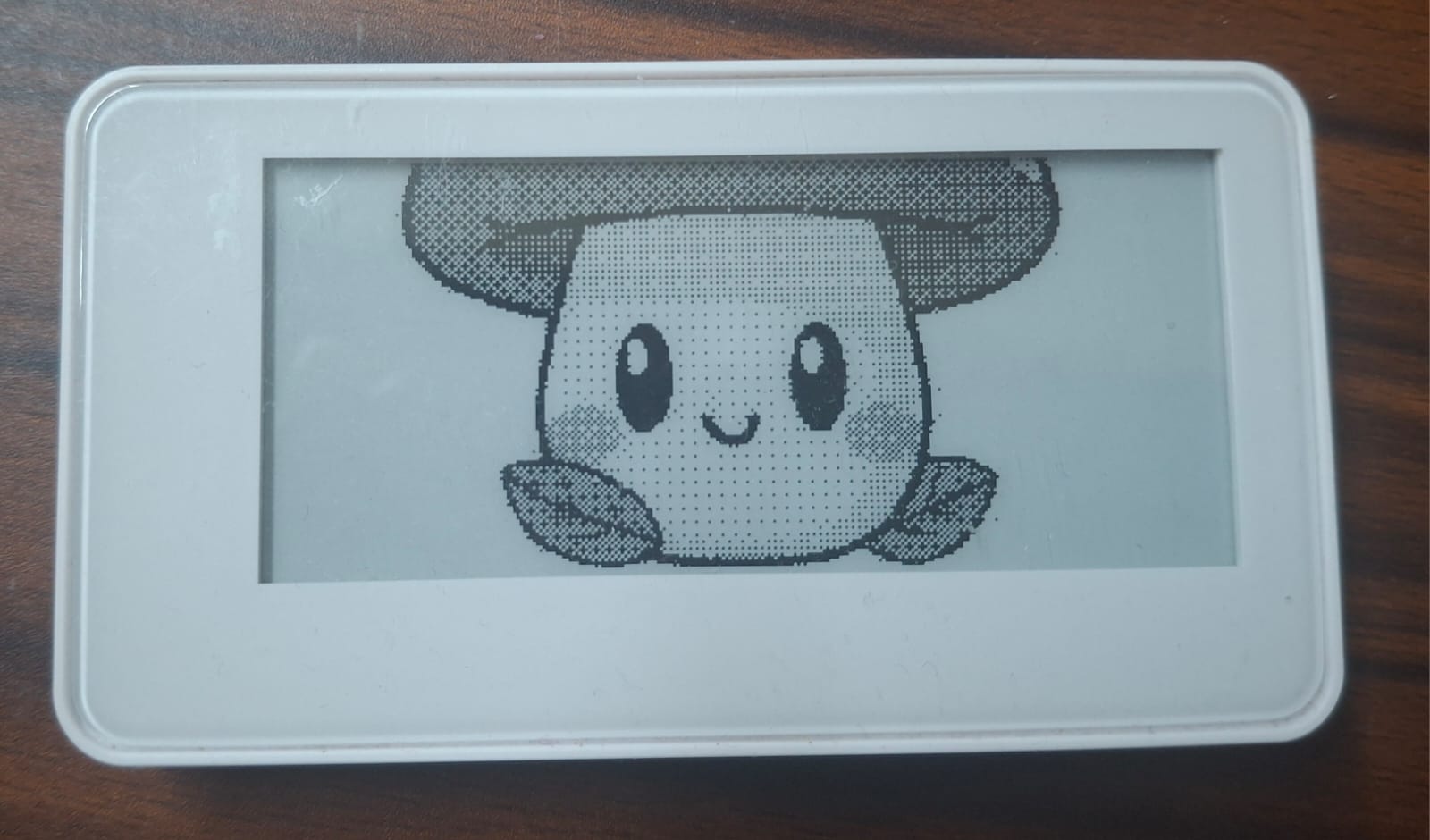
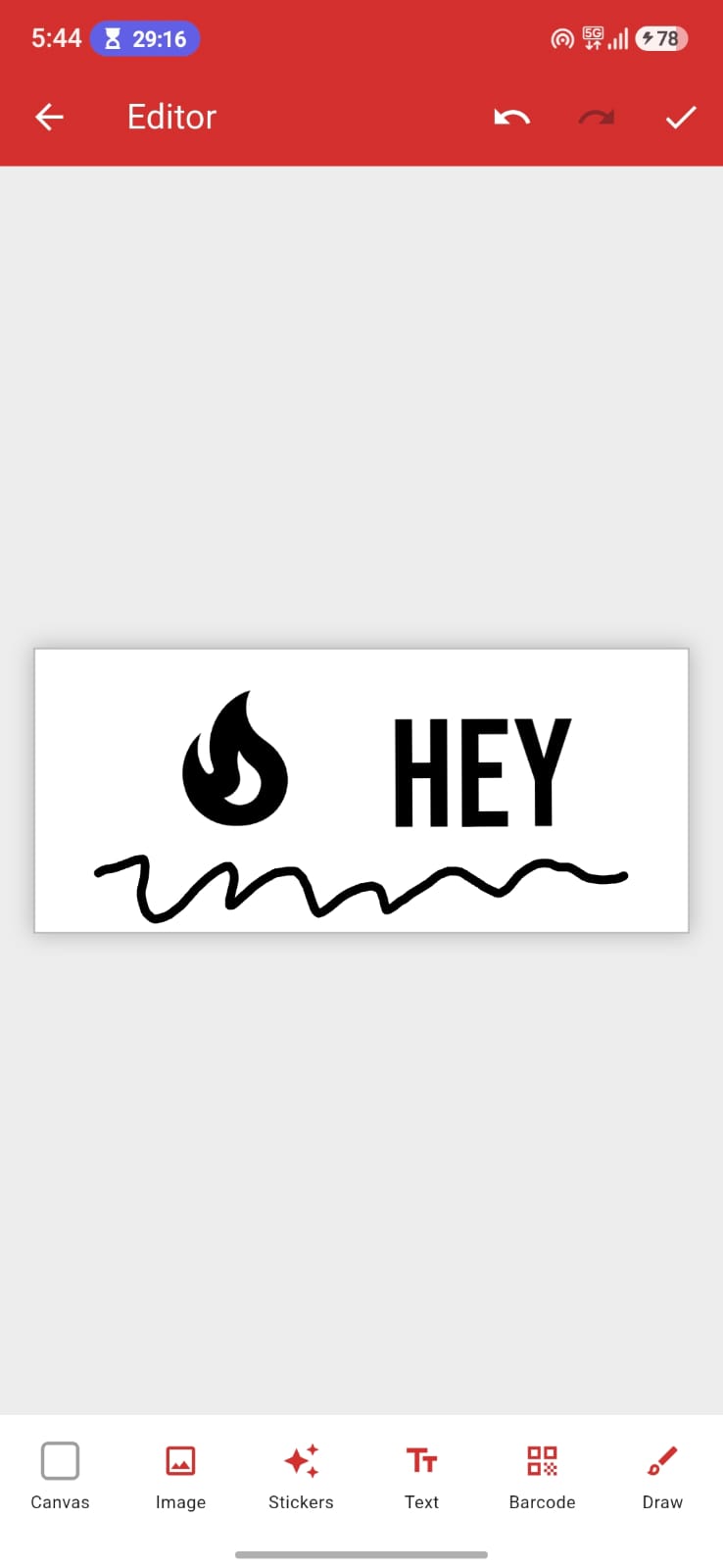
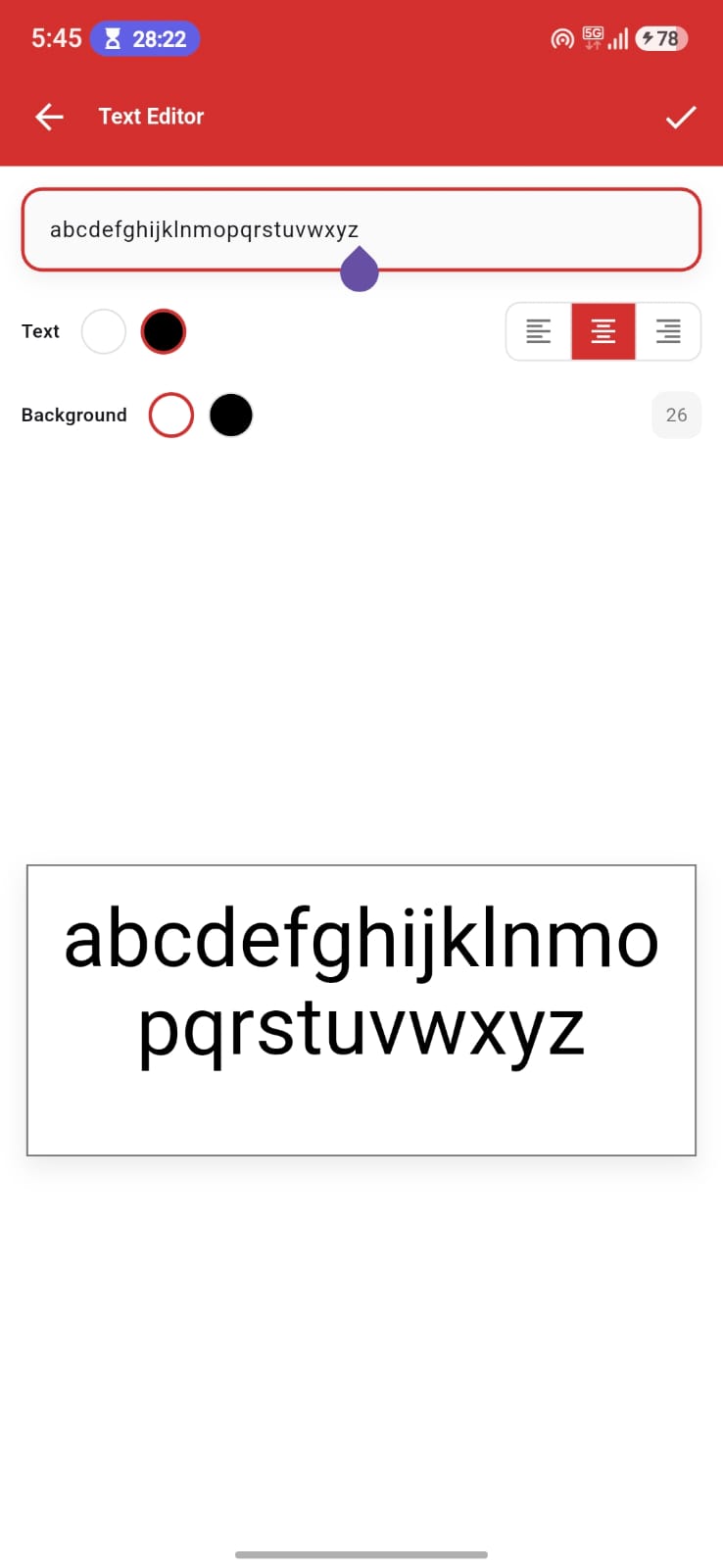
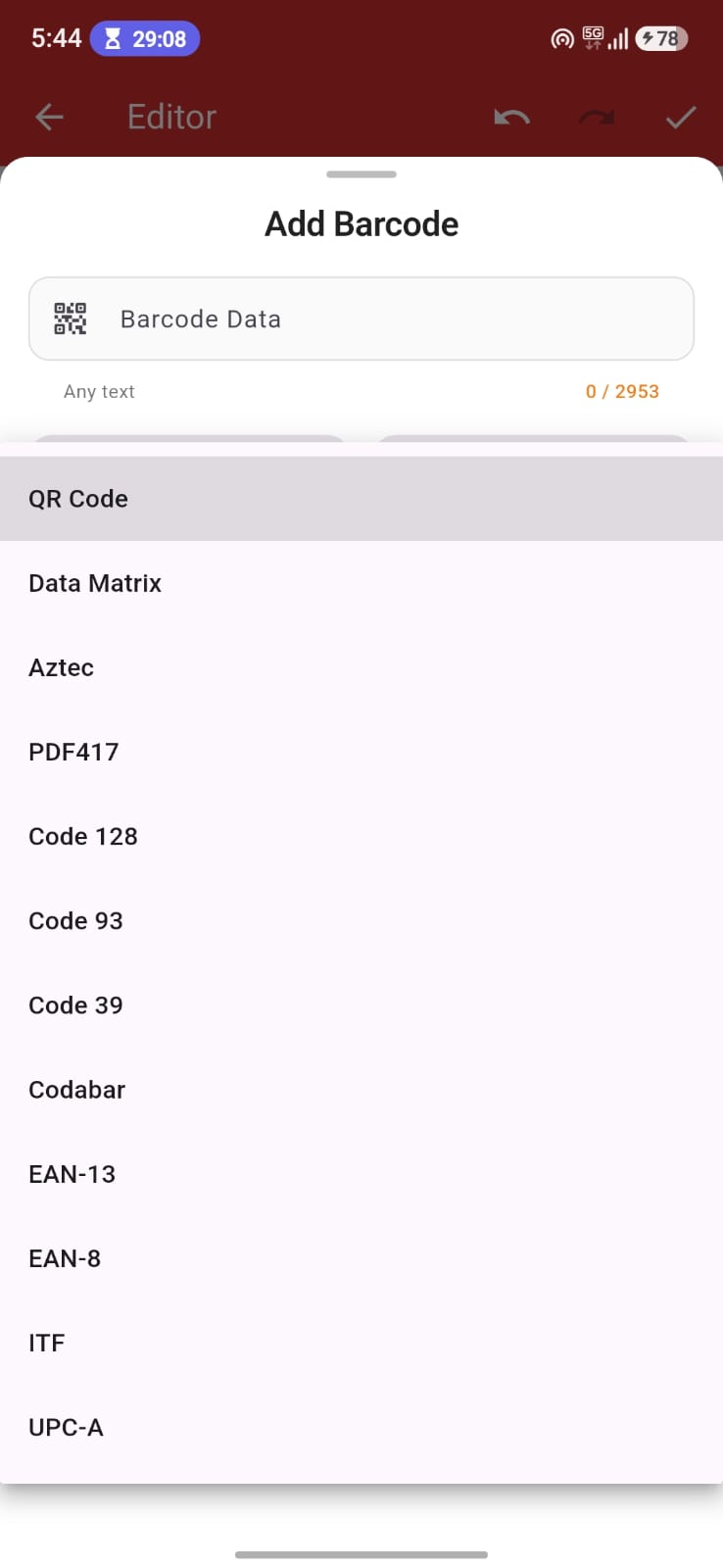
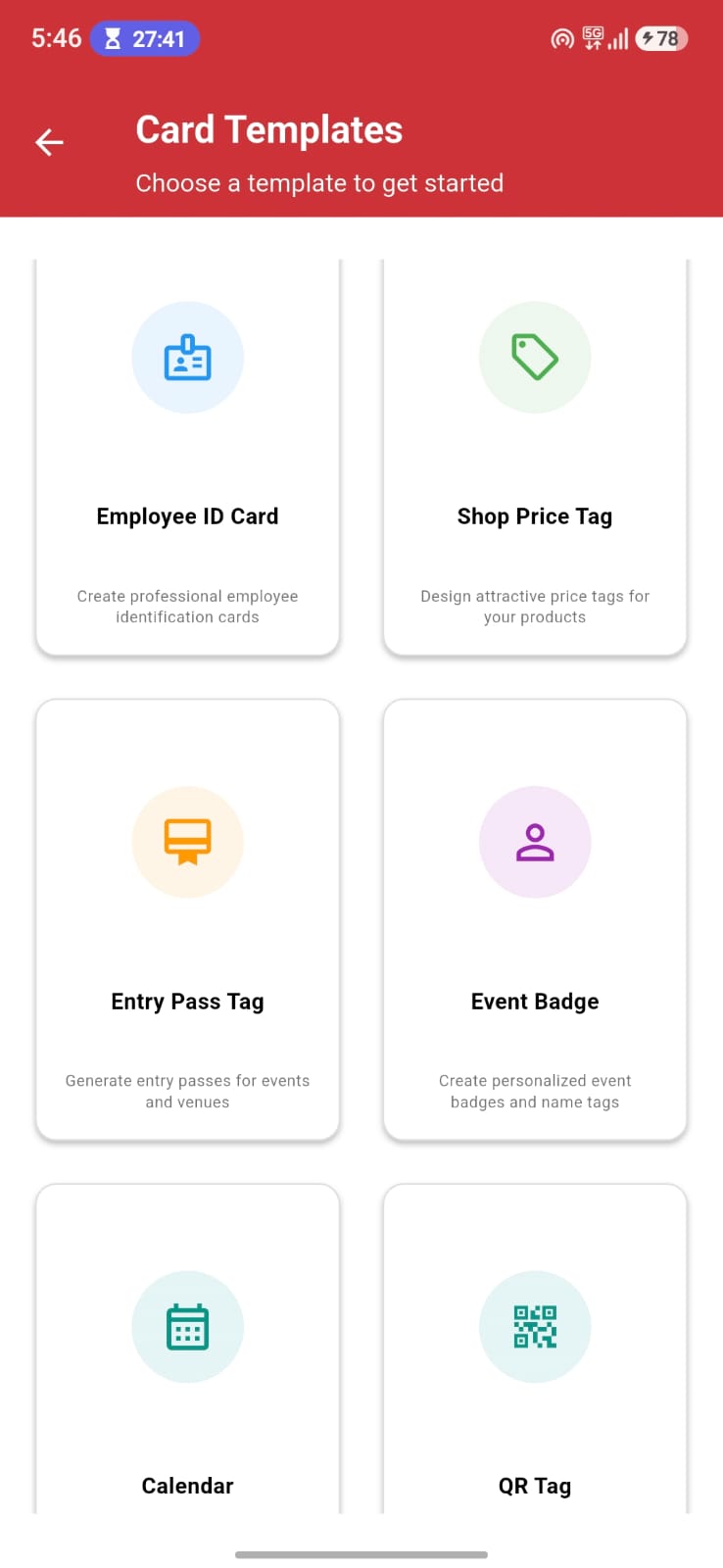
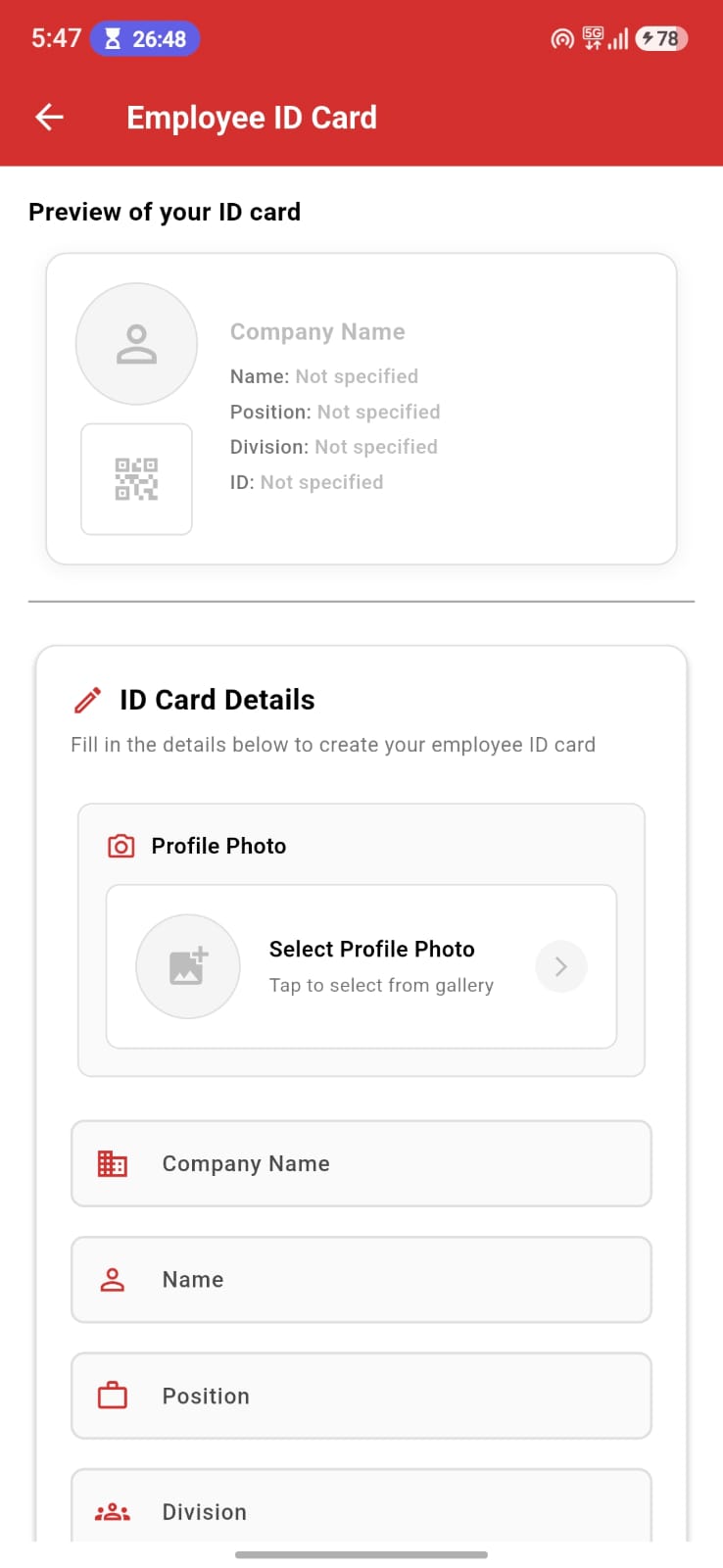
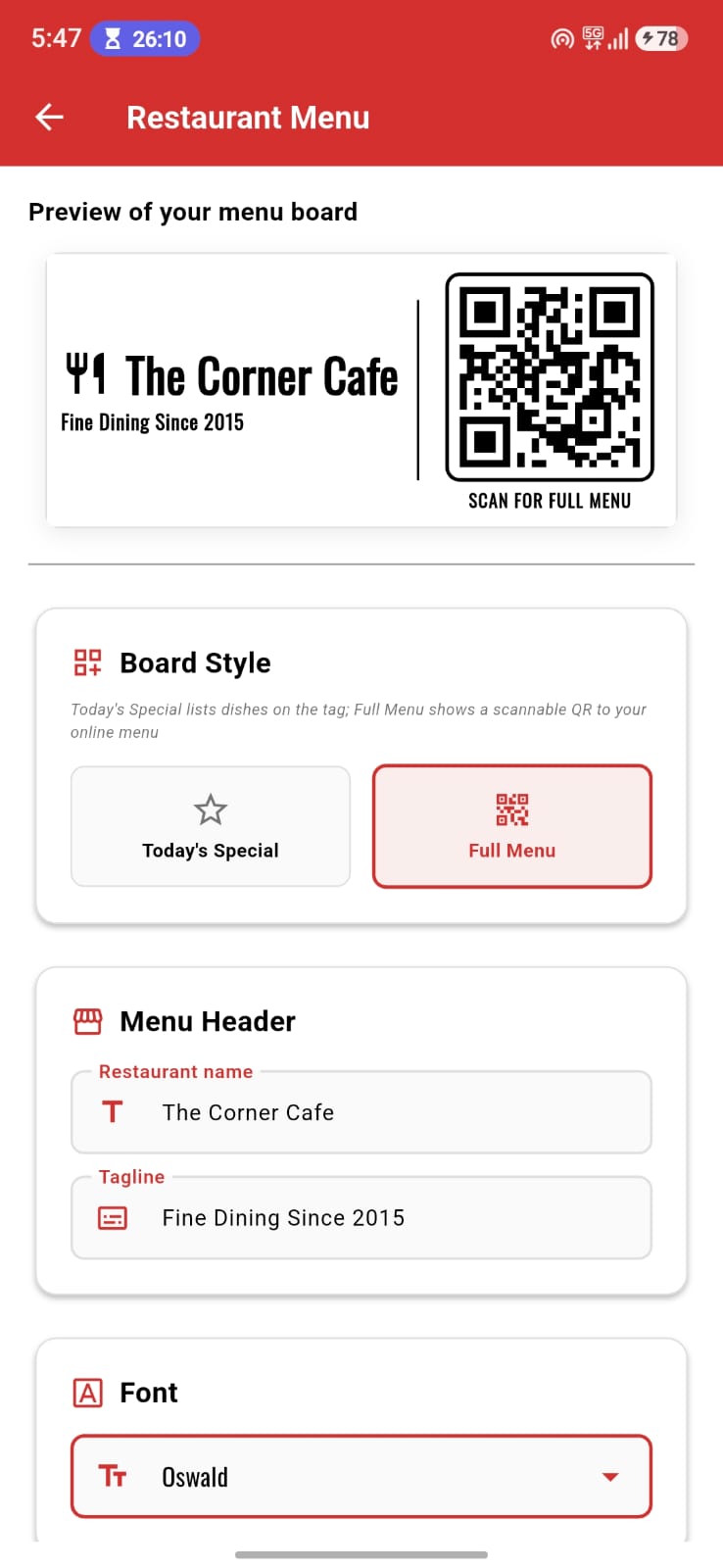
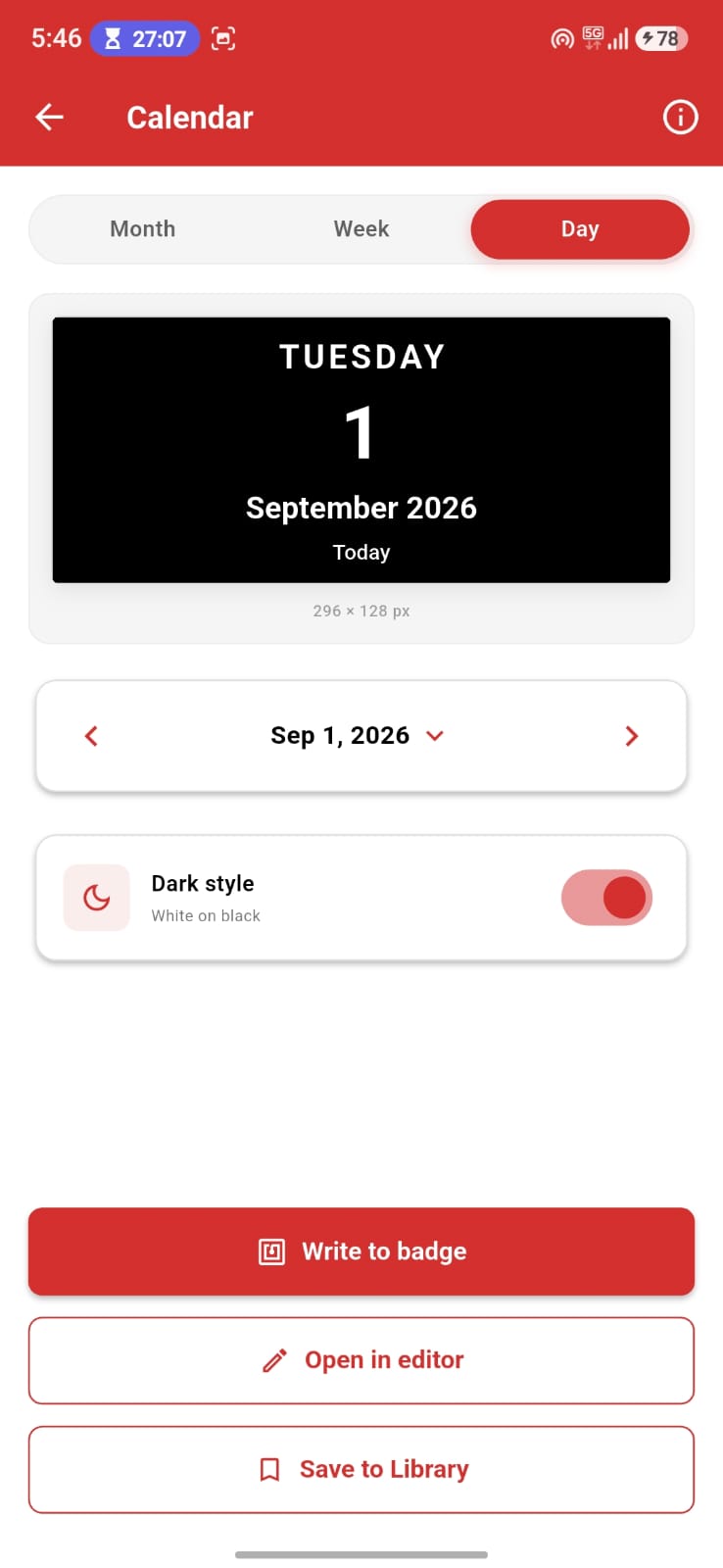
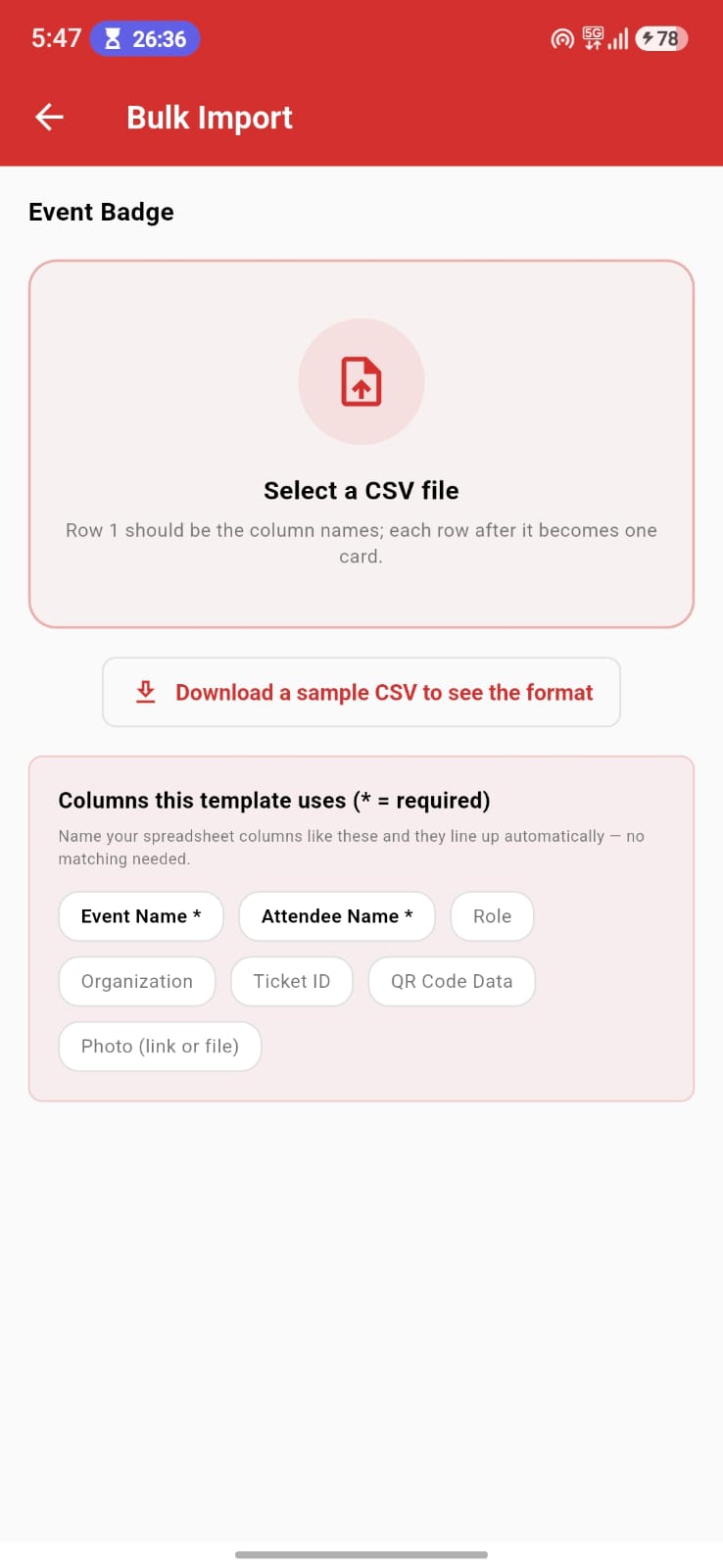
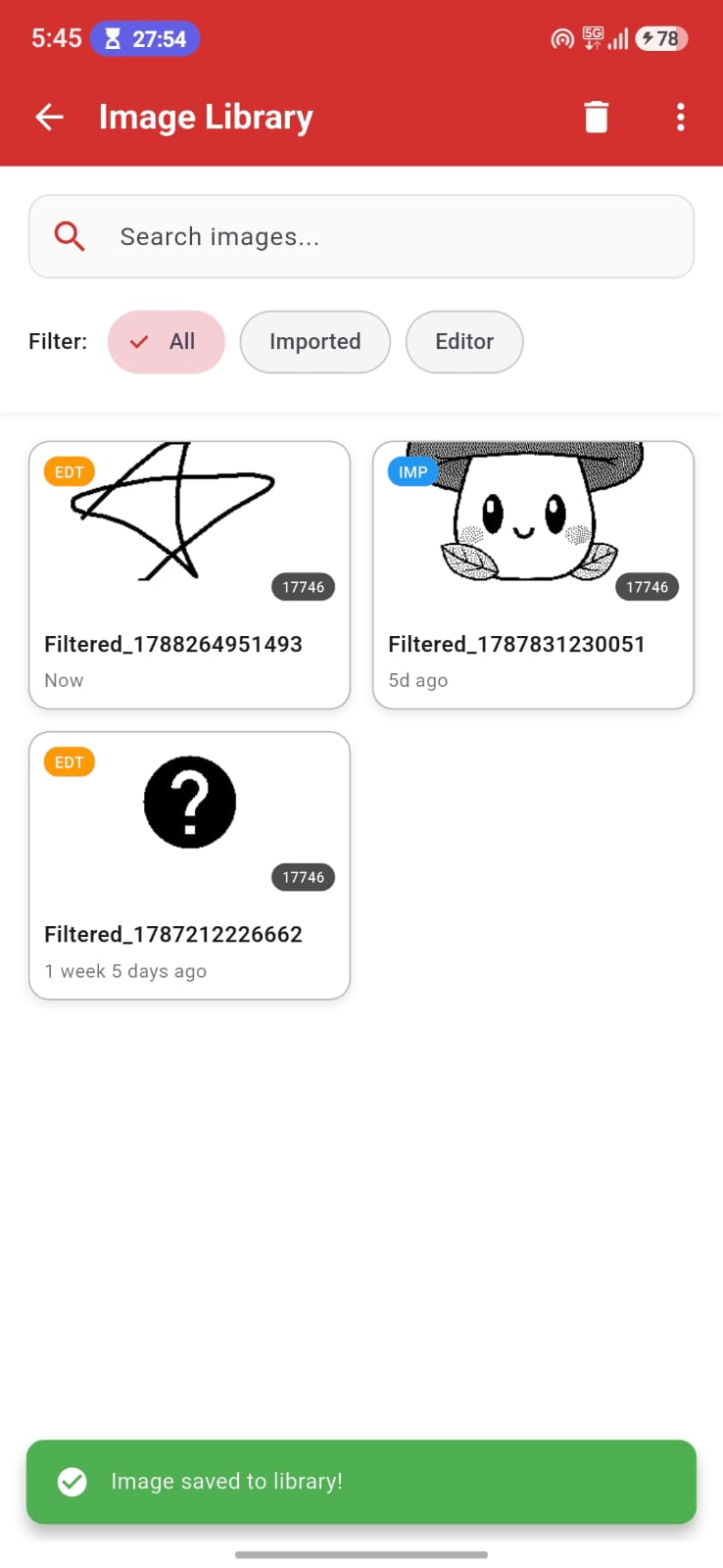
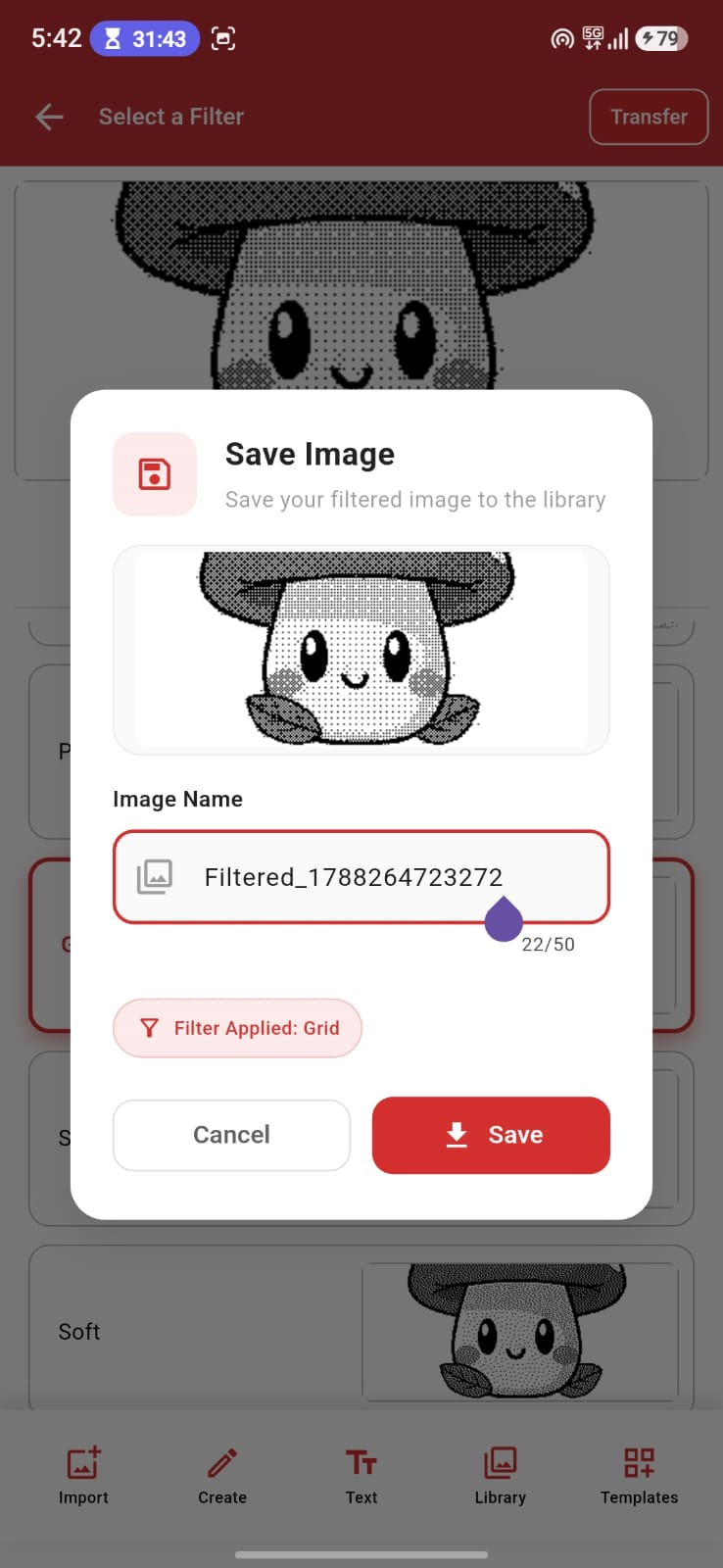
Magic ePaper is an open-source Flutter app that lets you design content on your phone and transfer it to a battery-free NFC ePaper badge wirelessly. No cables or power needed on the badge. Import and dither photos for ePaper, draw and add text, generate QR codes and barcodes, or start from a ready-made card template, then tap your phone to the badge to write the image.
The app is currently in beta testing and runs on Android. Desktop support (Windows, macOS and Linux) is under active development.
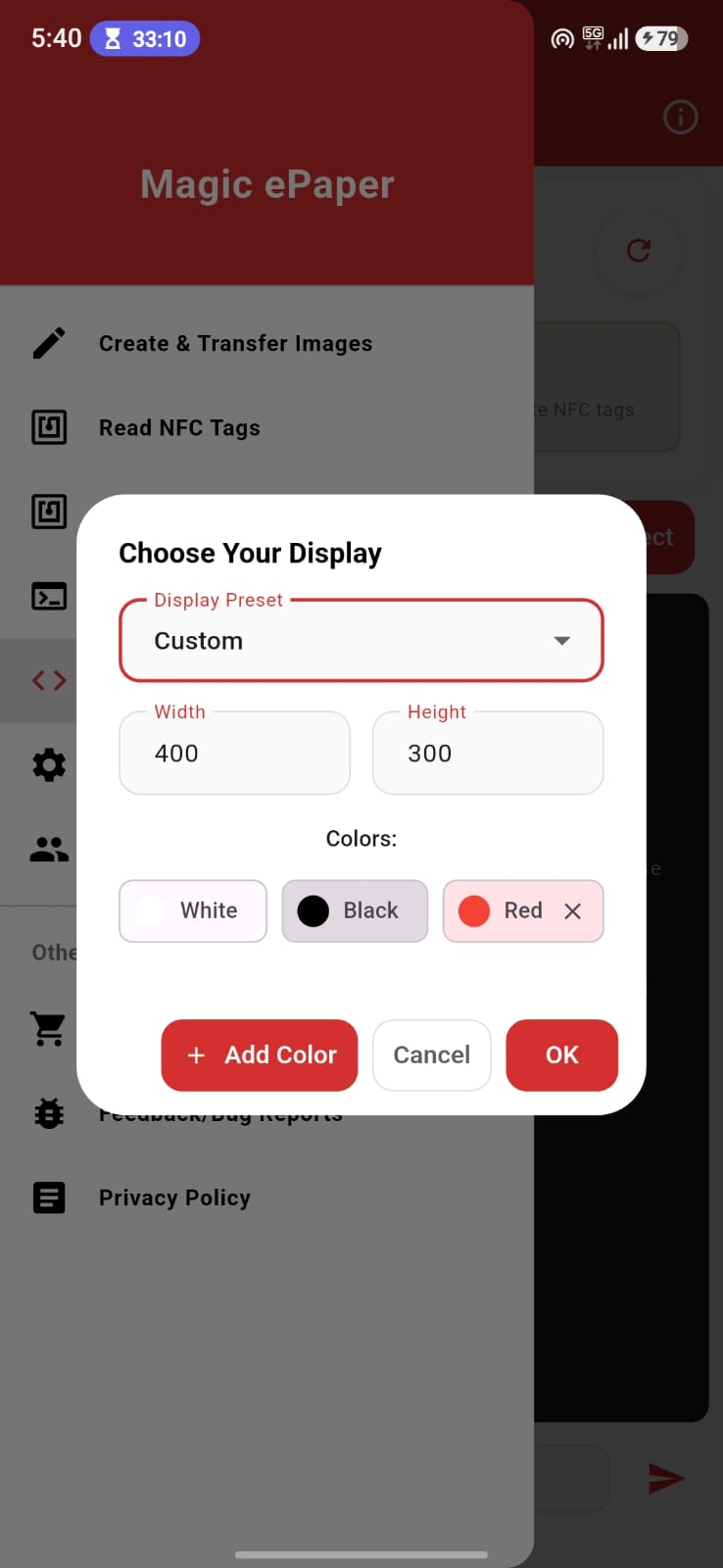
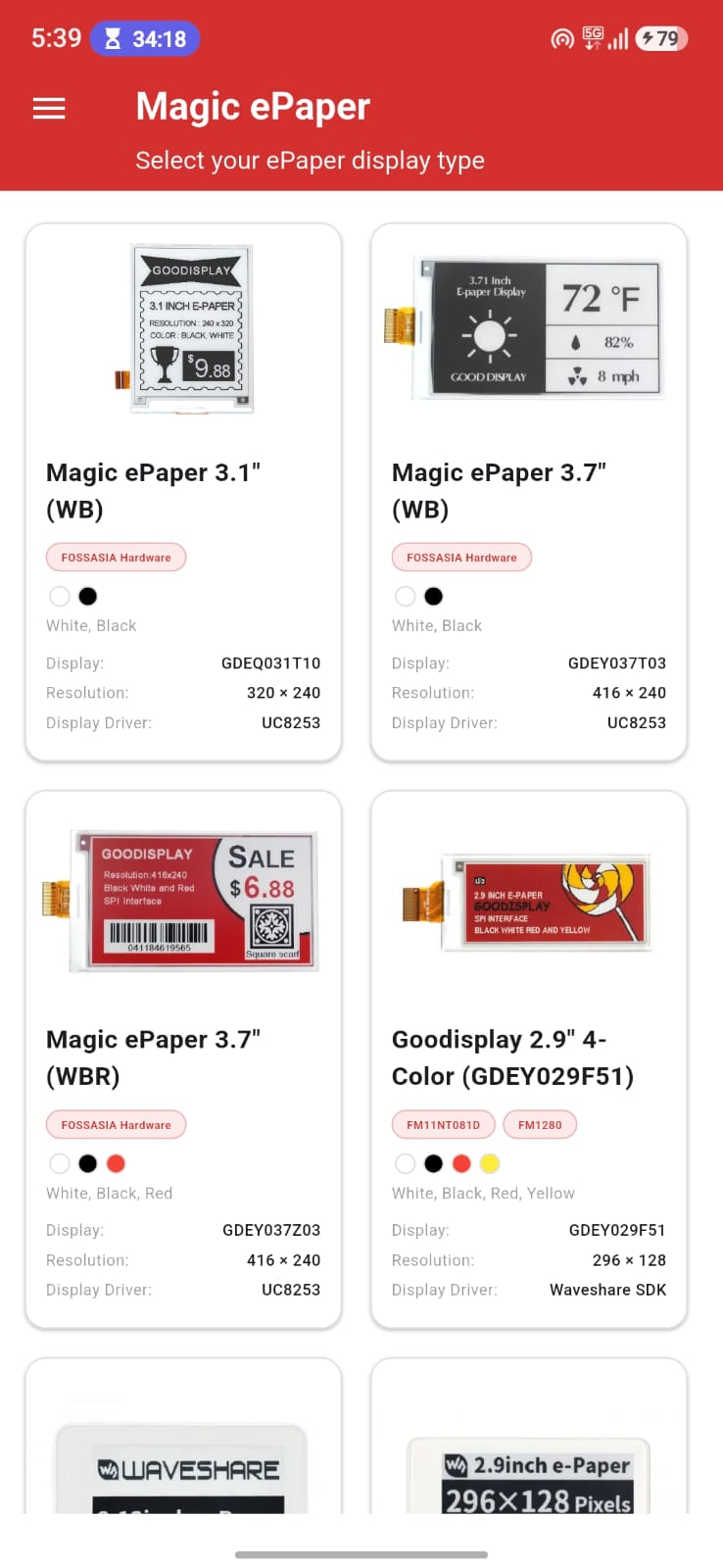
The Magic ePaper badge is still a prototype and is not on general sale yet. Ordering is planned to open on fossasia.com in the future, and the hardware designs and prototypes are shared in the FOSSASIA repositories in the meantime. Any of the supported NFC ePaper badges below already works with the app today.
| Display | Colors | Model |
|---|---|---|
| Waveshare 2.13" NFC | tri-color | 17745 |
| Waveshare 2.7" NFC | tri-color | 18136 |
| Waveshare 2.9" NFC | tri-color | 17746 |
| Waveshare 2.9" B NFC | tri-color | 13339 |
| Goodisplay 2.9" 4-Color | Black / White / Red / Yellow | GDEY029F51 |
| Magic ePaper 3.1" | Black / White | GDEQ031T10 |
| Magic ePaper 3.7" | Black / White | GDEY037T03 |
| Magic ePaper 3.7" | Black / White / Red | GDEY037Z03 |
| Waveshare 4.2" NFC | tri-color | 17341 |
| Waveshare 7.5" NFC | tri-color | 17675 |
| Waveshare 7.5" HD NFC | tri-color | 18082 |
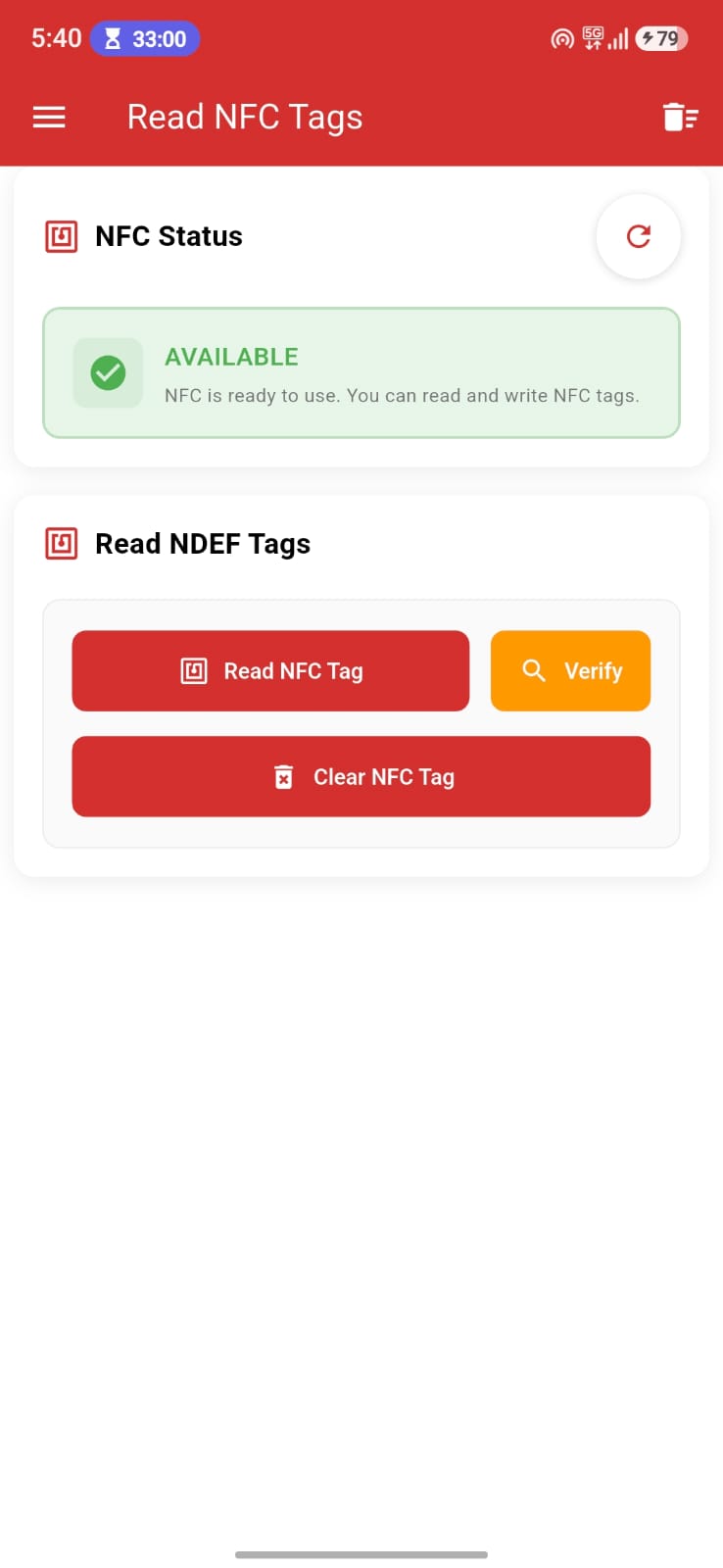
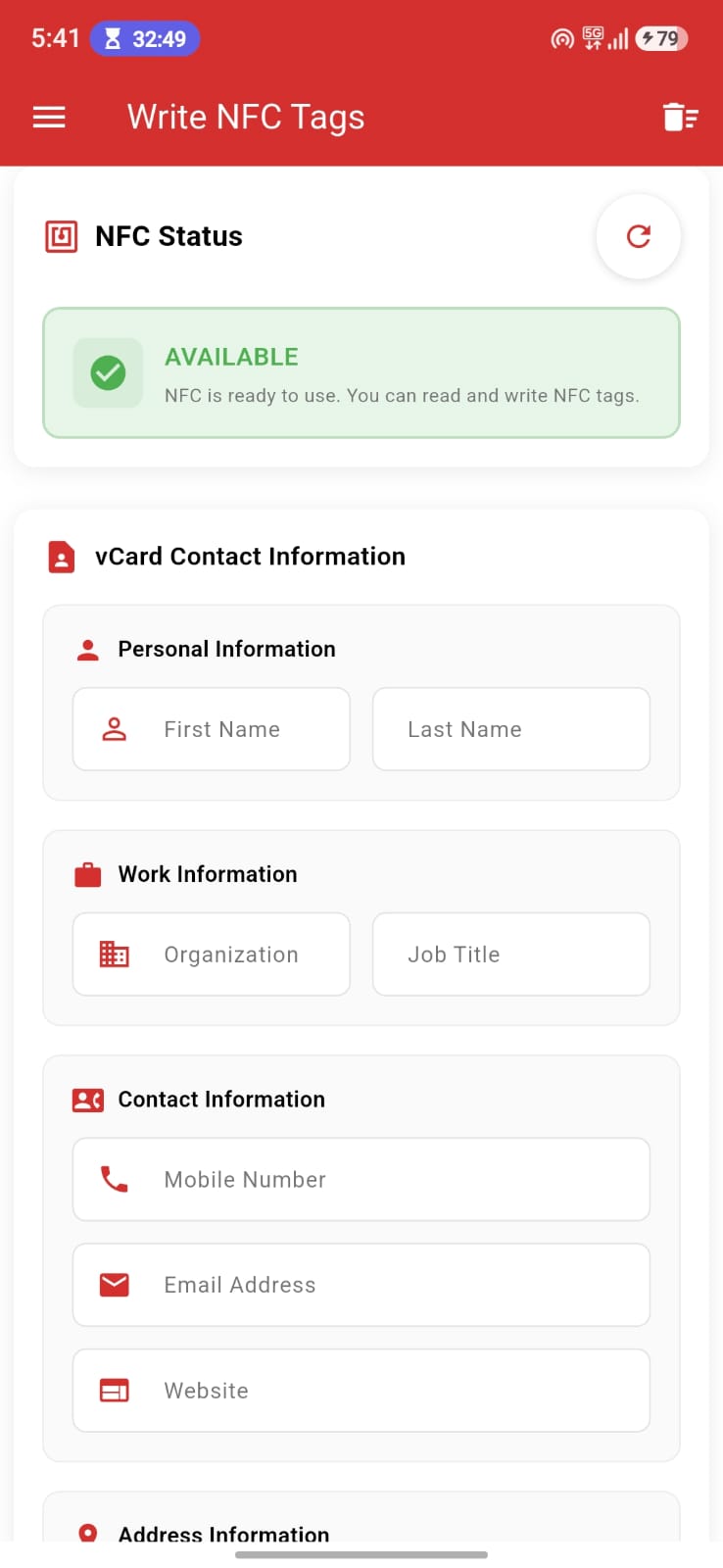
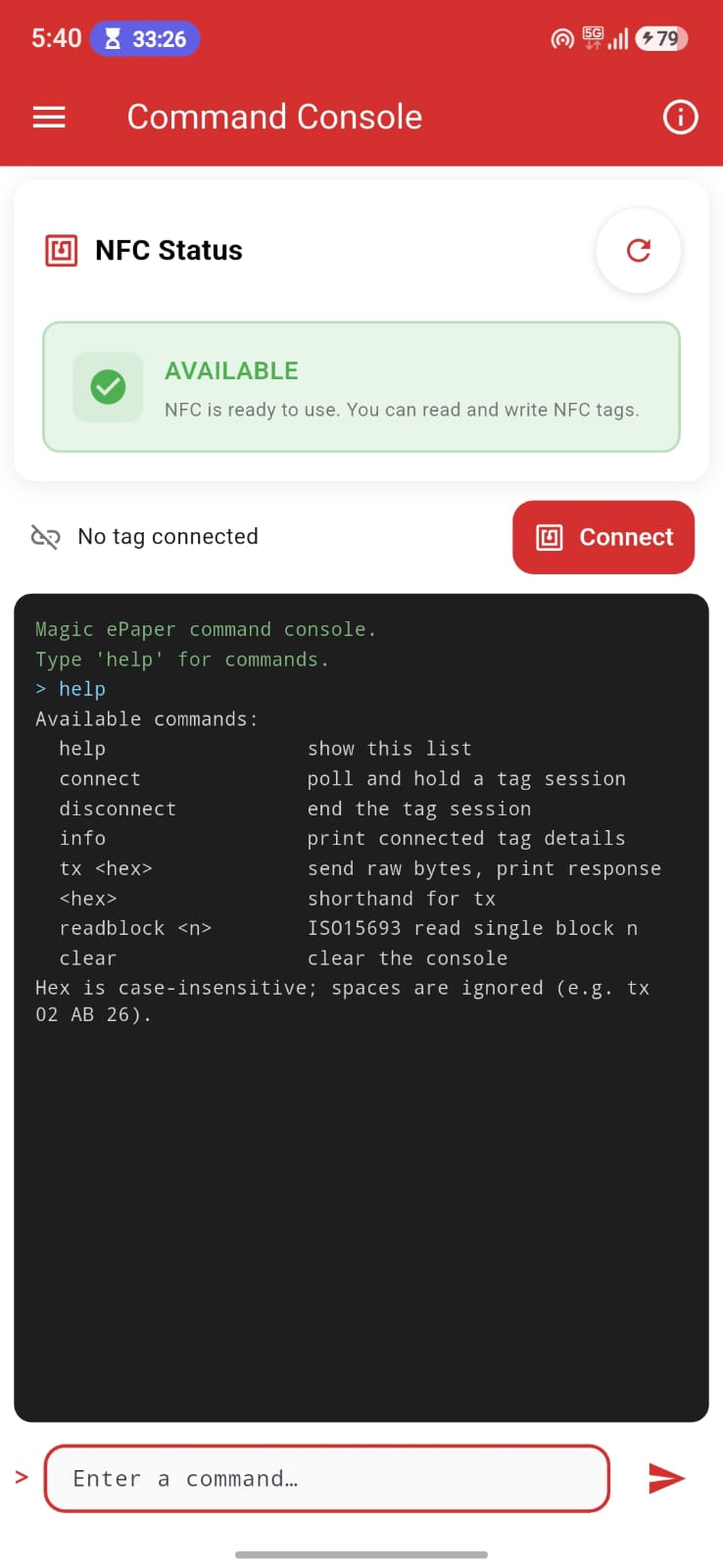
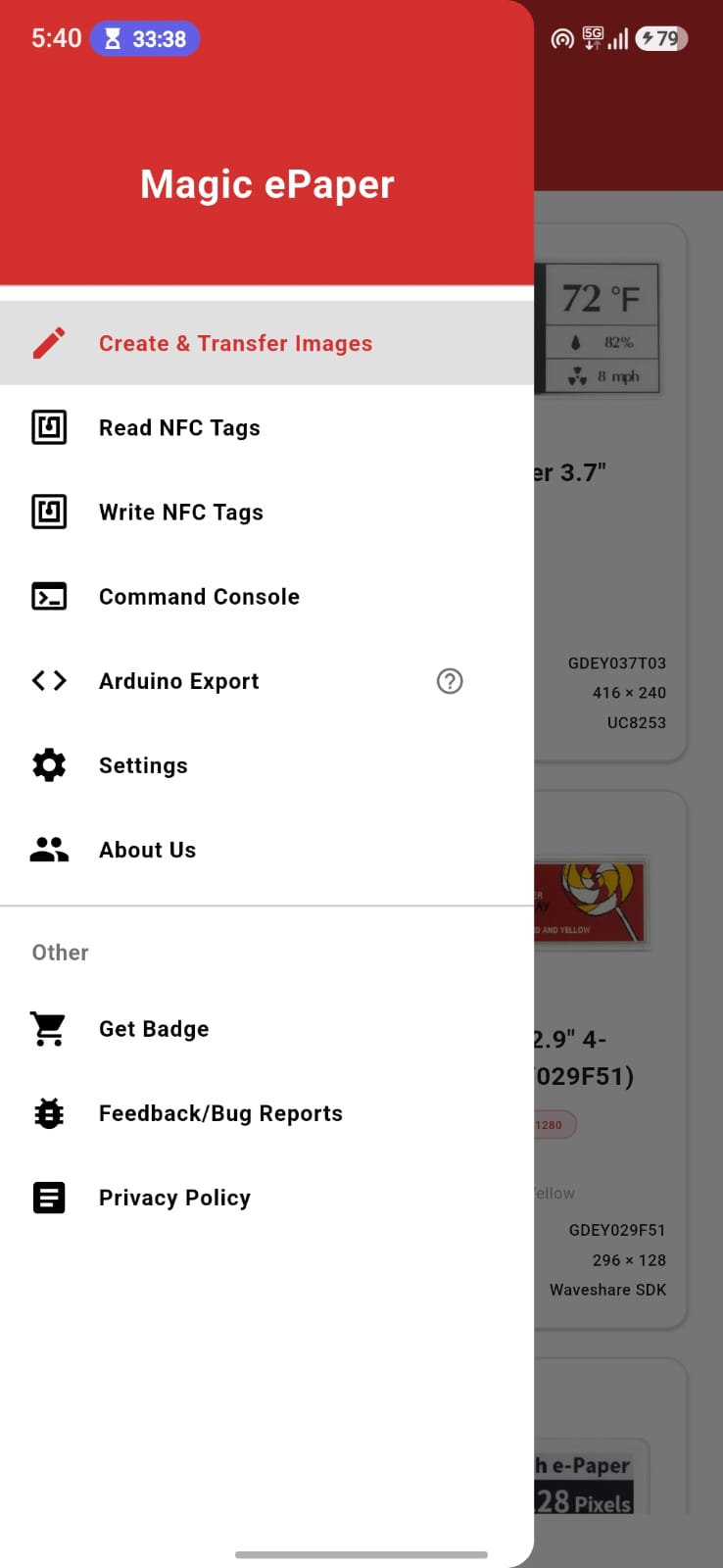
Read and write NDEF tags (text, URLs, vCards) from the side menu, and use the Command Console to send raw hex/APDU commands to a tag.
| Permission | Purpose |
|---|---|
| NFC | Read from and write images and NDEF data to the ePaper badge. |
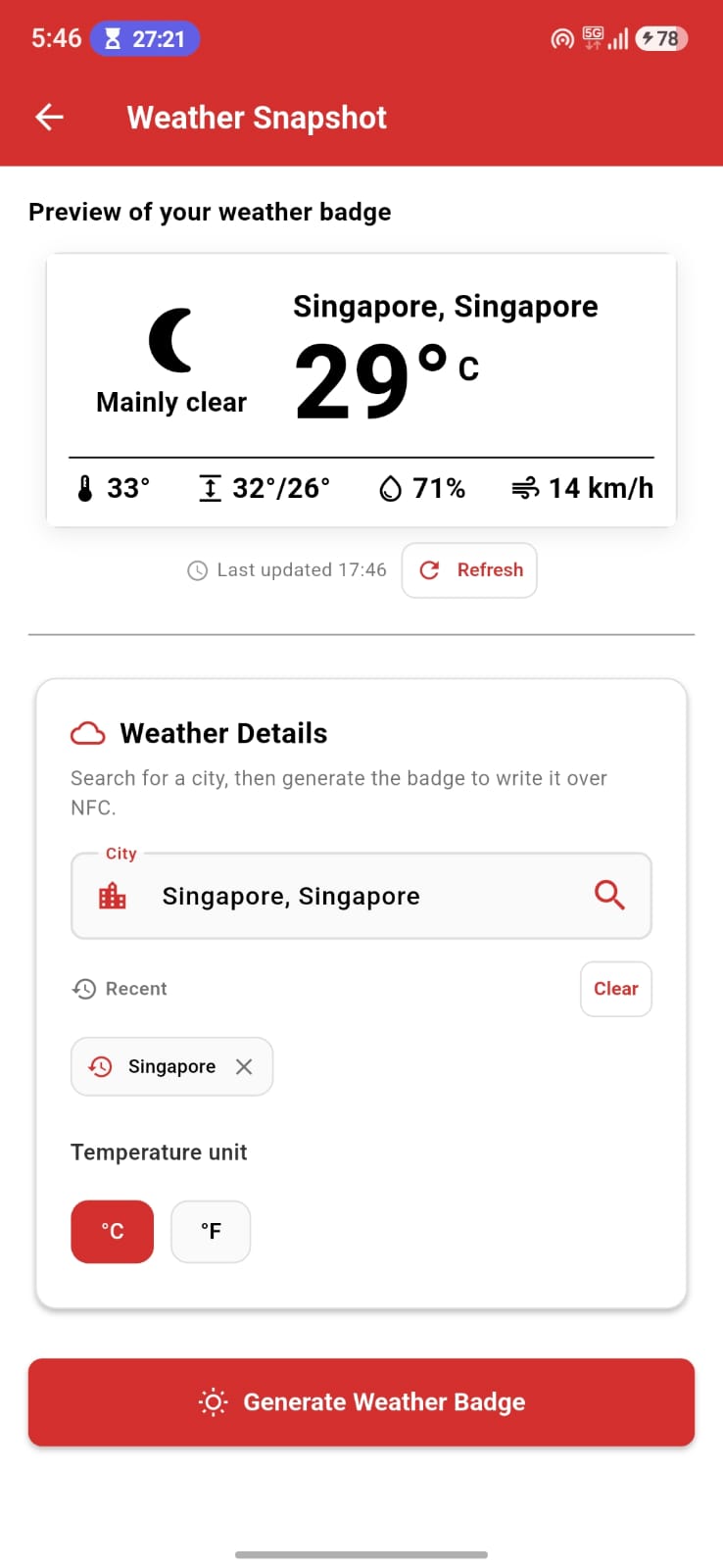
| Internet | Weather Snapshot lookups and other network operations. |
| Photos and media | Import pictures from the device to design and dither for the badge. |
 |  |  |
 |  |
 |  |  |
 |  |  |
 |  |  |
 |  |  |
 |  |  |
 |  |  |
Magic ePaper currently runs on Android. Desktop support (Windows, macOS and Linux) is under active development.
The app is built with Flutter and a small Rust core that handles the image dithering. The Rust code lives in rust/ and is bridged to Dart with flutter_rust_bridge; the native library is compiled automatically as part of the normal Flutter build.
dart --version to verify).Clone the repository
git clone https://github.com/fossasia/magic-epaper-app
cd magic-epaper-app
Install dependencies
flutter pub get
Run the app on a connected device or emulator (flutter devices to check what's connected):
flutter run
Use a physical Android device to test the NFC read/write and transfer features; an emulator is fine for the UI and design tools.
Build release binaries (optional, for production/testing):
flutter build apk   # Android
flutter build ios   # iOS (macOS + Xcode required)
Run the unit and widget tests:
flutter test
Before opening a pull request, format the code and run the analyzer to match CI:
dart format .
flutter analyze
Opening this repository in VS Code, GitHub Codespaces or another supported editor will let you reopen it inside a Dev Container that bundles all tools needed to build, run and debug the app.
adbNote: If
adbis already installed and running on the host it may need to be stopped first.
USB pass-through (entirely inside the container)
Windows and macOS need a working USB/IP setup. See the Docker Desktop documentation and this blog post.
The Dev Container bind-mounts /dev/bus/usb/ and sets the correct access controls. Enable USB debugging on your phone and run adb devices; if it shows up, run flutter run to push a development build to your device.
Using the host's adb server
adb server listens on all interfaces: adb kill-server && adb -a server.ADB_SERVER_SOCKET=tcp:host.docker.internal:5037 before running adb or flutter run.Wireless connection
Android 11+ supports wireless debugging. With both the workstation and device on the same network, adb pair <IP>:<PORT> then adb connect <IP>:<PORT>. This also works inside Codespaces if you bring both onto the same network with WireGuard, Tailscale or another overlay network.
Please read FOSSASIA's Best Practices before contributing. Some basics:
main. PRs must pass the CI build check.Help translate the app on Weblate.
Localized strings live in lib/l10n as .arb files. After editing an .arb, regenerate the Dart localizations with flutter gen-l10n.
Licensed under the Apache License 2.0. Copyright © FOSSASIA and contributors.
474 followers · starred Sep 2019
129 followers · starred Apr 2026
298 followers · starred Dec 2017
62 followers · starred Sep 2019
Magic ePaper is an open-source Flutter app that lets you design content on your phone and transfer it to a battery-free NFC ePaper badge wirelessly. No cables or power needed on the badge. Import and dither photos for ePaper, draw and add text, generate QR codes and barcodes, or start from a ready-made card template, then tap your phone to the badge to write the image.
The app is currently in beta testing and runs on Android. Desktop support (Windows, macOS and Linux) is under active development.
The Magic ePaper badge is still a prototype and is not on general sale yet. Ordering is planned to open on fossasia.com in the future, and the hardware designs and prototypes are shared in the FOSSASIA repositories in the meantime. Any of the supported NFC ePaper badges below already works with the app today.
| Display | Colors | Model |
|---|---|---|
| Waveshare 2.13" NFC | tri-color | 17745 |
| Waveshare 2.7" NFC | tri-color | 18136 |
| Waveshare 2.9" NFC | tri-color | 17746 |
| Waveshare 2.9" B NFC | tri-color | 13339 |
| Goodisplay 2.9" 4-Color | Black / White / Red / Yellow | GDEY029F51 |
| Magic ePaper 3.1" | Black / White | GDEQ031T10 |
| Magic ePaper 3.7" | Black / White | GDEY037T03 |
| Magic ePaper 3.7" | Black / White / Red | GDEY037Z03 |
| Waveshare 4.2" NFC | tri-color | 17341 |
| Waveshare 7.5" NFC | tri-color | 17675 |
| Waveshare 7.5" HD NFC | tri-color | 18082 |
Read and write NDEF tags (text, URLs, vCards) from the side menu, and use the Command Console to send raw hex/APDU commands to a tag.
| Permission | Purpose |
|---|---|
| NFC | Read from and write images and NDEF data to the ePaper badge. |
| Internet | Weather Snapshot lookups and other network operations. |
| Photos and media | Import pictures from the device to design and dither for the badge. |
| | |
| |
| | |
| | |
| | |
| | |
| | |
| | |
Magic ePaper currently runs on Android. Desktop support (Windows, macOS and Linux) is under active development.
The app is built with Flutter and a small Rust core that handles the image dithering. The Rust code lives in rust/ and is bridged to Dart with flutter_rust_bridge; the native library is compiled automatically as part of the normal Flutter build.
dart --version to verify).Clone the repository
git clone https://github.com/fossasia/magic-epaper-app
cd magic-epaper-app
Install dependencies
flutter pub get
Run the app on a connected device or emulator (flutter devices to check what's connected):
flutter run
Use a physical Android device to test the NFC read/write and transfer features; an emulator is fine for the UI and design tools.
Build release binaries (optional, for production/testing):
flutter build apk   # Android
flutter build ios   # iOS (macOS + Xcode required)
Run the unit and widget tests:
flutter test
Before opening a pull request, format the code and run the analyzer to match CI:
dart format .
flutter analyze
Opening this repository in VS Code, GitHub Codespaces or another supported editor will let you reopen it inside a Dev Container that bundles all tools needed to build, run and debug the app.
adbNote: If
adbis already installed and running on the host it may need to be stopped first.
USB pass-through (entirely inside the container)
Windows and macOS need a working USB/IP setup. See the Docker Desktop documentation and this blog post.
The Dev Container bind-mounts /dev/bus/usb/ and sets the correct access controls. Enable USB debugging on your phone and run adb devices; if it shows up, run flutter run to push a development build to your device.
Using the host's adb server
adb server listens on all interfaces: adb kill-server && adb -a server.ADB_SERVER_SOCKET=tcp:host.docker.internal:5037 before running adb or flutter run.Wireless connection
Android 11+ supports wireless debugging. With both the workstation and device on the same network, adb pair <IP>:<PORT> then adb connect <IP>:<PORT>. This also works inside Codespaces if you bring both onto the same network with WireGuard, Tailscale or another overlay network.
Please read FOSSASIA's Best Practices before contributing. Some basics:
main. PRs must pass the CI build check.Help translate the app on Weblate.
Localized strings live in lib/l10n as .arb files. After editing an .arb, regenerate the Dart localizations with flutter gen-l10n.
Licensed under the Apache License 2.0. Copyright © FOSSASIA and contributors.
474 followers · starred Sep 2019
129 followers · starred Apr 2026
298 followers · starred Dec 2017
62 followers · starred Sep 2019



