Badge Magic Documentation https://badgemagic.fossasia.org
1,514
33 commits
updated Jul 4, 2026
Magically Create Text and Draw Cliparts on LED Name Badges using Bluetooth
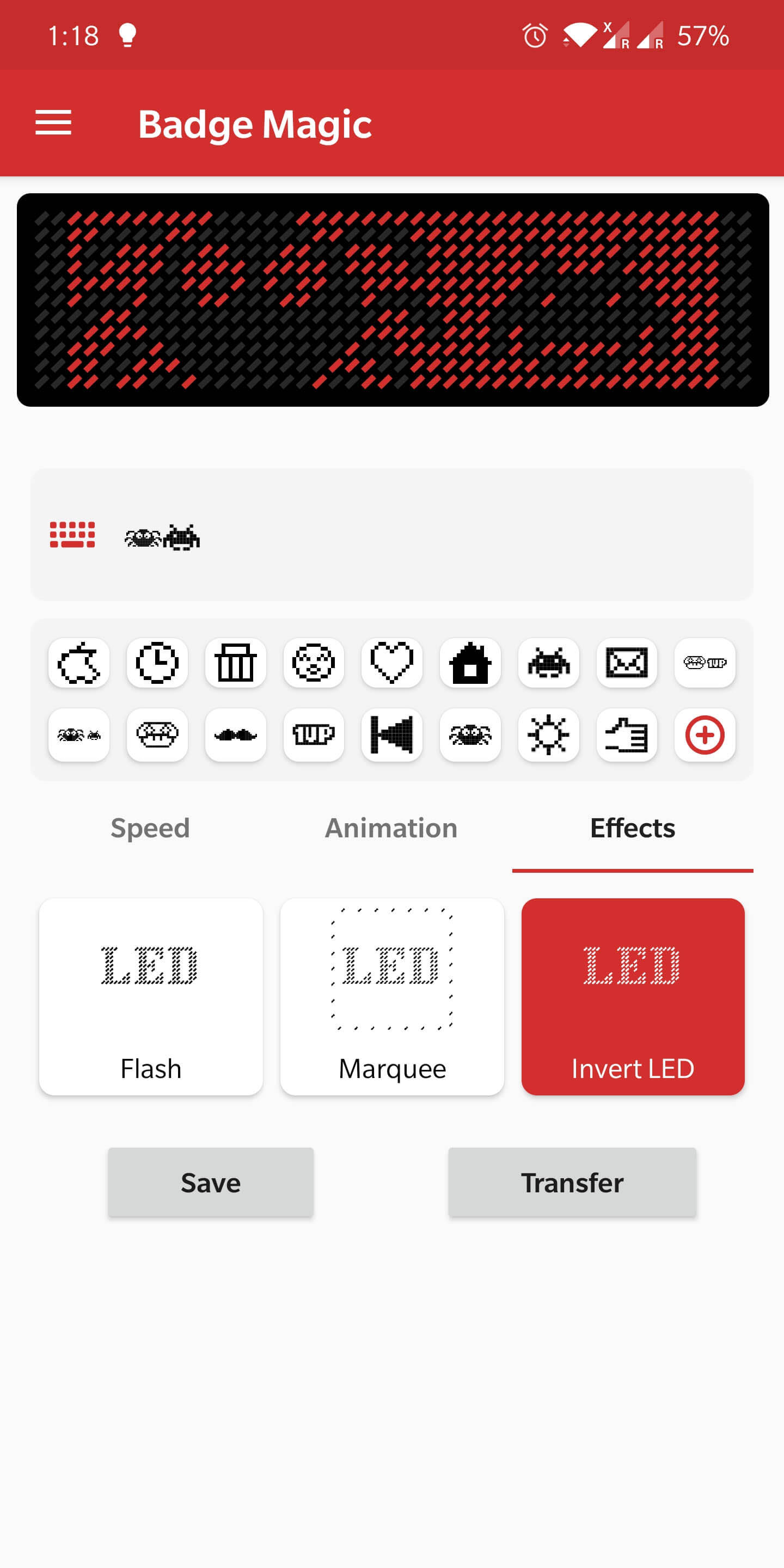
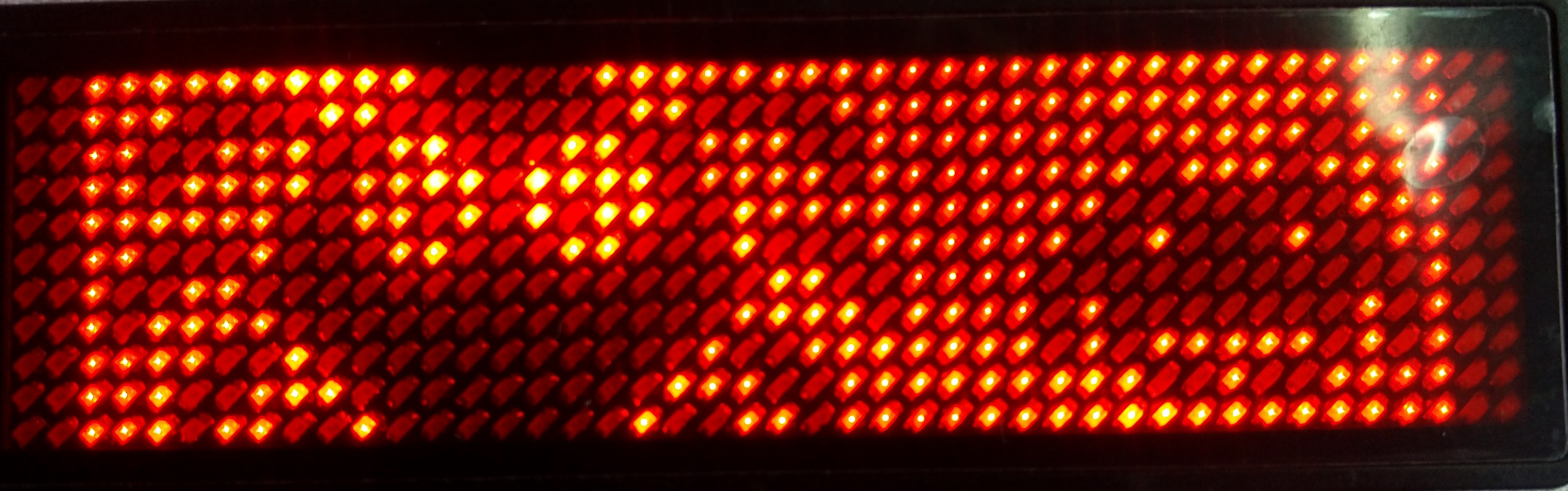
The Badge Magic Android app lets you create moving text and draw clipart for LED name badges. The app provides options to portray names, cliparts, and simple animations on the badges. For the data transfer from the smartphone to the LED badge it uses Bluetooth.
  |   |   |
Scan the QR Code
Install the Right App
Enable Bluetooth on Your Mobile Device
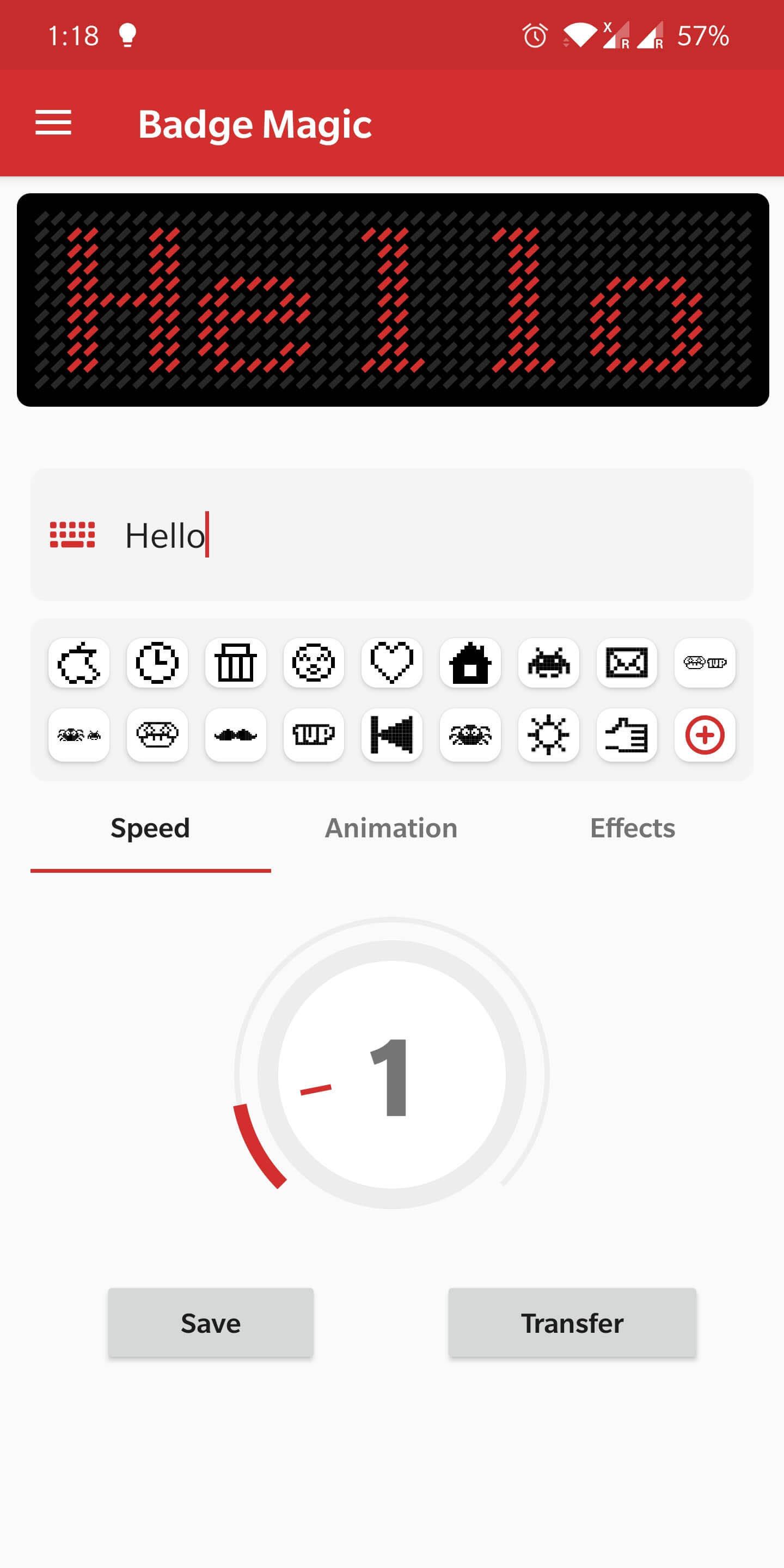
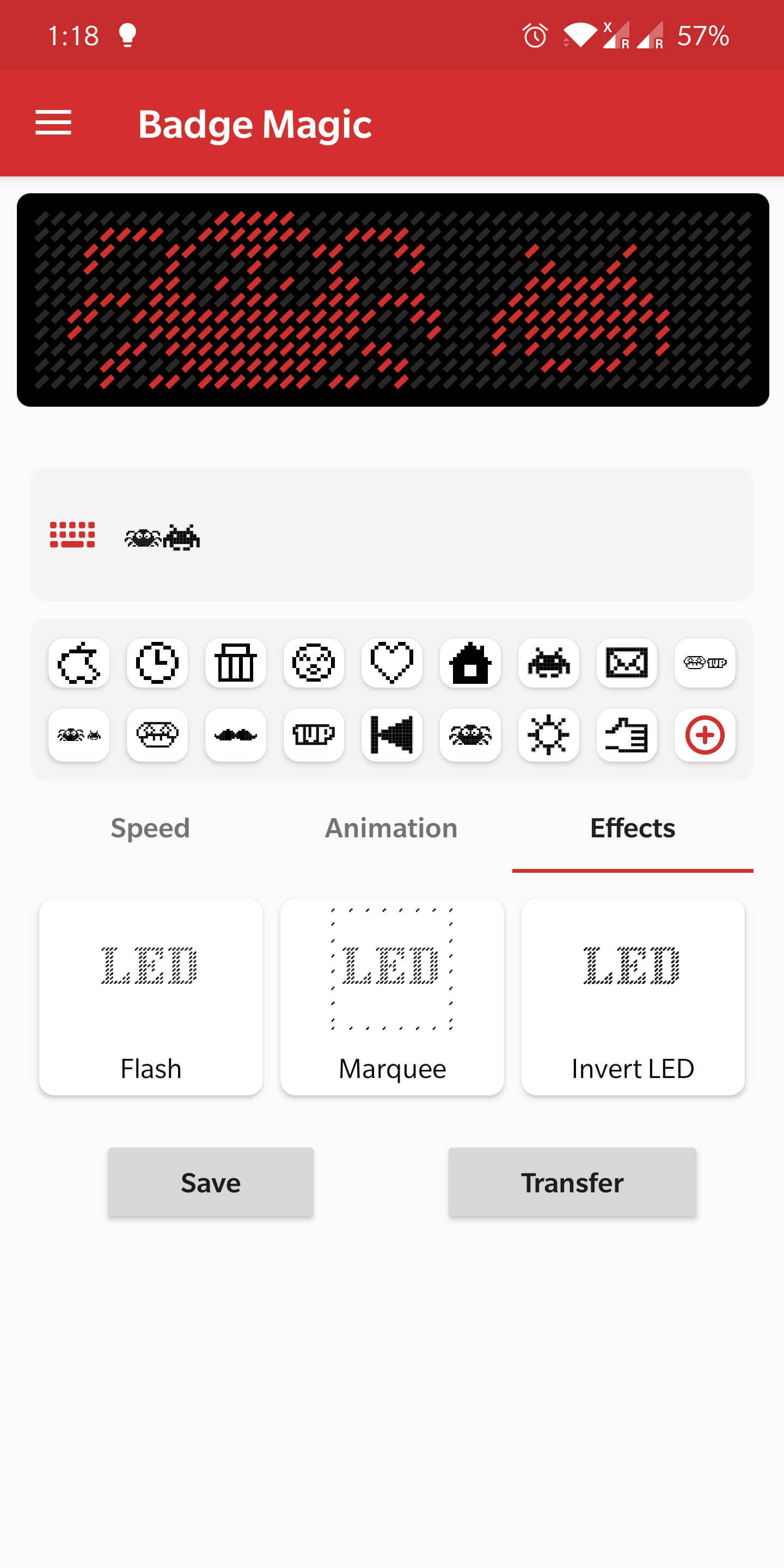
Enter Your Desired Message in the App
Prepare the LED Badge for Transfer
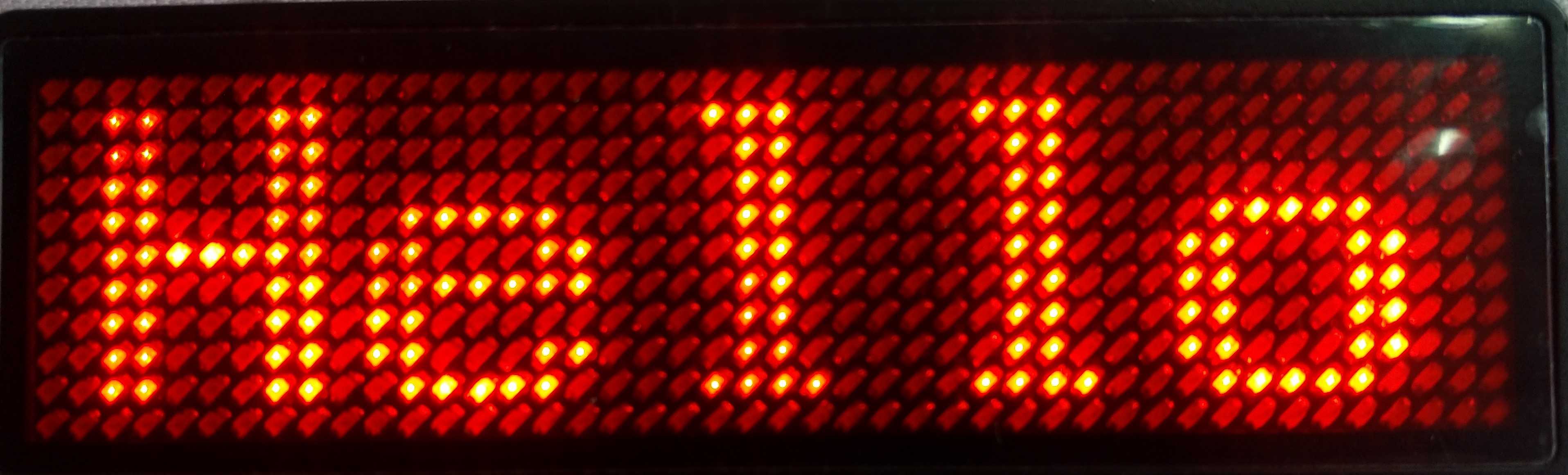
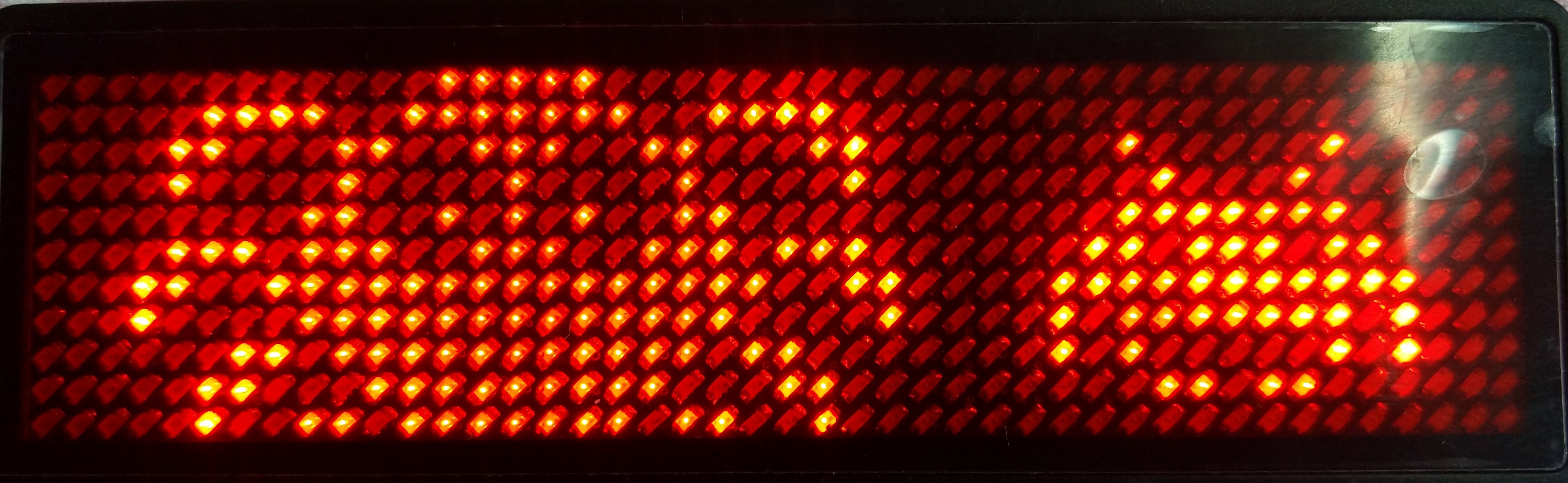
Transfer the Message

The second button on the LED Badge serves multiple functions:
Message Slot Switching: This button allows users to cycle through different pre-stored messages on the badge. The app is currently being updated to fully support this feature, and it will be available in an upcoming release. This will enable users to seamlessly switch between multiple custom messages without needing to reconnect to the app.
Brightness Control: Holding down the second button for a longer duration will allow users to increase or decrease the brightness of the LEDs.
The following third-party firmware is developed by the community. The authors of the software in this section are not affiliated with FOSSASIA.
2,153 followers · starred Nov 2017
315 followers · starred Nov 2017
107 followers · starred Sep 2018
136 followers · starred Feb 2018
Badge Magic Documentation https://badgemagic.fossasia.org
1,514
33 commits
updated Jul 4, 2026
Magically Create Text and Draw Cliparts on LED Name Badges using Bluetooth
The Badge Magic Android app lets you create moving text and draw clipart for LED name badges. The app provides options to portray names, cliparts, and simple animations on the badges. For the data transfer from the smartphone to the LED badge it uses Bluetooth.
| | | |
Scan the QR Code
Install the Right App
Enable Bluetooth on Your Mobile Device
Enter Your Desired Message in the App
Prepare the LED Badge for Transfer
Transfer the Message
The second button on the LED Badge serves multiple functions:
Message Slot Switching: This button allows users to cycle through different pre-stored messages on the badge. The app is currently being updated to fully support this feature, and it will be available in an upcoming release. This will enable users to seamlessly switch between multiple custom messages without needing to reconnect to the app.
Brightness Control: Holding down the second button for a longer duration will allow users to increase or decrease the brightness of the LEDs.
The following third-party firmware is developed by the community. The authors of the software in this section are not affiliated with FOSSASIA.
2,153 followers · starred Nov 2017
315 followers · starred Nov 2017
107 followers · starred Sep 2018
136 followers · starred Feb 2018



