
README
v6502r

Visual6502 and VisualZ80 Remixed
WASM Version for 6502: https://floooh.github.io/visual6502remix/
...and for the Z80: https://floooh.github.io/visualz80remix/
TL;DR: Take the visual6502 project and turn it into a native+wasm app via perfect6502, Dear ImGui and Sokol.
Feature Gallery
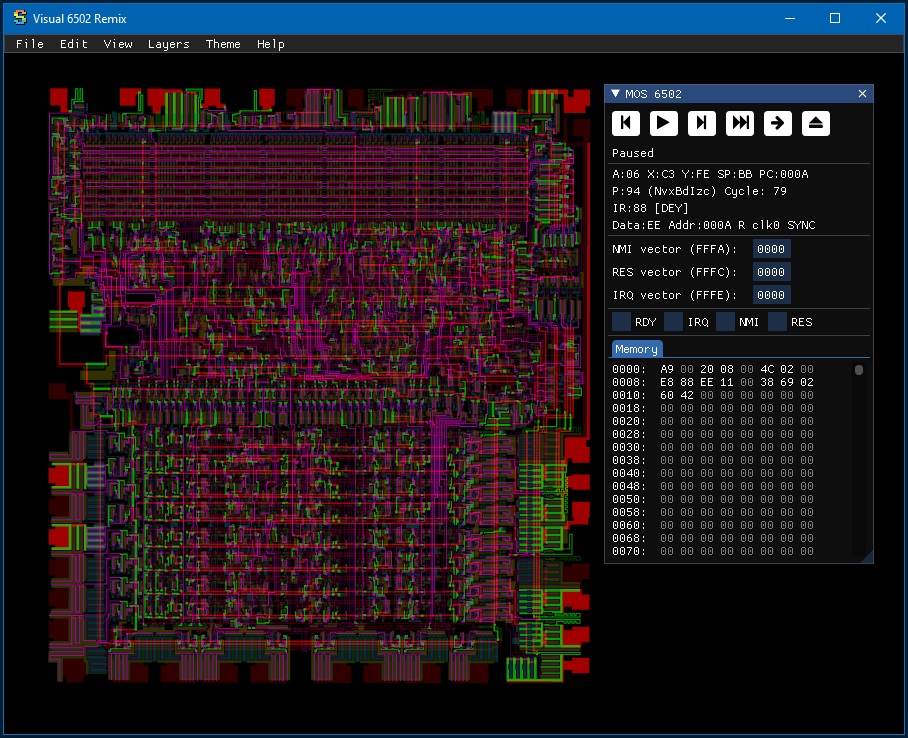
6502 simulation:
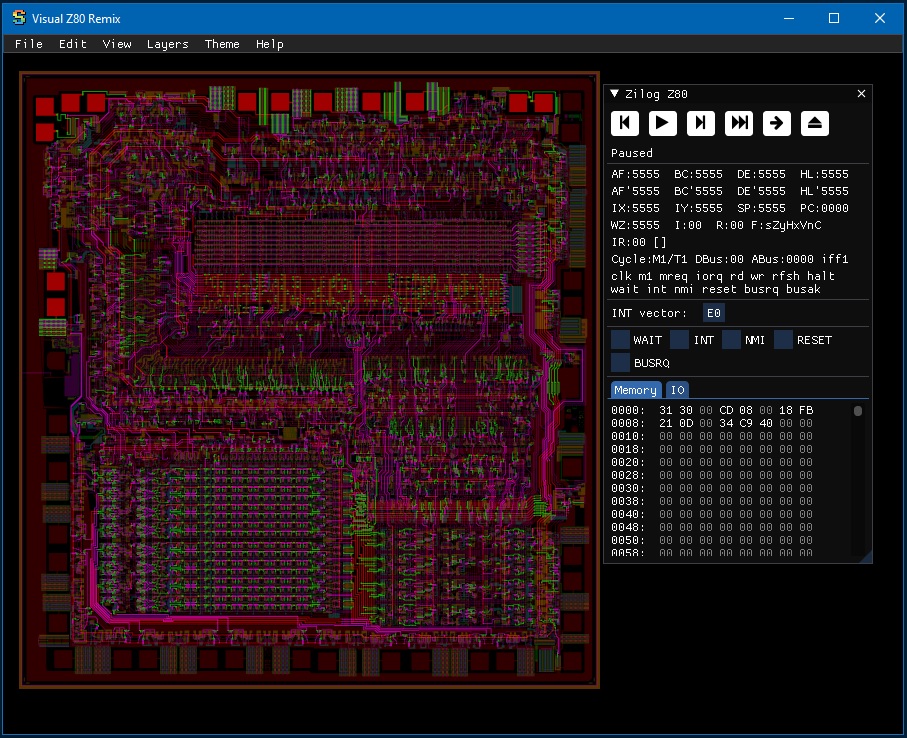
Z80 simulation:
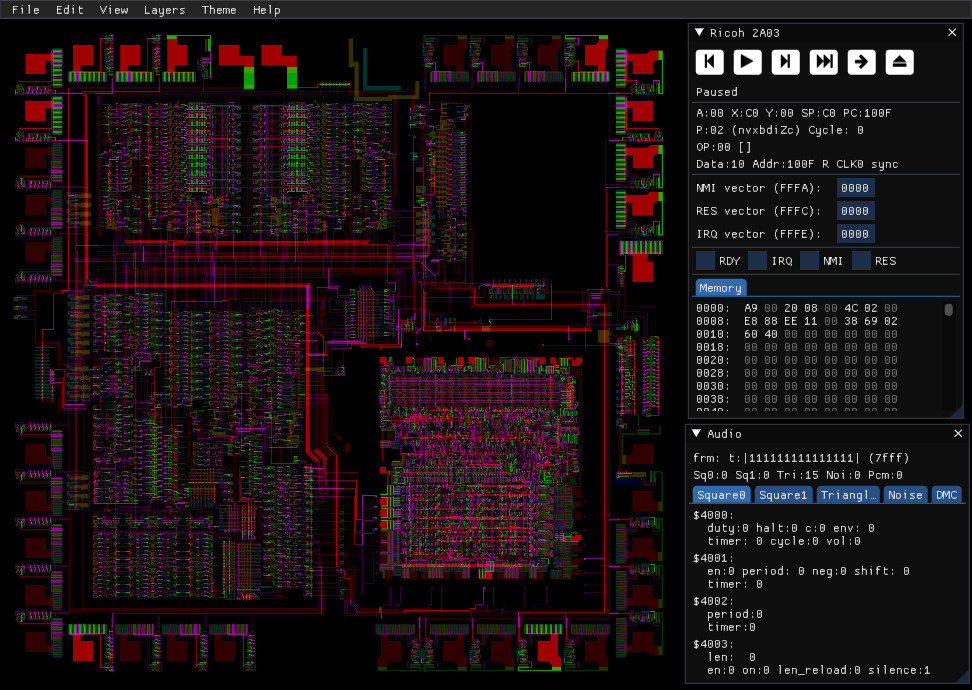
2A03 simulation:
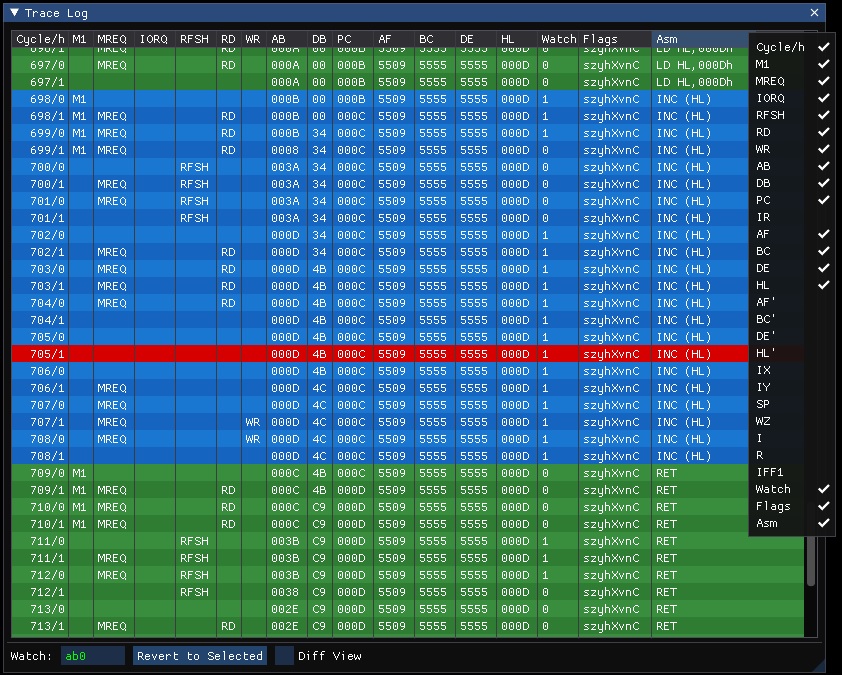
Log CPU state and revert to a previous cycle:
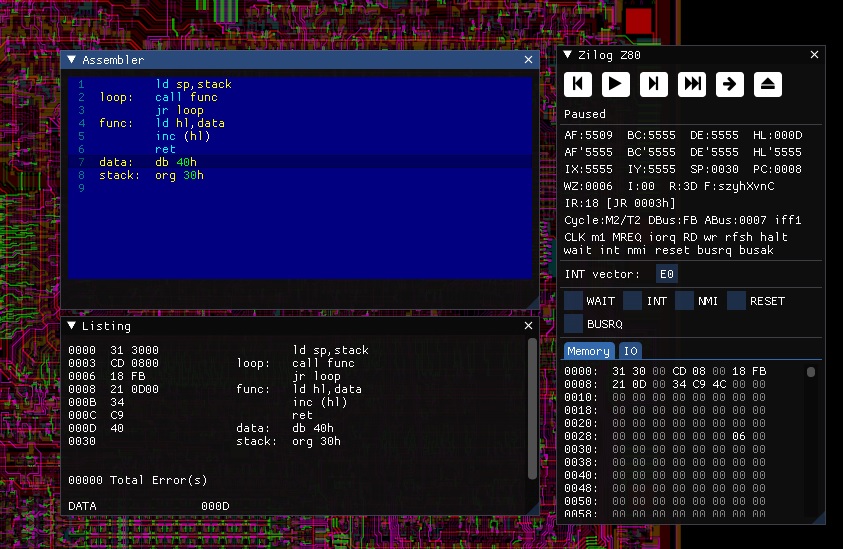
Integrated assembler:
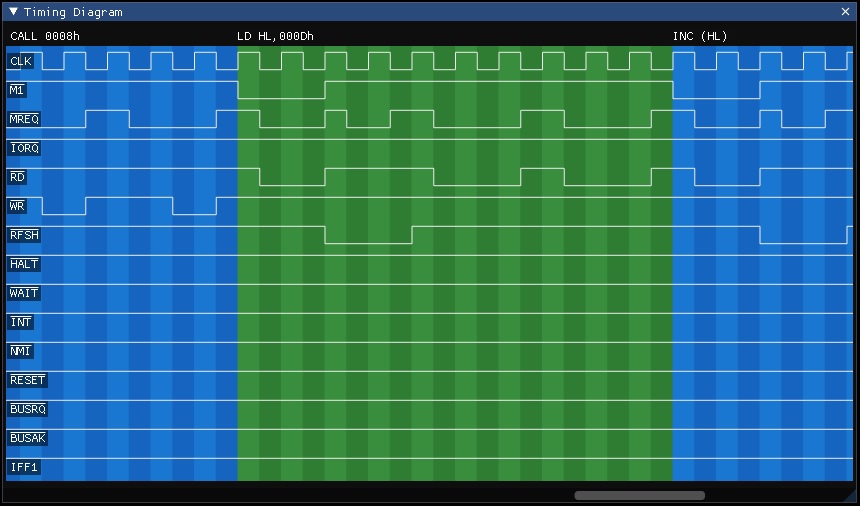
I/O pin timing diagram:
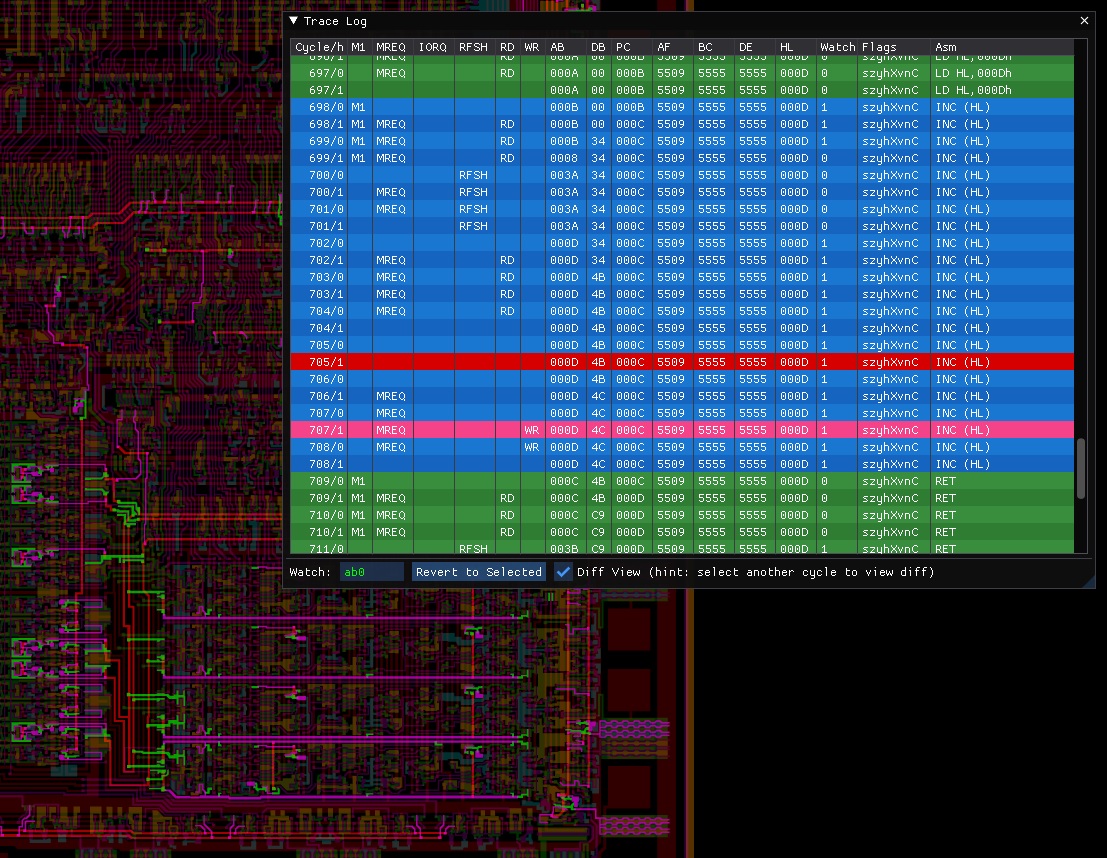
Visualize difference between two cycles:
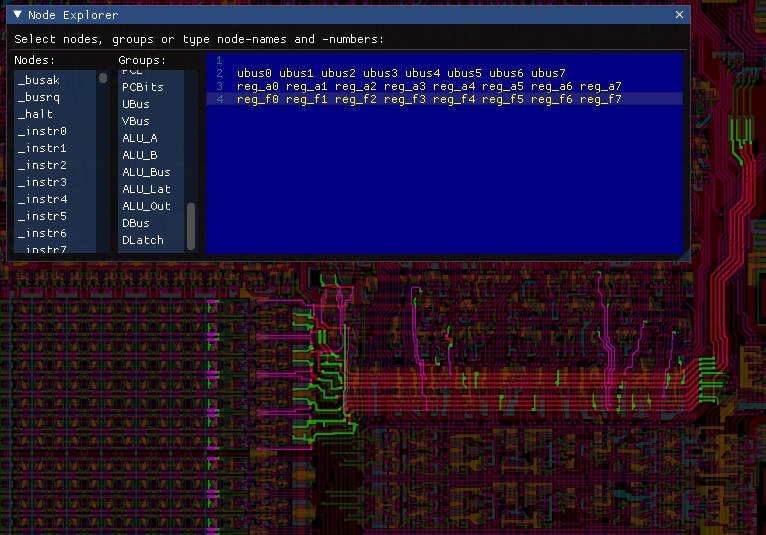
Explore netlist nodes by their name, group or number:
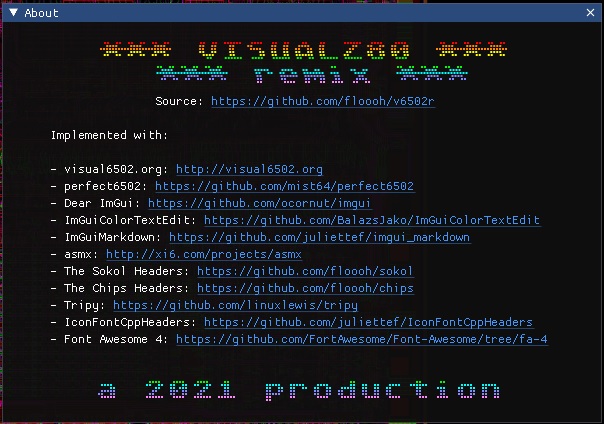
...and a kickass About box ;)
How To Build:
Install Deno:
https://docs.deno.com/runtime/getting_started/installation/
You'll also need cmake and your system's C/C++ toolchain.
To get an idea about additional required tools, first run
> ./fibs diag tools
To build and run the native version, run:
> ./fibs build
...
> ./fibs run v6502r
> ./fibs run vz80r
> ./fibs run v2a03r
Linux may require additional development packages for X11 and OpenGL development.
To build the WASM version:
> ./fibs emsdk install
> ./fibs config emsc-ninja-release
> ./fibs build
> ./fibs run v6502r
> ./fibs run vz80r
> ./fibs run v2a03r
To develop the project in an IDE first run one of:
> ./fibs config win-vstudio-debug
> ./fibs config macos-xcode-debug
> ./fibs config win-vscode-debug
> ./fibs config macos-vscode-debug
> ./fibs config win-vscode-debug
...then open the project in Visual Studio, Xcode or VScode:
> ./fibs open
Software used in this project:
Many thanks to:
- visual6502: https://github.com/trebonian/visual6502
- perfect6502: https://github.com/mist64/perfect6502
- Dear ImGui: https://github.com/ocornut/imgui/
- ImGuiColorTextEdit: https://github.com/goossens/ImGuiColorTextEdit
- ImGuiMarkdown: https://github.com/juliettef/imgui_markdown
- asmx: http://xi6.com/projects/asmx/
- The Sokol Headers: https://github.com/floooh/sokol
- The Chips Headers (UI): https://github.com/floooh/chips
- Earcut-Python: https://github.com/joshuaskelly/earcut-python
- IconFontCppHeaders: https://github.com/juliettef/IconFontCppHeaders
- Font Awesome 4: https://github.com/FortAwesome/Font-Awesome/tree/fa-4
- visual2a03: http://www.qmtpro.com/~nes/chipimages/visual2a03/
Please be aware of the various licenses in the respective github repositories, subdirectories and files.

Similar repos


Languages
C
87.6%
JavaScript
10.5%
C++
1.7%
README
v6502r
Visual6502 and VisualZ80 Remixed
WASM Version for 6502: https://floooh.github.io/visual6502remix/
...and for the Z80: https://floooh.github.io/visualz80remix/
TL;DR: Take the visual6502 project and turn it into a native+wasm app via perfect6502, Dear ImGui and Sokol.
Feature Gallery
6502 simulation:
Z80 simulation:
2A03 simulation:
Log CPU state and revert to a previous cycle:
Integrated assembler:
I/O pin timing diagram:
Visualize difference between two cycles:
Explore netlist nodes by their name, group or number:
...and a kickass About box ;)
How To Build:
Install Deno:
https://docs.deno.com/runtime/getting_started/installation/
You'll also need cmake and your system's C/C++ toolchain.
To get an idea about additional required tools, first run
> ./fibs diag tools
To build and run the native version, run:
> ./fibs build
...
> ./fibs run v6502r
> ./fibs run vz80r
> ./fibs run v2a03r
Linux may require additional development packages for X11 and OpenGL development.
To build the WASM version:
> ./fibs emsdk install
> ./fibs config emsc-ninja-release
> ./fibs build
> ./fibs run v6502r
> ./fibs run vz80r
> ./fibs run v2a03r
To develop the project in an IDE first run one of:
> ./fibs config win-vstudio-debug
> ./fibs config macos-xcode-debug
> ./fibs config win-vscode-debug
> ./fibs config macos-vscode-debug
> ./fibs config win-vscode-debug
...then open the project in Visual Studio, Xcode or VScode:
> ./fibs open
Software used in this project:
Many thanks to:
- visual6502: https://github.com/trebonian/visual6502
- perfect6502: https://github.com/mist64/perfect6502
- Dear ImGui: https://github.com/ocornut/imgui/
- ImGuiColorTextEdit: https://github.com/goossens/ImGuiColorTextEdit
- ImGuiMarkdown: https://github.com/juliettef/imgui_markdown
- asmx: http://xi6.com/projects/asmx/
- The Sokol Headers: https://github.com/floooh/sokol
- The Chips Headers (UI): https://github.com/floooh/chips
- Earcut-Python: https://github.com/joshuaskelly/earcut-python
- IconFontCppHeaders: https://github.com/juliettef/IconFontCppHeaders
- Font Awesome 4: https://github.com/FortAwesome/Font-Awesome/tree/fa-4
- visual2a03: http://www.qmtpro.com/~nes/chipimages/visual2a03/
Please be aware of the various licenses in the respective github repositories, subdirectories and files.
Similar repos
Languages
C
87.6%
JavaScript
10.5%
C++
1.7%