Cronjob management UI with human readable syntax, live logging and log history for your cronjobs.
TypeScript
1,393
246 commits
updated Oct 4, 2026

| Desktop | Mobile |
|---|---|
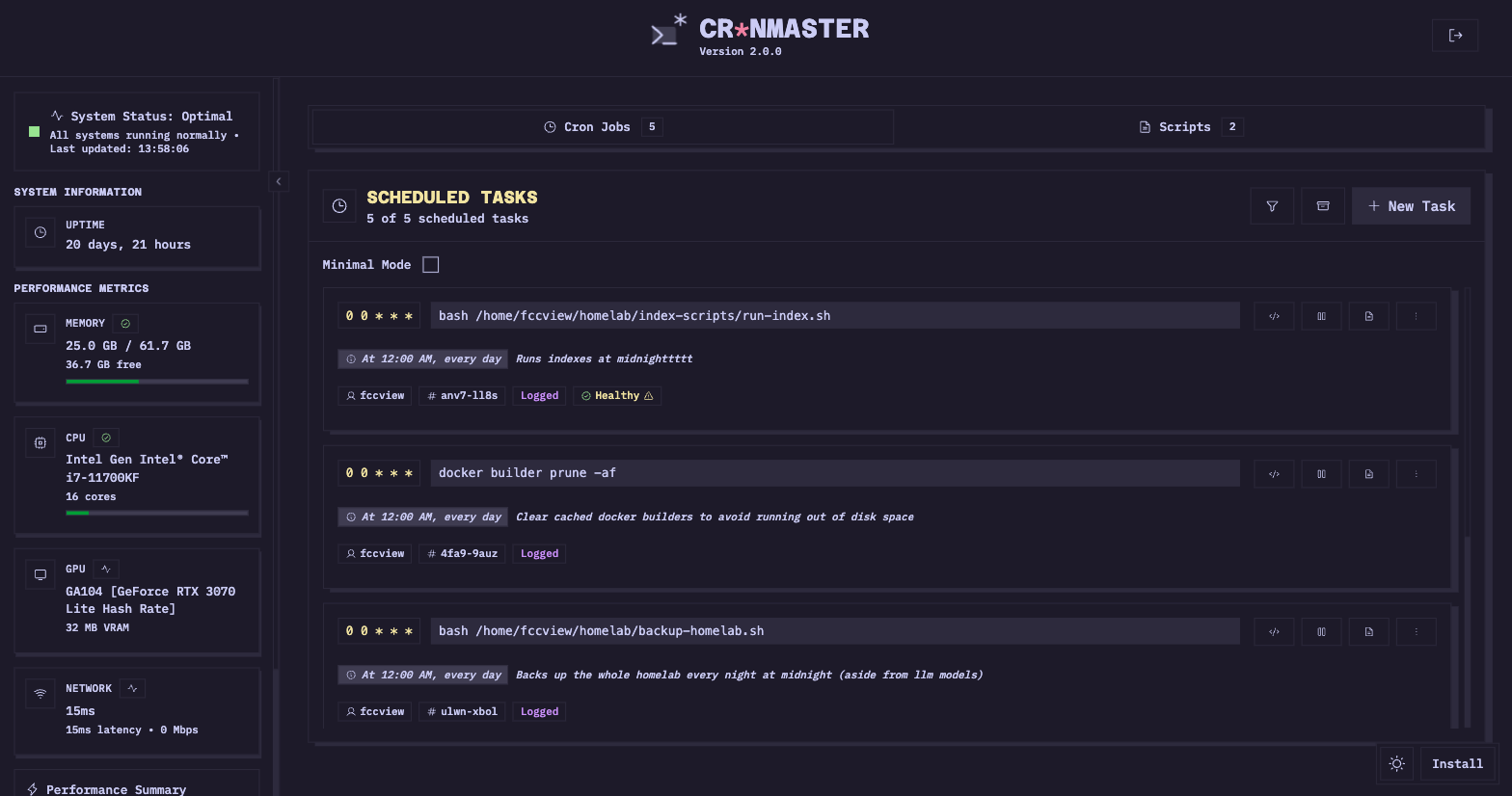 | 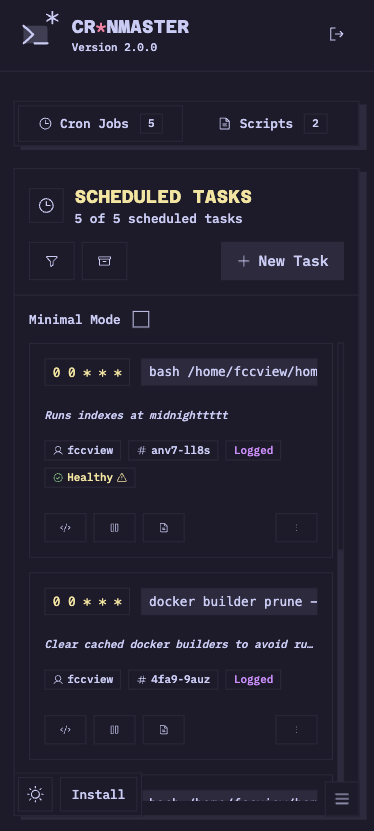 |
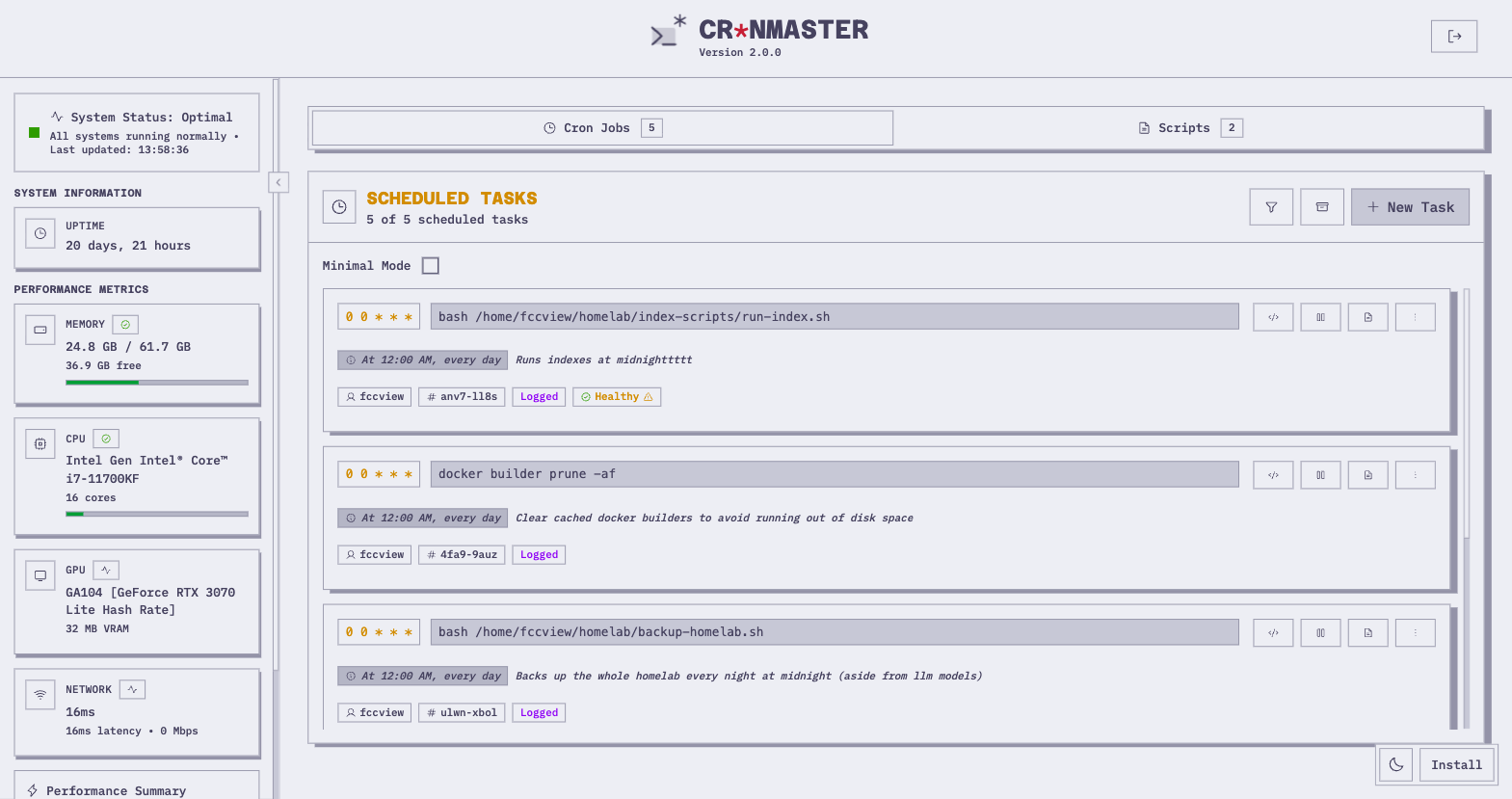 | 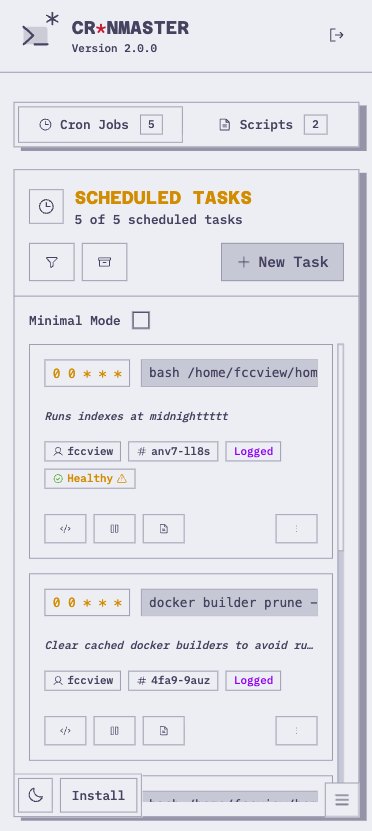 |

Join the discord server for more info

docker-compose.yml file with this minimal configuration:# For all configuration options, see howto/DOCKER.md
services:
cronmaster:
image: ghcr.io/fccview/cronmaster:latest
container_name: cronmaster
user: "root"
ports:
- "40123:3000"
environment:
- NODE_ENV=production
- NEXT_PUBLIC_CLOCK_UPDATE_INTERVAL=30000
- AUTH_PASSWORD=very_strong_password
- HOST_CRONTAB_USER=root
volumes:
- /var/run/docker.sock:/var/run/docker.sock
- ./scripts:/app/scripts
- ./data:/app/data
- ./snippets:/app/snippets
pid: "host"
privileged: true
restart: always
init: true
📖 For all available configuration options, see howto/DOCKER.md
cr*nmaster includes a REST API for programmatic access to your cron jobs and system information. This is perfect for integrations.
📖 For the complete API documentation, see howto/API.md
cr*nmaster supports any OIDC provider (Authentik, Auth0, Keycloak, Okta, Google, EntraID, etc.)
📖 For the complete SSO documentation, see howto/SSO.md
cr*nmaster officially support some languages and allows you to create your custom translations locally on your own machine.
📖 For the complete Translations documentation, see howto/TRANSLATIONS.md
The application supports both AMD64 and ARM64 architectures:
For AMD64 users: No changes needed - the default configuration works out of the box.
For ARM64 users: Uncomment the platform line in your docker-compose.yml:
platform: linux/arm64
Note: Multi-platform Docker images are automatically built for both architectures. The image will automatically use the correct architecture for your platform.
docker compose up --build
http://localhost:40123Note: The Docker implementation uses direct file access to read and write crontab files, ensuring real-time synchronization with the host system's cron jobs. This approach bypasses the traditional crontab command limitations in containerized environments
yarn install
yarn dev
http://localhost:3000📖 For the complete environment variables reference, see howto/ENV_VARIABLES.md
This includes all configuration options for:
yarn install, yarn build and yarn startDOCKER environment variable to setImportant Note on Root Commands: When running commands as root within Cronmaster, ensure that these commands also function correctly as root on your host machine. If a command works as root on your host but fails within Cronmaster, please open an issue with detailed information.
Cr*nMaster supports multiple authentication methods to secure your instance:
Set a password to protect access to your Cronmaster instance:
environment:
  - AUTH_PASSWORD=your_secure_password
Users will be prompted to enter this password before accessing the application.
Cr*nMaster supports SSO via OIDC (OpenID Connect), compatible with providers like:
You can enable both password and SSO authentication simultaneously:
The login page will display both options, allowing users to choose their preferred method.
**For detailed setup instructions, see howto/SSO.md
The application automatically detects your operating system and displays:
📖 For complete logging documentation, see howto/LOGS.md
📖 For Cronmaster's own system logs (LOG_LEVEL, LOG_FORMAT=json, scopes), see howto/LOGGING.md
The application uses standard cron format: * * * * *
I would like to thank the following members for raising issues and help test/debug them!
 hermannx5 |
 edersong |
 corasaniti |
 abhisheknair |
 mariushosting |
 DVDAndroid |
 ActxLeToucan |
 mrtimothyduong |
 cerede2000 |
 Navino16 |
 ShadowTox |
921 followers · starred Nov 2025
962 followers · starred Nov 2025
24 followers · starred Aug 2025
12 followers · starred Aug 2025
Cronjob management UI with human readable syntax, live logging and log history for your cronjobs.
TypeScript
1,393
246 commits
updated Oct 4, 2026
| Desktop | Mobile |
|---|---|
| |
| |
Join the discord server for more info
docker-compose.yml file with this minimal configuration:# For all configuration options, see howto/DOCKER.md
services:
cronmaster:
image: ghcr.io/fccview/cronmaster:latest
container_name: cronmaster
user: "root"
ports:
- "40123:3000"
environment:
- NODE_ENV=production
- NEXT_PUBLIC_CLOCK_UPDATE_INTERVAL=30000
- AUTH_PASSWORD=very_strong_password
- HOST_CRONTAB_USER=root
volumes:
- /var/run/docker.sock:/var/run/docker.sock
- ./scripts:/app/scripts
- ./data:/app/data
- ./snippets:/app/snippets
pid: "host"
privileged: true
restart: always
init: true
📖 For all available configuration options, see howto/DOCKER.md
cr*nmaster includes a REST API for programmatic access to your cron jobs and system information. This is perfect for integrations.
📖 For the complete API documentation, see howto/API.md
cr*nmaster supports any OIDC provider (Authentik, Auth0, Keycloak, Okta, Google, EntraID, etc.)
📖 For the complete SSO documentation, see howto/SSO.md
cr*nmaster officially support some languages and allows you to create your custom translations locally on your own machine.
📖 For the complete Translations documentation, see howto/TRANSLATIONS.md
The application supports both AMD64 and ARM64 architectures:
For AMD64 users: No changes needed - the default configuration works out of the box.
For ARM64 users: Uncomment the platform line in your docker-compose.yml:
platform: linux/arm64
Note: Multi-platform Docker images are automatically built for both architectures. The image will automatically use the correct architecture for your platform.
docker compose up --build
http://localhost:40123Note: The Docker implementation uses direct file access to read and write crontab files, ensuring real-time synchronization with the host system's cron jobs. This approach bypasses the traditional crontab command limitations in containerized environments
yarn install
yarn dev
http://localhost:3000📖 For the complete environment variables reference, see howto/ENV_VARIABLES.md
This includes all configuration options for:
yarn install, yarn build and yarn startDOCKER environment variable to setImportant Note on Root Commands: When running commands as root within Cronmaster, ensure that these commands also function correctly as root on your host machine. If a command works as root on your host but fails within Cronmaster, please open an issue with detailed information.
Cr*nMaster supports multiple authentication methods to secure your instance:
Set a password to protect access to your Cronmaster instance:
environment:
  - AUTH_PASSWORD=your_secure_password
Users will be prompted to enter this password before accessing the application.
Cr*nMaster supports SSO via OIDC (OpenID Connect), compatible with providers like:
You can enable both password and SSO authentication simultaneously:
The login page will display both options, allowing users to choose their preferred method.
**For detailed setup instructions, see howto/SSO.md
The application automatically detects your operating system and displays:
📖 For complete logging documentation, see howto/LOGS.md
📖 For Cronmaster's own system logs (LOG_LEVEL, LOG_FORMAT=json, scopes), see howto/LOGGING.md
The application uses standard cron format: * * * * *
I would like to thank the following members for raising issues and help test/debug them!
|
hermannx5 |
edersong |
corasaniti |
abhisheknair |
mariushosting |
|
DVDAndroid |
ActxLeToucan |
mrtimothyduong |
cerede2000 |
Navino16 |
|
ShadowTox |
921 followers · starred Nov 2025
962 followers · starred Nov 2025
24 followers · starred Aug 2025
12 followers · starred Aug 2025



