a glorified dotfiles







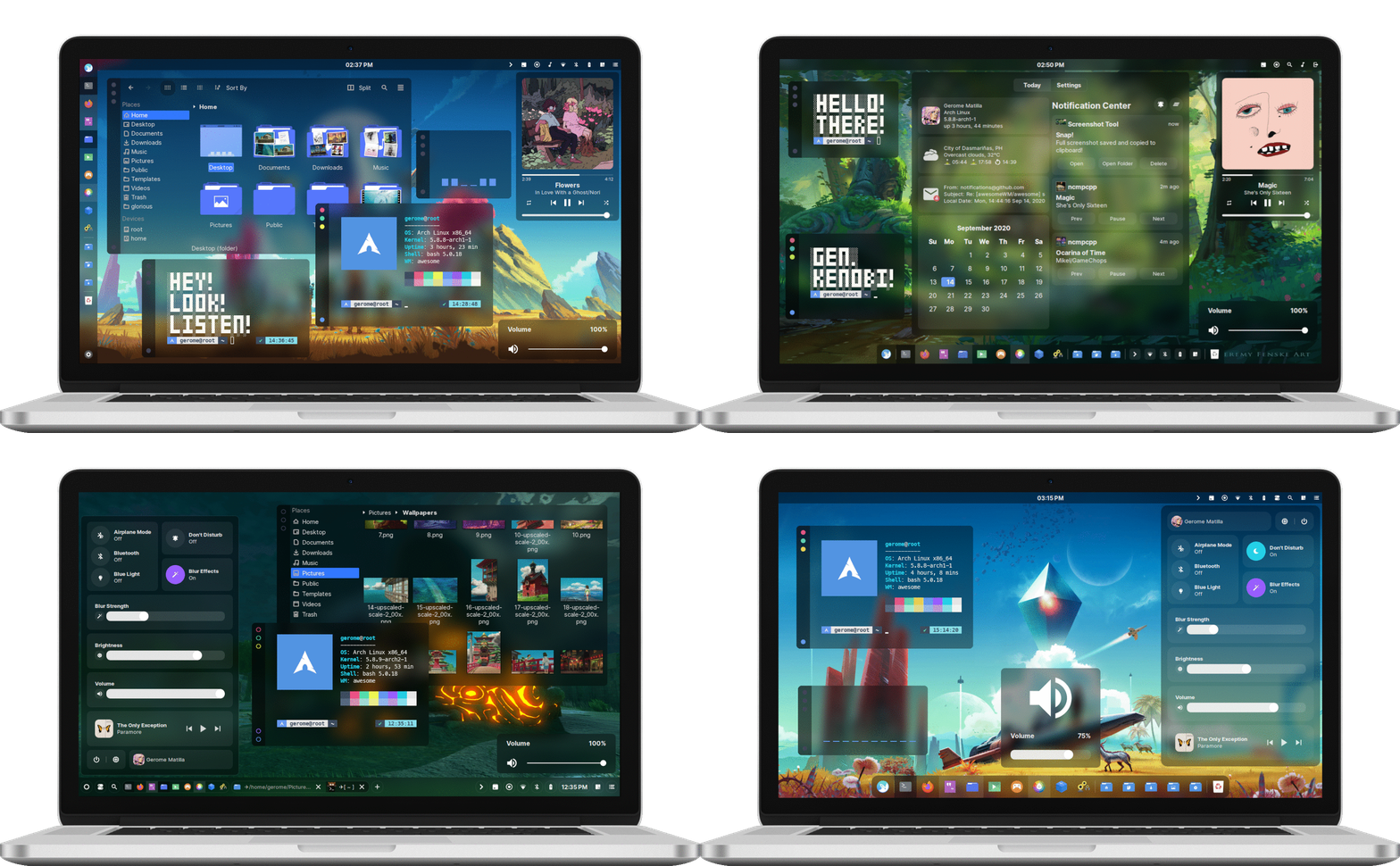
Welcome to the glorious dotfiles!
This is a collection/stash of my linux configurations also known as dotfiles. I don't know why did I wasted my time writing these, especially my AwesomeWM setups. Or maybe it's because... I did it for me. I liked it. I was good at it. And I was really -- I was alive. ;) So no wasted time after all. You're probably here because of my awesome dotfiles. So yeah, steal what you want. Don't forget to check my other projects!
The wiki will guide you to replicate my setups. So read the frickin' manual! If you post an issue that can be solve by reading it, I'll drop kick you.
If you're too lazy to read the wiki, here's some of the details you need to know.
archlinux as distributionfish as shellawesomewm as window managerkitty as terminal emulatorpicom-git as compositorrofi as application launcherinter-font as the setup fonttrivago as hotel| Name | Description | Why/Where is it needed? |
|---|---|---|
awesome-git | Highly configurable framework window manager | Isn't it obvious? |
rofi | Window switcher, application launcher and dmenu replacement | Application launcher |
picom-git | A compositor for X11 | A compositor with kawase-blur |
inter-font | A typeface specially designed for user interfaces | Setup font |
Install the required dependencies. Note that there's also an optional dependencies.
Clone this repository.
$ git clone --depth 1 https://github.com/manilarome/the-glorious-dotfiles/
Make sure to create a backup if you have a current AwesomeWM configuration.
Copy the the-glorious-dotfiles/config/awesome/SETUPNAME folder to your "${HOME}"/.config/. I'll just assume that you don't have an awesome folder in your ~/.config/:
# Use the Floppy setup
$ cp -r the-glorious-dotfiles/config/awesome/floppy $HOME/.config/awesome

# Use the GNawesOME setup
$ cp -r the-glorious-dotfiles/config/awesome/gnawesome $HOME/.config/awesome

# Use the Linear setup
$ cp -r the-glorious-dotfiles/config/awesome/linear $HOME/.config/awesome

# Use the Surreal setup
$ cp -r the-glorious-dotfiles/config/awesome/surreal $HOME/.config/awesome
Change the global configuration in $HOME/.config/awesome/configuration/config.lua.
Reload AwesomeWM by pressing Super + Shift + r.
My TODOs or roadmap for my awesomewm setups.
Why would I want this?
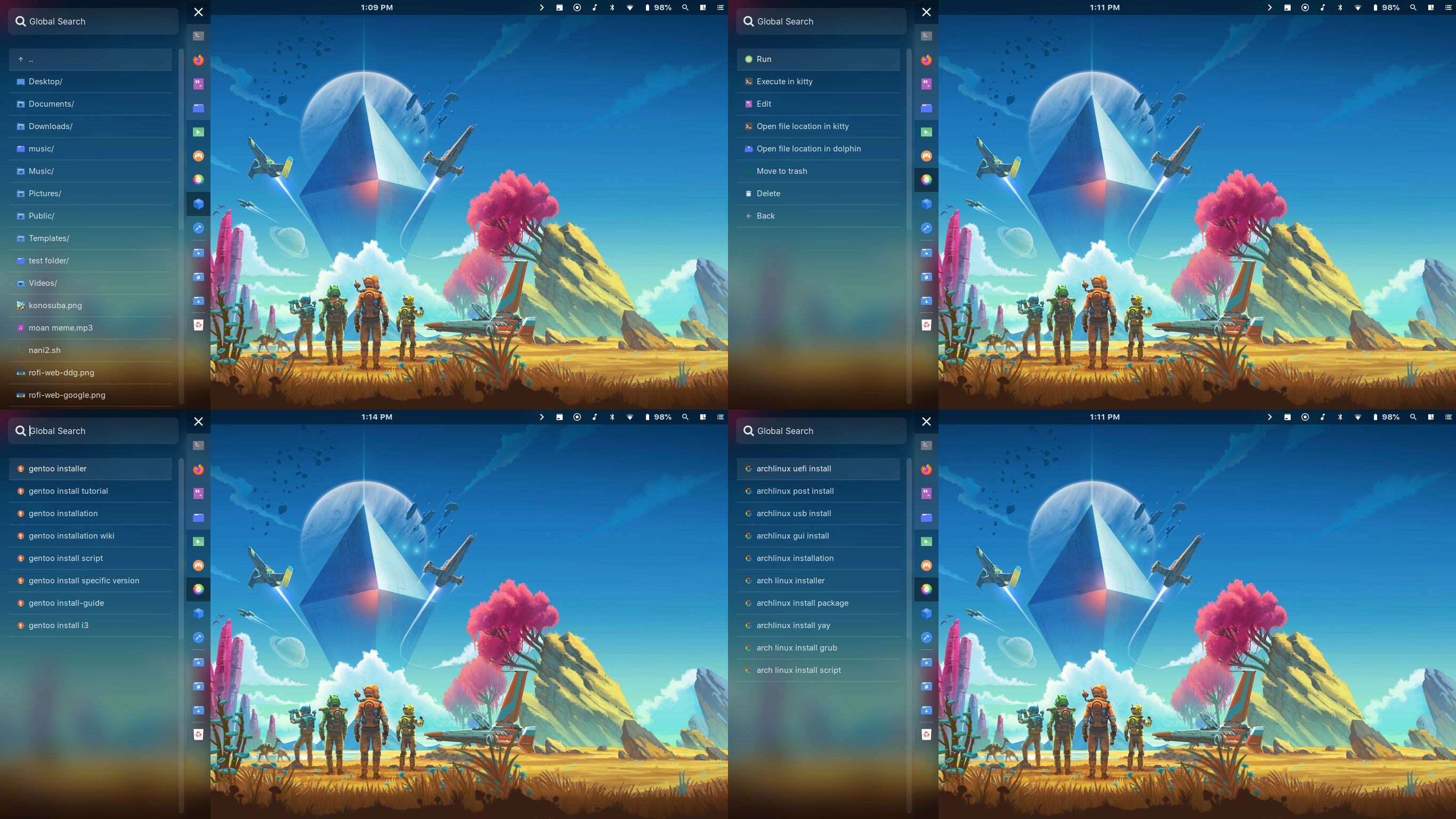
These are the features included in my AwesomeWM setups!
I don't really rice just to make it beautiful, I want it to be also functional so that's why it's "bloated" with features.
Some of these are outdated, so it is better if you try them yourself.
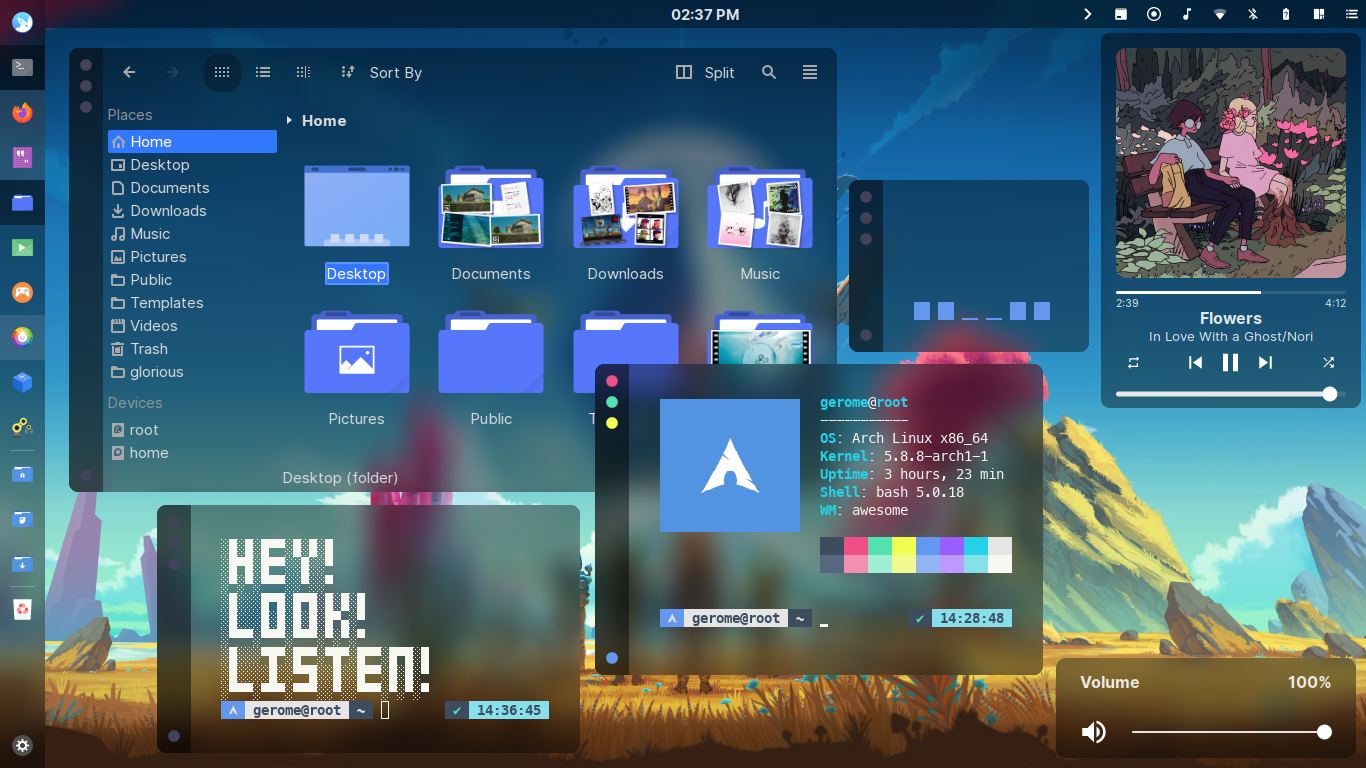
Floppy
Floppy was meant to be a clone of the infamous Flurry Desktop. I named it Floppy because I thought it would flop when I first posted it on r/unixporn. This is my favorite.
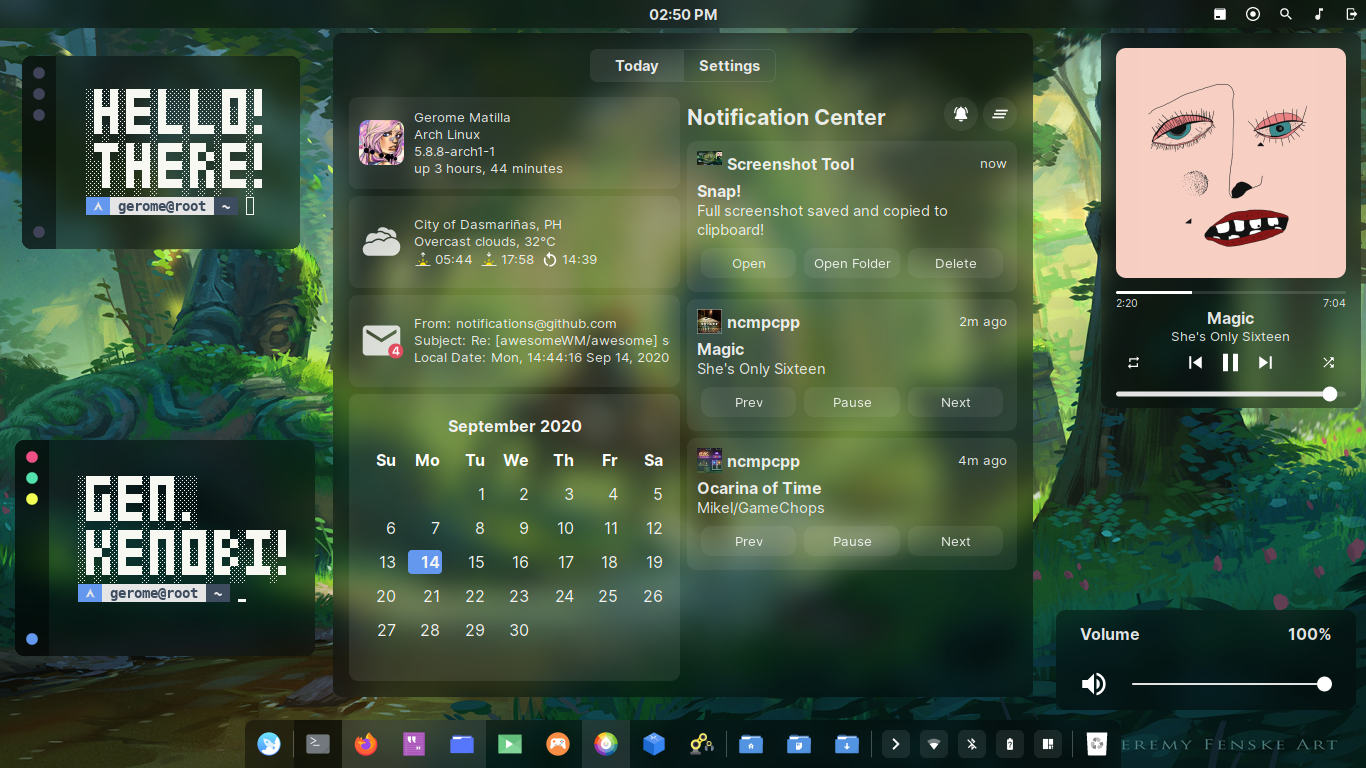
GNawesOME
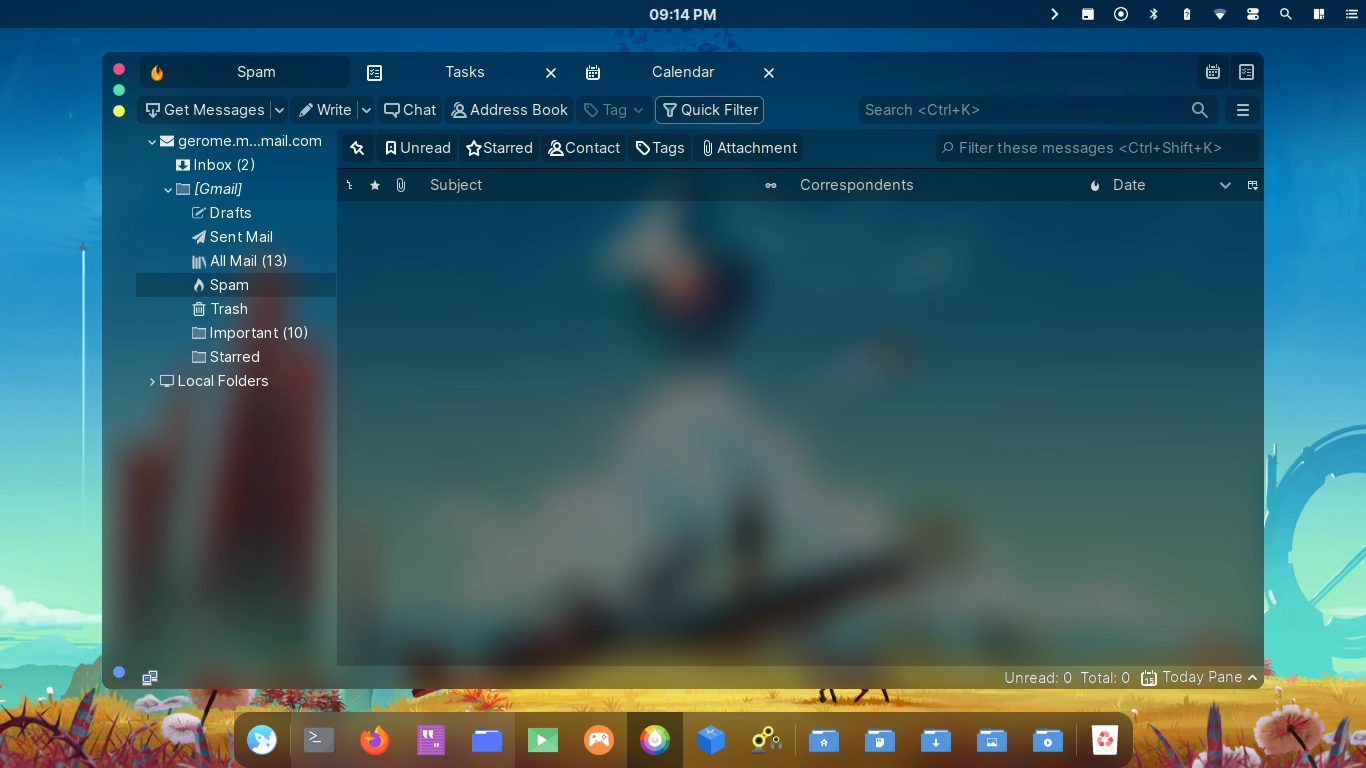
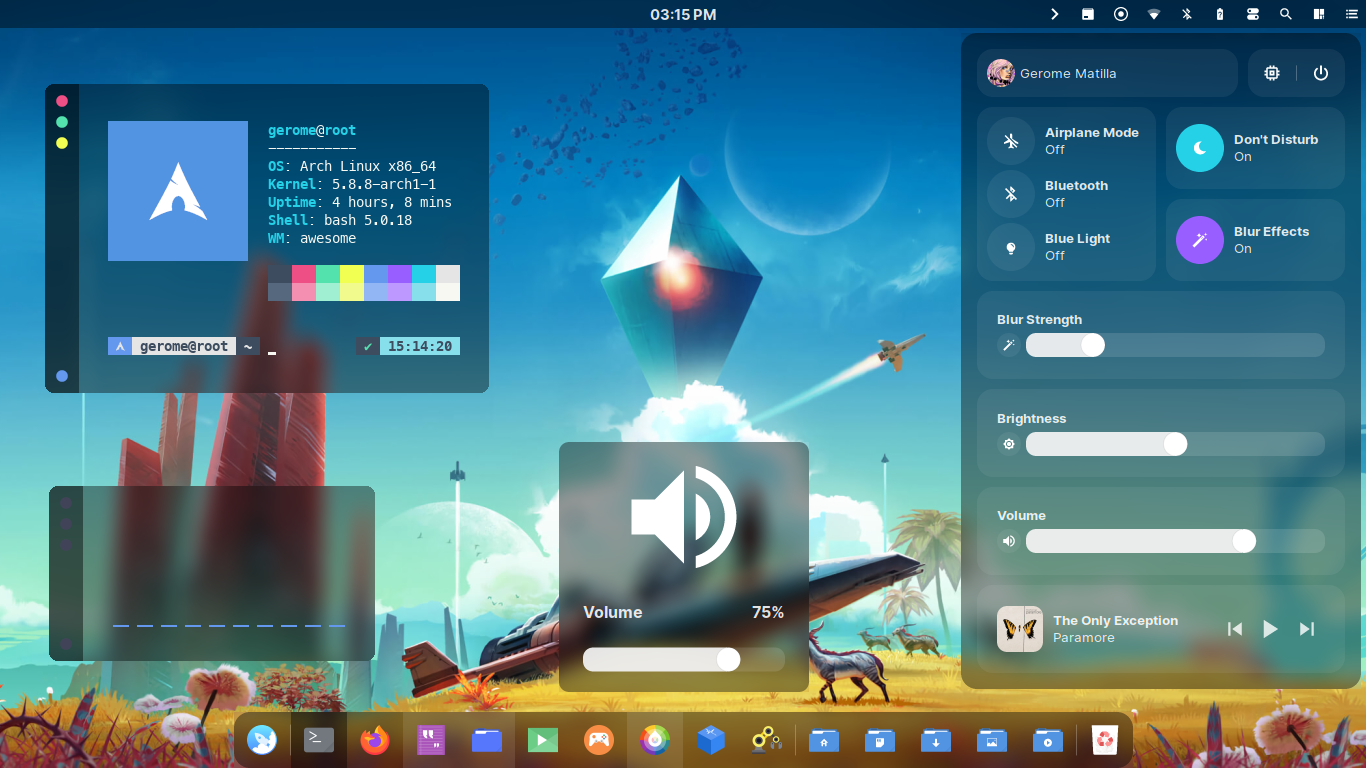
Yes, GNawesOME is a weird name. GNawesOME was meant to be a GNOME clone. Instead, it became a hybrid of macOS, iOS, GNOME, and Deepin. I regret nothing.
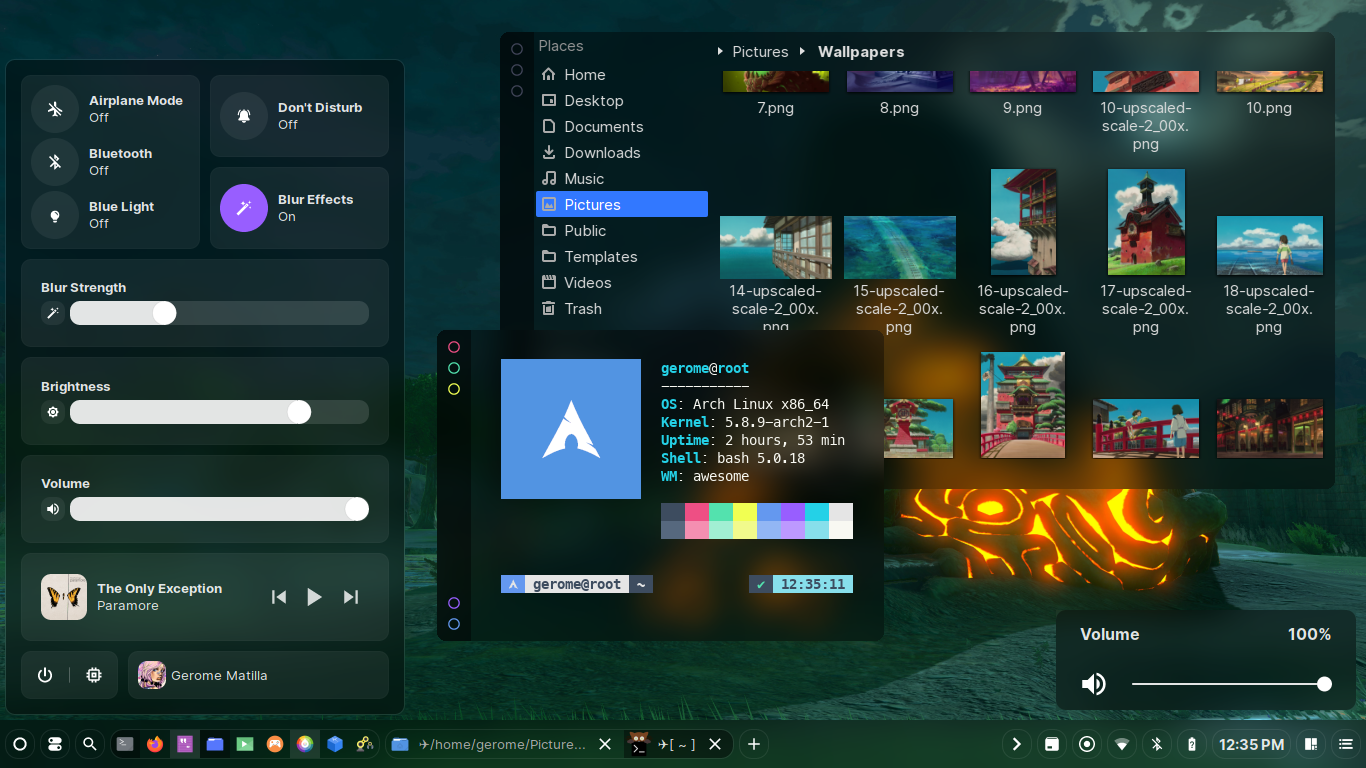
Linear
A setup full of borders and lines. Awesome right?
Surreal
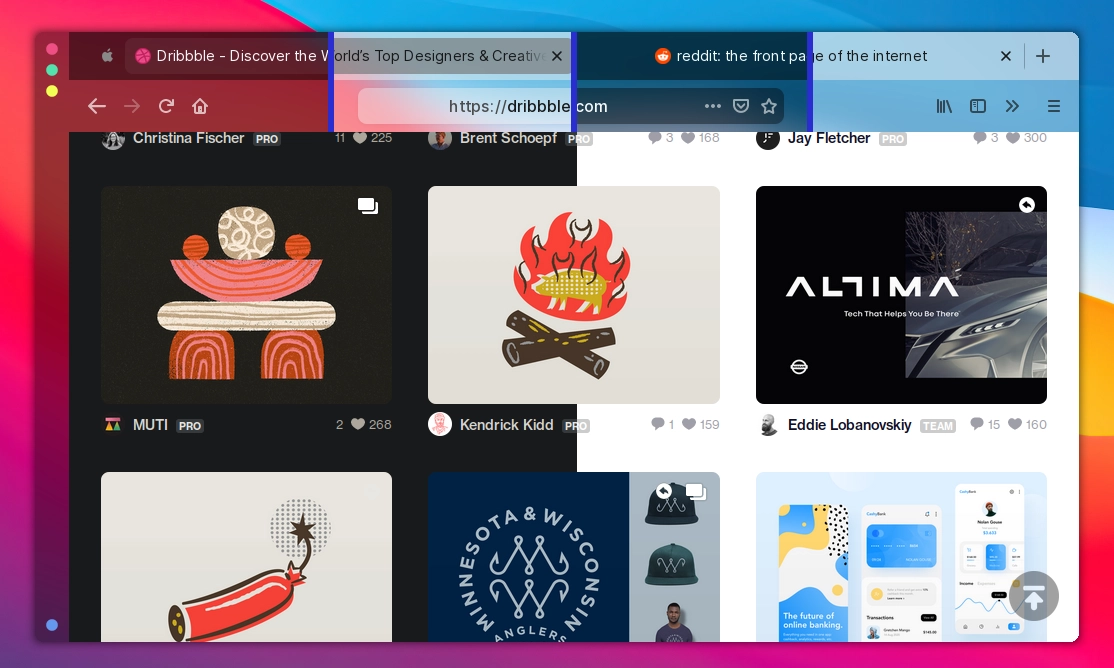
Yes, I copied the macOS Big Sur design. Many linux elitists will hate it but I don't care. Cry me a river.
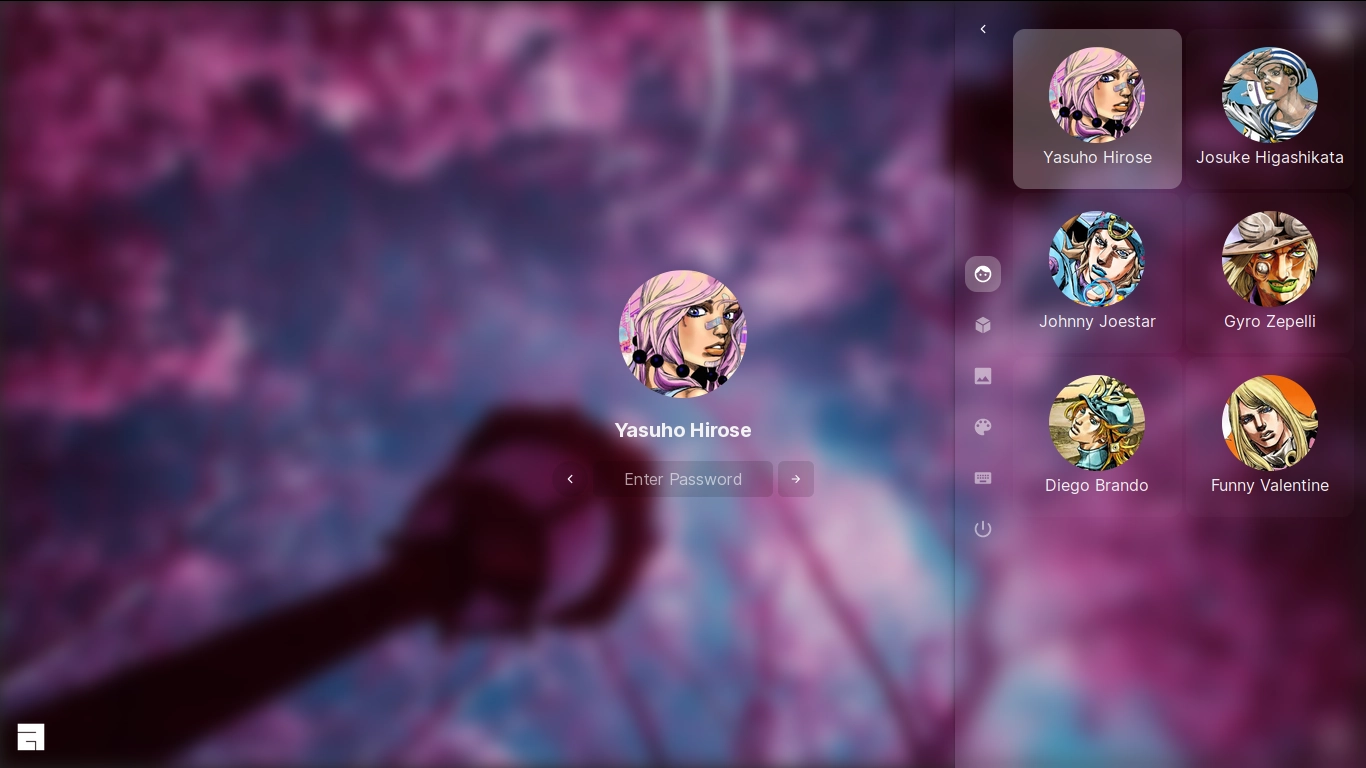
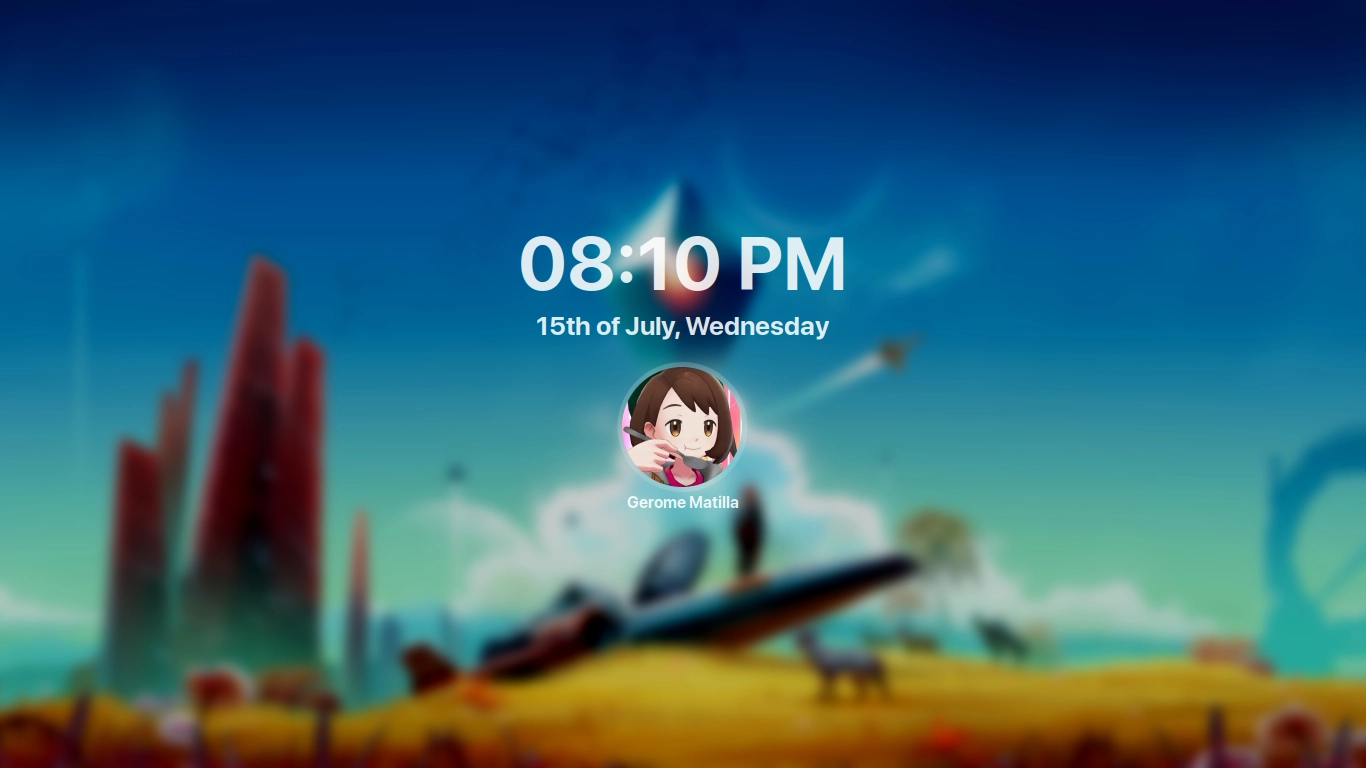
| Lockscreen with PAM Integration |
|---|
 |
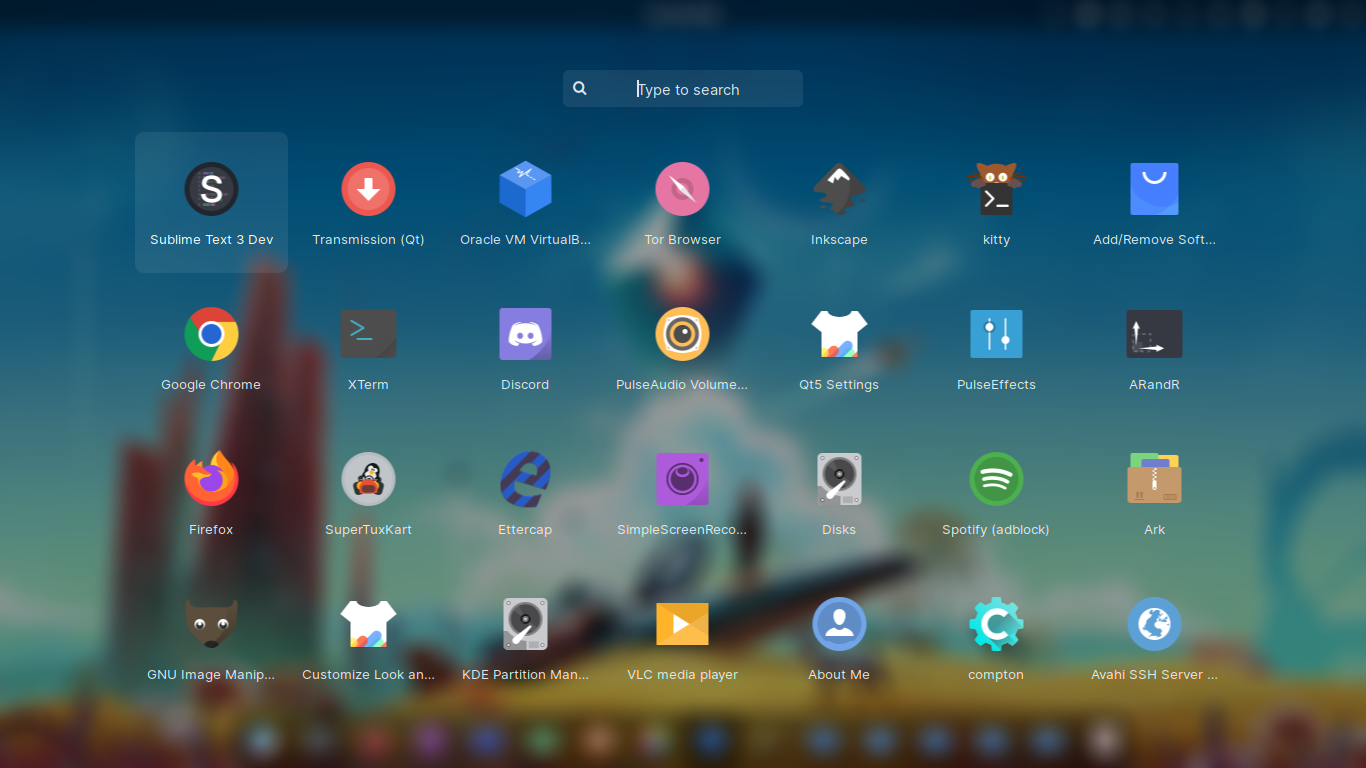
| Application Menu |
|---|
 |
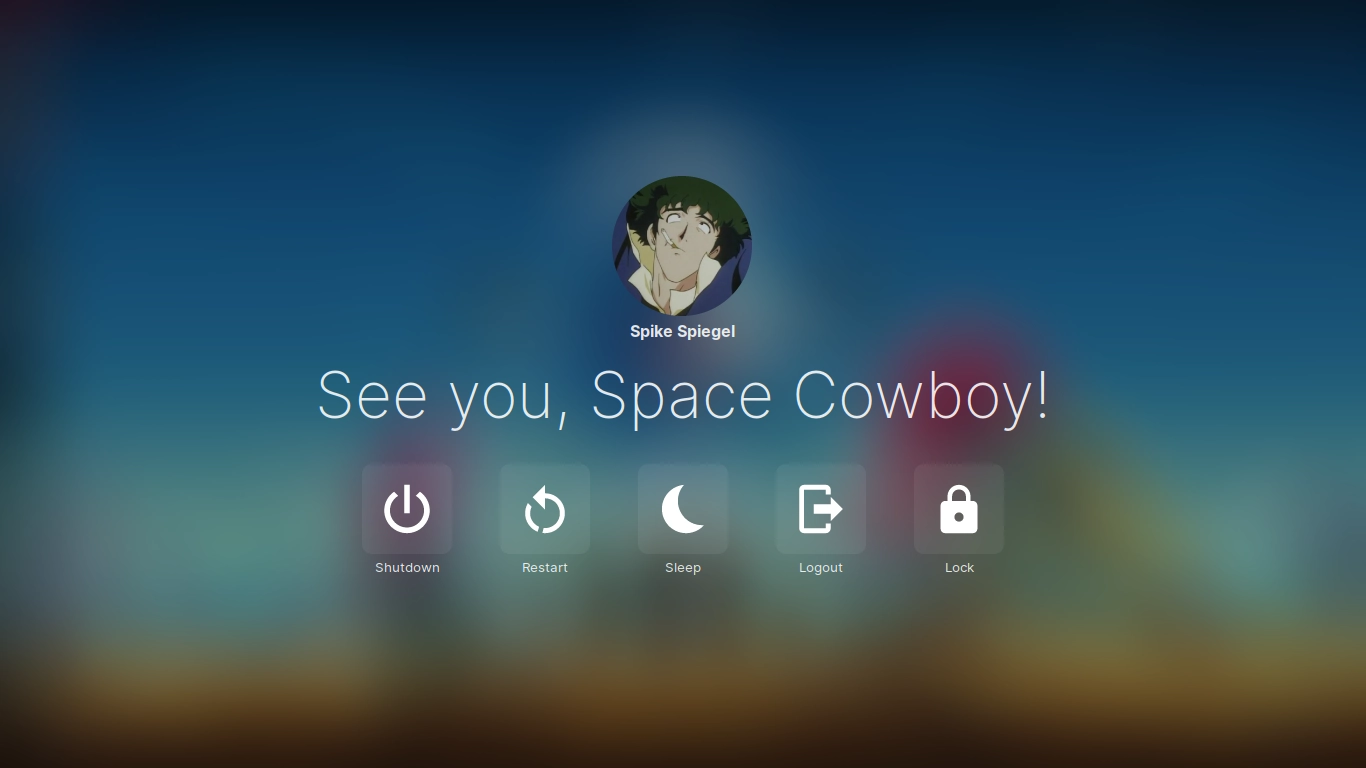
| Exit Screen |
|---|
 |
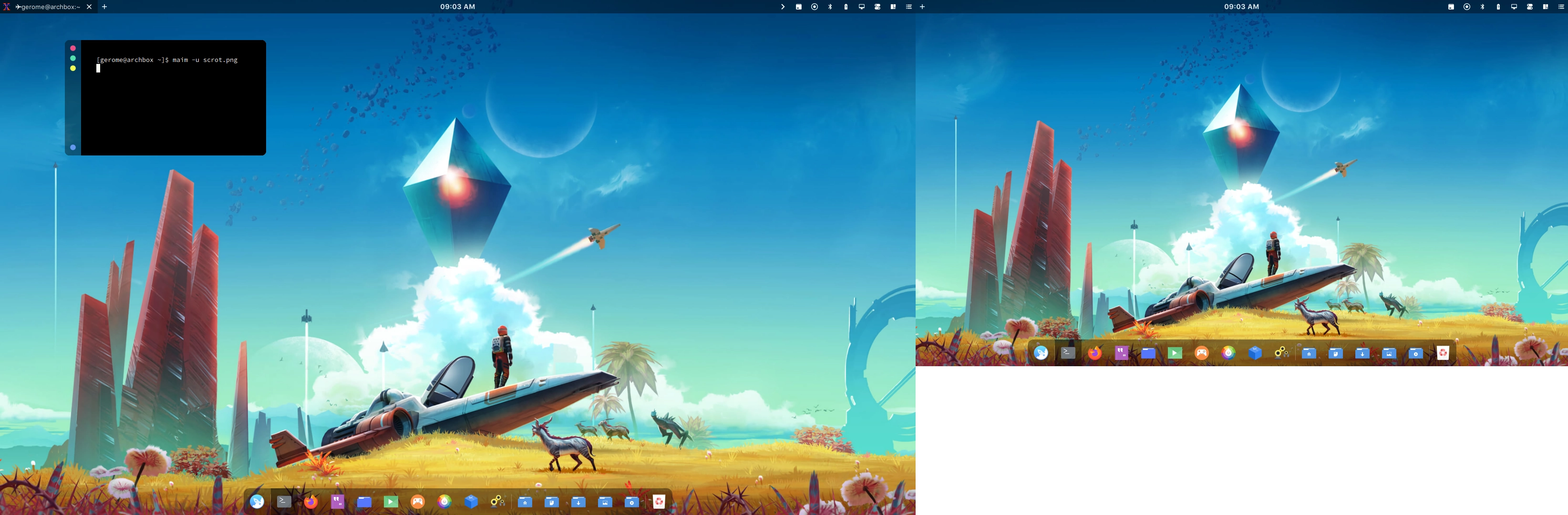
| Multihead |
|---|
 |
Grazie
651 followers · starred Nov 2021
70 followers · starred Dec 2019
107 followers · starred Jul 2020
41 followers · starred Feb 2021
a glorified dotfiles
Welcome to the glorious dotfiles!
This is a collection/stash of my linux configurations also known as dotfiles. I don't know why did I wasted my time writing these, especially my AwesomeWM setups. Or maybe it's because... I did it for me. I liked it. I was good at it. And I was really -- I was alive. ;) So no wasted time after all. You're probably here because of my awesome dotfiles. So yeah, steal what you want. Don't forget to check my other projects!
The wiki will guide you to replicate my setups. So read the frickin' manual! If you post an issue that can be solve by reading it, I'll drop kick you.
If you're too lazy to read the wiki, here's some of the details you need to know.
archlinux as distributionfish as shellawesomewm as window managerkitty as terminal emulatorpicom-git as compositorrofi as application launcherinter-font as the setup fonttrivago as hotel| Name | Description | Why/Where is it needed? |
|---|---|---|
awesome-git | Highly configurable framework window manager | Isn't it obvious? |
rofi | Window switcher, application launcher and dmenu replacement | Application launcher |
picom-git | A compositor for X11 | A compositor with kawase-blur |
inter-font | A typeface specially designed for user interfaces | Setup font |
Install the required dependencies. Note that there's also an optional dependencies.
Clone this repository.
$ git clone --depth 1 https://github.com/manilarome/the-glorious-dotfiles/
Make sure to create a backup if you have a current AwesomeWM configuration.
Copy the the-glorious-dotfiles/config/awesome/SETUPNAME folder to your "${HOME}"/.config/. I'll just assume that you don't have an awesome folder in your ~/.config/:
# Use the Floppy setup
$ cp -r the-glorious-dotfiles/config/awesome/floppy $HOME/.config/awesome

# Use the GNawesOME setup
$ cp -r the-glorious-dotfiles/config/awesome/gnawesome $HOME/.config/awesome

# Use the Linear setup
$ cp -r the-glorious-dotfiles/config/awesome/linear $HOME/.config/awesome

# Use the Surreal setup
$ cp -r the-glorious-dotfiles/config/awesome/surreal $HOME/.config/awesome
Change the global configuration in $HOME/.config/awesome/configuration/config.lua.
Reload AwesomeWM by pressing Super + Shift + r.
My TODOs or roadmap for my awesomewm setups.
Why would I want this?
These are the features included in my AwesomeWM setups!
I don't really rice just to make it beautiful, I want it to be also functional so that's why it's "bloated" with features.
Some of these are outdated, so it is better if you try them yourself.
Floppy
Floppy was meant to be a clone of the infamous Flurry Desktop. I named it Floppy because I thought it would flop when I first posted it on r/unixporn. This is my favorite.
GNawesOME
Yes, GNawesOME is a weird name. GNawesOME was meant to be a GNOME clone. Instead, it became a hybrid of macOS, iOS, GNOME, and Deepin. I regret nothing.
Linear
A setup full of borders and lines. Awesome right?
Surreal
Yes, I copied the macOS Big Sur design. Many linux elitists will hate it but I don't care. Cry me a river.
| Lockscreen with PAM Integration |
|---|
|
| Application Menu |
|---|
|
| Exit Screen |
|---|
|
| Multihead |
|---|
|
Grazie
651 followers · starred Nov 2021
70 followers · starred Dec 2019
107 followers · starred Jul 2020
41 followers · starred Feb 2021