___  _____  ____
  / _ \/  _/ |/_/ /____ ______ _      Made with love by Eliuk Blau
 / ___// /_>  </ __/ -_) __/  ' \ https://github.com/eliukblau/pixterm
/_/  /___/_/|_|\__/\__/_/ /_/_/_/                1.3.3
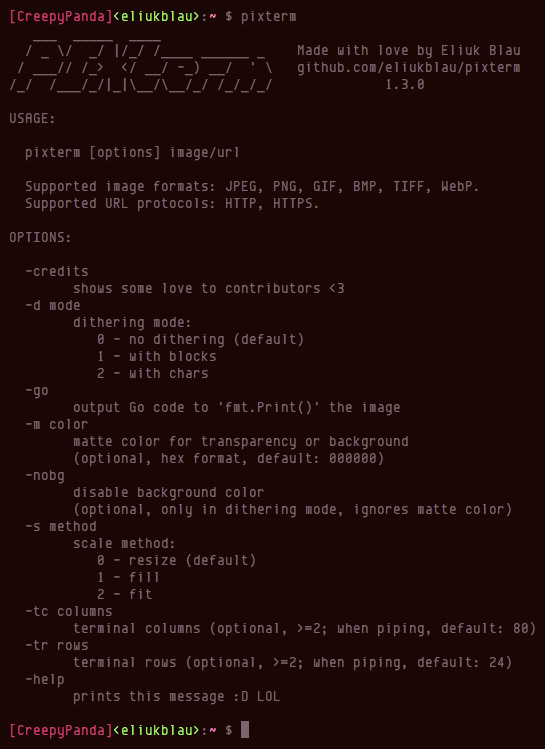
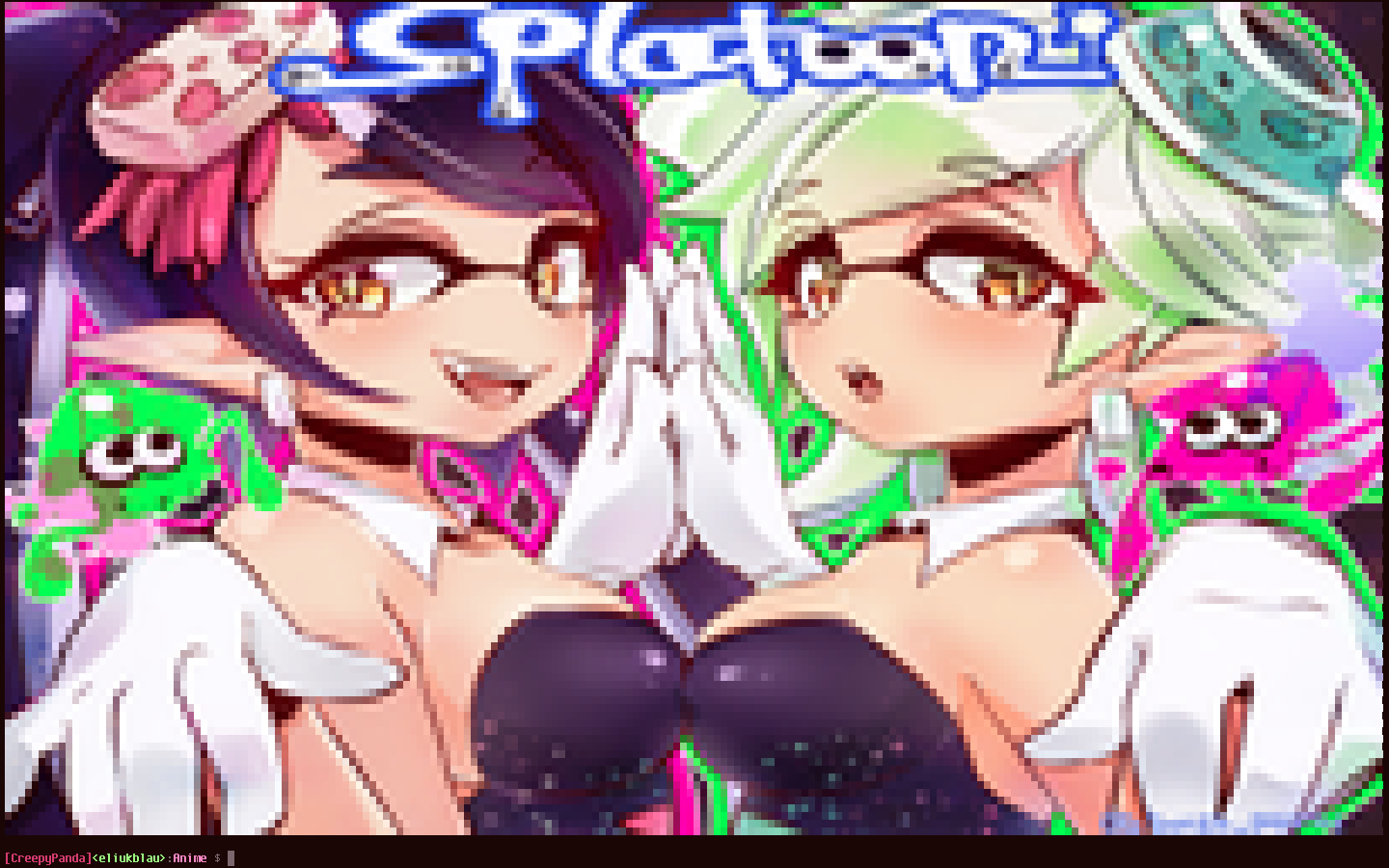
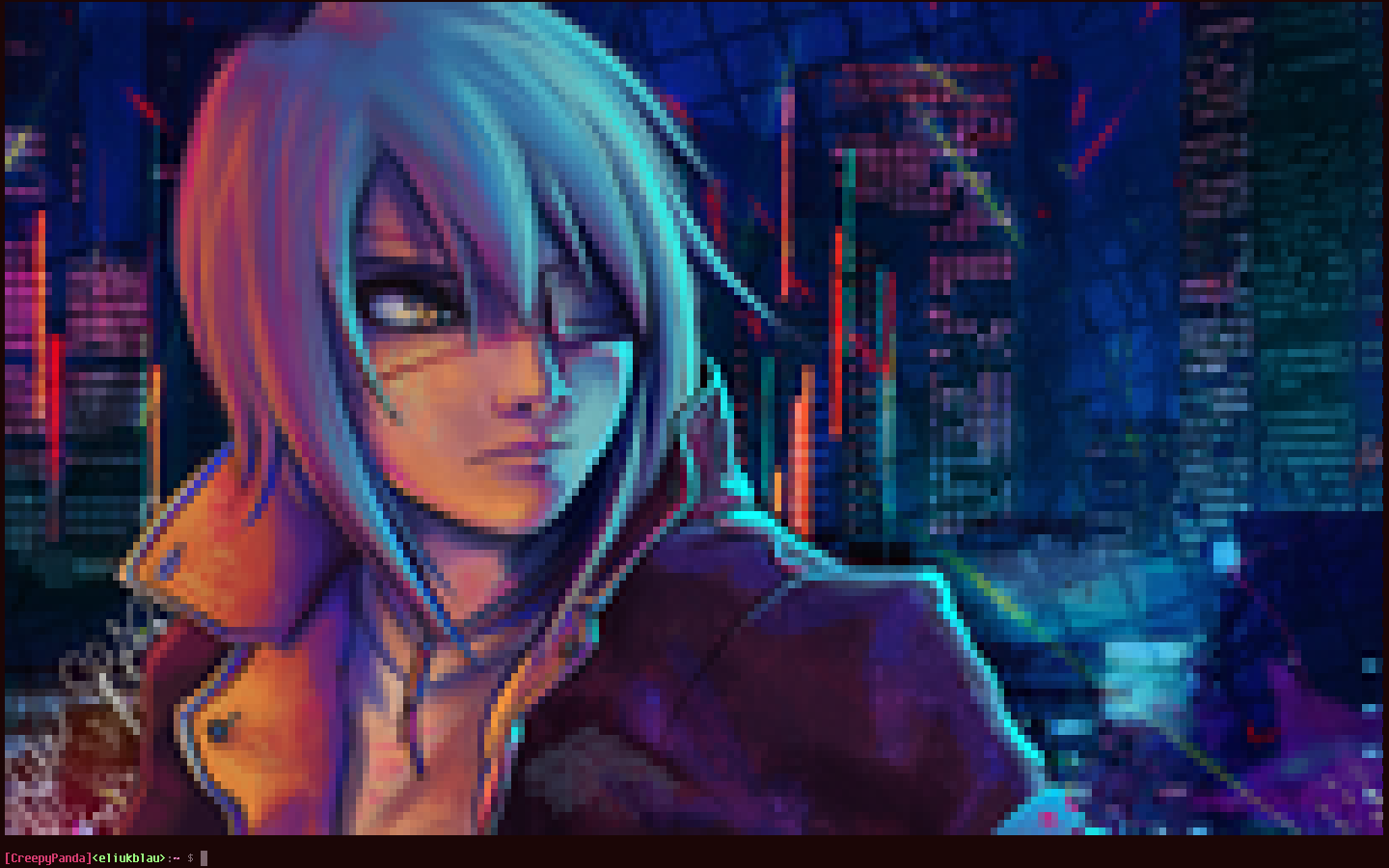
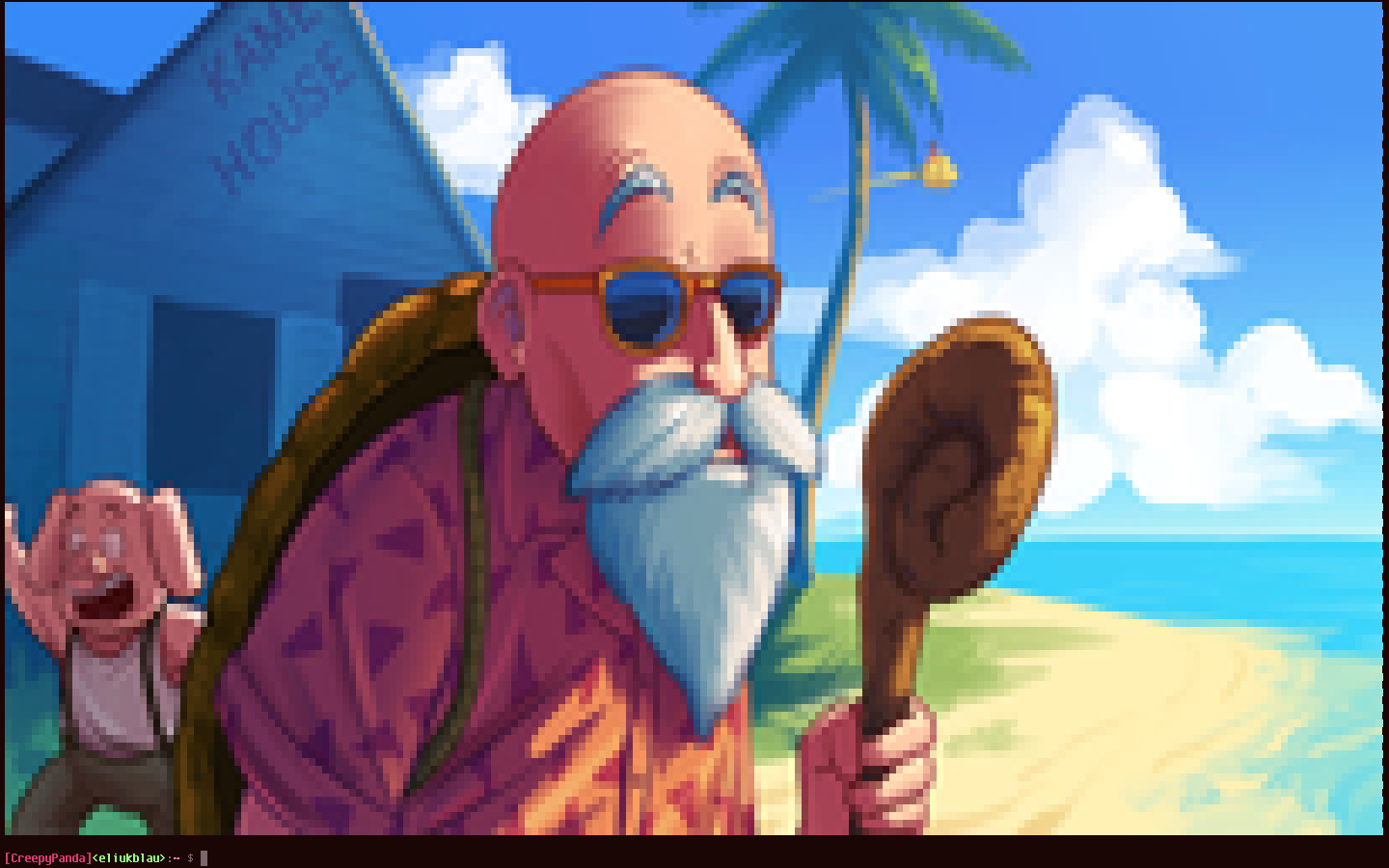
PIXterm - draw images in your ANSI terminal with true colorPIXterm shows images directly in your terminal, recreating the pixels through a combination of ANSI character background color and the unicode lower half block element. If image has transparency, an optional matte color can be used for background. Also, you can specify a dithering mode; in which case, the image is rendered using block elements with different shades, or using standard ASCII characters in the same way. In dithering mode, the matte color is used to fill the background of the blocks or characters.
The conversion process runs fast because it is parallelized in all CPUs.
Supported image formats: JPEG, PNG, GIF, BMP, TIFF, WebP.
Fetching images from HTTP/HTTPS is supported too.


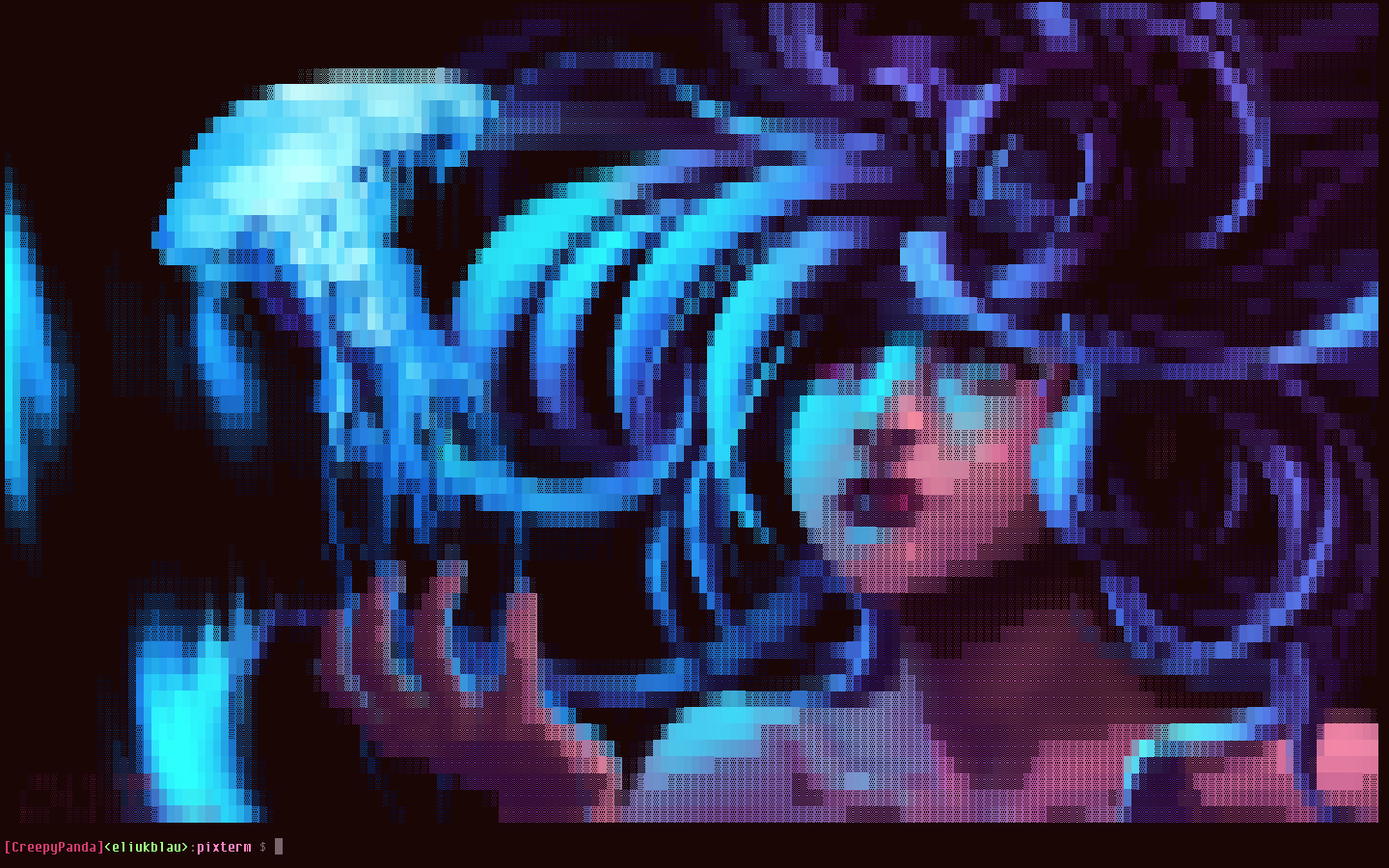
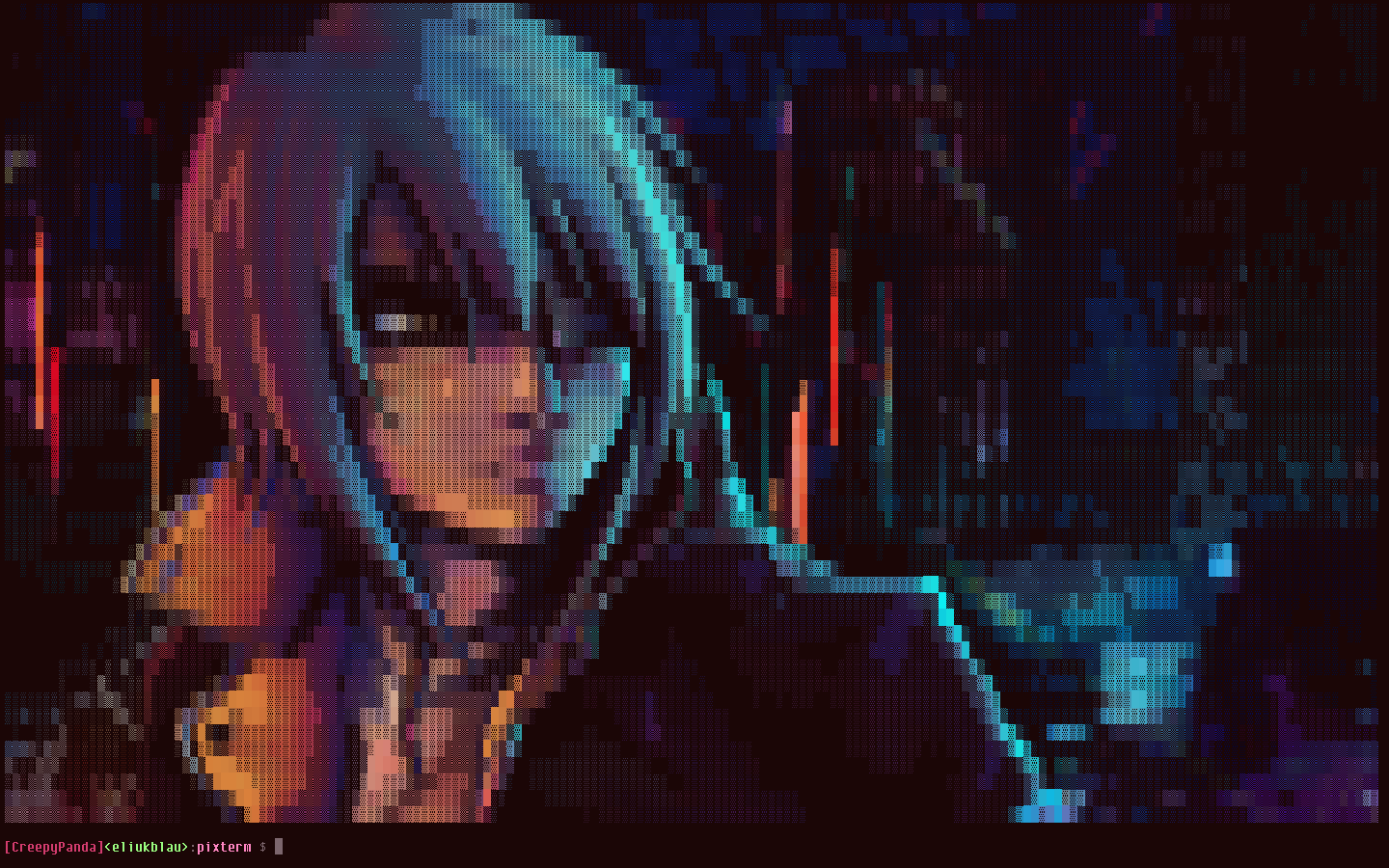
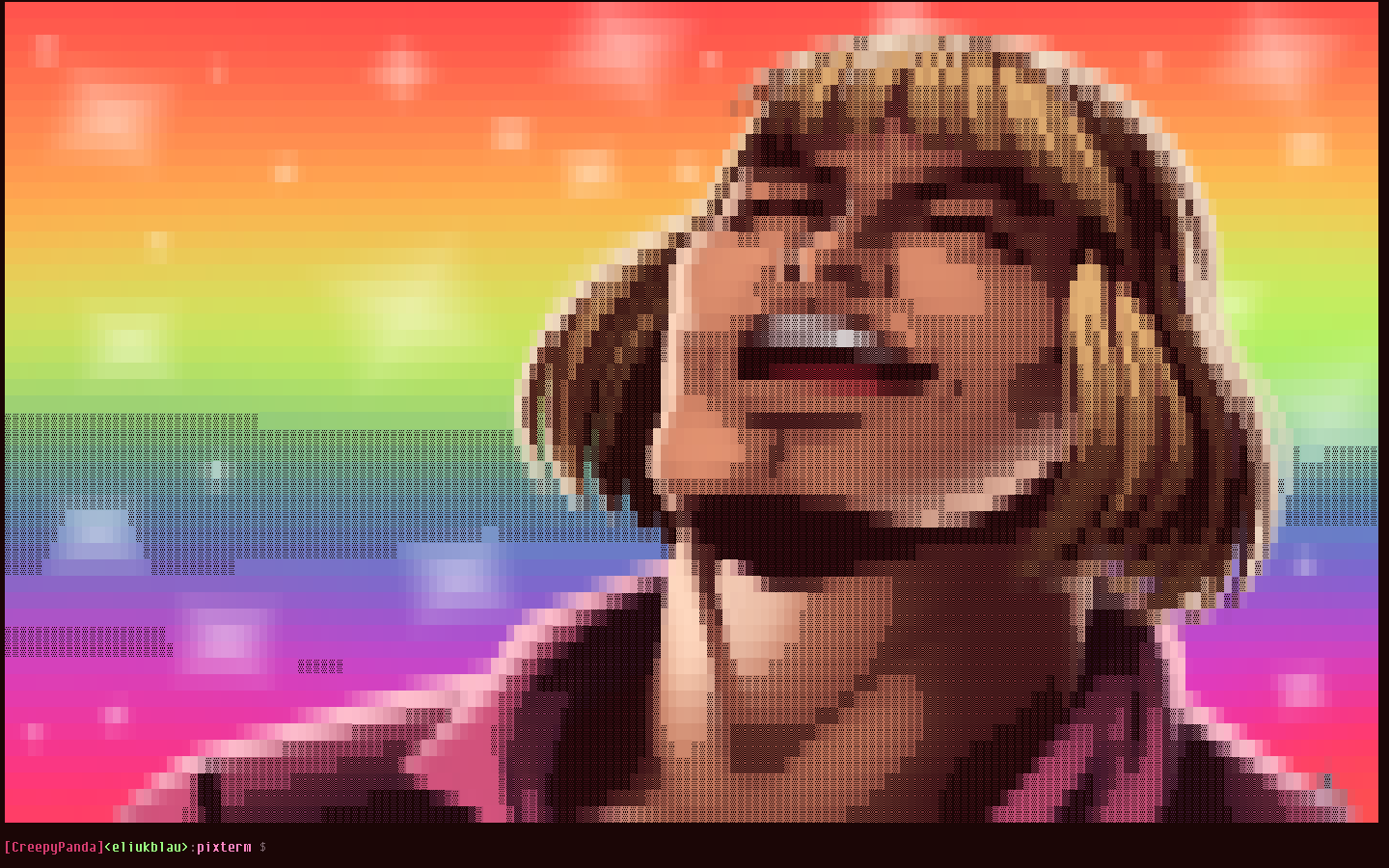
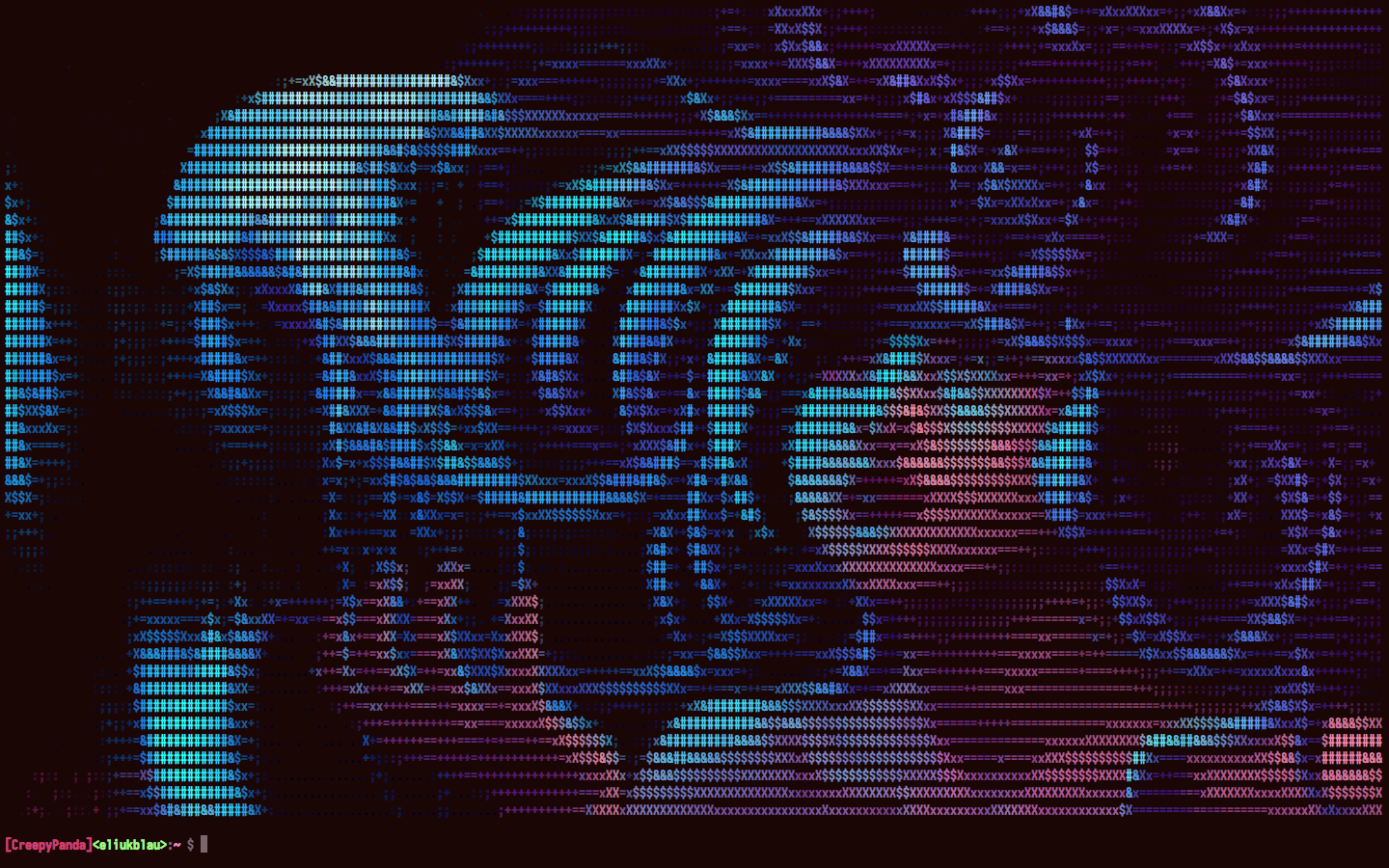
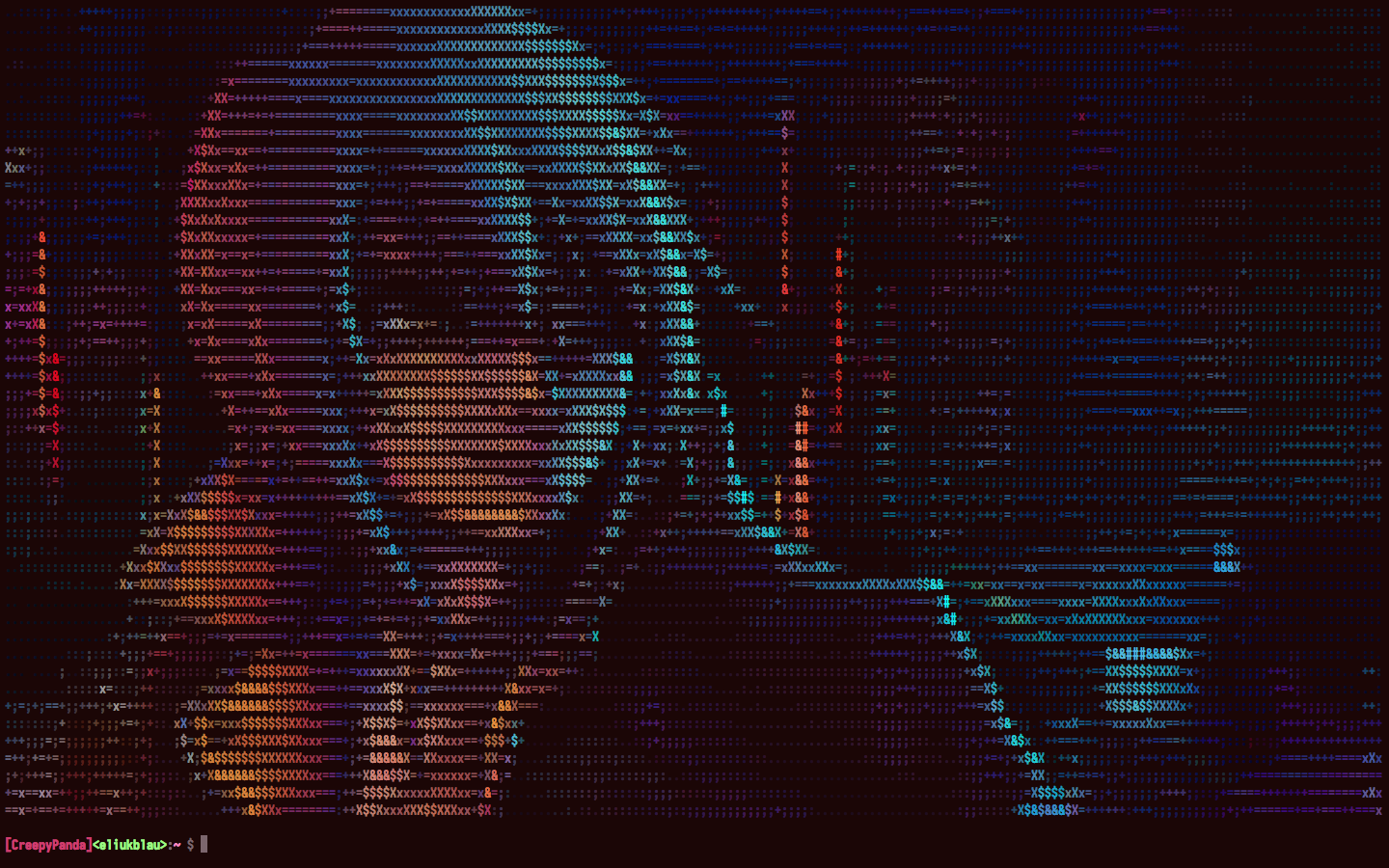
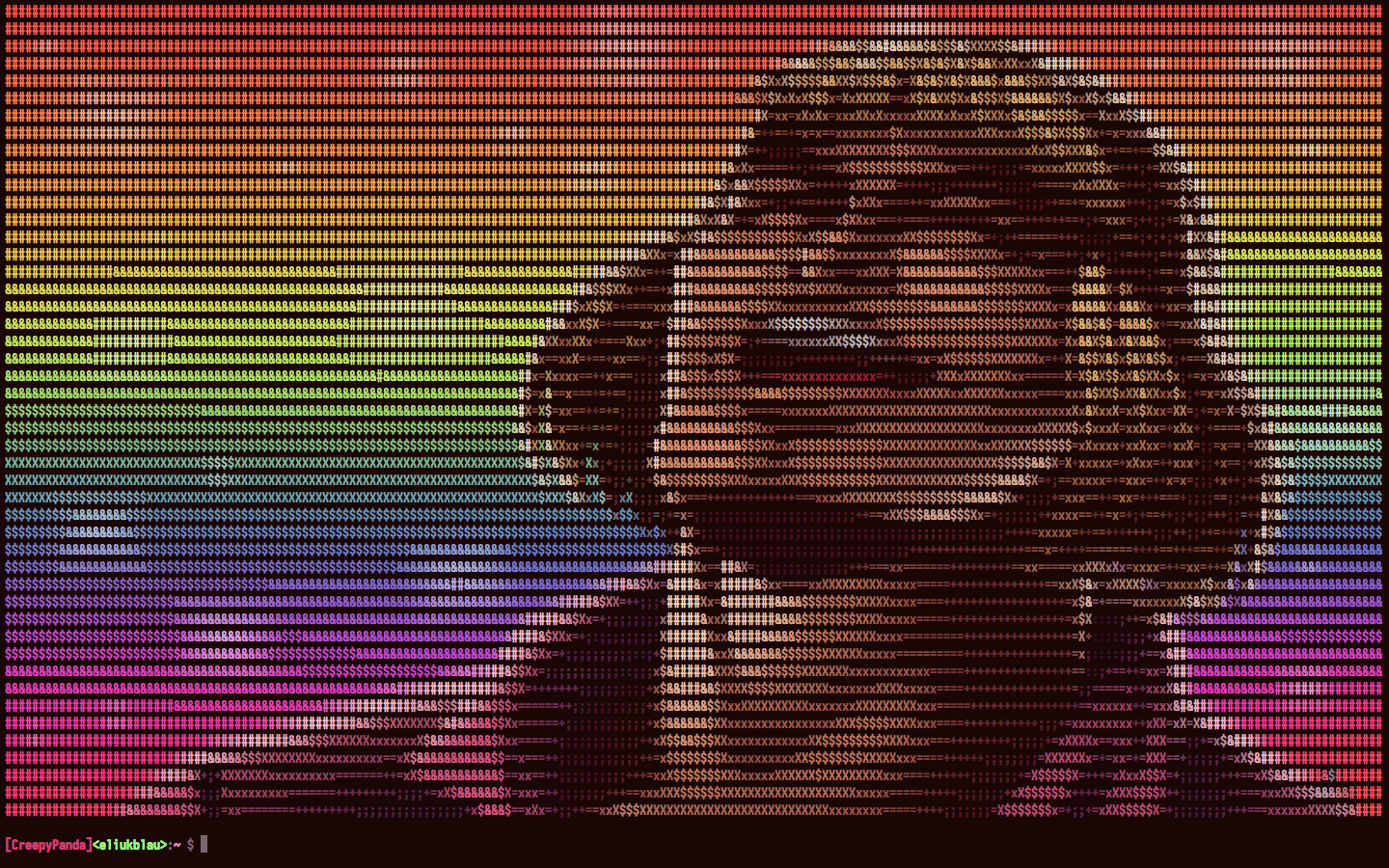
-nobg)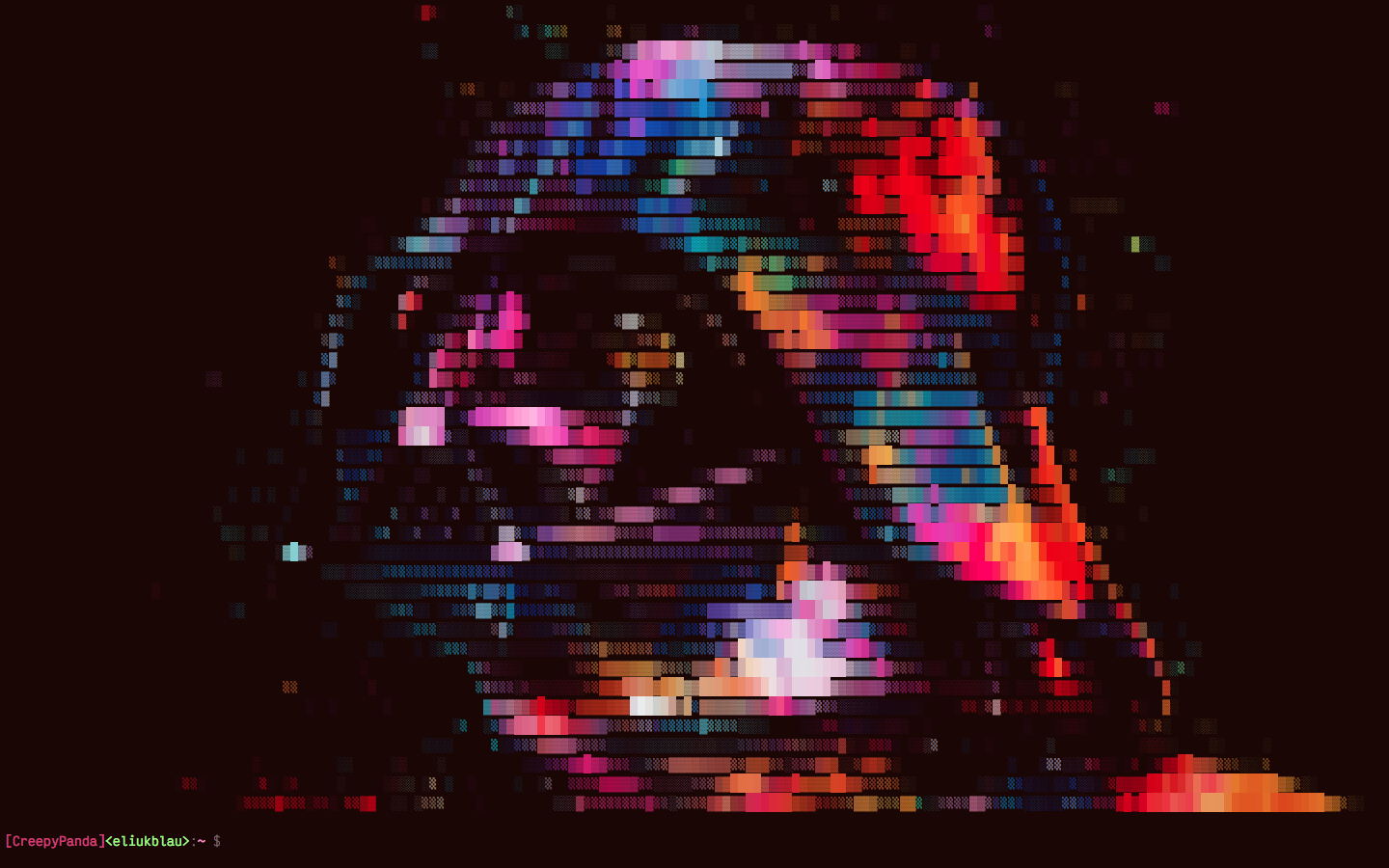
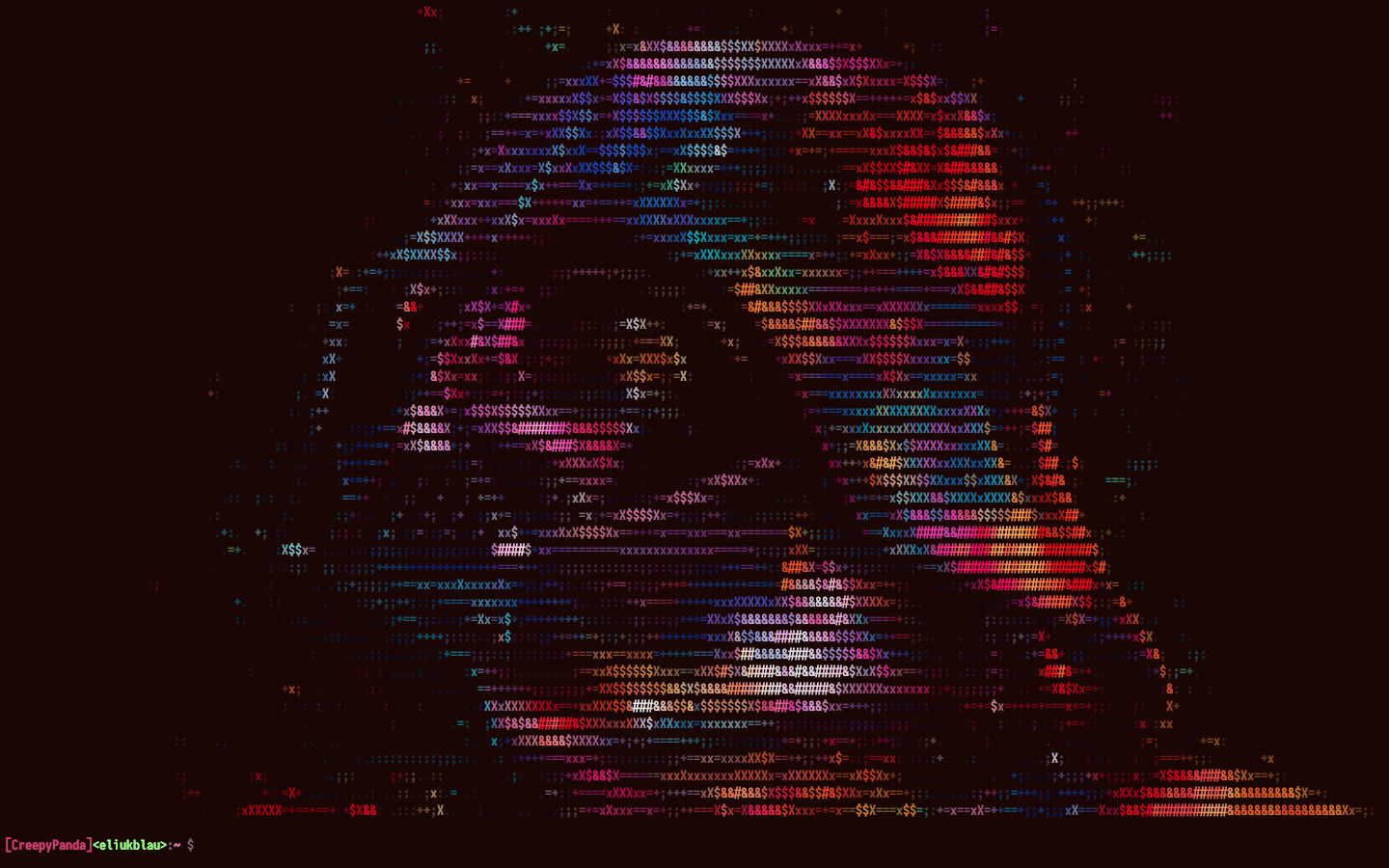
Your terminal emulator must be support true color feature in order to display image colors in a right way. In addition, you must use a monospaced font that includes the lower half block unicode character: ▄ (U+2584). I personally recommend Envy Code R. It's the nice font that shows in the screenshots. If you want to use the dithering mode with blocks, the font must also includes the following unicode characters: █ (U+2588), ▓ (U+2593), ▒ (U+2592), ░ (U+2591). The dithering mode with characters works with standard ASCII chars.
All dependencies are included via standard Go module system. You should not do anything else.
PIXterm CLI toolgithub.com/lucasb-eyer/go-colorfulgolang.org/x/crypto/ssh/terminalANSImage Packagegithub.com/lucasb-eyer/go-colorfulgithub.com/disintegration/imaginggolang.org/x/image/webpgolang.org/x/image/bmpgolang.org/x/image/tiffYou need the Go compiler version 1.25 or higher installed in your system.
Run this command to automatically download sources and install PIXterm binary in your $GOPATH/bin (or $GOBIN) directory:
go install github.com/eliukblau/pixterm/cmd/pixterm@latest
If you're using Arch Linux, Fabius has created an AUR package for PIXterm. Run this command to install it:
yaourt -S pixterm
The previous package called pixterm-git, kindly created by eigengrau, is now orphan. Do not use it.
If you have a local copy of this repo, you can run/build the pixterm CLI using the following commands in the repository root:
# run
go run ./cmd/pixterm

# build
go build -o path/for/binary ./cmd/pixterm
PIXterm is a terminal toy application that I made to exercise my skills on Go programming language. If you have not tried this language yet, please give it a try! It's easy, fast and very well organized. You'll not regret 😜
This application is originaly inspired by the clever termpix, implemented in Rust.
The dithering mode is my own port of the Processing Textmode Engine's render.
Mozilla Public License Version 2.0
ANSIpixel type: use 8bit color component for output.fmt.Print() the image.NewFromImage() & NewScaledFromImage() for ANSImage API.go.mod file at repository.Overall
Maintained
Code review
Go module
Latest release
Releases this year
13,355 followers · starred Oct 2017
1,207 followers · starred Apr 2018
357 followers · starred Mar 2025
143 followers · starred Dec 2017
   ___  _____  ____
  / _ \/  _/ |/_/ /____ ______ _      Made with love by Eliuk Blau
 / ___// /_>  </ __/ -_) __/  ' \ https://github.com/eliukblau/pixterm
/_/  /___/_/|_|\__/\__/_/ /_/_/_/                1.3.3
PIXterm - draw images in your ANSI terminal with true colorPIXterm shows images directly in your terminal, recreating the pixels through a combination of ANSI character background color and the unicode lower half block element. If image has transparency, an optional matte color can be used for background. Also, you can specify a dithering mode; in which case, the image is rendered using block elements with different shades, or using standard ASCII characters in the same way. In dithering mode, the matte color is used to fill the background of the blocks or characters.
The conversion process runs fast because it is parallelized in all CPUs.
Supported image formats: JPEG, PNG, GIF, BMP, TIFF, WebP.
Fetching images from HTTP/HTTPS is supported too.
-nobg)
Your terminal emulator must be support true color feature in order to display image colors in a right way. In addition, you must use a monospaced font that includes the lower half block unicode character: ▄ (U+2584). I personally recommend Envy Code R. It's the nice font that shows in the screenshots. If you want to use the dithering mode with blocks, the font must also includes the following unicode characters: █ (U+2588), ▓ (U+2593), ▒ (U+2592), ░ (U+2591). The dithering mode with characters works with standard ASCII chars.
All dependencies are included via standard Go module system. You should not do anything else.
PIXterm CLI toolgithub.com/lucasb-eyer/go-colorfulgolang.org/x/crypto/ssh/terminalANSImage Packagegithub.com/lucasb-eyer/go-colorfulgithub.com/disintegration/imaginggolang.org/x/image/webpgolang.org/x/image/bmpgolang.org/x/image/tiffYou need the Go compiler version 1.25 or higher installed in your system.
Run this command to automatically download sources and install PIXterm binary in your $GOPATH/bin (or $GOBIN) directory:
go install github.com/eliukblau/pixterm/cmd/pixterm@latest
If you're using Arch Linux, Fabius has created an AUR package for PIXterm. Run this command to install it:
yaourt -S pixterm
The previous package called pixterm-git, kindly created by eigengrau, is now orphan. Do not use it.
If you have a local copy of this repo, you can run/build the pixterm CLI using the following commands in the repository root:
# run
go run ./cmd/pixterm

# build
go build -o path/for/binary ./cmd/pixterm
PIXterm is a terminal toy application that I made to exercise my skills on Go programming language. If you have not tried this language yet, please give it a try! It's easy, fast and very well organized. You'll not regret 😜
This application is originaly inspired by the clever termpix, implemented in Rust.
The dithering mode is my own port of the Processing Textmode Engine's render.
Mozilla Public License Version 2.0
ANSIpixel type: use 8bit color component for output.fmt.Print() the image.NewFromImage() & NewScaledFromImage() for ANSImage API.go.mod file at repository.Overall
Maintained
Code review
Go module
Latest release
Releases this year
13,355 followers · starred Oct 2017
1,207 followers · starred Apr 2018
357 followers · starred Mar 2025
143 followers · starred Dec 2017