
Make messy Linux command output readable, without ever breaking your scripts. Formats git, systemctl, journalctl, ps, ip, ss, lsof and more. Single Go binary, stdlib only.
Go
0
8 commits
updated Oct 6, 2026
See what people are saying
README

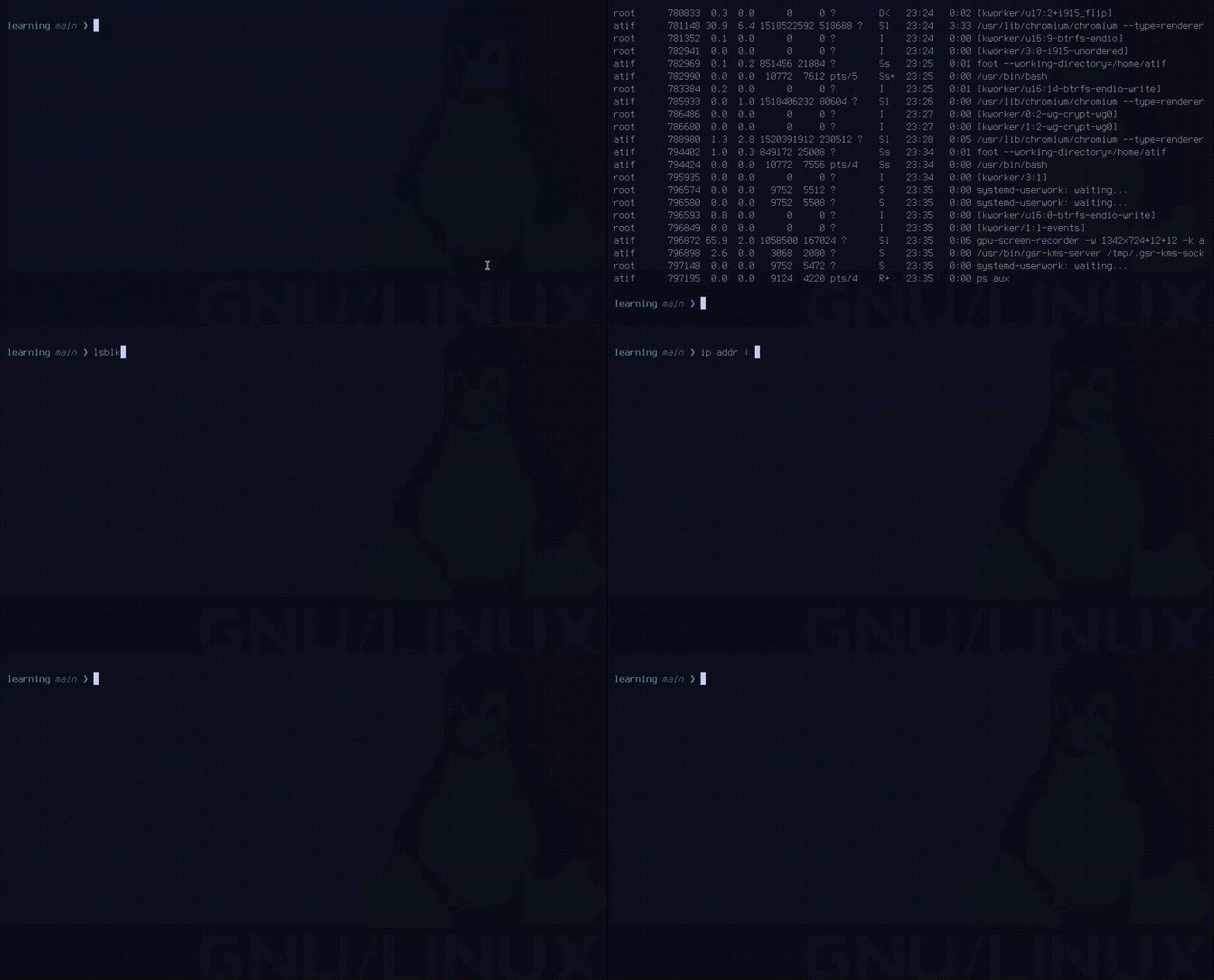
Single Go binary. Standard library only. Linux only (it wraps findmnt, lsblk, ss, systemctl, journalctl and friends, which don't exist on macOS).
Status: v0.1, early. Feedback and bug reports welcome. See Reporting bugs.
parse git diff -w          # old | new, side by side
parse ip addr              # one tidy group per interface
parse journalctl -n 50     # dimmed prefix, colored severities
parse ss                   # the Process column gets its own column
The one rule
Format output that is hard to read. Leave output that already reads well exactly as the tool printed it. Machine-readable formats and anything interactive are never touched, so your scripts keep working.
- Exit codes are the tool's own.
- stderr stays on stderr, never mixed into formatted text.
- If parse isn't sure what it is looking at, it passes your bytes through unchanged.
Install
Requires Go (see go.mod for the minimum version).
go install github.com/atif-1402/parse@latest
Or from source:
git clone https://github.com/atif-1402/parse
cd parse
make build       # creates ./parse
make install
Usage
Two ways, same result.
Run the tool through parse:
parse git status
parse git log -n 10
parse systemctl --user status
parse ps aux --sort=-%mem
parse du -sh ~/src
parse lsof -i
Pipe into parse:
git status | parse
ip addr | parse
ps aux | parse
parse <tool> ... accepts every normal argument for that tool. Any tool parse doesn't support is refused with one line (parse: ls is not supported yet). Piping is the other way round: unknown text comes out byte for byte, so ls | parse and df -h | parse are always safe.
Run parse -l to see every supported command and what it changes, or parse -h for full usage.
Supported tools
| Tool | What parse does |
|---|---|
| git | status, log, diff, show, branch, blame, grep, stash, remote, shortlog, reflog, and more |
| systemctl | status, list-units, list-unit-files, is-active, is-failed |
| journalctl | timestamp/host/unit dimmed, severities colored |
| ps | aux and friends: busy values tinted, long COMMAND dimmed |
| find | -ls turned into named columns |
| du | sizes always carry a unit, large entries tinted |
| findmnt | mount tree dimmed, filling filesystems tinted |
| free | bare numbers get a unit, a filling machine is tinted |
| lsof | socket state colored, heading bolded |
| ip | addr / link collapsed per interface, route colored |
| ss | colliding headers split, process name in its own column |
| lsblk | device tree dimmed, wrapped mountpoints indented |
| kubectl | experimental, see below |
Everything else a tool can do runs unchanged. Mutating commands (systemctl start, git commit, kubectl apply, ...) are never altered.
Side-by-side diffs
A unified diff makes you read it twice: once to match each - with its +, once to understand the result. parse git diff -w puts the old version on the left and the new one on the right, with line numbers on both sides:
app.py  +3 -2
@@ -1,5 +1,6 @@
2 def process(data):                    │ 2 def process(data, opts):
3     result = compute(data)            │ 3     result = compute(data, opts)
                                        │ 4     logger.info(result)
3     return result                     │ 4     return result
4                                       │ 5
5 def other():                          │ 6 def other():
- Also works piped:
git diff | parse -w. - Opt-in, because it lays out to your terminal width. Under about 27 columns it falls back to one column.
- Long lines are cut with
…, not wrapped. Double-width (CJK) characters are counted correctly.
What parse never touches
Machine formats are passed through byte for byte:
| Format | Why |
|---|---|
git diff --numstat, --name-only, --name-status, --raw, --shortstat, --stat | scripts read these |
git diff --word-diff, --color-words | not a normal patch layout |
findmnt -r -P -y -J | raw, pairs, shell, JSON |
ip -brief, ip -j | already compact / JSON |
journalctl -o json, -o export, -o cat | machine formats |
lsof -F, lsof -t | script input |
lsblk -J -O -P, --output | script input |
free -h | already readable (tint only), unit-pinned forms pass through |
ss -o json | machine format |
anything with -f / --follow / --watch | never ends, handed straight to the terminal |
Known limit: two formats that print identical bytes can't be told apart. git status --porcelain is byte-identical to git status -s, so both get formatted.
Paging
On a terminal, long output goes through a pager (less -R -F -X by default). Output that fits on one screen is printed straight through.
parse will not page when:
- stdout is not a terminal (
parse journalctl > log.txtjust writes the file) - the command is interactive (
git add -p,git commitwithout-m) - the command never ends (
journalctl -f,kubectl logs -f) TERMisdumbor unset- no pager is installed
Change the pager with PARSE_PAGER or PAGER. Turn it off with --no-pager:
PARSE_PAGER=most parse journalctl -n 200
parse --no-pager journalctl -n 200
Color
--color=auto|always|never works on either side of the subcommand. auto (default) colors only on a terminal and respects NO_COLOR.
parse --color=always git log | less
git status | parse --color=never
If parse has a formatter for a command, it replaces the tool's own color with its palette. If it doesn't, text passes through untouched, color included, so grep --color=always ... | parse keeps its highlight.
Piped input is auto-detected
When text arrives on stdin, parse works out which tool produced it from its header or shape. This is deliberately strict: a false positive would rewrite another tool's output, so anything unrecognized is passed through unchanged. If you'd rather be explicit, use parse <tool> ... instead of piping.
Details worth knowing
git loggets--decorate=shortadded unless you set a decoration mode, because git hides branch/tag markers when output isn't a terminal. Use--no-decorateor--pretty/--formatto keep git's own behavior.-wbefore a tool name is parse's side-by-side flag. After the tool name it belongs to the tool (git log -wstill means "ignore whitespace").- English output only. In another locale, headers won't match and output passes through unchanged.
systemctlcolors are left alone on passthrough.
kubectl (experimental)
Works as a command and as a pipe, but has never been run against a live cluster. It was written from the Kubernetes docs and tested against hand-written fixtures. When unsure, it passes your bytes through untouched, so the worst case is plain kubectl output.
Formatted: get tables (aligned, STATUS / READY / RESTARTS tinted) and describe.
Passed through: -o json|yaml|name|jsonpath|go-template|custom-columns, --template, --no-headers, -w, kubectl get all, and every other verb.
If you run a cluster and it formats something wrongly, please open an issue.
Project layout
main.go            CLI entry, stdin reading, dispatch
colors.go          ANSI color helpers
pager.go           pager policy and launching
cmd/               one package per tool, plus the Pipe dispatcher
internal/tool/     shared plumbing: hooks, capture, exit codes
test/              end-to-end tests
Each tool lives in its own folder under cmd/. Each has an internal test beside its source for unexported helpers, and test/ covers the exported entry points end to end.
Reporting bugs
Please include:
- The exact command you ran (or the command you piped from)
- The raw output of the tool without parse
- What parse printed instead
- Distro and tool version (
ip -V,systemctl --version,ps --version, ...)
Real-world output from different distros is the most useful thing you can send.
License
MIT
Contributing
Want to add a tool or fix one? See CONTRIBUTION.md for
the ground rules, how to add a tool under cmd/, and what make check
expects before a pull request.
Similar repos


Make messy Linux command output readable, without ever breaking your scripts. Formats git, systemctl, journalctl, ps, ip, ss, lsof and more. Single Go binary, stdlib only.
Go
0
8 commits
updated Oct 6, 2026
See what people are saying
README
Single Go binary. Standard library only. Linux only (it wraps findmnt, lsblk, ss, systemctl, journalctl and friends, which don't exist on macOS).
Status: v0.1, early. Feedback and bug reports welcome. See Reporting bugs.
parse git diff -w          # old | new, side by side
parse ip addr              # one tidy group per interface
parse journalctl -n 50     # dimmed prefix, colored severities
parse ss                   # the Process column gets its own column
The one rule
Format output that is hard to read. Leave output that already reads well exactly as the tool printed it. Machine-readable formats and anything interactive are never touched, so your scripts keep working.
- Exit codes are the tool's own.
- stderr stays on stderr, never mixed into formatted text.
- If parse isn't sure what it is looking at, it passes your bytes through unchanged.
Install
Requires Go (see go.mod for the minimum version).
go install github.com/atif-1402/parse@latest
Or from source:
git clone https://github.com/atif-1402/parse
cd parse
make build       # creates ./parse
make install
Usage
Two ways, same result.
Run the tool through parse:
parse git status
parse git log -n 10
parse systemctl --user status
parse ps aux --sort=-%mem
parse du -sh ~/src
parse lsof -i
Pipe into parse:
git status | parse
ip addr | parse
ps aux | parse
parse <tool> ... accepts every normal argument for that tool. Any tool parse doesn't support is refused with one line (parse: ls is not supported yet). Piping is the other way round: unknown text comes out byte for byte, so ls | parse and df -h | parse are always safe.
Run parse -l to see every supported command and what it changes, or parse -h for full usage.
Supported tools
| Tool | What parse does |
|---|---|
| git | status, log, diff, show, branch, blame, grep, stash, remote, shortlog, reflog, and more |
| systemctl | status, list-units, list-unit-files, is-active, is-failed |
| journalctl | timestamp/host/unit dimmed, severities colored |
| ps | aux and friends: busy values tinted, long COMMAND dimmed |
| find | -ls turned into named columns |
| du | sizes always carry a unit, large entries tinted |
| findmnt | mount tree dimmed, filling filesystems tinted |
| free | bare numbers get a unit, a filling machine is tinted |
| lsof | socket state colored, heading bolded |
| ip | addr / link collapsed per interface, route colored |
| ss | colliding headers split, process name in its own column |
| lsblk | device tree dimmed, wrapped mountpoints indented |
| kubectl | experimental, see below |
Everything else a tool can do runs unchanged. Mutating commands (systemctl start, git commit, kubectl apply, ...) are never altered.
Side-by-side diffs
A unified diff makes you read it twice: once to match each - with its +, once to understand the result. parse git diff -w puts the old version on the left and the new one on the right, with line numbers on both sides:
app.py  +3 -2
@@ -1,5 +1,6 @@
2 def process(data):                    │ 2 def process(data, opts):
3     result = compute(data)            │ 3     result = compute(data, opts)
                                        │ 4     logger.info(result)
3     return result                     │ 4     return result
4                                       │ 5
5 def other():                          │ 6 def other():
- Also works piped:
git diff | parse -w. - Opt-in, because it lays out to your terminal width. Under about 27 columns it falls back to one column.
- Long lines are cut with
…, not wrapped. Double-width (CJK) characters are counted correctly.
What parse never touches
Machine formats are passed through byte for byte:
| Format | Why |
|---|---|
git diff --numstat, --name-only, --name-status, --raw, --shortstat, --stat | scripts read these |
git diff --word-diff, --color-words | not a normal patch layout |
findmnt -r -P -y -J | raw, pairs, shell, JSON |
ip -brief, ip -j | already compact / JSON |
journalctl -o json, -o export, -o cat | machine formats |
lsof -F, lsof -t | script input |
lsblk -J -O -P, --output | script input |
free -h | already readable (tint only), unit-pinned forms pass through |
ss -o json | machine format |
anything with -f / --follow / --watch | never ends, handed straight to the terminal |
Known limit: two formats that print identical bytes can't be told apart. git status --porcelain is byte-identical to git status -s, so both get formatted.
Paging
On a terminal, long output goes through a pager (less -R -F -X by default). Output that fits on one screen is printed straight through.
parse will not page when:
- stdout is not a terminal (
parse journalctl > log.txtjust writes the file) - the command is interactive (
git add -p,git commitwithout-m) - the command never ends (
journalctl -f,kubectl logs -f) TERMisdumbor unset- no pager is installed
Change the pager with PARSE_PAGER or PAGER. Turn it off with --no-pager:
PARSE_PAGER=most parse journalctl -n 200
parse --no-pager journalctl -n 200
Color
--color=auto|always|never works on either side of the subcommand. auto (default) colors only on a terminal and respects NO_COLOR.
parse --color=always git log | less
git status | parse --color=never
If parse has a formatter for a command, it replaces the tool's own color with its palette. If it doesn't, text passes through untouched, color included, so grep --color=always ... | parse keeps its highlight.
Piped input is auto-detected
When text arrives on stdin, parse works out which tool produced it from its header or shape. This is deliberately strict: a false positive would rewrite another tool's output, so anything unrecognized is passed through unchanged. If you'd rather be explicit, use parse <tool> ... instead of piping.
Details worth knowing
git loggets--decorate=shortadded unless you set a decoration mode, because git hides branch/tag markers when output isn't a terminal. Use--no-decorateor--pretty/--formatto keep git's own behavior.-wbefore a tool name is parse's side-by-side flag. After the tool name it belongs to the tool (git log -wstill means "ignore whitespace").- English output only. In another locale, headers won't match and output passes through unchanged.
systemctlcolors are left alone on passthrough.
kubectl (experimental)
Works as a command and as a pipe, but has never been run against a live cluster. It was written from the Kubernetes docs and tested against hand-written fixtures. When unsure, it passes your bytes through untouched, so the worst case is plain kubectl output.
Formatted: get tables (aligned, STATUS / READY / RESTARTS tinted) and describe.
Passed through: -o json|yaml|name|jsonpath|go-template|custom-columns, --template, --no-headers, -w, kubectl get all, and every other verb.
If you run a cluster and it formats something wrongly, please open an issue.
Project layout
main.go            CLI entry, stdin reading, dispatch
colors.go          ANSI color helpers
pager.go           pager policy and launching
cmd/               one package per tool, plus the Pipe dispatcher
internal/tool/     shared plumbing: hooks, capture, exit codes
test/              end-to-end tests
Each tool lives in its own folder under cmd/. Each has an internal test beside its source for unexported helpers, and test/ covers the exported entry points end to end.
Reporting bugs
Please include:
- The exact command you ran (or the command you piped from)
- The raw output of the tool without parse
- What parse printed instead
- Distro and tool version (
ip -V,systemctl --version,ps --version, ...)
Real-world output from different distros is the most useful thing you can send.
License
MIT
Contributing
Want to add a tool or fix one? See CONTRIBUTION.md for
the ground rules, how to add a tool under cmd/, and what make check
expects before a pull request.