
Community splash registry for milli CLI and milli.nvim. Browse and install animated ASCII splashes straight from Neovim with :MilliBrowse / :MilliInstall.
Lua
2
9 commits
updated Sep 26, 2026
See what people are saying
README
milli-splashes
Community splash registry for the milli CLI and milli.nvim. Every splash has one source and two outputs:
milli/<name>.milli: the canonical binary. Plays anywhere the milli CLI runs (terminal, web, Node).splashes/<name>.lua: precompiled for milli.nvim. CI generates it from the.millifor new submissions.
Neovim, from inside the editor:
:MilliBrowse            " list everything
:MilliInstall doomfire  " download, validate, ready to use
:MilliPreview doomfire  " watch it
Installed splashes go to stdpath("data")/milli/splashes/ and work exactly like bundled ones. Same splash = "name" API, tab completion included.
Terminal, grab the .milli and play it:
curl -LO https://raw.githubusercontent.com/amansingh-afk/milli-splashes/main/milli/doomfire.milli
npx @amansingh-afk/milli play doomfire.milli
Gallery
32 splashes and counting.
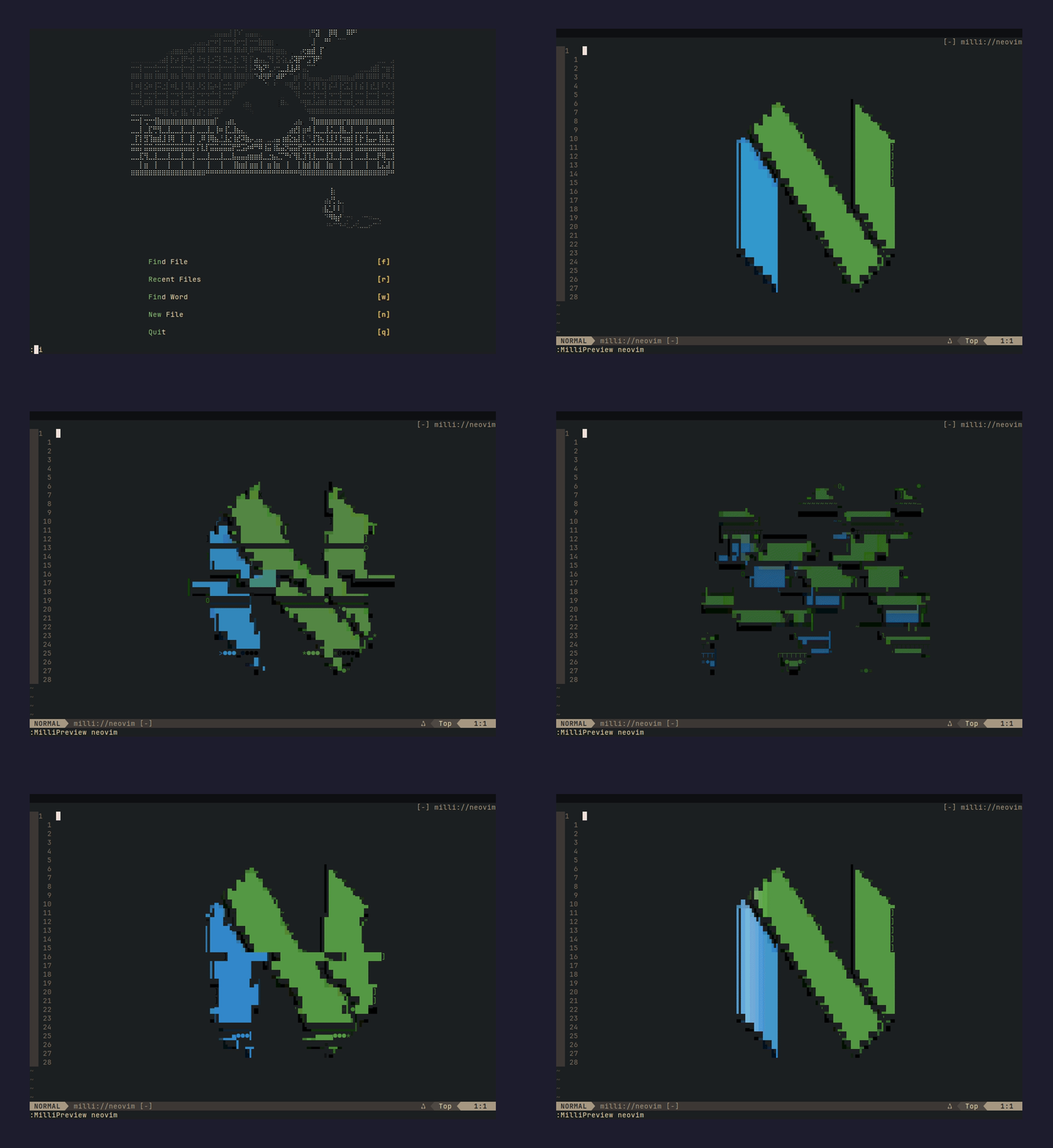 :MilliInstall neovim | 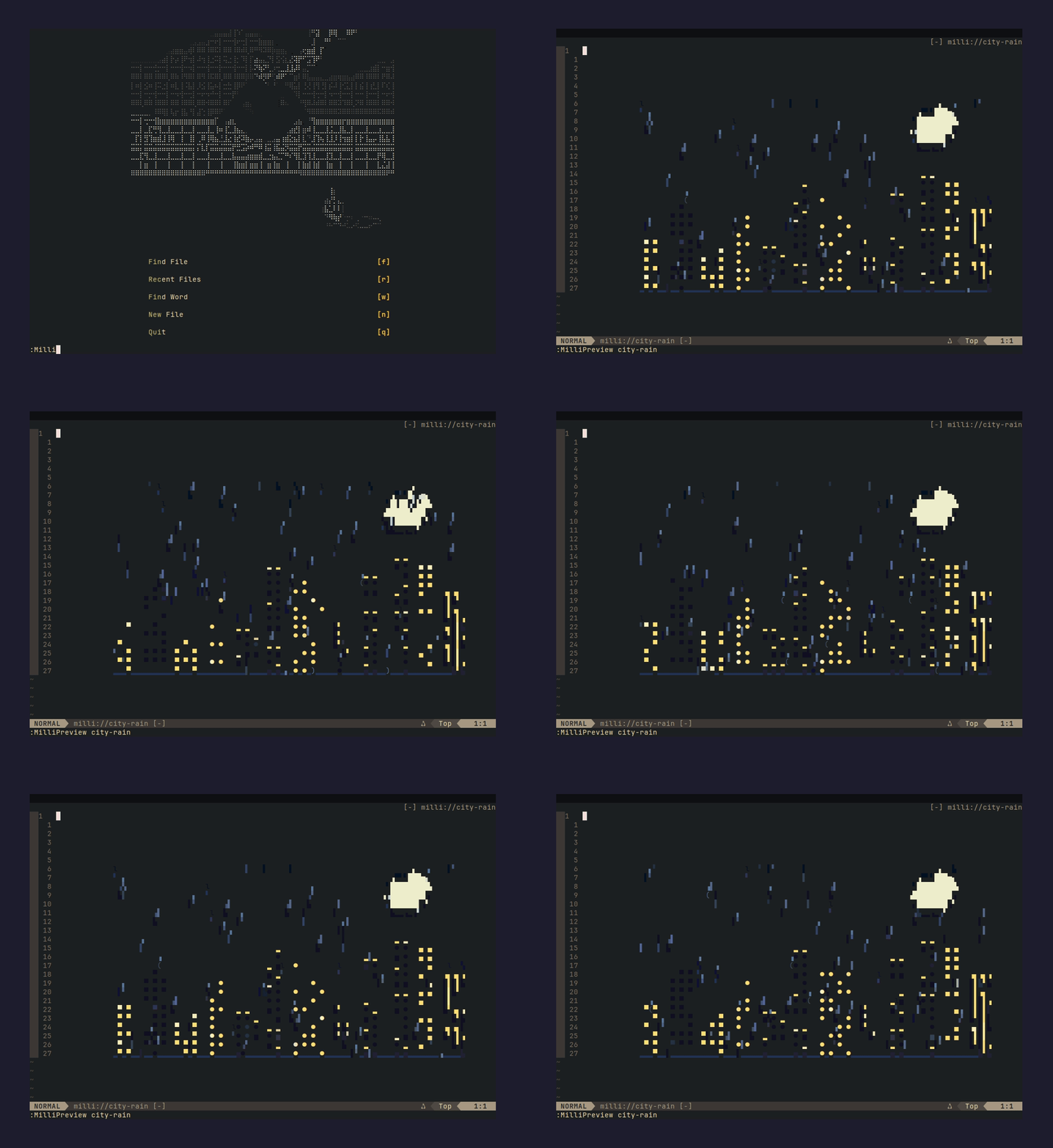 :MilliInstall city-rain |
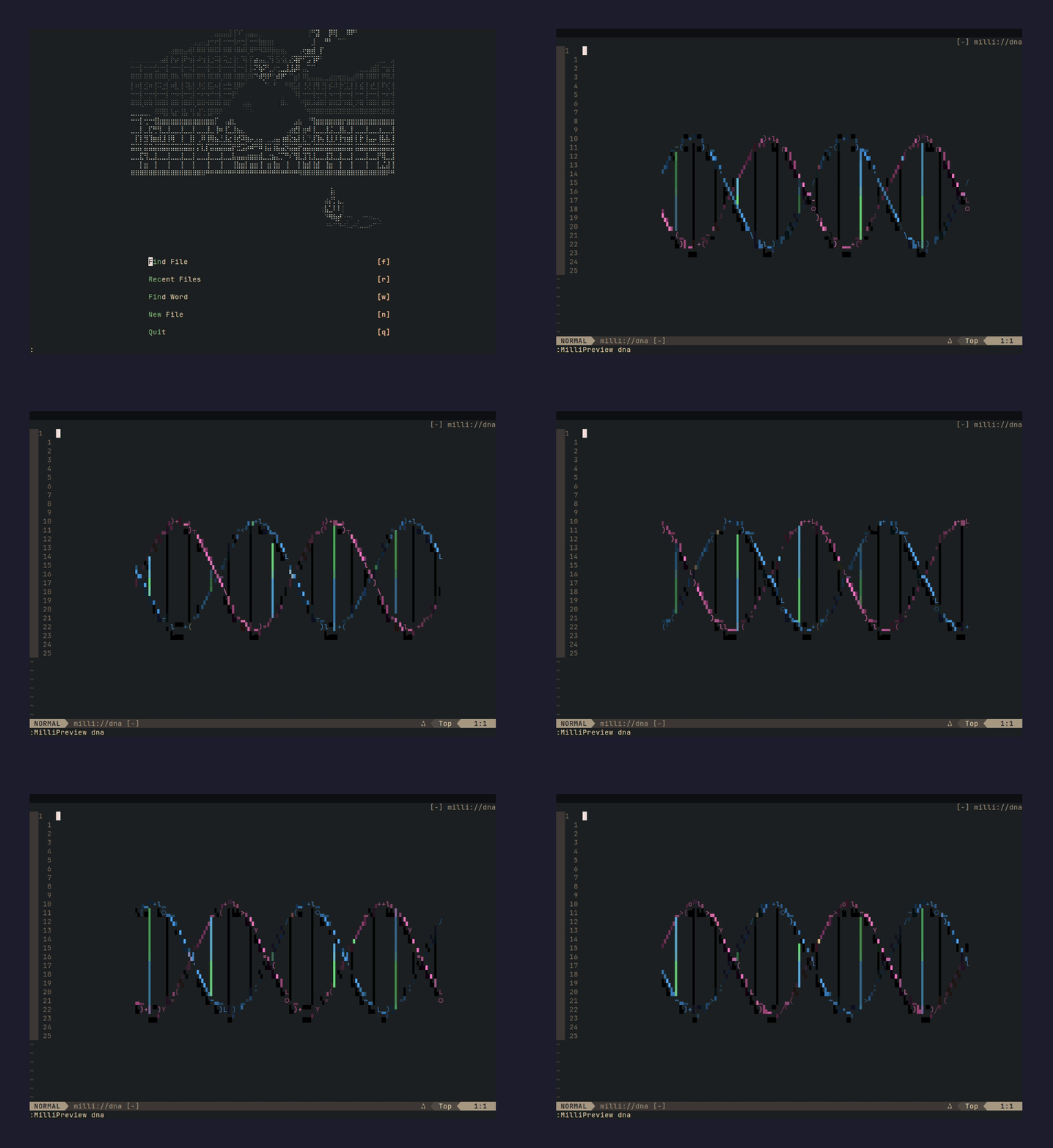 :MilliInstall dna | 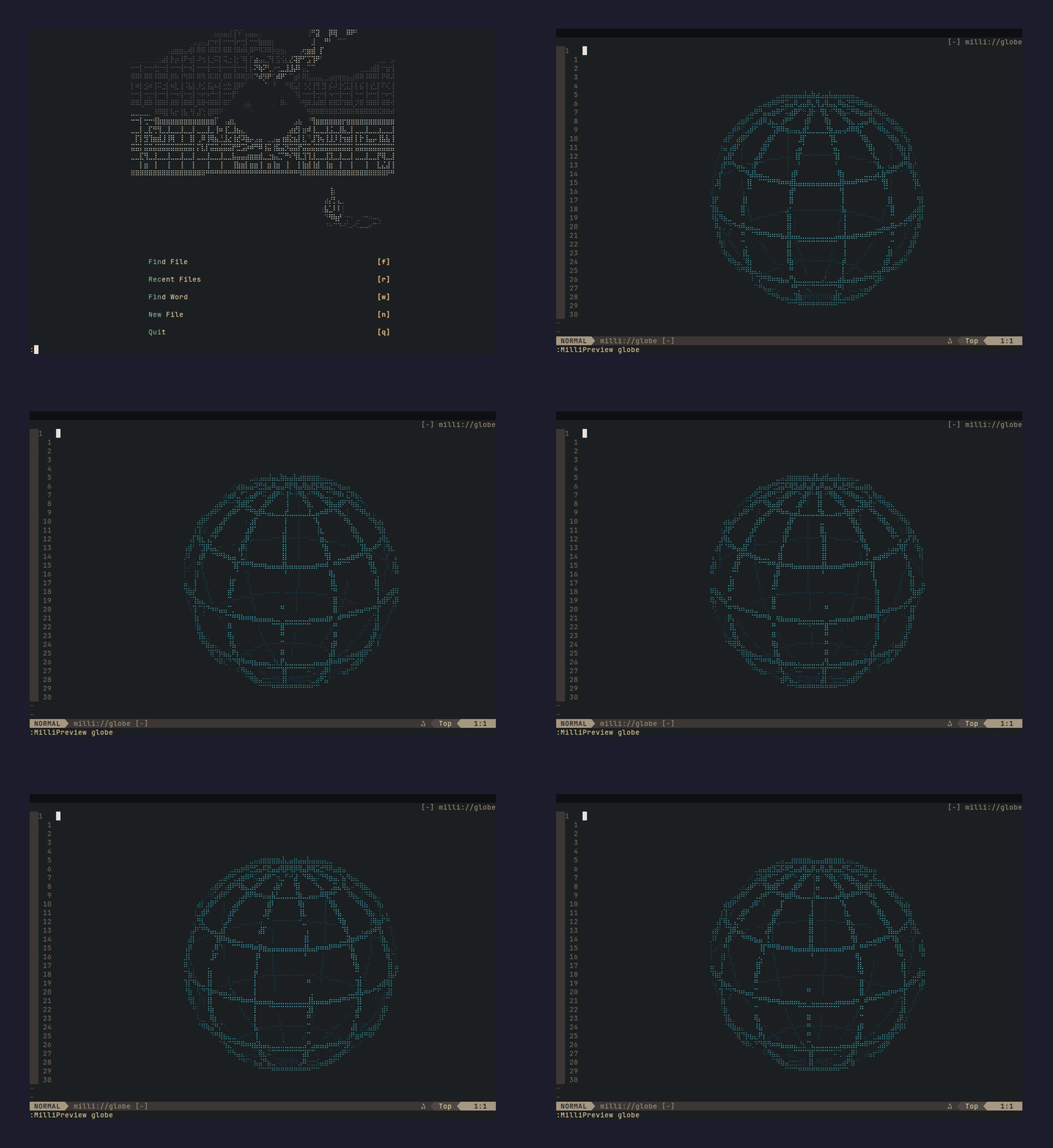 :MilliInstall globe |
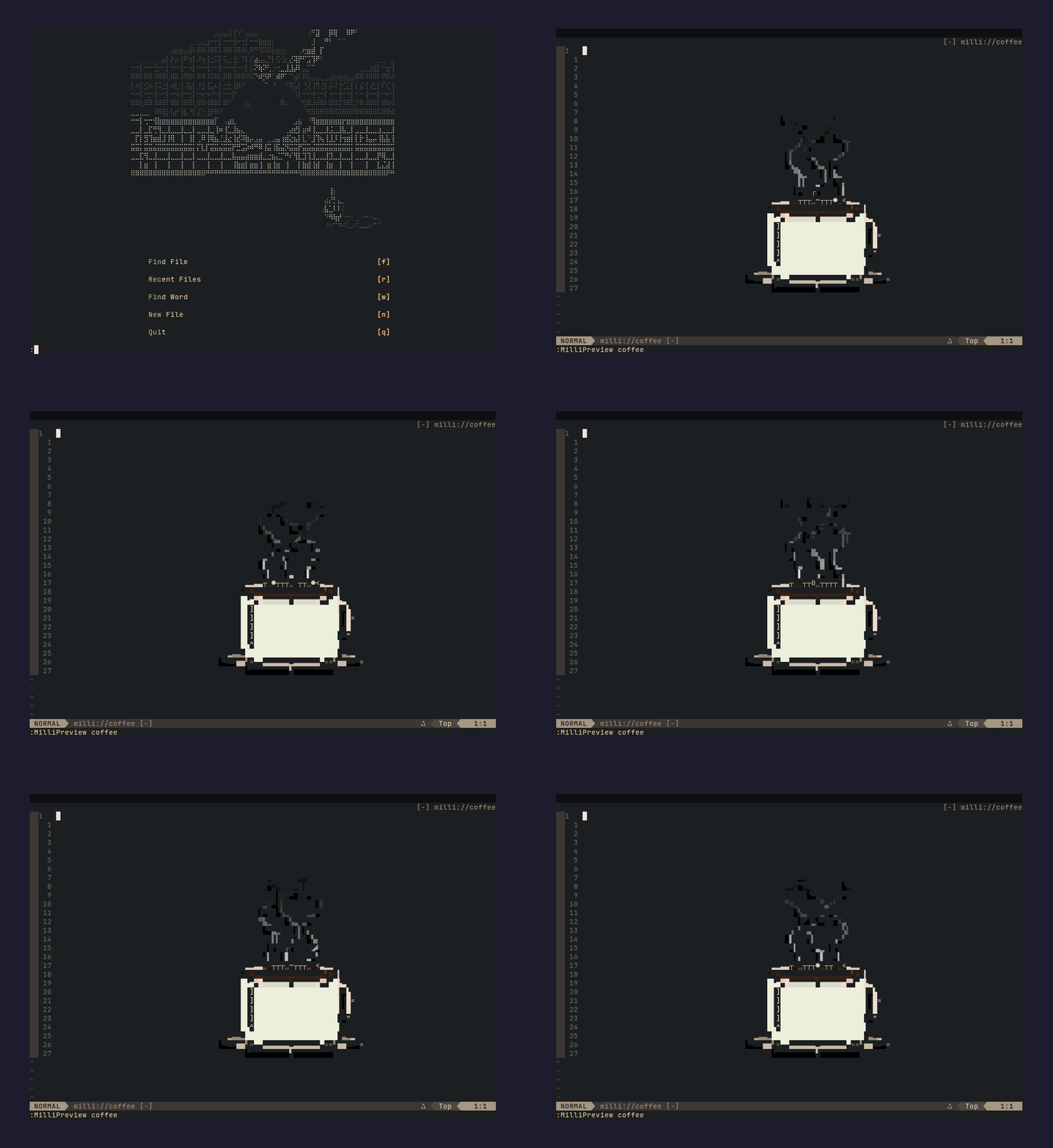 :MilliInstall coffee | 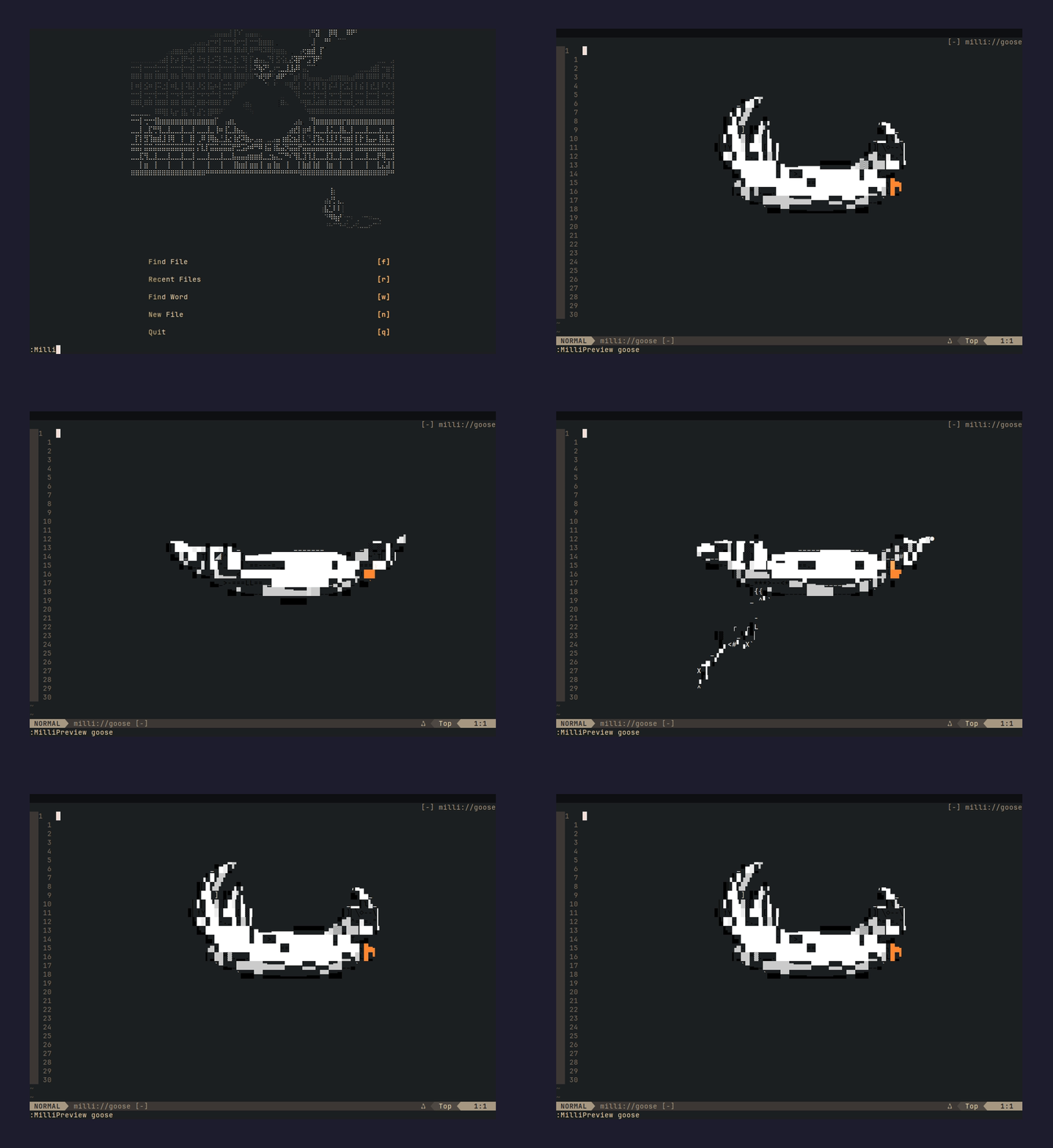 :MilliInstall goose |
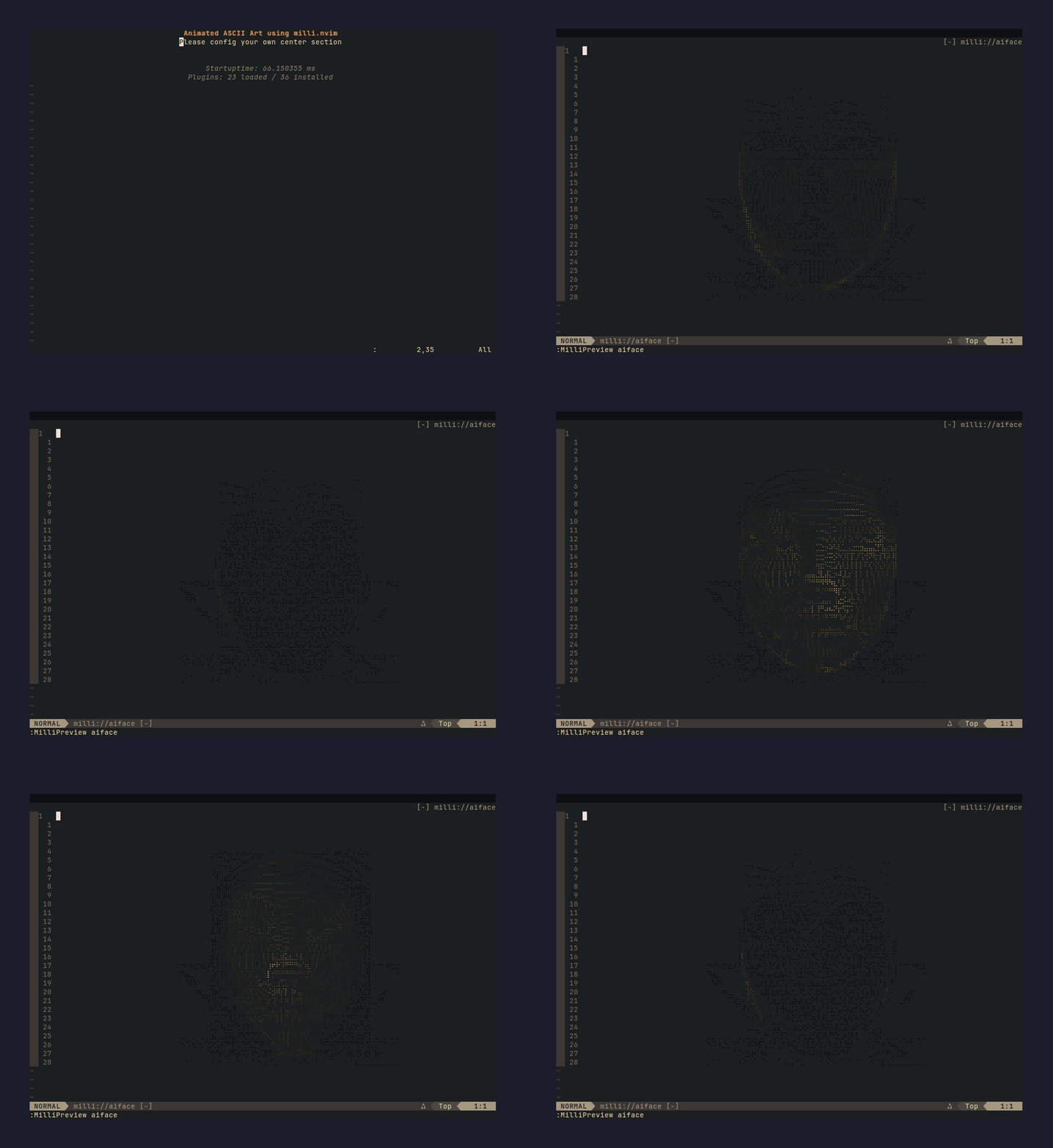 :MilliInstall aiface | 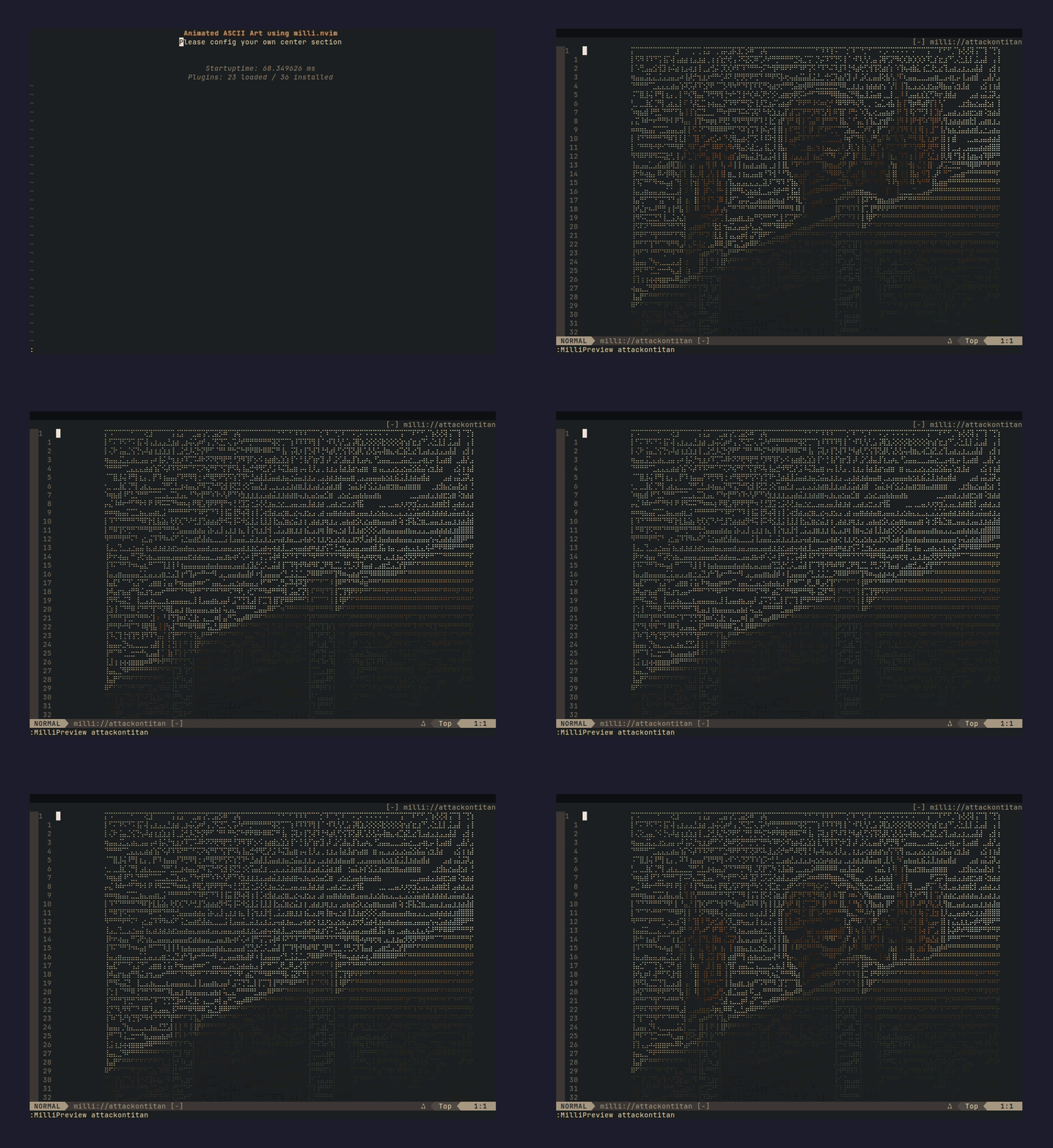 :MilliInstall attackontitan |
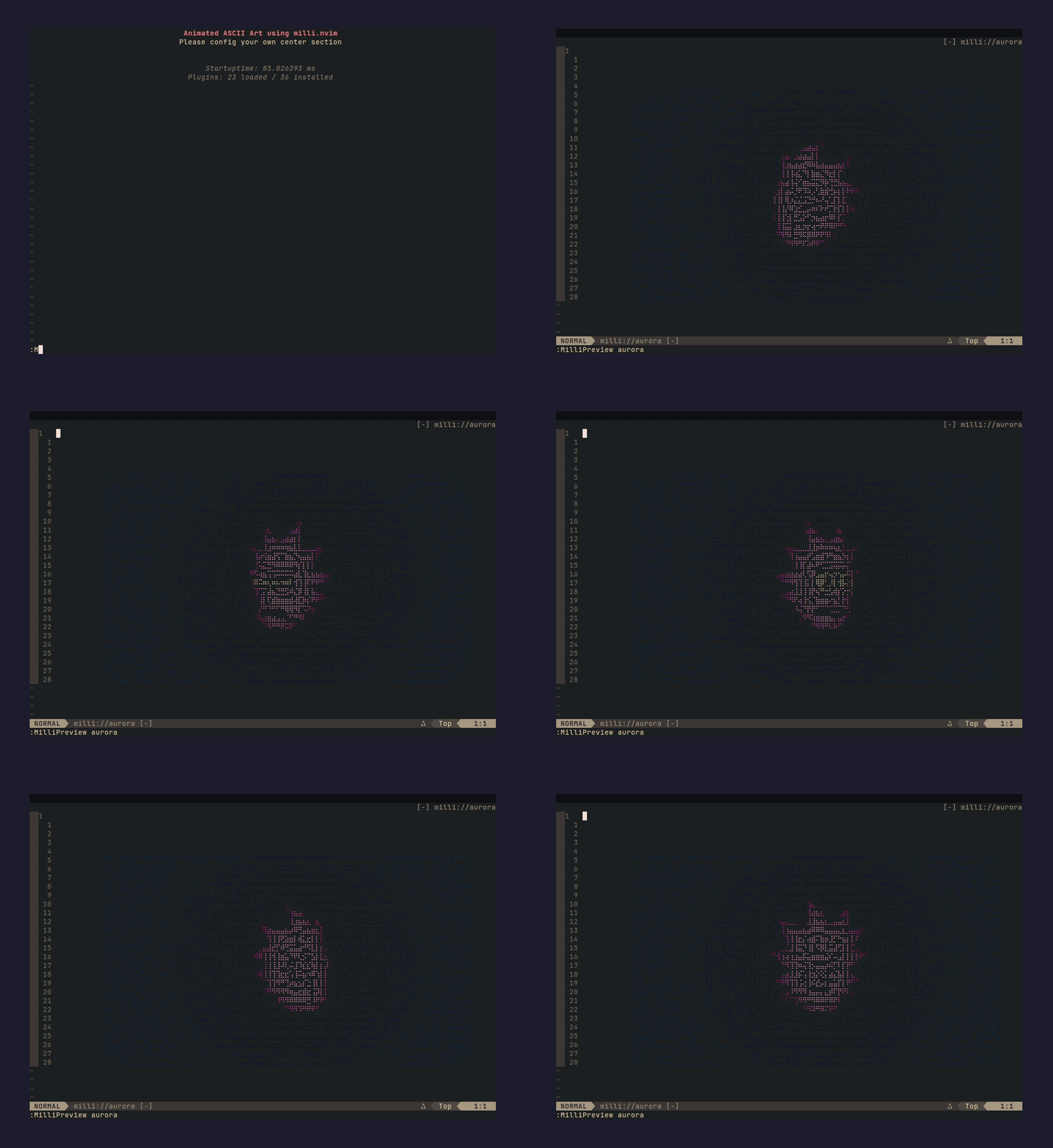 :MilliInstall aurora | 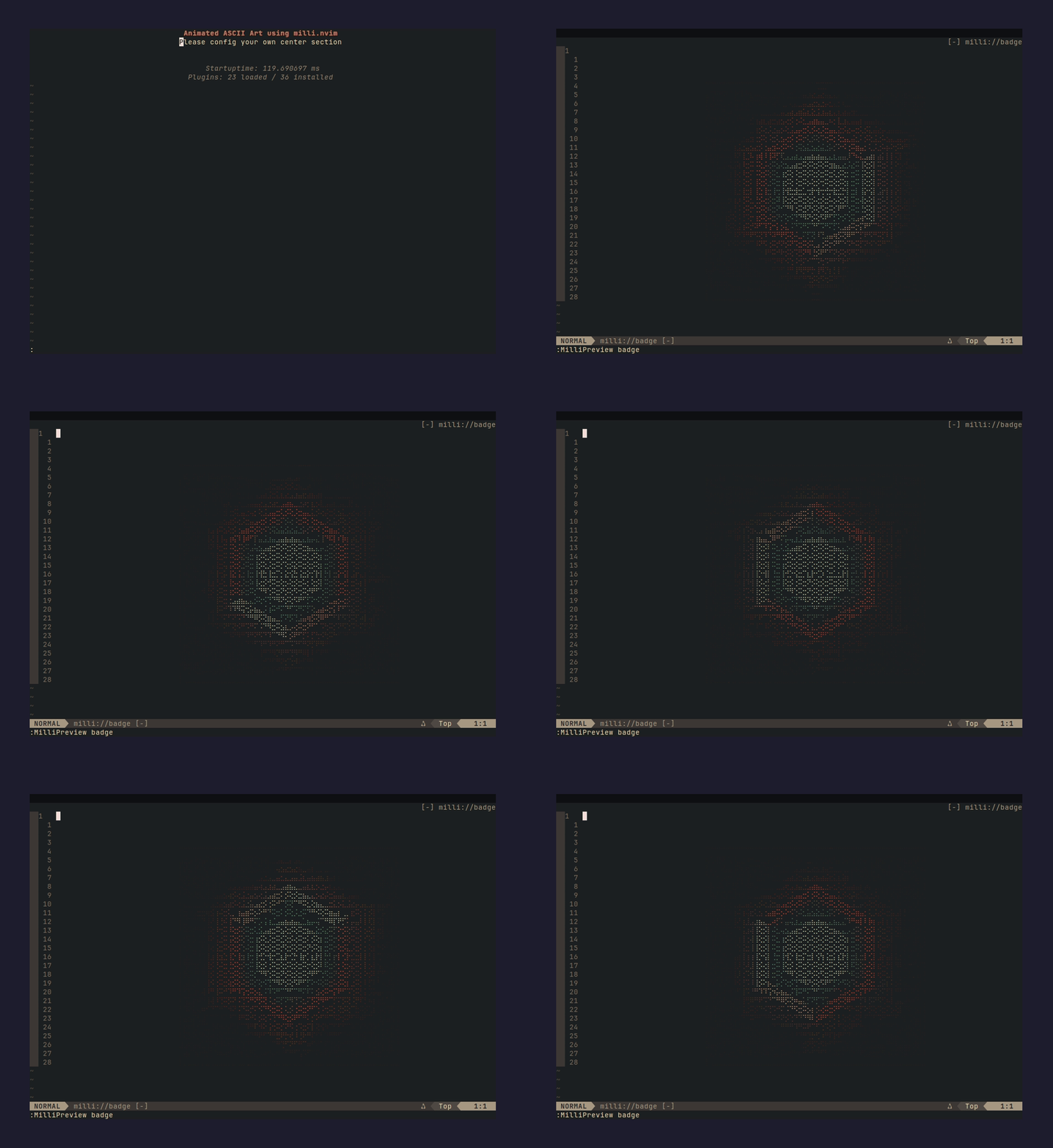 :MilliInstall badge |
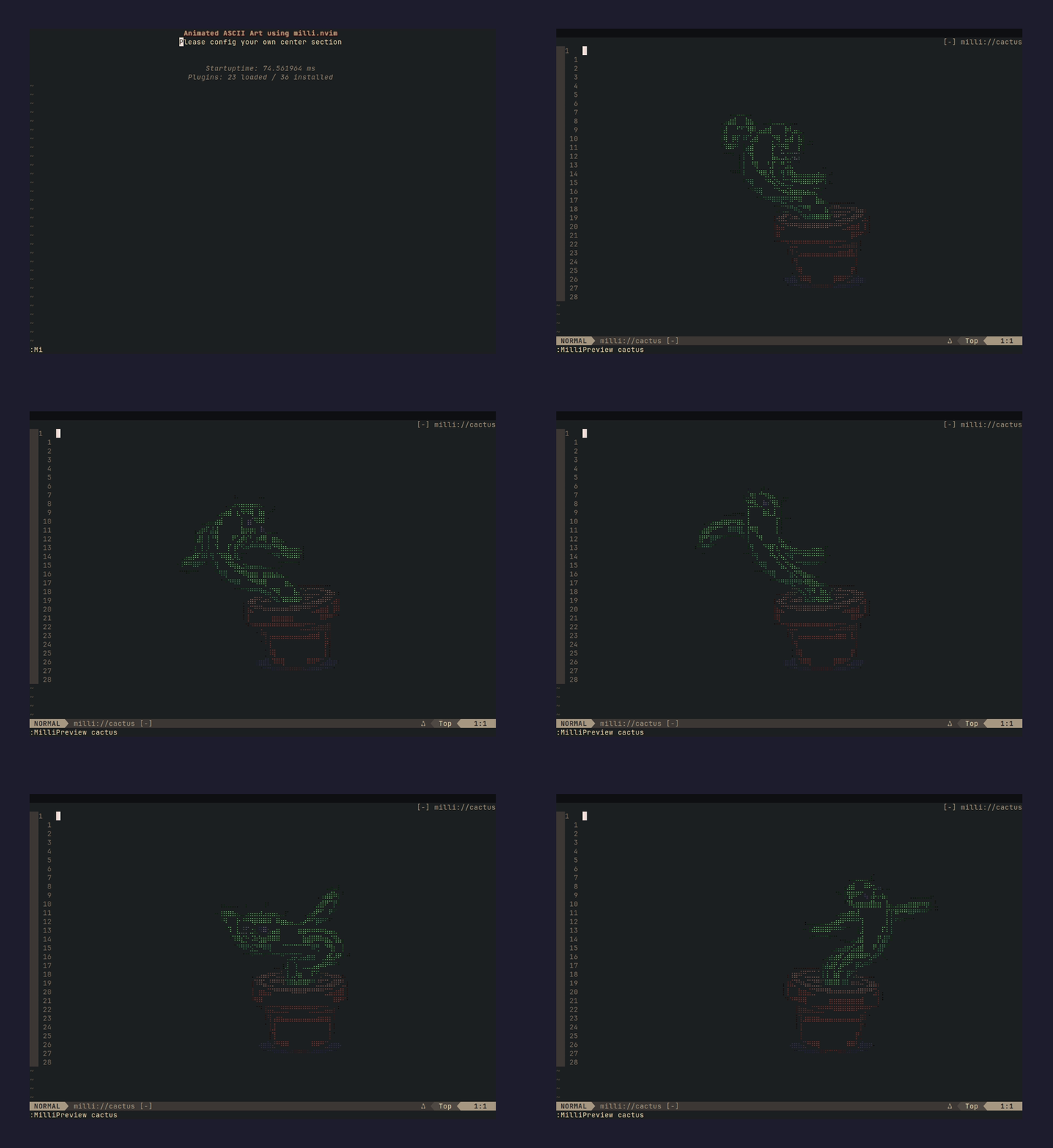 :MilliInstall cactus | 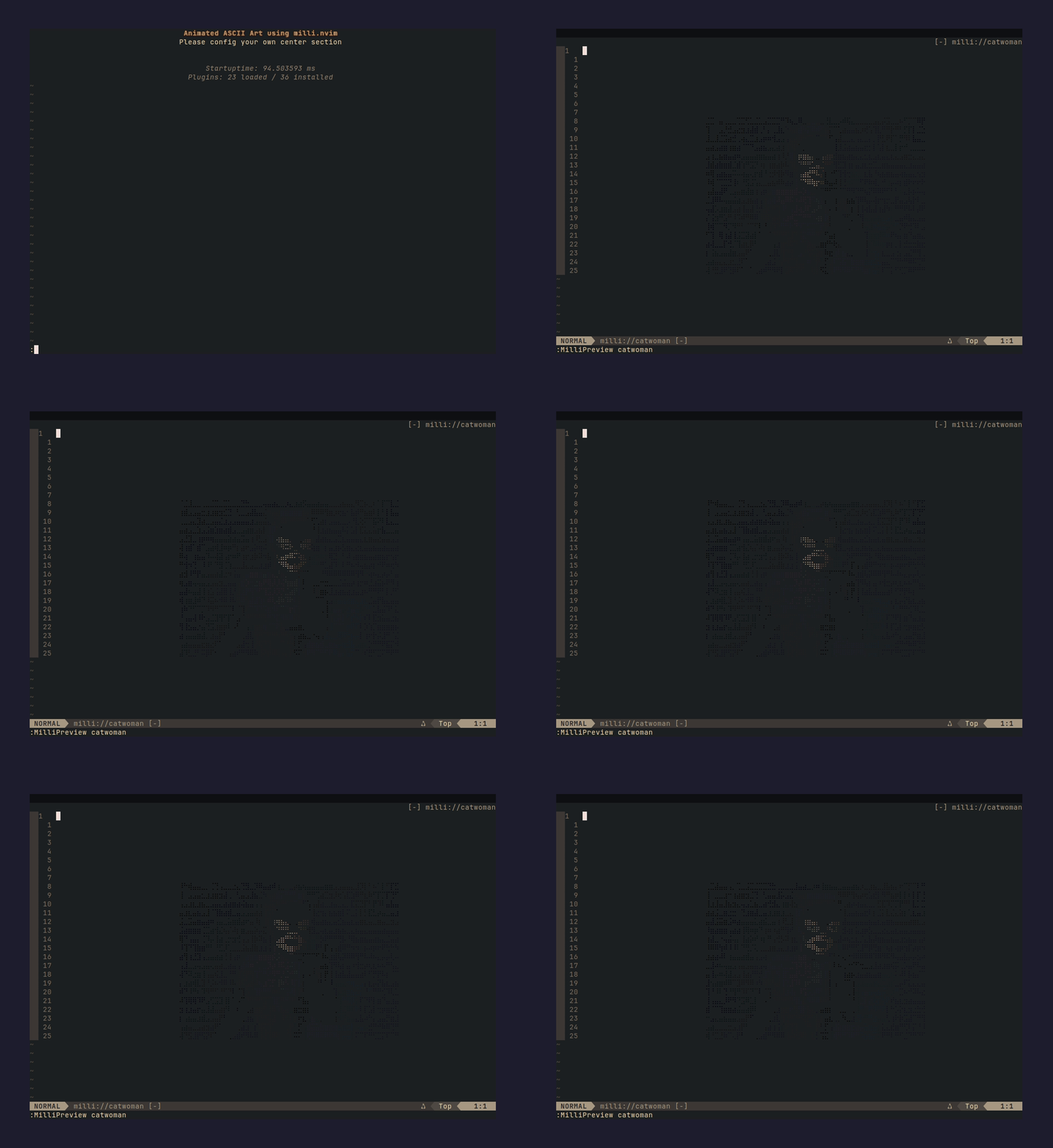 :MilliInstall catwoman |
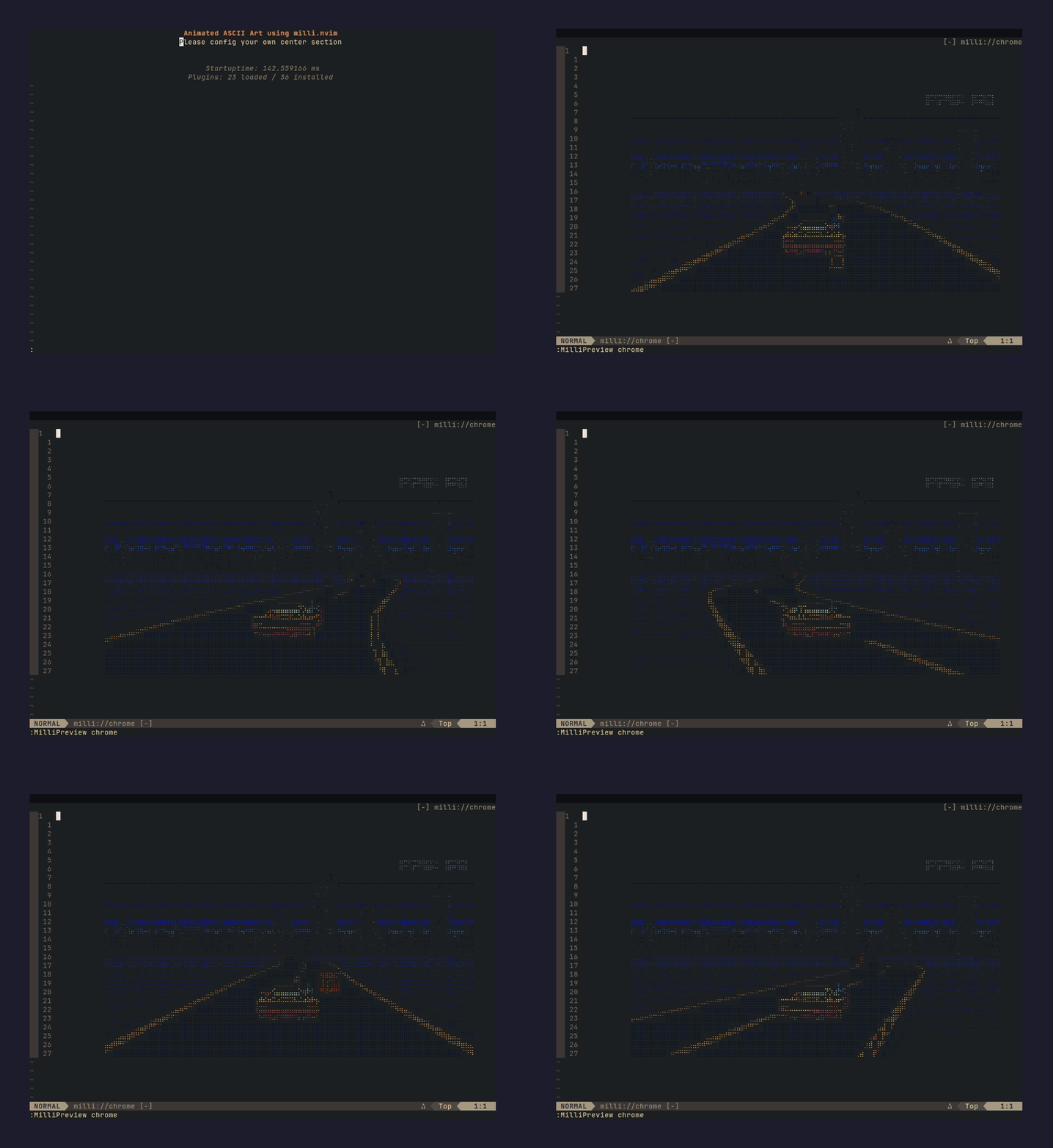 :MilliInstall chrome | 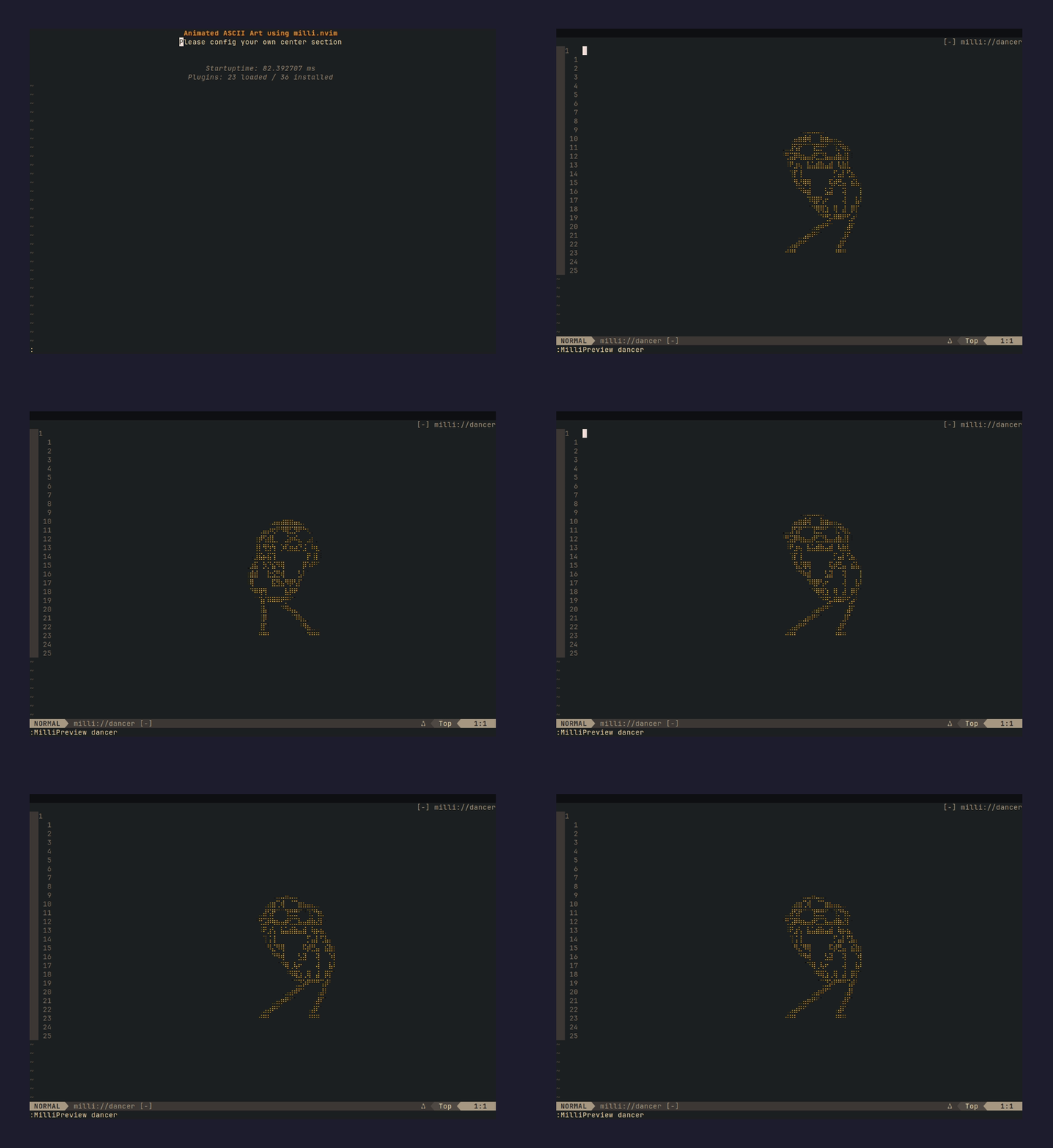 :MilliInstall dancer |
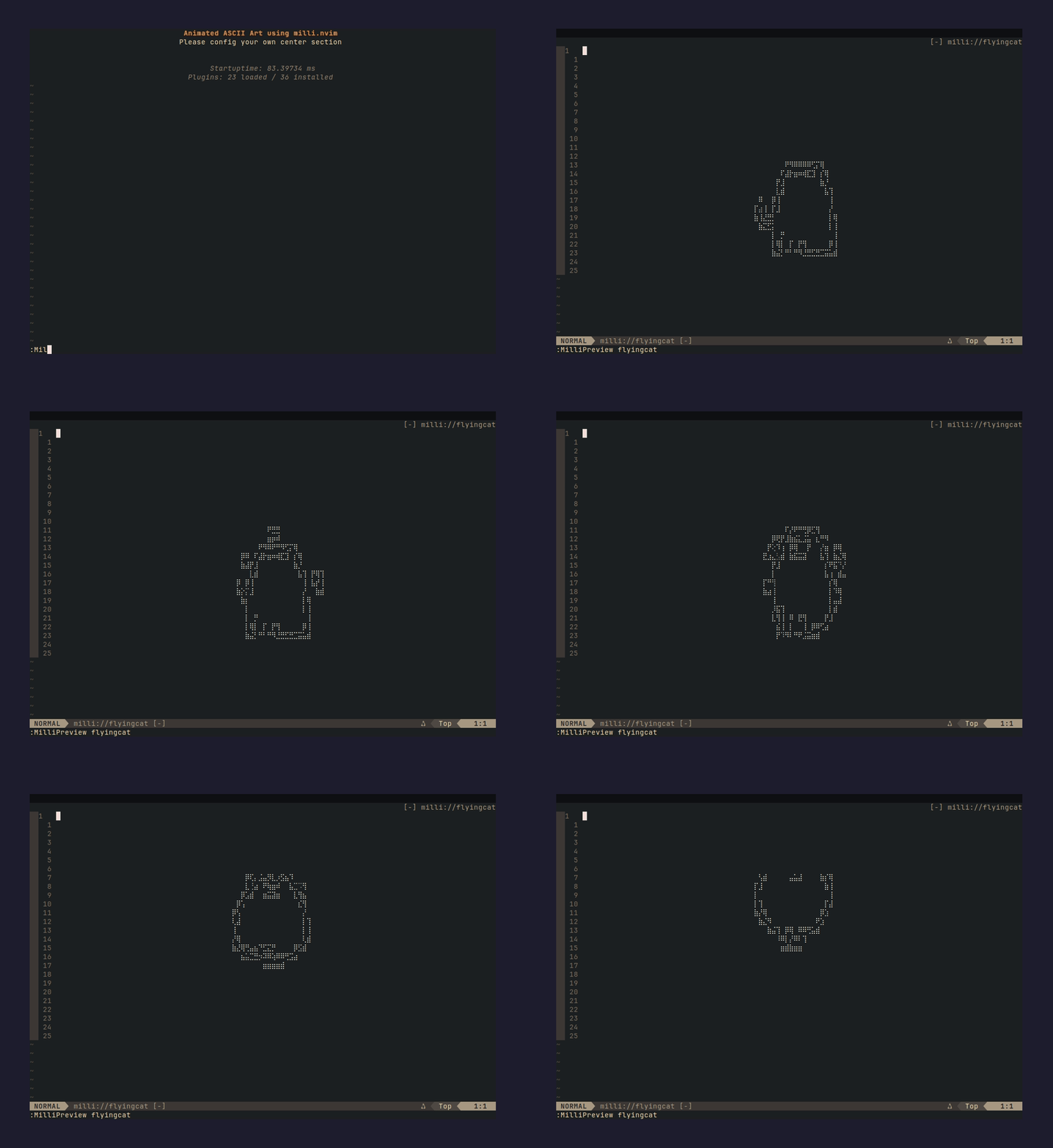 :MilliInstall flyingcat | 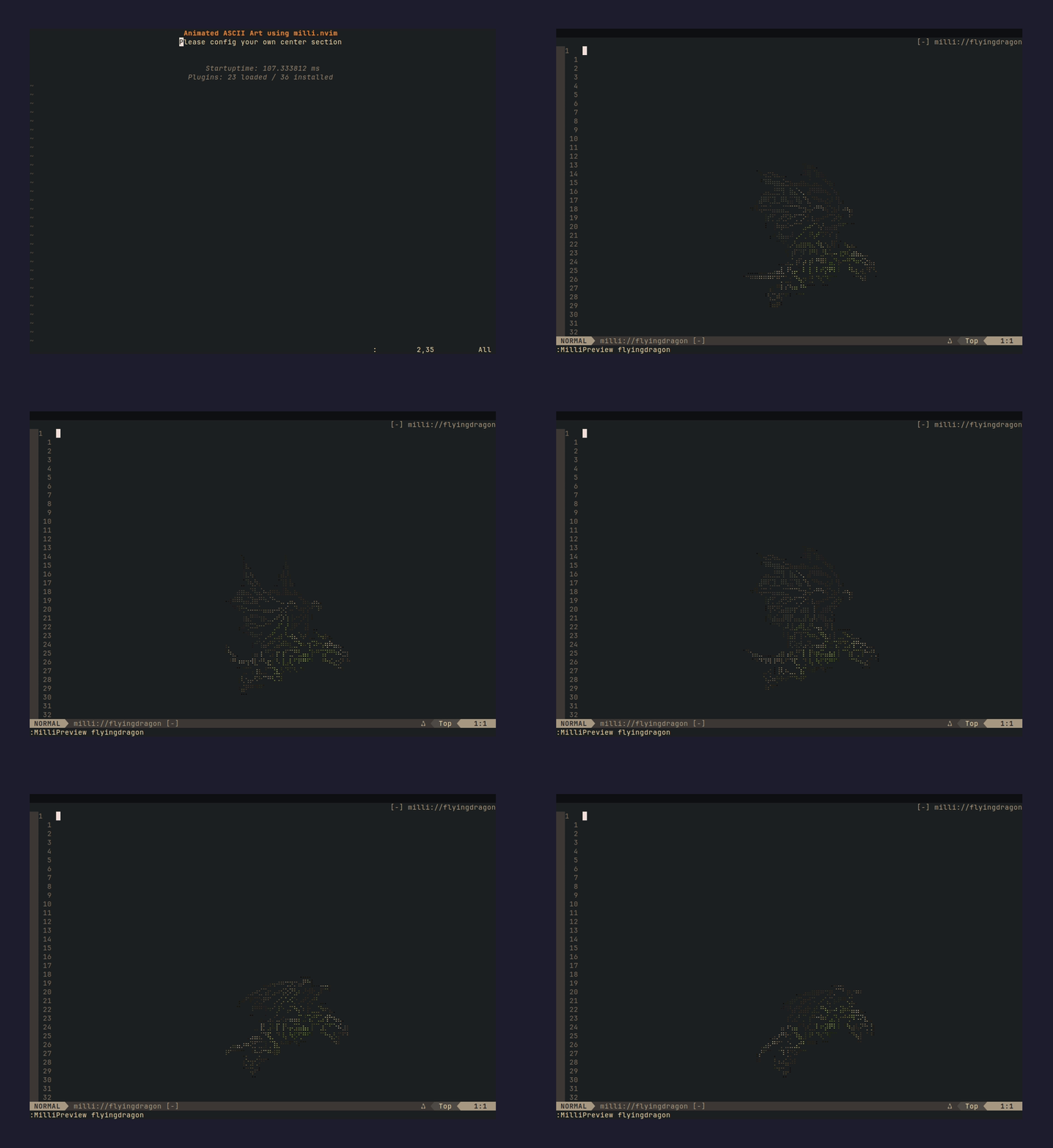 :MilliInstall flyingdragon |
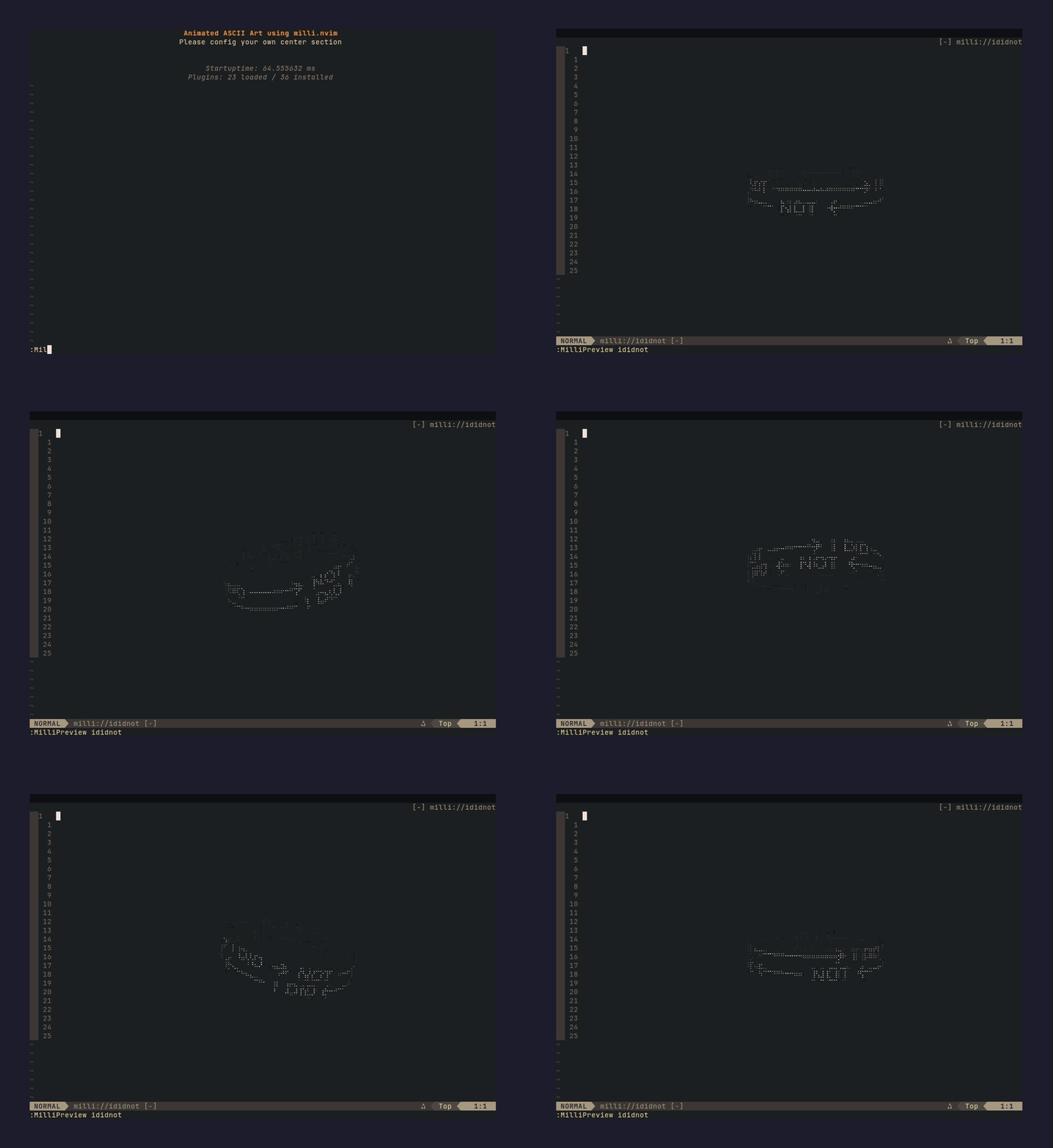 :MilliInstall ididnot | 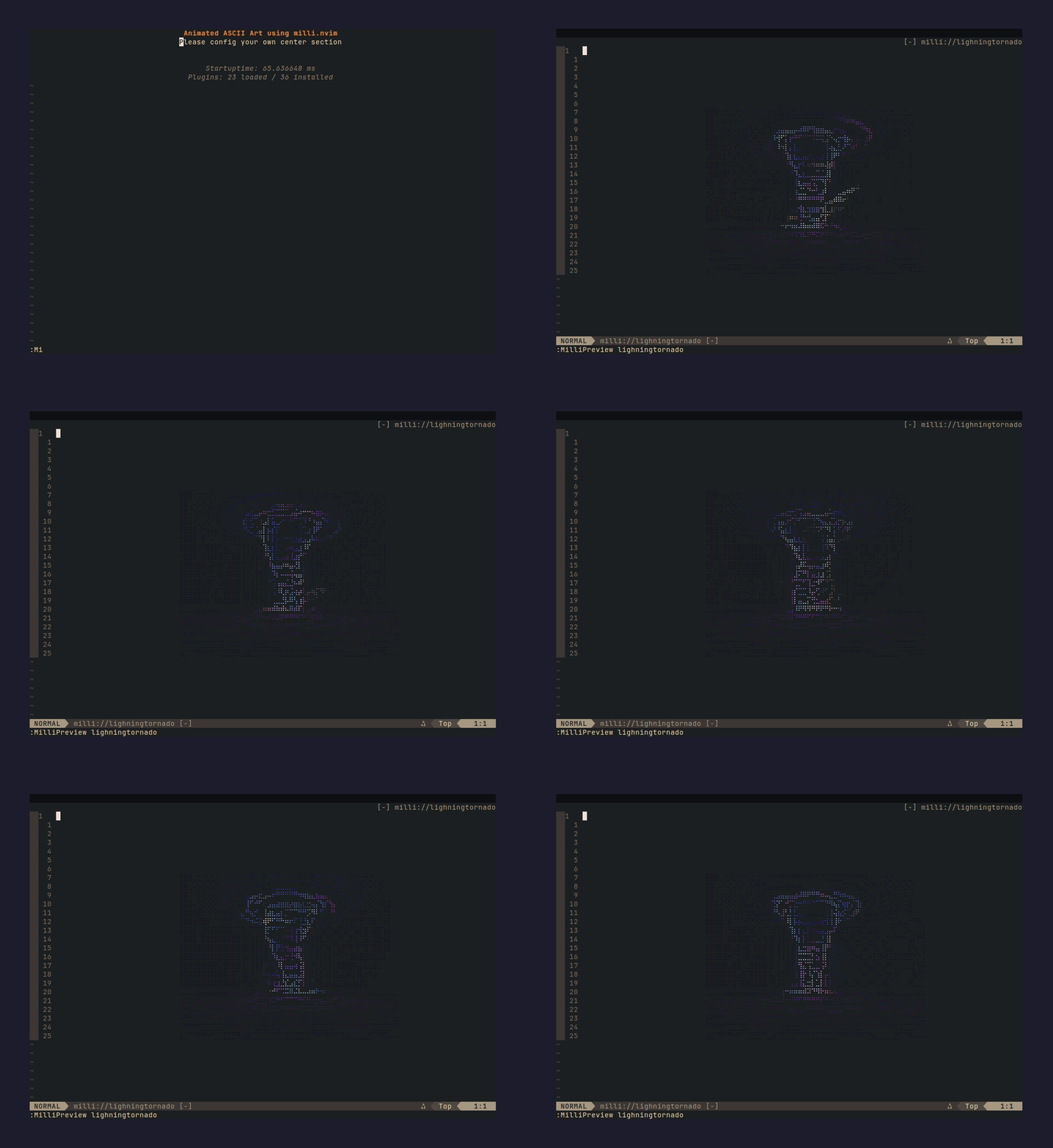 :MilliInstall lighningtornado |
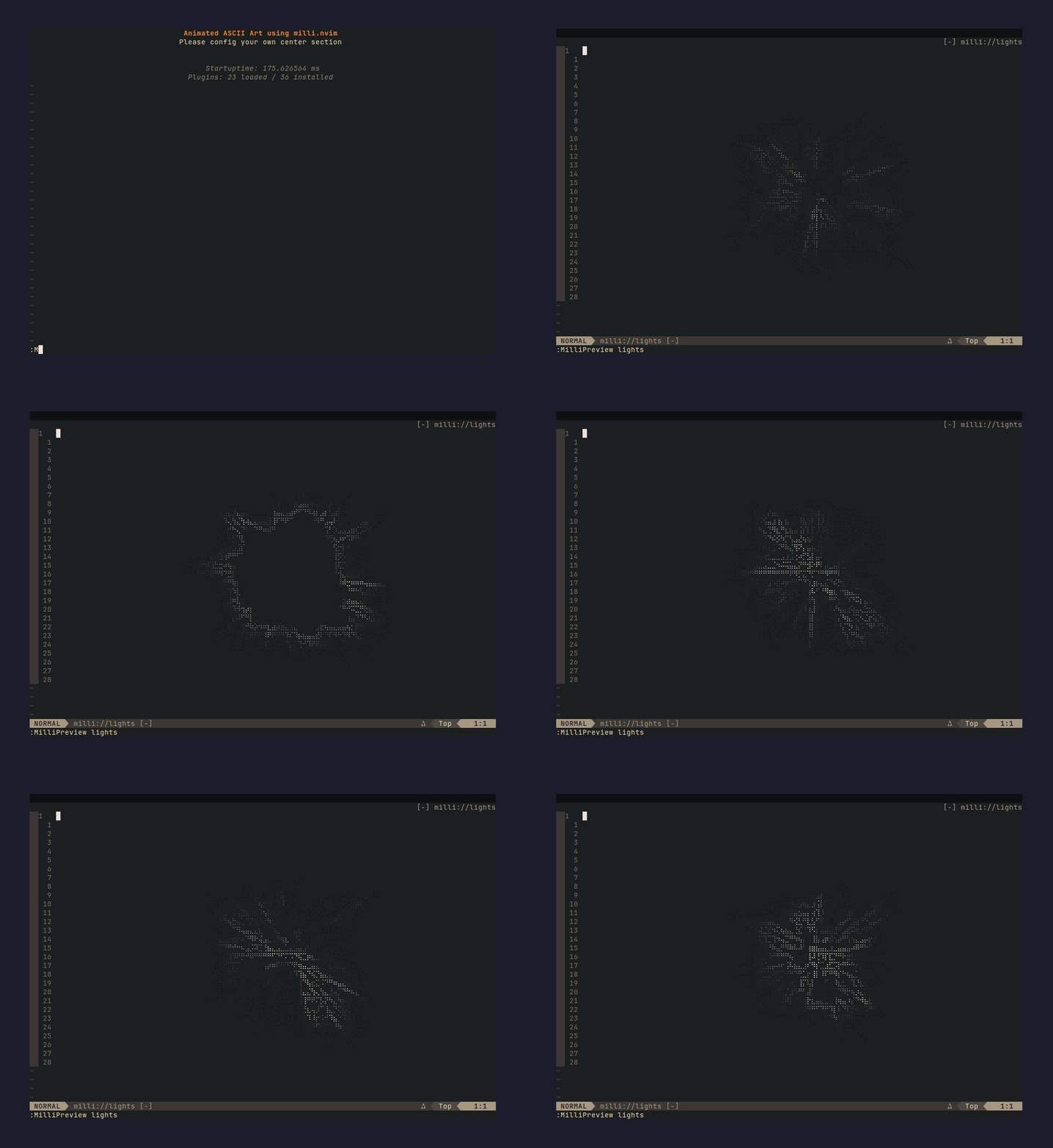 :MilliInstall lights | 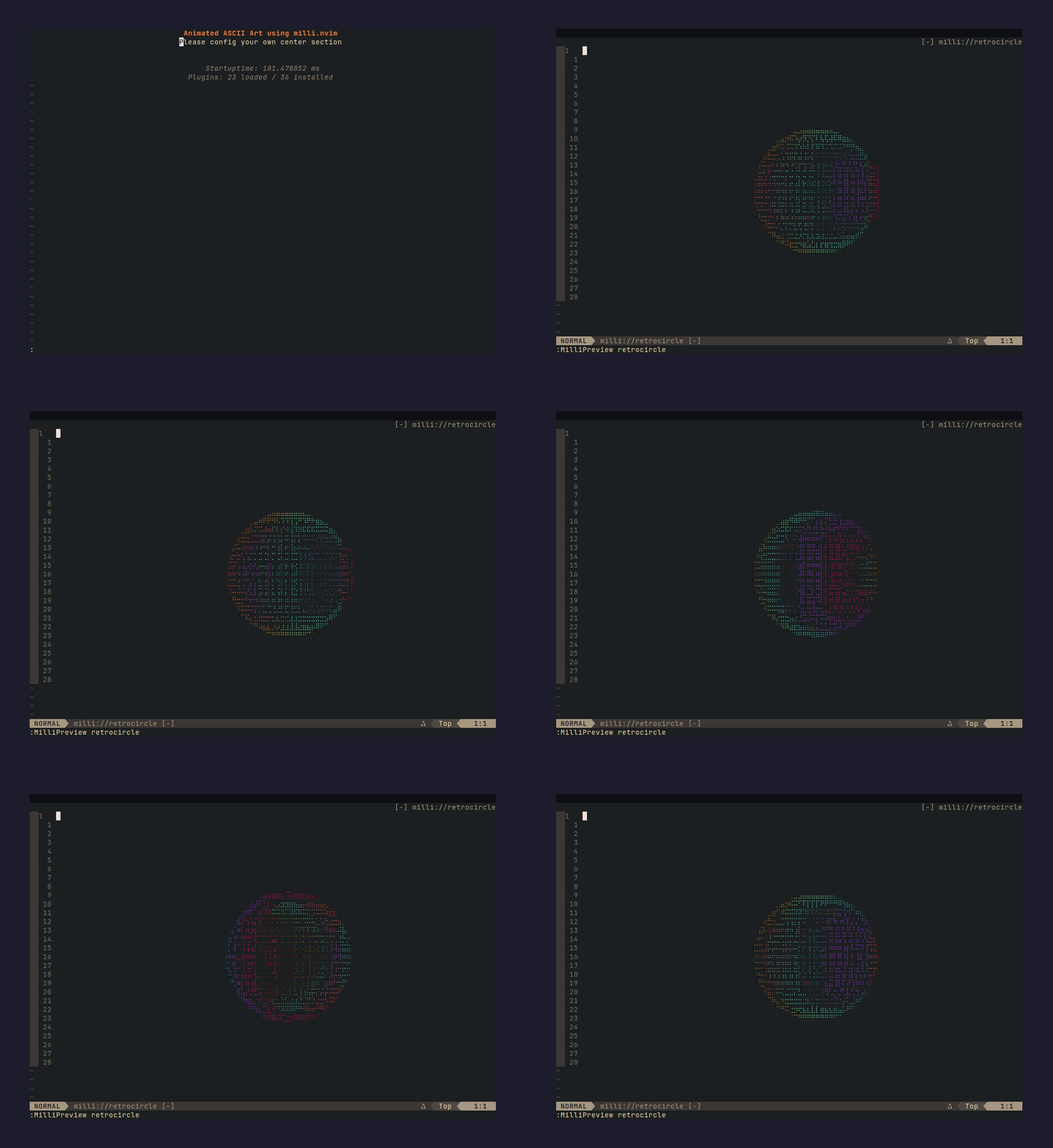 :MilliInstall retrocircle |
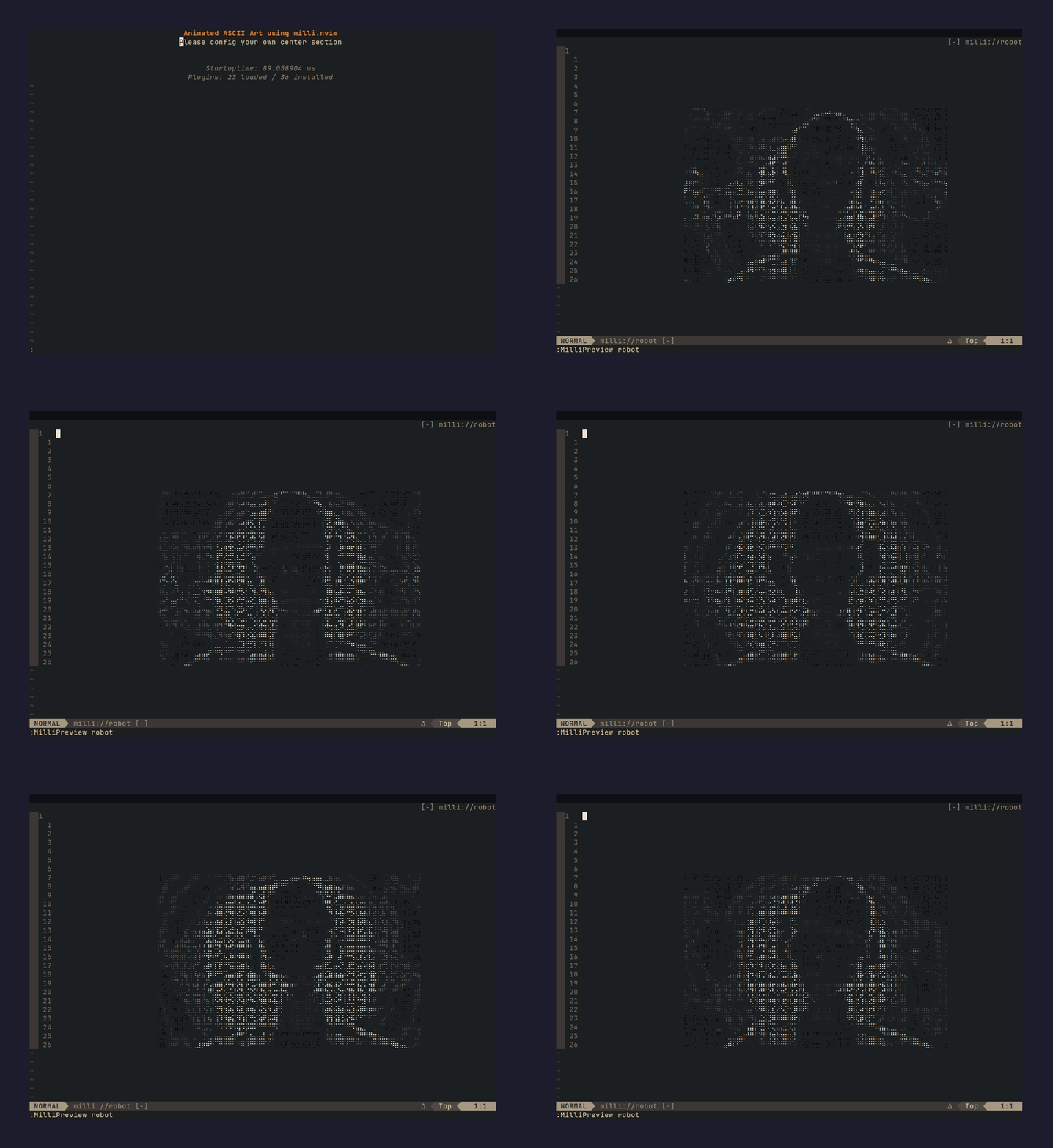 :MilliInstall robot | 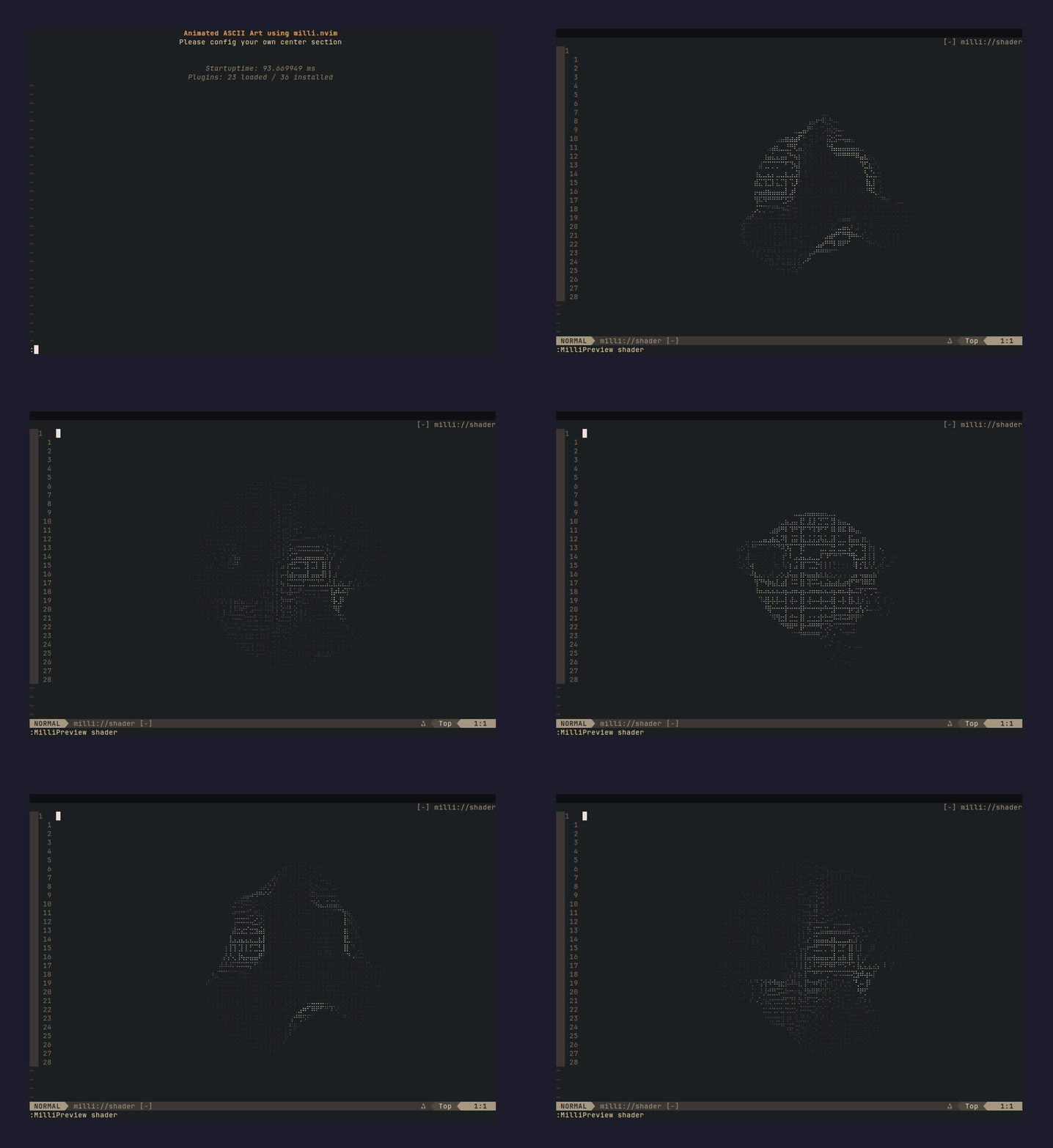 :MilliInstall shader |
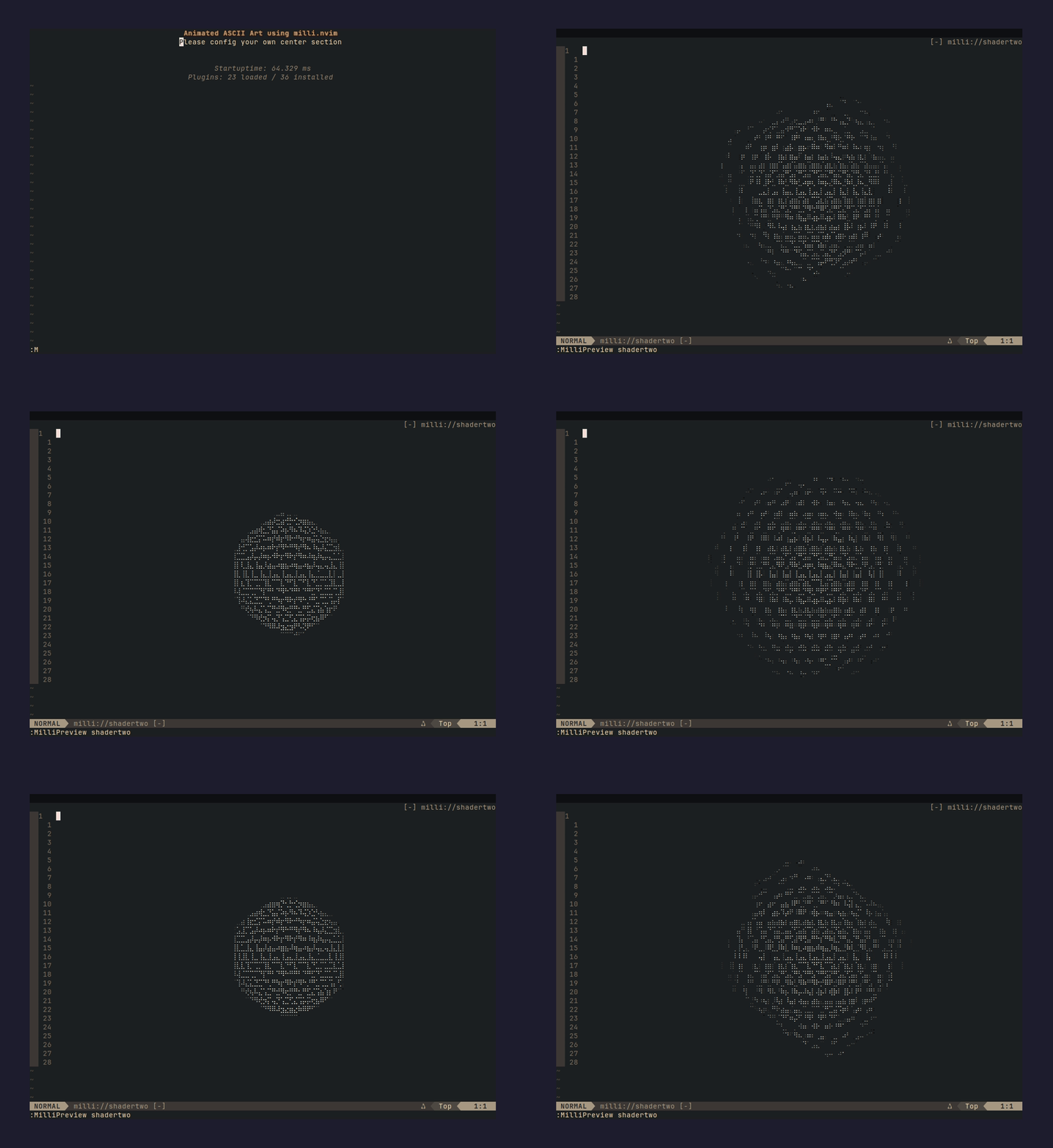 :MilliInstall shadertwo | 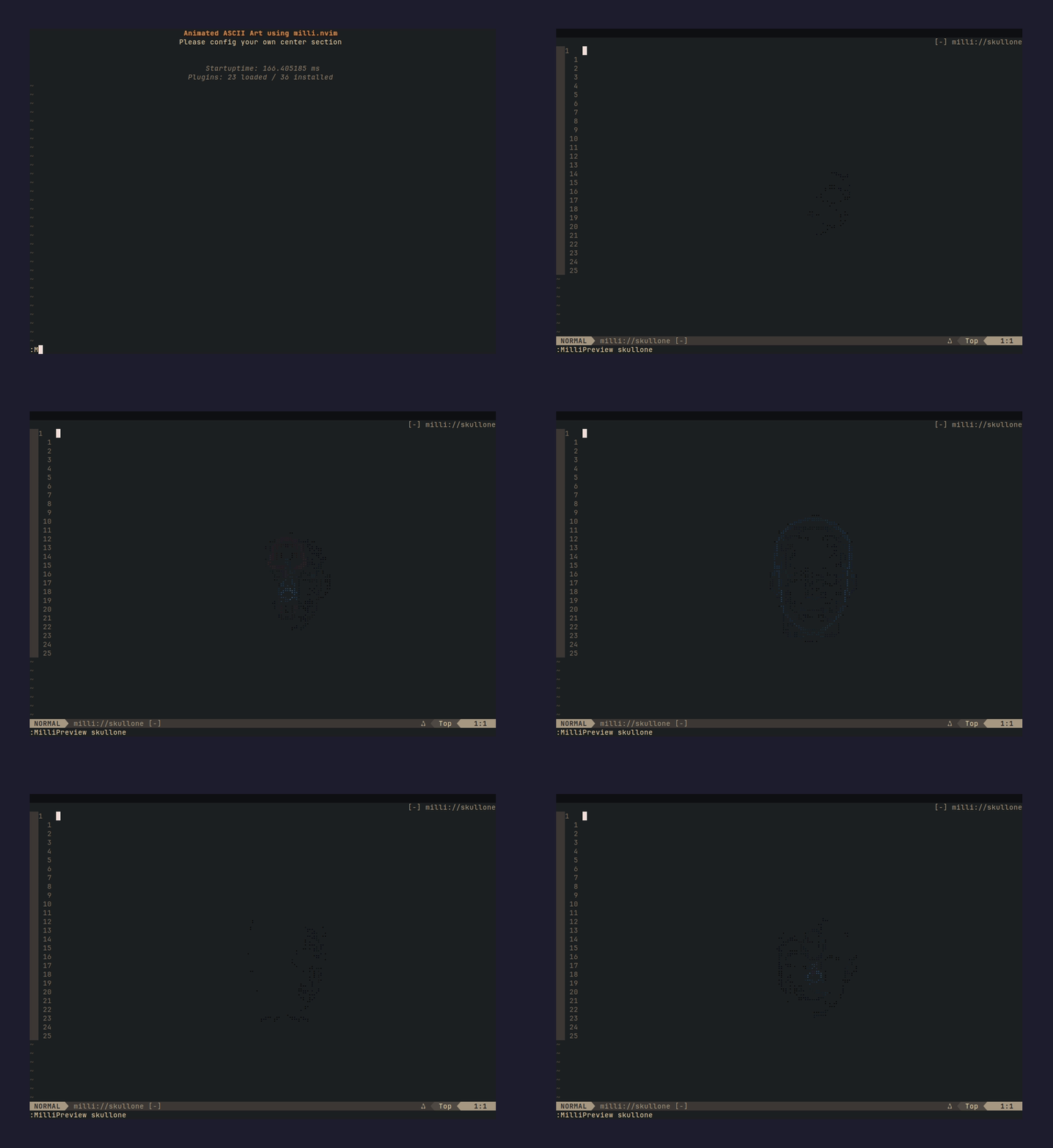 :MilliInstall skullone |
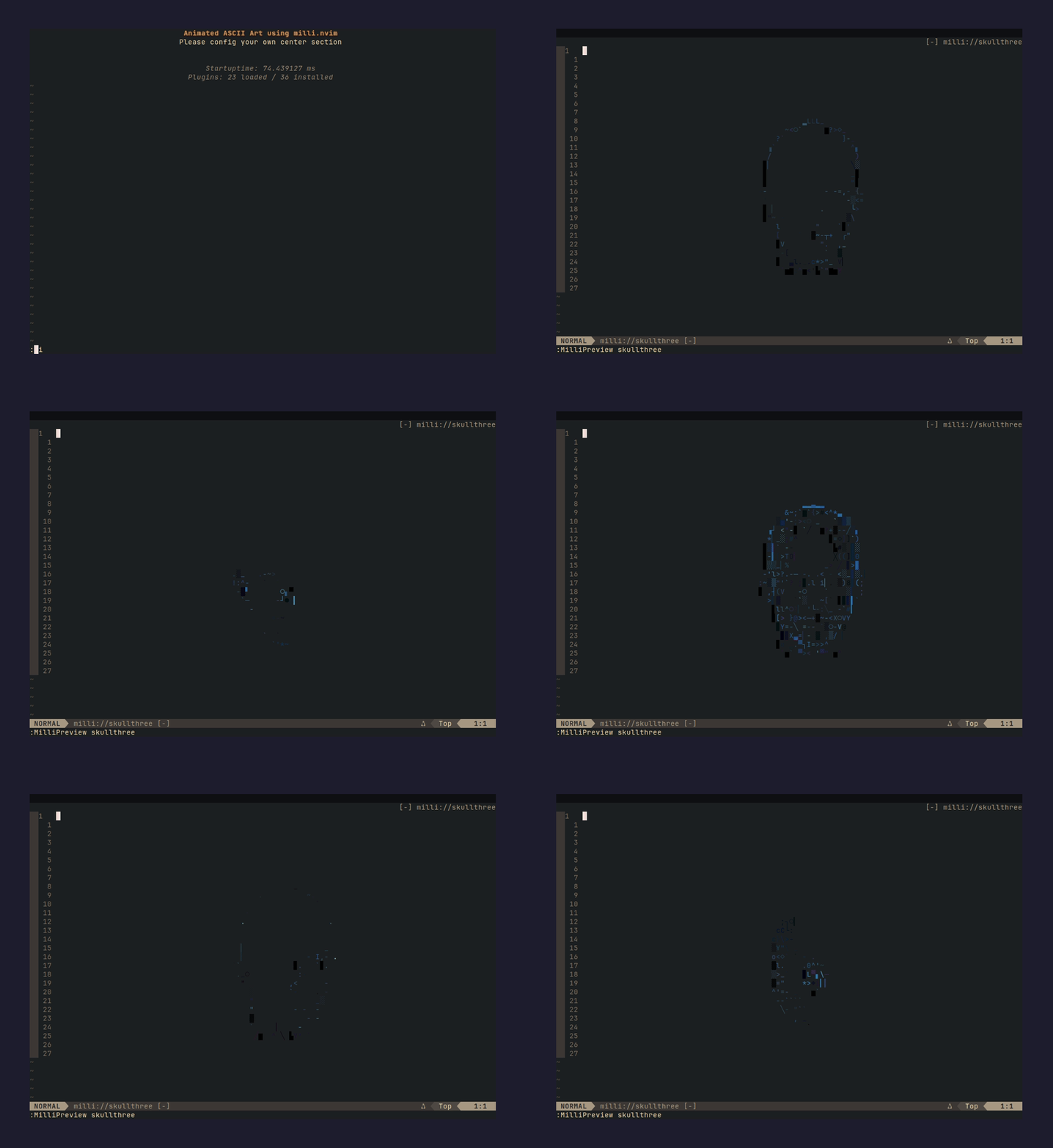 :MilliInstall skullthree | 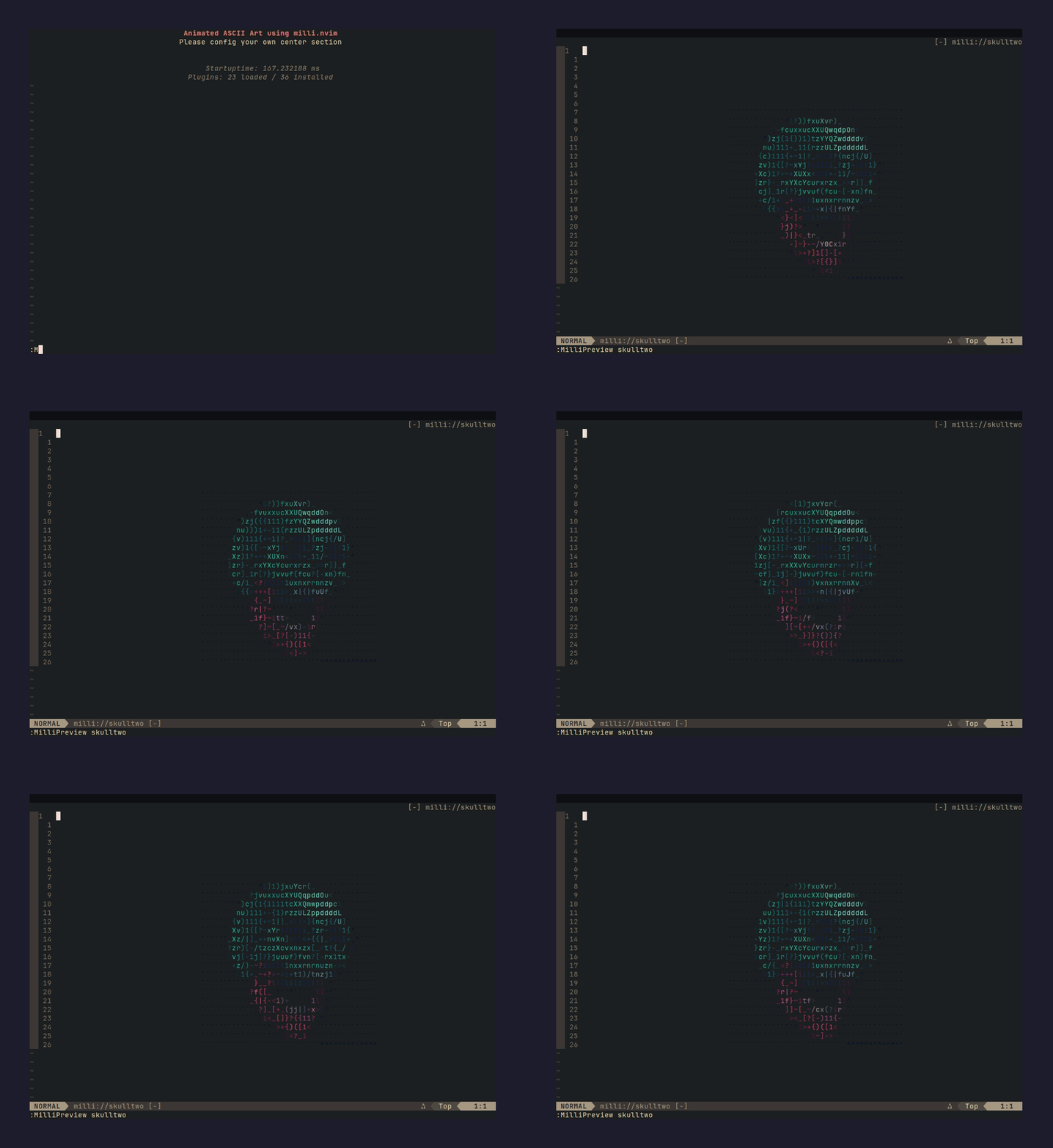 :MilliInstall skulltwo |
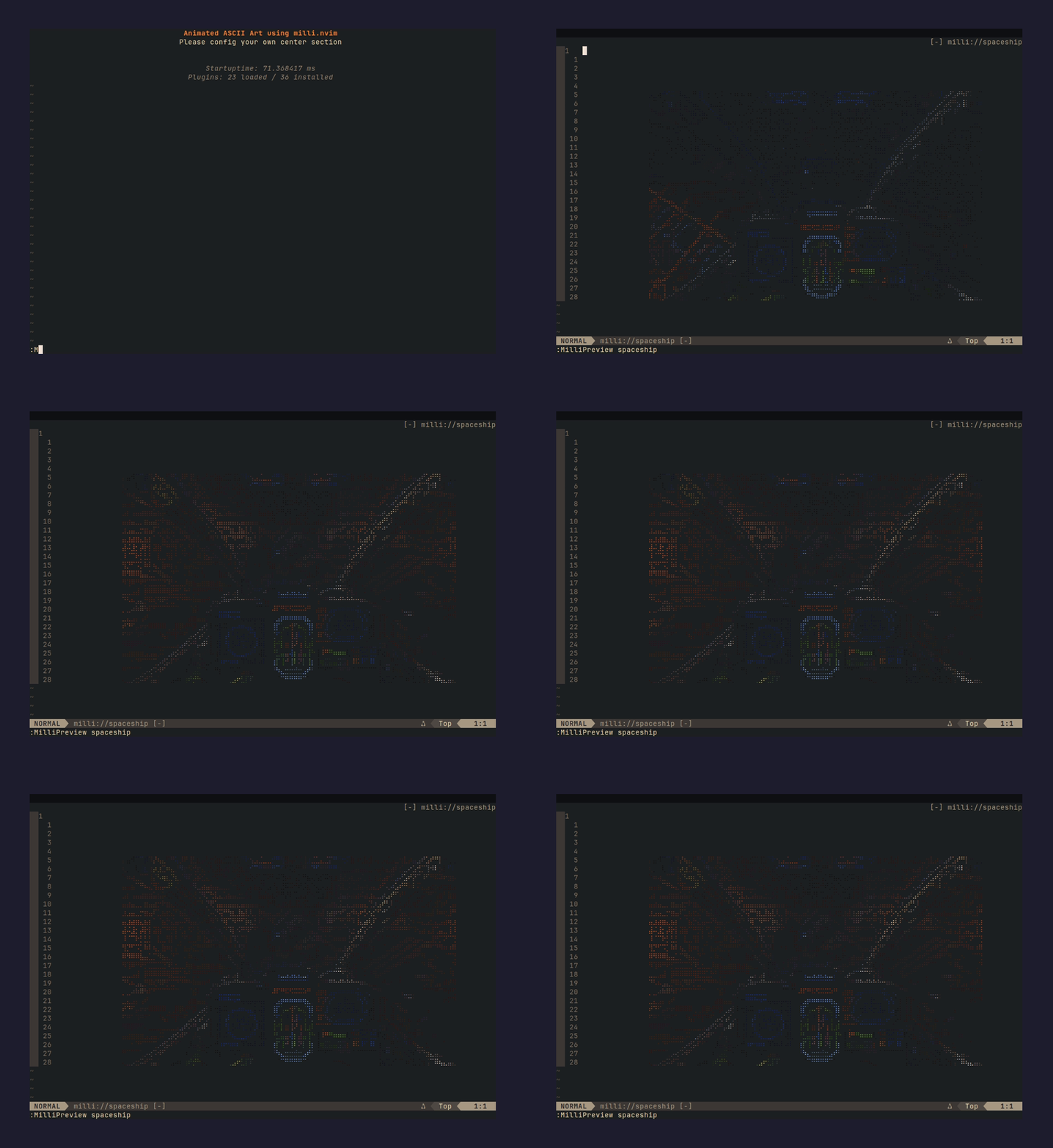 :MilliInstall spaceship | 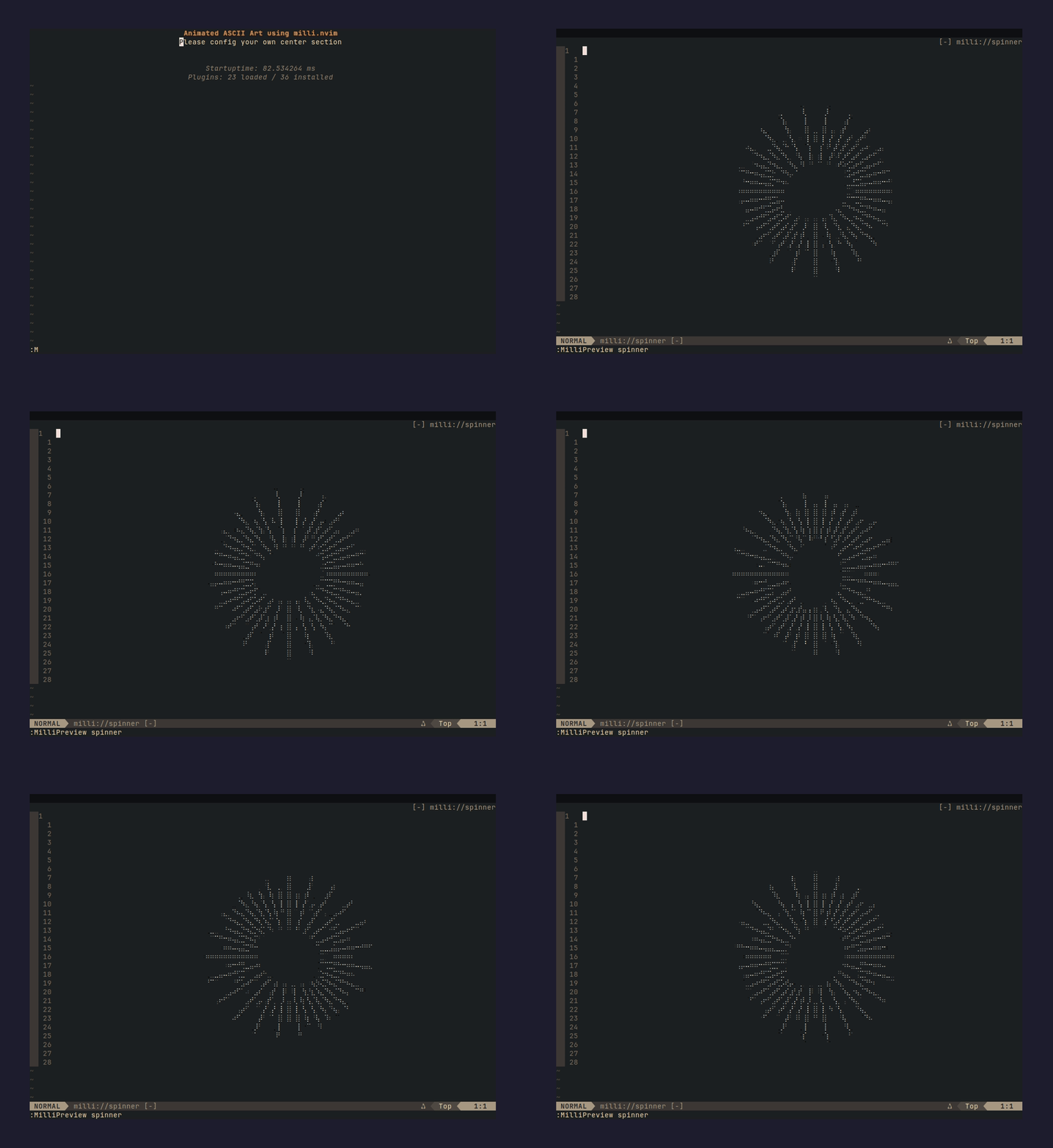 :MilliInstall spinner |
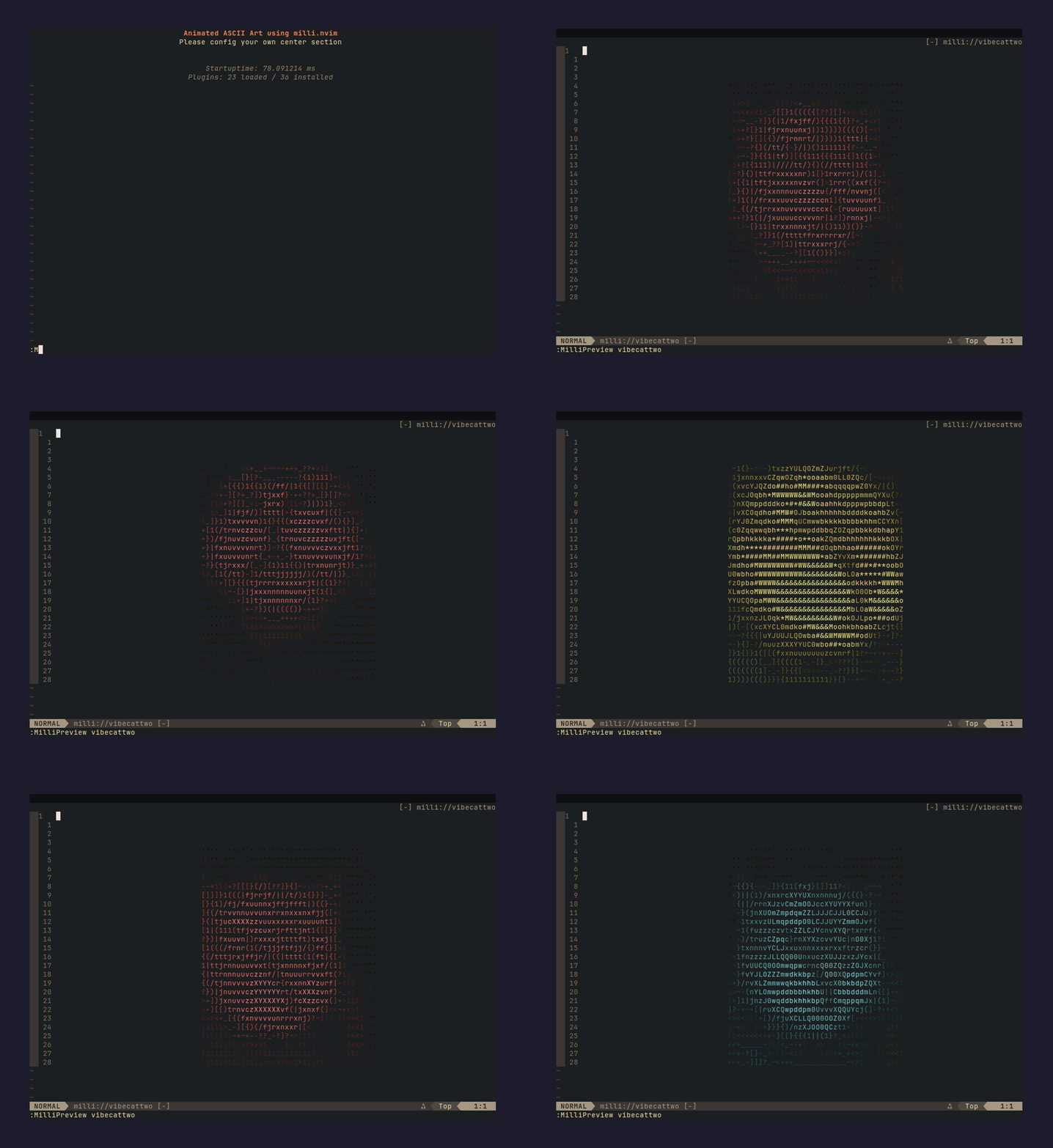 :MilliInstall vibecattwo |
Procedural ones without a preview yet:
doomfire: classic PSX DOOM fire, 70x14hack-matrix: HACK revealed by matrix rainmilli-fire: MILLI wordmark burning in procedural fire
Contributing a splash
Submit one .milli file. CI generates the Neovim Lua from it.
-
Make a
.milliwith the milli CLI:# from any image or GIF milli convert mycat.gif mycat.milli -w 60 # or generate one procedurally, no source image needed milli text "YOLO" -e glitch -o ./out -t milli milli shader plasma -w 70 -h 16 -o ./out -t milli -
Copy it to
milli/<name>.milli(lowercase,[a-z0-9-_]only). -
Add an entry to
index.jsonwithname,desc,author,cols,rows,frames(targetsdefaults to both). -
Optional: add
previews/<name>.gif, a screen capture with the same basename as the splash. It shows up in the gallery above. -
Open a PR. CI generates
splashes/<name>.lua, validates every splash (pure data, frames shape, index consistency), and fails if the.milliwon't decode. Keep new files under 1.5 MB. Prefer-w 80or narrower so the splash fits a dashboard.
The Neovim lua is generated without background colors, same as milli export --no-bg.
Bright solid areas become █ blocks, dark ones become transparent. A splash that is a
full-frame photo will not survive that, so pick sources with a dark or empty background.
Already have a .lua splash from the old flow? Still fine. Drop it in splashes/ and
convert it with scripts/lua2milli.mjs so both targets are covered.
Splash files must be pure data modules, the exact output of milli export -t lua. No require, no function calls, no globals. :MilliInstall loads candidates in an empty Lua environment and rejects anything that isn't plain frame data.
Credits
neovim uses the Neovim logo by Jason Long, CC BY 3.0.
License
MIT. By contributing you license your splash under MIT. Only submit content you have the right to share.
Similar repos


Languages
Lua
100.0%
Community splash registry for milli CLI and milli.nvim. Browse and install animated ASCII splashes straight from Neovim with :MilliBrowse / :MilliInstall.
Lua
2
9 commits
updated Sep 26, 2026
See what people are saying
README
milli-splashes
Community splash registry for the milli CLI and milli.nvim. Every splash has one source and two outputs:
milli/<name>.milli: the canonical binary. Plays anywhere the milli CLI runs (terminal, web, Node).splashes/<name>.lua: precompiled for milli.nvim. CI generates it from the.millifor new submissions.
Neovim, from inside the editor:
:MilliBrowse            " list everything
:MilliInstall doomfire  " download, validate, ready to use
:MilliPreview doomfire  " watch it
Installed splashes go to stdpath("data")/milli/splashes/ and work exactly like bundled ones. Same splash = "name" API, tab completion included.
Terminal, grab the .milli and play it:
curl -LO https://raw.githubusercontent.com/amansingh-afk/milli-splashes/main/milli/doomfire.milli
npx @amansingh-afk/milli play doomfire.milli
Gallery
32 splashes and counting.
:MilliInstall neovim | :MilliInstall city-rain |
:MilliInstall dna | :MilliInstall globe |
:MilliInstall coffee | :MilliInstall goose |
:MilliInstall aiface | :MilliInstall attackontitan |
:MilliInstall aurora | :MilliInstall badge |
:MilliInstall cactus | :MilliInstall catwoman |
:MilliInstall chrome | :MilliInstall dancer |
:MilliInstall flyingcat | :MilliInstall flyingdragon |
:MilliInstall ididnot | :MilliInstall lighningtornado |
:MilliInstall lights | :MilliInstall retrocircle |
:MilliInstall robot | :MilliInstall shader |
:MilliInstall shadertwo | :MilliInstall skullone |
:MilliInstall skullthree | :MilliInstall skulltwo |
:MilliInstall spaceship | :MilliInstall spinner |
:MilliInstall vibecattwo |
Procedural ones without a preview yet:
doomfire: classic PSX DOOM fire, 70x14hack-matrix: HACK revealed by matrix rainmilli-fire: MILLI wordmark burning in procedural fire
Contributing a splash
Submit one .milli file. CI generates the Neovim Lua from it.
-
Make a
.milliwith the milli CLI:# from any image or GIF milli convert mycat.gif mycat.milli -w 60 # or generate one procedurally, no source image needed milli text "YOLO" -e glitch -o ./out -t milli milli shader plasma -w 70 -h 16 -o ./out -t milli -
Copy it to
milli/<name>.milli(lowercase,[a-z0-9-_]only). -
Add an entry to
index.jsonwithname,desc,author,cols,rows,frames(targetsdefaults to both). -
Optional: add
previews/<name>.gif, a screen capture with the same basename as the splash. It shows up in the gallery above. -
Open a PR. CI generates
splashes/<name>.lua, validates every splash (pure data, frames shape, index consistency), and fails if the.milliwon't decode. Keep new files under 1.5 MB. Prefer-w 80or narrower so the splash fits a dashboard.
The Neovim lua is generated without background colors, same as milli export --no-bg.
Bright solid areas become █ blocks, dark ones become transparent. A splash that is a
full-frame photo will not survive that, so pick sources with a dark or empty background.
Already have a .lua splash from the old flow? Still fine. Drop it in splashes/ and
convert it with scripts/lua2milli.mjs so both targets are covered.
Splash files must be pure data modules, the exact output of milli export -t lua. No require, no function calls, no globals. :MilliInstall loads candidates in an empty Lua environment and rejects anything that isn't plain frame data.
Credits
neovim uses the Neovim logo by Jason Long, CC BY 3.0.
License
MIT. By contributing you license your splash under MIT. Only submit content you have the right to share.
Similar repos
Languages
Lua
100.0%