
Turn hand-drawn PNG parts into looping animation-meme GIFs with Python. No After Effects.
See the codeSee what people are saying
README
animation-meme-rig
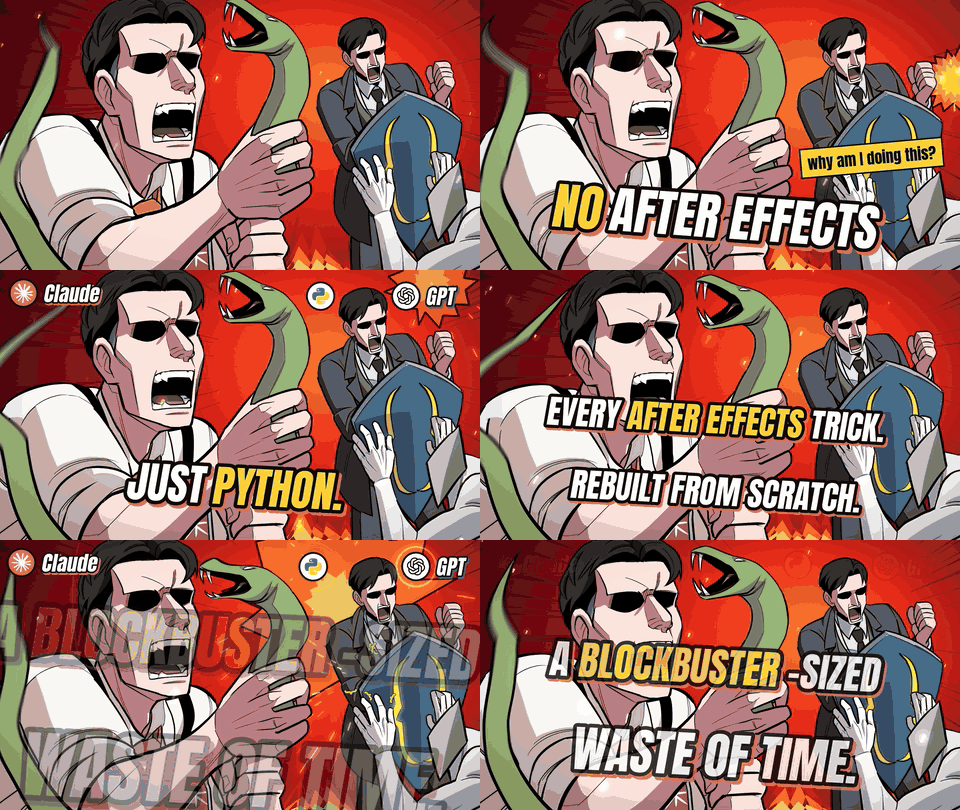
Rig and animate your hand-drawn PNGs with Python. No After Effects.
▶ Watch the (blockbuster-sized) making-of: NO AFTER EFFECTS: Why Am I Doing This? (Claude × GPT)
An AI-agent skill (works with Claude, GPT, or plain Python) that turns supplied drawings into animation memes, moving emoticons and comic cuts — using code instead of keyframes. It never draws or redesigns your art: bring your own PNG parts.
What it can do
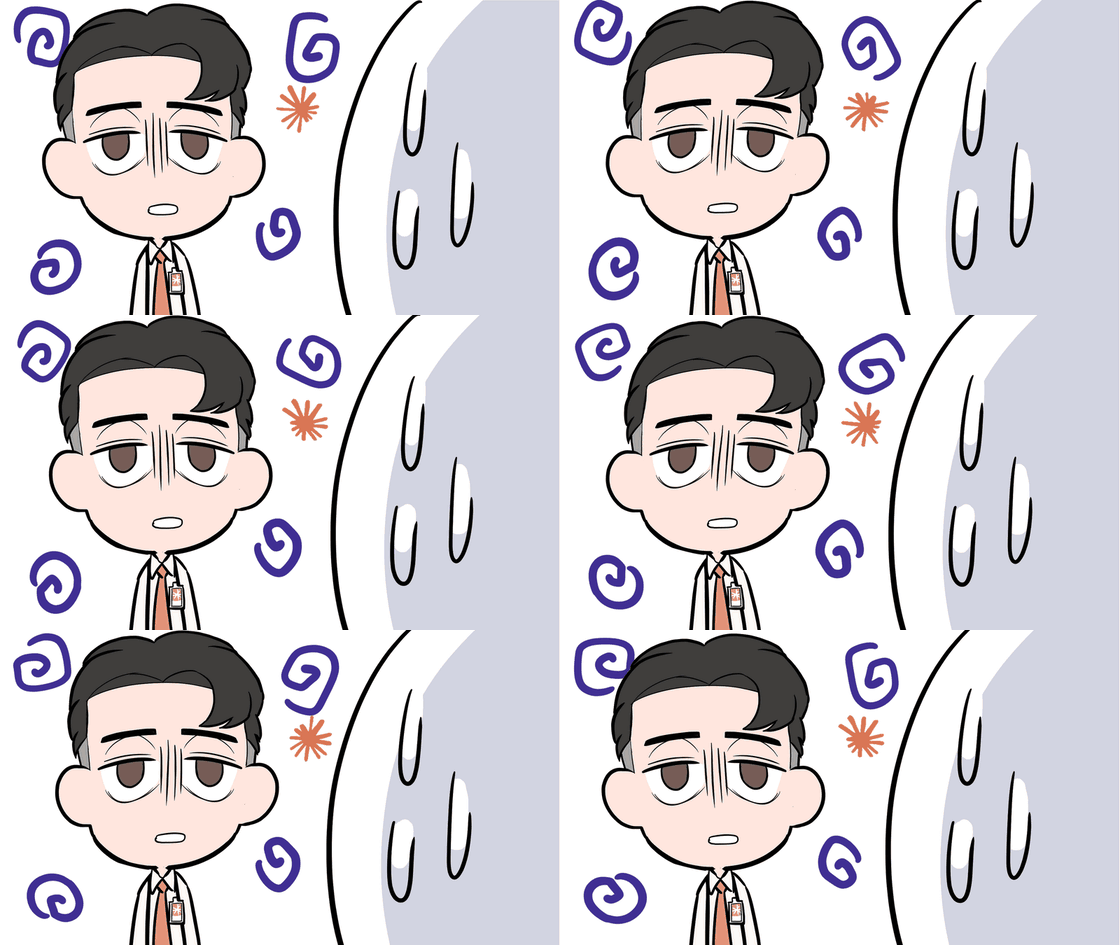
- Mesh warp on a single flattened PNG – make one layer talk, type, nod, tremble or stretch. No need to cut it into parts.
- Parent-child rigs – head, arms, hands follow their parents; contact changes keep the drawing attached
- Comic timing – hit-stops, anticipation, overshoot, late reactions, beat-synced pose cuts
- Punches & effects – speed lines, layered effects, temporal motion blur
- Camera – finite-camera turns, 2.5D floors, globes, folded-room shots, safe framing for unfinished body edges
- Output – PNG sequence, GIF (one global palette) or MP4
Install
| Where | How |
|---|---|
| Claude (web / desktop) | Zip this folder and add it as a custom skill |
| Claude Code | Copy the folder to ~/.claude/skills/animation-meme-rig |
| Any other agent / plain Python | pip install -r requirements.txt and point your agent at SKILL.md |
Requirements: Python 3 with NumPy, Pillow and OpenCV (requirements.txt); ffmpeg for MP4.
Quick start
python scripts/render.py --help                     # common renderer + validation
python scripts/render.py scene.json --assets ./art --out preview.gif

# mouth-acting preview on a single flattened PNG
python scripts/render_comic_preview.py --source character.png \
  --profile examples/comic_mouth_profile.json --output mouth_preview.gif
Or just tell your agent: "Read animation-meme-rig and animate these PNGs."
Docs
SKILL.md– entry point for agentsreferences/comic-acting.md– mouth/hand acting, typing, trembles, comic timing recipesreferences/spec.md·references/primitives.md·references/runtime.md
Coordinates and timings in the examples are measured on specific drawings, not universal presets — re-measure for your art.
Tests
python -m unittest discover -s tests -v # 132 tests
License
MIT – use it, change it, ship it. Keep the copyright notice.
Made by a webtoon artist, with Claude and GPT doing the typing. → YouTube
Similar repos




Languages
Python
100.0%
Turn hand-drawn PNG parts into looping animation-meme GIFs with Python. No After Effects.
See the codeSee what people are saying
README
animation-meme-rig
Rig and animate your hand-drawn PNGs with Python. No After Effects.
▶ Watch the (blockbuster-sized) making-of: NO AFTER EFFECTS: Why Am I Doing This? (Claude × GPT)
An AI-agent skill (works with Claude, GPT, or plain Python) that turns supplied drawings into animation memes, moving emoticons and comic cuts — using code instead of keyframes. It never draws or redesigns your art: bring your own PNG parts.
What it can do
- Mesh warp on a single flattened PNG – make one layer talk, type, nod, tremble or stretch. No need to cut it into parts.
- Parent-child rigs – head, arms, hands follow their parents; contact changes keep the drawing attached
- Comic timing – hit-stops, anticipation, overshoot, late reactions, beat-synced pose cuts
- Punches & effects – speed lines, layered effects, temporal motion blur
- Camera – finite-camera turns, 2.5D floors, globes, folded-room shots, safe framing for unfinished body edges
- Output – PNG sequence, GIF (one global palette) or MP4
Install
| Where | How |
|---|---|
| Claude (web / desktop) | Zip this folder and add it as a custom skill |
| Claude Code | Copy the folder to ~/.claude/skills/animation-meme-rig |
| Any other agent / plain Python | pip install -r requirements.txt and point your agent at SKILL.md |
Requirements: Python 3 with NumPy, Pillow and OpenCV (requirements.txt); ffmpeg for MP4.
Quick start
python scripts/render.py --help                     # common renderer + validation
python scripts/render.py scene.json --assets ./art --out preview.gif

# mouth-acting preview on a single flattened PNG
python scripts/render_comic_preview.py --source character.png \
  --profile examples/comic_mouth_profile.json --output mouth_preview.gif
Or just tell your agent: "Read animation-meme-rig and animate these PNGs."
Docs
SKILL.md– entry point for agentsreferences/comic-acting.md– mouth/hand acting, typing, trembles, comic timing recipesreferences/spec.md·references/primitives.md·references/runtime.md
Coordinates and timings in the examples are measured on specific drawings, not universal presets — re-measure for your art.
Tests
python -m unittest discover -s tests -v # 132 tests
License
MIT – use it, change it, ship it. Keep the copyright notice.
Made by a webtoon artist, with Claude and GPT doing the typing. → YouTube
Similar repos
Languages
Python
100.0%