

This is the GODOT 4 version of this plugin. If you're looking for the GODOT 3 version, please go here
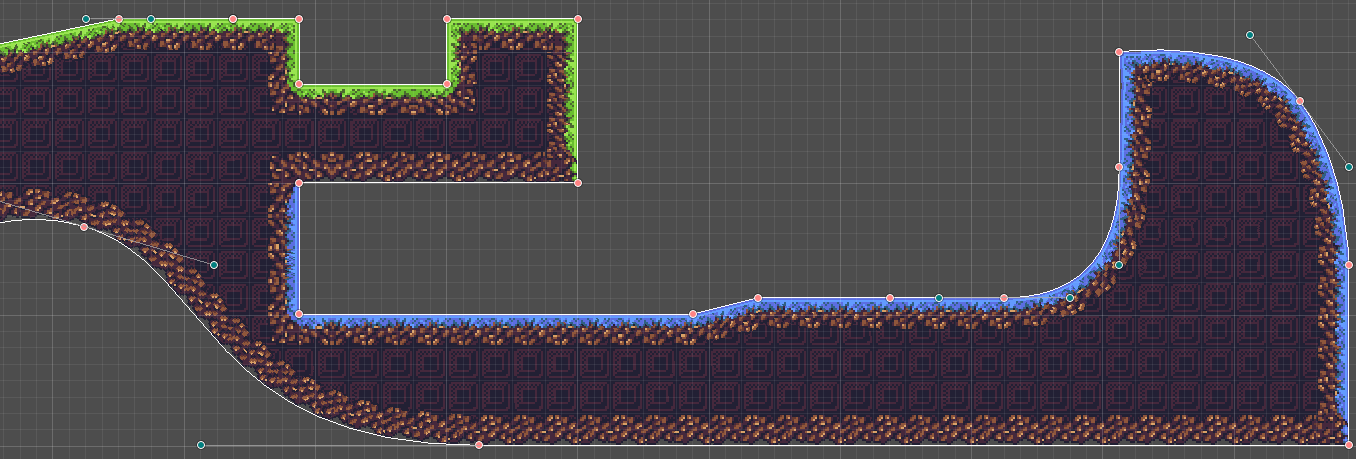
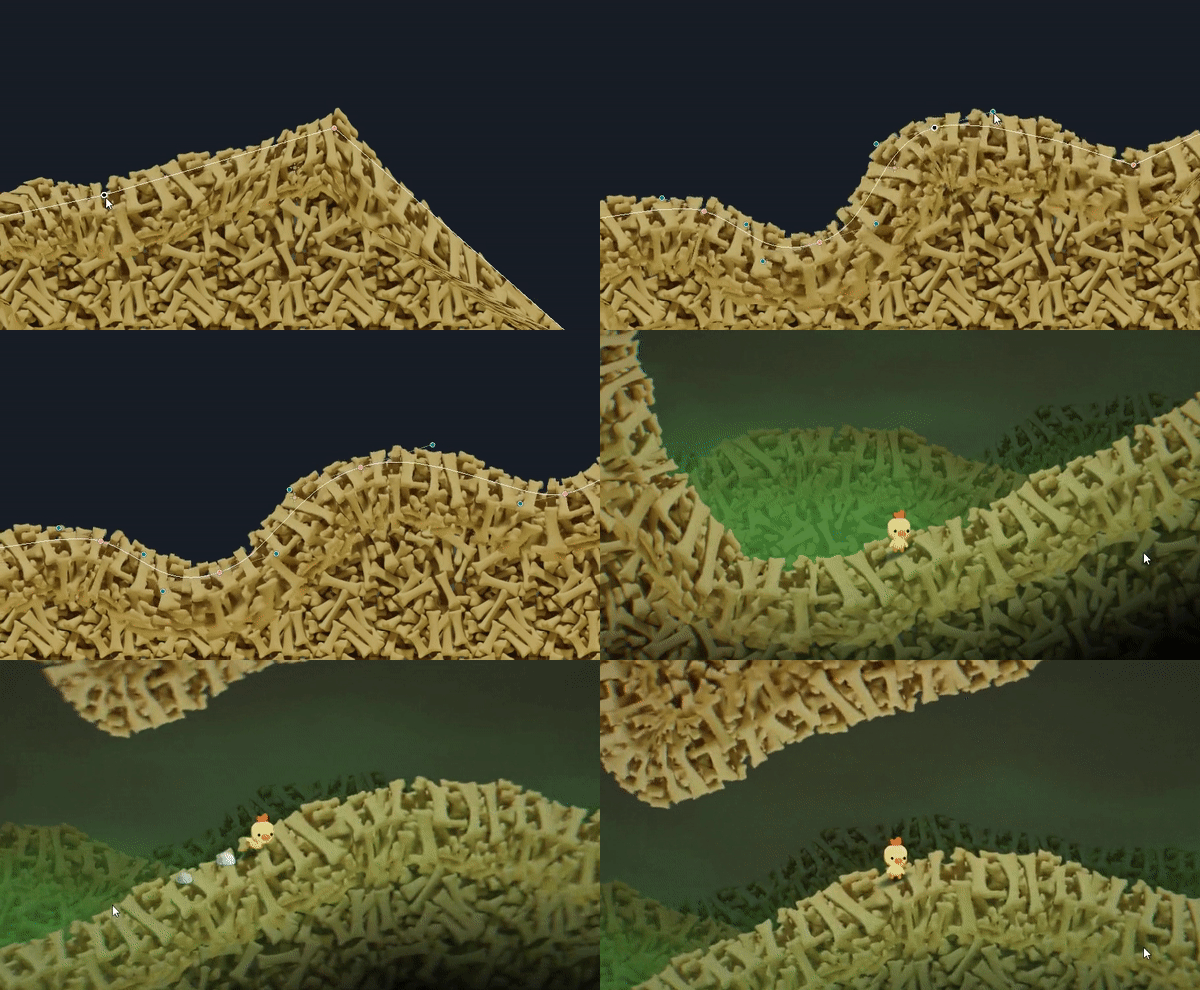
This plugin allows you to create nicely textured 2D polys. Simply place a few points then create / assign the shape material and you should have a good looking polygon.
The textures used are similar to what you would use if making terrain using TileMaps/TileSets
If you find any issues, by all means let us know. Read the section below on Contributing and post an issue if one doesn't already exist
If you enjoy this tool and want to support its development, I'd appreciate a coffee :)

[!WARNING] Some documentation is largely outdated.
Refer to the in-engine documentation as far as possible.
If you can't see SS2D nodes in the F1 help search or documentation does not appear when hovering over properties, re-save the respective script. See #72406 and #86577. This should be fixed in Godot 4.5.
[!WARNING] These tutorials are for Godot 3, and some things are different now. Please, check using SmartShape2D with Godot 4.
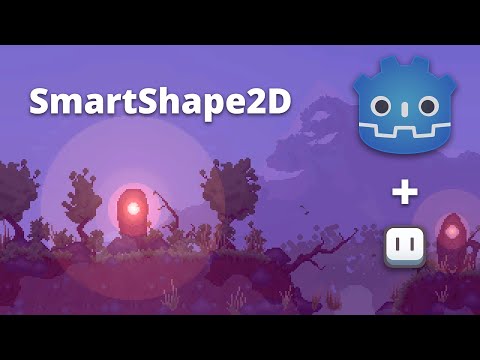
SmartShape2D + Aseprite tutorial can be found here (Thanks Picster!):
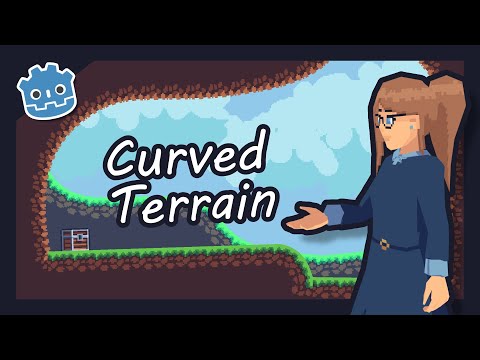
SmartShape2D tutorial can be found here (Thanks LucyLavend!):
If you have any suggestions or find any bugs, feel free to add an issue.
Please include the following three bits of information in each issue posted:
Some Guidelines for Issues:
Issues can be added here
We have a set of tests we run against the code (courtesy of GUT).
If making a merge request, please ensure that the tests pass. If the tests have been updated appropriately to pass, please note this in the merge request.
We have a Discord server for the plugin. https://discord.gg/mHWDPBD3vu
Here, you can:
(top 24 of 32)
678 followers · starred May 2021
966 followers · starred Dec 2020
261 followers · starred Jul 2024
524 followers · starred Nov 2021
This is the GODOT 4 version of this plugin. If you're looking for the GODOT 3 version, please go here
This plugin allows you to create nicely textured 2D polys. Simply place a few points then create / assign the shape material and you should have a good looking polygon.
The textures used are similar to what you would use if making terrain using TileMaps/TileSets
If you find any issues, by all means let us know. Read the section below on Contributing and post an issue if one doesn't already exist
If you enjoy this tool and want to support its development, I'd appreciate a coffee :)
[!WARNING] Some documentation is largely outdated.
Refer to the in-engine documentation as far as possible.
If you can't see SS2D nodes in the F1 help search or documentation does not appear when hovering over properties, re-save the respective script. See #72406 and #86577. This should be fixed in Godot 4.5.
[!WARNING] These tutorials are for Godot 3, and some things are different now. Please, check using SmartShape2D with Godot 4.
SmartShape2D + Aseprite tutorial can be found here (Thanks Picster!):
SmartShape2D tutorial can be found here (Thanks LucyLavend!):
If you have any suggestions or find any bugs, feel free to add an issue.
Please include the following three bits of information in each issue posted:
Some Guidelines for Issues:
Issues can be added here
We have a set of tests we run against the code (courtesy of GUT).
If making a merge request, please ensure that the tests pass. If the tests have been updated appropriately to pass, please note this in the merge request.
We have a Discord server for the plugin. https://discord.gg/mHWDPBD3vu
Here, you can:
(top 24 of 32)
678 followers · starred May 2021
966 followers · starred Dec 2020
261 followers · starred Jul 2024
524 followers · starred Nov 2021



