An open source quadruped robot pet framework for developing Boston Dynamics-style four-legged robots that are perfect for STEM, coding & robotics education, IoT robotics applications, AI-enhanced robotics application services, research, and DIY robotics kit development.
See the codeOn current-gen hardware (Bittle X, Nybble Q) or starting fresh? This repo covers the legacy NyBoard platform. Head to OpenCatESP32 for current hardware and active development.
🚀 Quaddle — Petoi's newest OpenCat-lineage quadruped — goes live on Kickstarter Sept 2, 2026. Get notified → (details below)
OpenCat is an open-source Arduino and Raspberry Pi-based framework for building and programming quadruped robots. Developed by Petoi, the maker of futuristic programmable robotic pets, it's the framework behind two mini robot kits: the Bittle robot dog and the Nybble robot cat.
The framework handles the hard parts — gait coordination, servo control, IMU integration — so you can focus on what you're actually building on top of it.
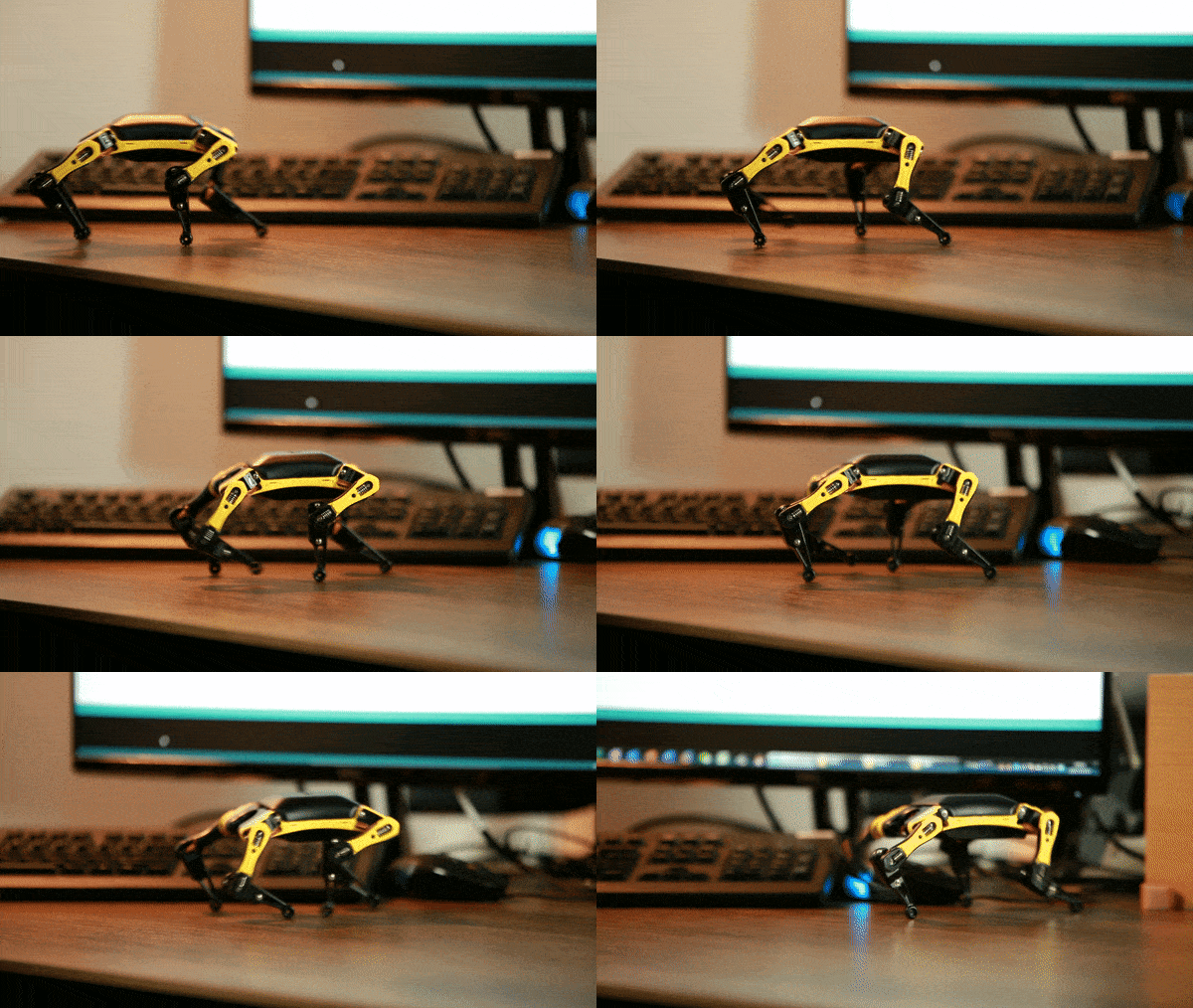
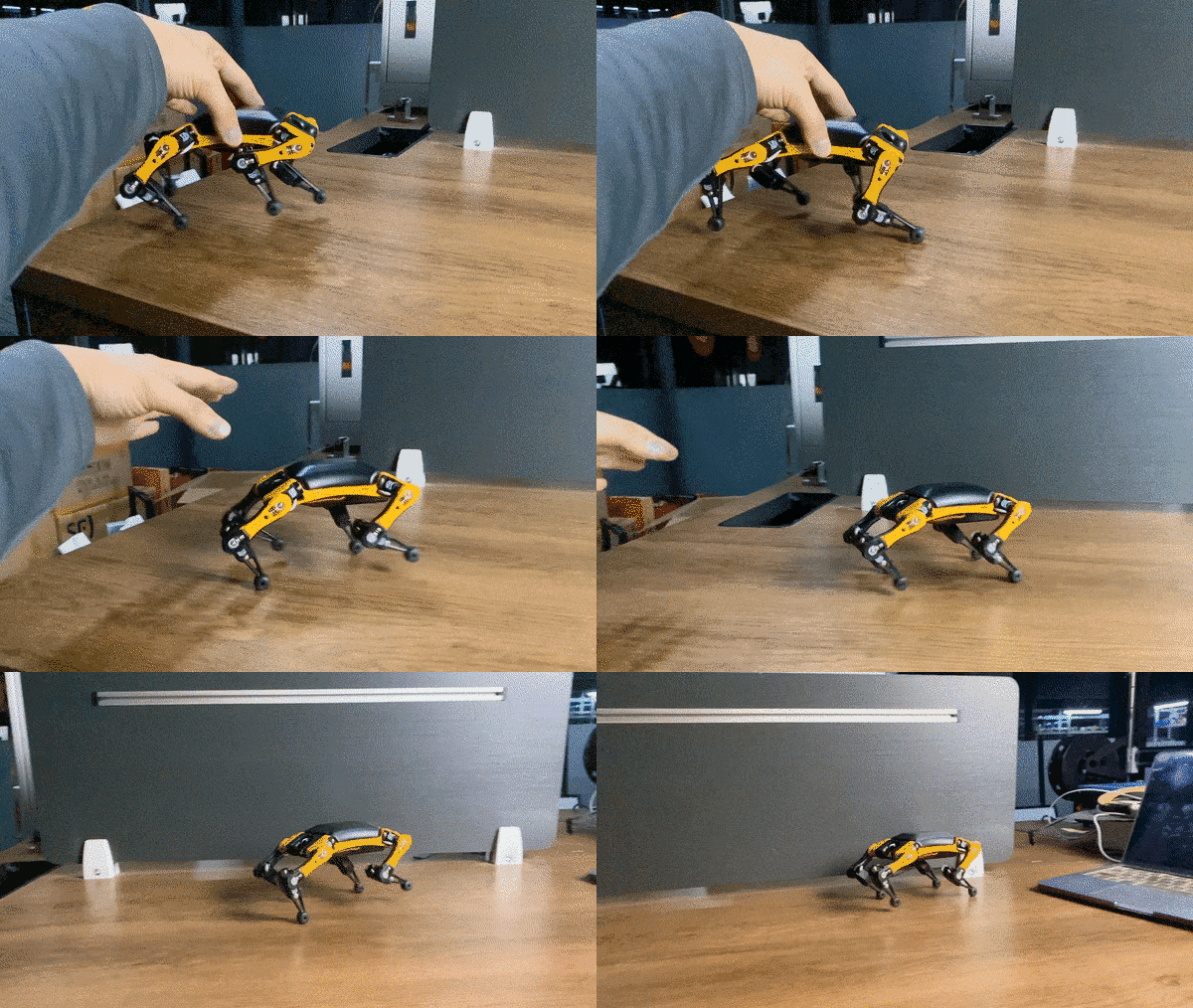

Quaddle is Petoi's newest quadruped, going live on Kickstarter Sept 2, 2026 — a mini desk robot built on the same OpenCat lineage as Bittle and Nybble.
Source code is not yet public. It's an upgraded version of the OpenCat project. The ESP32-S3 code structure is similar to this repo and closer to OpenCatESP32, which already powers thousands of Bittle X and Nybble Q robots in the field. We plan to open source it before Quaddle delivery.
Inspired by Boston Dynamics' Spot, Dr. Rongzhong Li started OpenCat in his dorm at Wake Forest University in 2016. The goal was straightforward: make agile quadruped robots affordable and hackable enough for researchers, educators, and makers — not just well-funded labs.
Since then:
OpenCat is now deployed across two robot platforms and used in K-12 schools, university research labs, maker spaces, and independent projects worldwide.
The original Bittle and Nybble mini robots (NyBoard/ATmega328P) are discontinued but still fully supported by this codebase. This repo is the right place for NyBoard users; for ESP32/BiBoard see OpenCatESP32.
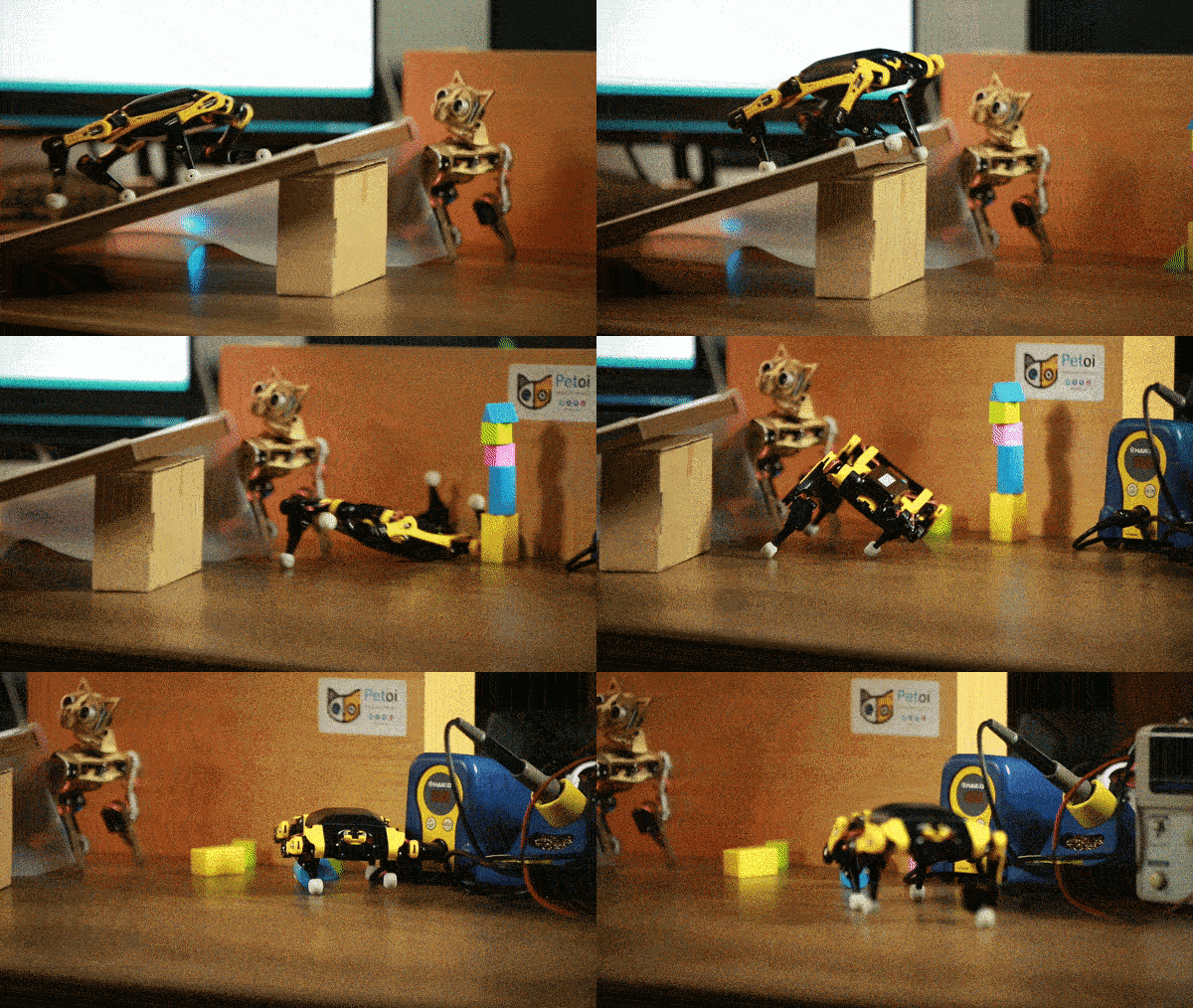
Whether you're teaching robotics programming for the first time, building a weekend hackathon project, or running a graduate-level embodied robotics experiment, the platform scales.
Users have shipped real robotics projects across AI, Raspberry Pi, and research — a few highlights:
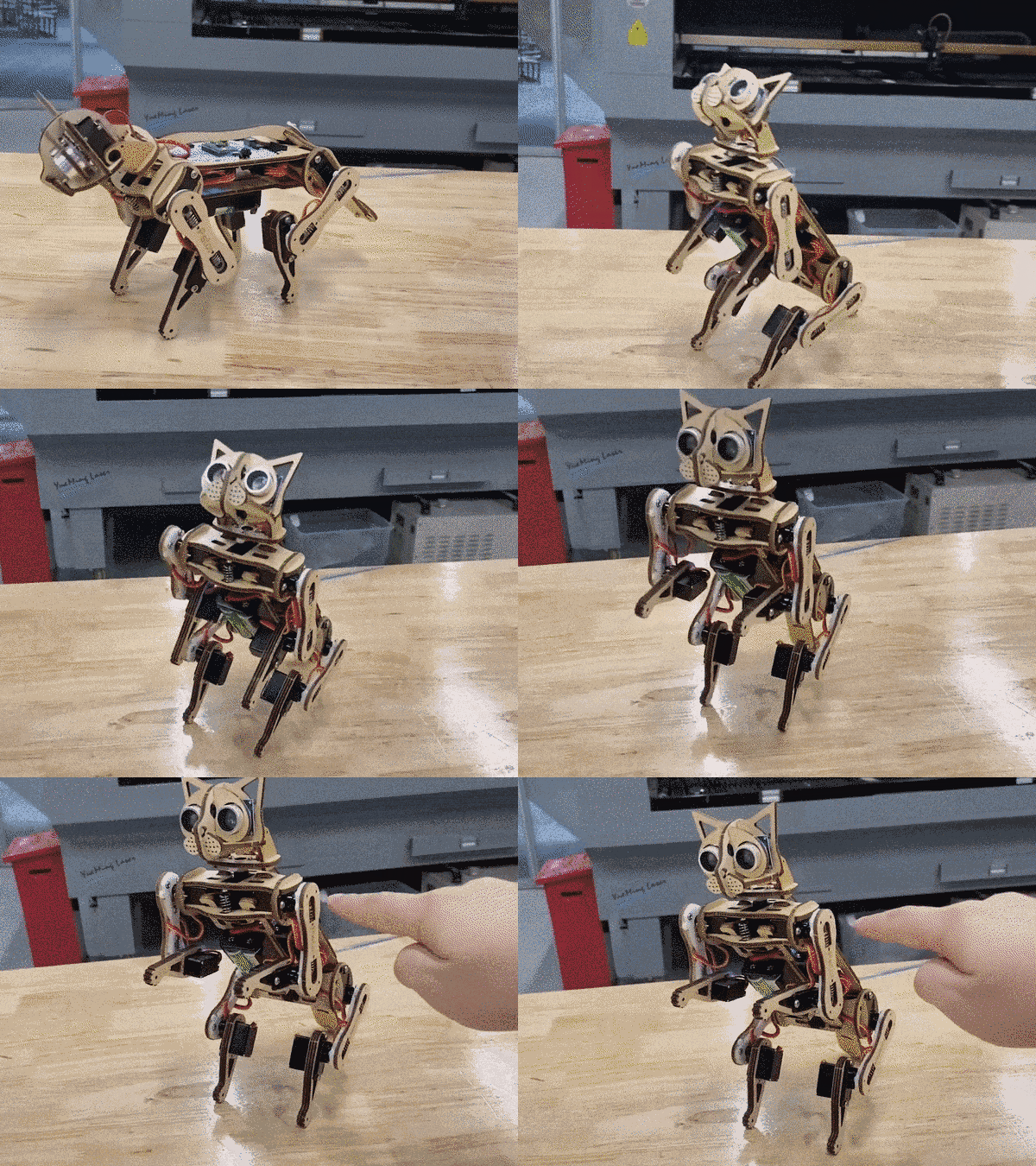
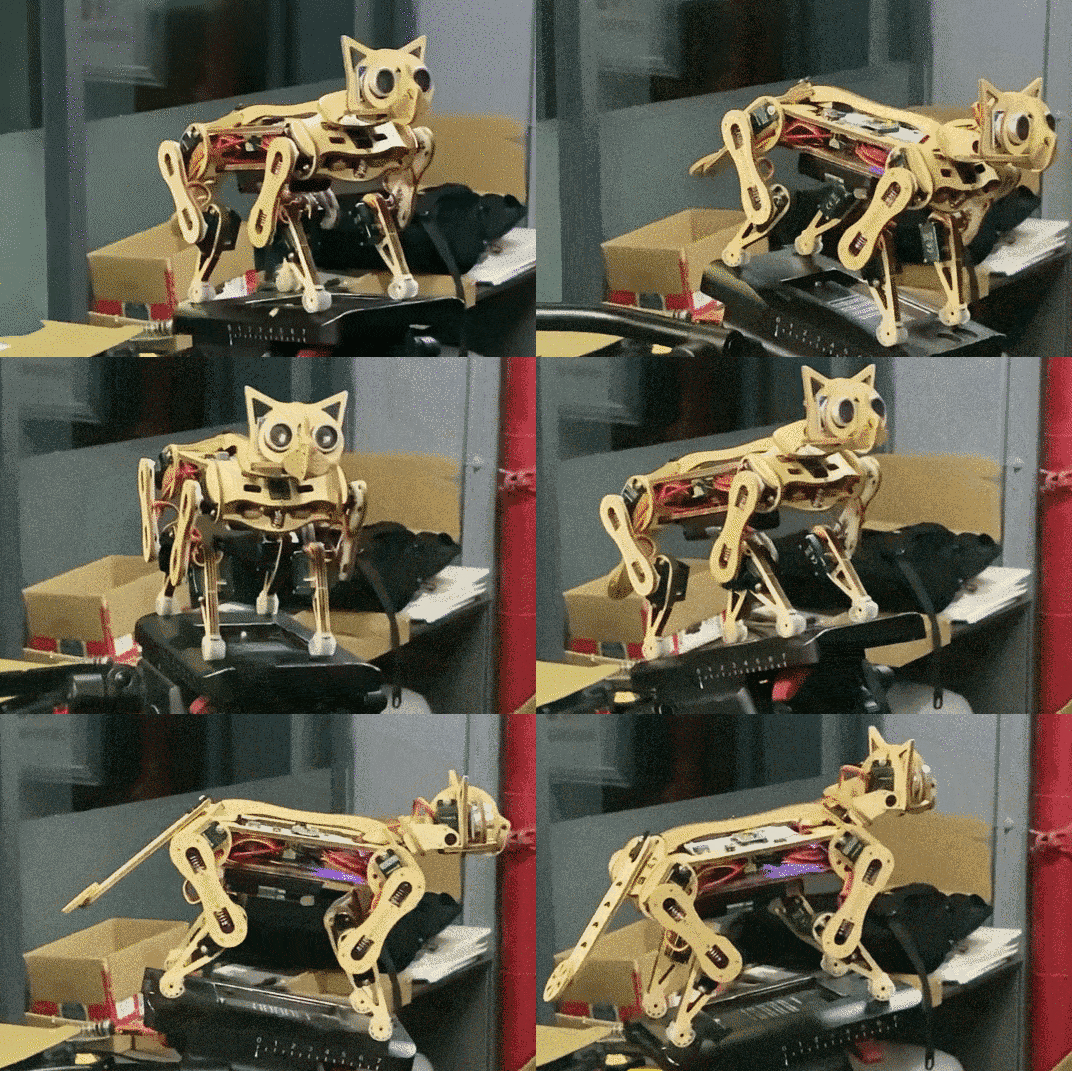
This repo targets the NyBoard — a customized Arduino board based on ATmega328P. It coordinates up to 12 high-performance servos for walking, running, jumping, and backflipping.
Extend with:
For ESP32/BiBoard (current-gen hardware), see OpenCatESP32.
Full documentation: Petoi Doc Center The following steps give you a brief walk-through, but may miss detailed tips and illustrative pictures.
1. Clone the repo
Remove the -main (or branch name) suffix from the folder after downloading.
2. Open OpenCat.ino — select your robot and board
#define BITTLE    // Petoi 9 DOF robot dog: 1x on head + 8x on leg
//#define NYBBLE  // Petoi 11 DOF robot cat: 2x on head + 1x on tail + 8x on leg

//#define NyBoard_V0_1
//#define NyBoard_V0_2
#define NyBoard_V1_0
//#define NyBoard_V1_1
3. Enter configuration mode
Comment out #define MAIN_SKETCH, upload, follow serial prompts.
// #define MAIN_SKETCH
4. (Optional) Auto-init
#define AUTO_INIT skips prompts and auto-calibrates IMU — handy for repeated flashing.
5. Upload
Plug USB uploader into NyBoard, install driver if needed, hit upload (→) in Arduino IDE.
6. Serial Monitor
Set to no line ending and 115200 baud rate.
7. Reset joint offsets
Reset joint offsets? (Y/n)
Y
8. IMU calibration
Calibrate the IMU? (Y/n):
Y
Place the robot flat on a table. 6 long beeps → reads sensor data → saves offsets → beeps when done. Close Serial Monitor when Ready! appears.
9. Switch to main sketch
#define MAIN_SKETCH
Uncomment and re-upload.
10. Joint calibration
Boot with one side up to enter calibration mode, or calibrate directly via Serial Monitor.
11. Optional: Petoi app
Plug in Bluetooth dongle for a friendlier calibration UI:
See the calibration guide and app guide.
12. Start building
Infrared remote, Petoi app, Python, or Serial Monitor. Full play guide →
OpenCat shows up in AI robotics education across K-12 programs, community colleges, university labs, and maker spaces — hands-on physical AI teaching that goes beyond screen-based coding exercises:
Follow the project:
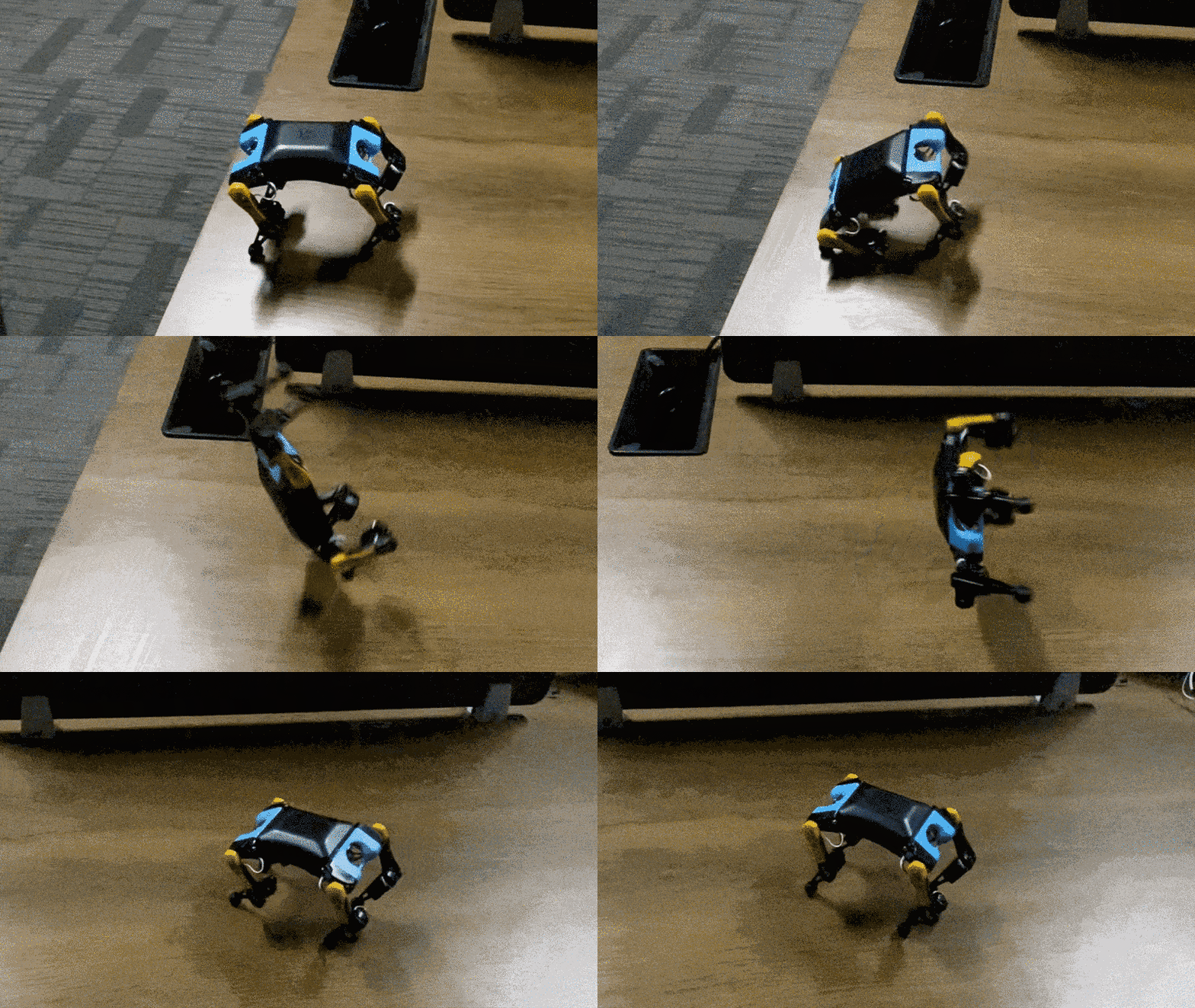
The legacy OpenCat repository is archived and no longer maintained.
413 followers · starred Aug 2022
1,961 followers · starred Jan 2023
3,697 followers · starred Mar 2024
1,335 followers · starred Apr 2023
An open source quadruped robot pet framework for developing Boston Dynamics-style four-legged robots that are perfect for STEM, coding & robotics education, IoT robotics applications, AI-enhanced robotics application services, research, and DIY robotics kit development.
See the codeOn current-gen hardware (Bittle X, Nybble Q) or starting fresh? This repo covers the legacy NyBoard platform. Head to OpenCatESP32 for current hardware and active development.
🚀 Quaddle — Petoi's newest OpenCat-lineage quadruped — goes live on Kickstarter Sept 2, 2026. Get notified → (details below)
OpenCat is an open-source Arduino and Raspberry Pi-based framework for building and programming quadruped robots. Developed by Petoi, the maker of futuristic programmable robotic pets, it's the framework behind two mini robot kits: the Bittle robot dog and the Nybble robot cat.
The framework handles the hard parts — gait coordination, servo control, IMU integration — so you can focus on what you're actually building on top of it.
Quaddle is Petoi's newest quadruped, going live on Kickstarter Sept 2, 2026 — a mini desk robot built on the same OpenCat lineage as Bittle and Nybble.
Source code is not yet public. It's an upgraded version of the OpenCat project. The ESP32-S3 code structure is similar to this repo and closer to OpenCatESP32, which already powers thousands of Bittle X and Nybble Q robots in the field. We plan to open source it before Quaddle delivery.
Inspired by Boston Dynamics' Spot, Dr. Rongzhong Li started OpenCat in his dorm at Wake Forest University in 2016. The goal was straightforward: make agile quadruped robots affordable and hackable enough for researchers, educators, and makers — not just well-funded labs.
Since then:
OpenCat is now deployed across two robot platforms and used in K-12 schools, university research labs, maker spaces, and independent projects worldwide.
The original Bittle and Nybble mini robots (NyBoard/ATmega328P) are discontinued but still fully supported by this codebase. This repo is the right place for NyBoard users; for ESP32/BiBoard see OpenCatESP32.
Whether you're teaching robotics programming for the first time, building a weekend hackathon project, or running a graduate-level embodied robotics experiment, the platform scales.
Users have shipped real robotics projects across AI, Raspberry Pi, and research — a few highlights:
This repo targets the NyBoard — a customized Arduino board based on ATmega328P. It coordinates up to 12 high-performance servos for walking, running, jumping, and backflipping.
Extend with:
For ESP32/BiBoard (current-gen hardware), see OpenCatESP32.
Full documentation: Petoi Doc Center The following steps give you a brief walk-through, but may miss detailed tips and illustrative pictures.
1. Clone the repo
Remove the -main (or branch name) suffix from the folder after downloading.
2. Open OpenCat.ino — select your robot and board
#define BITTLE    // Petoi 9 DOF robot dog: 1x on head + 8x on leg
//#define NYBBLE  // Petoi 11 DOF robot cat: 2x on head + 1x on tail + 8x on leg

//#define NyBoard_V0_1
//#define NyBoard_V0_2
#define NyBoard_V1_0
//#define NyBoard_V1_1
3. Enter configuration mode
Comment out #define MAIN_SKETCH, upload, follow serial prompts.
// #define MAIN_SKETCH
4. (Optional) Auto-init
#define AUTO_INIT skips prompts and auto-calibrates IMU — handy for repeated flashing.
5. Upload
Plug USB uploader into NyBoard, install driver if needed, hit upload (→) in Arduino IDE.
6. Serial Monitor
Set to no line ending and 115200 baud rate.
7. Reset joint offsets
Reset joint offsets? (Y/n)
Y
8. IMU calibration
Calibrate the IMU? (Y/n):
Y
Place the robot flat on a table. 6 long beeps → reads sensor data → saves offsets → beeps when done. Close Serial Monitor when Ready! appears.
9. Switch to main sketch
#define MAIN_SKETCH
Uncomment and re-upload.
10. Joint calibration
Boot with one side up to enter calibration mode, or calibrate directly via Serial Monitor.
11. Optional: Petoi app
Plug in Bluetooth dongle for a friendlier calibration UI:
See the calibration guide and app guide.
12. Start building
Infrared remote, Petoi app, Python, or Serial Monitor. Full play guide →
OpenCat shows up in AI robotics education across K-12 programs, community colleges, university labs, and maker spaces — hands-on physical AI teaching that goes beyond screen-based coding exercises:
Follow the project:
The legacy OpenCat repository is archived and no longer maintained.
413 followers · starred Aug 2022
1,961 followers · starred Jan 2023
3,697 followers · starred Mar 2024
1,335 followers · starred Apr 2023