Orillusion is a pure Web3D rendering engine which is fully developed based on the WebGPU standard.
See the code

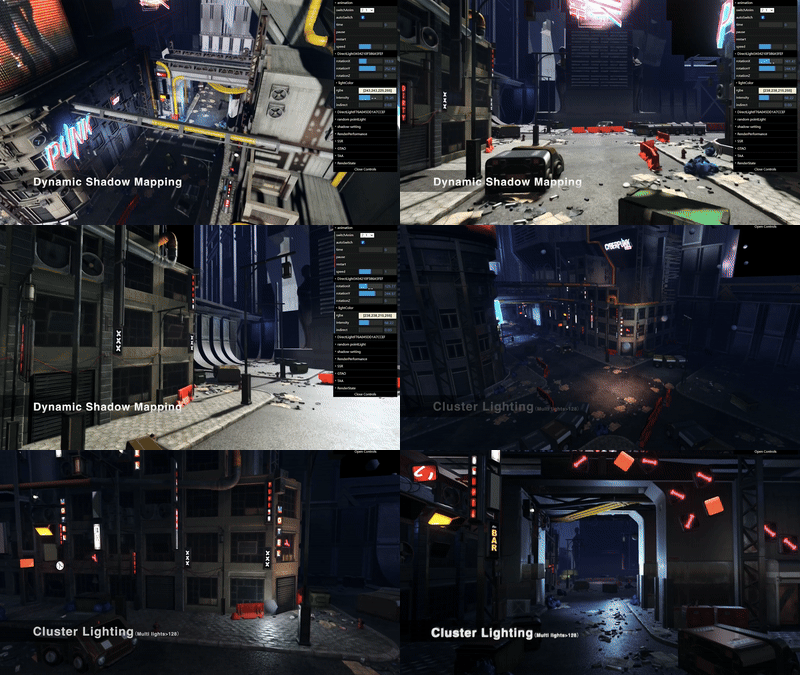
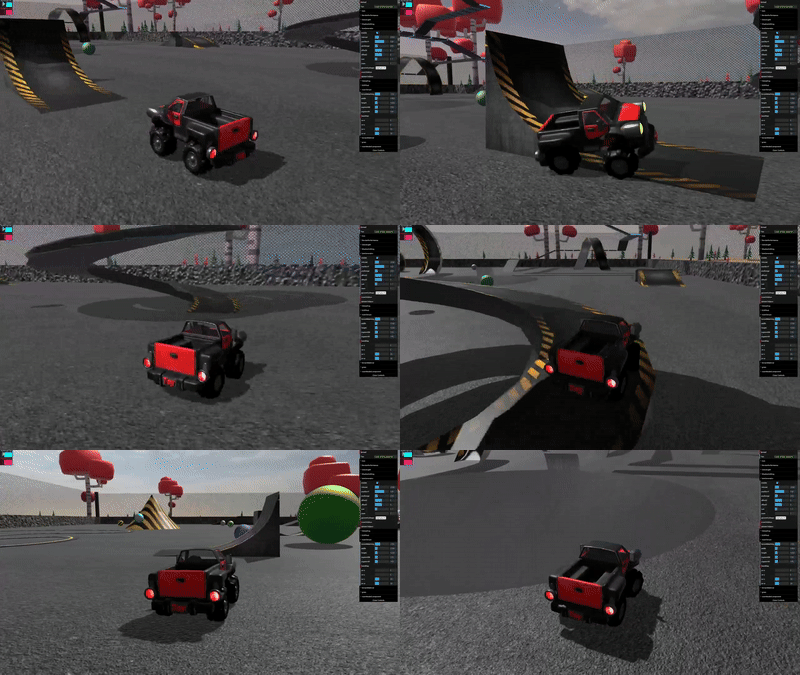
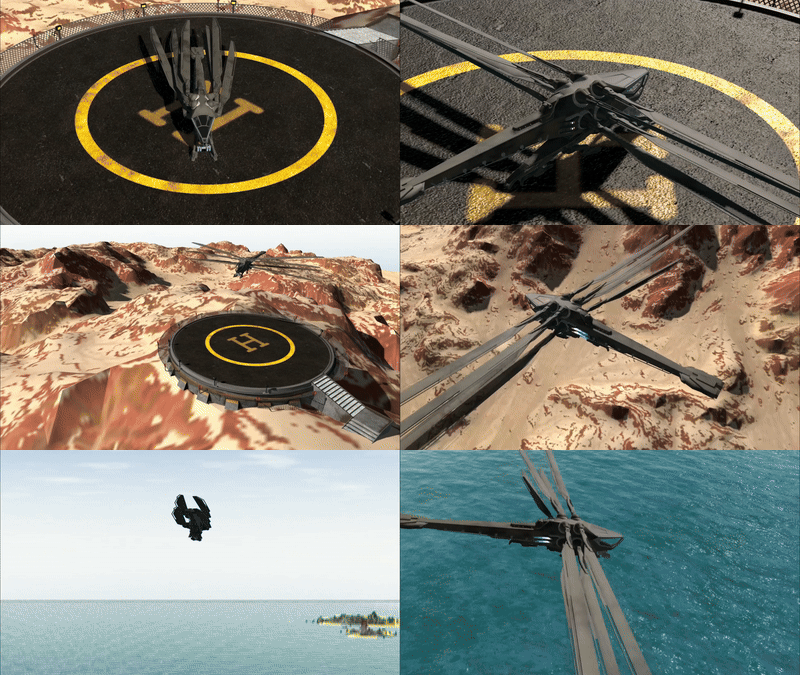
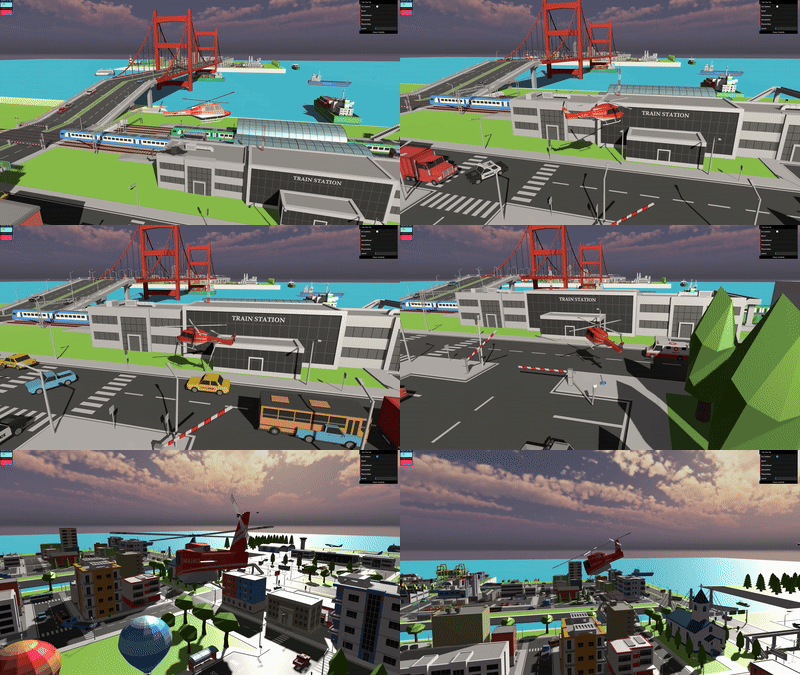
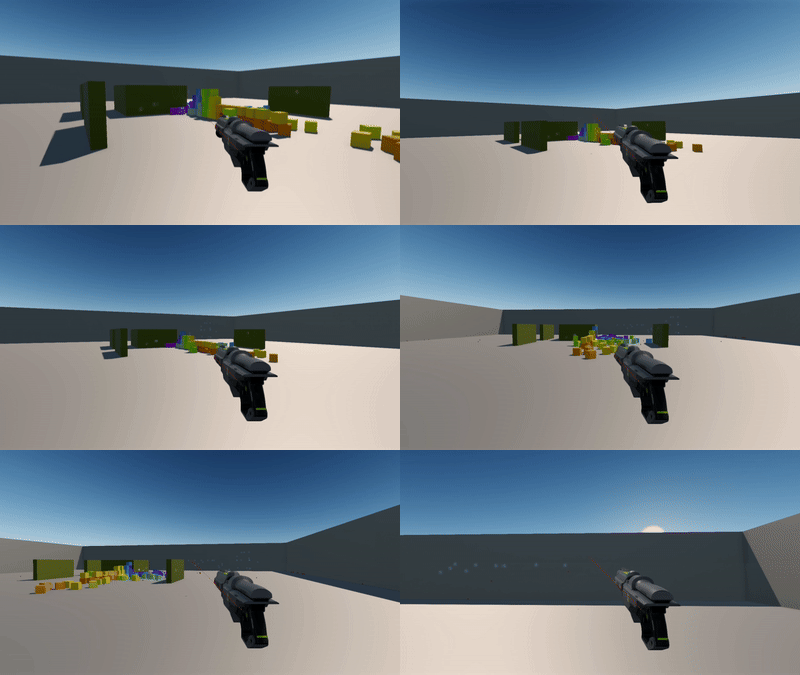
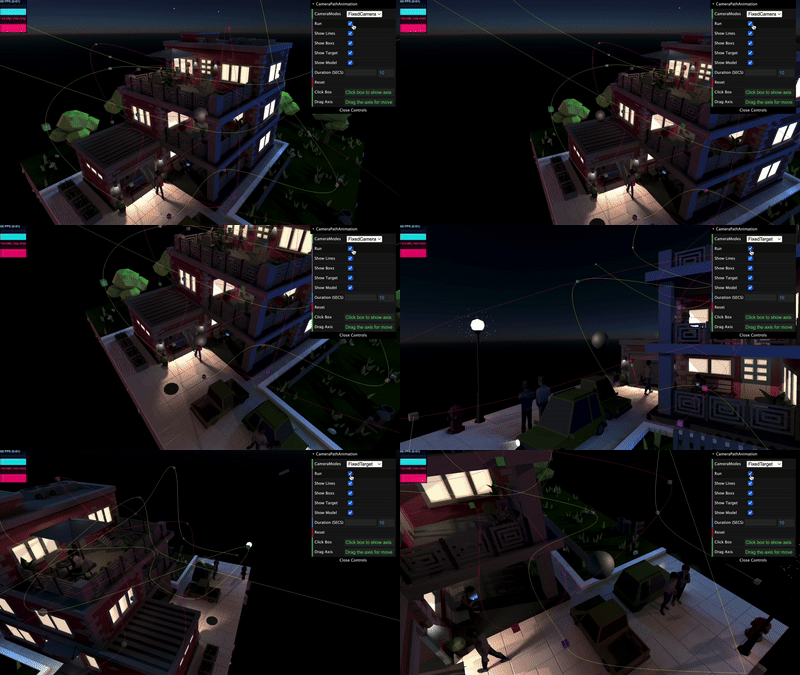
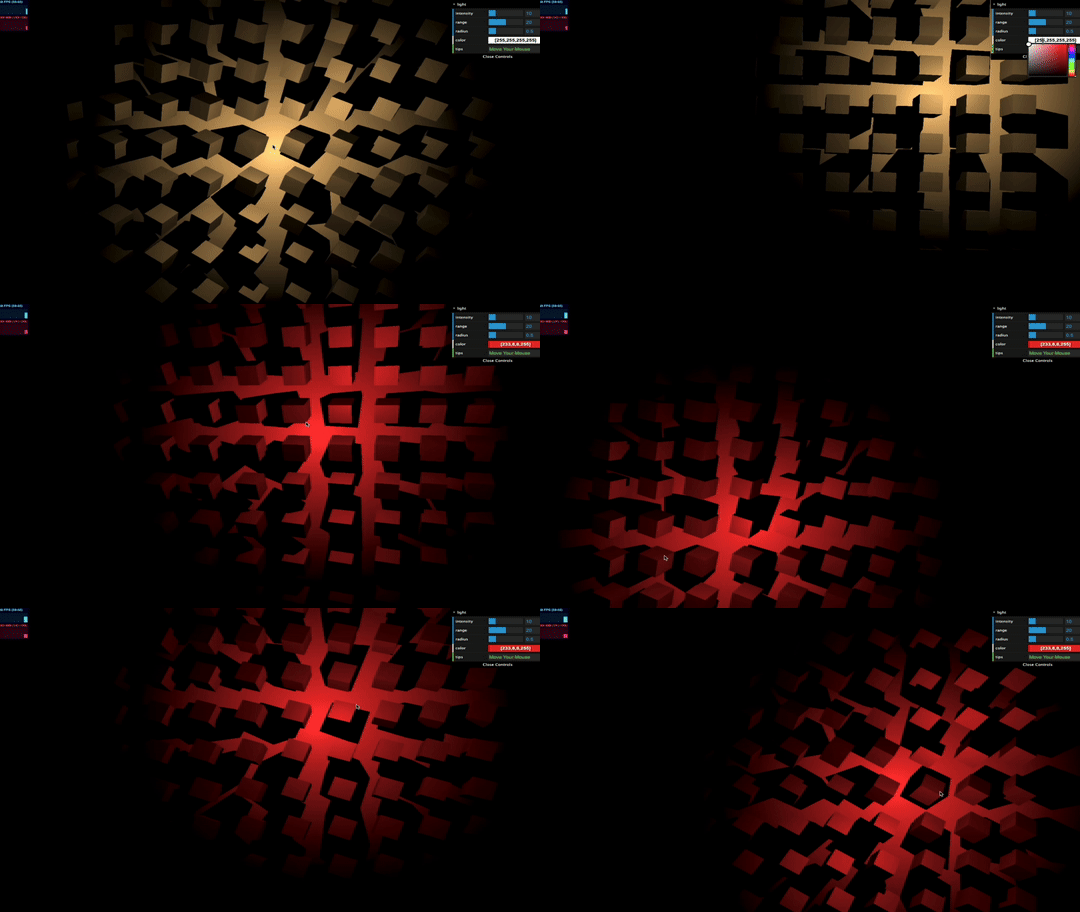
Orillusion is a pure Web3D rendering engine which is fully developed based on the WebGPU standard. It aims to achieve desktop-level rendering effects and supports 3D rendering of complex scenes in the browser.
Beta version, NOT recommended for any commercial application.
WebGPU is the latest technology in the web domain and will play a crucial role in terms of 3D rendering as well as AI/LLM scenarios.
We aim to create a dedicated technical community for the WebGPU field, bringing together outstanding developers.
Hope more and more front-end developers could stay updated with the latest Web technologies NOT ONLY image slicing for web design.
Specifically, we will continuously update the excellent samples provided by open-source contributors, allowing everyone to see better works.
Hope it could help highlight the very talented individual developers within the community!





We recommend using front-end build tools for developing Web3D applications, such Vite or Webpack.
npm install @orillusion/core --save
import { Engine3D, Camera3D } from '@orillusion/core'
import * as Orillusion from '@orillusion/core'
In order to use the engine more conveniently, we support to use native <script> tag to import Orillusion. Three different ways to import using the official CDN link:
Orillusion directly from a CDN via a script tag:<script src="https://unpkg.com/@orillusion/core/dist/orillusion.umd.js"></script>
<script>
const { Engine3D, Camera3D } = Orillusion
</script>
The above link loads the global build of Orillusion, where all top-level APIs are exposed as properties on the global Orillusion object.
ES module, we just need to import the ES build version of orillusion.es.js<script type="module">
import { Engine3D, Camera3D } from "https://unpkg.com/@orillusion/core/dist/orillusion.es.js"
</script>
<!-- Define the name or address of ES Module -->
<script  type="importmap">
{
    "imports": { "@orillusion/core": "https://unpkg.com/@orillusion/core/dist/orillusion.es.js" }
}
</script>
<!-- Customerized names could be imported -->
<script  type="module">
    import { Engine3D, Camera3D } from "@orillusion/core"
</script>
Use Engine3D.init() to create a new engine instance. Each call returns an independent instance — you can run multiple engines side-by-side in the same page.
import { Engine3D } from '@orillusion/core'
Engine3D.init().then((engine) => {
    // Next
})
As Engine3D.init() is asynchronous, we recommend using async/await in the code
import { Engine3D } from '@orillusion/core'
async function demo(){
    const engine = await Engine3D.init();
    // Next
}
demo()
By default, Engine3D.init() creates a canvas the same size as the window. You can also create a canvas manually using <canvas> with an id
<canvas id="canvas" width="800" height="500" />
Then get the <canvas> by id and pass it to Engine3D.init() via canvasConfig
import { Engine3D } from '@orillusion/core';
let canvas = document.getElementById('canvas')

const engine = await Engine3D.init({
    canvasConfig: { canvas }
})
Please read the Docs to Learn More.
Windows/Mac/Linux:
Android (Behind the enable-unsafe-webgpu flag):
Please make sure to read the Contributing Guide before developing or making a pull request.
Orillusion engine is released under the MIT license.
4,959 followers · starred Apr 2024
108 followers · starred Nov 2025
415 followers · starred Jul 2024
217 followers · starred May 2023
Orillusion is a pure Web3D rendering engine which is fully developed based on the WebGPU standard.
See the code
Orillusion is a pure Web3D rendering engine which is fully developed based on the WebGPU standard. It aims to achieve desktop-level rendering effects and supports 3D rendering of complex scenes in the browser.
Beta version, NOT recommended for any commercial application.
WebGPU is the latest technology in the web domain and will play a crucial role in terms of 3D rendering as well as AI/LLM scenarios.
We aim to create a dedicated technical community for the WebGPU field, bringing together outstanding developers.
Hope more and more front-end developers could stay updated with the latest Web technologies NOT ONLY image slicing for web design.
Specifically, we will continuously update the excellent samples provided by open-source contributors, allowing everyone to see better works.
Hope it could help highlight the very talented individual developers within the community!
We recommend using front-end build tools for developing Web3D applications, such Vite or Webpack.
npm install @orillusion/core --save
import { Engine3D, Camera3D } from '@orillusion/core'
import * as Orillusion from '@orillusion/core'
In order to use the engine more conveniently, we support to use native <script> tag to import Orillusion. Three different ways to import using the official CDN link:
Orillusion directly from a CDN via a script tag:<script src="https://unpkg.com/@orillusion/core/dist/orillusion.umd.js"></script>
<script>
const { Engine3D, Camera3D } = Orillusion
</script>
The above link loads the global build of Orillusion, where all top-level APIs are exposed as properties on the global Orillusion object.
ES module, we just need to import the ES build version of orillusion.es.js<script type="module">
import { Engine3D, Camera3D } from "https://unpkg.com/@orillusion/core/dist/orillusion.es.js"
</script>
<!-- Define the name or address of ES Module -->
<script  type="importmap">
{
    "imports": { "@orillusion/core": "https://unpkg.com/@orillusion/core/dist/orillusion.es.js" }
}
</script>
<!-- Customerized names could be imported -->
<script  type="module">
    import { Engine3D, Camera3D } from "@orillusion/core"
</script>
Use Engine3D.init() to create a new engine instance. Each call returns an independent instance — you can run multiple engines side-by-side in the same page.
import { Engine3D } from '@orillusion/core'
Engine3D.init().then((engine) => {
    // Next
})
As Engine3D.init() is asynchronous, we recommend using async/await in the code
import { Engine3D } from '@orillusion/core'
async function demo(){
    const engine = await Engine3D.init();
    // Next
}
demo()
By default, Engine3D.init() creates a canvas the same size as the window. You can also create a canvas manually using <canvas> with an id
<canvas id="canvas" width="800" height="500" />
Then get the <canvas> by id and pass it to Engine3D.init() via canvasConfig
import { Engine3D } from '@orillusion/core';
let canvas = document.getElementById('canvas')

const engine = await Engine3D.init({
    canvasConfig: { canvas }
})
Please read the Docs to Learn More.
Windows/Mac/Linux:
Android (Behind the enable-unsafe-webgpu flag):
Please make sure to read the Contributing Guide before developing or making a pull request.
Orillusion engine is released under the MIT license.
4,959 followers · starred Apr 2024
108 followers · starred Nov 2025
415 followers · starred Jul 2024
217 followers · starred May 2023