Music player capable of playing local audio or from Youtube, Spotify and many more
See the code




Help up translate the project at Crowdin
Official website | Downloads | Discord Crowdin
You may download the latest release from Official website or from GitHub Releases
If you use Chocolatey, Moosync can be installed using
choco install moosync
Otherwise you may download the latest installer from Releases
You can install Moosync through our hosted APT repo
bash <(wget -O- https://raw.githubusercontent.com/Moosync/Moosync/main/setup_ppa.sh)
Moosync can be found on Fedora COPR. You can install it using dnf
dnf copr enable ovenoboyo/Moosync
dnf install moosync
Moosync can be found on AUR. You can install it using an AUR helper such as Yay
yay -S moosync
Moosync can be found on FlatHub as app.moosync.moosync.
You may install it by
flatpak install flathub app.moosync.moosync
You can get Moosync from Snap store.
sudo snap install moosync
Checkout the Official Wiki on moosync.app or on GitHub.
For any further questions you may join us on Discord
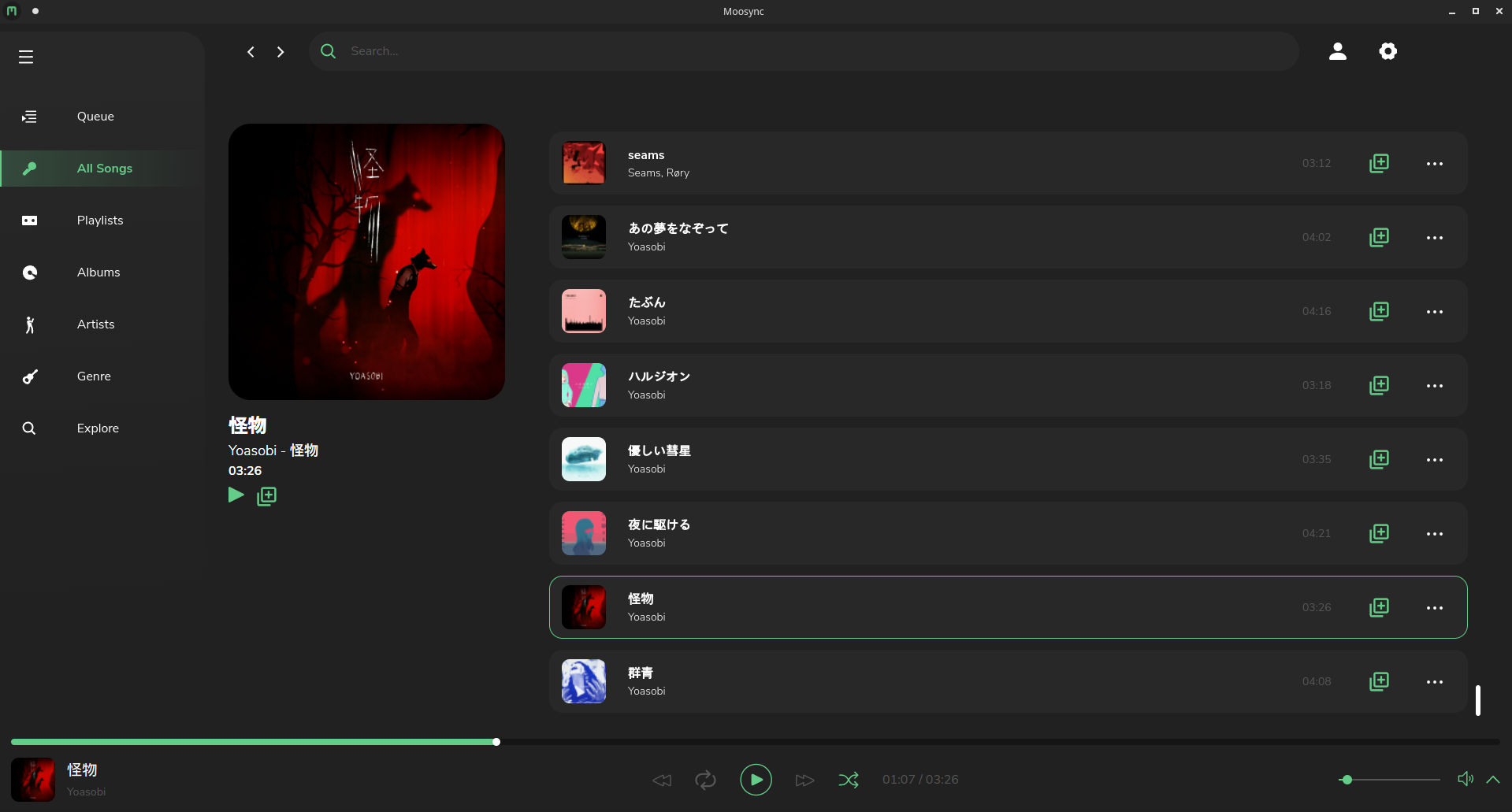
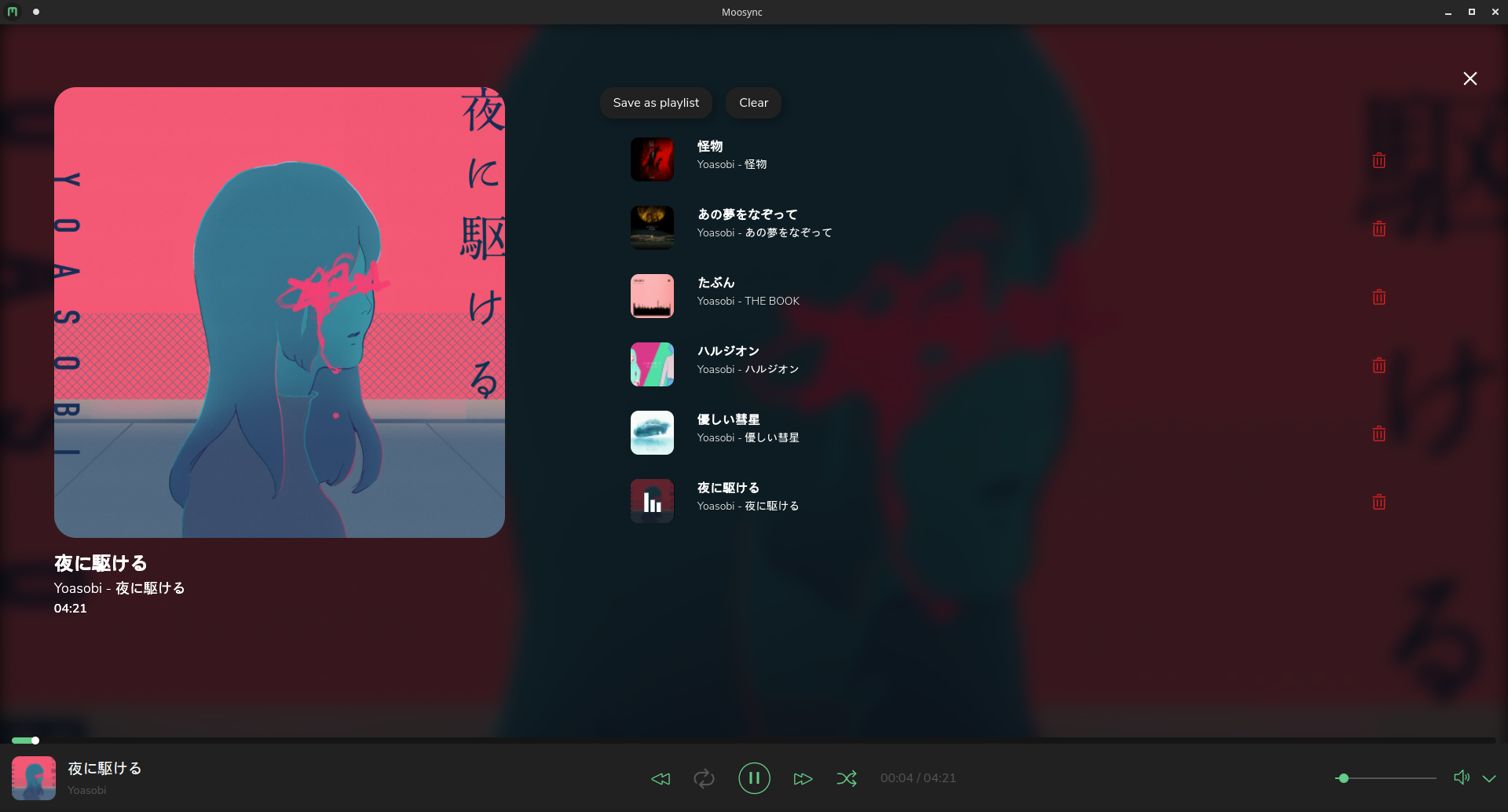
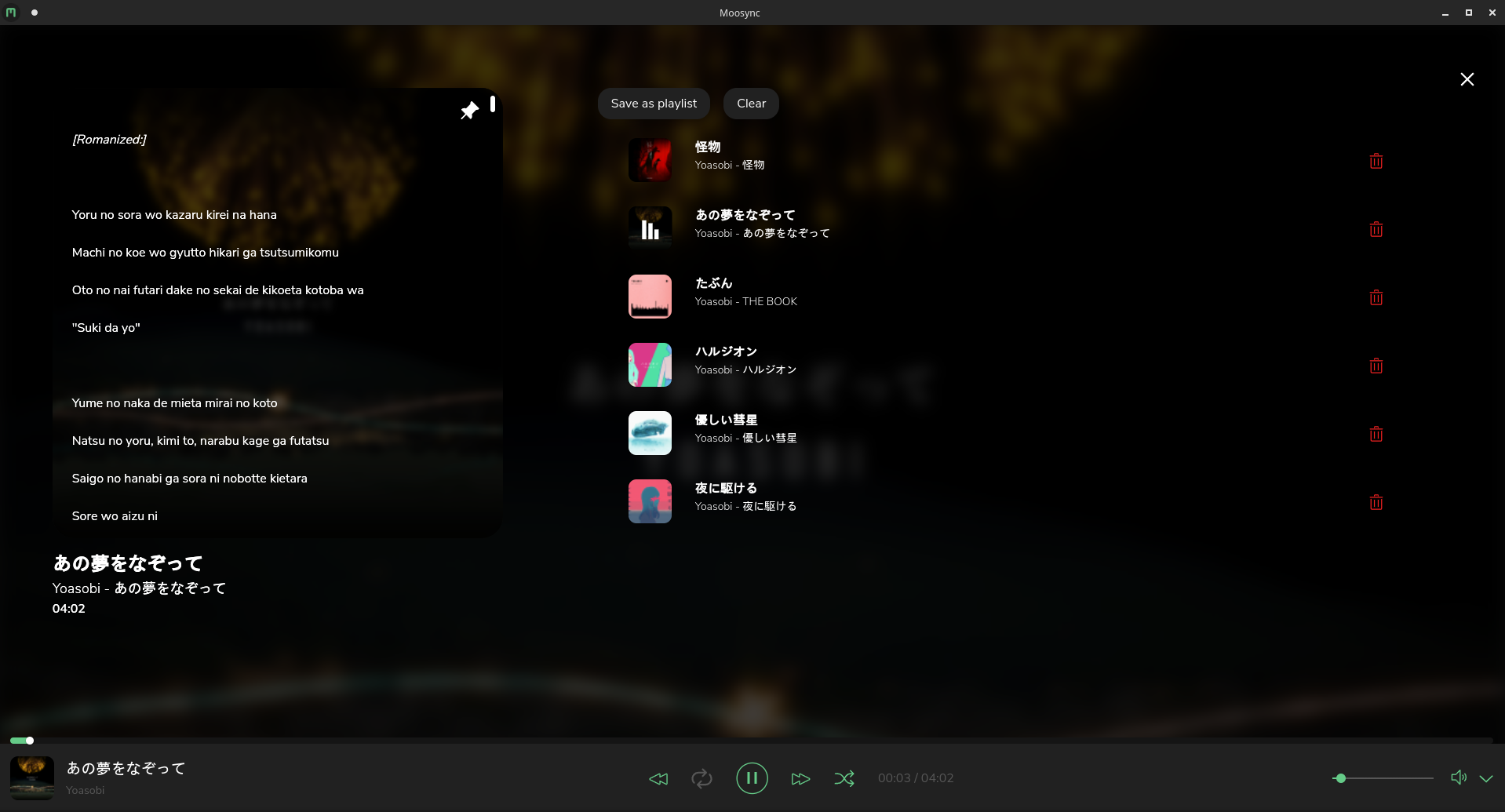
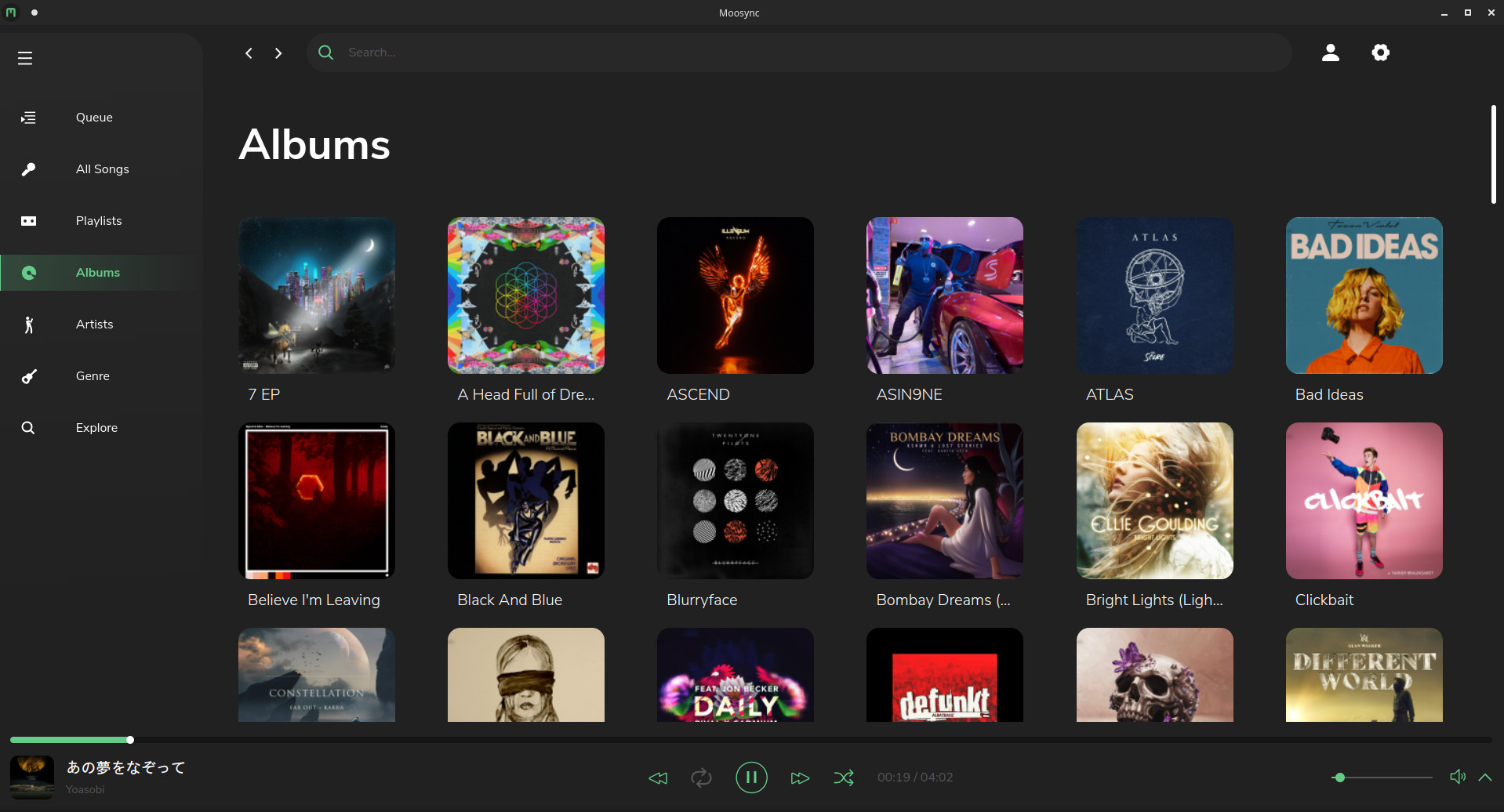
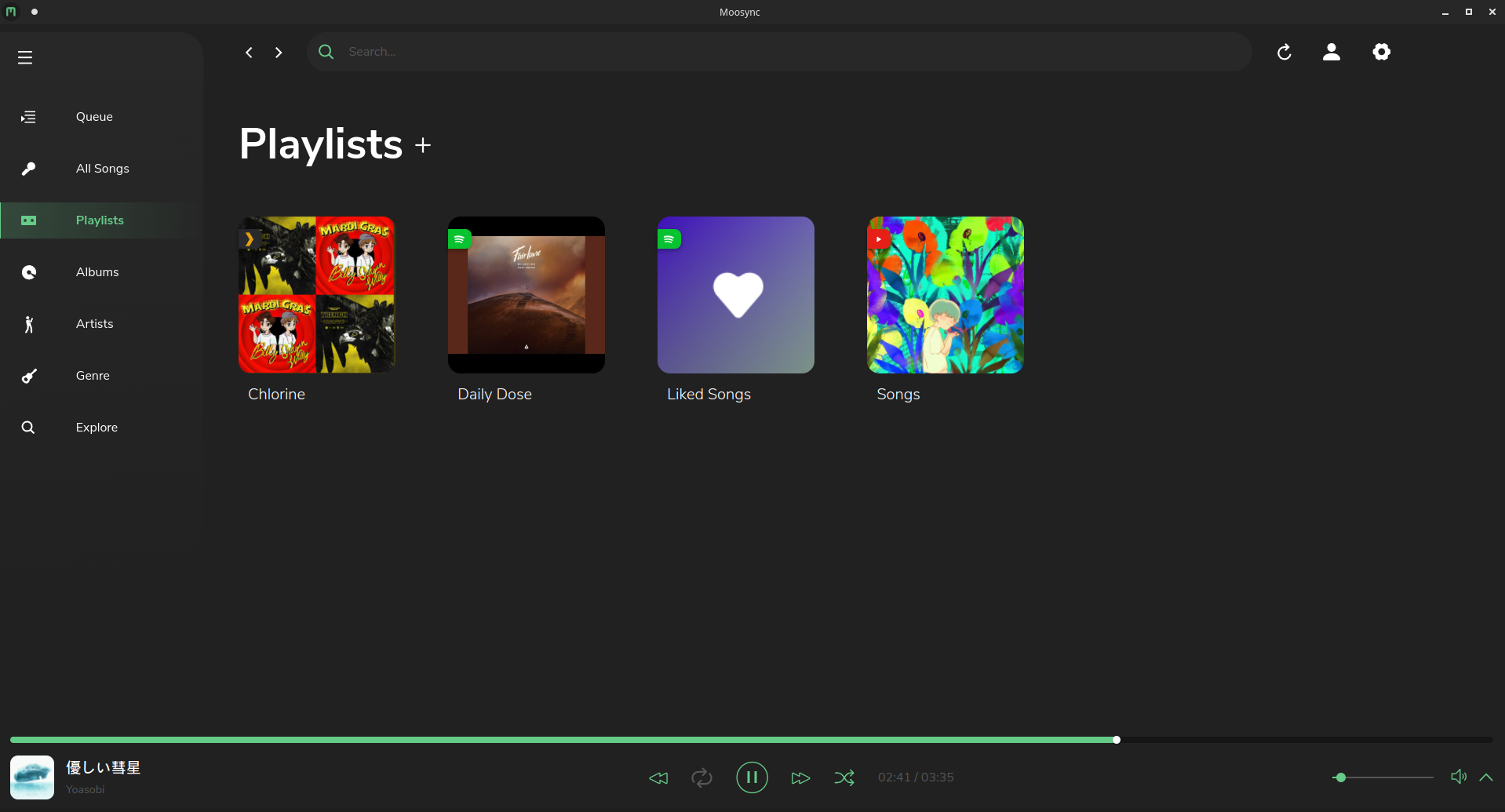
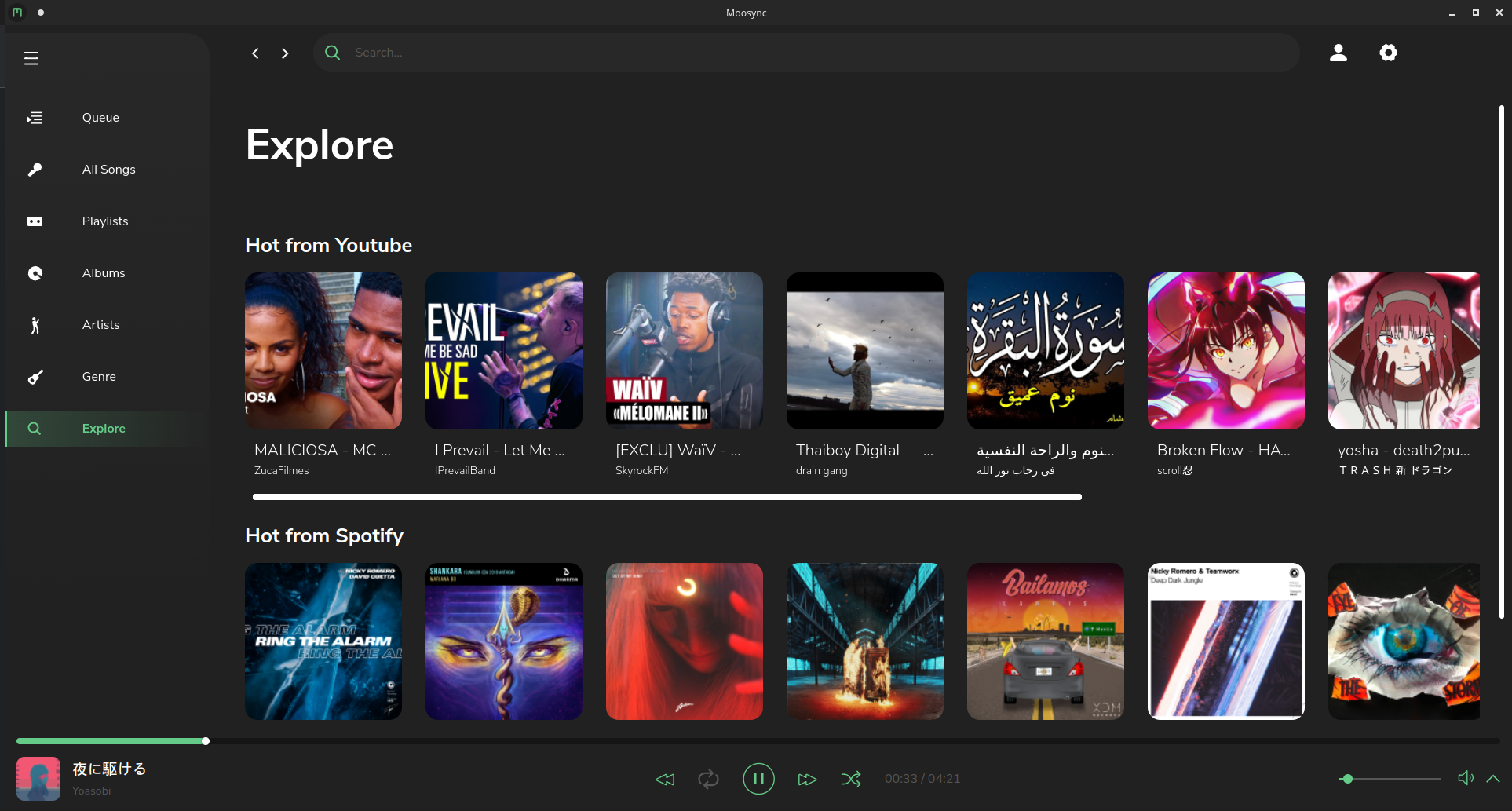
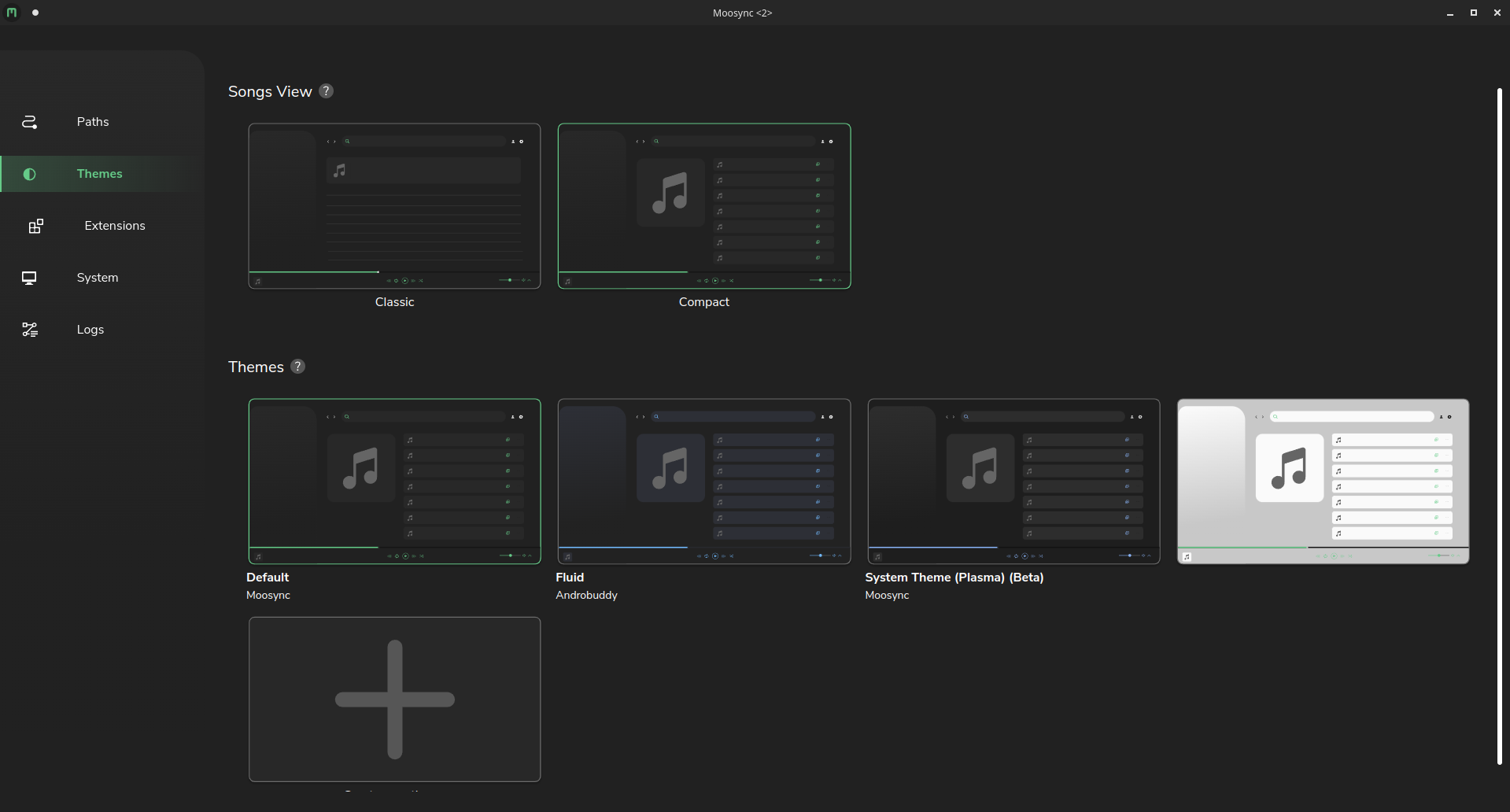
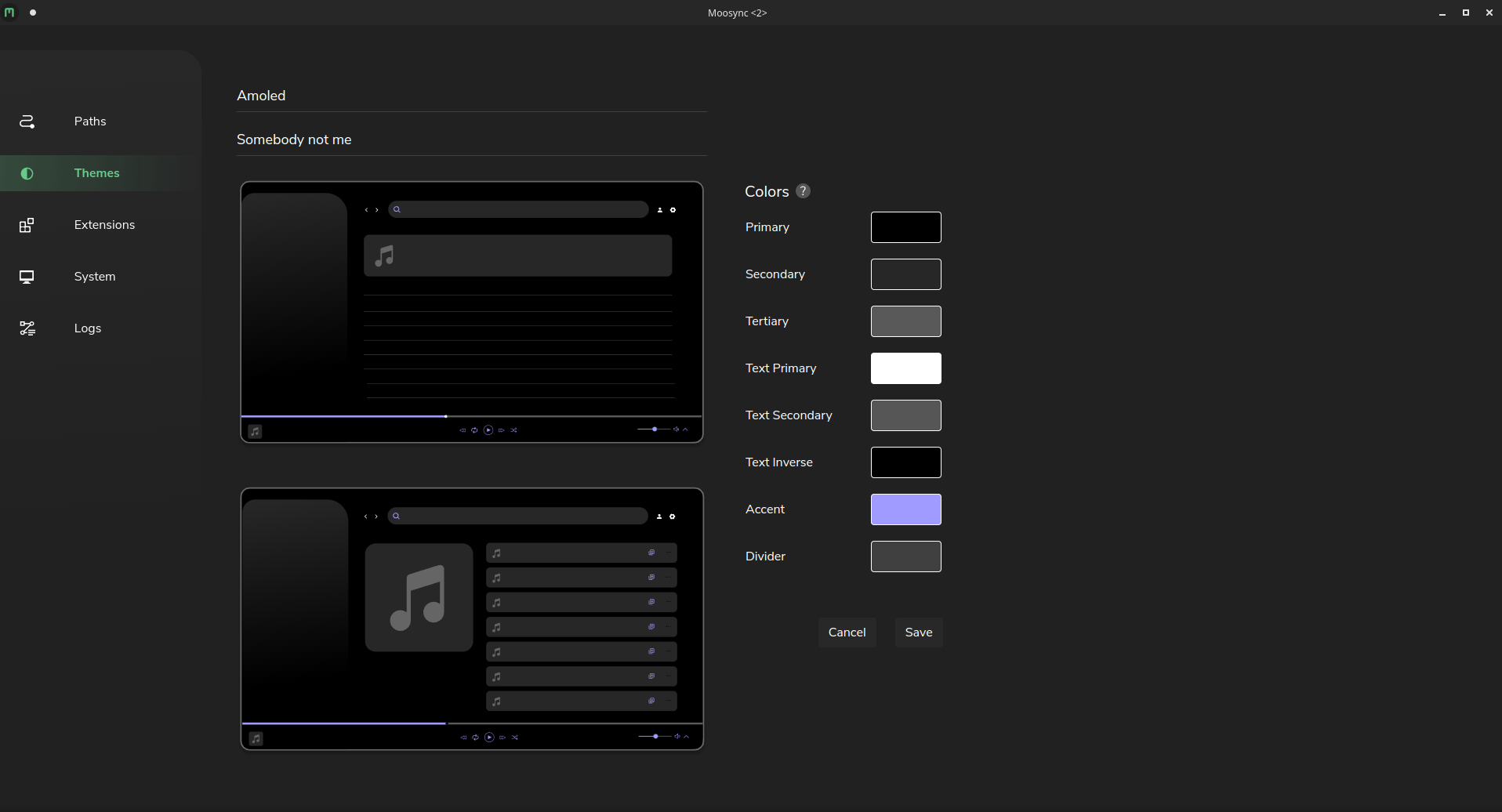
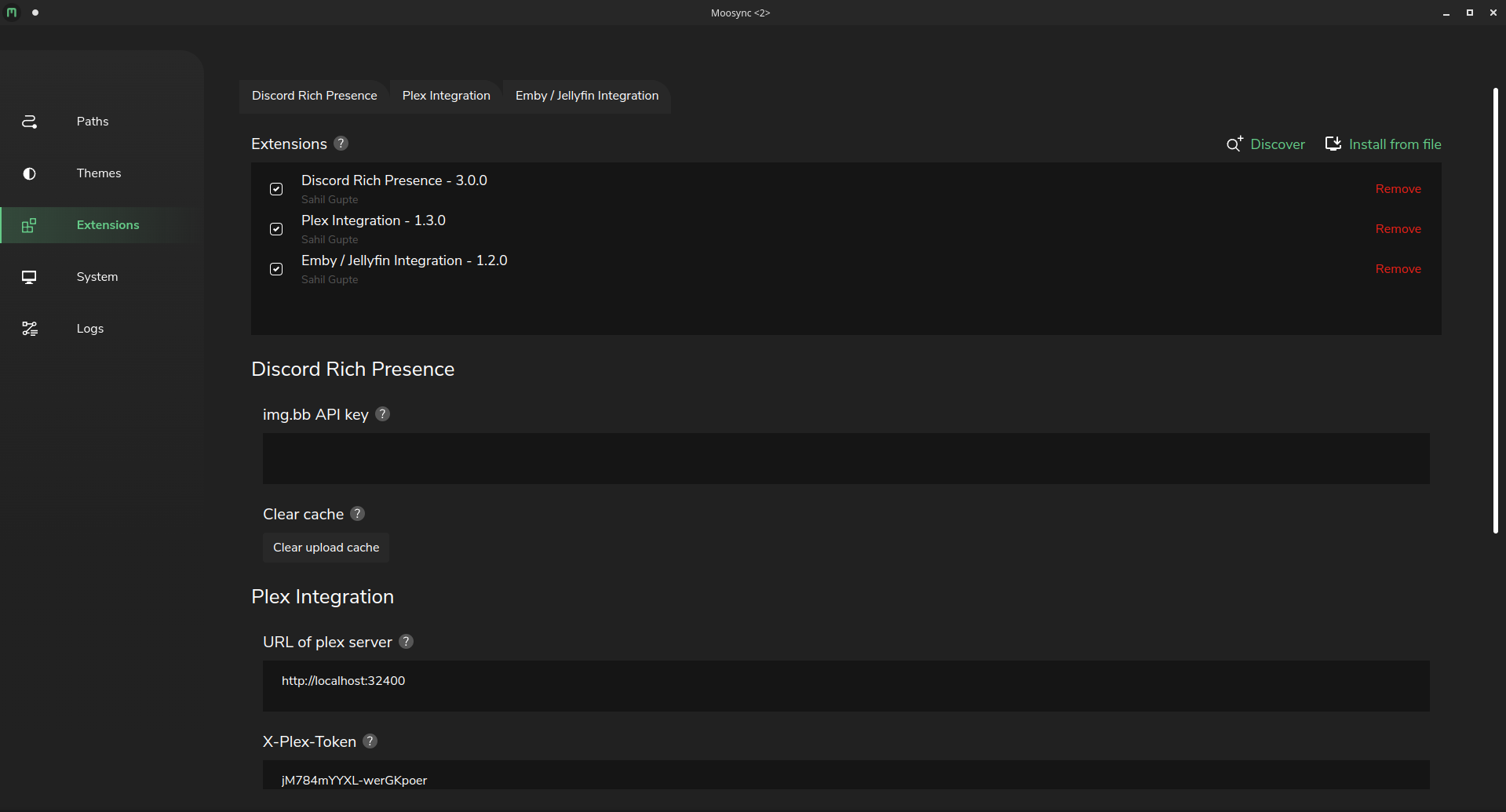
Read more at our Wiki
Thanks goes to these wonderful people (emoji key):
This project follows the all-contributors specification. Contributions of any kind welcome!
| Cryptocurrency | Address |
|---|---|
| Bitcoin (BTC) | bc1qhcywctcy4exkcdd726d2lxkwaluqwgym0ynf9j |
| Ethereum (ETH) | 0x0AFaCe6031e2fBe54D2fBF493310C0f5C3Cef677 |
| Dogecoin (DOGE) | bc1qhcywctcy4exkcdd726d2lxkwaluqwgym0ynf9j |
| Litecoin (LTC) | LLkim24N5yduBbXiFaLMbUeUwmyZ9VUQt7 |
| Polygon (MATIC) | 0x0AFaCe6031e2fBe54D2fBF493310C0f5C3Cef677 |
| Tether USD (USDT) | 0x0AFaCe6031e2fBe54D2fBF493310C0f5C3Cef677 |
| USD coin (USDC) | 0x0AFaCe6031e2fBe54D2fBF493310C0f5C3Cef677 |
5,134 followers · starred Apr 2023
256 followers · starred Nov 2023
36 followers · starred Nov 2023
Music player capable of playing local audio or from Youtube, Spotify and many more
See the code
Help up translate the project at Crowdin
Official website | Downloads | Discord Crowdin
You may download the latest release from Official website or from GitHub Releases
If you use Chocolatey, Moosync can be installed using
choco install moosync
Otherwise you may download the latest installer from Releases
You can install Moosync through our hosted APT repo
bash <(wget -O- https://raw.githubusercontent.com/Moosync/Moosync/main/setup_ppa.sh)
Moosync can be found on Fedora COPR. You can install it using dnf
dnf copr enable ovenoboyo/Moosync
dnf install moosync
Moosync can be found on AUR. You can install it using an AUR helper such as Yay
yay -S moosync
Moosync can be found on FlatHub as app.moosync.moosync.
You may install it by
flatpak install flathub app.moosync.moosync
You can get Moosync from Snap store.
sudo snap install moosync
Checkout the Official Wiki on moosync.app or on GitHub.
For any further questions you may join us on Discord
Read more at our Wiki
Thanks goes to these wonderful people (emoji key):
This project follows the all-contributors specification. Contributions of any kind welcome!
| Cryptocurrency | Address |
|---|---|
| Bitcoin (BTC) | bc1qhcywctcy4exkcdd726d2lxkwaluqwgym0ynf9j |
| Ethereum (ETH) | 0x0AFaCe6031e2fBe54D2fBF493310C0f5C3Cef677 |
| Dogecoin (DOGE) | bc1qhcywctcy4exkcdd726d2lxkwaluqwgym0ynf9j |
| Litecoin (LTC) | LLkim24N5yduBbXiFaLMbUeUwmyZ9VUQt7 |
| Polygon (MATIC) | 0x0AFaCe6031e2fBe54D2fBF493310C0f5C3Cef677 |
| Tether USD (USDT) | 0x0AFaCe6031e2fBe54D2fBF493310C0f5C3Cef677 |
| USD coin (USDC) | 0x0AFaCe6031e2fBe54D2fBF493310C0f5C3Cef677 |
5,134 followers · starred Apr 2023
256 followers · starred Nov 2023
36 followers · starred Nov 2023



