Streaming music player that finds free music for you
See the code

Nuclear is a free, open-source music player without ads or tracking. Search for any song or artist, build playlists, and start listening.
Runs on Windows, macOS, and Linux.
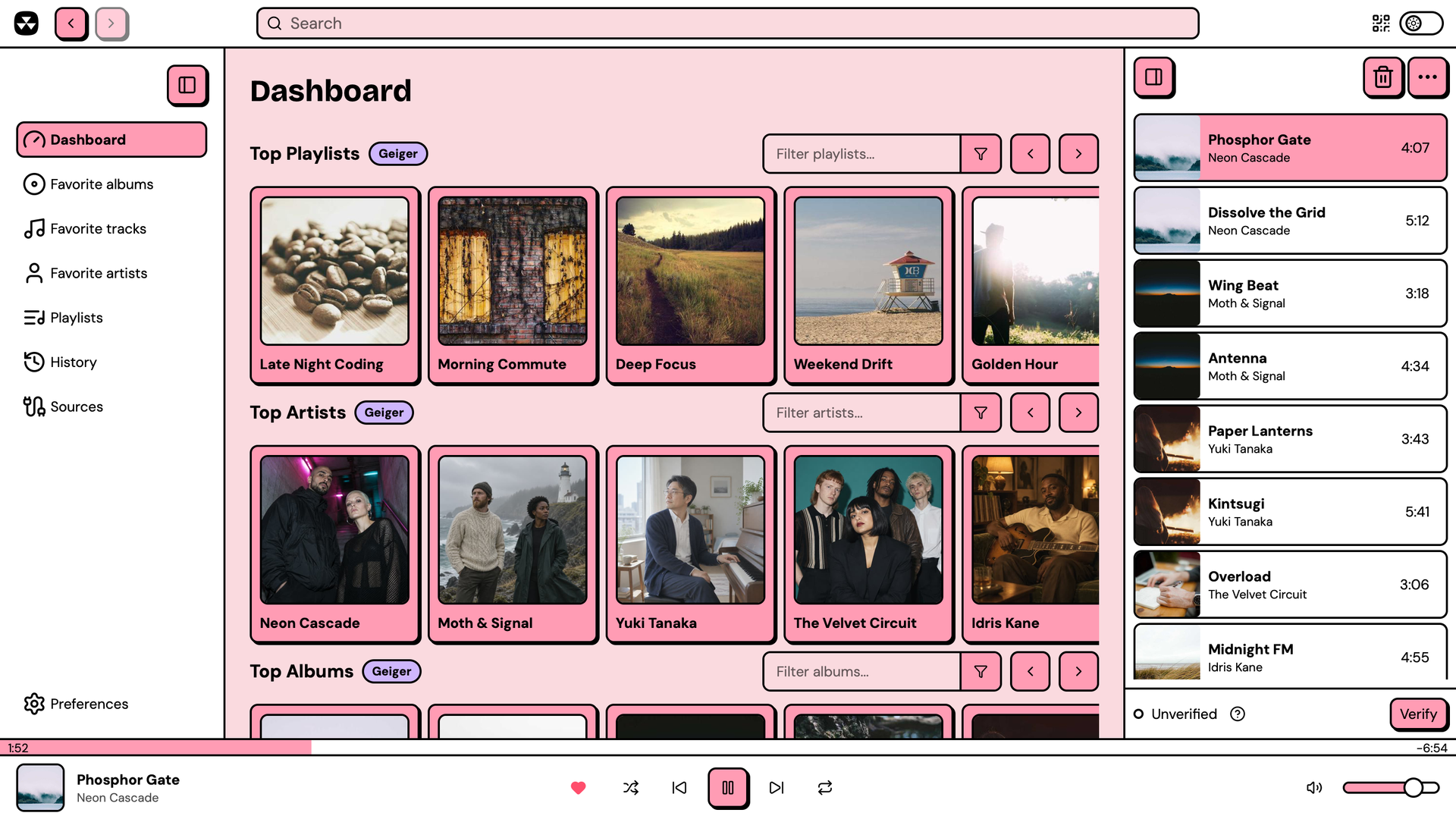
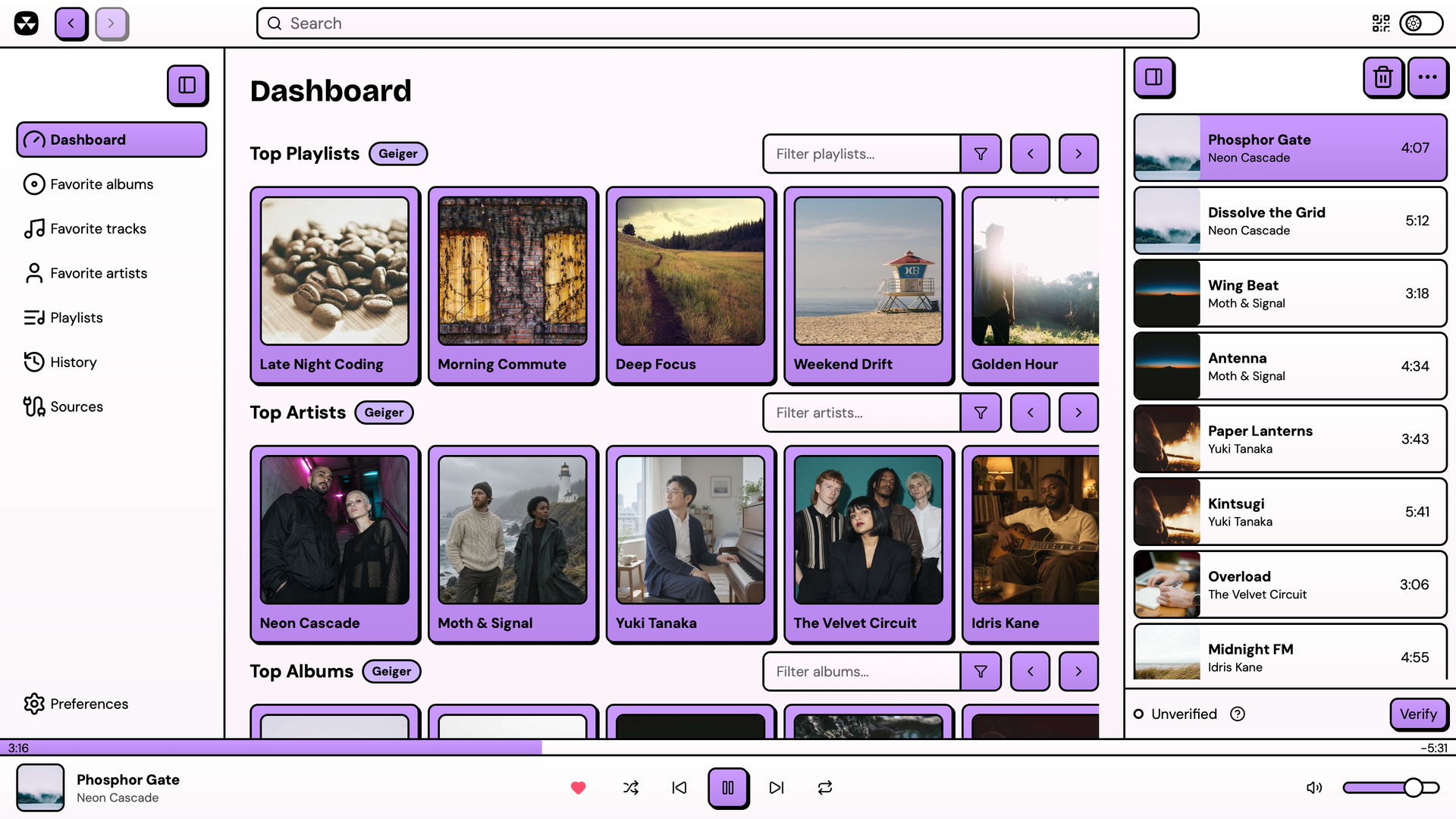
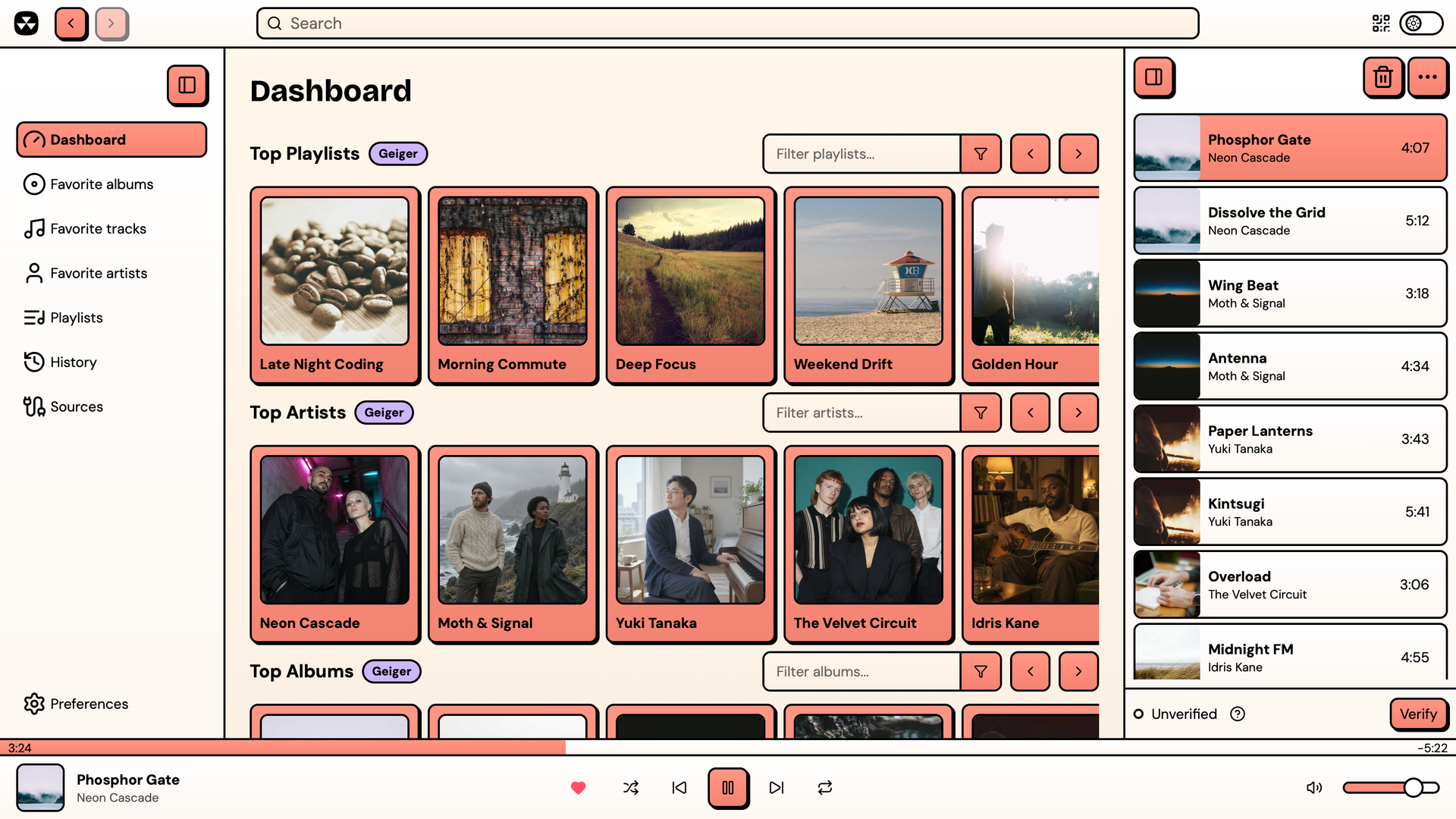
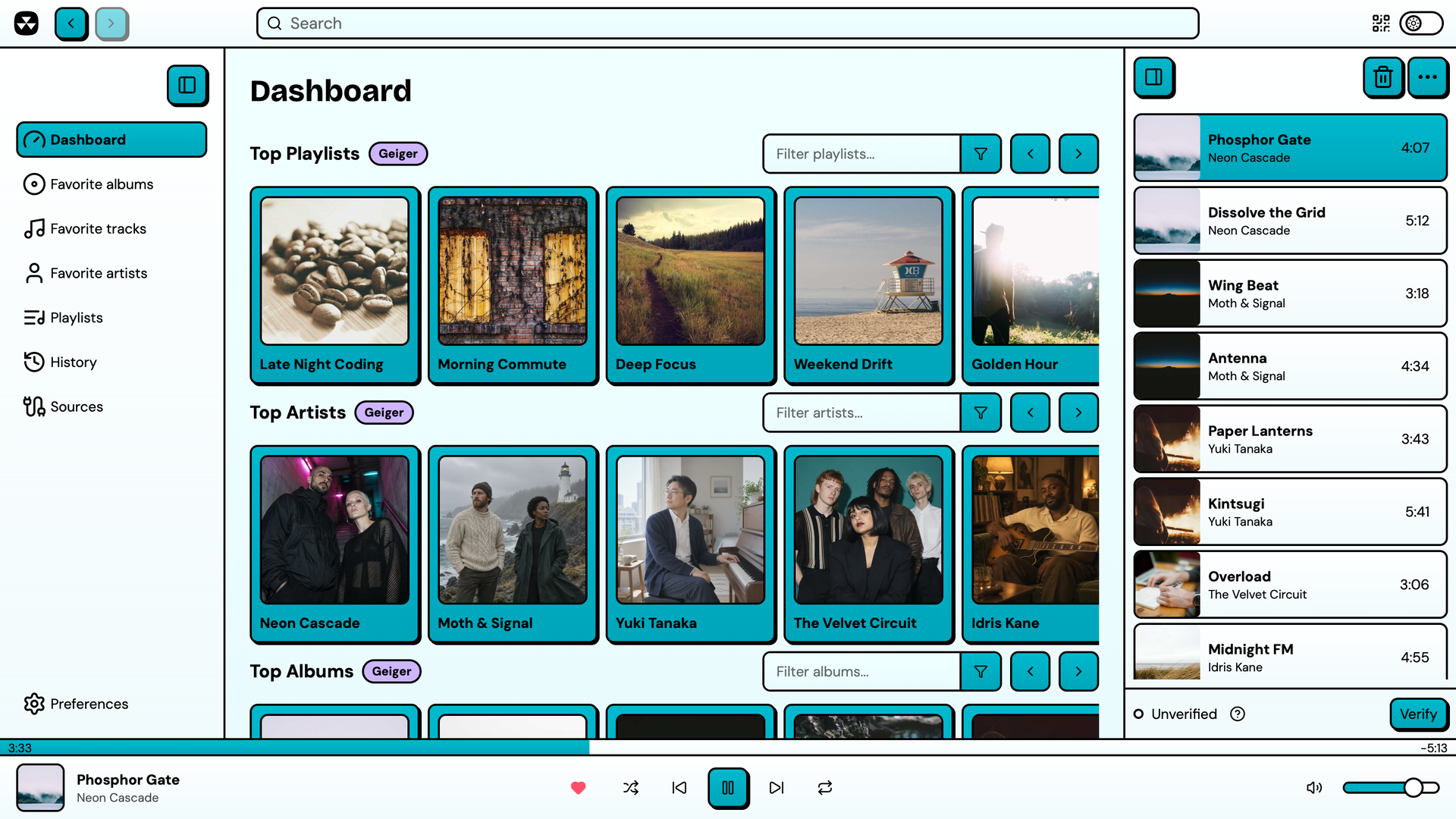
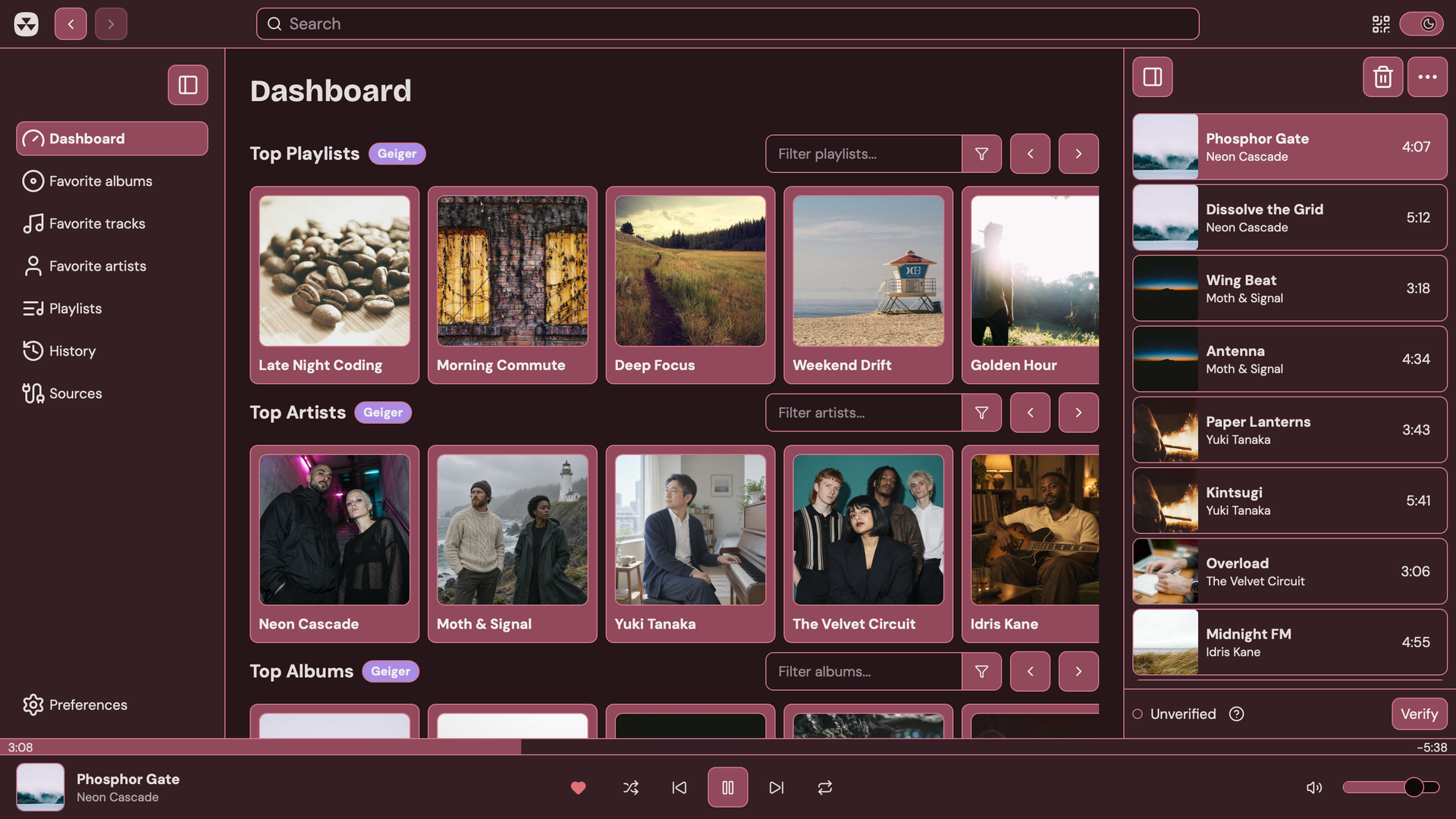
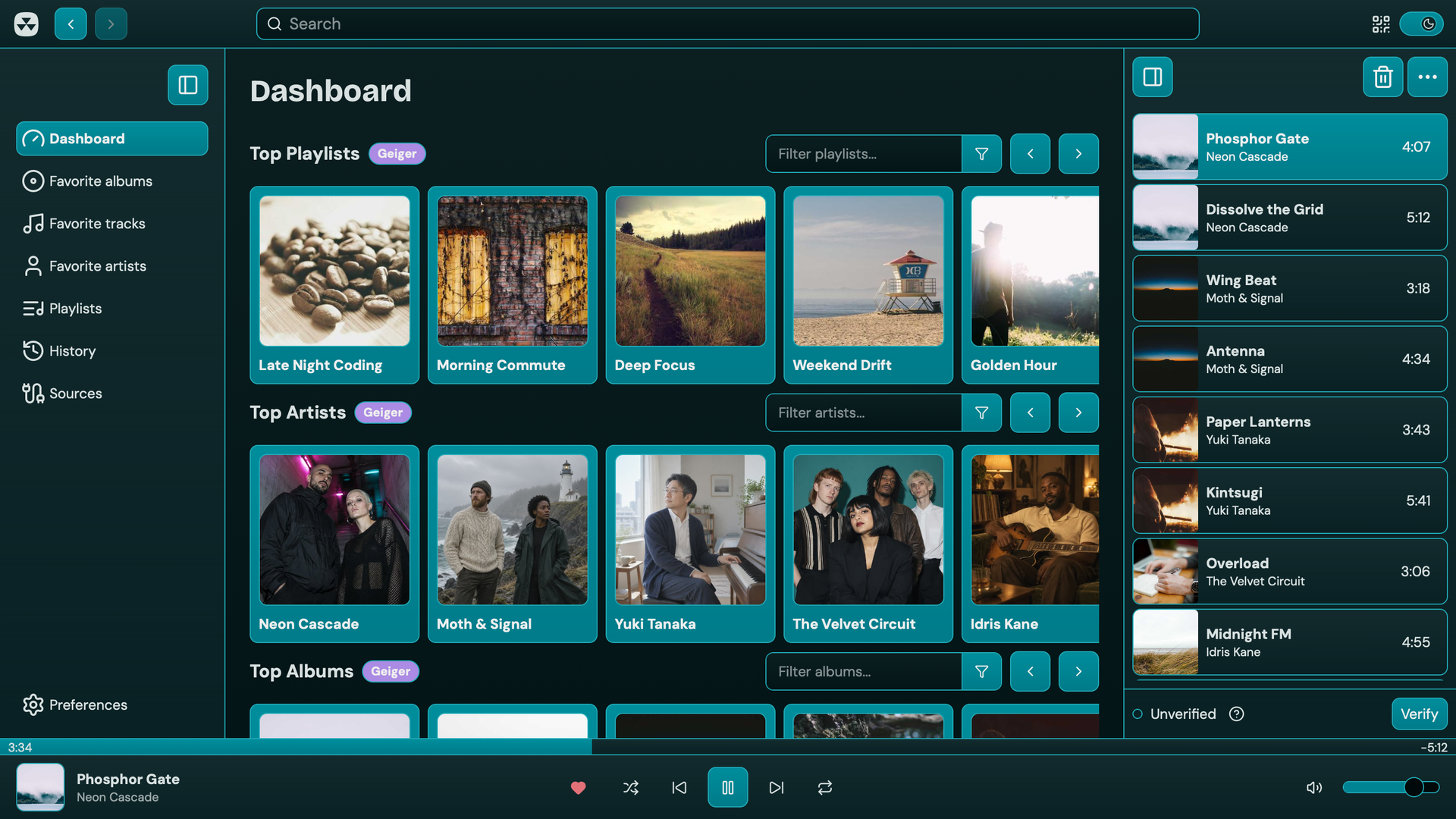
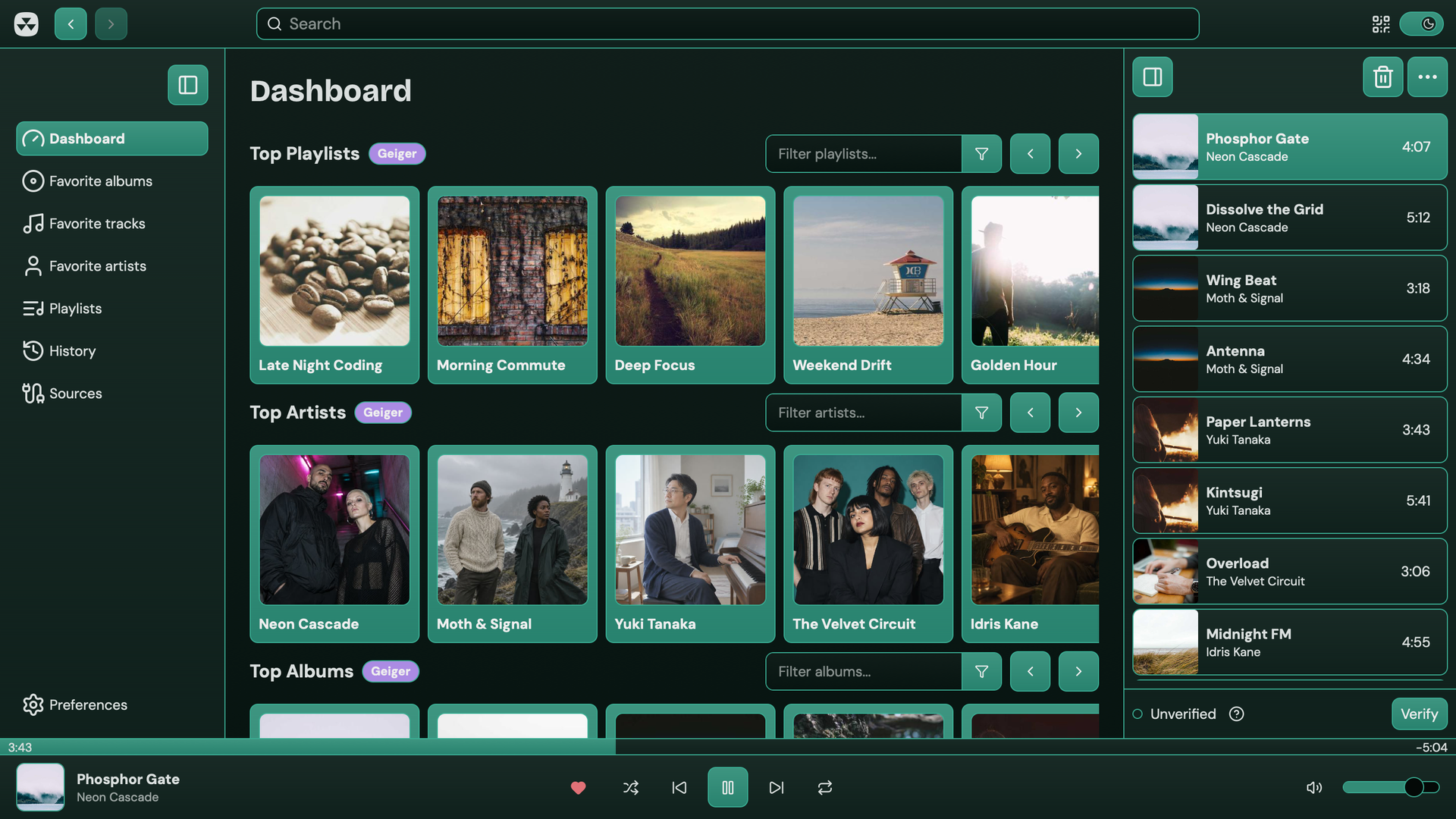
Nuclear comes with multiple built-in themes, with light and a dark modes:
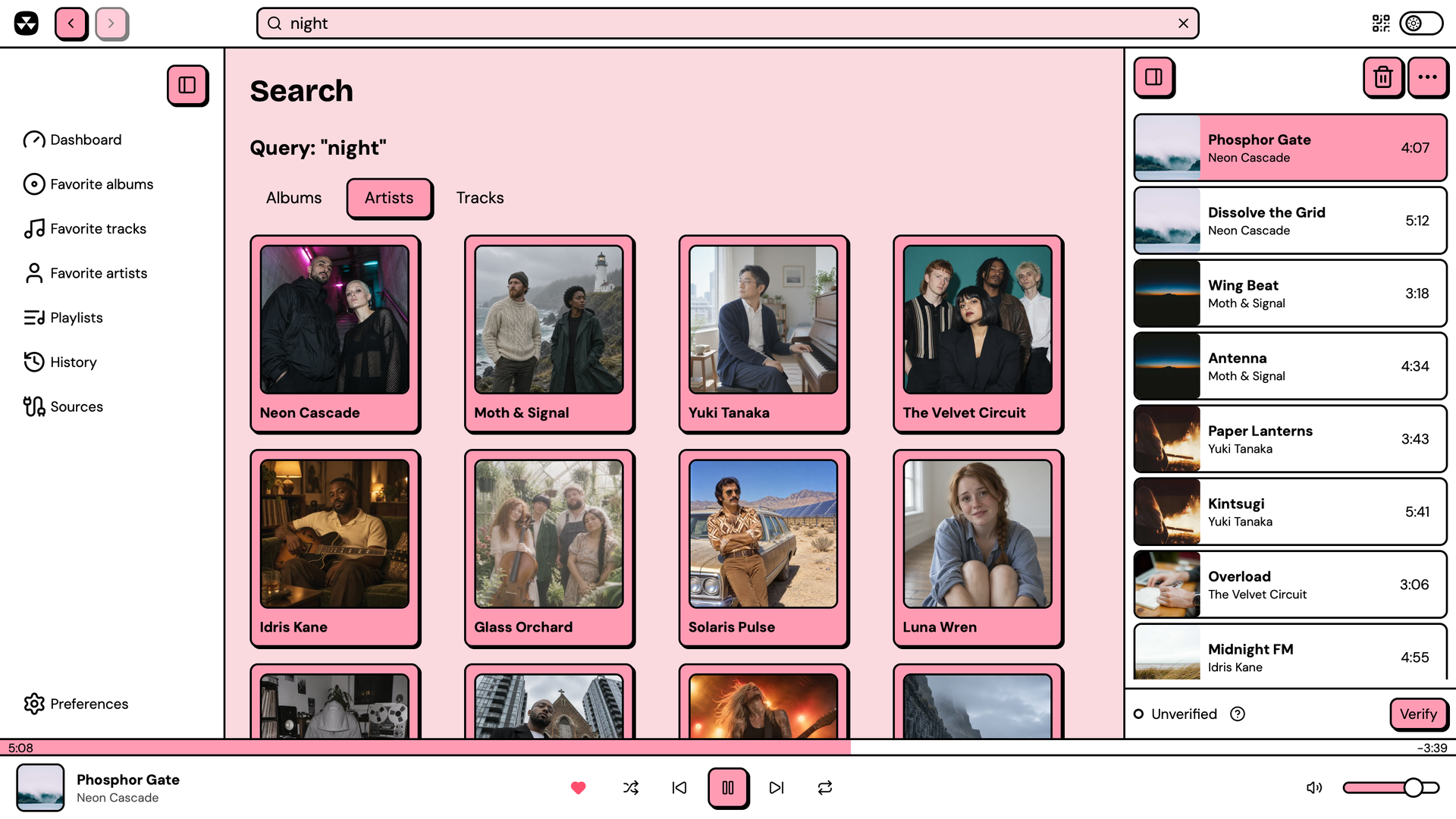 | 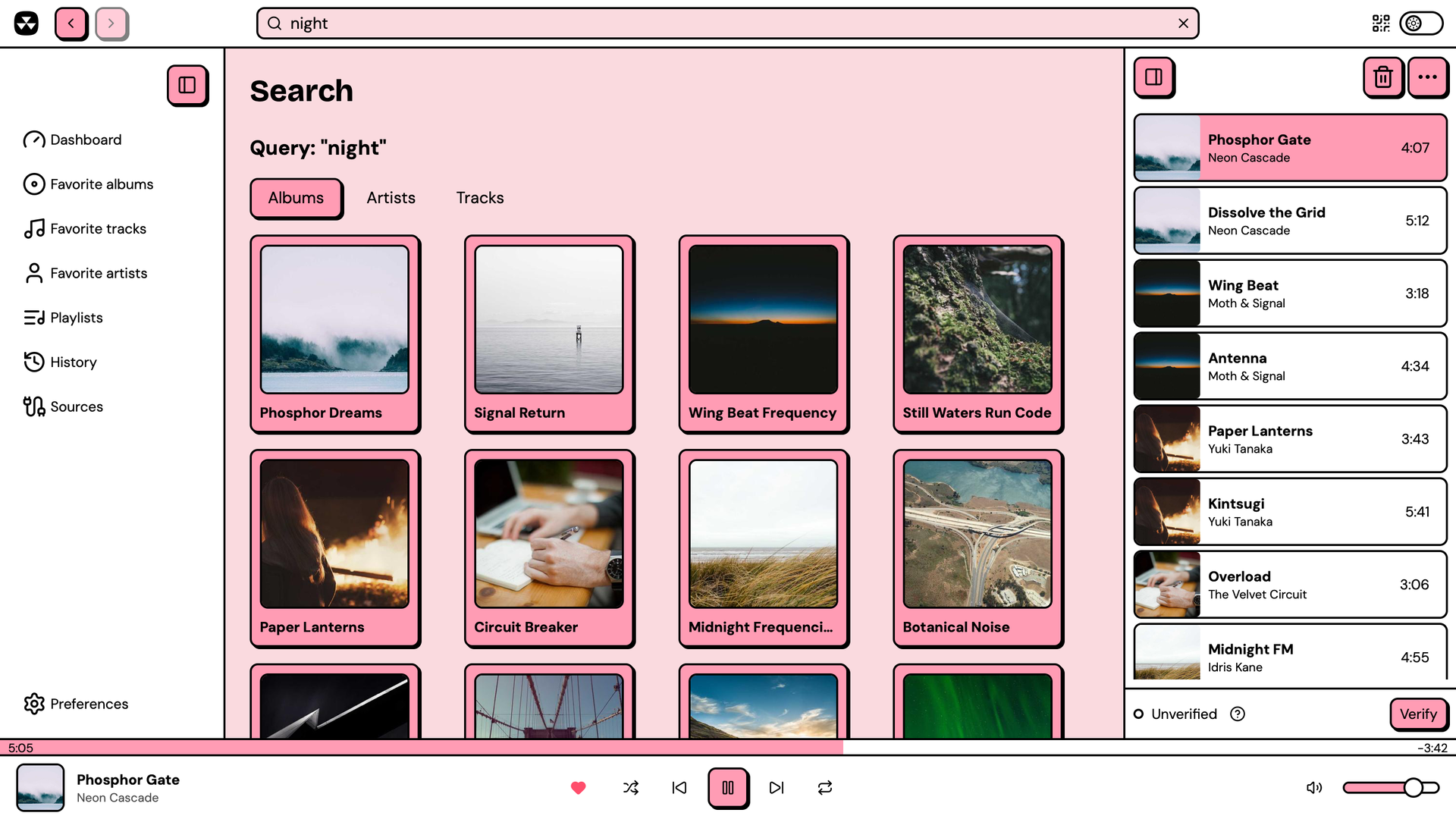 |
| Artist search | Album search |
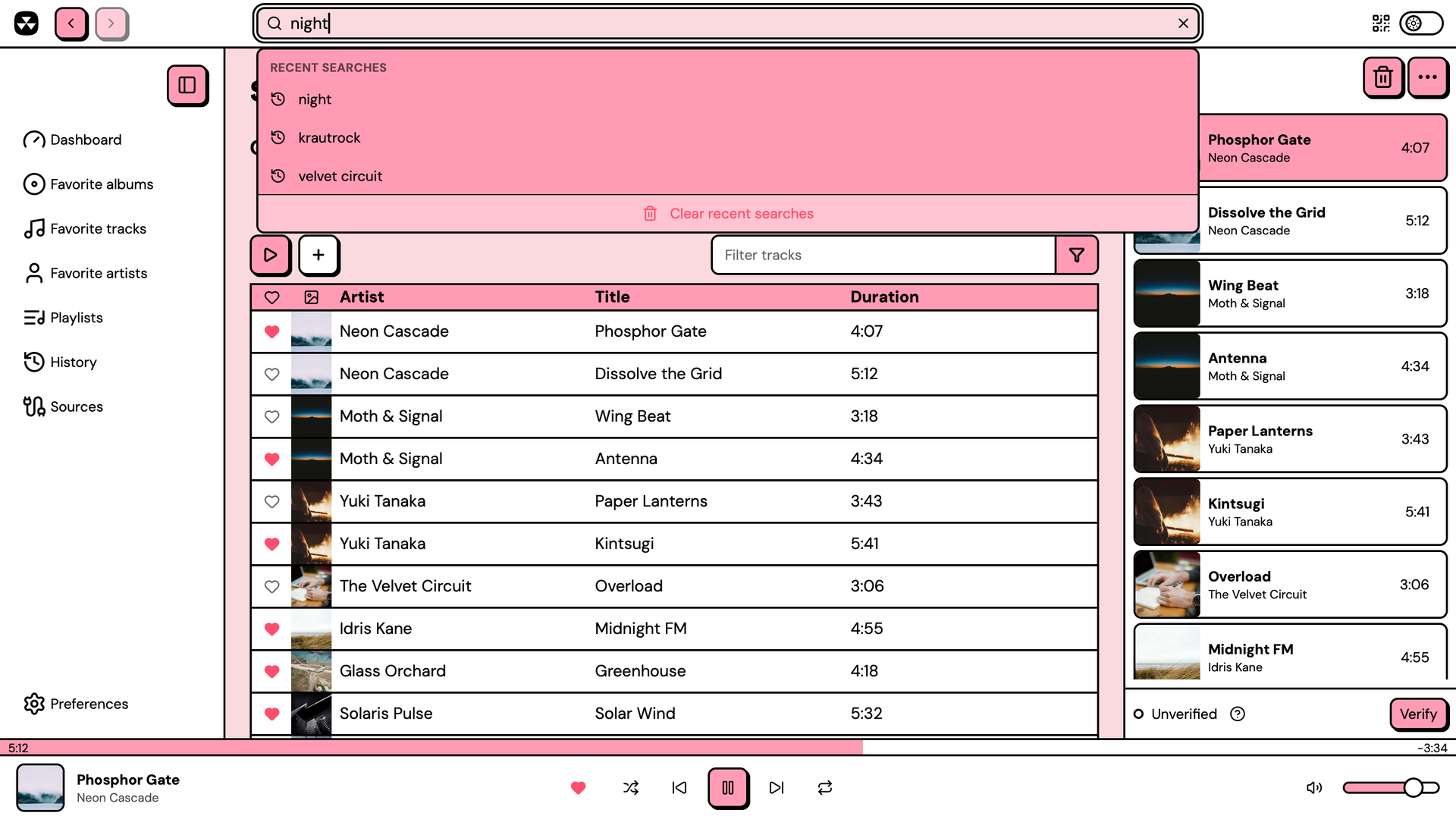 | 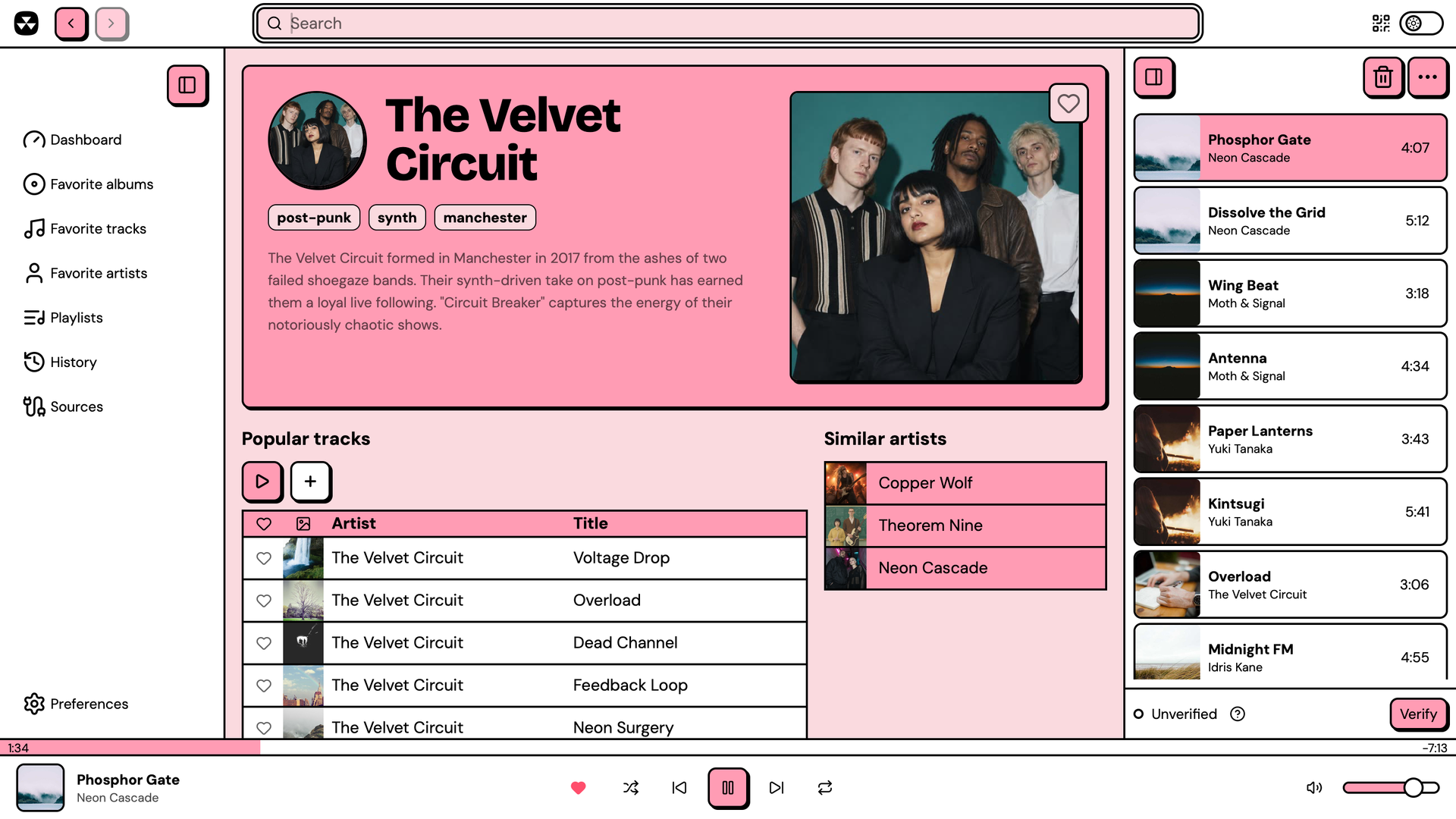 |
| Track search with recent searches | Artist page |
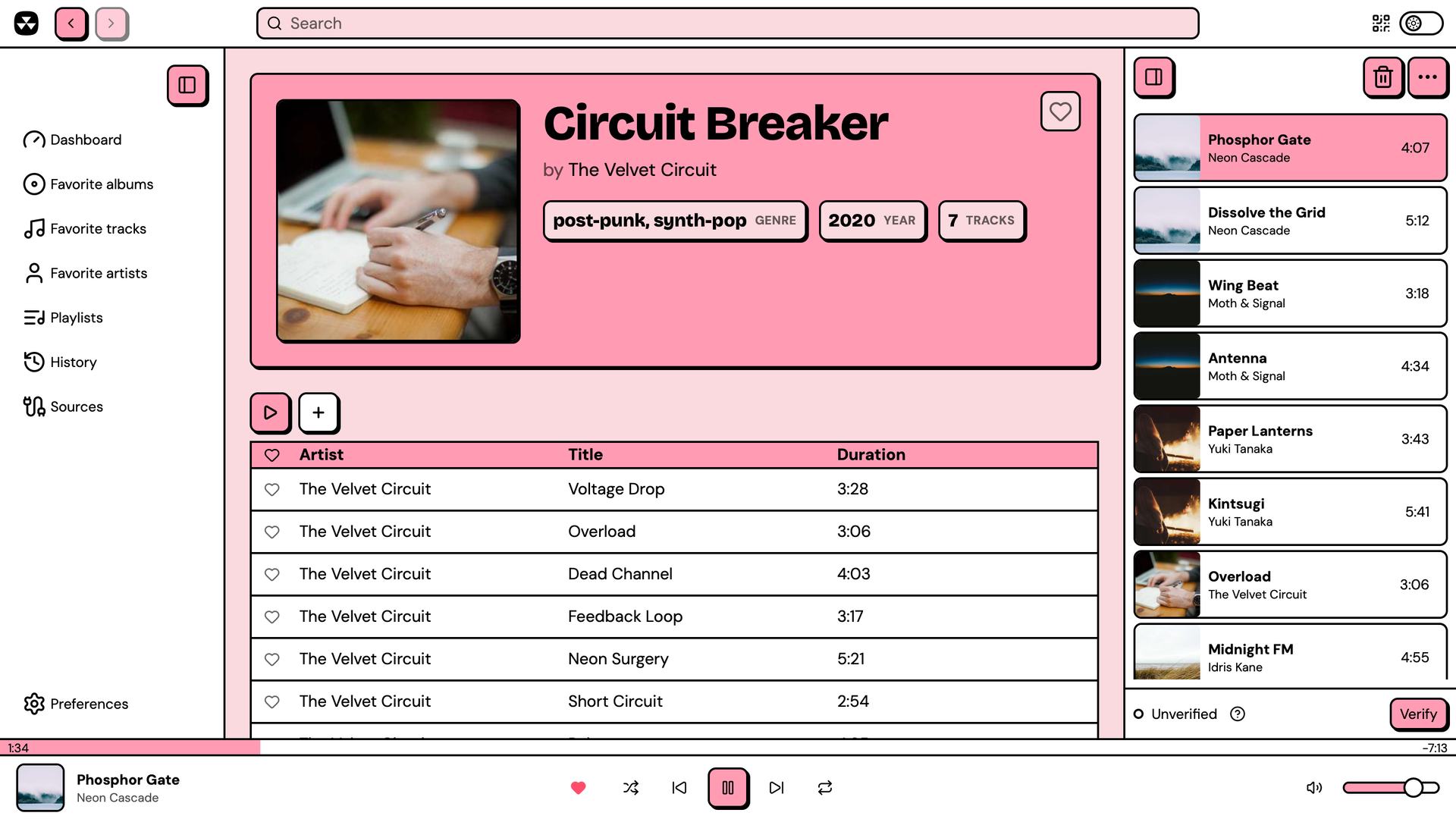 | 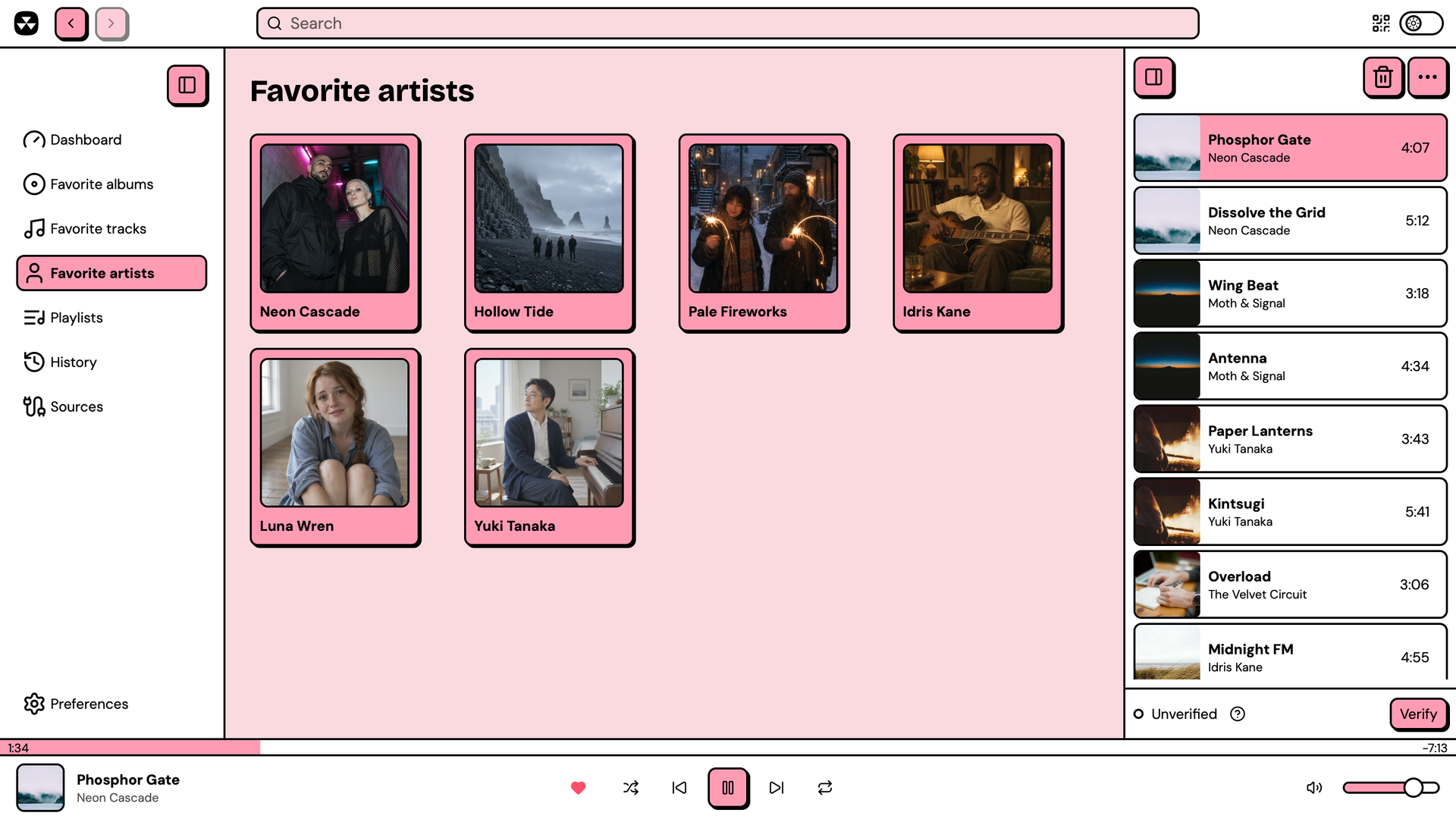 |
| Album page | Favorites |
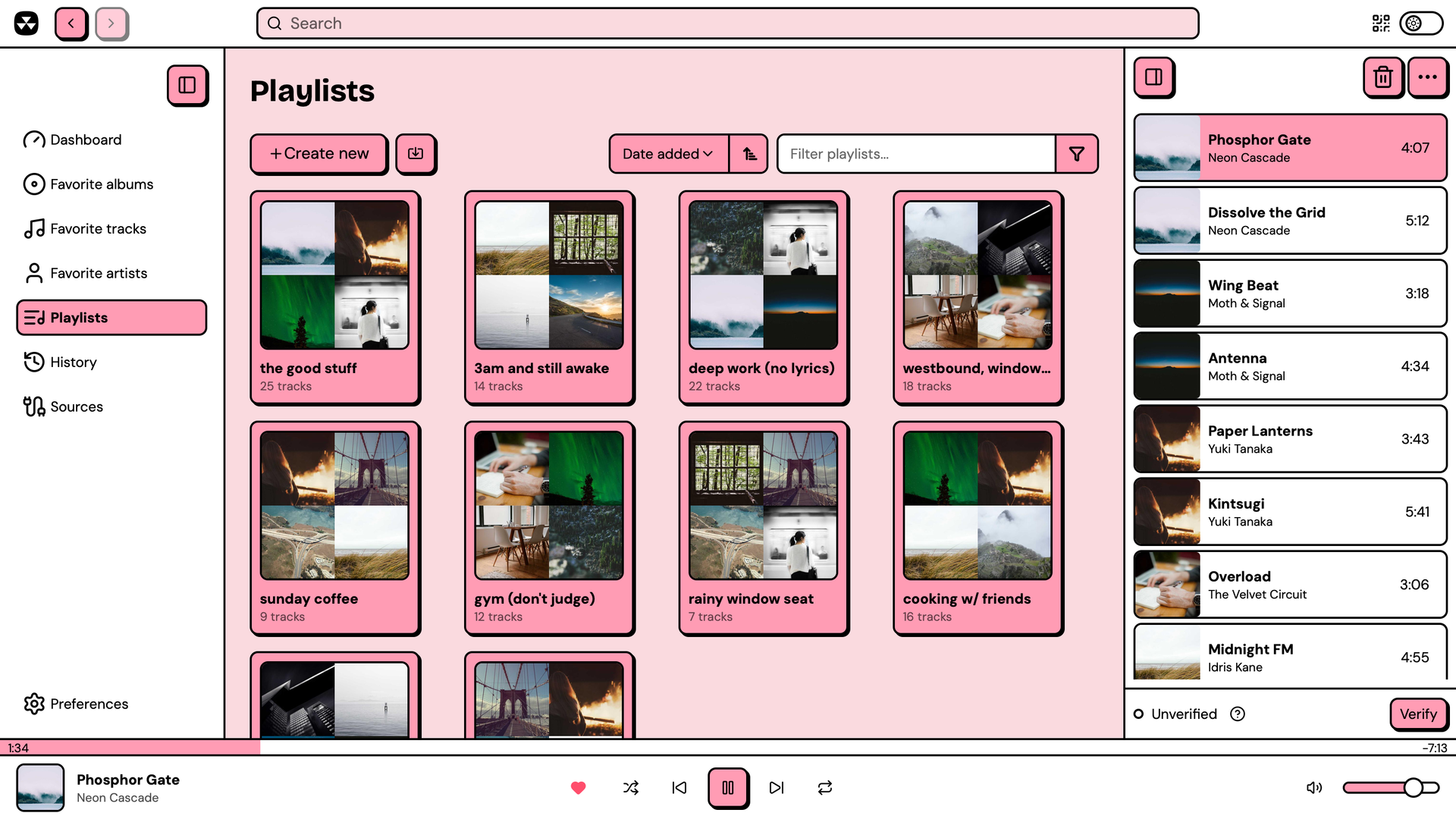 | 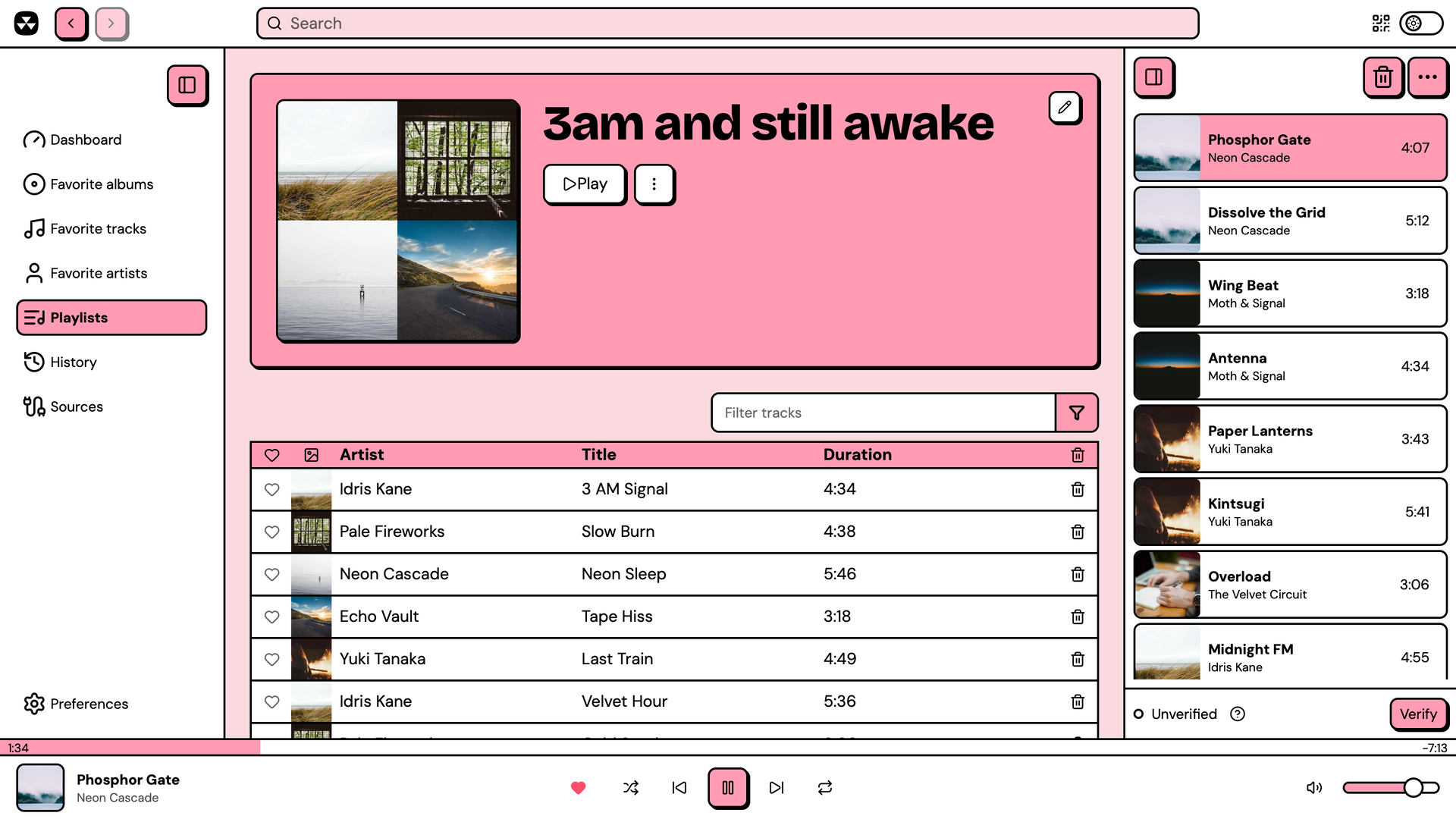 |
| Playlists | Playlist |
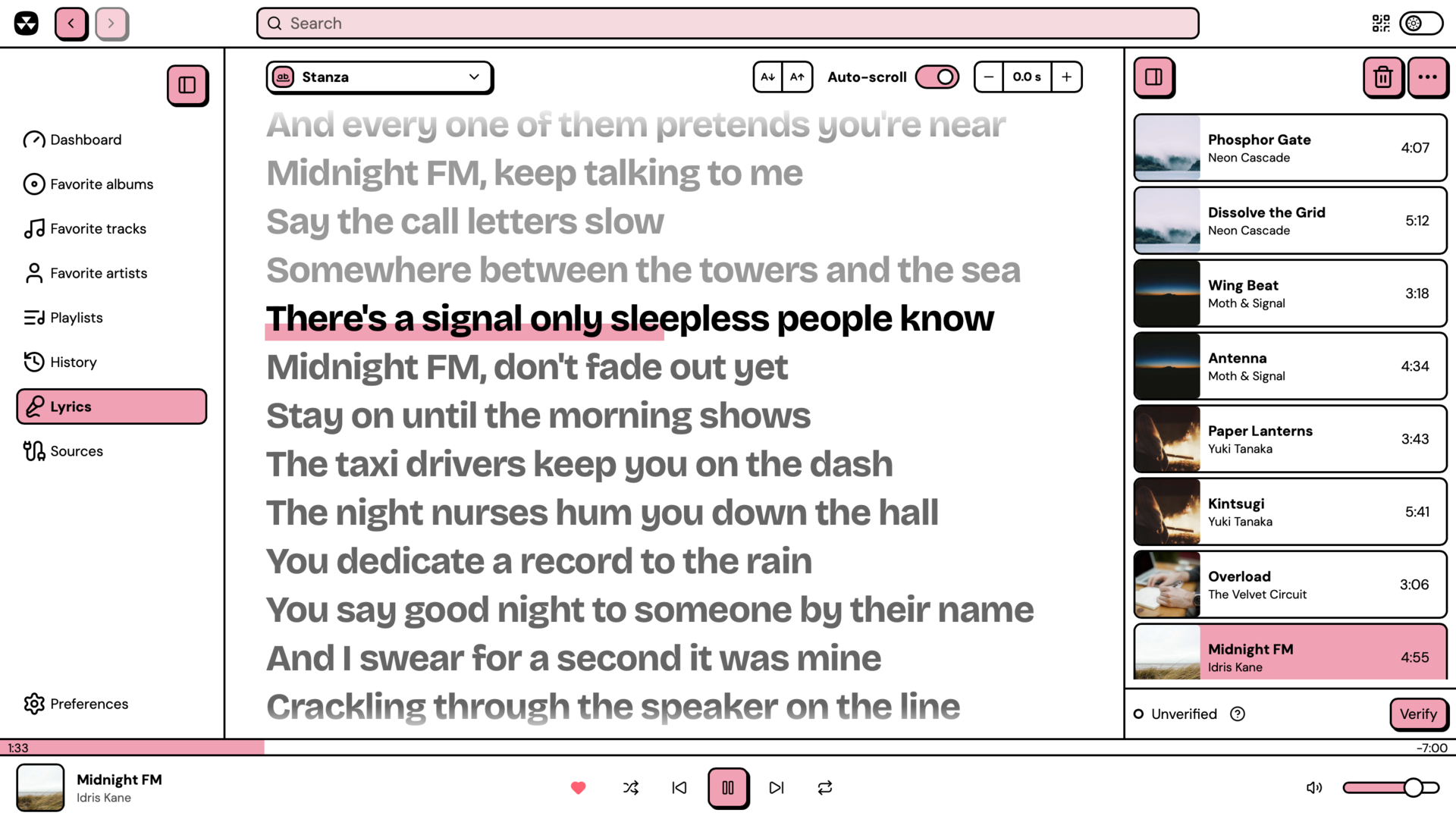 | 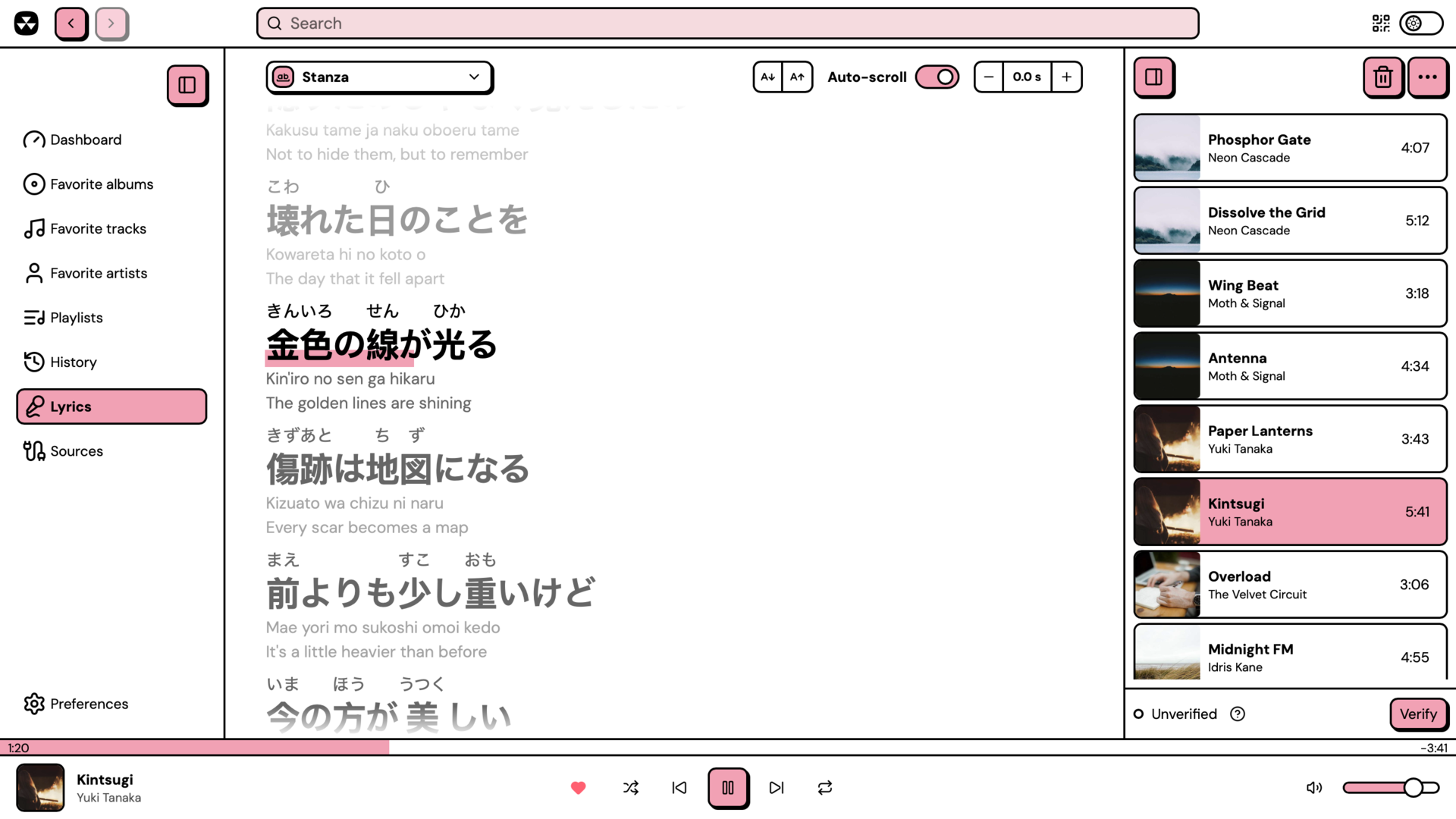 |
| Synced lyrics | Lyrics with furigana and translations |
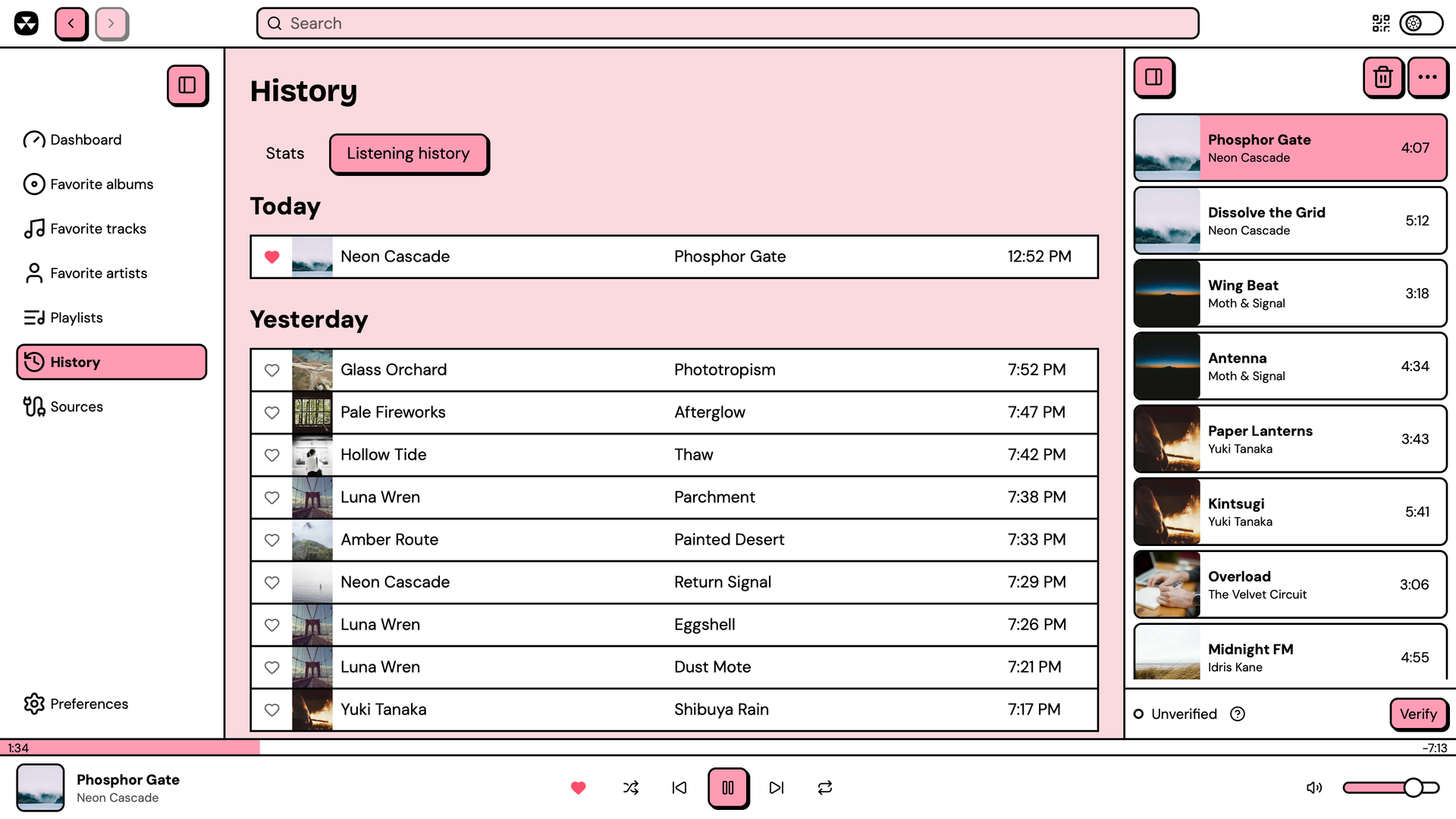 | 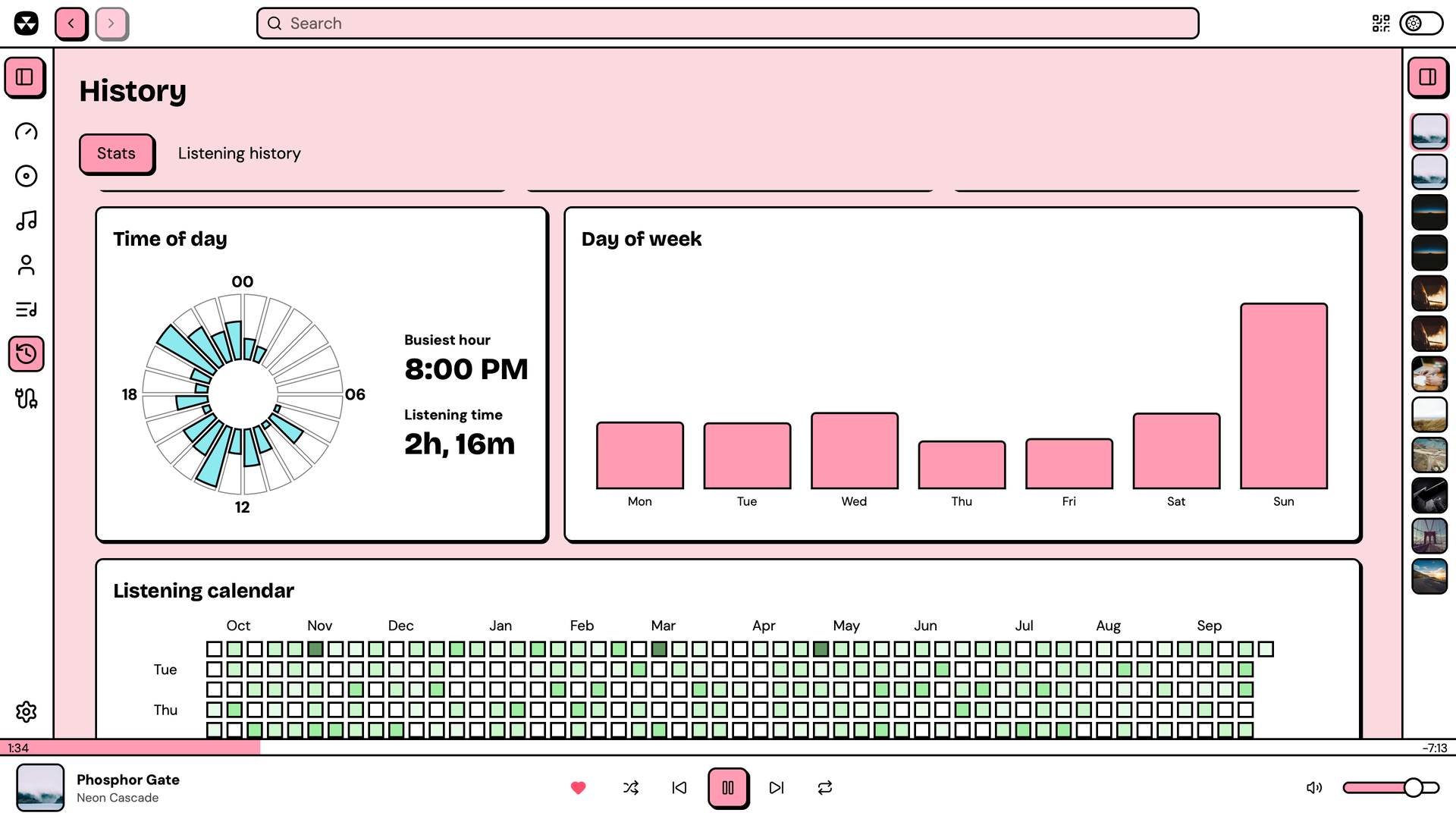 |
| Listening history | Listening stats |
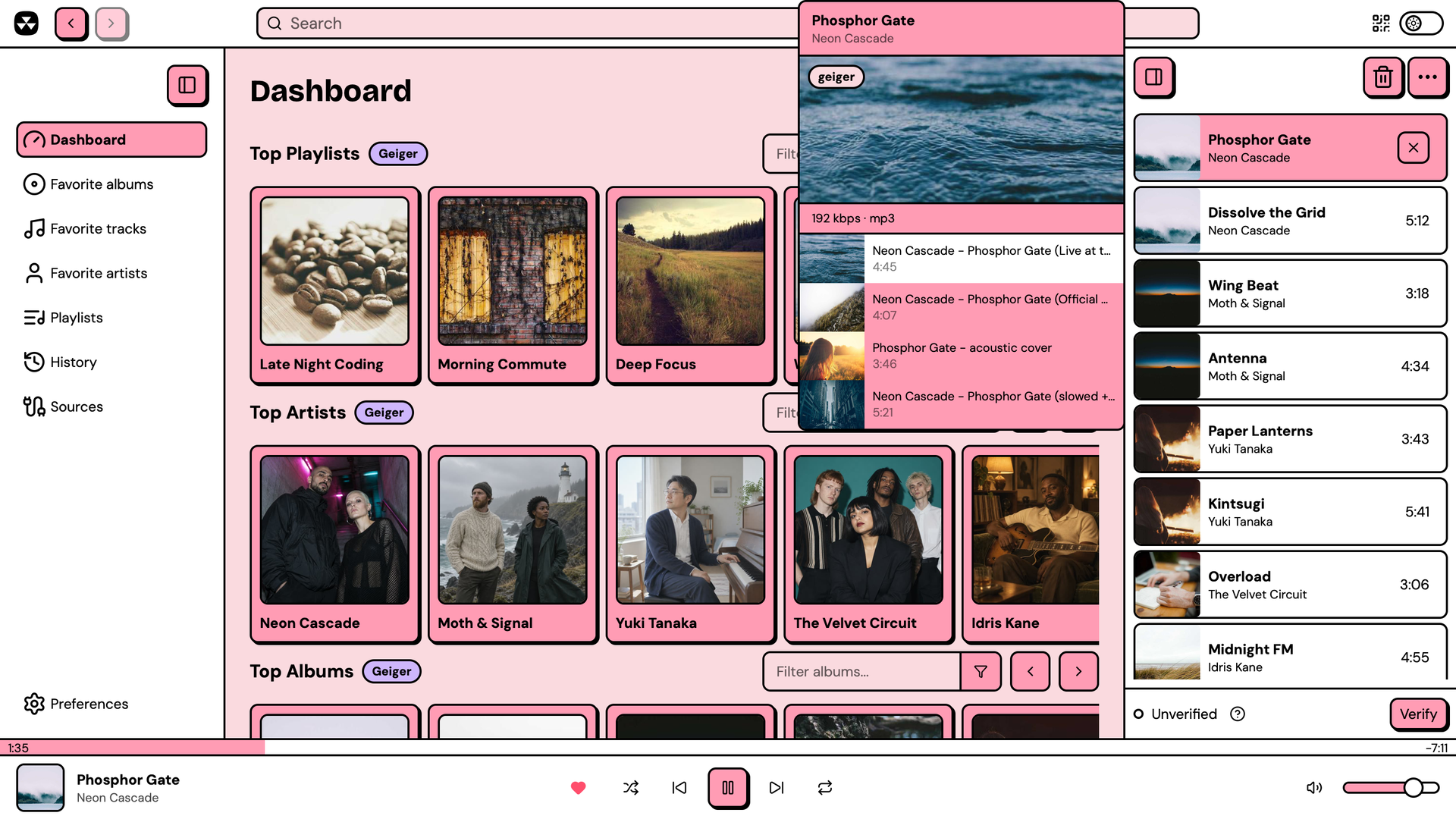 | 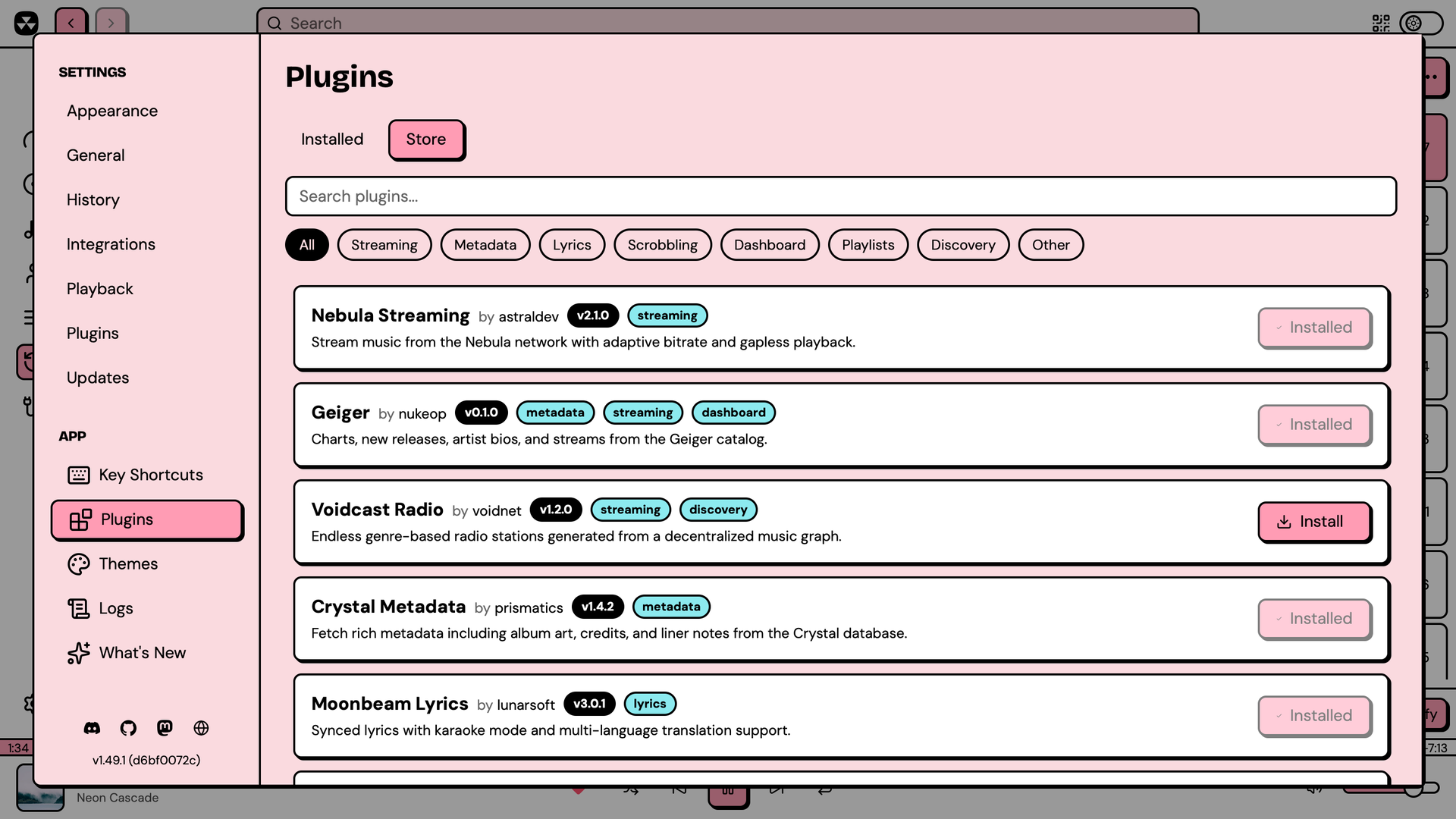 |
| Stream sources for a queued track | Plugin store |
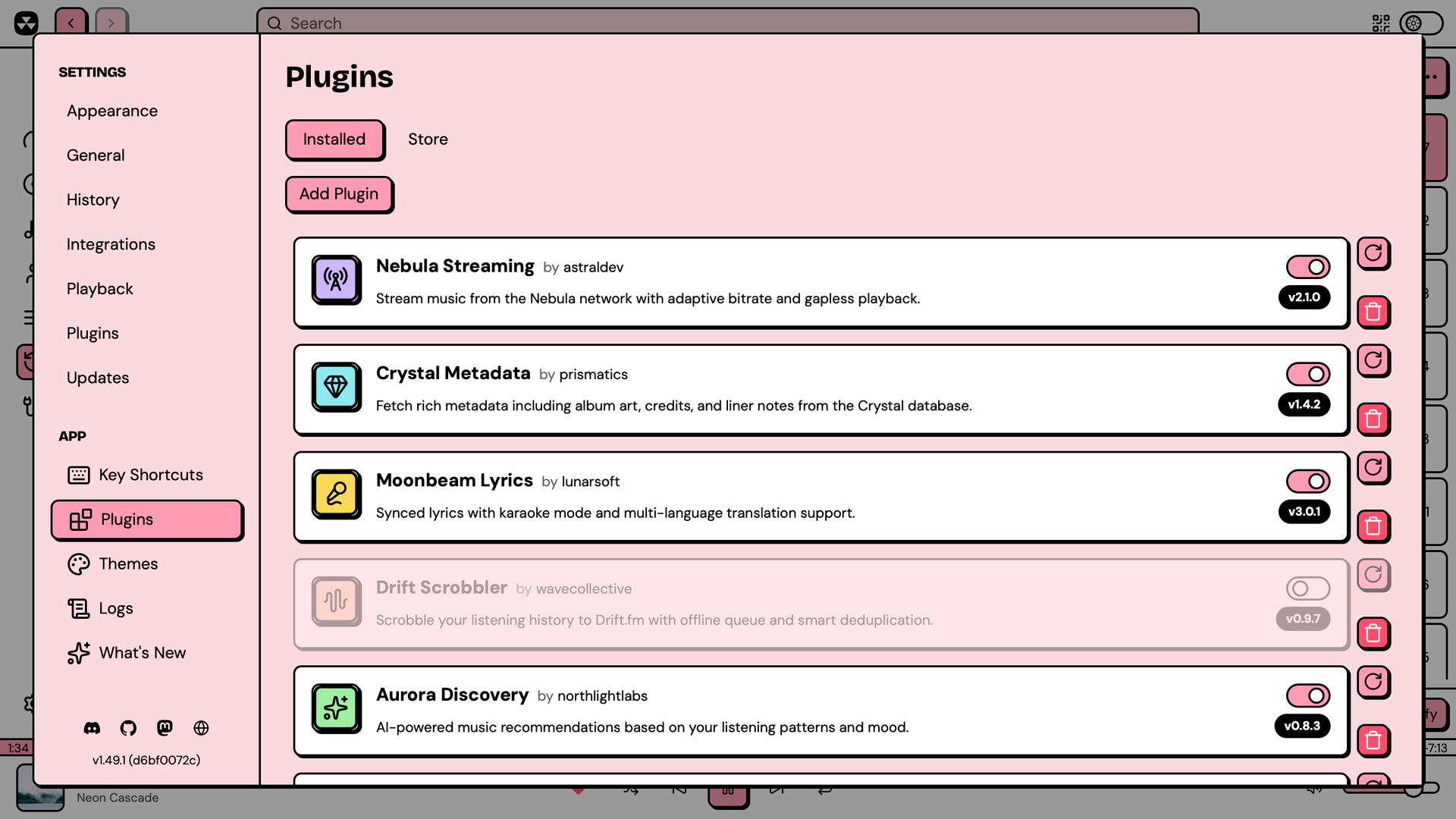 | 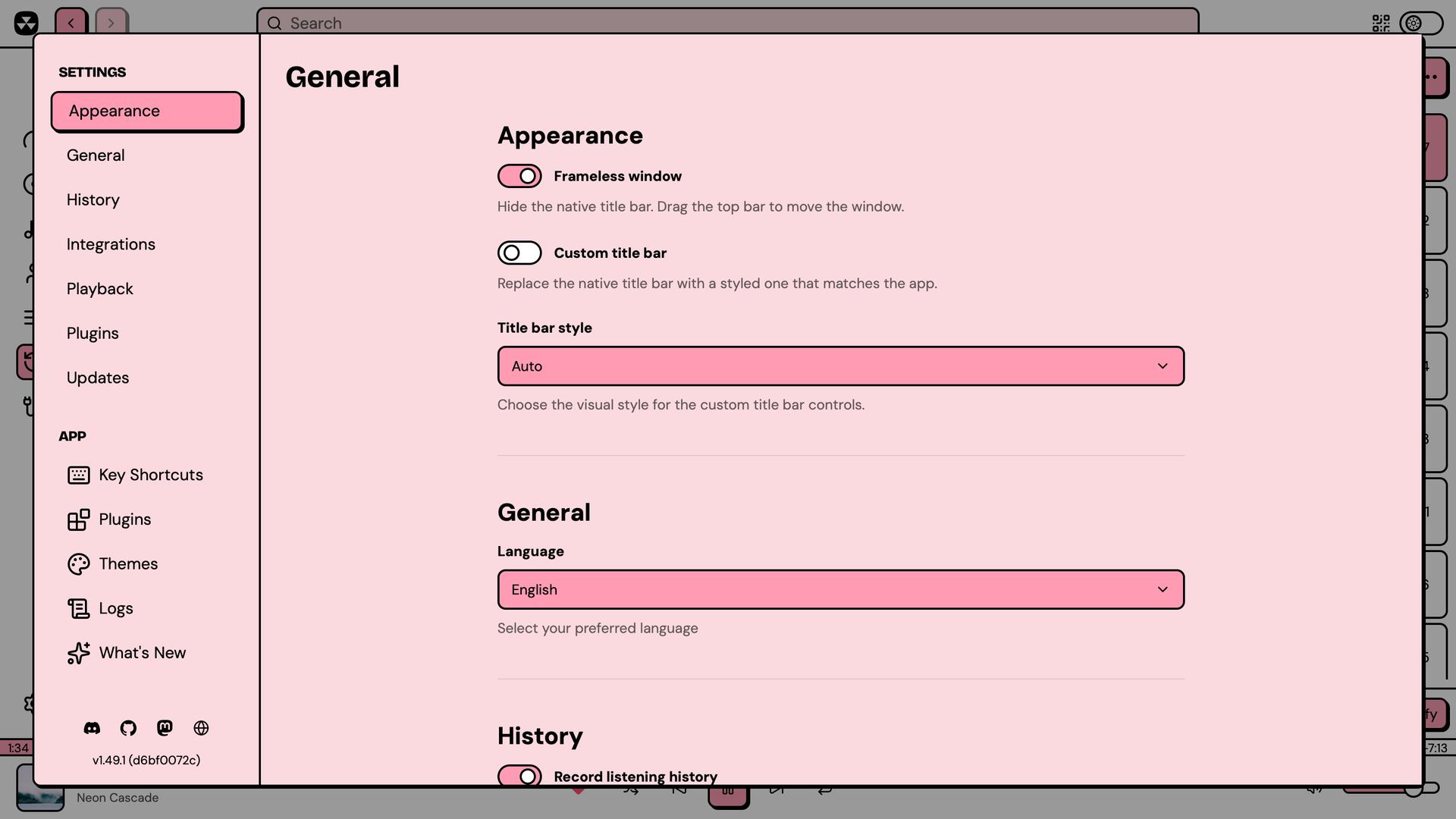 |
| Installed plugins | Preferences |
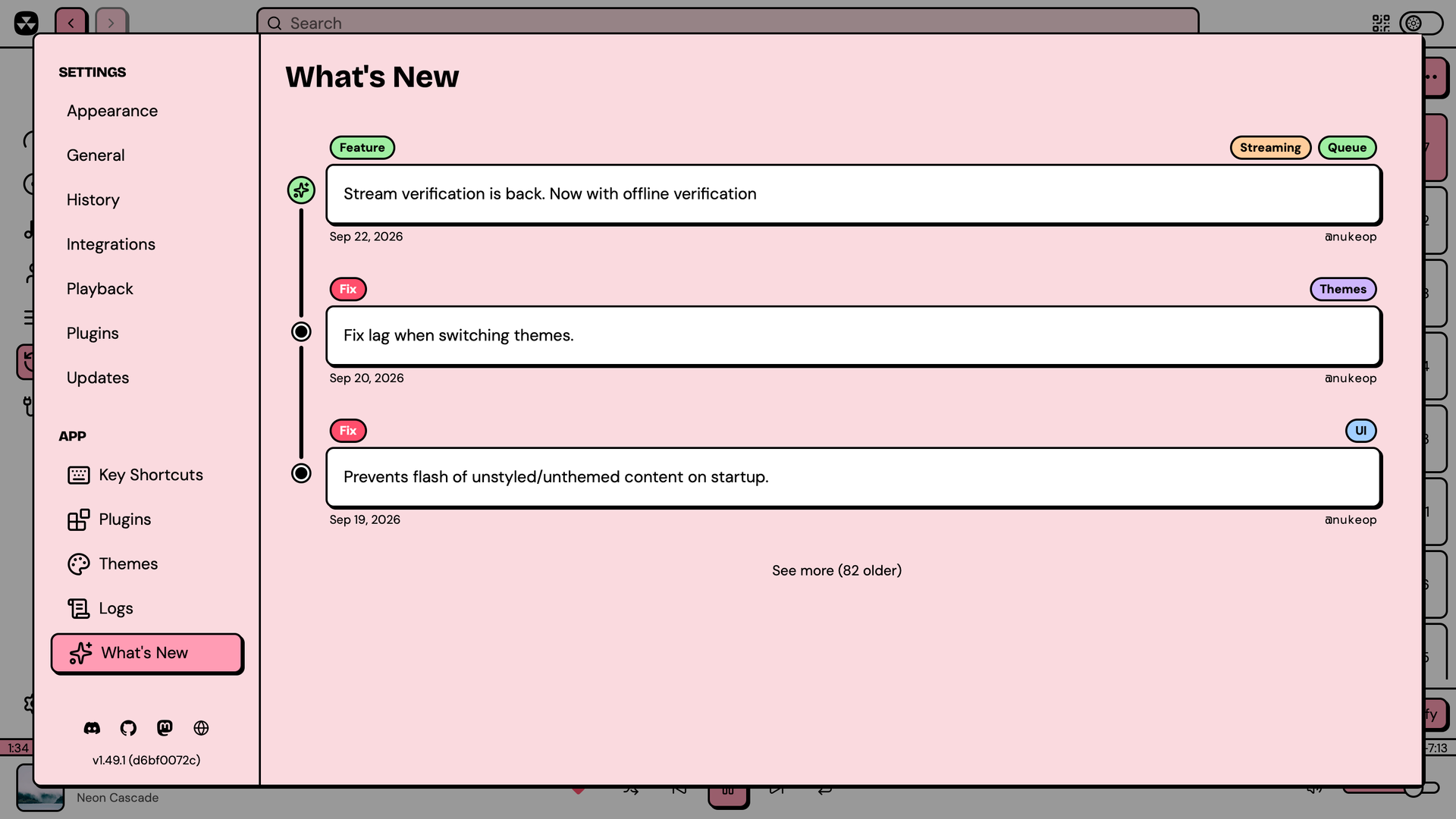 | 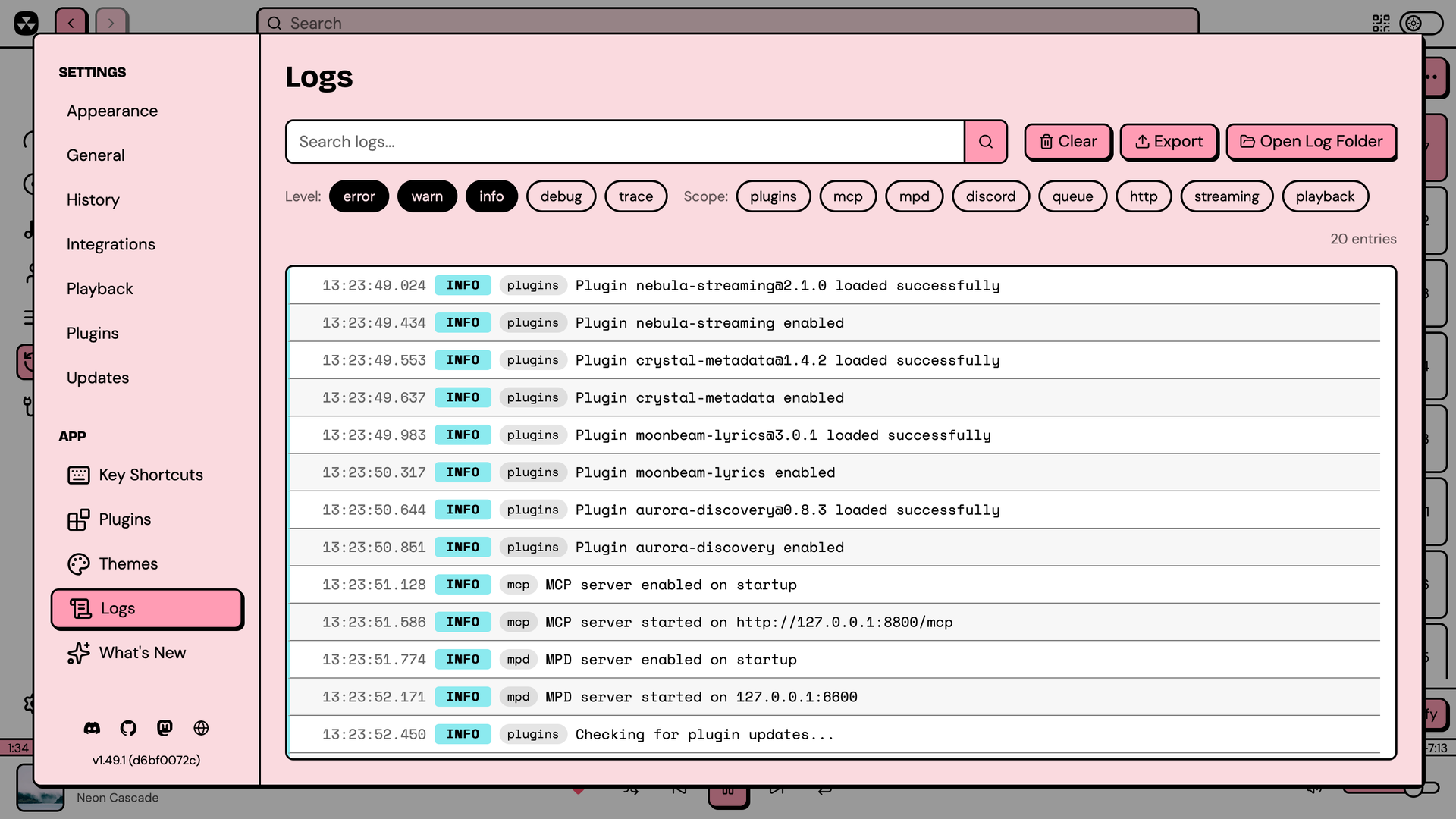 |
| What's new | Log viewer |
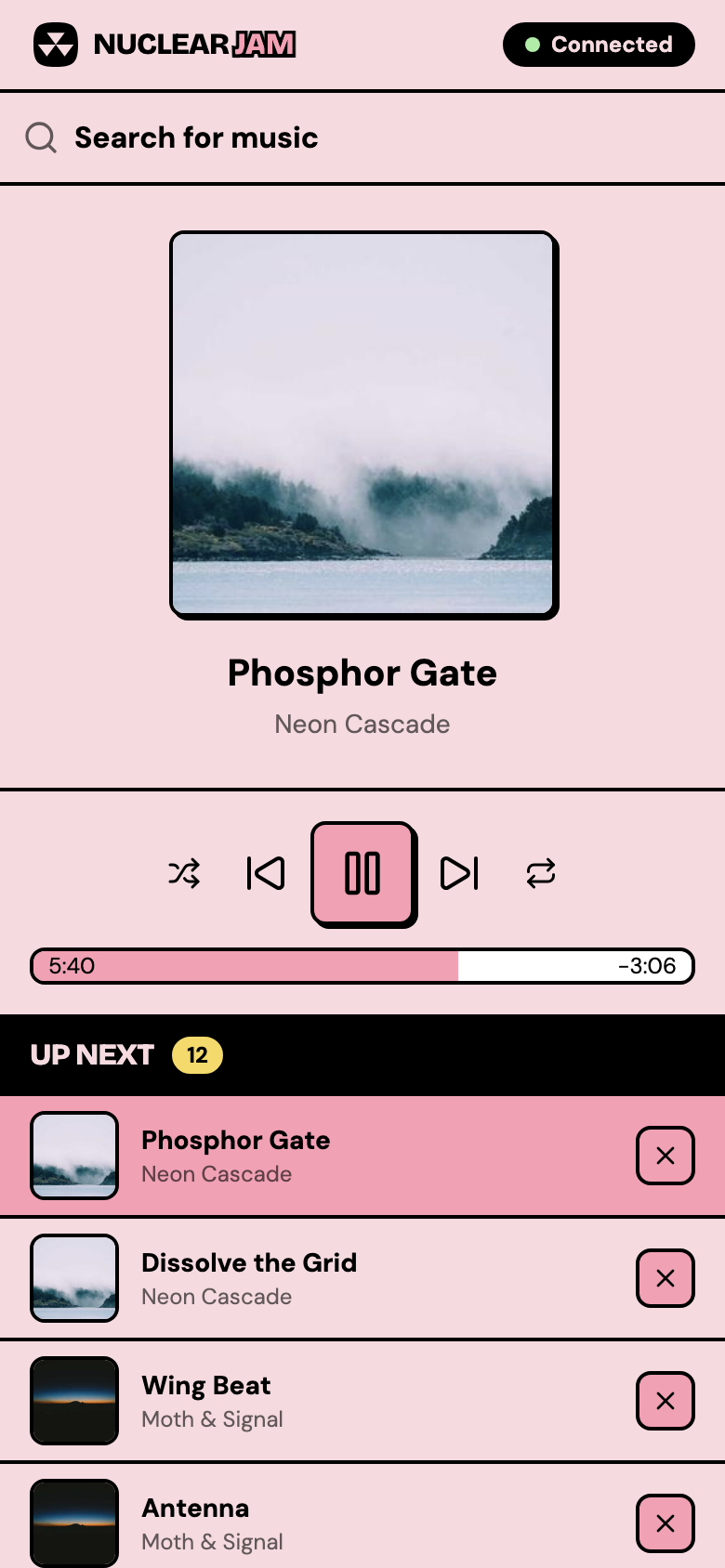
Control Nuclear from your phone with Nuclear Jam:
Grab the latest release for your platform from the Releases page.
| Platform | Formats |
|---|---|
| Windows | .exe installer, .msi |
| macOS | .dmg (Apple Silicon and Intel) |
| Linux | .AppImage, .deb, .rpm, .flatpak |
Nuclear has a powerful plugin system now! Every functionality has been redesigned to be driven by plugins.
Plugins can provide streaming sources, metadata, playlists, dashboard content, and more. Browse and install plugins from the built-in plugin store, or write your own using the @nuclearplayer/plugin-sdk.
You can enable the MCP server in Settings → Integrations.
Then to add it to Claude Code:
claude mcp add nuclear --transport http http://127.0.0.1:8800/mcp
Codex CLI:
codex mcp add nuclear --url http://127.0.0.1:8800/mcp
OpenCode:
{
  "mcp": {
    "nuclear": {
      "type": "remote",
      "url": "http://127.0.0.1:8800/mcp"
    }
  }
}
Claude Desktop / Cursor / Windsurf:
{
  "mcpServers": {
    "nuclear": {
      "url": "http://127.0.0.1:8800/mcp"
    }
  }
}
The MCP is designed to be discoverable, but there's a skill you can load to get your AI up to speed: Nuclear MCP Skill
Nuclear is a pnpm monorepo managed with Turborepo. The main app is built with Tauri (Rust + React).
git clone https://github.com/nukeop/nuclear.git
cd nuclear
pnpm install
pnpm dev
pnpm dev            # Run the player in dev mode
pnpm dev:remote     # Same, but binds Vite to 0.0.0.0 so you can open the remote control UI from other devices on your LAN
pnpm build          # Build all packages
pnpm test           # Run all tests
pnpm lint           # Lint all packages
pnpm type-check     # TypeScript checks
pnpm storybook      # Run Storybook
AGPL-3.0. See LICENSE.
(top 24 of 85)
1,130 followers · starred Dec 2022
57 followers · starred Apr 2022
520 followers · starred Jan 2019
39 followers · starred Jul 2021
Streaming music player that finds free music for you
See the code
Nuclear is a free, open-source music player without ads or tracking. Search for any song or artist, build playlists, and start listening.
Runs on Windows, macOS, and Linux.
Nuclear comes with multiple built-in themes, with light and a dark modes:
| |
| Artist search | Album search |
| |
| Track search with recent searches | Artist page |
| |
| Album page | Favorites |
| |
| Playlists | Playlist |
| |
| Synced lyrics | Lyrics with furigana and translations |
| |
| Listening history | Listening stats |
| |
| Stream sources for a queued track | Plugin store |
| |
| Installed plugins | Preferences |
| |
| What's new | Log viewer |
Control Nuclear from your phone with Nuclear Jam:
Grab the latest release for your platform from the Releases page.
| Platform | Formats |
|---|---|
| Windows | .exe installer, .msi |
| macOS | .dmg (Apple Silicon and Intel) |
| Linux | .AppImage, .deb, .rpm, .flatpak |
Nuclear has a powerful plugin system now! Every functionality has been redesigned to be driven by plugins.
Plugins can provide streaming sources, metadata, playlists, dashboard content, and more. Browse and install plugins from the built-in plugin store, or write your own using the @nuclearplayer/plugin-sdk.
You can enable the MCP server in Settings → Integrations.
Then to add it to Claude Code:
claude mcp add nuclear --transport http http://127.0.0.1:8800/mcp
Codex CLI:
codex mcp add nuclear --url http://127.0.0.1:8800/mcp
OpenCode:
{
  "mcp": {
    "nuclear": {
      "type": "remote",
      "url": "http://127.0.0.1:8800/mcp"
    }
  }
}
Claude Desktop / Cursor / Windsurf:
{
  "mcpServers": {
    "nuclear": {
      "url": "http://127.0.0.1:8800/mcp"
    }
  }
}
The MCP is designed to be discoverable, but there's a skill you can load to get your AI up to speed: Nuclear MCP Skill
Nuclear is a pnpm monorepo managed with Turborepo. The main app is built with Tauri (Rust + React).
git clone https://github.com/nukeop/nuclear.git
cd nuclear
pnpm install
pnpm dev
pnpm dev            # Run the player in dev mode
pnpm dev:remote     # Same, but binds Vite to 0.0.0.0 so you can open the remote control UI from other devices on your LAN
pnpm build          # Build all packages
pnpm test           # Run all tests
pnpm lint           # Lint all packages
pnpm type-check     # TypeScript checks
pnpm storybook      # Run Storybook
AGPL-3.0. See LICENSE.
(top 24 of 85)
1,130 followers · starred Dec 2022
57 followers · starred Apr 2022
520 followers · starred Jan 2019
39 followers · starred Jul 2021