Network Intrusion Detection and Monitoring Tool. This is a python project that utilize machine learning to detect any malicious activities on network traffic with a beautiful network monitoring that make life easier for network admins.
Python
1
6 commits
updated Apr 22, 2024
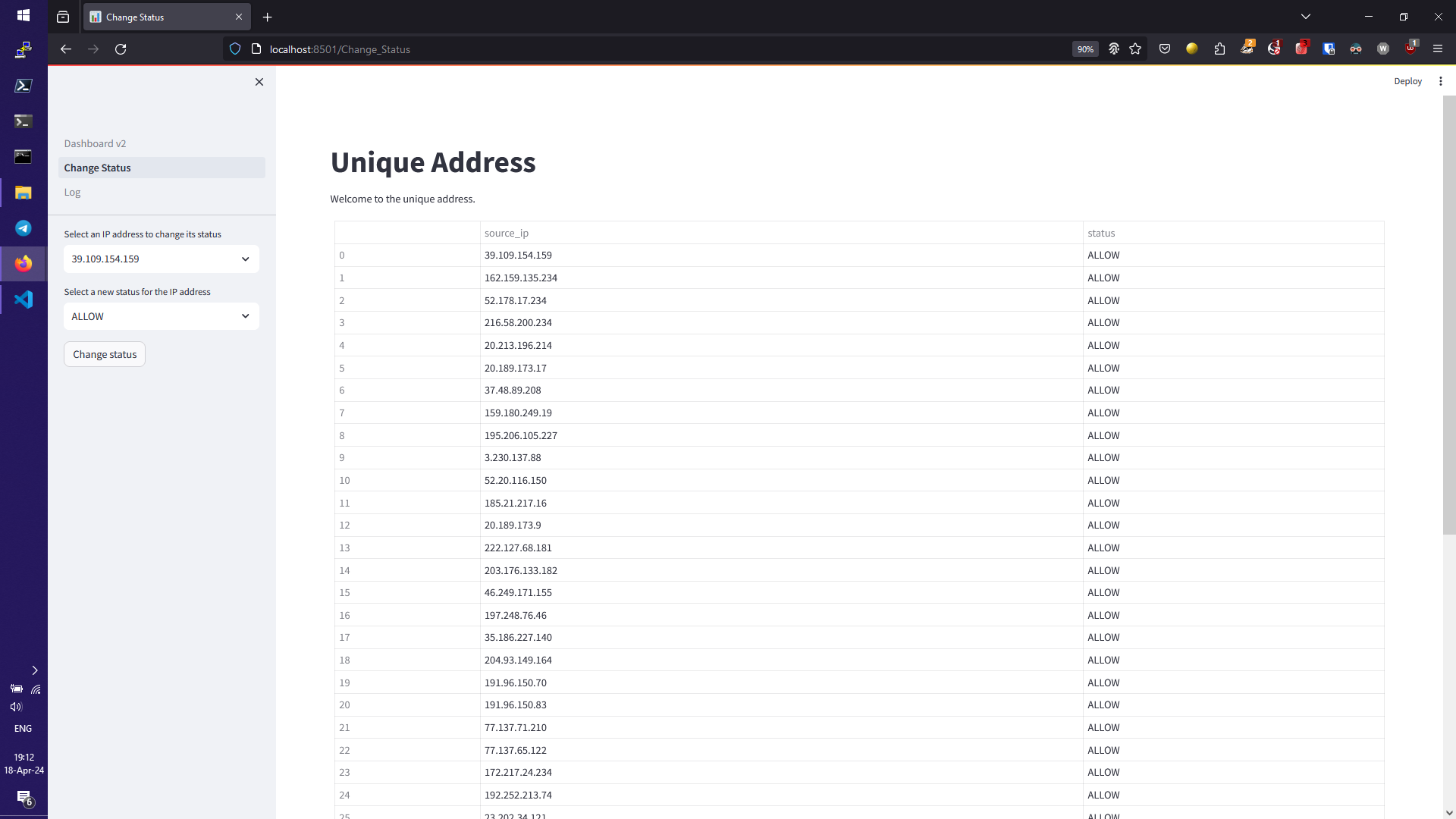
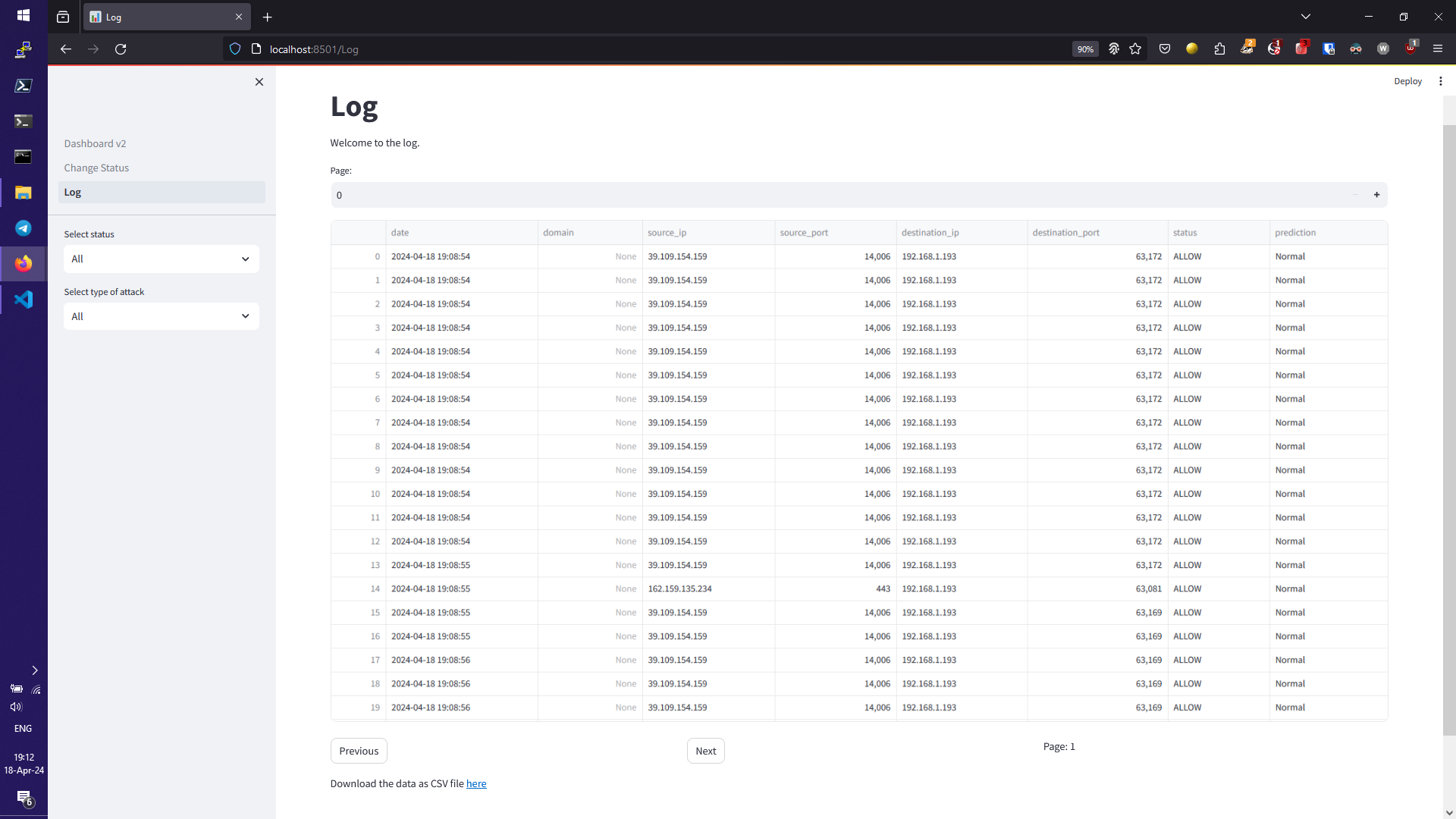
This project uses a packet sniffer and a pre-trained BERT model to monitor and classify network traffic. It also includes a web-based dashboard for visualizing the network traffic data.
Clone the repository:
git clone https://github.com/Chanveasna-ENG/Network-Intrusion-Detection-and-Monitoring-Tool.git
Install the required packages:
pip install -r requirements.txt
Run the main script to start the packet sniffer and AI prediction model (make sure to run as root or administrator):
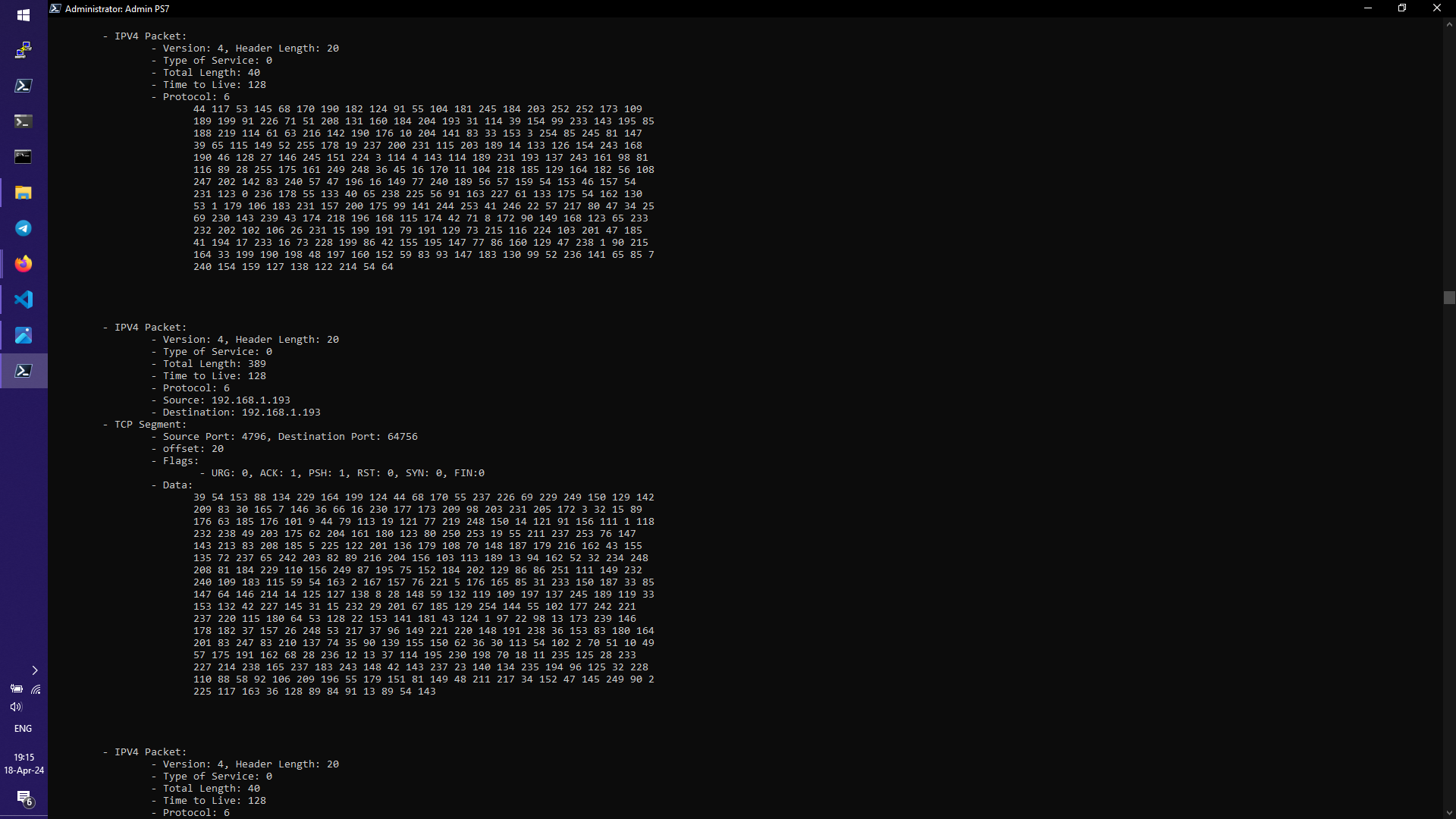
python main.py
Run and Open the dashboard in a web browser:
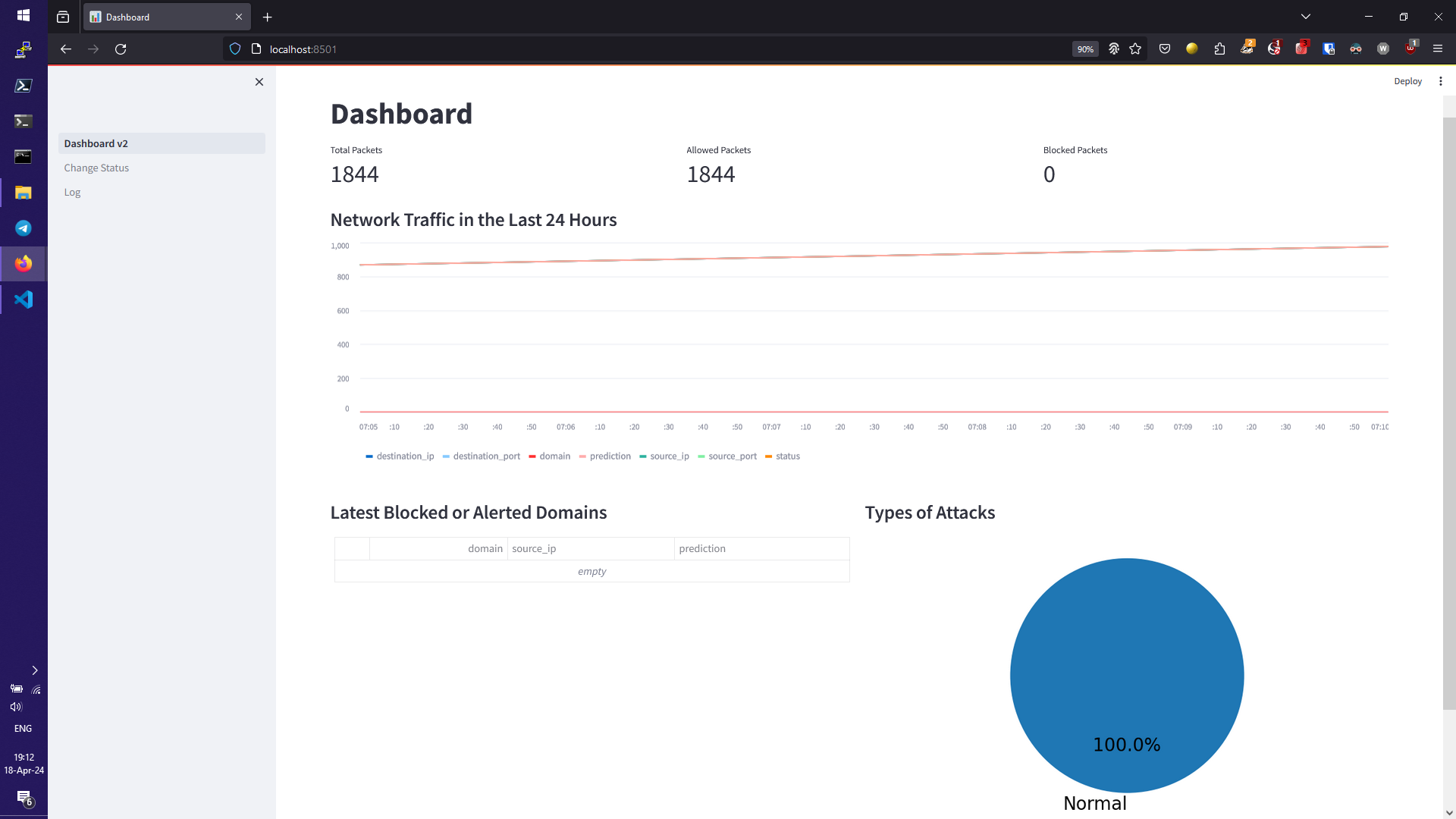
streamlit run Dashboard_v2.py
Network Intrusion Detection and Monitoring Tool. This is a python project that utilize machine learning to detect any malicious activities on network traffic with a beautiful network monitoring that make life easier for network admins.
Python
1
6 commits
updated Apr 22, 2024
This project uses a packet sniffer and a pre-trained BERT model to monitor and classify network traffic. It also includes a web-based dashboard for visualizing the network traffic data.
Clone the repository:
git clone https://github.com/Chanveasna-ENG/Network-Intrusion-Detection-and-Monitoring-Tool.git
Install the required packages:
pip install -r requirements.txt
Run the main script to start the packet sniffer and AI prediction model (make sure to run as root or administrator):
python main.py
Run and Open the dashboard in a web browser:
streamlit run Dashboard_v2.py