Automatically switches between the dark and light theme of Windows 10 and Windows 11
C#
9,756
2,836 commits
updated Oct 11, 2026
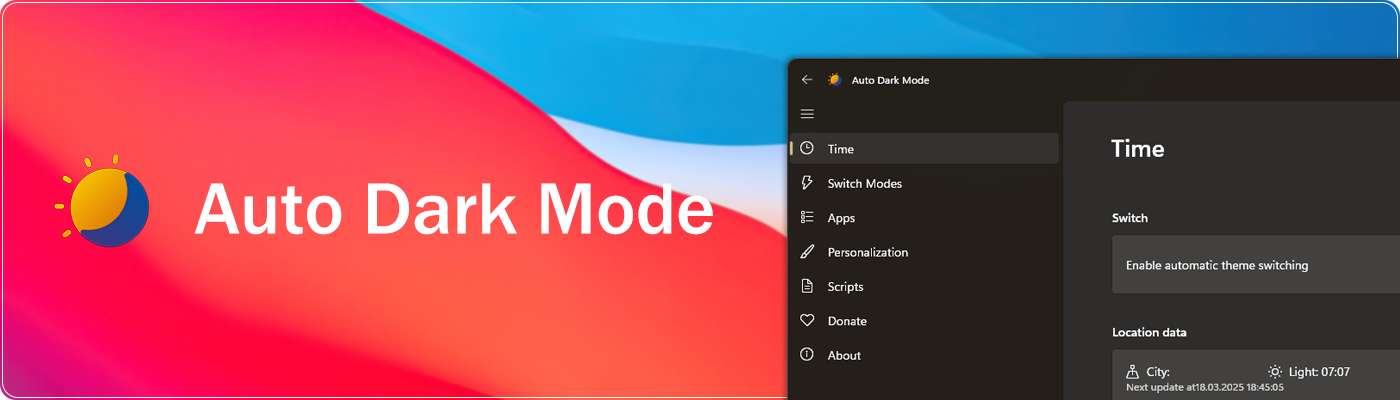
Switches between the dark and light theme of Windows at scheduled times.

Features • Download • Release Notes • Wiki • Telegram Group • Website
Tired of looking at dark content while the sun is shining brightly? But at night everything is suddenly too bright? Auto Dark Mode is the solution for you!
Android, iOS and MacOS already offer the possibility of changing the system design based on the time of the day. We're bringing this feature to Windows on a larger scale.
Auto Dark Mode helps you to be more productive. Because you shouldn't care about changing Windows settings several times a day. As soon as the sun goes down, we'll take care of your eyes.
Because a simple design change would be too boring, Auto Dark Mode is packed with useful functions. For example, we can also change your desktop wallpaper or run custom scripts.
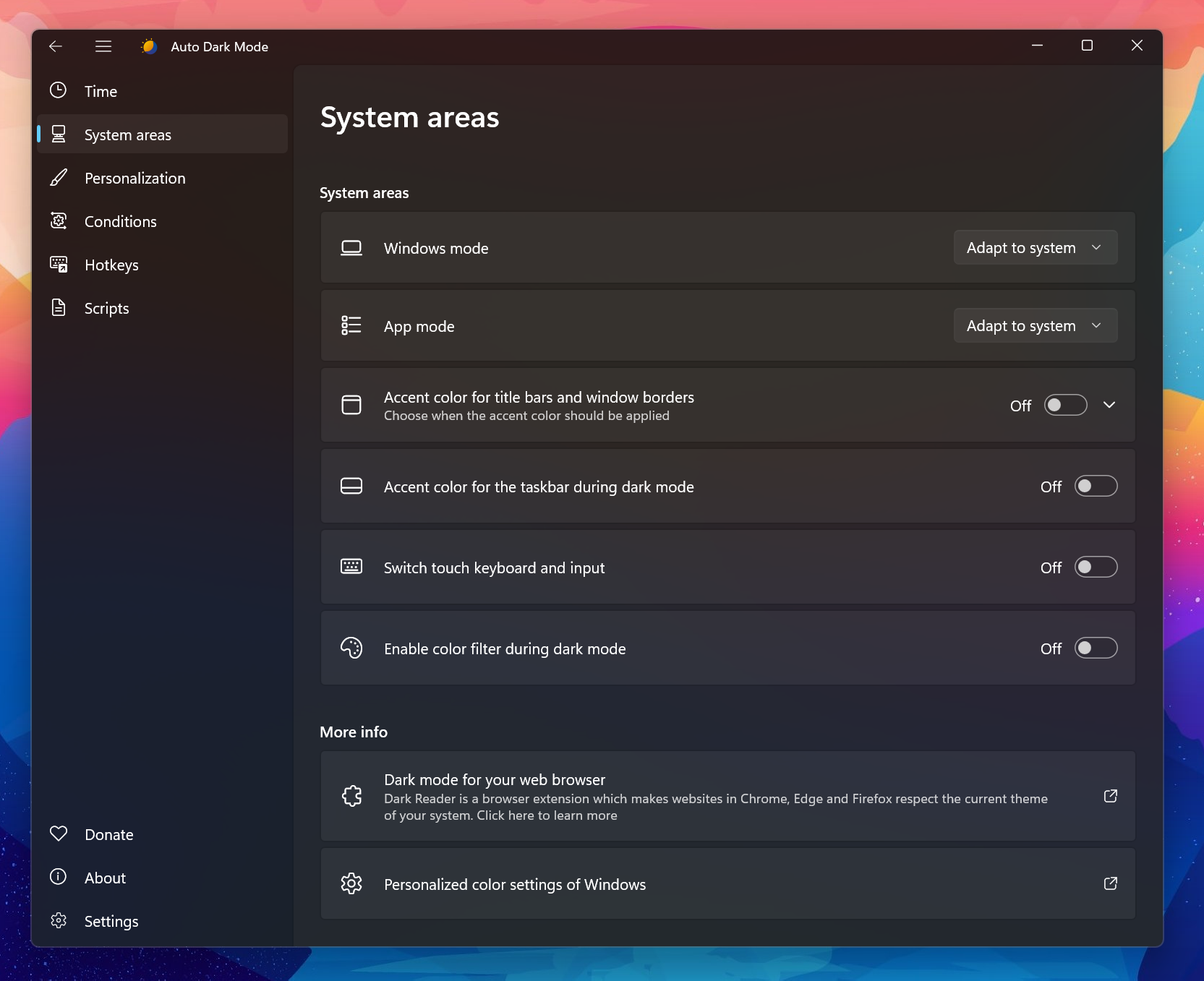
* Windows 10 versions older than 22H2 are not supported

Click here to download the newest version of Auto Dark Mode!
winget install autodarkmode
Download Auto Dark Mode from Chocolatey (unofficial entry).
choco install auto-dark-mode
Download Auto Dark Mode from Scoop (unofficial entry).
scoop bucket add dorado https://github.com/chawyehsu/dorado
scoop install autodarkmode
scoop bucket add nonportable
scoop install auto-dark-mode-np
Installation is pretty easy, as you only need to run the setup file provided as .exe. If you want to deploy Auto Dark Mode on multiple machines, you can use the argument /allusers /verysilent to skip the installer window. Beware that the integrated updater doesn't support system-wide installations.
We use Weblate's cool free Libre plan that supports open source software projects!
You can find our project here: https://hosted.weblate.org/projects/auto-dark-mode/app/
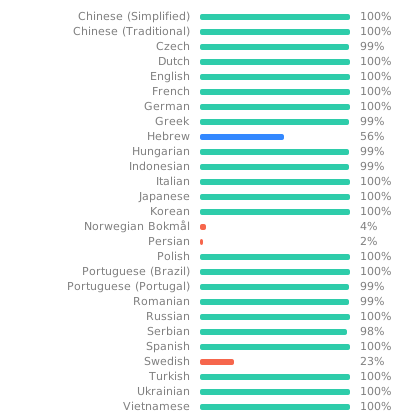
Alternatively, you can manually edit the translation files in AutoDarkModeApp\Strings.

Still have open questions? Check out our wiki!
(top 24 of 57)
3,571 followers · starred May 2021
1,693 followers · starred Dec 2021
184 followers · starred May 2022
39 followers · starred May 2020
Automatically switches between the dark and light theme of Windows 10 and Windows 11
C#
9,756
2,836 commits
updated Oct 11, 2026
Switches between the dark and light theme of Windows at scheduled times.
Features • Download • Release Notes • Wiki • Telegram Group • Website
Tired of looking at dark content while the sun is shining brightly? But at night everything is suddenly too bright? Auto Dark Mode is the solution for you!
Android, iOS and MacOS already offer the possibility of changing the system design based on the time of the day. We're bringing this feature to Windows on a larger scale.
Auto Dark Mode helps you to be more productive. Because you shouldn't care about changing Windows settings several times a day. As soon as the sun goes down, we'll take care of your eyes.
Because a simple design change would be too boring, Auto Dark Mode is packed with useful functions. For example, we can also change your desktop wallpaper or run custom scripts.
* Windows 10 versions older than 22H2 are not supported
Click here to download the newest version of Auto Dark Mode!
winget install autodarkmode
Download Auto Dark Mode from Chocolatey (unofficial entry).
choco install auto-dark-mode
Download Auto Dark Mode from Scoop (unofficial entry).
scoop bucket add dorado https://github.com/chawyehsu/dorado
scoop install autodarkmode
scoop bucket add nonportable
scoop install auto-dark-mode-np
Installation is pretty easy, as you only need to run the setup file provided as .exe. If you want to deploy Auto Dark Mode on multiple machines, you can use the argument /allusers /verysilent to skip the installer window. Beware that the integrated updater doesn't support system-wide installations.
We use Weblate's cool free Libre plan that supports open source software projects!
You can find our project here: https://hosted.weblate.org/projects/auto-dark-mode/app/
Alternatively, you can manually edit the translation files in AutoDarkModeApp\Strings.
Still have open questions? Check out our wiki!
(top 24 of 57)
3,571 followers · starred May 2021
1,693 followers · starred Dec 2021
184 followers · starred May 2022
39 followers · starred May 2020