
Export, import and back up your bookmarks in common formats, from Chrome or Safari, on a schedule. Everything stays local.
See the codeSee what people are saying
README
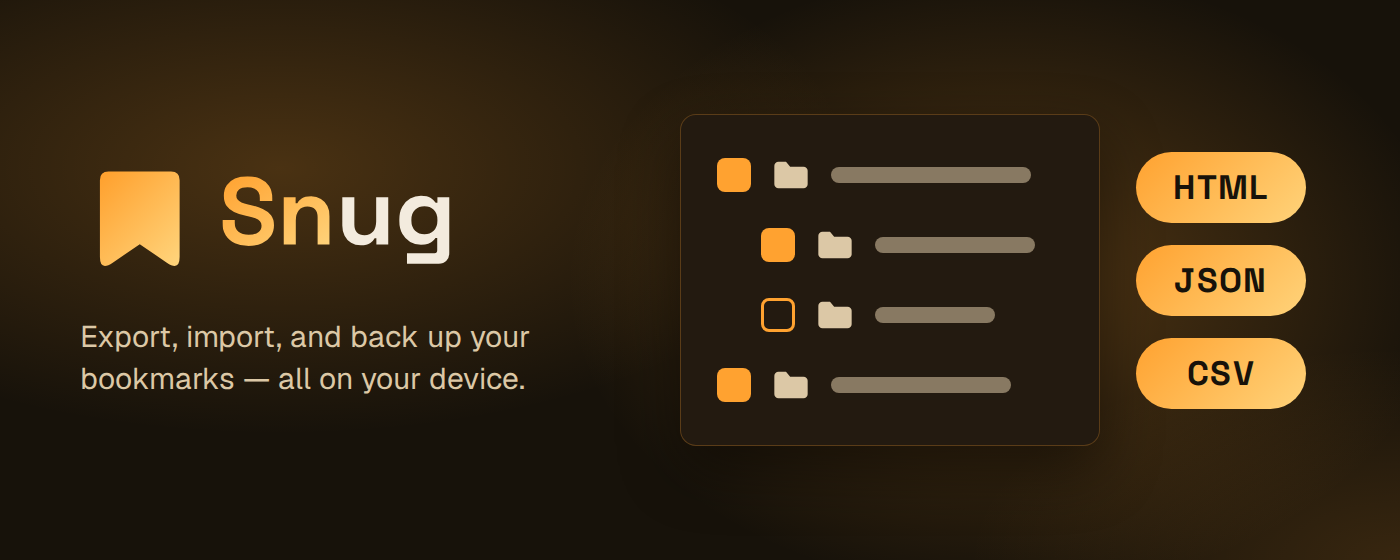
Snug



Export, import, and back up your bookmarks — entirely on your device.
Website: https://snug.andryore.dev/ · Privacy policy: https://snug.andryore.dev/privacy/
Snug is a browser extension that moves your bookmarks between browsers, exactly as you left them. Export your whole tree or just a folder, in six formats. Import back with a preview, then merge, replace, or drop everything into a new folder, and undo a replace if you change your mind. Find and remove duplicate bookmarks, and set a schedule once so Snug exports your bookmarks to your Downloads folder on its own.
Snug makes no network calls. Every operation reads and writes your browser's own bookmarks tree, locally — no account, no cloud, no server to trust. See the Privacy Policy for details.
Features
- Export bookmarks as HTML, JSON, CSV, Markdown, OPML, or XBEL.
- Import HTML, JSON, CSV, and XBEL files, a Chrome profile
Bookmarksfile, or a Safari export (Favorites and Reading List). The format is detected for you. - Export your whole tree or only the folders you pick.
- Import with a preview first, then merge, replace, or add everything to a new folder. A replace shows how many bookmarks it removes and adds.
- Undo a replace: Snug saves a Safety snapshot first, and you can restore it from the import result or from Settings.
- Duplicates page to find bookmarks that share a URL and delete the extra copies, and Skip duplicates to leave them out of an import.
- Scheduled Auto-export (hourly, every 12 hours, daily, every 3 days, or weekly on a day you pick) to your Downloads folder, with Retention to keep only the newest files and an optional notification if a run fails.
- Progress and Cancel for long imports and exports.
- Follows your browser's theme and language, in 10 languages.
Install
Install from the Chrome Web Store:

Snug works on Chrome and any other Chromium-based browser (Edge, Opera, Brave) from the same listing.
Privacy
The Privacy Policy covers the permissions Snug requests and why.
Documentation
docs/usage.md— exporting, importing, duplicates, and Auto-export.docs/development.md— scripts, git hooks, commit/branch conventions, and howfakeBrowsertesting works.docs/architecture.md— a code map of the codebase's shape.CHANGELOG.md— release notes.CONTRIBUTING.md— pull request conventions.GOVERNANCE.md— how the project is governed and how decisions get made.ROADMAP.md— where the project is headed..github/SECURITY.md— how to report a security vulnerability privately.
Built with






Local Development
Snug is a bun-workspaces monorepo: the extension lives in apps/extension and
the shared UI in packages/ui. Run every script from the repo root. See
docs/development.md for the rest.
git clone https://github.com/AndryOre/snug.git
cd snug
bun install
bun run dev
Contributors
Contributions are welcome. See CONTRIBUTING.md for setup,
branch naming, and commit/PR conventions. Agent instructions live in
AGENTS.md (repo-wide) plus one per workspace:
apps/extension/AGENTS.md,
packages/ui/AGENTS.md and
apps/video/AGENTS.md.
License
This project is licensed under the MIT License. See the LICENSE file for details.
Similar repos


Export, import and back up your bookmarks in common formats, from Chrome or Safari, on a schedule. Everything stays local.
See the codeSee what people are saying
README
Snug
Export, import, and back up your bookmarks — entirely on your device.
Website: https://snug.andryore.dev/ · Privacy policy: https://snug.andryore.dev/privacy/
Snug is a browser extension that moves your bookmarks between browsers, exactly as you left them. Export your whole tree or just a folder, in six formats. Import back with a preview, then merge, replace, or drop everything into a new folder, and undo a replace if you change your mind. Find and remove duplicate bookmarks, and set a schedule once so Snug exports your bookmarks to your Downloads folder on its own.
Snug makes no network calls. Every operation reads and writes your browser's own bookmarks tree, locally — no account, no cloud, no server to trust. See the Privacy Policy for details.
Features
- Export bookmarks as HTML, JSON, CSV, Markdown, OPML, or XBEL.
- Import HTML, JSON, CSV, and XBEL files, a Chrome profile
Bookmarksfile, or a Safari export (Favorites and Reading List). The format is detected for you. - Export your whole tree or only the folders you pick.
- Import with a preview first, then merge, replace, or add everything to a new folder. A replace shows how many bookmarks it removes and adds.
- Undo a replace: Snug saves a Safety snapshot first, and you can restore it from the import result or from Settings.
- Duplicates page to find bookmarks that share a URL and delete the extra copies, and Skip duplicates to leave them out of an import.
- Scheduled Auto-export (hourly, every 12 hours, daily, every 3 days, or weekly on a day you pick) to your Downloads folder, with Retention to keep only the newest files and an optional notification if a run fails.
- Progress and Cancel for long imports and exports.
- Follows your browser's theme and language, in 10 languages.
Install
Install from the Chrome Web Store:
Snug works on Chrome and any other Chromium-based browser (Edge, Opera, Brave) from the same listing.
Privacy
The Privacy Policy covers the permissions Snug requests and why.
Documentation
docs/usage.md— exporting, importing, duplicates, and Auto-export.docs/development.md— scripts, git hooks, commit/branch conventions, and howfakeBrowsertesting works.docs/architecture.md— a code map of the codebase's shape.CHANGELOG.md— release notes.CONTRIBUTING.md— pull request conventions.GOVERNANCE.md— how the project is governed and how decisions get made.ROADMAP.md— where the project is headed..github/SECURITY.md— how to report a security vulnerability privately.
Built with
Local Development
Snug is a bun-workspaces monorepo: the extension lives in apps/extension and
the shared UI in packages/ui. Run every script from the repo root. See
docs/development.md for the rest.
git clone https://github.com/AndryOre/snug.git
cd snug
bun install
bun run dev
Contributors
Contributions are welcome. See CONTRIBUTING.md for setup,
branch naming, and commit/PR conventions. Agent instructions live in
AGENTS.md (repo-wide) plus one per workspace:
apps/extension/AGENTS.md,
packages/ui/AGENTS.md and
apps/video/AGENTS.md.
License
This project is licensed under the MIT License. See the LICENSE file for details.