
README
Shelf



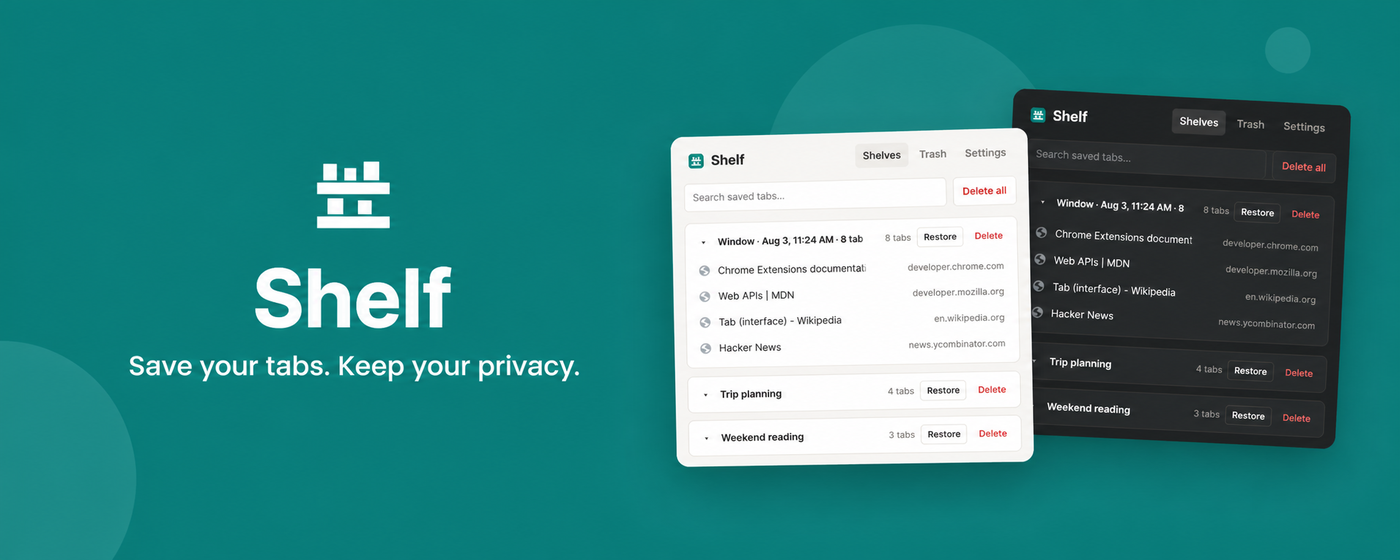
Shelf is a privacy-first tab manager for Chrome and Chromium browsers. Save open tabs into local sessions, close them only after a verified write, and restore them later without an account, cloud service, analytics, or tracking.
Why Shelf
- Save one tab, highlighted tabs, a tab group, a window, or every window.
- Save without closing, or close tabs only after the saved data is verified.
- Find saved tabs with one fast search across session names, titles, and URLs.
- Restore individual tabs or whole sessions while keeping the saved copy by default.
- Detect and recoverably remove duplicate URLs.
- Preserve Chrome tab-group names, colors, order, and pinned state.
- Undo deletions through a local 30-day trash and export versioned JSON backups.
- Import OneTab URL exports.
- Use keyboard commands, context menus, dark mode, and an optional tab limit.
Shelf stores data in chrome.storage.local. It makes no external requests and requests no host permissions. See the privacy policy and threat model for the exact guarantees and limitations.
See Shelf in action
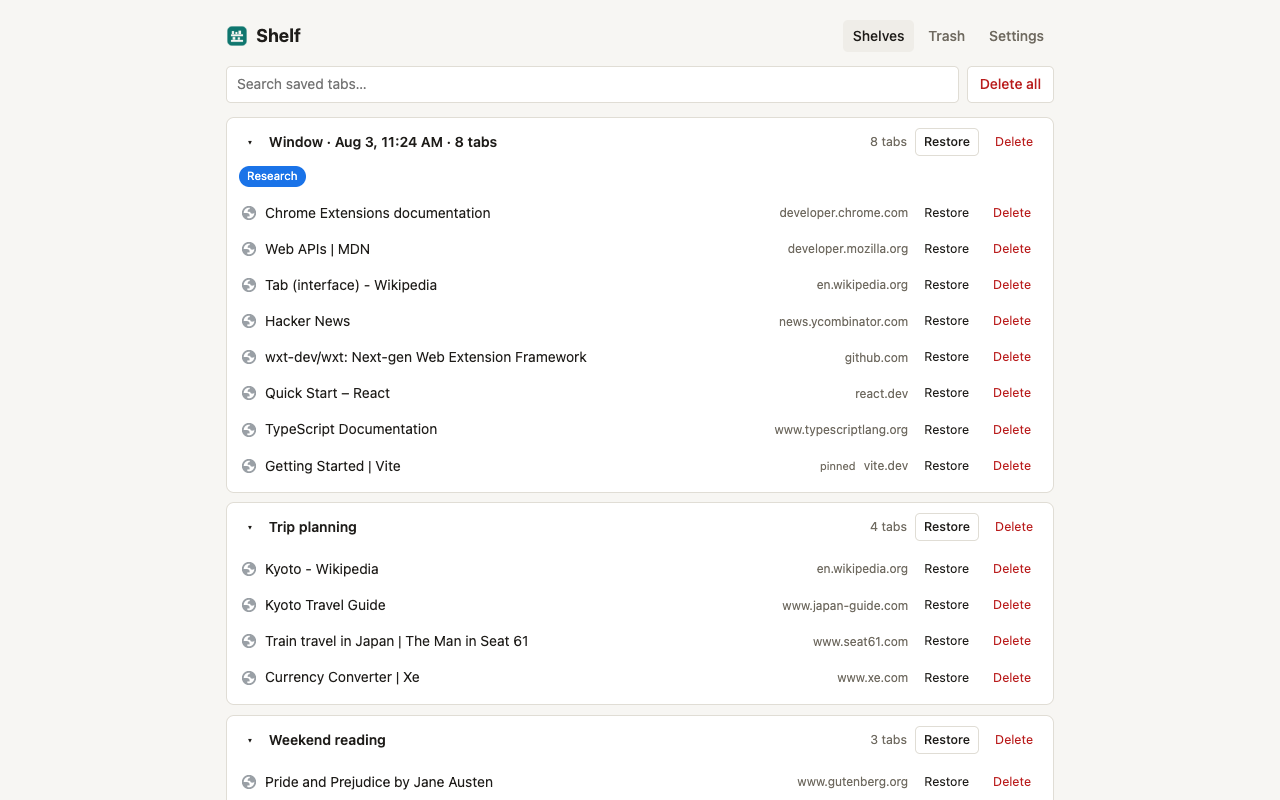
Save, search, and restore
Saved tabs stay organized in a fast, searchable session list with focused restore and delete actions.
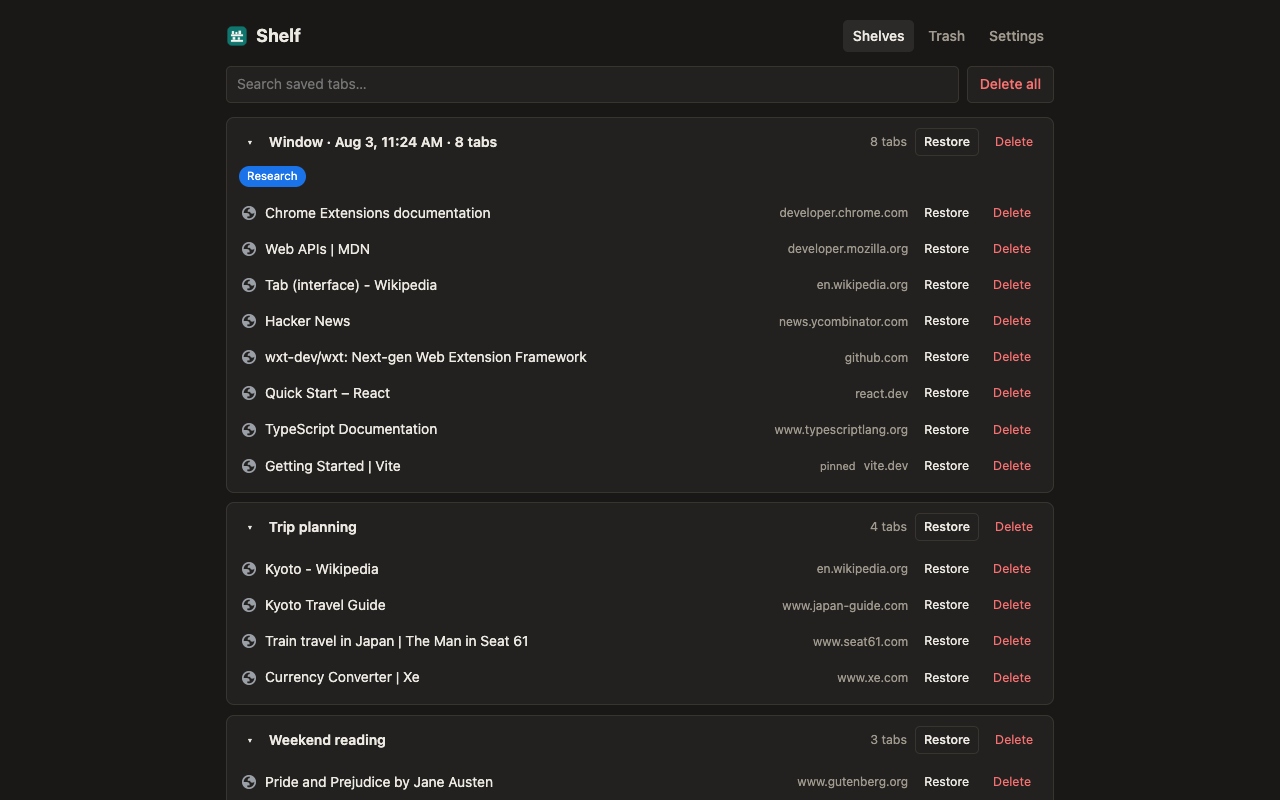
Comfortable in dark mode
Shelf follows your preferred theme while keeping the same clear session overview.
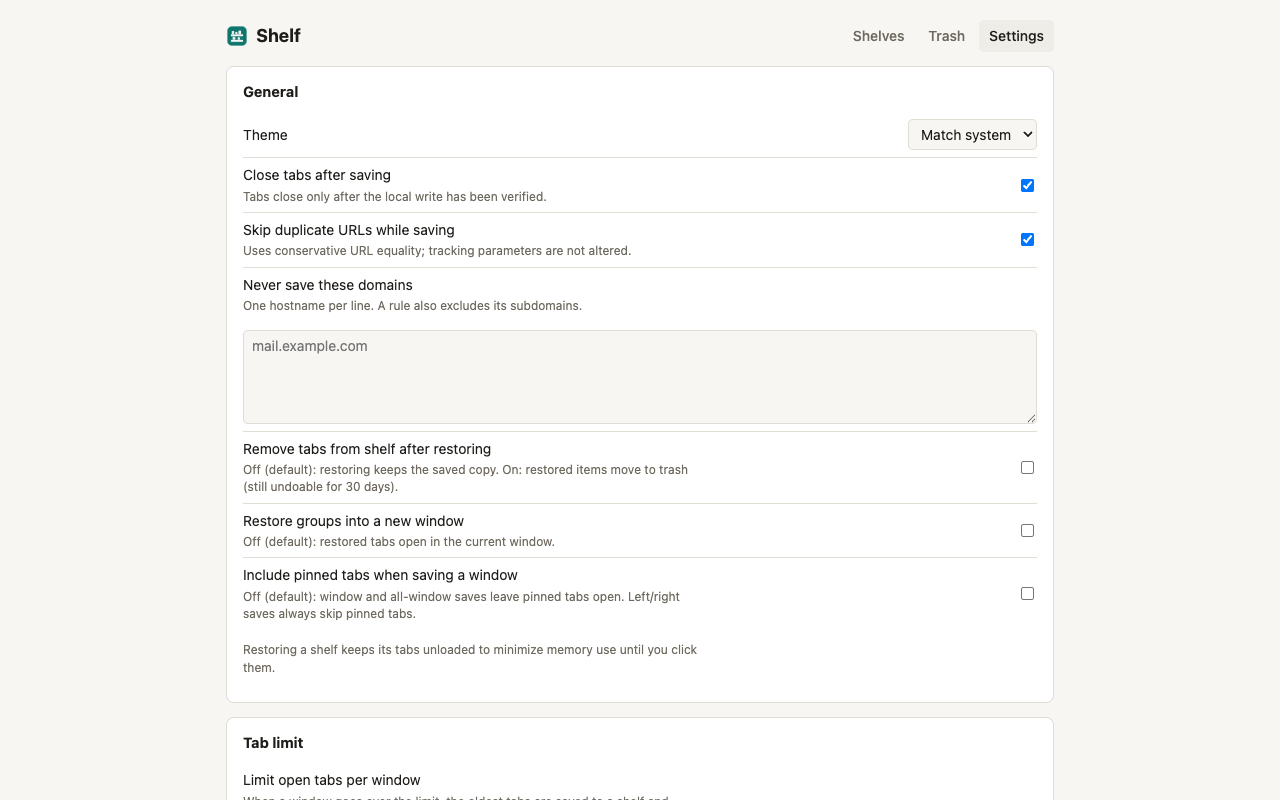
Control how Shelf behaves
Choose when source tabs close, skip duplicate URLs, exclude domains, adjust restore behavior, and optionally set a per-window tab limit.
Install from source
Requirements: Node.js 20 or newer, npm, and Chrome 121 or newer.
git clone https://github.com/mirza-rizvi/shelf.git
cd shelf
npm ci
npm run build
Open chrome://extensions, enable Developer mode, choose Load unpacked, and select dist/chrome-mv3.
Uninstalling a Chrome extension deletes its local extension storage. Export a JSON backup before uninstalling Shelf if you want to keep your saved tabs.
Development
npm run dev       # development build with HMR
npm run compile   # TypeScript check
npm test          # automated tests
npm run build     # production extension
npm run zip       # Chrome Web Store archive
npm run check     # compile, test, and production build
npm run release:check # full store-release gate + ZIP checksum
The implementation deliberately avoids extra infrastructure: no backend, account, telemetry SDK, content script, host permission, or cloud-sync code. React-compatible source is bundled against Preact to keep the pinned manager lightweight.
Permissions
| Permission | Purpose |
|---|---|
tabs | Read the URLs and titles of tabs the user explicitly saves, close saved tabs, and restore them. |
storage, unlimitedStorage | Store saved sessions, trash, and settings locally without the default quota. |
tabGroups | Preserve and recreate native Chrome tab groups. |
alarms | Run trash cleanup, orphan cleanup, and optional tab-limit checks without a persistent background page. |
favicon | Display icons from Chrome's local favicon cache without contacting websites or an icon service. |
contextMenus | Provide explicit save actions in Chrome's context menu. |
There are no host permissions, content scripts, optional permissions, remote scripts, or externally hosted assets.
Documentation
- Architecture
- Product requirements
- Privacy policy
- Threat model
- Testing
- Chrome Web Store listing
- Contributing
- Support
- Code of conduct
- Security policy
- Changelog
License
MIT © 2026 Shelf contributors.
Contributors

4 commits

2 commits
See what people are saying
Similar repos


Languages
TypeScript
87.6%
JavaScript
8.1%
CSS
4.1%
README
Shelf
Shelf is a privacy-first tab manager for Chrome and Chromium browsers. Save open tabs into local sessions, close them only after a verified write, and restore them later without an account, cloud service, analytics, or tracking.
Why Shelf
- Save one tab, highlighted tabs, a tab group, a window, or every window.
- Save without closing, or close tabs only after the saved data is verified.
- Find saved tabs with one fast search across session names, titles, and URLs.
- Restore individual tabs or whole sessions while keeping the saved copy by default.
- Detect and recoverably remove duplicate URLs.
- Preserve Chrome tab-group names, colors, order, and pinned state.
- Undo deletions through a local 30-day trash and export versioned JSON backups.
- Import OneTab URL exports.
- Use keyboard commands, context menus, dark mode, and an optional tab limit.
Shelf stores data in chrome.storage.local. It makes no external requests and requests no host permissions. See the privacy policy and threat model for the exact guarantees and limitations.
See Shelf in action
Save, search, and restore
Saved tabs stay organized in a fast, searchable session list with focused restore and delete actions.
Comfortable in dark mode
Shelf follows your preferred theme while keeping the same clear session overview.
Control how Shelf behaves
Choose when source tabs close, skip duplicate URLs, exclude domains, adjust restore behavior, and optionally set a per-window tab limit.
Install from source
Requirements: Node.js 20 or newer, npm, and Chrome 121 or newer.
git clone https://github.com/mirza-rizvi/shelf.git
cd shelf
npm ci
npm run build
Open chrome://extensions, enable Developer mode, choose Load unpacked, and select dist/chrome-mv3.
Uninstalling a Chrome extension deletes its local extension storage. Export a JSON backup before uninstalling Shelf if you want to keep your saved tabs.
Development
npm run dev       # development build with HMR
npm run compile   # TypeScript check
npm test          # automated tests
npm run build     # production extension
npm run zip       # Chrome Web Store archive
npm run check     # compile, test, and production build
npm run release:check # full store-release gate + ZIP checksum
The implementation deliberately avoids extra infrastructure: no backend, account, telemetry SDK, content script, host permission, or cloud-sync code. React-compatible source is bundled against Preact to keep the pinned manager lightweight.
Permissions
| Permission | Purpose |
|---|---|
tabs | Read the URLs and titles of tabs the user explicitly saves, close saved tabs, and restore them. |
storage, unlimitedStorage | Store saved sessions, trash, and settings locally without the default quota. |
tabGroups | Preserve and recreate native Chrome tab groups. |
alarms | Run trash cleanup, orphan cleanup, and optional tab-limit checks without a persistent background page. |
favicon | Display icons from Chrome's local favicon cache without contacting websites or an icon service. |
contextMenus | Provide explicit save actions in Chrome's context menu. |
There are no host permissions, content scripts, optional permissions, remote scripts, or externally hosted assets.
Documentation
- Architecture
- Product requirements
- Privacy policy
- Threat model
- Testing
- Chrome Web Store listing
- Contributing
- Support
- Code of conduct
- Security policy
- Changelog
License
MIT © 2026 Shelf contributors.
See what people are saying
Similar repos
Contributors
4 commits
2 commits
Languages
TypeScript
87.6%
JavaScript
8.1%
CSS
4.1%