A collection of utility nodes from the VNCCS project that are useful not only for the project's primary goals but also for everyday ComfyUI workflows.
JavaScript
1,142
66 commits
updated Oct 12, 2026
A collection of utility nodes from the VNCCS project for everyday ComfyUI workflows, including VNCCS 3D Factory, VNCCS UniCanvas, VNCCS Pose Studio, VNCCS Prompt Designer, and supporting generation utilities.
|
Join The Community Share results, ask questions, and follow VNCCS updates. 
|
Support VNCCS VNCCS is developed independently. Support helps keep the project moving. 
|
VNCCS 3D Factory is a scene-oriented image-to-3D Gaussian workspace inside
ComfyUI. It runs the open-source
VAST-AI-Research/TripoSplat
pipeline locally, turns reference images into editable 3D Gaussian models, keeps
every generated object in a persistent scene, and renders the actual Gaussian
assets through the bundled SparkJS viewport.
IMAGE
LIST at the shared Scene Export resolution..vnccs3d packages keep only canonical PLY assets,
and can be saved and loaded locally. Public repository assets can be
downloaded; publishing repositories is currently disabled.
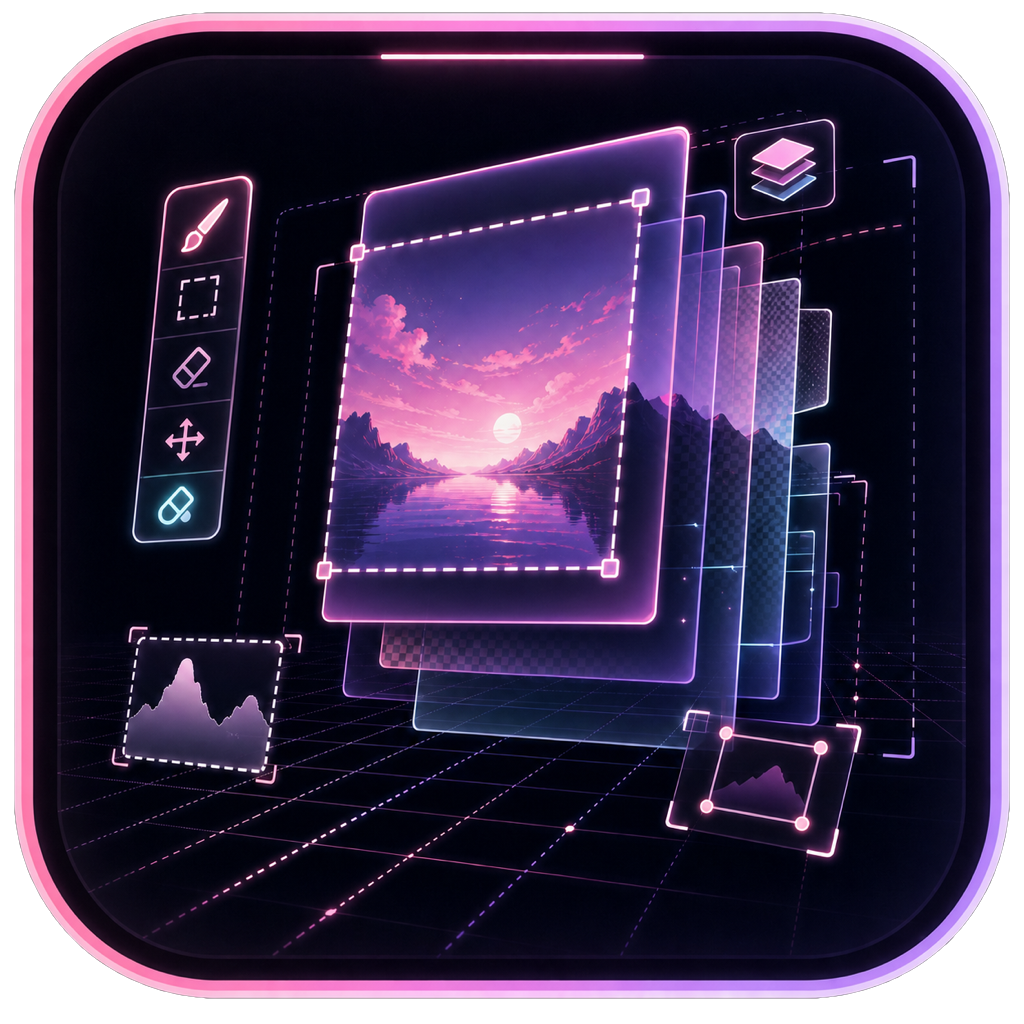
VNCCS UniCanvas is an integrated infinite-canvas image generation and editing workspace inside ComfyUI. It is designed for freeform creative work: generate anywhere, edit any region, build results across layers, and keep refining without being locked to a single fixed image boundary.
Picture 2, Picture 3, ... so the prompt can refer to it by name (the working area is always Picture 1).? beside the prompt shows the active model family's reference syntax and source-specific guidance.The Unicanvas sidebar tab runs UniCanvas as a standalone image app — no node, no workflow. Entering it hides the ComfyUI chrome; leaving it restores everything. The engine picker offers the built-in presets plus custom models from disk; output actions replace the node's image socket (Save to output writes the flattened composite into ComfyUI's output/ directory, New clears the canvas after confirmation). Work persists to localStorage, so it survives a page reload. Enable the tab with the VNCCS.UniCanvas.StandaloneSidebar ComfyUI setting.
Example Workflows: QWEN · Klein9b
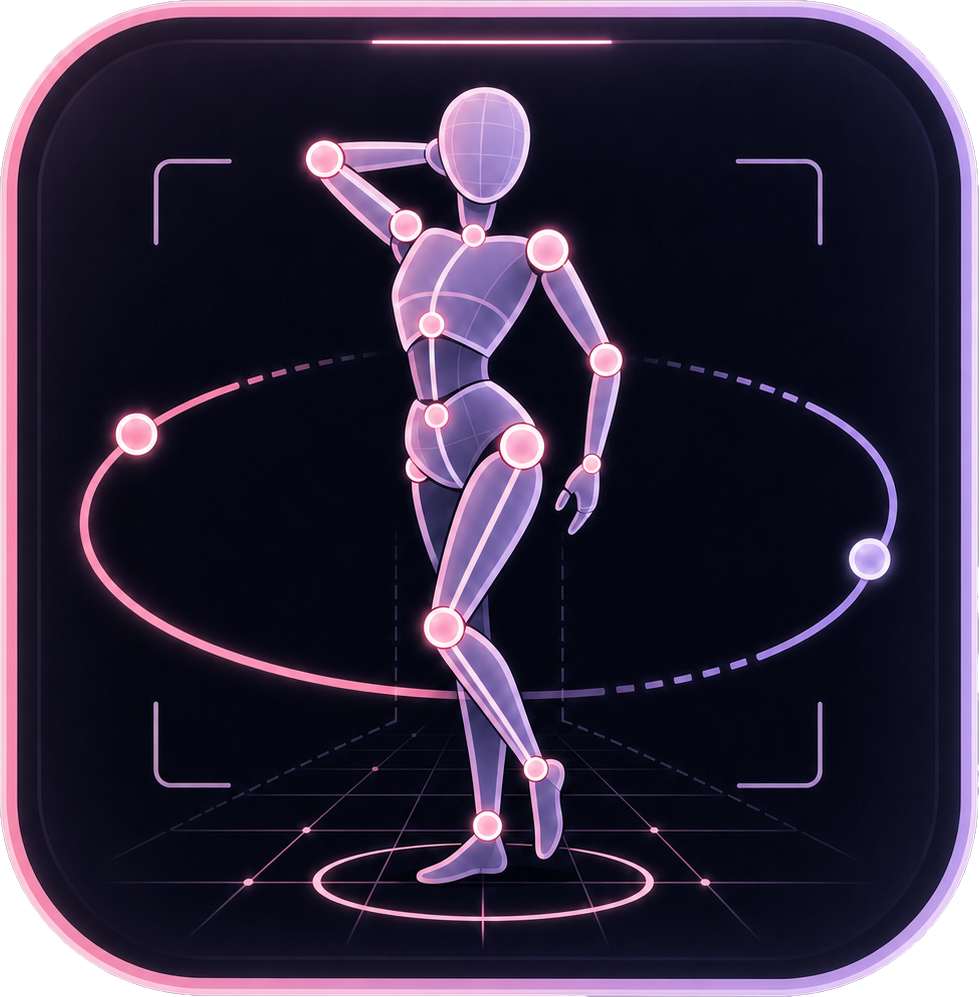
VNCCS Pose Studio is a professional 3D posing, framing, lighting, and pose-library environment running directly inside a ComfyUI node. It is designed for building high-quality pose/control references without leaving the graph: adjust the character body, pose bones interactively, frame the camera, tune lights, manage saved poses, and output single images or pose batches.
<lighting>, <user_prompt>), and a direct sidebar prompt field.

VNCCS Prompt Designer is a visual prompt-composition workspace inside a ComfyUI node. Combine freeform text, reusable block cards, dynamic variants, and conditional fragments to build prompts, preview the resolved text, and send it directly to text encoders or other nodes that accept STRING inputs.
dynamicprompts, while preserving your separators and line breaks.STRING outputs from one composition, with sockets exposed as needed.Add VNCCS Prompt Designer from the VNCCS/prompt category and connect its prompt output to a text encoder. Multi-prompt compositions also expose prompt2, prompt3, and further outputs for separate workflow branches.
An interactive node with a visual widget for controlling camera position. It is designed for intuitive angle control and prompt generation, especially for multi-angle LoRAs like Qwen-Image-Edit-2511-Multiple-Angles.
<sks> trigger from the widget.A helper node for extracting and visualizing crops when you need detected bounding-box regions without running a full face/detailer workflow.
Open a terminal in your ComfyUI directory and run:
cd ComfyUI/custom_nodes
git clone https://github.com/AHEKOT/ComfyUI_VNCCS_Utils.git
cd ComfyUI_VNCCS_Utils
pip install -r requirements.txt
Open Model setup inside VNCCS 3D Factory to detect or download the official
TripoSplat weights in the standard ComfyUI/models/{diffusion_models,vae,clip_vision,background_removal}
folders. ComfyUI extra_model_paths are also searched. The inference pipeline
runs directly in ComfyUI and does not require a separate server.
Restart ComfyUI after installation.
A collection of utility nodes from the VNCCS project that are useful not only for the project's primary goals but also for everyday ComfyUI workflows.
JavaScript
1,142
66 commits
updated Oct 12, 2026
A collection of utility nodes from the VNCCS project for everyday ComfyUI workflows, including VNCCS 3D Factory, VNCCS UniCanvas, VNCCS Pose Studio, VNCCS Prompt Designer, and supporting generation utilities.
|
Join The Community Share results, ask questions, and follow VNCCS updates.
|
Support VNCCS VNCCS is developed independently. Support helps keep the project moving.
|
VNCCS 3D Factory is a scene-oriented image-to-3D Gaussian workspace inside
ComfyUI. It runs the open-source
VAST-AI-Research/TripoSplat
pipeline locally, turns reference images into editable 3D Gaussian models, keeps
every generated object in a persistent scene, and renders the actual Gaussian
assets through the bundled SparkJS viewport.
IMAGE
LIST at the shared Scene Export resolution..vnccs3d packages keep only canonical PLY assets,
and can be saved and loaded locally. Public repository assets can be
downloaded; publishing repositories is currently disabled.
VNCCS UniCanvas is an integrated infinite-canvas image generation and editing workspace inside ComfyUI. It is designed for freeform creative work: generate anywhere, edit any region, build results across layers, and keep refining without being locked to a single fixed image boundary.
Picture 2, Picture 3, ... so the prompt can refer to it by name (the working area is always Picture 1).? beside the prompt shows the active model family's reference syntax and source-specific guidance.The Unicanvas sidebar tab runs UniCanvas as a standalone image app — no node, no workflow. Entering it hides the ComfyUI chrome; leaving it restores everything. The engine picker offers the built-in presets plus custom models from disk; output actions replace the node's image socket (Save to output writes the flattened composite into ComfyUI's output/ directory, New clears the canvas after confirmation). Work persists to localStorage, so it survives a page reload. Enable the tab with the VNCCS.UniCanvas.StandaloneSidebar ComfyUI setting.
Example Workflows: QWEN · Klein9b
VNCCS Pose Studio is a professional 3D posing, framing, lighting, and pose-library environment running directly inside a ComfyUI node. It is designed for building high-quality pose/control references without leaving the graph: adjust the character body, pose bones interactively, frame the camera, tune lights, manage saved poses, and output single images or pose batches.
<lighting>, <user_prompt>), and a direct sidebar prompt field.
VNCCS Prompt Designer is a visual prompt-composition workspace inside a ComfyUI node. Combine freeform text, reusable block cards, dynamic variants, and conditional fragments to build prompts, preview the resolved text, and send it directly to text encoders or other nodes that accept STRING inputs.
dynamicprompts, while preserving your separators and line breaks.STRING outputs from one composition, with sockets exposed as needed.Add VNCCS Prompt Designer from the VNCCS/prompt category and connect its prompt output to a text encoder. Multi-prompt compositions also expose prompt2, prompt3, and further outputs for separate workflow branches.
An interactive node with a visual widget for controlling camera position. It is designed for intuitive angle control and prompt generation, especially for multi-angle LoRAs like Qwen-Image-Edit-2511-Multiple-Angles.
<sks> trigger from the widget.A helper node for extracting and visualizing crops when you need detected bounding-box regions without running a full face/detailer workflow.
Open a terminal in your ComfyUI directory and run:
cd ComfyUI/custom_nodes
git clone https://github.com/AHEKOT/ComfyUI_VNCCS_Utils.git
cd ComfyUI_VNCCS_Utils
pip install -r requirements.txt
Open Model setup inside VNCCS 3D Factory to detect or download the official
TripoSplat weights in the standard ComfyUI/models/{diffusion_models,vae,clip_vision,background_removal}
folders. ComfyUI extra_model_paths are also searched. The inference pipeline
runs directly in ComfyUI and does not require a separate server.
Restart ComfyUI after installation.



