Extract iOS artwork and emoji symbols into png files, generate glossy buttons png files
Objective-C
2,599
122 commits
updated Dec 10, 2018
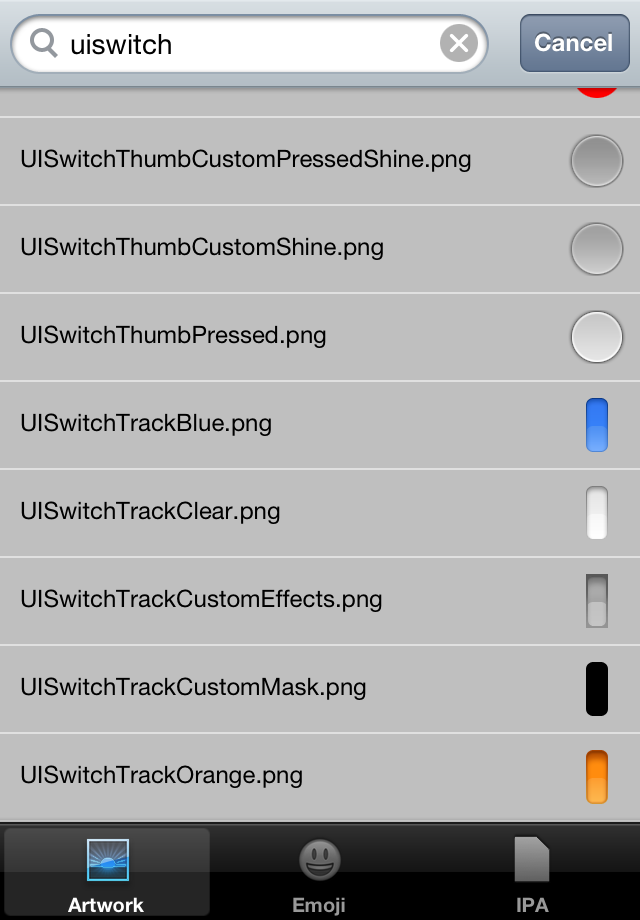
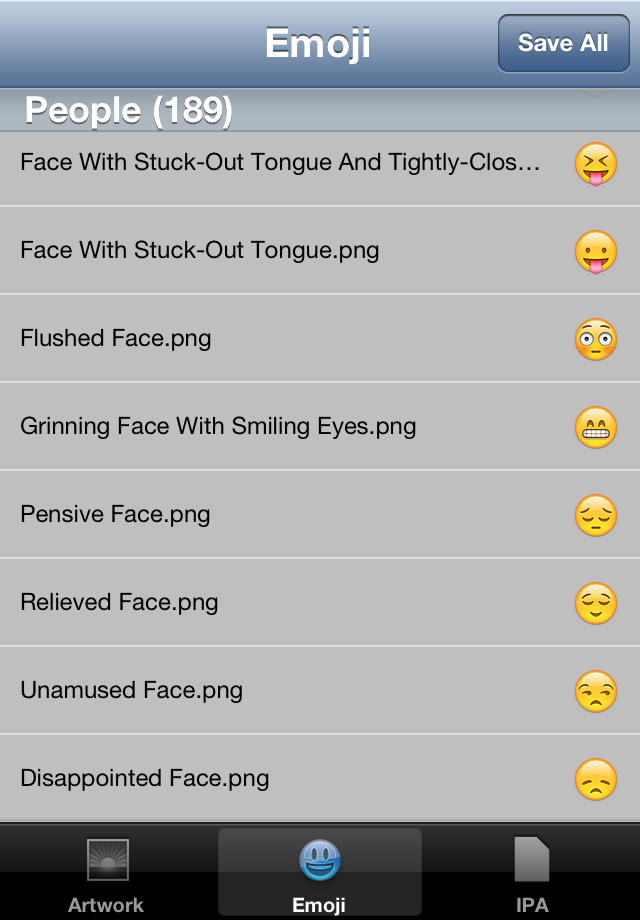
iOS Artwork Extractor extracts all the artwork and emoji symbols contained in iOS into png files.
In order to extract Retina Display @2x high resolution images, choose the Hardware > Device > iPhone 4 menu in the iPhone Simulator.
See instructions on the wiki to extract more artwork.
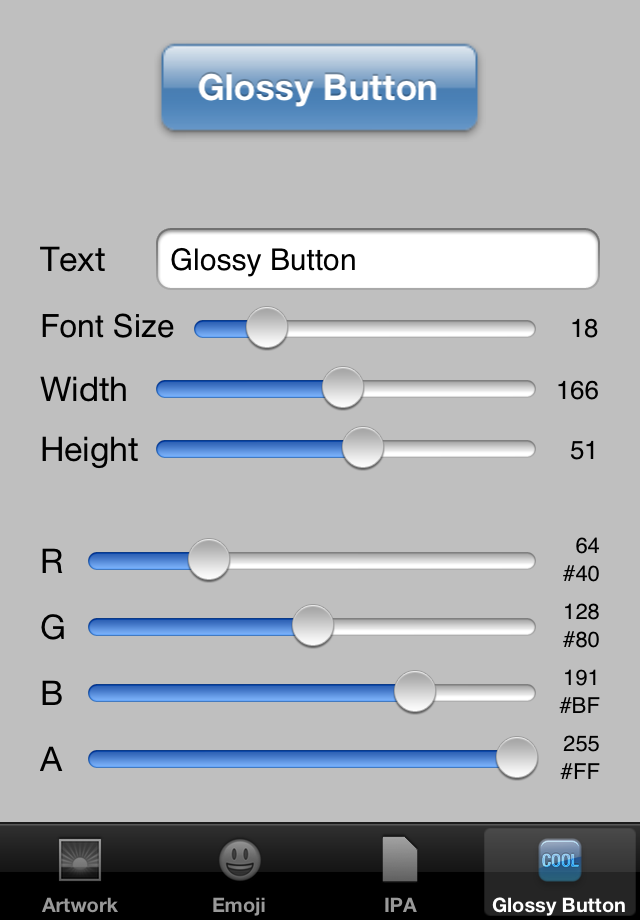
ARTWORK_DIRECTORY environment variable to control where the png files are saved. If it is not set, the files will be saved into a folder on your desktop.iOS Artwork Extractor can also generate glossy buttons png files if you are using a simulator running iOS 5.0 or older. Thanks to @schwa for the original code. Three states (normal/highlighted/disabled) glossy buttons png files are saved into the same directory as iOS artwork png files under the UIGlassButton subdirectory.
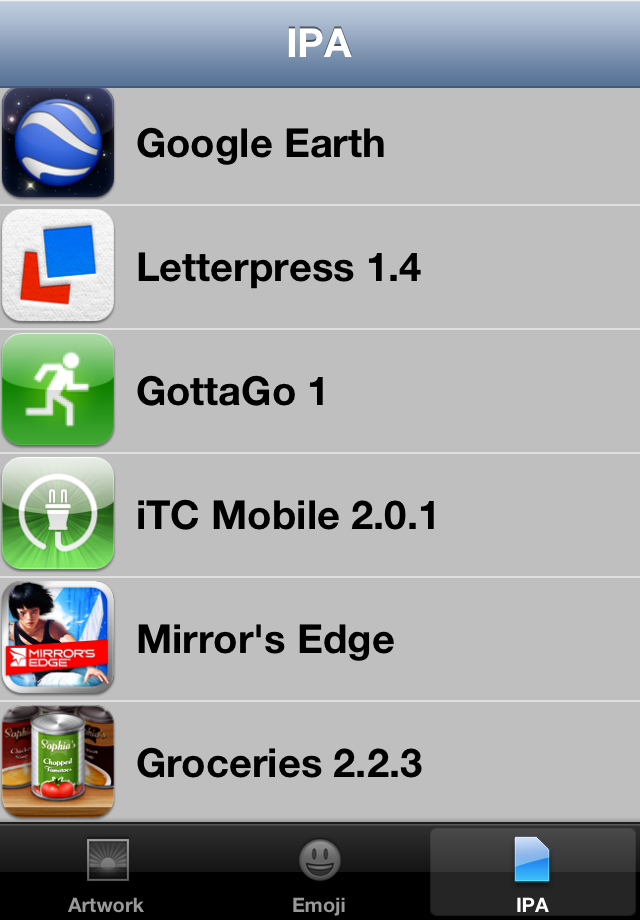
iOS Artwork Extractor also knows how to extract artwork from apps you downloaded from the App Store. It goes without saying that this is for educational purpose only and that you should not steal others' artwork.
MOBILE_APPLICATIONS_DIRECTORY environment variable if your iTunes library is not located in the standard location, i.e. ~/Music/iTunes.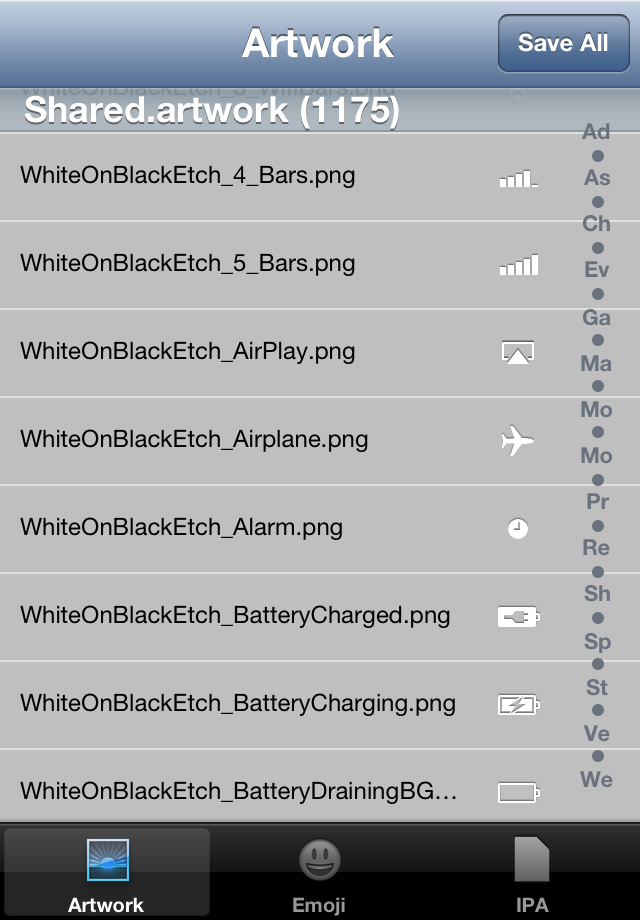
22,891 followers · starred Feb 2010
2,950 followers · starred Oct 2013
329 followers · starred Apr 2013
1,665 followers · starred May 2011
Extract iOS artwork and emoji symbols into png files, generate glossy buttons png files
Objective-C
2,599
122 commits
updated Dec 10, 2018
iOS Artwork Extractor extracts all the artwork and emoji symbols contained in iOS into png files.
In order to extract Retina Display @2x high resolution images, choose the Hardware > Device > iPhone 4 menu in the iPhone Simulator.
See instructions on the wiki to extract more artwork.
ARTWORK_DIRECTORY environment variable to control where the png files are saved. If it is not set, the files will be saved into a folder on your desktop.iOS Artwork Extractor can also generate glossy buttons png files if you are using a simulator running iOS 5.0 or older. Thanks to @schwa for the original code. Three states (normal/highlighted/disabled) glossy buttons png files are saved into the same directory as iOS artwork png files under the UIGlassButton subdirectory.
iOS Artwork Extractor also knows how to extract artwork from apps you downloaded from the App Store. It goes without saying that this is for educational purpose only and that you should not steal others' artwork.
MOBILE_APPLICATIONS_DIRECTORY environment variable if your iTunes library is not located in the standard location, i.e. ~/Music/iTunes.
22,891 followers · starred Feb 2010
2,950 followers · starred Oct 2013
329 followers · starred Apr 2013
1,665 followers · starred May 2011



