A plugin to edit and view Excalidraw drawings in Obsidian
TypeScript
7,712
3,320 commits
updated Oct 12, 2026
【English | 简体中文】
👉👉👉 Check out and contribute to the new Obsidian-Excalidraw Community Wiki
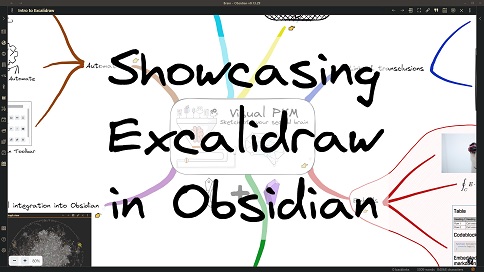
The Obsidian-Excalidraw plugin integrates Excalidraw, a feature rich sketching tool, into Obsidian. You can store and edit Excalidraw files in your vault, you can embed drawings into your documents, and you can link to documents and other drawings to/and from Excalidraw. For a showcase of Excalidraw features watch the videos below.
Excalidraw for Obsidian keeps evolving; it is extremely feature‑rich and can feel intimidating at first. The Video Walkthrough below should ease that initial overwhelm. For a comprehensive, searchable knowledge base covering features, settings, scripting, workflows, and visual thinking methods, explore the public NotebookLM workbook (a must‑have learning resource).

Excalidraw Essentials is a free course to get started with Excalidraw.

If you are curious about the Visual PKM philosophy behind the plugin, consider my book Sketch Your Mind and the Visual Thinking Workshops. To learn about all the different options available and how they fit together, check out the Welcome to the Sketch Your Mind Ecosystem introduction page. Finally, keep the Excalidraw Plugin Wiki and the NotebookLM workbook at hand, those are essential companions.
I treat privacy as a top priority. Apart from the few technical limitations outlined below, Excalidraw is 100% local and runs without network access. Most of the findings published on sites such as obsidianpluginaudit.com, plugin.observer, and community.obsidian.md/plugins can be misleading without proper context.
Obsidian is fundamentally a locally executed web application. Automated code scanners apply the same vulnerability rules used for public-facing websites, even though the risk model inside a local Obsidian vault is very different. For example, patterns such as innerHTML or outerHTML manipulation are considered problematic on public websites because they can expose visitors to malicious third-party content. In a local-first application such as Obsidian, these risks are significantly different in nature and impact.
Excalidraw for Obsidian is a large and feature-rich tool with many integrations and performance optimizations. Below, I explain how the most common findings reported by these scanners are actually used within the plugin.
When evaluating these findings, please keep the following in mind:
Obsidian.md currently does not provide plugin developers with proper mechanisms for deploying local assets such as fonts, auxiliary packages, or official APIs for certain features like Obsidian Publish or PDF generation. As a result, plugin developers sometimes need to rely on workaround solutions such as IPC calls or dynamic code execution (eval) to deliver functionality users expect.
Excalidraw for Obsidian is not maintained by a company or engineering team. It is a one-person hobby project and an open-source contribution developed alongside a full-time job. If you would like to support continued development and improved code quality, the best way is through financial support via Ko-fi. Open-source software is not truly “free.” The cost is usually paid in developer time, personal energy, or by supporters who help sustain the project. I will continue striving to improve the codebase, but expectations around enterprise-grade engineering standards for a free community contribution can easily become unrealistic and unsustainable without corresponding support structures.
In general, I recommend using the minimum number of plugins necessary for your workflow. Personally, I use around 10–15 plugins and disable plugins when not actively needed. This is not because I distrust plugin safety, but because most Obsidian plugins are hobby-driven community projects, and I believe users should maintain realistic expectations regarding maintenance, complexity, and long-term support.
Plugin might make requests to external domains:
ExcalidrawAutomate.printURLsInCodebase()cdn.ko-fi.com.requestUrl and fetch calls:
requestUrl is used to retrieve those images when needed.Excalidraw accesses files in your vault:
.excalidraw files and support conversion workflows.Clipboard access:
Local Storage:
Dynamic Code Execution:
Electron remote module privilege IPC bridge calls:
Document-level keyboard listener:
Direct Node.js file system access allowing access outside the vault:

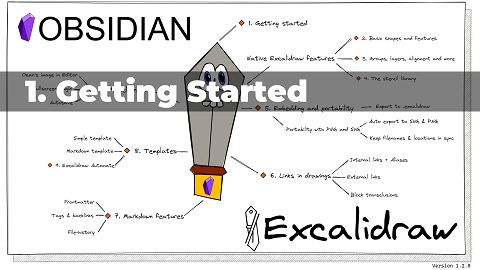 1 Getting Started
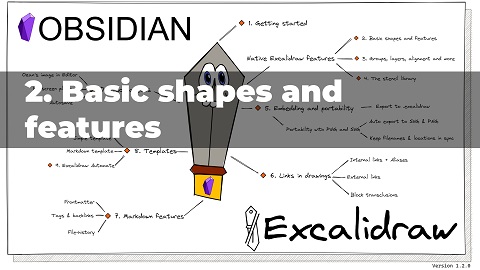 2 Basic shapes and features
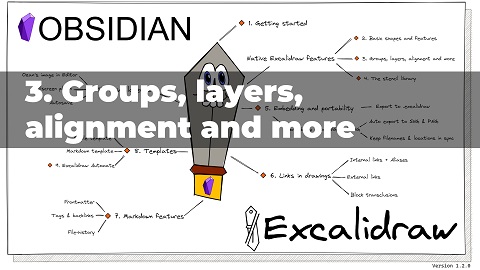 3 Grouping elements
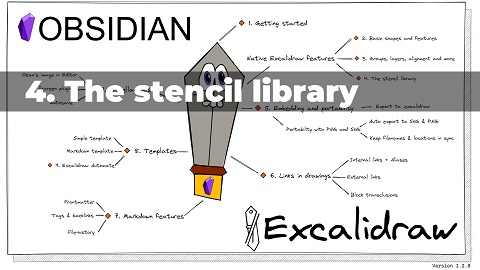 4 The stencil-library
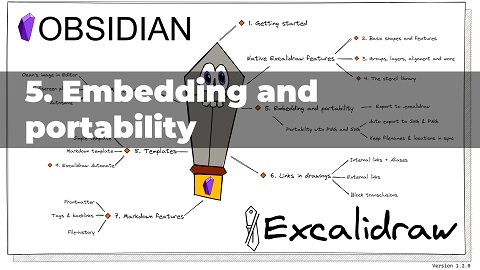 5 Embedding
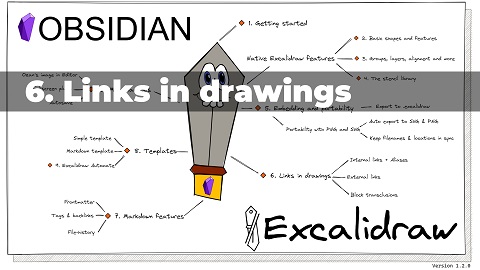 6 Links
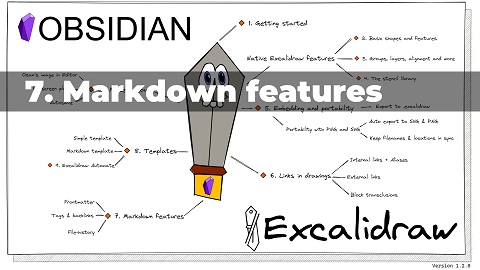 7 Markdown
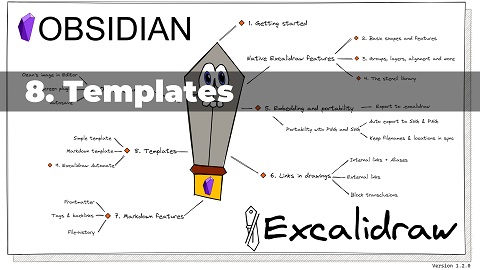 8 Templates
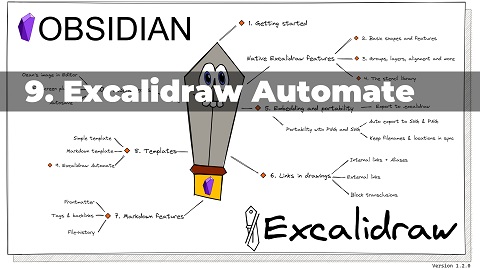 9 Excalidraw Automate
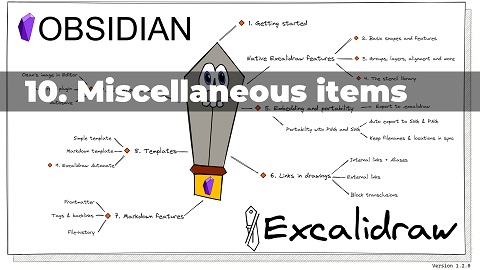 10 Miscellaneous
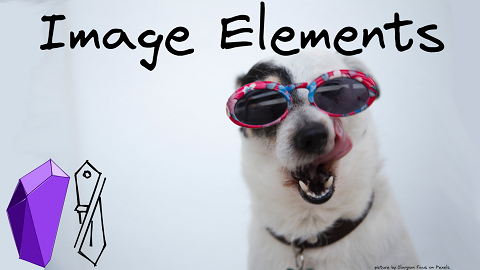 Image Elements
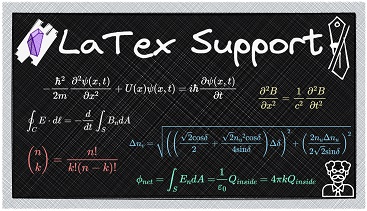 LaTex Demo
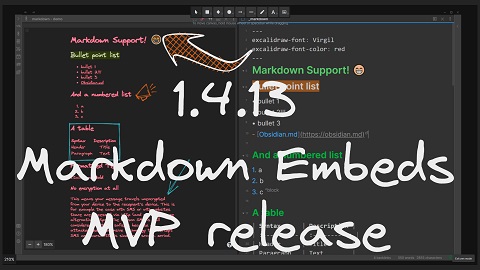 Markdown embeds
 Markdown embeds advanced features
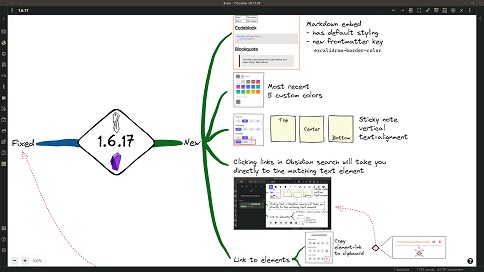 Link to Elements, Vertical text alignment, Markdown Styling
 Colors - Excalidraw Basics (Custom)
 Excalidraw color palettes (Custom)
 "Artistic" Color Gradients
 Simple rules for beautiful sketches
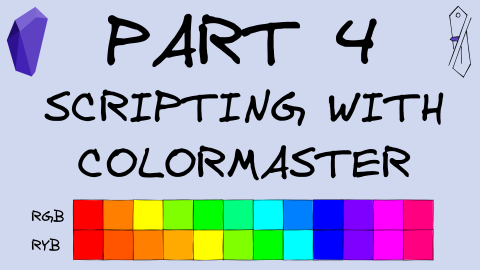 ColorMaster Scripting
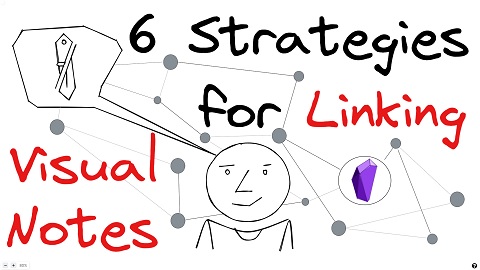 6 strategies for linking your visual thoughts v4
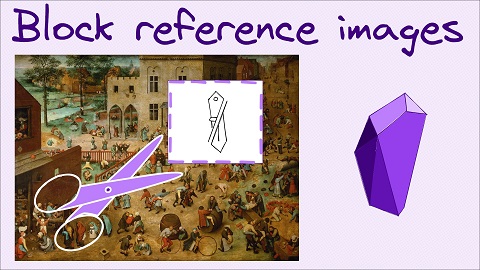 Block reference parts of images Link to Elements, Vertical text alignment, Markdown Styling
 How to guide for the Excalidraw-native hyperlinks
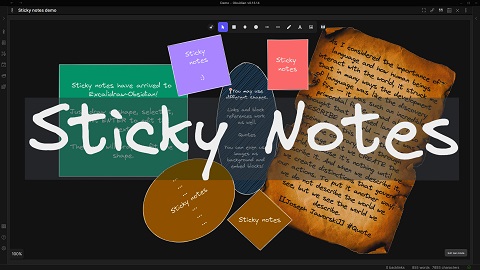 Sticky Notes (word wrapping)
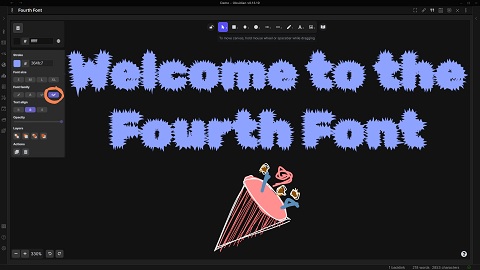 Fourth Font
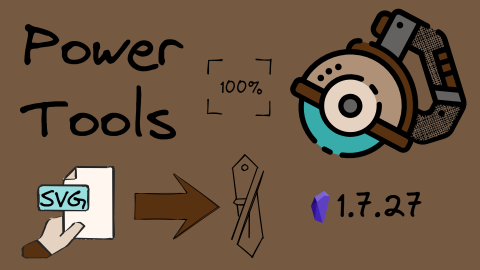 SVG import
 OCR
OCR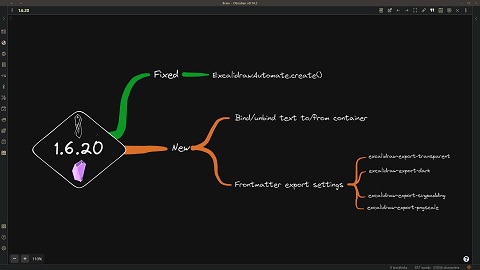 Bind/unbind text from container, Frontmatter tags to customize export
 Custom pen support
 Mobile Support
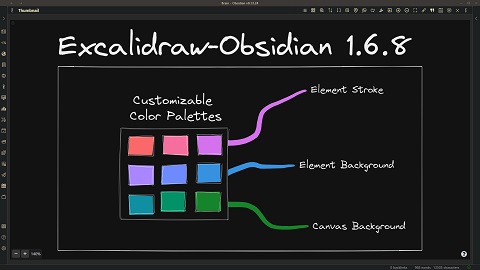 Tray-mode and Customizable Color Palette
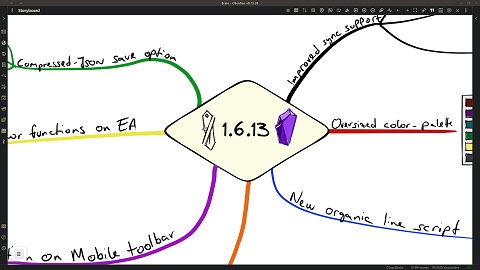 Compressed JSON and improved save/sync support
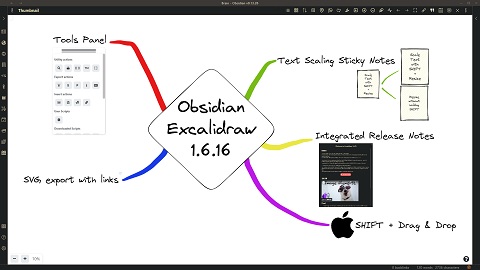 The Obsidian Tools Panel
 Eraser, left-handed mode, improved filename configuration
The plugin follows a monthly release schedule. If you want to receive more frequent updates with new features (e.g. shiny new stuff available on excalidraw.com, but not yet in Obsidian) and minor bug fixes, then join the beta community.
Settings will allow you to customize Excalidraw to your needs. The plugin comes with tons of settings. I tried adding meaningful explanations to these settings, so please be patient and look for the setting, for most requests, a setting already exists.
Plugin settings are grouped into the following sections:
"AppState": {."colorPalette": { at the end of the AppState section.
"canvasBackground":[], "elementBackground":[], "elementStroke": [].#FF0000 for red) in the array for each of the variables."topPicks": { may be specified containing the same three keys:
"canvasBackground":[], "elementBackground":[], "elementStroke": [].If portability is important to you:
excalidraw-autoexport
frontmatter key. Valid values for this key are none, both, 'png', and svg.Specify the default width of embedded drawings.
Compatibility features to auto-export and keep in sync markdown excalidraw files and legacy .excalidraw files.
Experimental feature to add custom TAG to file explorer to mark drawing files.
Enable / disable autosave.
![[image.excalidraw|100]],![[image.excalidraw|100x100]],![[image.excalidraw|100|left]],![[image.excalidraw|right-wrap]], formatting options.![[<filename.excalidraw>|<width>x<height>|<alignment>]].<alignment> will be added to the rendered SVG element style and to the wrapper DIV element.Embed & Export, to automatically insert a PNG or SVG version of the drawing in your document when creating a new file. See type of file to insert into document
Export settings, you can also configure to automatically export a dark and light version of the image, in case your published site supports dark and light modes.
https://zsolt.blog,[Obsidian](https://obsidian.md), and[[My file in vault|Alias]] in drawing text.![[myfile#^blockref]] will convert the drawing into the transcluded text of the block![[myfile#section]] also works, this will transclude the section.![[myfile#^blockref]]{40} will wrap text at 40 characters.Insert LaTeX formulas using the Command Palette action "Insert LaTeX formula". You can edit formulas either in Markdown view or by CTRL/CMD + Click on the formula.
For more details, see this video
# <Section title>)
[[file#^elementID]],group= prefix,
[[file#^group=elementID]] orarea= prefix,
[[file#area=Section heading]].group= prefix is found, Excalidraw will select the group of elements in the
same group as the element referenced by the elementID (block reference) or the section heading.area= prefix is found, Excalidraw will insert a cutout of the image around the referenced element.,padding=N to area=, group=, frame=, and clippedframe= image references to override the exported image padding, e.g. ![[file#^area=elementID,padding=120]]. For area=, the value also controls how far around the referenced element Excalidraw searches for surrounding elements. Use padding=0 for no added margin. This works with both SVG and PNG previews.group= or area= prefix will
transclude the element as plain text. Referencing a non-Text Element (e.g. rectangle,
ellipse, etc.) without the group= or area= prefix will result in an Obsidian error.
since these elementIds are not present in the Excalidraw markdown file as block
references.# Text Elements heading will be ignored by Excalidraw, i.e. you can add whatever you like here, and it will be preserved as part of the document.excalidraw-link-prefix: "📍" preview prefix for internal linksexcalidraw-url-prefix: "🌐" preview prefix for external linksexcalidraw-link-brackets: true|false whether or not to display brackets around links in previewexcalidraw-default-mode: view|zen Open this document in view mode or zen mode by defult. The default view mode is excellent for presentation slides.excalidraw-export-transparent: true: true == Transparent / false == with background.excalidraw-export-dark: true == Dark mode / false == light mode.excalidraw-export-padding: Specify the export padding for the image.excalidraw-export-pngscale: This only affects export to PNG. Specify the export scale for the image. The typical range is between 0.5 and 5, but you can experiment with other values as well.Drag the desired file from the Obsidian file explorer and hold down SHIFT while dropping the file onto the canvas.
Insert markdown file from vaultExcalidrawAutomate.mostRecentMarkdownSVGexcalidraw-font: Virgil|Cascadia|font_file_name.extensionexcalidraw-font-color: css-color-name|#HEXcolor|any-other-html-standard-format,
excalidraw-border-color: css-color-name|#HEXcolor|any-other-html-standard-formatexcalidraw-css: "css-filename|css snippet"[[filename#^blockref|WIDTHxMAXHEIGHT]]Join the conversation about the Excalidraw plugin on forum.obsidian.md
Please head over to GitHub to report a bug or request an enhancement.
If you are enjoying Excalidraw, then please support my work and enthusiasm by buying me a coffee on https://ko-fi/zsolt.
Please also help spread the word by sharing about the Obsidian Excalidraw Plugin on Twitter, Reddit, or any other social media platform you regularly use.
You can find me on Twitter @zsviczian, and on my blog zsolt.blog.

If you enjoy Excalidraw, consider giving ExcaliBrain a try (also available via Obsidian Community Plugins).
(top 24 of 57)
424 followers · starred Oct 2022
385 followers · starred Apr 2026
393 followers · starred Oct 2022
502 followers · starred Jan 2023
A plugin to edit and view Excalidraw drawings in Obsidian
TypeScript
7,712
3,320 commits
updated Oct 12, 2026
【English | 简体中文】
👉👉👉 Check out and contribute to the new Obsidian-Excalidraw Community Wiki
The Obsidian-Excalidraw plugin integrates Excalidraw, a feature rich sketching tool, into Obsidian. You can store and edit Excalidraw files in your vault, you can embed drawings into your documents, and you can link to documents and other drawings to/and from Excalidraw. For a showcase of Excalidraw features watch the videos below.
Excalidraw for Obsidian keeps evolving; it is extremely feature‑rich and can feel intimidating at first. The Video Walkthrough below should ease that initial overwhelm. For a comprehensive, searchable knowledge base covering features, settings, scripting, workflows, and visual thinking methods, explore the public NotebookLM workbook (a must‑have learning resource).
Excalidraw Essentials is a free course to get started with Excalidraw.
If you are curious about the Visual PKM philosophy behind the plugin, consider my book Sketch Your Mind and the Visual Thinking Workshops. To learn about all the different options available and how they fit together, check out the Welcome to the Sketch Your Mind Ecosystem introduction page. Finally, keep the Excalidraw Plugin Wiki and the NotebookLM workbook at hand, those are essential companions.
I treat privacy as a top priority. Apart from the few technical limitations outlined below, Excalidraw is 100% local and runs without network access. Most of the findings published on sites such as obsidianpluginaudit.com, plugin.observer, and community.obsidian.md/plugins can be misleading without proper context.
Obsidian is fundamentally a locally executed web application. Automated code scanners apply the same vulnerability rules used for public-facing websites, even though the risk model inside a local Obsidian vault is very different. For example, patterns such as innerHTML or outerHTML manipulation are considered problematic on public websites because they can expose visitors to malicious third-party content. In a local-first application such as Obsidian, these risks are significantly different in nature and impact.
Excalidraw for Obsidian is a large and feature-rich tool with many integrations and performance optimizations. Below, I explain how the most common findings reported by these scanners are actually used within the plugin.
When evaluating these findings, please keep the following in mind:
Obsidian.md currently does not provide plugin developers with proper mechanisms for deploying local assets such as fonts, auxiliary packages, or official APIs for certain features like Obsidian Publish or PDF generation. As a result, plugin developers sometimes need to rely on workaround solutions such as IPC calls or dynamic code execution (eval) to deliver functionality users expect.
Excalidraw for Obsidian is not maintained by a company or engineering team. It is a one-person hobby project and an open-source contribution developed alongside a full-time job. If you would like to support continued development and improved code quality, the best way is through financial support via Ko-fi. Open-source software is not truly “free.” The cost is usually paid in developer time, personal energy, or by supporters who help sustain the project. I will continue striving to improve the codebase, but expectations around enterprise-grade engineering standards for a free community contribution can easily become unrealistic and unsustainable without corresponding support structures.
In general, I recommend using the minimum number of plugins necessary for your workflow. Personally, I use around 10–15 plugins and disable plugins when not actively needed. This is not because I distrust plugin safety, but because most Obsidian plugins are hobby-driven community projects, and I believe users should maintain realistic expectations regarding maintenance, complexity, and long-term support.
Plugin might make requests to external domains:
ExcalidrawAutomate.printURLsInCodebase()cdn.ko-fi.com.requestUrl and fetch calls:
requestUrl is used to retrieve those images when needed.Excalidraw accesses files in your vault:
.excalidraw files and support conversion workflows.Clipboard access:
Local Storage:
Dynamic Code Execution:
Electron remote module privilege IPC bridge calls:
Document-level keyboard listener:
Direct Node.js file system access allowing access outside the vault:
1 Getting Started 2 Basic shapes and features 3 Grouping elements 4 The stencil-library 5 Embedding 6 Links 7 Markdown 8 Templates 9 Excalidraw Automate 10 Miscellaneous Image Elements LaTex Demo Markdown embeds Markdown embeds advanced features Link to Elements, Vertical text alignment, Markdown Styling Colors - Excalidraw Basics (Custom) Excalidraw color palettes (Custom) "Artistic" Color Gradients Simple rules for beautiful sketches ColorMaster Scripting 6 strategies for linking your visual thoughts v4 Block reference parts of images Link to Elements, Vertical text alignment, Markdown Styling How to guide for the Excalidraw-native hyperlinks Sticky Notes (word wrapping) Fourth Font SVG import OCR Bind/unbind text from container, Frontmatter tags to customize export Custom pen support Mobile Support Tray-mode and Customizable Color Palette Compressed JSON and improved save/sync support The Obsidian Tools Panel Eraser, left-handed mode, improved filename configurationThe plugin follows a monthly release schedule. If you want to receive more frequent updates with new features (e.g. shiny new stuff available on excalidraw.com, but not yet in Obsidian) and minor bug fixes, then join the beta community.
Settings will allow you to customize Excalidraw to your needs. The plugin comes with tons of settings. I tried adding meaningful explanations to these settings, so please be patient and look for the setting, for most requests, a setting already exists.
Plugin settings are grouped into the following sections:
"AppState": {."colorPalette": { at the end of the AppState section.
"canvasBackground":[], "elementBackground":[], "elementStroke": [].#FF0000 for red) in the array for each of the variables."topPicks": { may be specified containing the same three keys:
"canvasBackground":[], "elementBackground":[], "elementStroke": [].If portability is important to you:
excalidraw-autoexport
frontmatter key. Valid values for this key are none, both, 'png', and svg.Specify the default width of embedded drawings.
Compatibility features to auto-export and keep in sync markdown excalidraw files and legacy .excalidraw files.
Experimental feature to add custom TAG to file explorer to mark drawing files.
Enable / disable autosave.
![[image.excalidraw|100]],![[image.excalidraw|100x100]],![[image.excalidraw|100|left]],![[image.excalidraw|right-wrap]], formatting options.![[<filename.excalidraw>|<width>x<height>|<alignment>]].<alignment> will be added to the rendered SVG element style and to the wrapper DIV element.Embed & Export, to automatically insert a PNG or SVG version of the drawing in your document when creating a new file. See type of file to insert into document
Export settings, you can also configure to automatically export a dark and light version of the image, in case your published site supports dark and light modes.
https://zsolt.blog,[Obsidian](https://obsidian.md), and[[My file in vault|Alias]] in drawing text.![[myfile#^blockref]] will convert the drawing into the transcluded text of the block![[myfile#section]] also works, this will transclude the section.![[myfile#^blockref]]{40} will wrap text at 40 characters.Insert LaTeX formulas using the Command Palette action "Insert LaTeX formula". You can edit formulas either in Markdown view or by CTRL/CMD + Click on the formula.
For more details, see this video
# <Section title>)
[[file#^elementID]],group= prefix,
[[file#^group=elementID]] orarea= prefix,
[[file#area=Section heading]].group= prefix is found, Excalidraw will select the group of elements in the
same group as the element referenced by the elementID (block reference) or the section heading.area= prefix is found, Excalidraw will insert a cutout of the image around the referenced element.,padding=N to area=, group=, frame=, and clippedframe= image references to override the exported image padding, e.g. ![[file#^area=elementID,padding=120]]. For area=, the value also controls how far around the referenced element Excalidraw searches for surrounding elements. Use padding=0 for no added margin. This works with both SVG and PNG previews.group= or area= prefix will
transclude the element as plain text. Referencing a non-Text Element (e.g. rectangle,
ellipse, etc.) without the group= or area= prefix will result in an Obsidian error.
since these elementIds are not present in the Excalidraw markdown file as block
references.# Text Elements heading will be ignored by Excalidraw, i.e. you can add whatever you like here, and it will be preserved as part of the document.excalidraw-link-prefix: "📍" preview prefix for internal linksexcalidraw-url-prefix: "🌐" preview prefix for external linksexcalidraw-link-brackets: true|false whether or not to display brackets around links in previewexcalidraw-default-mode: view|zen Open this document in view mode or zen mode by defult. The default view mode is excellent for presentation slides.excalidraw-export-transparent: true: true == Transparent / false == with background.excalidraw-export-dark: true == Dark mode / false == light mode.excalidraw-export-padding: Specify the export padding for the image.excalidraw-export-pngscale: This only affects export to PNG. Specify the export scale for the image. The typical range is between 0.5 and 5, but you can experiment with other values as well.Drag the desired file from the Obsidian file explorer and hold down SHIFT while dropping the file onto the canvas.
Insert markdown file from vaultExcalidrawAutomate.mostRecentMarkdownSVGexcalidraw-font: Virgil|Cascadia|font_file_name.extensionexcalidraw-font-color: css-color-name|#HEXcolor|any-other-html-standard-format,
excalidraw-border-color: css-color-name|#HEXcolor|any-other-html-standard-formatexcalidraw-css: "css-filename|css snippet"[[filename#^blockref|WIDTHxMAXHEIGHT]]Join the conversation about the Excalidraw plugin on forum.obsidian.md
Please head over to GitHub to report a bug or request an enhancement.
If you are enjoying Excalidraw, then please support my work and enthusiasm by buying me a coffee on https://ko-fi/zsolt.
Please also help spread the word by sharing about the Obsidian Excalidraw Plugin on Twitter, Reddit, or any other social media platform you regularly use.
You can find me on Twitter @zsviczian, and on my blog zsolt.blog.
If you enjoy Excalidraw, consider giving ExcaliBrain a try (also available via Obsidian Community Plugins).
(top 24 of 57)
424 followers · starred Oct 2022
385 followers · starred Apr 2026
393 followers · starred Oct 2022
502 followers · starred Jan 2023


 Introducing the Script Engine
 Script Engine Store


