GitHub CLI extension to preview Markdown looks like GitHub.
Go
897
88 commits
updated Oct 13, 2026
GitHub CLI extension to preview Markdown looks like GitHub :octocat:
gh markdown-preview is a GitHub CLI extension to preview your markdown such as README.md. The gh markdown-preview command start a local web server to serve the markdown document. gh markdown-preview renders the HTML got from GitHub official markdown API and uses the CSS extracted from GitHub web site. The styles are almost the same!
You can see rendered README before uploading to GitHub!
gh command only.Open your browser:
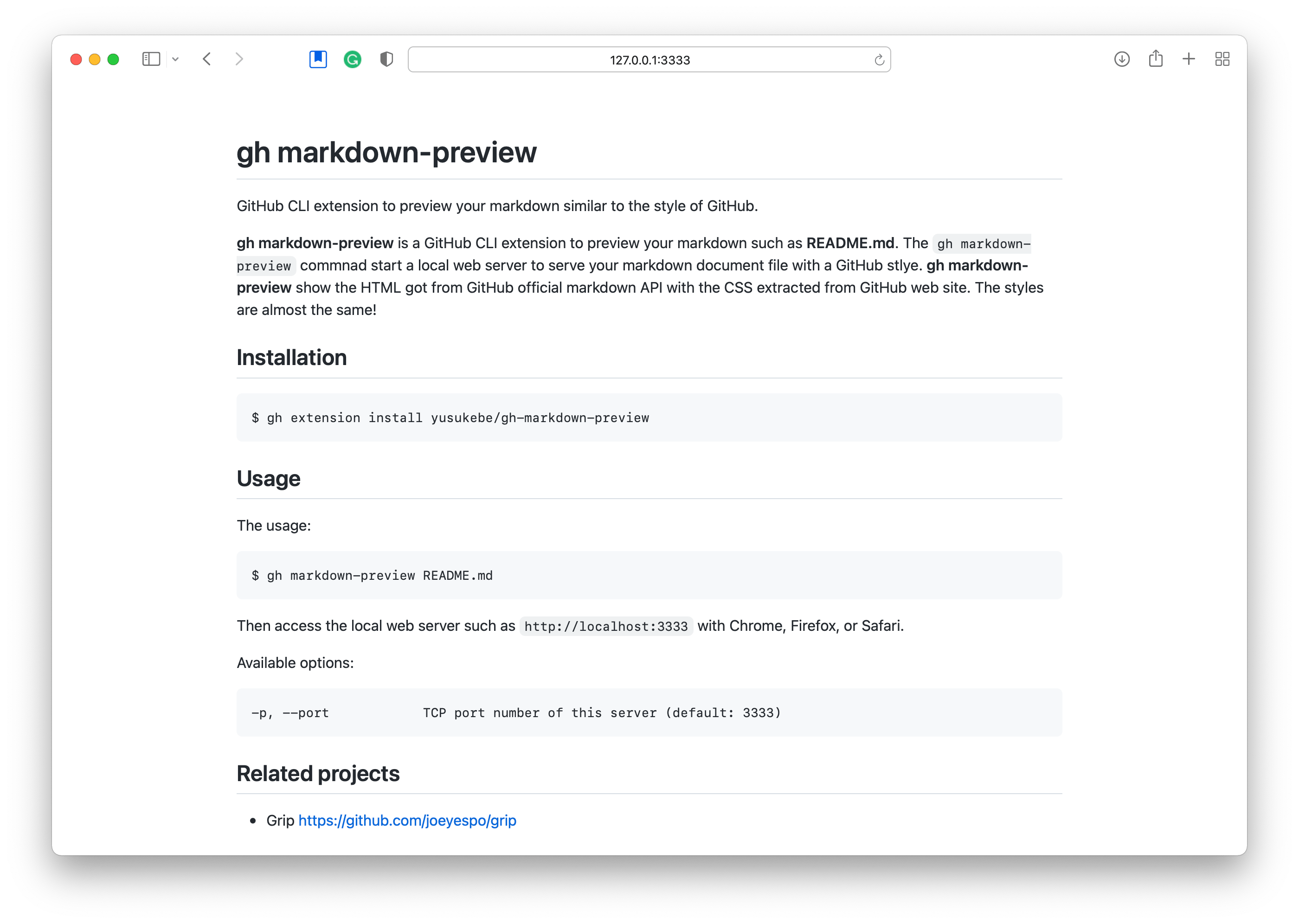
Live reloading:

gh extension install yusukebe/gh-markdown-preview
Upgrade:
gh extension upgrade markdown-preview
The usage:
gh markdown-preview README.md
Or this command will detect README file in the directory automatically.
gh markdown-preview
You can also preview Markdown from stdin by piping or using -:
echo "# Hello" | gh markdown-preview
cat README.md | gh markdown-preview
gh markdown-preview - < README.md
Then access the local web server such as http://localhost:3333 with Chrome, Firefox, or Safari.
Available options:
    --dark-mode           Force dark mode
    --markdown-mode       Force "markdown" mode (rather than default "gfm")
    --disable-auto-open   Disable auto opening your browser
    --disable-reload      Disable live reloading
-h, --help                help for gh-markdown-preview
    --host string         Hostname this server will bind (default "localhost")
    --light-mode          Force light mode
-p, --port int            TCP port number of this server (default 3333)
    --verbose             Show verbose output
    --version             Show the version
Yusuke Wada http://github.com/yusukebe
Distributed under the MIT License.
Latest release
Releases this year
10,624 followers · starred Oct 2025
671 followers · starred Apr 2025
289 followers · starred Oct 2025
843 followers · starred May 2023
GitHub CLI extension to preview Markdown looks like GitHub.
Go
897
88 commits
updated Oct 13, 2026
GitHub CLI extension to preview Markdown looks like GitHub :octocat:
gh markdown-preview is a GitHub CLI extension to preview your markdown such as README.md. The gh markdown-preview command start a local web server to serve the markdown document. gh markdown-preview renders the HTML got from GitHub official markdown API and uses the CSS extracted from GitHub web site. The styles are almost the same!
You can see rendered README before uploading to GitHub!
gh command only.Open your browser:
Live reloading:
gh extension install yusukebe/gh-markdown-preview
Upgrade:
gh extension upgrade markdown-preview
The usage:
gh markdown-preview README.md
Or this command will detect README file in the directory automatically.
gh markdown-preview
You can also preview Markdown from stdin by piping or using -:
echo "# Hello" | gh markdown-preview
cat README.md | gh markdown-preview
gh markdown-preview - < README.md
Then access the local web server such as http://localhost:3333 with Chrome, Firefox, or Safari.
Available options:
    --dark-mode           Force dark mode
    --markdown-mode       Force "markdown" mode (rather than default "gfm")
    --disable-auto-open   Disable auto opening your browser
    --disable-reload      Disable live reloading
-h, --help                help for gh-markdown-preview
    --host string         Hostname this server will bind (default "localhost")
    --light-mode          Force light mode
-p, --port int            TCP port number of this server (default 3333)
    --verbose             Show verbose output
    --version             Show the version
Yusuke Wada http://github.com/yusukebe
Distributed under the MIT License.
Latest release
Releases this year
10,624 followers · starred Oct 2025
671 followers · starred Apr 2025
289 followers · starred Oct 2025
843 followers · starred May 2023