Convert research PDFs to structured XML with Sci2XML, extracting text from graphical elements and non-text components, with multiple interface support.
Jupyter Notebook
4
348 commits
updated Nov 11, 2025


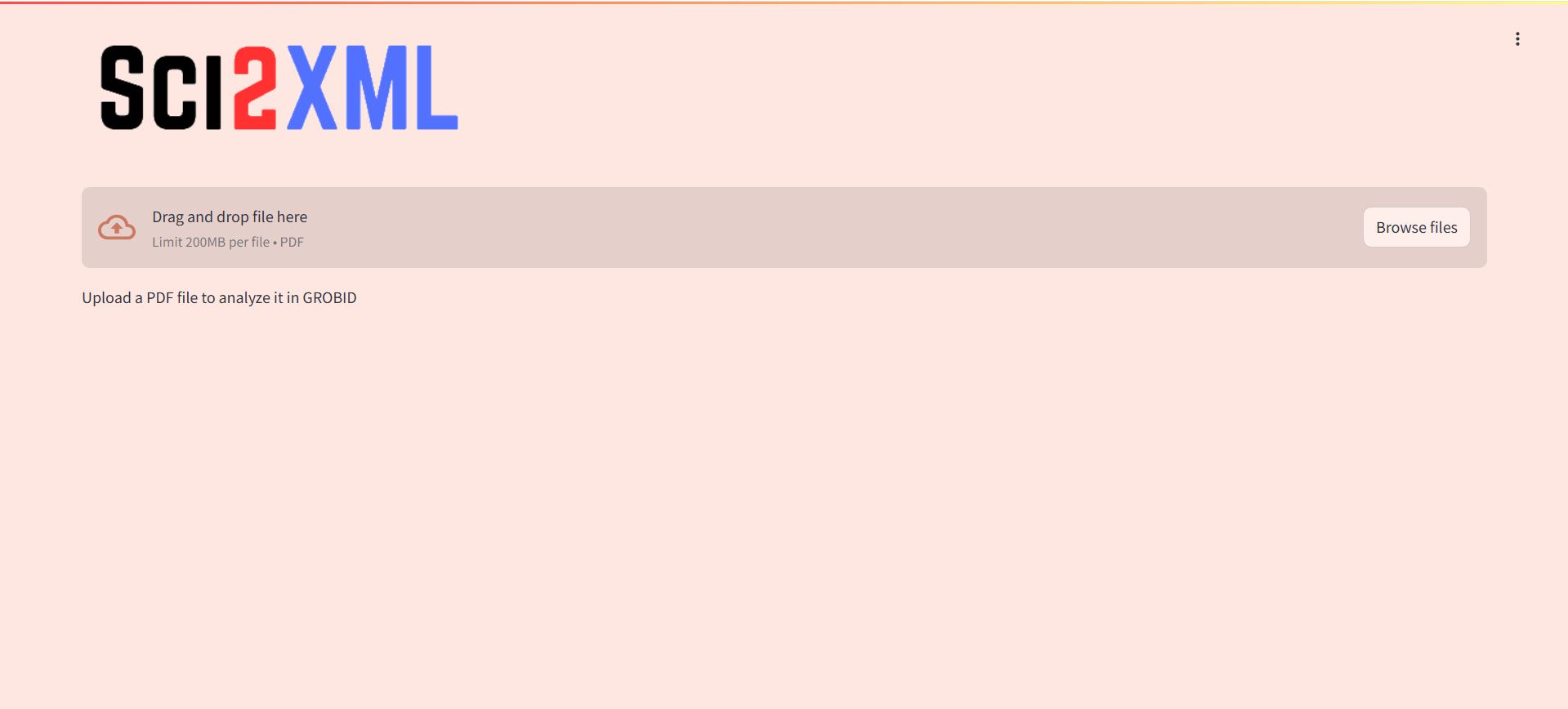
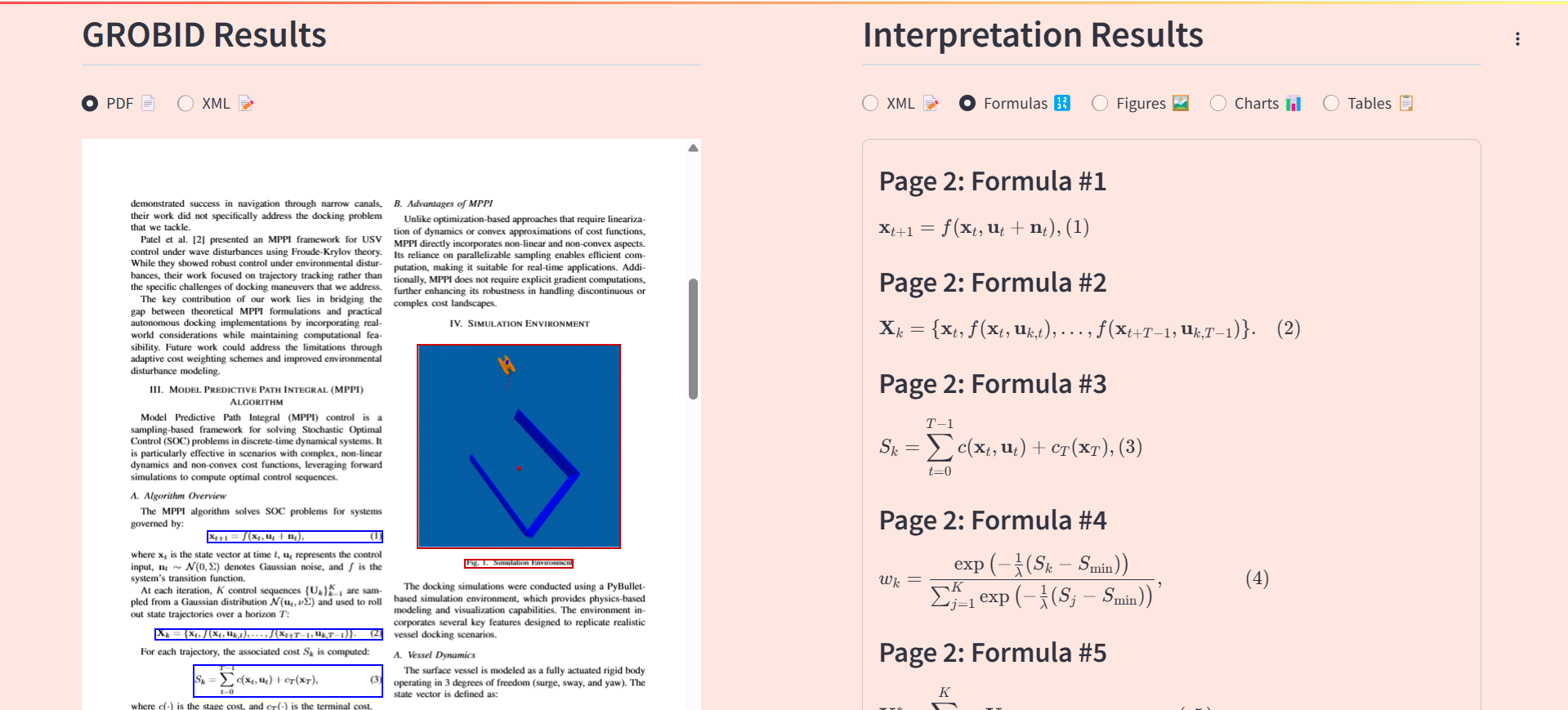
This repository provides a pipeline for converting research PDFs into structured XML using GROBID, a custom classification model, and specialized OCR tools. It supports multiple execution modes: Streamlit UI and terminal.
Developed as part of our bachelor’s project in collaboration with SINTEF for the enRichMyData initiative.
Runtime > Change runtime type > GPU (T4)git clone https://github.com/younes2808/Sci2XML.git
python Sci2XML/app/launch.py --authtoken YOUR_AUTHTOKEN
Wait 5 to 10 minutes for the models and dependencies (like GROBID) to load.
After launch, you will receive a public ngrok URL. You can open it to access the interface.
Note: If you see an error about model loading, wait 10 minutes and try again. This can happen due to Hugging Face connection issues.
python Sci2XML/app/run_pipeline.py --authtoken YOUR_AUTHTOKEN --nl_formula True/False(Default set to False)
Wait 5 to 10 minutes for setup
Once ready, an interactive CLI will appear.
Available commands:
pdf: Process a single PDF (you'll be prompted for file path and output XML name)

folder: Process all PDFs in a directory

exit: Quit the CLI
Note for Google Colab users: Press Enter when the CLI asks for input to create a newline. This is the only way for input to be recognised in Colab.
We want to thank the developers and contributors of pdfplumber, GROBID, Sumen, Moondream, and UniChart for their invaluable tools and contributions to document processing. This project would not have been possible without their dedication to open-source innovation. Thank you!
Convert research PDFs to structured XML with Sci2XML, extracting text from graphical elements and non-text components, with multiple interface support.
Jupyter Notebook
4
348 commits
updated Nov 11, 2025
This repository provides a pipeline for converting research PDFs into structured XML using GROBID, a custom classification model, and specialized OCR tools. It supports multiple execution modes: Streamlit UI and terminal.
Developed as part of our bachelor’s project in collaboration with SINTEF for the enRichMyData initiative.
Runtime > Change runtime type > GPU (T4)git clone https://github.com/younes2808/Sci2XML.git
python Sci2XML/app/launch.py --authtoken YOUR_AUTHTOKEN
Wait 5 to 10 minutes for the models and dependencies (like GROBID) to load.
After launch, you will receive a public ngrok URL. You can open it to access the interface.
Note: If you see an error about model loading, wait 10 minutes and try again. This can happen due to Hugging Face connection issues.
python Sci2XML/app/run_pipeline.py --authtoken YOUR_AUTHTOKEN --nl_formula True/False(Default set to False)
Wait 5 to 10 minutes for setup
Once ready, an interactive CLI will appear.
Available commands:
pdf: Process a single PDF (you'll be prompted for file path and output XML name)

folder: Process all PDFs in a directory

exit: Quit the CLI
Note for Google Colab users: Press Enter when the CLI asks for input to create a newline. This is the only way for input to be recognised in Colab.
We want to thank the developers and contributors of pdfplumber, GROBID, Sumen, Moondream, and UniChart for their invaluable tools and contributions to document processing. This project would not have been possible without their dedication to open-source innovation. Thank you!



