Download all your kindle books script.
If you encounter the error AttributeError: 'NoneType' object has no attribute 'url', please refer to:
https://github.com/yihong0618/Kindle_download_helper/issues/155#issuecomment-1928677849
pip3 install -r requirements.txt
python no_kindle.py -e ${email} -p ${password}

# To download push books
python no_kindle.py -e ${email} -p ${password} --pdoc

# !!!!!! Amazon has taken down the China web storefront.
# You can generate the purchase records and notes of all your e-books for data analysis
python no_kindle.py -e ${email} -p ${password} --memory

# Supports exporting all bookmarks and reading information (Clipping data) #153
python no_kindle.py -e ${email} -p ${password} --bookmark
Go to the Release page, download the binary file for your system and extract it.
python3 --version # check python version
pip3 install kindle_download # install via pip
git clone https://github.com/yihong0618/Kindle_download_helper.git && cd Kindle_download_helper
pip3 install -r requirements.txt
python kindle.py -h # view usage parameters

usage: kindle.py [-h] [--cookie COOKIE | --cookie-file COOKIE_FILE] [--cn] [--jp] [--de] [--uk] [--resume-from INDEX] [--cut-length CUT_LENGTH] [-o OUTDIR] [-od OUTDEDRMDIR] [-s SESSION_FILE] [--pdoc]
                 [--resolve_duplicate_names] [--readme] [--dedrm] [--list] [--device_sn DEVICE_SN] [--mode MODE]
                 [csrf_token]

positional arguments:
  csrf_token            amazon or amazon cn csrf token

optional arguments:
  -h, --help            show this help message and exit
  --cookie COOKIE       amazon or amazon cn cookie
  --cookie-file COOKIE_FILE
                        load cookie local file
  --cn                  if your account is an amazon.cn account
  --jp                  if your account is an amazon.co.jp account
  --de                  if your account is an amazon.de account
  --uk                  if your account is an amazon.co.uk account
  --resume-from INDEX   resume from the index if download failed
  --cut-length CUT_LENGTH
                        truncate the file name
  -o OUTDIR, --outdir OUTDIR
                        download output dir
  -od OUTDEDRMDIR, --outdedrmdir OUTDEDRMDIR
                        download output dedrm dir
  -s SESSION_FILE, --session-file SESSION_FILE
                        The reusable session dump file
  --pdoc                to download personal documents or ebook
  --resolve_duplicate_names
                        Resolve duplicate names files to download
  --readme              If you want to generate kindle readme stats
  --dedrm               If you want to `dedrm` directly
  --list                just list books/pdoc, not to download
  --device_sn DEVICE_SN
                        Download file for device with this serial number
  --mode MODE           Mode of download, all : download all files at once, sel: download selected files
Try to automatically retrieve cookie and csrfToken for download
python3 kindle.py --dedrm --cn ## --dedrm to remove DRM
(Recommended) Manually enter cookie and csrfToken for download
python3 kindle.py ${csrfToken} --cookie ${cookie} --dedrm --cn  # Download China-market books and remove DRM
python3 kindle.py ${csrfToken} --cookie ${cookie} --dedrm # Download US-market books
By default, all files are downloaded. To manually select which books to download, execute:
python3 kindle.py --mode sel # or "python3 kindle.py --pdoc --mode sel" for personal documents
After retrieving the book list, the program will prompt:
Input the index of books you want to download, split by space (q to quit, l to list books).
To quit, type "q" and press Enter; type "l" and press Enter to re-display the book list. To download books, input the corresponding indices (e.g., 7 10 20):
7 10 20
Indices can also be specified with ranges, for example:
4 5 10:12 15
This downloads books 4, 5, 10, 11, 12, and 15.
If the cookie is reported as invalid by default, you can manually input it.
On the all books page, open the browser's developer tools (F12), go to the Network panel, locate any ajax request, and copy the Cookie from its request headers. The csrfToken can also be found in the Payload.
Then run:
python3 kindle.py --cn --cookie ${cookie}
You can also save the cookie to a text file and run python3 kindle.py --cookie-file ${cookie_file} to download books.
If the process fails to obtain the CSRF token, you can manually input it.
The csrfToken can be found in the page source on the all books page. Right-click, view the page source, and search for csrfToken to copy its value. Then run:
# CSRF Token
python3 kindle.py --cn ${csrfToken}
# Both cookie and CSRF Token
python3 kindle.py --cn --cookie ${cookie} ${csrfToken}
If you are running on your local machine, the project can use the browser-cookie3 library to automatically retrieve cookies from your browser.
amazon.cncsrfToken, then copy its valuepython3 kindle.py --cnpython3 kindle.py --cn --pdocpython3 kindle.py --cn --pdoc --dedrmamazon.comcsrfToken and copy its valuepython3 kindle.pypython3 kindle.py --pdocamazon.decsrfToken and copy its valuepython3 kindle.py --depython3 kindle.py --de --pdocamazon.co.ukcsrfToken and copy its valuepython3 kindle.py --ukpython3 kindle.py --uk --pdocamazon.jpcsrfToken, and copy its valuepython3 kindle.py --jppython3 kindle.py --jp --pdocDOWNLOADS directory in the current working directory; downloaded books will be stored there.--dedrm; processed files are saved in the DEDRMS folder.--resume-from ${num}--cut-length 70 to truncate it.--pdoc.--resolve_duplicate_names to resolve conflicts.--readme; the file is generated as my_kindle_stats.md.--dedrm; the output files are placed in DEDRMS.dedrm.py is used to decrypt downloaded e-book files independently, outputting both azw and epub formats by default.# For the latter three parameters, only specify if necessary. Usage: python3 dedrm.py <source_directory> <target_directory> <key> <output_format>
# For example, to decrypt files in the "ebook" directory and generate dedrm files in epub format only:
$ python3 dedrm.py ebook DeDRMed "key_string_from_key.txt" epub
DOWNLOADS directory in the working directory. Books are downloaded there.--resume-from ${num}--cut-length 70 to truncate them.--pdoc--resolve_duplicate_names to resolve conflicts with duplicate names.--readme, which outputs to my_kindle_stats.md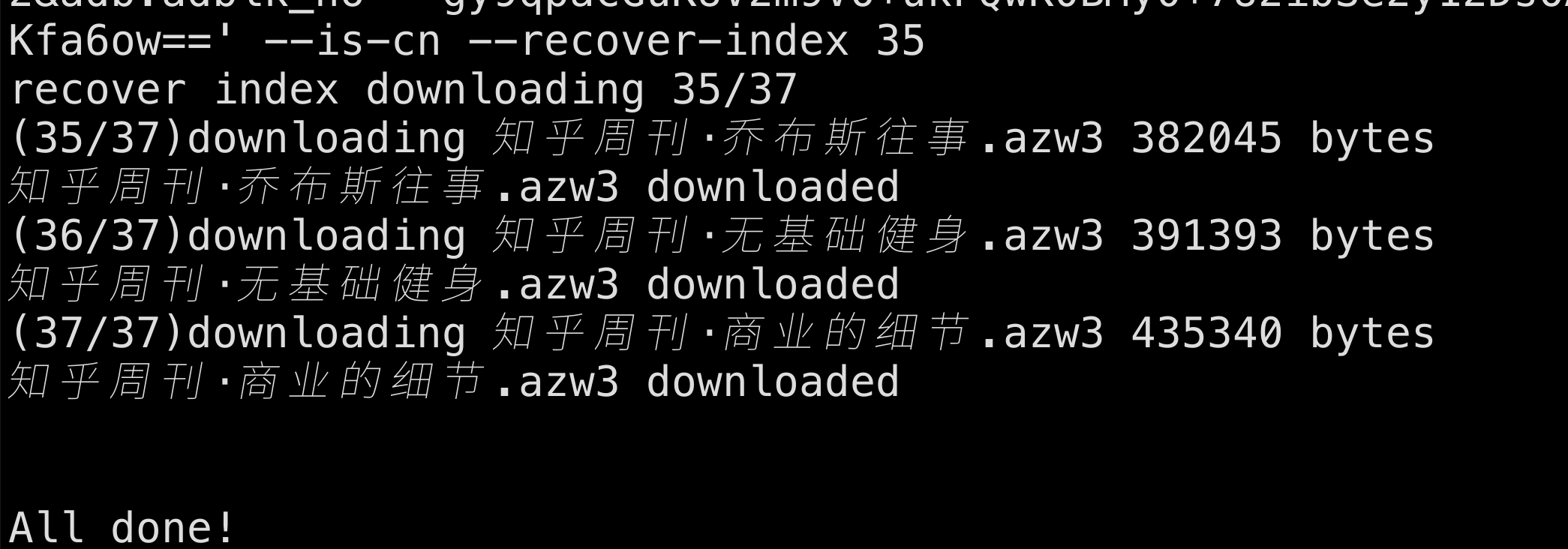
black kindle.py kindle_gui.pyThank you is enough
552 followers · starred Jun 2024
8,410 followers · starred Jul 2023
434 followers · starred Dec 2022
622 followers · starred Jun 2022
Download all your kindle books script.
If you encounter the error AttributeError: 'NoneType' object has no attribute 'url', please refer to:
https://github.com/yihong0618/Kindle_download_helper/issues/155#issuecomment-1928677849
pip3 install -r requirements.txt
python no_kindle.py -e ${email} -p ${password}

# To download push books
python no_kindle.py -e ${email} -p ${password} --pdoc

# !!!!!! Amazon has taken down the China web storefront.
# You can generate the purchase records and notes of all your e-books for data analysis
python no_kindle.py -e ${email} -p ${password} --memory

# Supports exporting all bookmarks and reading information (Clipping data) #153
python no_kindle.py -e ${email} -p ${password} --bookmark
Go to the Release page, download the binary file for your system and extract it.
python3 --version # check python version
pip3 install kindle_download # install via pip
git clone https://github.com/yihong0618/Kindle_download_helper.git && cd Kindle_download_helper
pip3 install -r requirements.txt
python kindle.py -h # view usage parameters

usage: kindle.py [-h] [--cookie COOKIE | --cookie-file COOKIE_FILE] [--cn] [--jp] [--de] [--uk] [--resume-from INDEX] [--cut-length CUT_LENGTH] [-o OUTDIR] [-od OUTDEDRMDIR] [-s SESSION_FILE] [--pdoc]
                 [--resolve_duplicate_names] [--readme] [--dedrm] [--list] [--device_sn DEVICE_SN] [--mode MODE]
                 [csrf_token]

positional arguments:
  csrf_token            amazon or amazon cn csrf token

optional arguments:
  -h, --help            show this help message and exit
  --cookie COOKIE       amazon or amazon cn cookie
  --cookie-file COOKIE_FILE
                        load cookie local file
  --cn                  if your account is an amazon.cn account
  --jp                  if your account is an amazon.co.jp account
  --de                  if your account is an amazon.de account
  --uk                  if your account is an amazon.co.uk account
  --resume-from INDEX   resume from the index if download failed
  --cut-length CUT_LENGTH
                        truncate the file name
  -o OUTDIR, --outdir OUTDIR
                        download output dir
  -od OUTDEDRMDIR, --outdedrmdir OUTDEDRMDIR
                        download output dedrm dir
  -s SESSION_FILE, --session-file SESSION_FILE
                        The reusable session dump file
  --pdoc                to download personal documents or ebook
  --resolve_duplicate_names
                        Resolve duplicate names files to download
  --readme              If you want to generate kindle readme stats
  --dedrm               If you want to `dedrm` directly
  --list                just list books/pdoc, not to download
  --device_sn DEVICE_SN
                        Download file for device with this serial number
  --mode MODE           Mode of download, all : download all files at once, sel: download selected files
Try to automatically retrieve cookie and csrfToken for download
python3 kindle.py --dedrm --cn ## --dedrm to remove DRM
(Recommended) Manually enter cookie and csrfToken for download
python3 kindle.py ${csrfToken} --cookie ${cookie} --dedrm --cn  # Download China-market books and remove DRM
python3 kindle.py ${csrfToken} --cookie ${cookie} --dedrm # Download US-market books
By default, all files are downloaded. To manually select which books to download, execute:
python3 kindle.py --mode sel # or "python3 kindle.py --pdoc --mode sel" for personal documents
After retrieving the book list, the program will prompt:
Input the index of books you want to download, split by space (q to quit, l to list books).
To quit, type "q" and press Enter; type "l" and press Enter to re-display the book list. To download books, input the corresponding indices (e.g., 7 10 20):
7 10 20
Indices can also be specified with ranges, for example:
4 5 10:12 15
This downloads books 4, 5, 10, 11, 12, and 15.
If the cookie is reported as invalid by default, you can manually input it.
On the all books page, open the browser's developer tools (F12), go to the Network panel, locate any ajax request, and copy the Cookie from its request headers. The csrfToken can also be found in the Payload.
Then run:
python3 kindle.py --cn --cookie ${cookie}
You can also save the cookie to a text file and run python3 kindle.py --cookie-file ${cookie_file} to download books.
If the process fails to obtain the CSRF token, you can manually input it.
The csrfToken can be found in the page source on the all books page. Right-click, view the page source, and search for csrfToken to copy its value. Then run:
# CSRF Token
python3 kindle.py --cn ${csrfToken}
# Both cookie and CSRF Token
python3 kindle.py --cn --cookie ${cookie} ${csrfToken}
If you are running on your local machine, the project can use the browser-cookie3 library to automatically retrieve cookies from your browser.
amazon.cncsrfToken, then copy its valuepython3 kindle.py --cnpython3 kindle.py --cn --pdocpython3 kindle.py --cn --pdoc --dedrmamazon.comcsrfToken and copy its valuepython3 kindle.pypython3 kindle.py --pdocamazon.decsrfToken and copy its valuepython3 kindle.py --depython3 kindle.py --de --pdocamazon.co.ukcsrfToken and copy its valuepython3 kindle.py --ukpython3 kindle.py --uk --pdocamazon.jpcsrfToken, and copy its valuepython3 kindle.py --jppython3 kindle.py --jp --pdocDOWNLOADS directory in the current working directory; downloaded books will be stored there.--dedrm; processed files are saved in the DEDRMS folder.--resume-from ${num}--cut-length 70 to truncate it.--pdoc.--resolve_duplicate_names to resolve conflicts.--readme; the file is generated as my_kindle_stats.md.--dedrm; the output files are placed in DEDRMS.dedrm.py is used to decrypt downloaded e-book files independently, outputting both azw and epub formats by default.# For the latter three parameters, only specify if necessary. Usage: python3 dedrm.py <source_directory> <target_directory> <key> <output_format>
# For example, to decrypt files in the "ebook" directory and generate dedrm files in epub format only:
$ python3 dedrm.py ebook DeDRMed "key_string_from_key.txt" epub
DOWNLOADS directory in the working directory. Books are downloaded there.--resume-from ${num}--cut-length 70 to truncate them.--pdoc--resolve_duplicate_names to resolve conflicts with duplicate names.--readme, which outputs to my_kindle_stats.md
black kindle.py kindle_gui.pyThank you is enough
552 followers · starred Jun 2024
8,410 followers · starred Jul 2023
434 followers · starred Dec 2022
622 followers · starred Jun 2022