🖥 A feature rich terminal UI file transfer and explorer with support for SCP/SFTP/FTP/S3/SMB/WebDAV
See the code

~ A feature rich terminal file transfer ~
Website · Installation · User manual

Developed by @veeso





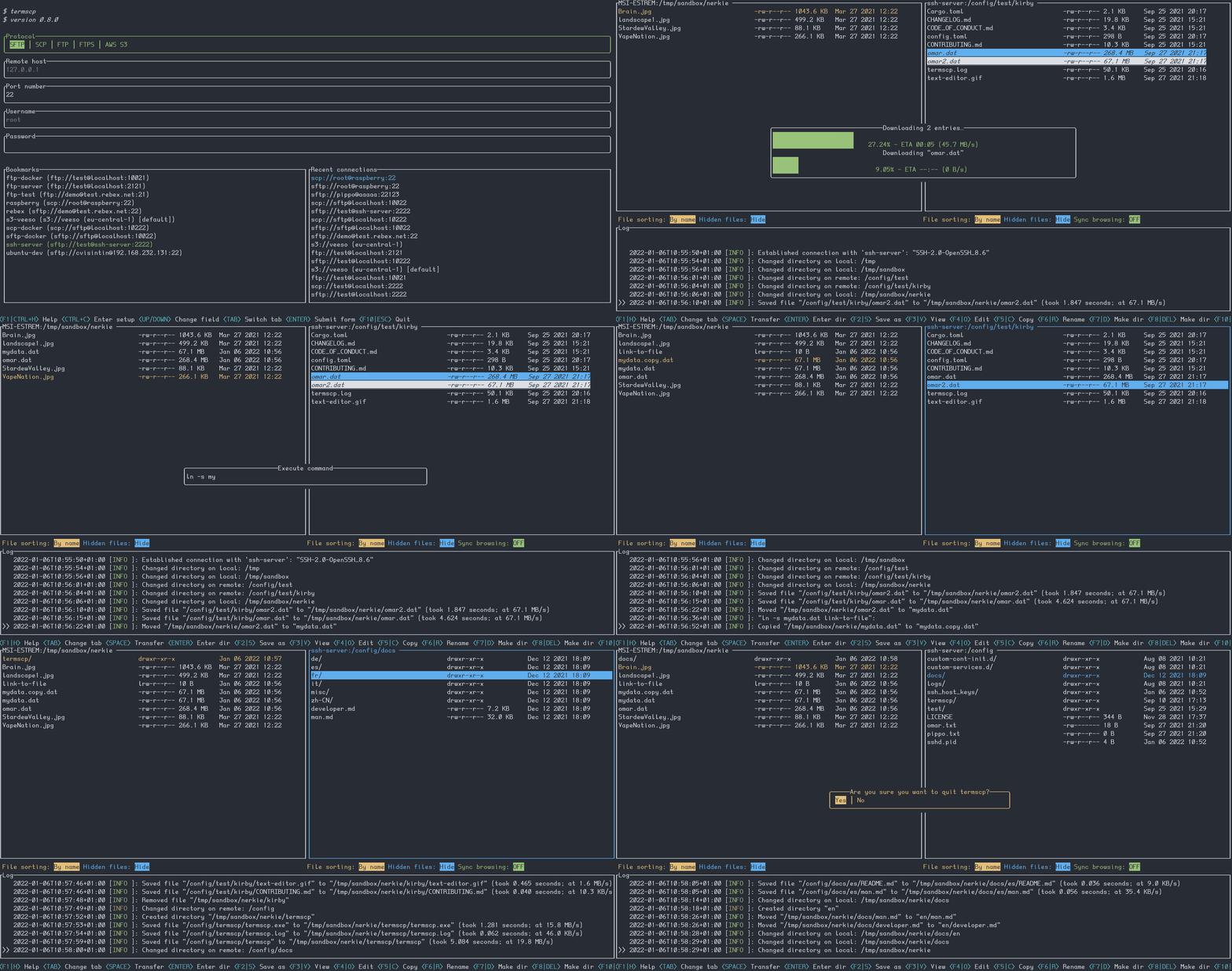
Termscp is a feature rich terminal file transfer and explorer, with support for SCP/SFTP/FTP/Kube/S3/Google Cloud Storage (GCS)/WebDAV. So basically is a terminal utility with an TUI to connect to a remote server to retrieve and upload files and to interact with the local file system. It is Linux, MacOS, FreeBSD, NetBSD and Windows compatible.
If you're considering to install termscp I want to thank you 💜 ! I hope you will enjoy termscp!
If you want to contribute to this project, don't forget to check out our contribute guide.
If you are a Linux, a FreeBSD or a MacOS user this simple shell script will install termscp on your system with a single command:
curl --proto '=https' --tlsv1.2 -sSLf https://termscp.rs/install.sh | sh
❗ MacOs installation requires Homebrew, otherwise the Rust compiler will be installed
if you're a Windows user, you can install termscp from PowerShell with a single command:
irm https://termscp.rs/install.ps1 | iex
or, alternatively, with Chocolatey:
choco install termscp
NetBSD users can install termscp from the official repositories.
pkgin install termscp
Arch Linux users can install termscp from the official repositories.
pacman -S termscp
For more information or other platforms, please visit termscp.rs to view all installation methods.
⚠️ If you're looking on how to update termscp just run termscp from CLI with: (sudo) termscp update ⚠️
The official Linux binaries and .deb packages are statically linked against
musl and have no runtime requirements: they run on any distribution and
any glibc version.
These are only required to build termscp from source:
These requirements are not forced required to run termscp, but to enjoy all of its features
V (at least one of these)
V (at least one of these)
The user manual can be found on termscp's documentation website.
See Milestones
Contributions, bug reports, new features and questions are welcome! 😉 If you have any question or concern, or you want to suggest a new feature, or you want just want to improve termscp, feel free to open an issue or a PR.
An appreciated contribution would be a translation of the user manual and readme in other languages
Please follow our contributing guidelines
View termscp's changelog HERE
termscp is powered by these awesome projects:
Termscp Home
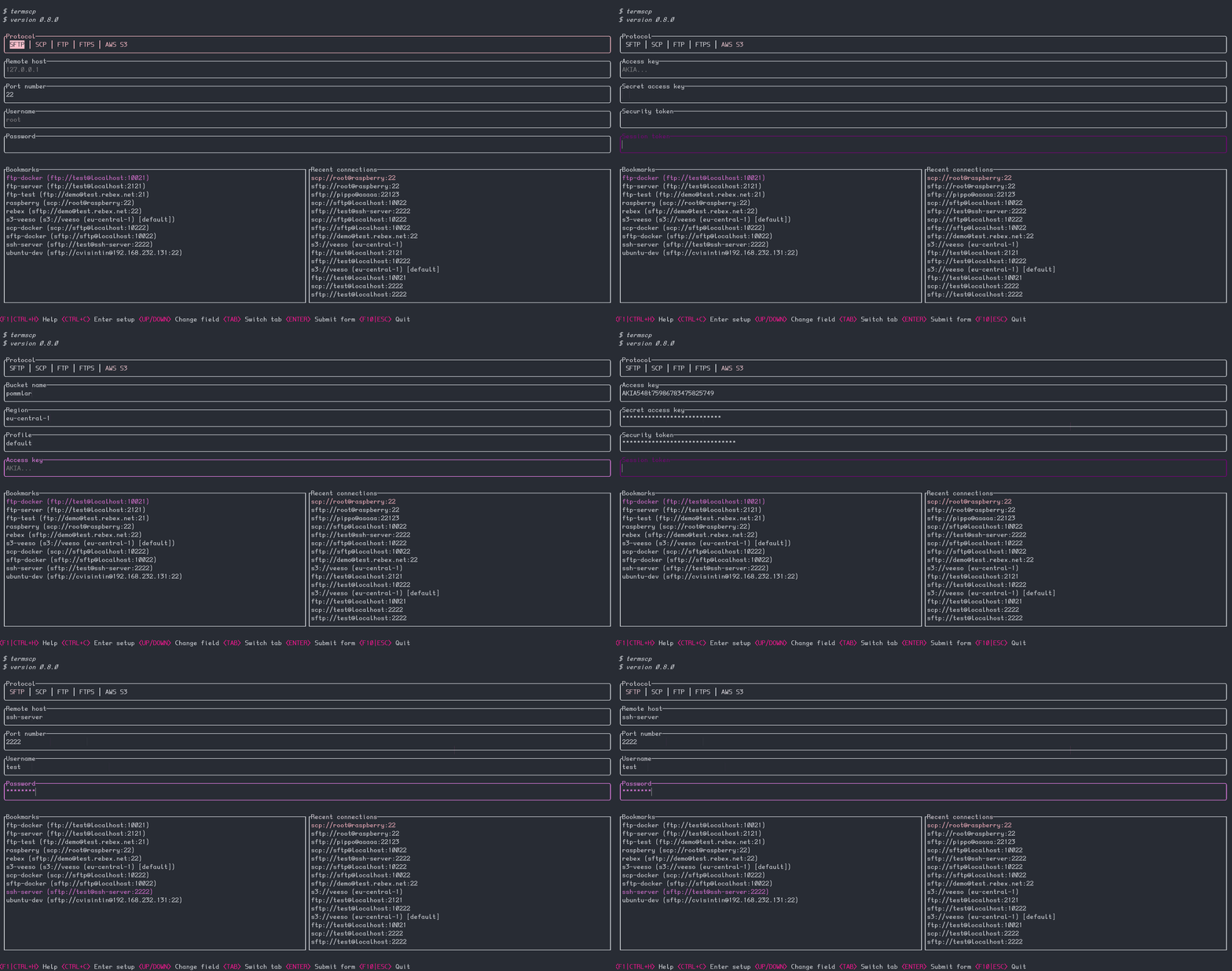
Bookmarks
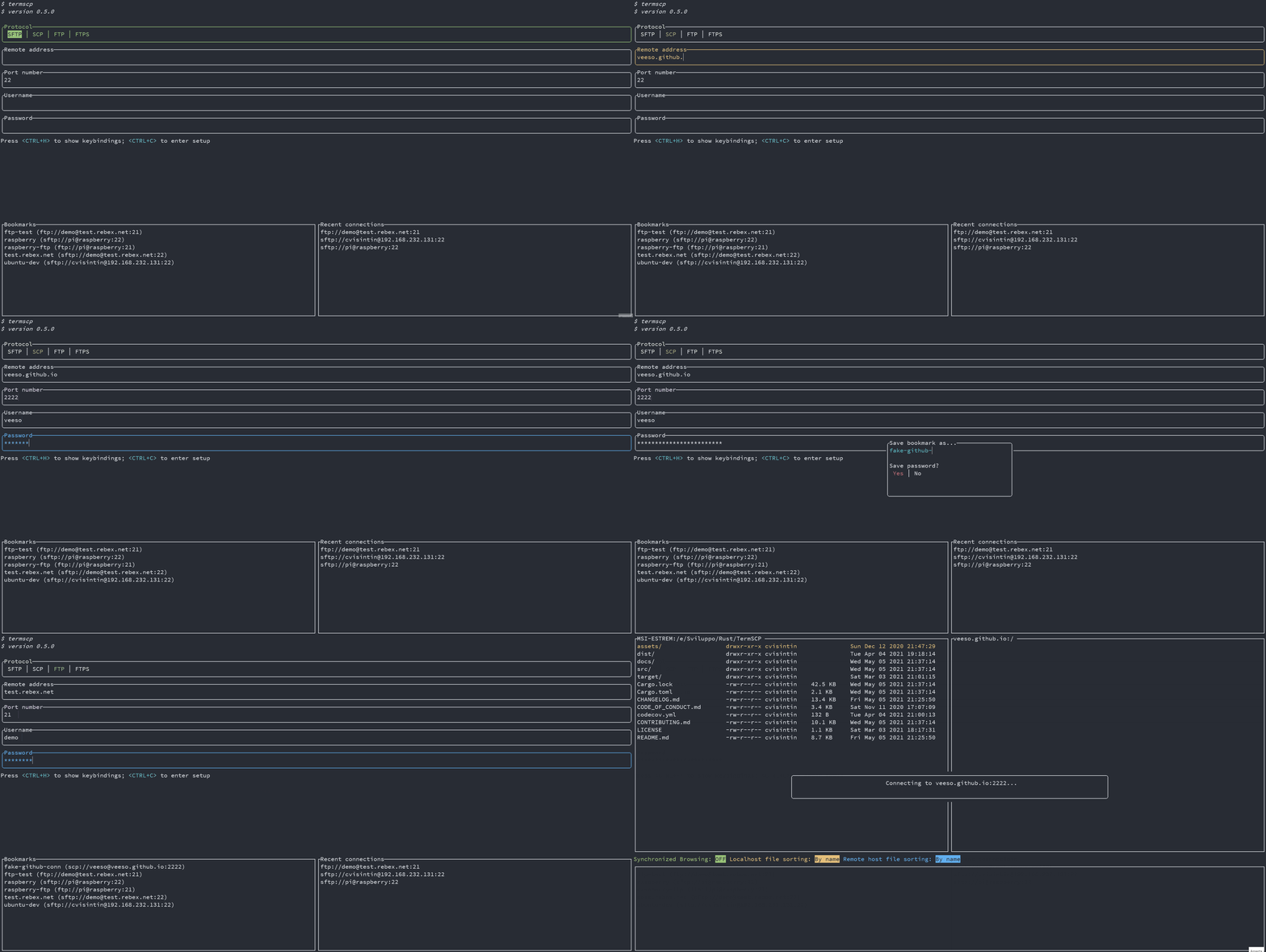
Setup
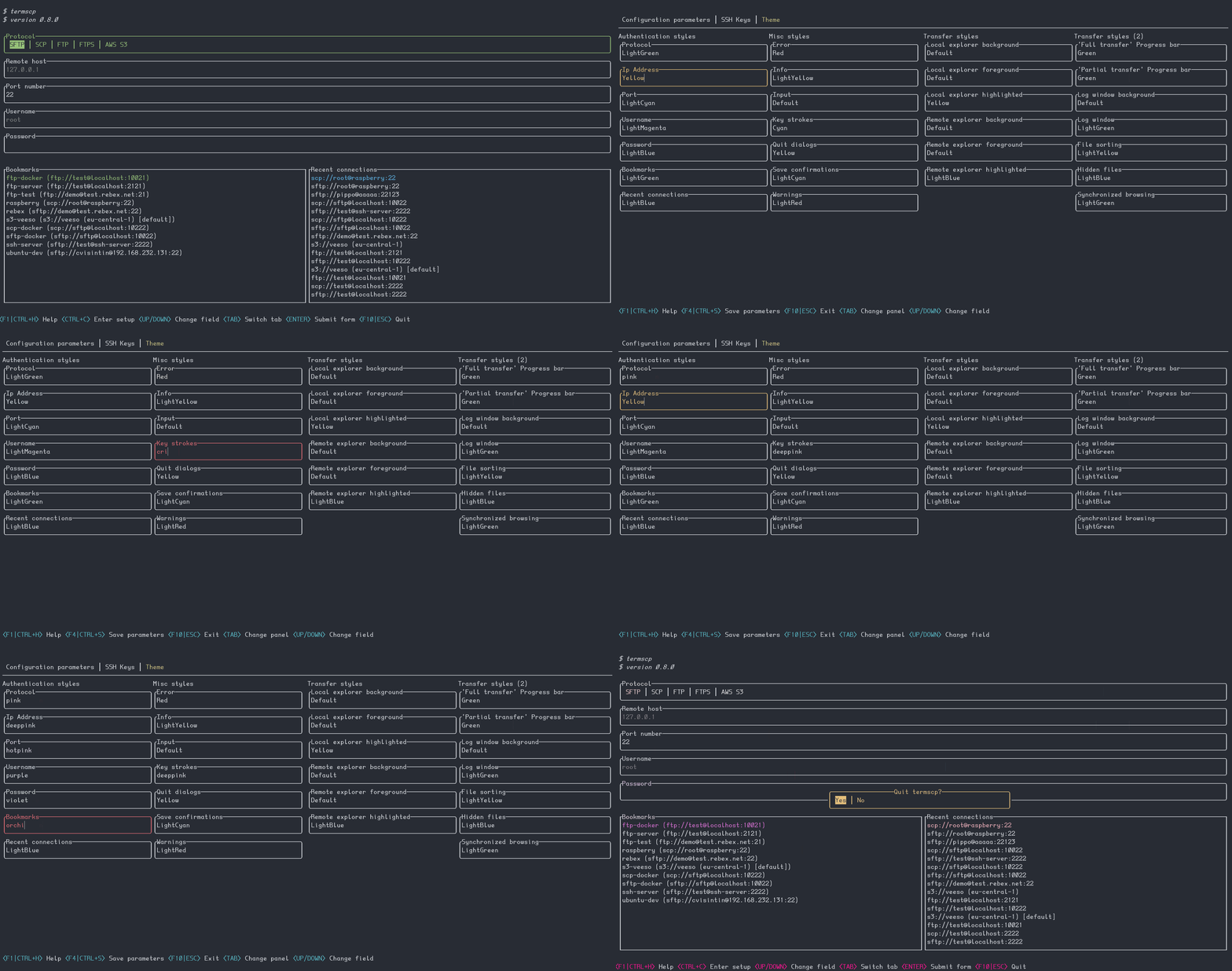
Text editor
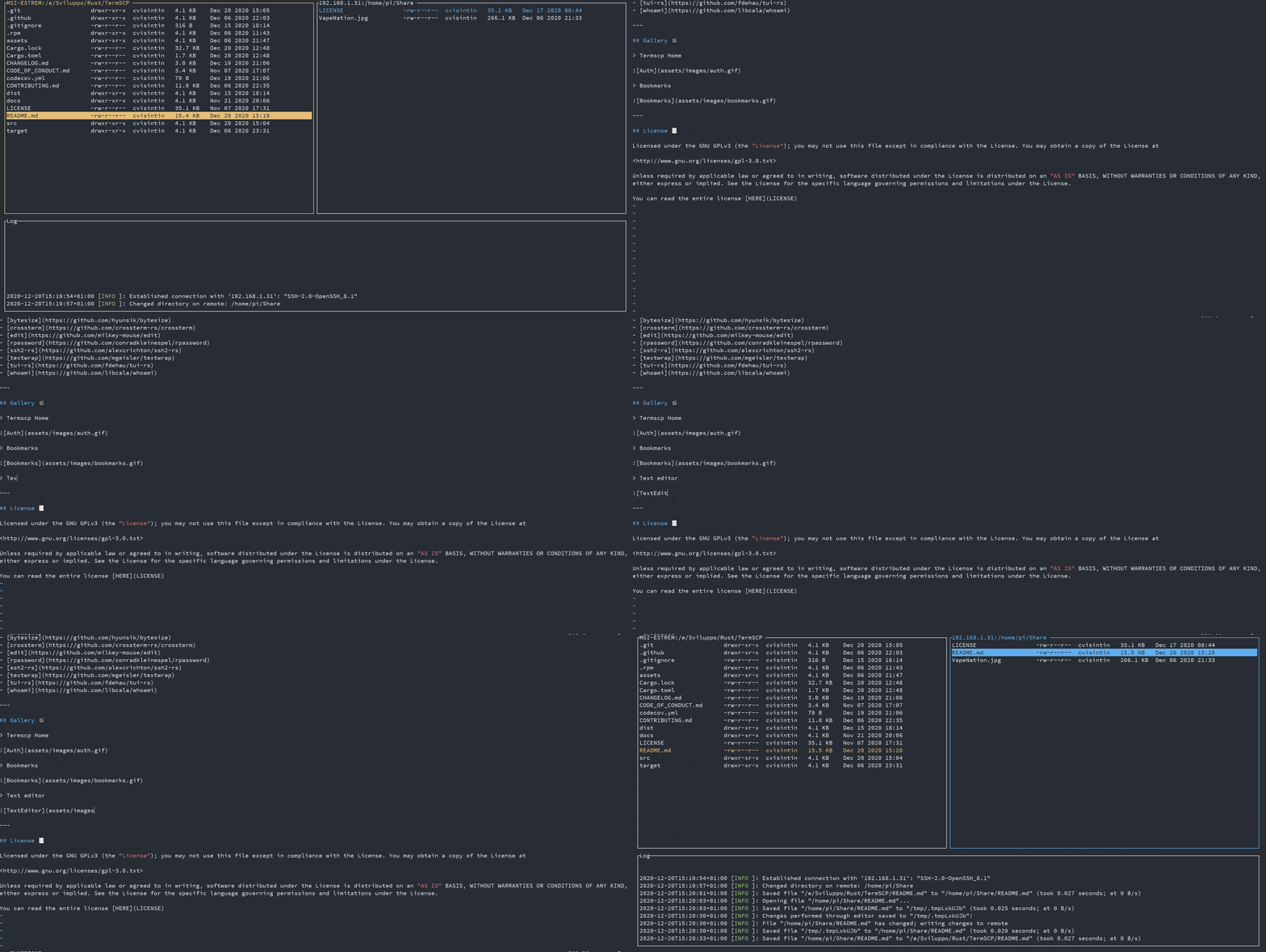
termscp is licensed under the MIT license.
You can read the entire license HERE
Overall
Maintained
Code review
crates.io
Latest release
Releases this year
(top 24 of 35)
29 followers · starred May 2026
2,593 followers · starred Jan 2024
506 followers · starred Jul 2022
458 followers · starred Apr 2026
🖥 A feature rich terminal UI file transfer and explorer with support for SCP/SFTP/FTP/S3/SMB/WebDAV
See the code
~ A feature rich terminal file transfer ~
Website · Installation · User manual
Developed by @veeso
Termscp is a feature rich terminal file transfer and explorer, with support for SCP/SFTP/FTP/Kube/S3/Google Cloud Storage (GCS)/WebDAV. So basically is a terminal utility with an TUI to connect to a remote server to retrieve and upload files and to interact with the local file system. It is Linux, MacOS, FreeBSD, NetBSD and Windows compatible.
If you're considering to install termscp I want to thank you 💜 ! I hope you will enjoy termscp!
If you want to contribute to this project, don't forget to check out our contribute guide.
If you are a Linux, a FreeBSD or a MacOS user this simple shell script will install termscp on your system with a single command:
curl --proto '=https' --tlsv1.2 -sSLf https://termscp.rs/install.sh | sh
❗ MacOs installation requires Homebrew, otherwise the Rust compiler will be installed
if you're a Windows user, you can install termscp from PowerShell with a single command:
irm https://termscp.rs/install.ps1 | iex
or, alternatively, with Chocolatey:
choco install termscp
NetBSD users can install termscp from the official repositories.
pkgin install termscp
Arch Linux users can install termscp from the official repositories.
pacman -S termscp
For more information or other platforms, please visit termscp.rs to view all installation methods.
⚠️ If you're looking on how to update termscp just run termscp from CLI with: (sudo) termscp update ⚠️
The official Linux binaries and .deb packages are statically linked against
musl and have no runtime requirements: they run on any distribution and
any glibc version.
These are only required to build termscp from source:
These requirements are not forced required to run termscp, but to enjoy all of its features
V (at least one of these)
V (at least one of these)
The user manual can be found on termscp's documentation website.
See Milestones
Contributions, bug reports, new features and questions are welcome! 😉 If you have any question or concern, or you want to suggest a new feature, or you want just want to improve termscp, feel free to open an issue or a PR.
An appreciated contribution would be a translation of the user manual and readme in other languages
Please follow our contributing guidelines
View termscp's changelog HERE
termscp is powered by these awesome projects:
Termscp Home
Bookmarks
Setup
Text editor
termscp is licensed under the MIT license.
You can read the entire license HERE
Overall
Maintained
Code review
crates.io
Latest release
Releases this year
(top 24 of 35)
29 followers · starred May 2026
2,593 followers · starred Jan 2024
506 followers · starred Jul 2022
458 followers · starred Apr 2026