
README
LiquidHaskell as a GHC Plugin
This repo demonstrates how to use LiquidHaskell as a GHC plugin.
lh-plugin-demo.cabal shows
- how to tell GHC to invoke the plugin
- how to specify the relevant LH packages as dependencies
stack/stack-*.yaml shows
- how to point
stackat the relevant LH packages on hackage - building with
stack --stack-yaml=stack/stack-<ghc version>.yaml build
cabal.project.github shows
- how to point
cabalto the relevant LH repositories on github (only works with ghc-9.14.1) - building with
cabal build --project-file=cabal.project.github
No cabal.project file is needed for the releases of liquidhaskell in hackage.
cabal-install should pick the appropriate version for each compiler (supported GHCs:
9.2.8, 9.4.7, 9.6.3, 9.8.1, 9.10.1, 9.12.2, 9.14.1). Build with cabal build if you have
a supported GHC in your PATH.
GHCi Integration
By virtue of being a plugin, you now get LH errors
-
when you (re)load in GHCi.
-
from all editor plugins based on
ghciintegration
GHCID
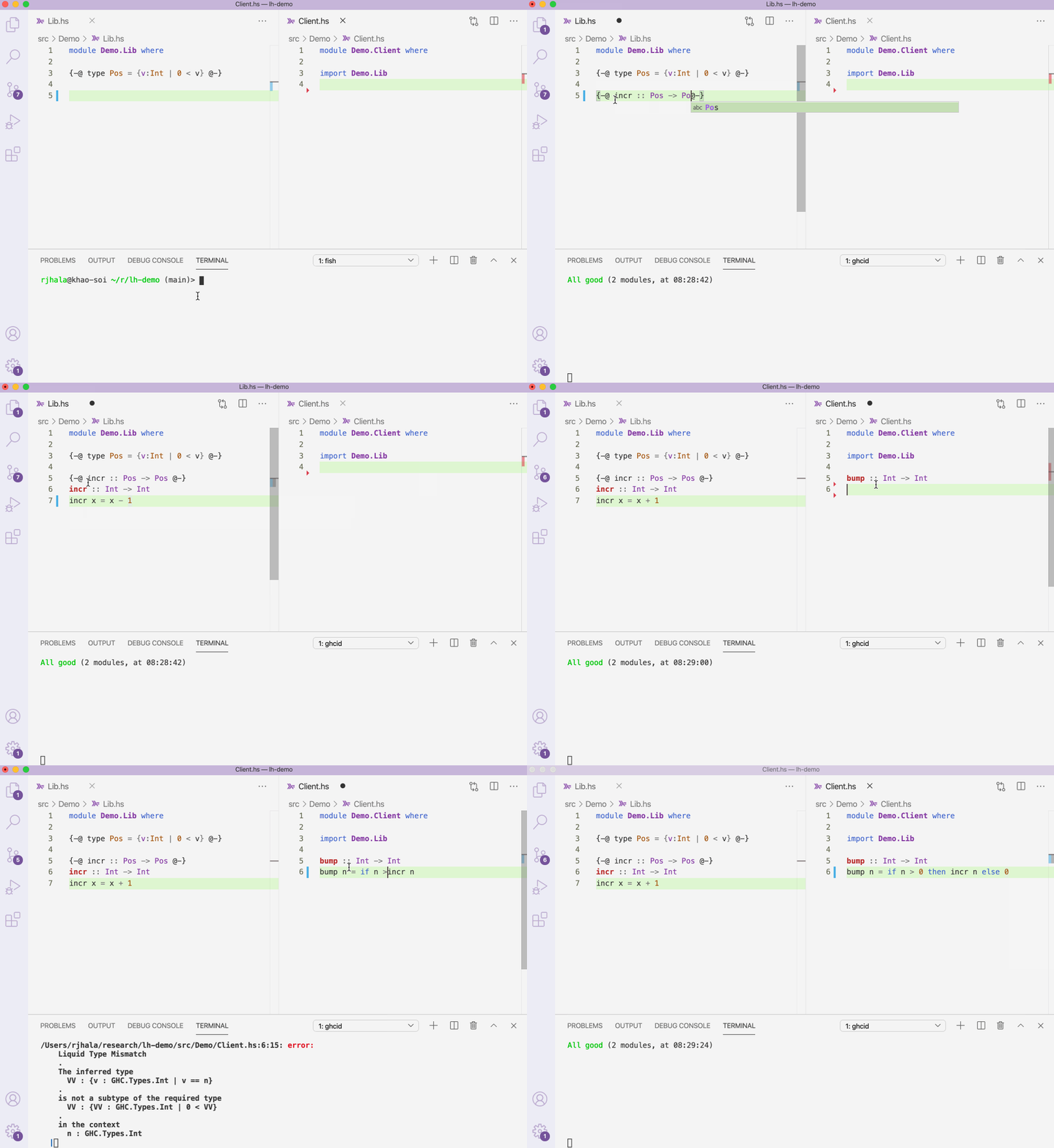
VSCode running ghcid in a terminal
VSCode
VSCode with the Simple GHC (Haskell) Integration plugin
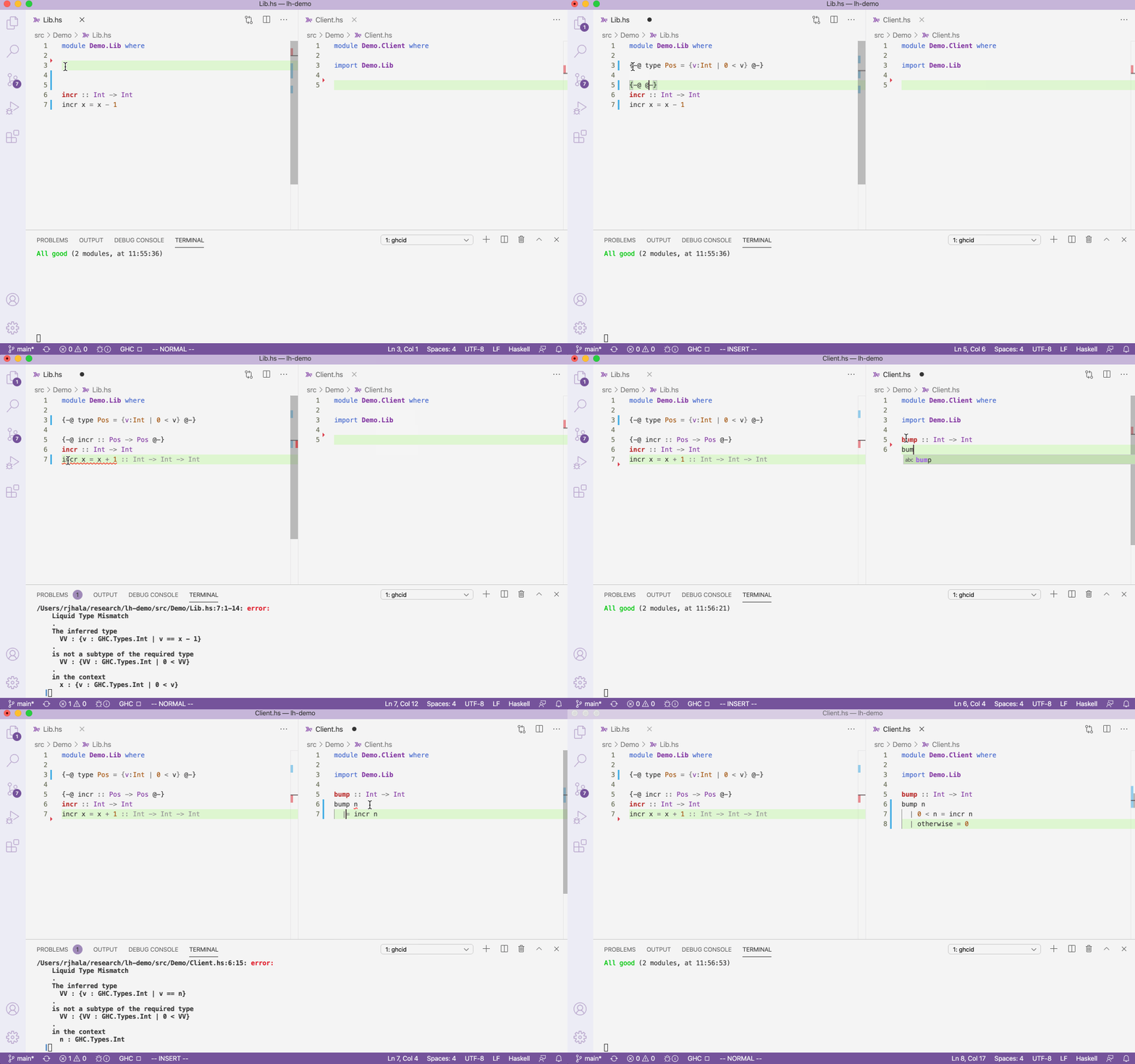
Note that, by default, the extension uses Haddock, which used to be incompatible with LiquidHaskell before ghc-9.14.1. This repo includes custom .vscode settings to disable haddock, but you can also do it manually in the extension settings by removing :set -haddock from the Ghc Simple › Startup Commands: All section.
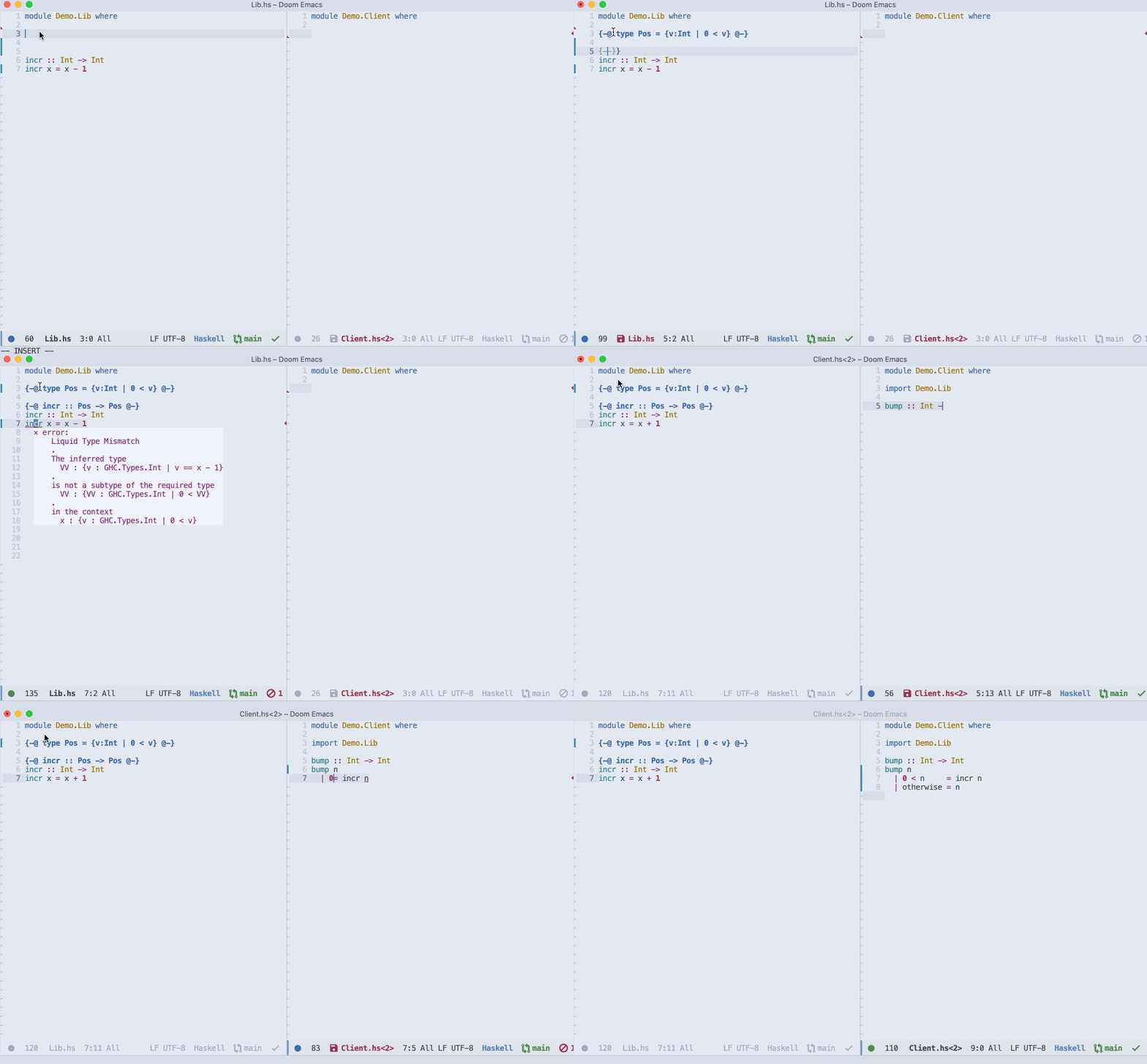
Emacs
Vim
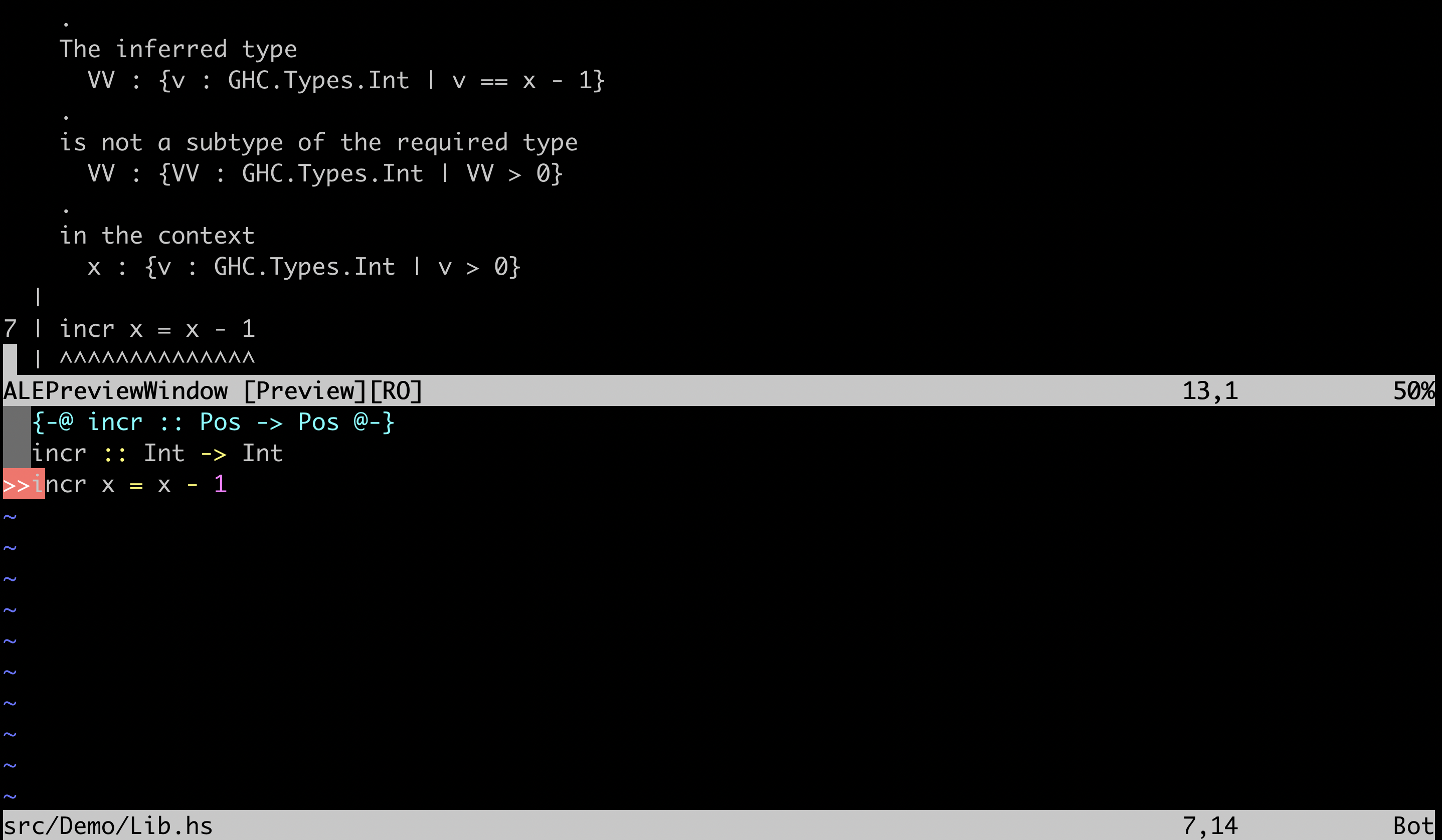
Vim/Neovim with ALE and the stack-build linter
GHCID Integration
Additionally, ghcid produces LH errors on recompilation
For stack-based projects, run with
$ ghcid -c "stack ghci"
For cabal-based projects, run with
$ ghcid -c "cabal v2-repl"
Importing Specifications across Packages
The plugin also ensures that specifications written for one package are used when checking client packages. For an example, see the associated lh-plugin-demo-client package.
Contributors


Similar repos


Languages
Haskell
100.0%
README
LiquidHaskell as a GHC Plugin
This repo demonstrates how to use LiquidHaskell as a GHC plugin.
lh-plugin-demo.cabal shows
- how to tell GHC to invoke the plugin
- how to specify the relevant LH packages as dependencies
stack/stack-*.yaml shows
- how to point
stackat the relevant LH packages on hackage - building with
stack --stack-yaml=stack/stack-<ghc version>.yaml build
cabal.project.github shows
- how to point
cabalto the relevant LH repositories on github (only works with ghc-9.14.1) - building with
cabal build --project-file=cabal.project.github
No cabal.project file is needed for the releases of liquidhaskell in hackage.
cabal-install should pick the appropriate version for each compiler (supported GHCs:
9.2.8, 9.4.7, 9.6.3, 9.8.1, 9.10.1, 9.12.2, 9.14.1). Build with cabal build if you have
a supported GHC in your PATH.
GHCi Integration
By virtue of being a plugin, you now get LH errors
-
when you (re)load in GHCi.
-
from all editor plugins based on
ghciintegration
GHCID
VSCode running ghcid in a terminal
VSCode
VSCode with the Simple GHC (Haskell) Integration plugin
Note that, by default, the extension uses Haddock, which used to be incompatible with LiquidHaskell before ghc-9.14.1. This repo includes custom .vscode settings to disable haddock, but you can also do it manually in the extension settings by removing :set -haddock from the Ghc Simple › Startup Commands: All section.
Emacs
Vim
Vim/Neovim with ALE and the stack-build linter
GHCID Integration
Additionally, ghcid produces LH errors on recompilation
For stack-based projects, run with
$ ghcid -c "stack ghci"
For cabal-based projects, run with
$ ghcid -c "cabal v2-repl"
Importing Specifications across Packages
The plugin also ensures that specifications written for one package are used when checking client packages. For an example, see the associated lh-plugin-demo-client package.
Similar repos
Contributors
Languages
Haskell
100.0%