A tool to help you control performance, energy, fan and comfort settings on TUXEDO laptops.
TypeScript
647
2,876 commits
updated Sep 23, 2026
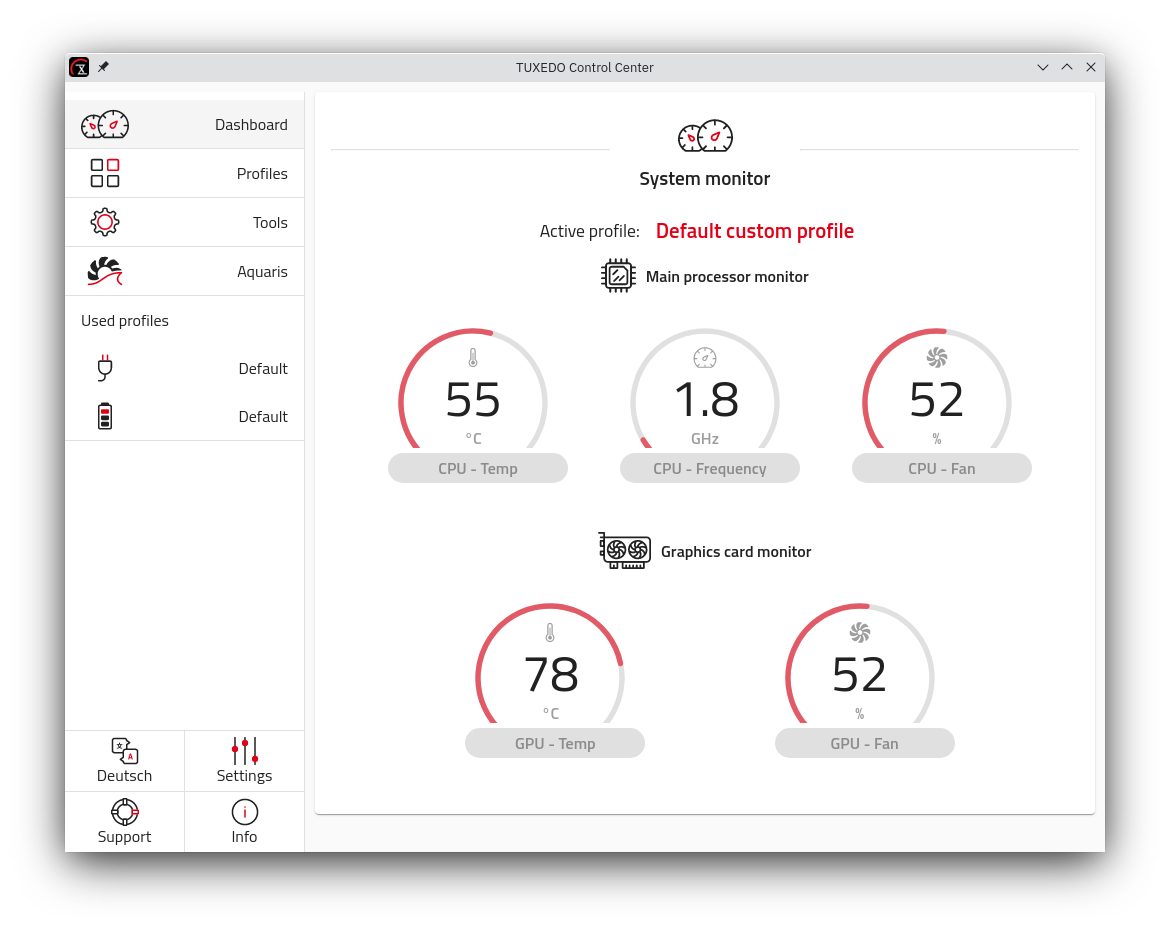
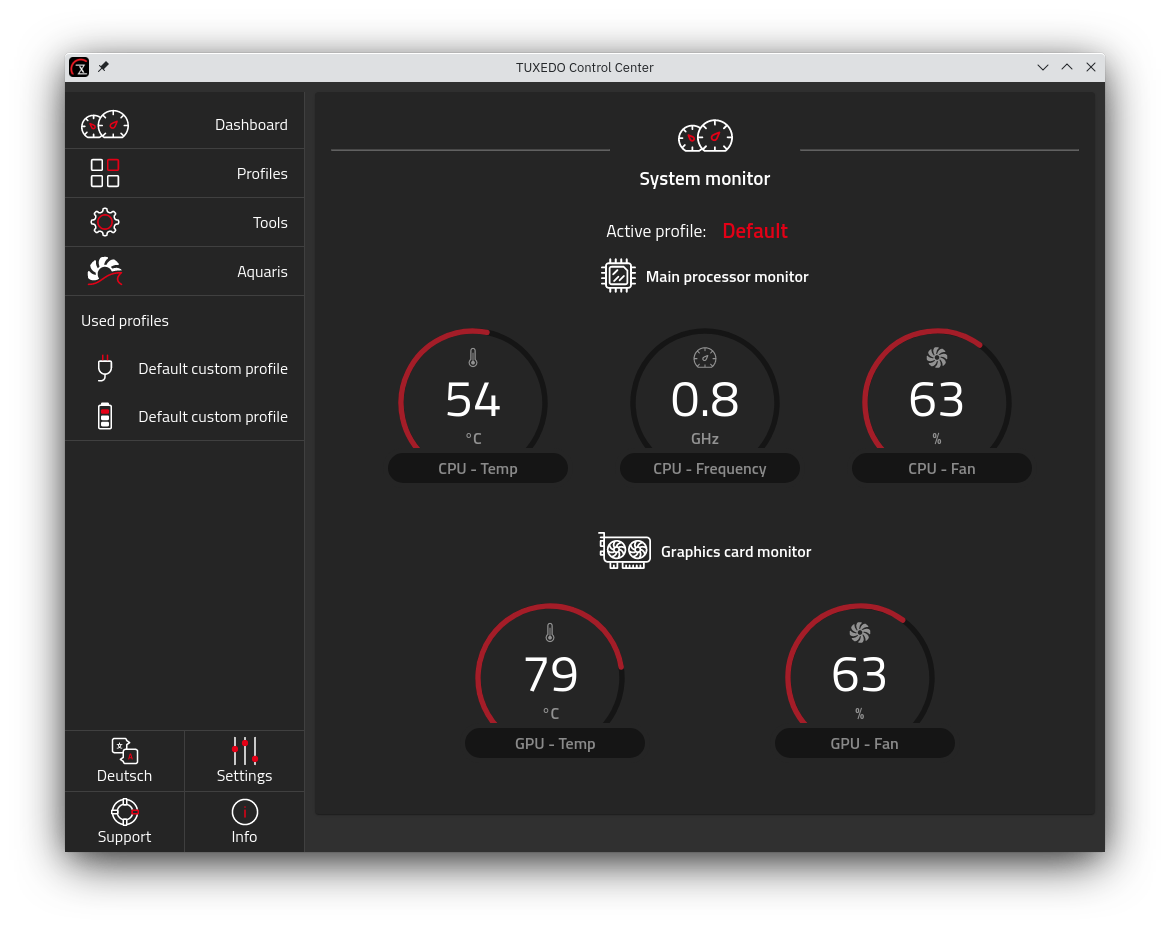
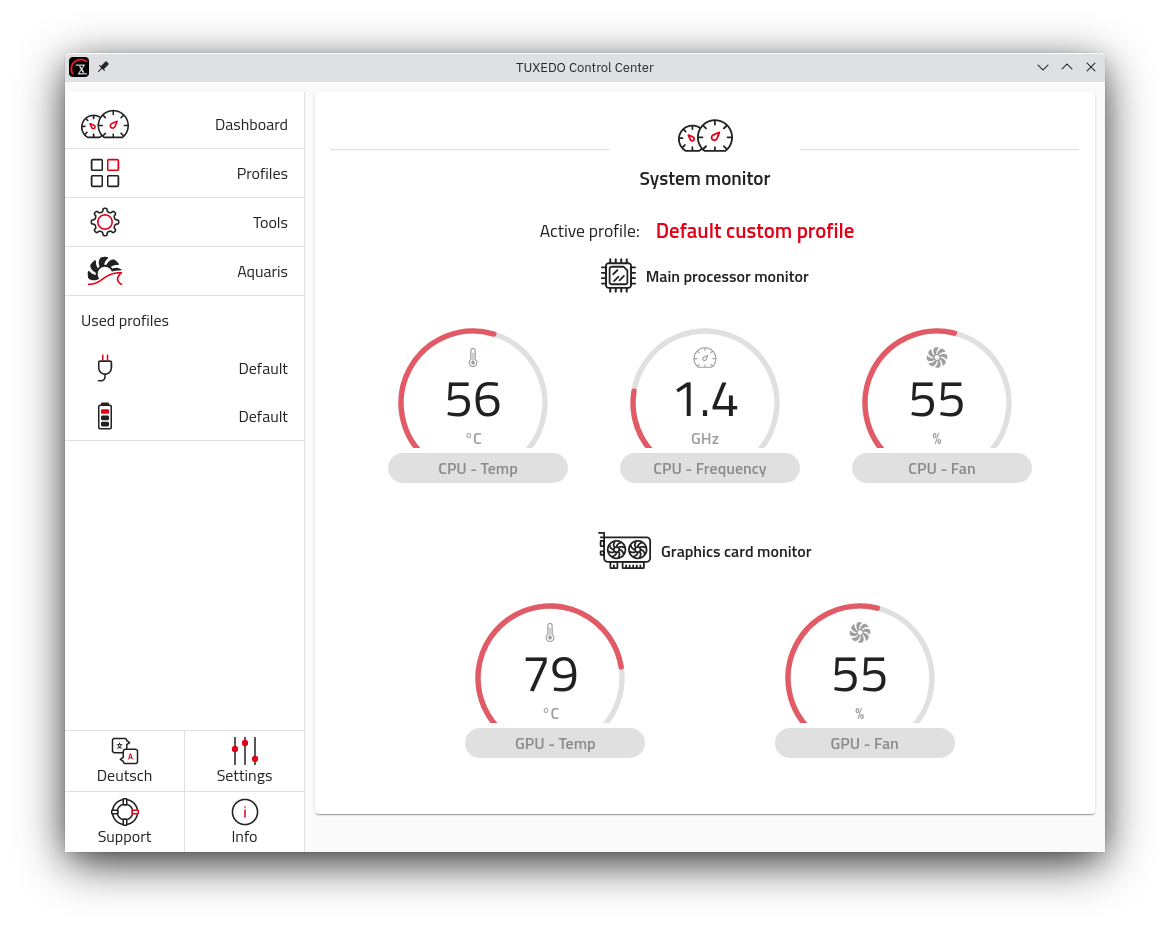
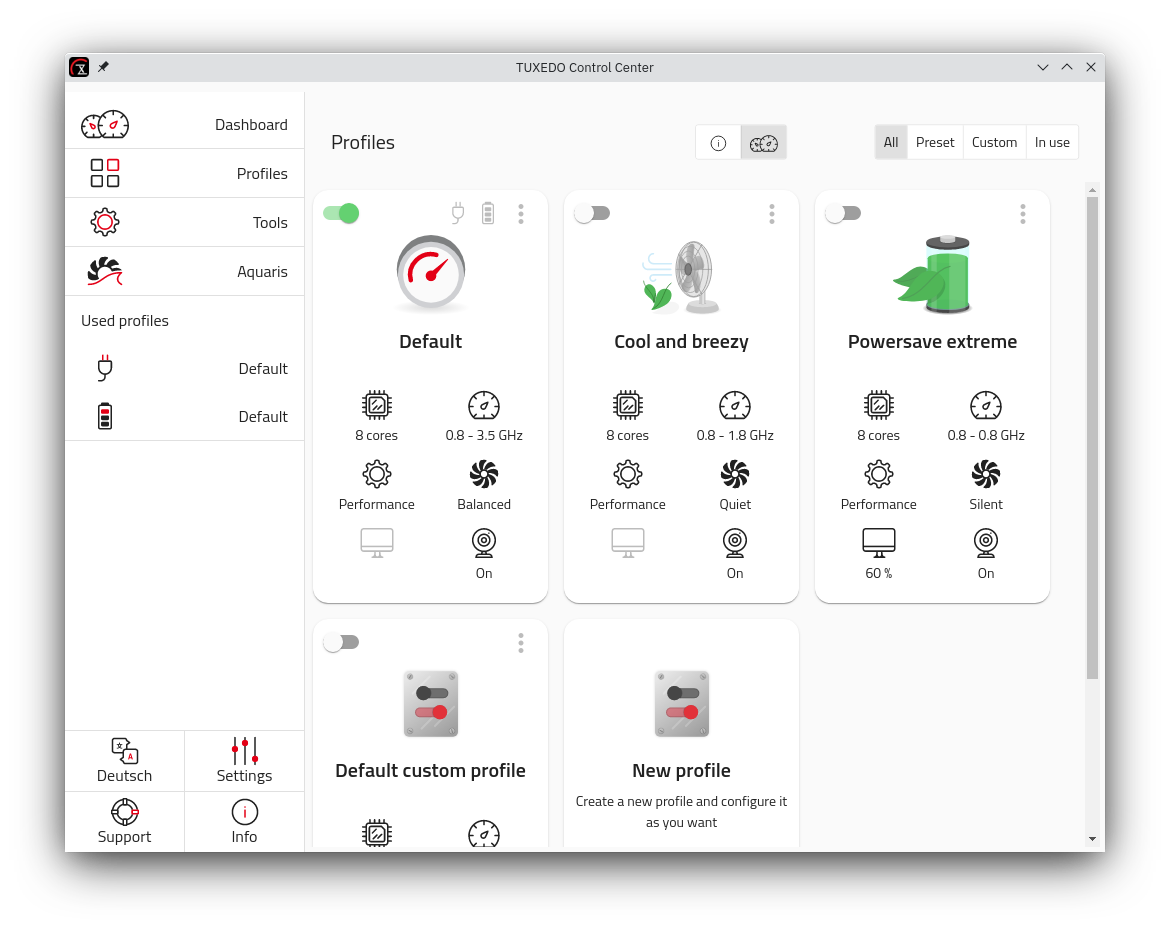
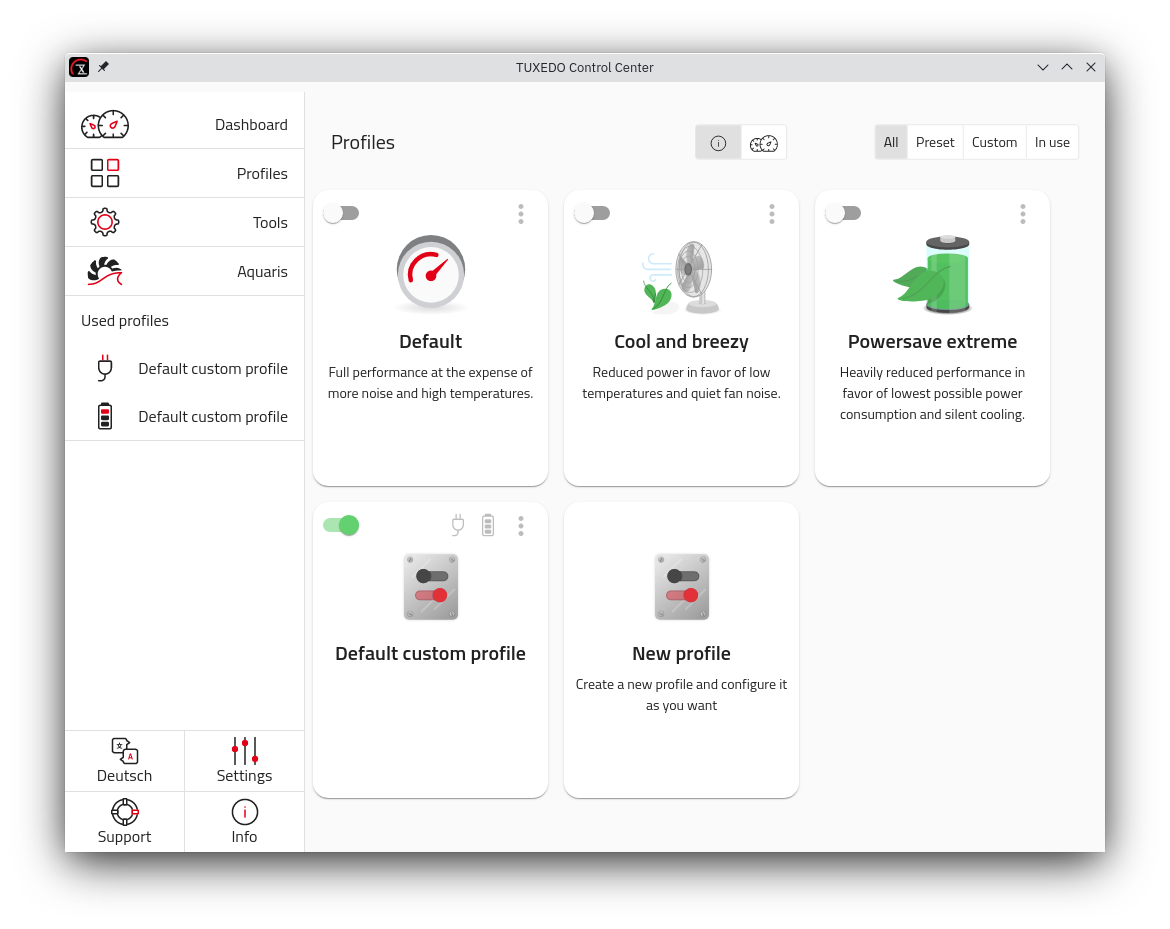
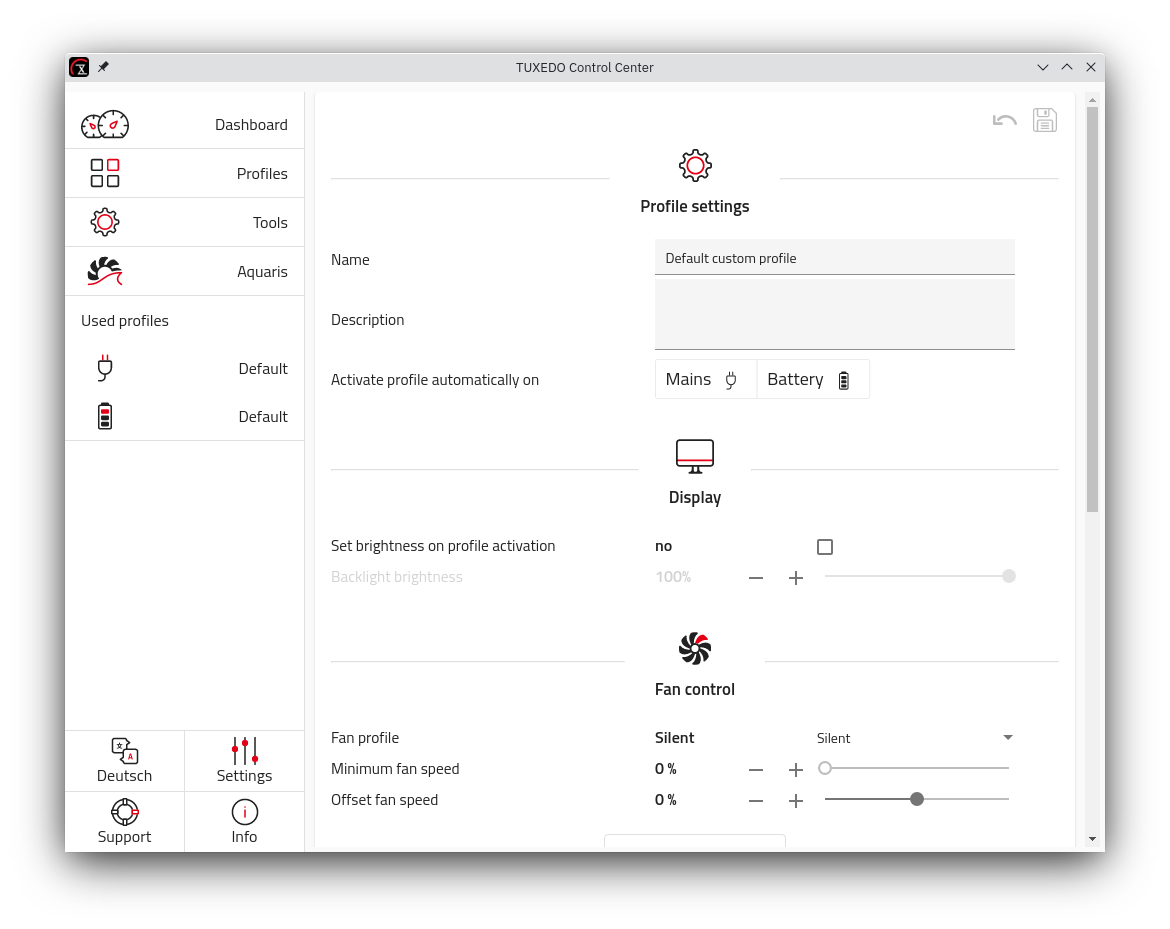
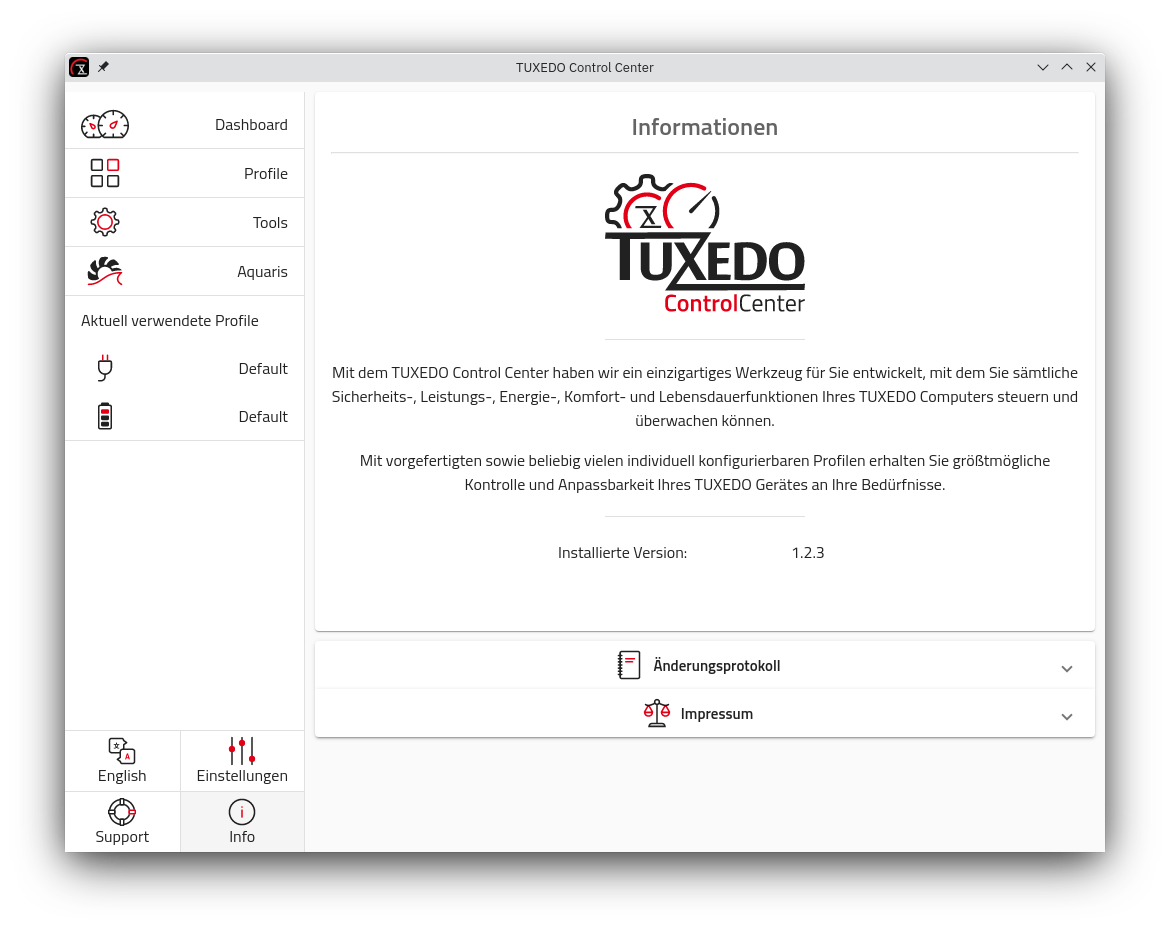
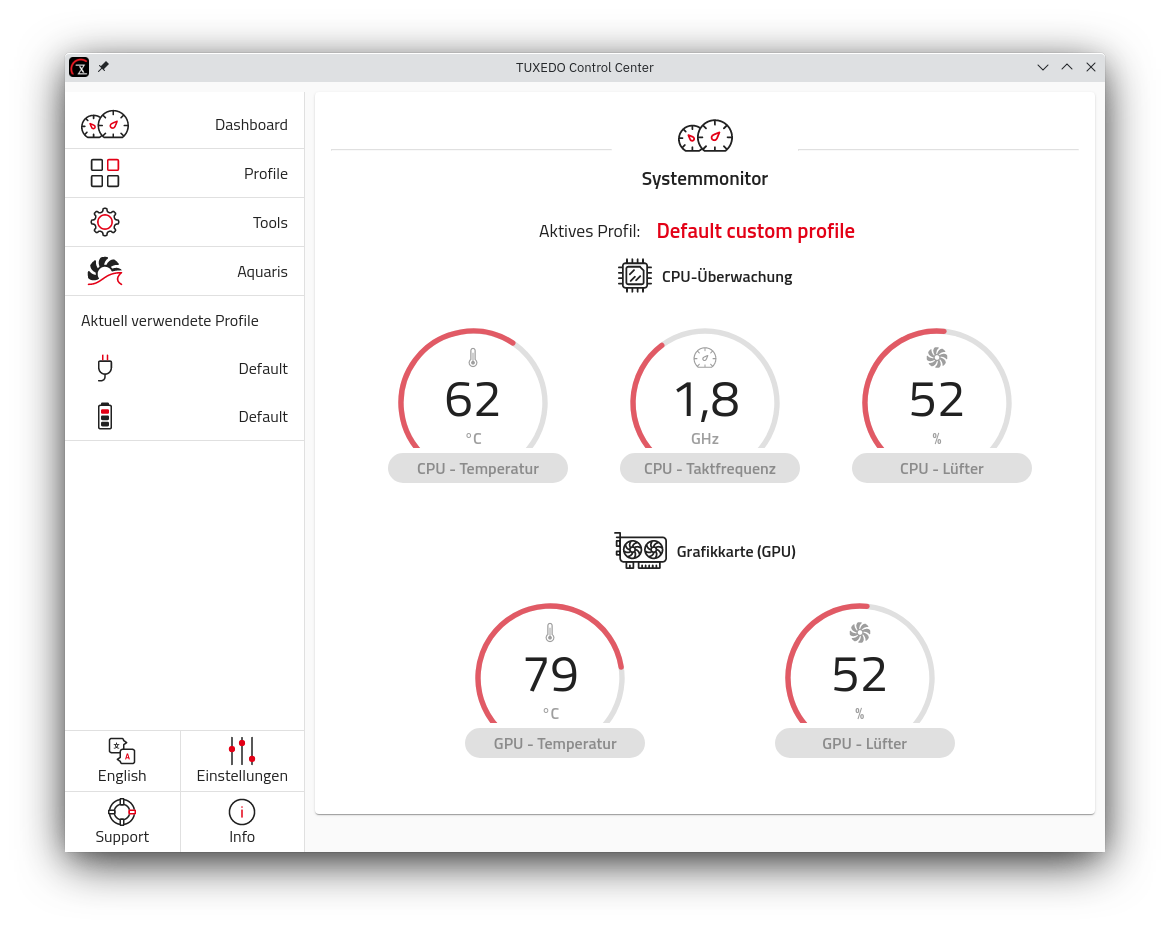
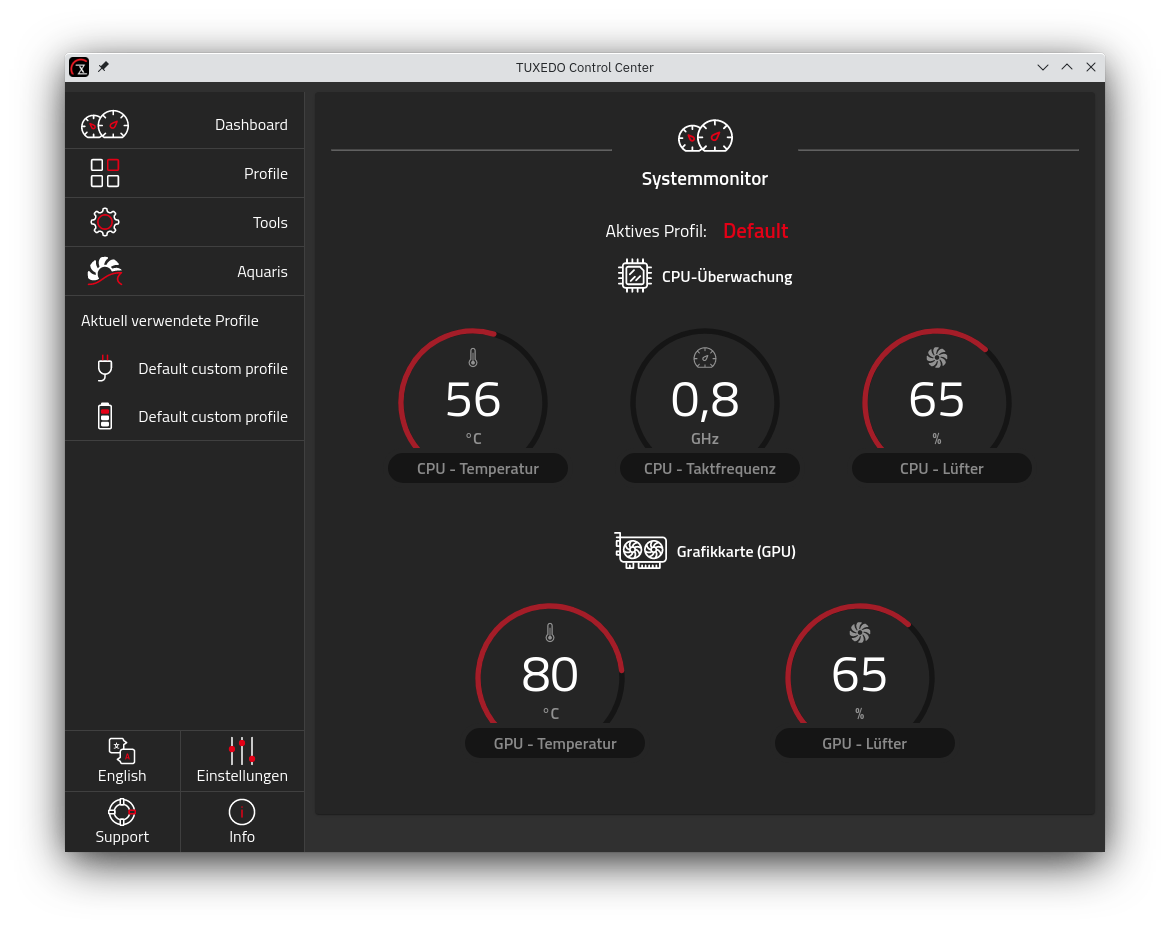
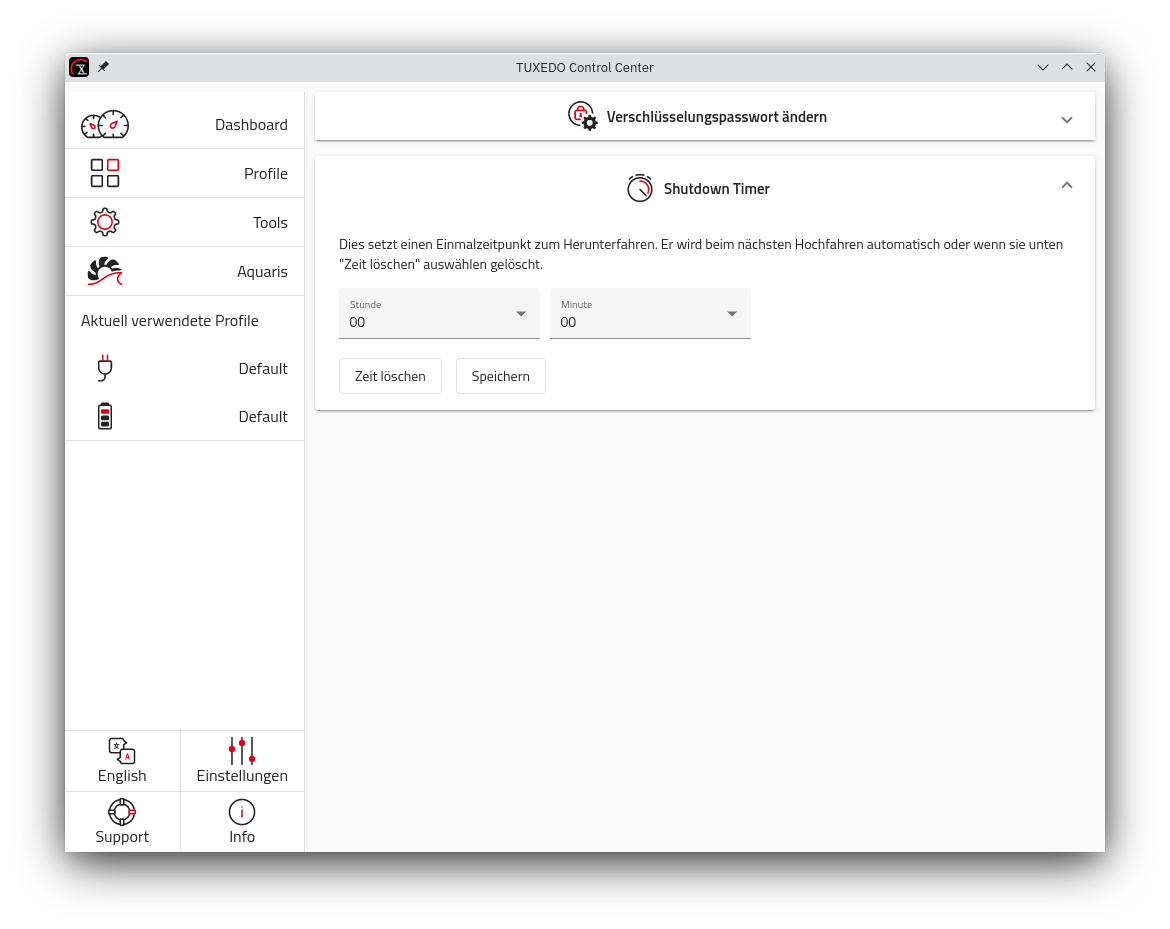
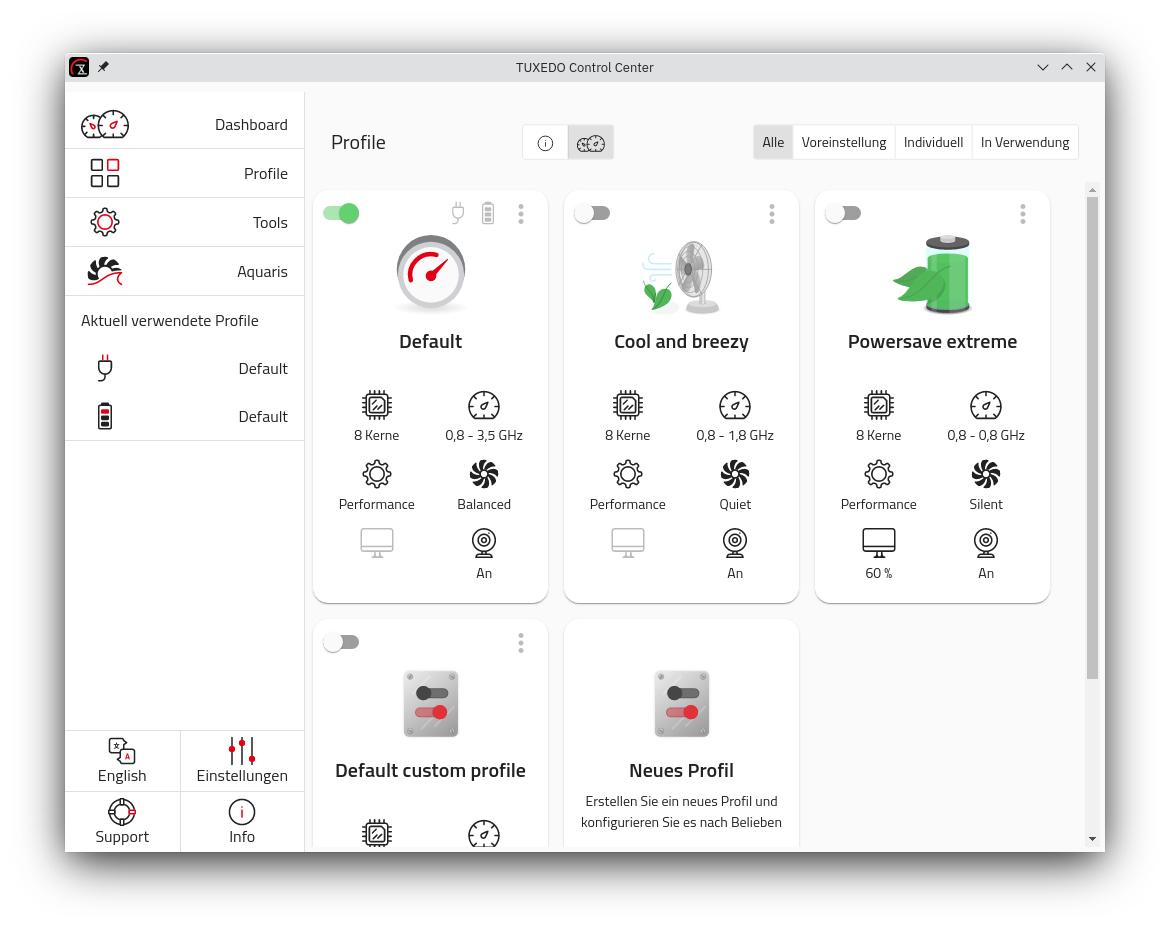
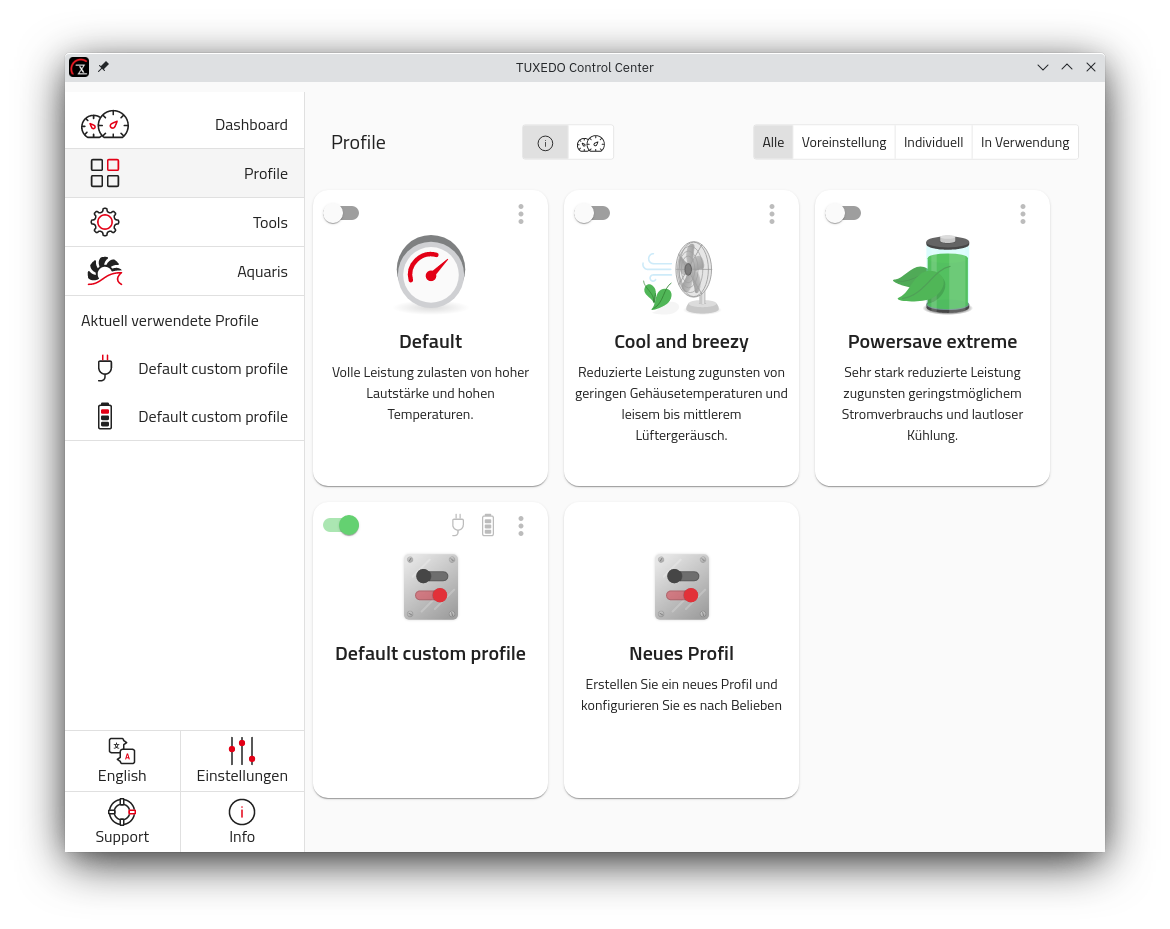
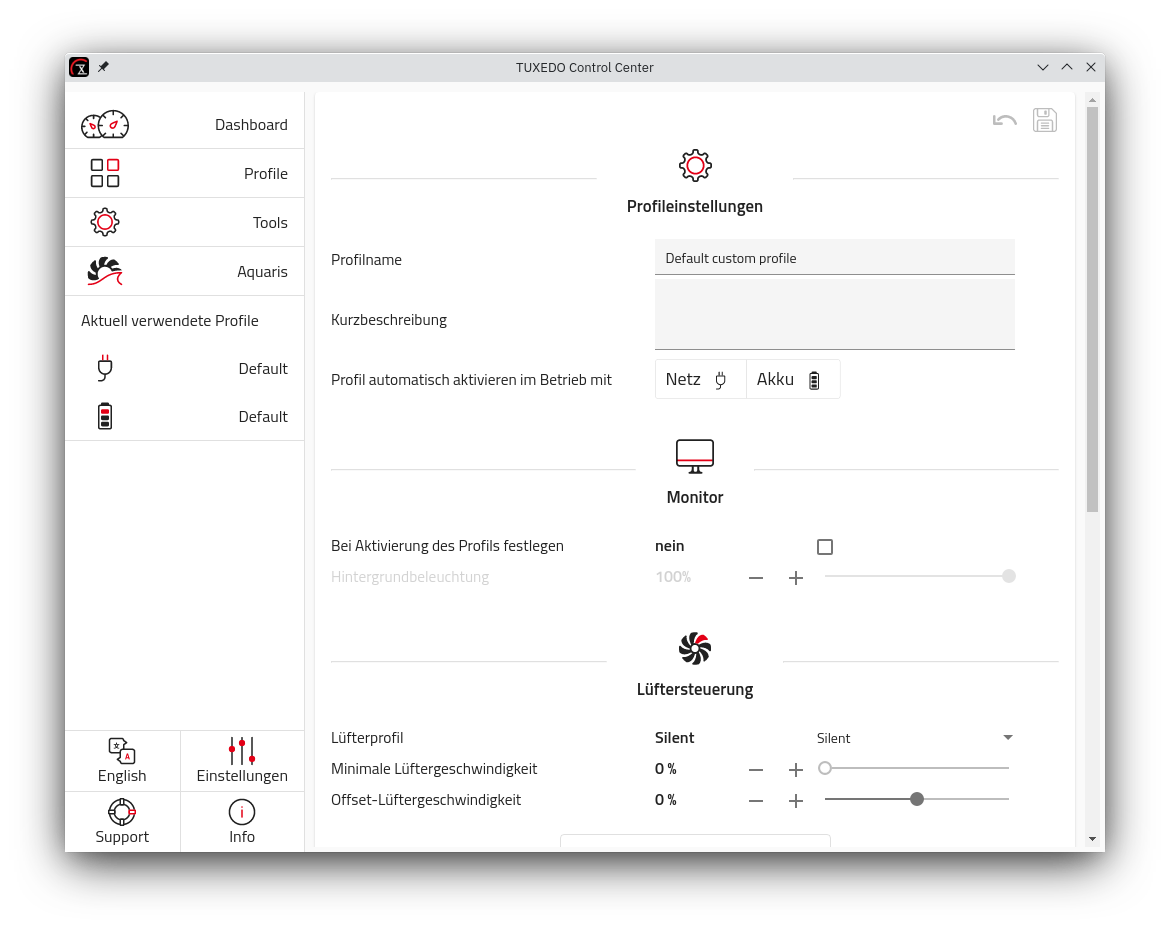
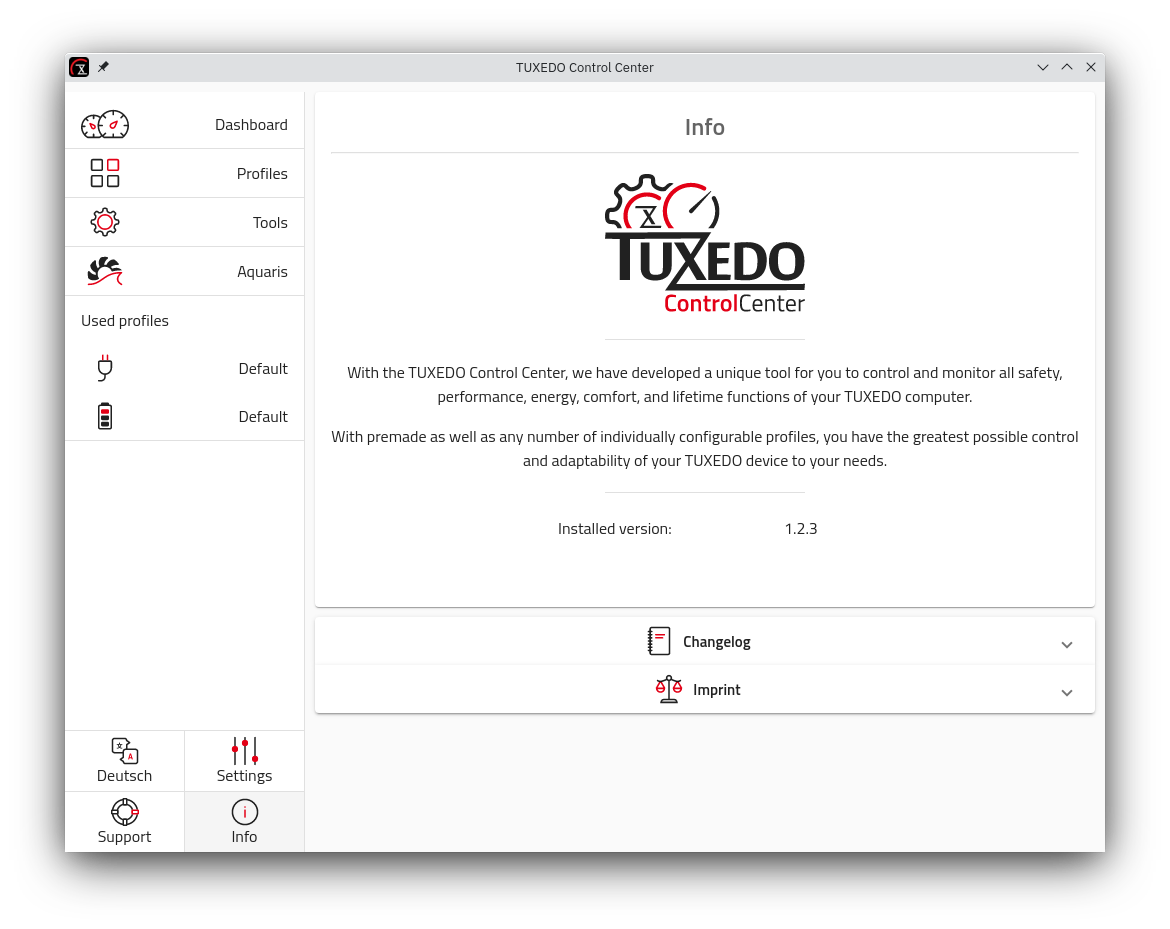
The TUXEDO Control Center (short: TCC) gives TUXEDO laptop users full control over their hardware like CPU cores, fan speed and more.
To get a more detailed description of features, plans and the ideas behind please check our press release (english | german) and info pages (english | german).
There are pre-build packages available at our repositories. For details please have a look over here.
Note: TCC depends on tuxedo-drivers for some core functionality like fan control.
tuxedo-control-center
|  README.md
|--src
|  |--ng-app            Angular GUI (aka electron renderer)
|  |--e-app             Electron main
|  |--service-app       Daemon part (Node 24)
|  |--common            Common shared sources
|  |  |--classes
|  |  |--models
|  |--dist-data         Data needed for packaging
|--build-src            Source used for building
Install git, gcc, g++, make, nodejs, npm, libudev-dev and rpm
Ex (deb):
curl -sL https://deb.nodesource.com/setup_24.x | sudo -E bash -

sudo apt install -y git gcc g++ make nodejs libudev-dev rpm
Clone & install libraries
git clone https://github.com/tuxedocomputers/tuxedo-control-center

cd tuxedo-control-center

npm clean-install
Install service file that points to development build path (or use installed service from packaged version)
Manual instructions:
tccd.service and tccd-sleep.service (from <tcc folder>/src/dist-data) to /etc/systemd/system/npm run build in <tcc folder>tccd.service (exec start/stop) to point to <tcc folder>/dist/tuxedo-control-center/data/service/tccd<tcc folder>/src/dist-data/com.tuxedocomputers.tccd.conf to /usr/share/dbus-1/system.d/systemctl start tccdsystemctl enable tccd tccd-sleepnpm run start in <tcc folder> to start the GUInpm run <script-name>
| Script name | Description |
|---|---|
| build-release (autoversion) | Build and package release deb and rpm |
| pack-prod all | deb | rpm | Build and package release version for chosen target(s) |
| pack-debug all | deb | rpm | Build and package debug version for chosen target(s) |
| build-prod | Build service/electron/angular (release version) |
| build-debug | Build service/electron/angular (debug version) |
| start | Start electron app after build |
| start-watch | Start with automatic reload on changes to angular directory |
| tests | Run tests |
Debugging of electron main and render process is configured for vscode in .vscode/launch.json
622 followers · starred Dec 2021
164 followers · starred May 2023
210 followers · starred Jun 2024
368 followers · starred Jul 2021
A tool to help you control performance, energy, fan and comfort settings on TUXEDO laptops.
TypeScript
647
2,876 commits
updated Sep 23, 2026
The TUXEDO Control Center (short: TCC) gives TUXEDO laptop users full control over their hardware like CPU cores, fan speed and more.
To get a more detailed description of features, plans and the ideas behind please check our press release (english | german) and info pages (english | german).
There are pre-build packages available at our repositories. For details please have a look over here.
Note: TCC depends on tuxedo-drivers for some core functionality like fan control.
tuxedo-control-center
|  README.md
|--src
|  |--ng-app            Angular GUI (aka electron renderer)
|  |--e-app             Electron main
|  |--service-app       Daemon part (Node 24)
|  |--common            Common shared sources
|  |  |--classes
|  |  |--models
|  |--dist-data         Data needed for packaging
|--build-src            Source used for building
Install git, gcc, g++, make, nodejs, npm, libudev-dev and rpm
Ex (deb):
curl -sL https://deb.nodesource.com/setup_24.x | sudo -E bash -

sudo apt install -y git gcc g++ make nodejs libudev-dev rpm
Clone & install libraries
git clone https://github.com/tuxedocomputers/tuxedo-control-center

cd tuxedo-control-center

npm clean-install
Install service file that points to development build path (or use installed service from packaged version)
Manual instructions:
tccd.service and tccd-sleep.service (from <tcc folder>/src/dist-data) to /etc/systemd/system/npm run build in <tcc folder>tccd.service (exec start/stop) to point to <tcc folder>/dist/tuxedo-control-center/data/service/tccd<tcc folder>/src/dist-data/com.tuxedocomputers.tccd.conf to /usr/share/dbus-1/system.d/systemctl start tccdsystemctl enable tccd tccd-sleepnpm run start in <tcc folder> to start the GUInpm run <script-name>
| Script name | Description |
|---|---|
| build-release (autoversion) | Build and package release deb and rpm |
| pack-prod all | deb | rpm | Build and package release version for chosen target(s) |
| pack-debug all | deb | rpm | Build and package debug version for chosen target(s) |
| build-prod | Build service/electron/angular (release version) |
| build-debug | Build service/electron/angular (debug version) |
| start | Start electron app after build |
| start-watch | Start with automatic reload on changes to angular directory |
| tests | Run tests |
Debugging of electron main and render process is configured for vscode in .vscode/launch.json
622 followers · starred Dec 2021
164 followers · starred May 2023
210 followers · starred Jun 2024
368 followers · starred Jul 2021



