
Beautiful native macOS download manager for direct links, magnets, and torrents.
See the codeREADME

Harbor
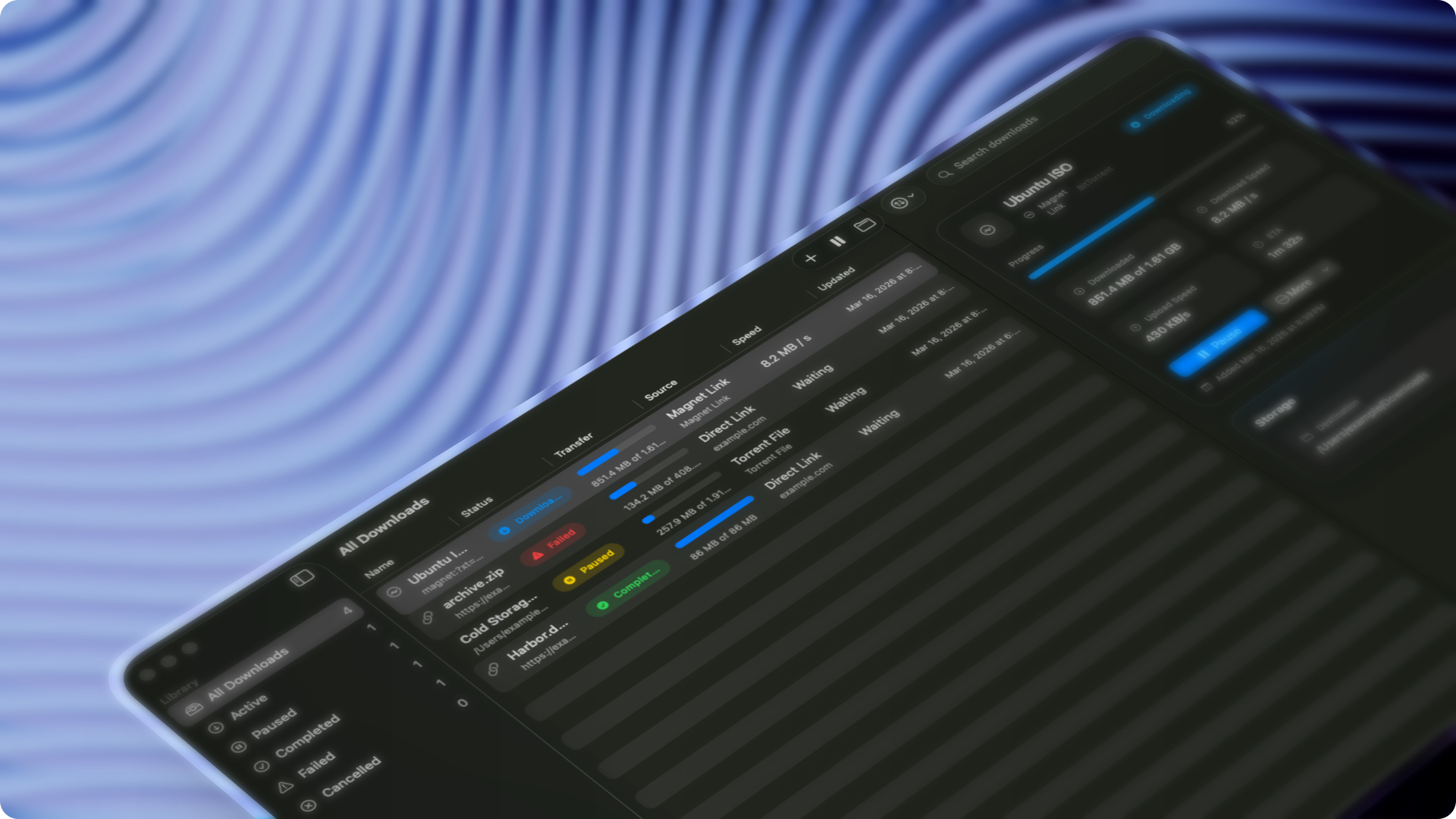
A beautiful, fully native macOS download manager built for real Mac workflows.






Free, local-first, privacy-friendly, and designed to feel like a proper Mac app from day one. No accounts. No sign-in. No hosted backend. No subscription mechanics.
Why Harbor
Harbor exists to give macOS users a serious download manager without the usual tradeoffs. It combines a polished native SwiftUI interface with pragmatic download-engine separation, so the app feels clean and Mac-native while handling direct downloads, public media links, magnet links, and .torrent files.
If you want a downloader that respects the platform, respects your machine, and stays out of your way, Harbor is that app.
Highlights
- Fully native macOS app built with SwiftUI
- Free and open source under GPL-3.0
- Local-first and privacy-friendly by design
- Direct HTTP and HTTPS downloads
- Public media downloads with previews and video or audio format selection
- Magnet link and local
.torrentfile support - Torrent preview: inspect the file list and choose what to download before you start
- Batch add: paste many links, choose one folder, and queue them together
- Traffic profiles for Unlimited, Balanced, Quiet, and Custom download behavior
- Global and per-download speed controls
- Quick Look previews for completed downloads
- Torrent watch folders, seeding controls, and share-ratio limits
- Queue persistence across launches
- Pause, resume, retry, cancel, and history flows
- Finder reveal and open-file actions
- Sidebar navigation, unified toolbar, and detail inspector
- Sparkle-based in-app updates for installed builds
Download
Install with Homebrew:
brew tap thsnkhn/harbor
brew install --cask harbor
Or download the latest DMG:
- Download the latest DMG
- Drag
Harbor.appintoApplications
Once installed, Harbor can check for new versions from the app menu and update through its built-in Sparkle updater.
URL handoff
Browser extensions, command-line tools, and automations can open Harbor with an HTTP or HTTPS download URL:
harbor://download?url=https%3A%2F%2Fexample.com%2Ffile.zip
Percent-encode the download URL as the url query value. On macOS, you can test the handoff with open:
open 'harbor://download?url=https%3A%2F%2Fexample.com%2Ffile.zip'
Harbor opens its Add Download sheet with the link filled in. The user can confirm the destination and start the download.
Philosophy
Harbor is opinionated about being a real macOS app:
- native look and feel over web-style chrome
- clear separation between UI, app state, persistence, and download engines
- pragmatic backend delegation where it makes sense
- no unnecessary cloud dependency for a local utility
Contributing
Feature requests and pull requests are welcome. See CONTRIBUTING.md for how to propose features, pick up open issues, and contribute implementation work.
License
Harbor is licensed under GPL-3.0.
Contributors


Similar repos


Languages
Swift
96.6%
Shell
2.5%
Beautiful native macOS download manager for direct links, magnets, and torrents.
See the codeREADME
Harbor
A beautiful, fully native macOS download manager built for real Mac workflows.
Free, local-first, privacy-friendly, and designed to feel like a proper Mac app from day one. No accounts. No sign-in. No hosted backend. No subscription mechanics.
Why Harbor
Harbor exists to give macOS users a serious download manager without the usual tradeoffs. It combines a polished native SwiftUI interface with pragmatic download-engine separation, so the app feels clean and Mac-native while handling direct downloads, public media links, magnet links, and .torrent files.
If you want a downloader that respects the platform, respects your machine, and stays out of your way, Harbor is that app.
Highlights
- Fully native macOS app built with SwiftUI
- Free and open source under GPL-3.0
- Local-first and privacy-friendly by design
- Direct HTTP and HTTPS downloads
- Public media downloads with previews and video or audio format selection
- Magnet link and local
.torrentfile support - Torrent preview: inspect the file list and choose what to download before you start
- Batch add: paste many links, choose one folder, and queue them together
- Traffic profiles for Unlimited, Balanced, Quiet, and Custom download behavior
- Global and per-download speed controls
- Quick Look previews for completed downloads
- Torrent watch folders, seeding controls, and share-ratio limits
- Queue persistence across launches
- Pause, resume, retry, cancel, and history flows
- Finder reveal and open-file actions
- Sidebar navigation, unified toolbar, and detail inspector
- Sparkle-based in-app updates for installed builds
Download
Install with Homebrew:
brew tap thsnkhn/harbor
brew install --cask harbor
Or download the latest DMG:
- Download the latest DMG
- Drag
Harbor.appintoApplications
Once installed, Harbor can check for new versions from the app menu and update through its built-in Sparkle updater.
URL handoff
Browser extensions, command-line tools, and automations can open Harbor with an HTTP or HTTPS download URL:
harbor://download?url=https%3A%2F%2Fexample.com%2Ffile.zip
Percent-encode the download URL as the url query value. On macOS, you can test the handoff with open:
open 'harbor://download?url=https%3A%2F%2Fexample.com%2Ffile.zip'
Harbor opens its Add Download sheet with the link filled in. The user can confirm the destination and start the download.
Philosophy
Harbor is opinionated about being a real macOS app:
- native look and feel over web-style chrome
- clear separation between UI, app state, persistence, and download engines
- pragmatic backend delegation where it makes sense
- no unnecessary cloud dependency for a local utility
Contributing
Feature requests and pull requests are welcome. See CONTRIBUTING.md for how to propose features, pick up open issues, and contribute implementation work.
License
Harbor is licensed under GPL-3.0.
Similar repos
Contributors
Languages
Swift
96.6%
Shell
2.5%