Javascript constraint-based graph layout
See the code
JavaScript constraint based layout for high-quality graph visualization and exploration using D3.js and other web-based graphics libraries.
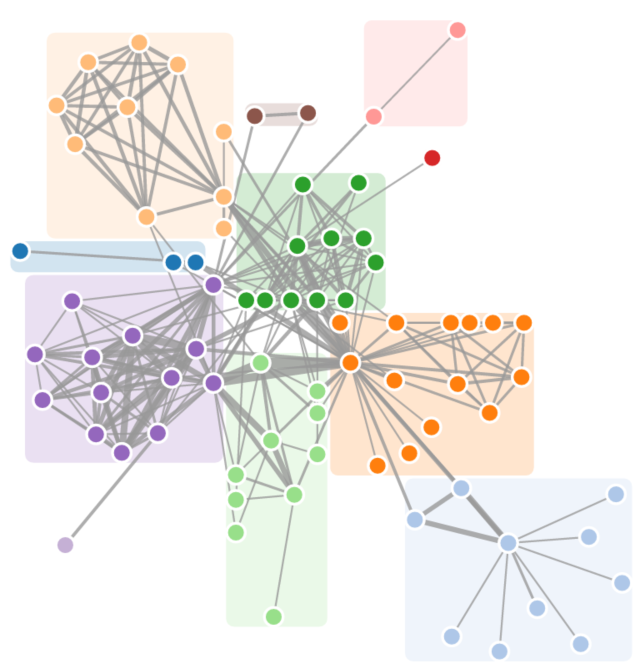
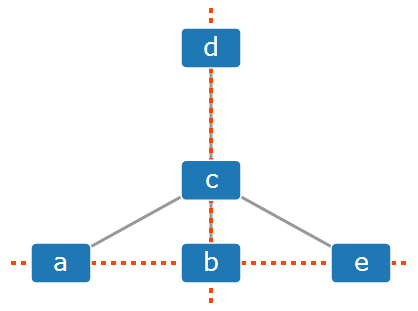
Homepage with code and more examples
Note: While D3 adaptor supports both D3 v3 and D3 v4, WebCoLa's interface is styled like D3 v3. Follow the setup in our homepage for more details.
<!-- Minified version -->
<script src="https://ialab.it.monash.edu/webcola/cola.min.js"></script>
<!-- Full version -->
<script src="https://ialab.it.monash.edu/webcola/cola.js"></script>
The minified version can also be accessed from jsDelivr.
npm install webcola --save
You can also install it through npm by first adding it to package.json:
"dependencies": {
  "webcola": "latest"
}
Then by running npm install.
bower install webcola --save
If you use TypeScript, you can get complete TypeScript definitions by installing tsd 0.6 and running tsd link.
Linux/Mac/Windows Command Line:
install node.js
from the WebCola directory:
npm install
build, minify and test:
 npm run build
 npm run test
This creates the cola.js and cola.min.js files in the dist directory and runs tests.
Visual Studio:
Linux/Mac/Windows Command Line:
Install the Node.js http-server module:
npm install -g http-server
After installing http-server, we can serve out the example content in the WebCola directory.
npm run website
http-server website
The default configuration of http-server will serve the exampes on http://localhost:8080.
Overall
Maintained
Code review
npm
Latest release
Releases this year
5,642 followers · starred Aug 2015
103 followers · starred Apr 2017
304 followers · starred Jan 2017
202 followers · starred Dec 2018
Javascript constraint-based graph layout
See the codeJavaScript constraint based layout for high-quality graph visualization and exploration using D3.js and other web-based graphics libraries.
Homepage with code and more examples
Note: While D3 adaptor supports both D3 v3 and D3 v4, WebCoLa's interface is styled like D3 v3. Follow the setup in our homepage for more details.
<!-- Minified version -->
<script src="https://ialab.it.monash.edu/webcola/cola.min.js"></script>
<!-- Full version -->
<script src="https://ialab.it.monash.edu/webcola/cola.js"></script>
The minified version can also be accessed from jsDelivr.
npm install webcola --save
You can also install it through npm by first adding it to package.json:
"dependencies": {
  "webcola": "latest"
}
Then by running npm install.
bower install webcola --save
If you use TypeScript, you can get complete TypeScript definitions by installing tsd 0.6 and running tsd link.
Linux/Mac/Windows Command Line:
install node.js
from the WebCola directory:
npm install
build, minify and test:
 npm run build
 npm run test
This creates the cola.js and cola.min.js files in the dist directory and runs tests.
Visual Studio:
Linux/Mac/Windows Command Line:
Install the Node.js http-server module:
npm install -g http-server
After installing http-server, we can serve out the example content in the WebCola directory.
npm run website
http-server website
The default configuration of http-server will serve the exampes on http://localhost:8080.
Overall
Maintained
Code review
npm
Latest release
Releases this year
5,642 followers · starred Aug 2015
103 followers · starred Apr 2017
304 followers · starred Jan 2017
202 followers · starred Dec 2018