NTXM Browser Mini is a lightweight, privacy-first desktop web browser designed from the ground up for developers, QA testers, and AI agents.
See the code

A real Chromium browser you can drive with HTTP.
Local REST API · Windows & macOS · Cloudflare tunnel · Built for agents, QA, and automation




Download installer · Quick start · API · License
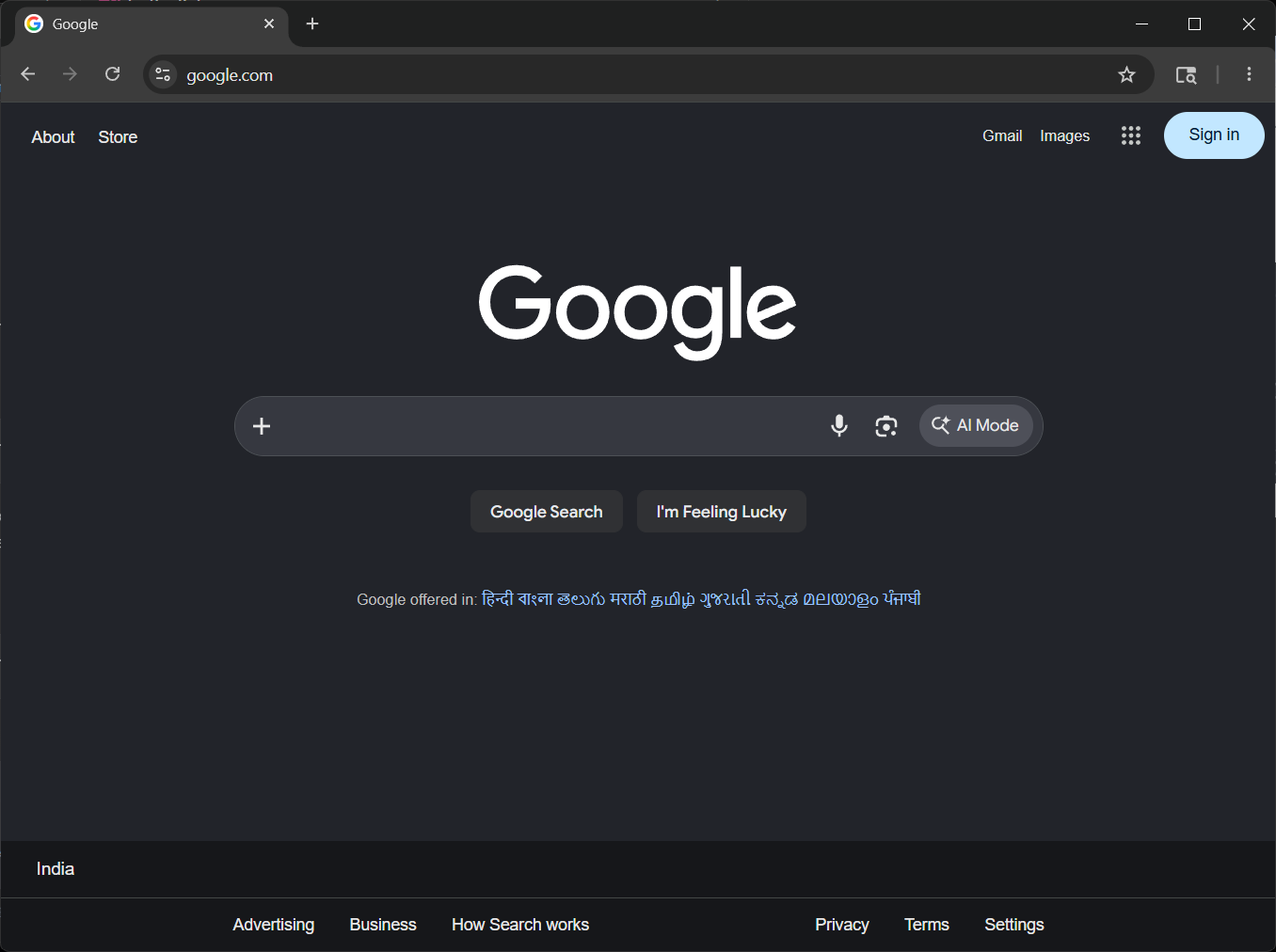
Full Chromium browsing — not a headless stub.
Most automation stacks bolt a driver onto someone else’s browser.
NTXM Browser mini is the browser and the control plane: a native desktop Chromium app with a built-in REST server on http://127.0.0.1:9090.
Open windows and tabs, navigate, read page HTML, and expose the API remotely with Cloudflare — from any language that can speak HTTP.
| Real Chromium | CEF Chrome-runtime — modern sites, extensions-ready chrome UI |
| REST out of the box | No Selenium, no Playwright install — just curl or requests |
| Windows & tabs | Create, focus, and close windows and tabs by id |
| Control panel | Built-in ntxm://control / http://127.0.0.1:9090/control |
| Remote access | Optional Cloudflare quick or named tunnel |
| Local & quiet | No telemetry — runs on your machine |
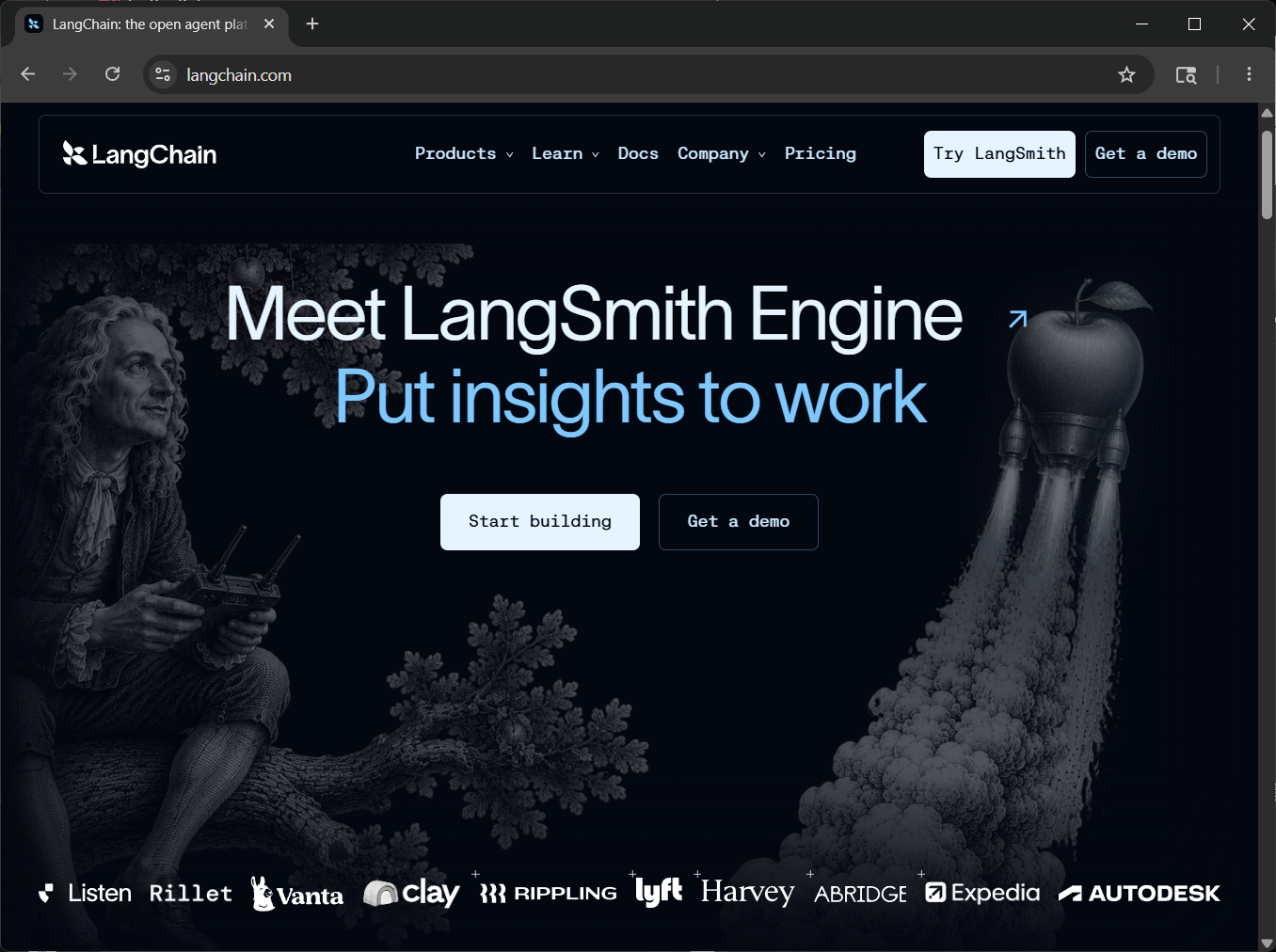
Browse the live web like any desktop browser
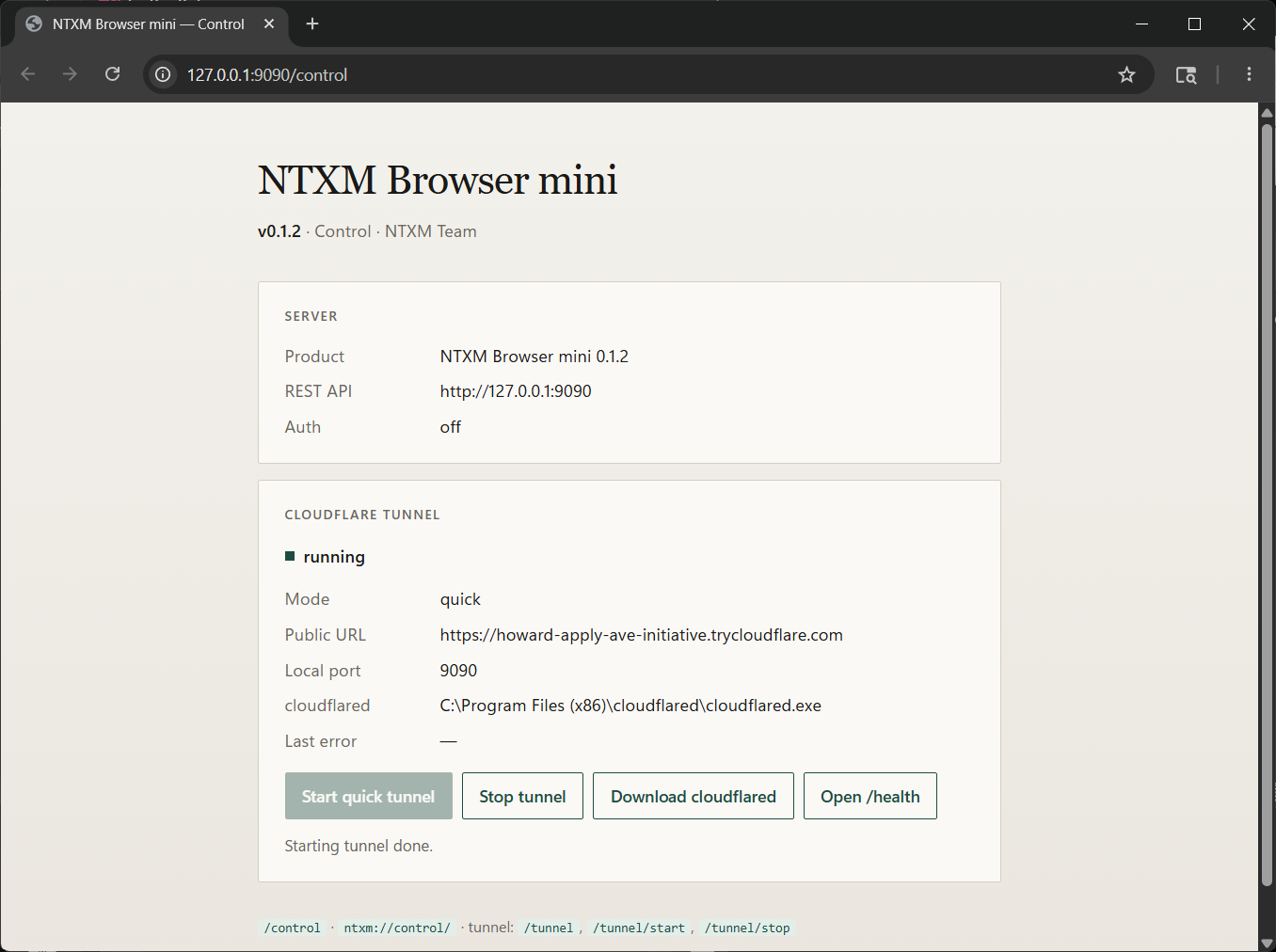
Control panel — server status, health, and Cloudflare tunnel
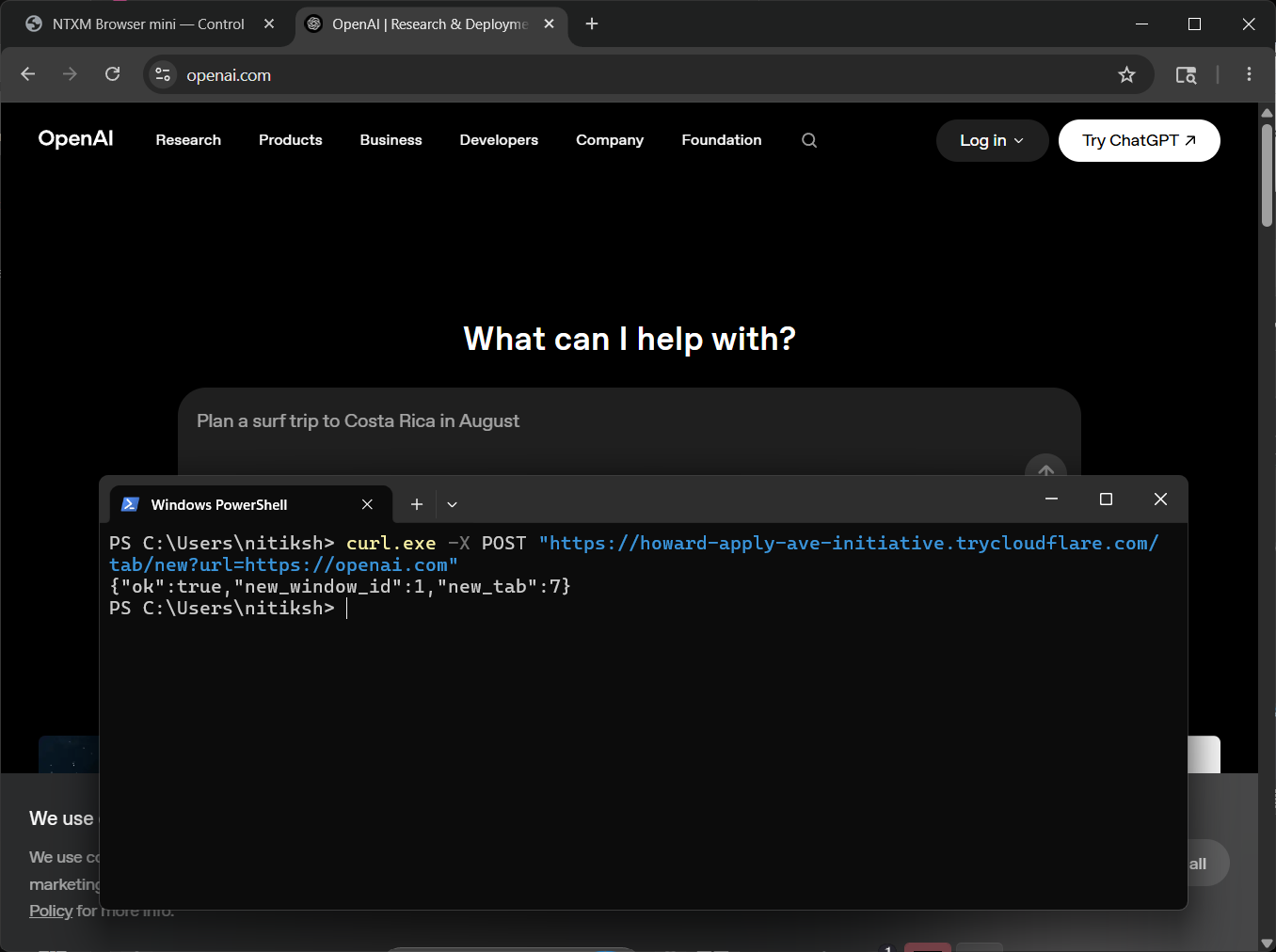
Drive it remotely — one POST opens a tab through your tunnel
Latest release: v0.1.2
| Platform | Asset | Notes |
|---|---|---|
| Windows (x64) | NTXM_Browser_Mini_Setup_0.1.2.exe | NSIS installer — silent: /S |
| macOS (Apple Silicon) | .app / zip from Releases | arm64 CEF build |
Same product and REST API on both platforms — http://127.0.0.1:9090.
This repository hosts releases and docs only — not the product source code.
http://127.0.0.1:9090/control).# Health
curl.exe http://127.0.0.1:9090/health
# List windows & tabs
curl.exe http://127.0.0.1:9090/windows
curl.exe http://127.0.0.1:9090/tabs
# Open a tab
curl.exe -X POST "http://127.0.0.1:9090/tab/new?url=https://example.com"
# Navigate the active tab
curl.exe -X POST "http://127.0.0.1:9090/navigate?window=1" -d "https://news.ycombinator.com"
# Read URL / HTML
curl.exe "http://127.0.0.1:9090/url?window=1"
curl.exe "http://127.0.0.1:9090/content?window=1"
In-app docs live at http://127.0.0.1:9090/ while the browser is running.
Base URL: http://127.0.0.1:9090
Target with ?window= and ?tab= (defaults to the active window / tab).
| Method | Path | Purpose |
|---|---|---|
GET | /health | Health + product version |
GET | /windows | List windows |
POST | /window/new | New window (?url= or body) |
POST | /window/focus | Focus a window |
POST | /window/close | Close a window (all its tabs) |
GET | /tabs | List tabs |
POST | /tab/new | New tab |
POST | /tab/activate | Activate a tab |
POST | /tab/close | Close a tab |
POST | /navigate | Navigate |
POST | /back · /forward · /reload | History / reload |
GET | /url | Current URL |
GET | /content | Page HTML |
GET · POST | /tunnel · /tunnel/start · /tunnel/stop | Cloudflare tunnel |
import requests

BASE = "http://127.0.0.1:9090"

print(requests.get(f"{BASE}/health").json())

r = requests.post(f"{BASE}/tab/new", params={"url": "https://example.com"})
print(r.json())  # {"ok": true, "new_window_id": 1, "new_tab": ...}

html = requests.get(f"{BASE}/content", params={"window": 1}).text
print(html[:200])
Enable a Cloudflare quick or named tunnel from the control page (or settings.json).
With a public URL you can call the same endpoints from another machine — turn auth on before exposing the API.
cloudflared / cloudflared-darwin-arm64)NTXM Browser mini is proprietary software. All rights reserved · NTXM Team.
NTXM Browser mini · v0.1.2 · NTXM Team
NTXM Browser Mini is a lightweight, privacy-first desktop web browser designed from the ground up for developers, QA testers, and AI agents.
See the code
A real Chromium browser you can drive with HTTP.
Local REST API · Windows & macOS · Cloudflare tunnel · Built for agents, QA, and automation
Download installer · Quick start · API · License
Full Chromium browsing — not a headless stub.
Most automation stacks bolt a driver onto someone else’s browser.
NTXM Browser mini is the browser and the control plane: a native desktop Chromium app with a built-in REST server on http://127.0.0.1:9090.
Open windows and tabs, navigate, read page HTML, and expose the API remotely with Cloudflare — from any language that can speak HTTP.
| Real Chromium | CEF Chrome-runtime — modern sites, extensions-ready chrome UI |
| REST out of the box | No Selenium, no Playwright install — just curl or requests |
| Windows & tabs | Create, focus, and close windows and tabs by id |
| Control panel | Built-in ntxm://control / http://127.0.0.1:9090/control |
| Remote access | Optional Cloudflare quick or named tunnel |
| Local & quiet | No telemetry — runs on your machine |
Browse the live web like any desktop browser
Control panel — server status, health, and Cloudflare tunnel
Drive it remotely — one POST opens a tab through your tunnel
Latest release: v0.1.2
| Platform | Asset | Notes |
|---|---|---|
| Windows (x64) | NTXM_Browser_Mini_Setup_0.1.2.exe | NSIS installer — silent: /S |
| macOS (Apple Silicon) | .app / zip from Releases | arm64 CEF build |
Same product and REST API on both platforms — http://127.0.0.1:9090.
This repository hosts releases and docs only — not the product source code.
http://127.0.0.1:9090/control).# Health
curl.exe http://127.0.0.1:9090/health
# List windows & tabs
curl.exe http://127.0.0.1:9090/windows
curl.exe http://127.0.0.1:9090/tabs
# Open a tab
curl.exe -X POST "http://127.0.0.1:9090/tab/new?url=https://example.com"
# Navigate the active tab
curl.exe -X POST "http://127.0.0.1:9090/navigate?window=1" -d "https://news.ycombinator.com"
# Read URL / HTML
curl.exe "http://127.0.0.1:9090/url?window=1"
curl.exe "http://127.0.0.1:9090/content?window=1"
In-app docs live at http://127.0.0.1:9090/ while the browser is running.
Base URL: http://127.0.0.1:9090
Target with ?window= and ?tab= (defaults to the active window / tab).
| Method | Path | Purpose |
|---|---|---|
GET | /health | Health + product version |
GET | /windows | List windows |
POST | /window/new | New window (?url= or body) |
POST | /window/focus | Focus a window |
POST | /window/close | Close a window (all its tabs) |
GET | /tabs | List tabs |
POST | /tab/new | New tab |
POST | /tab/activate | Activate a tab |
POST | /tab/close | Close a tab |
POST | /navigate | Navigate |
POST | /back · /forward · /reload | History / reload |
GET | /url | Current URL |
GET | /content | Page HTML |
GET · POST | /tunnel · /tunnel/start · /tunnel/stop | Cloudflare tunnel |
import requests

BASE = "http://127.0.0.1:9090"

print(requests.get(f"{BASE}/health").json())

r = requests.post(f"{BASE}/tab/new", params={"url": "https://example.com"})
print(r.json())  # {"ok": true, "new_window_id": 1, "new_tab": ...}

html = requests.get(f"{BASE}/content", params={"window": 1}).text
print(html[:200])
Enable a Cloudflare quick or named tunnel from the control page (or settings.json).
With a public URL you can call the same endpoints from another machine — turn auth on before exposing the API.
cloudflared / cloudflared-darwin-arm64)NTXM Browser mini is proprietary software. All rights reserved · NTXM Team.
NTXM Browser mini · v0.1.2 · NTXM Team



