Make your windows vibrant.
[!Tip] If you're using
tauri@v1, you need to use version0.4of this crate.
use window_vibrancy::{apply_blur, apply_vibrancy, NSVisualEffectMaterial};

#[cfg(target_os = "macos")]
apply_vibrancy(&window, NSVisualEffectMaterial::HudWindow, None, None)
    .expect("Unsupported platform! 'apply_vibrancy' is only supported on macOS");

#[cfg(target_os = "windows")]
apply_blur(&window, Some((18, 18, 18, 125)))
    .expect("Unsupported platform! 'apply_blur' is only supported on Windows");
For macOS 26 and newer, you can use the new apply_liquid_glass function with the modern glass effect:
use window_vibrancy::{apply_liquid_glass, LiquidGlassOptions, NSGlassEffectViewStyle};

#[cfg(target_os = "macos")]
{
    let options = LiquidGlassOptions::new(NSGlassEffectViewStyle::Clear)
        .radius(26.0)
        .opaque(false)
        // macOS 27+ only, ignored on macOS 26
        .interactive(true);

    apply_liquid_glass(&window, options)
        .expect("Unsupported platform! 'apply_liquid_glass' is only supported on macOS 26+");
}
The .interactive(true) option enables the glass' visual response to user interactions (NSGlassEffectView.effectIsInteractive). It requires macOS 27 or newer and is silently ignored on macOS 26 and older.
Advanced Usage with WebView:
If you manage the primary content view yourself (for example a WKWebView), you can pass its pointer via the .content_view() method so the crate can reparent it into the glass view's contentView:
use window_vibrancy::{apply_liquid_glass, LiquidGlassOptions, NSGlassEffectViewStyle};
use std::ptr::NonNull;

#[cfg(target_os = "macos")]
{
    let webview: NonNull<std::ffi::c_void> = find_webview(&window);

    let options = LiquidGlassOptions::new(NSGlassEffectViewStyle::Clear)
        .radius(26.0)
        .content_view(webview);

    apply_liquid_glass(&window, options)
        .expect("Failed to apply liquid glass");
}
For a complete example of WebView integration with Tauri, see examples/tauri/src-tauri/src/main.rs.
if you are using tauri, don't forget to:
html, body { background: transparent } see index.html#L12"windows": [ { "transparent": true } ] see tauri.conf.json#L57"macOSPrivateApi": true see tauri.conf.json#L49For a more complete example of usage with tauri, see examples/tauri.
| Function | Supported platforms | Notes |
|---|---|---|
apply_blur&clear_blur | Windows 7/10/11 (22H1 only) | Bad performance when resizing/dragging the window on Windows 11 build 22621+. |
apply_acrylic&clear_acrylic | Windows 10/11 | Bad performance when resizing/dragging the window on Windows 10 v1903+ and Windows 11 build 22000. |
apply_mica&clear_mica | Windows 11 | |
apply_vibrancy&clear_vibrancy | macOS 10.10 and newer | |
apply_liquid_glass&clear_liquid_glass | macOS 26 and newer | Modern glass effect with customizable radius, tint color, opacity and interactive (macOS 27+) options. |
| apply_blur | apply_acrylic | apply_mica | apply_vibrancy |
|---|---|---|---|
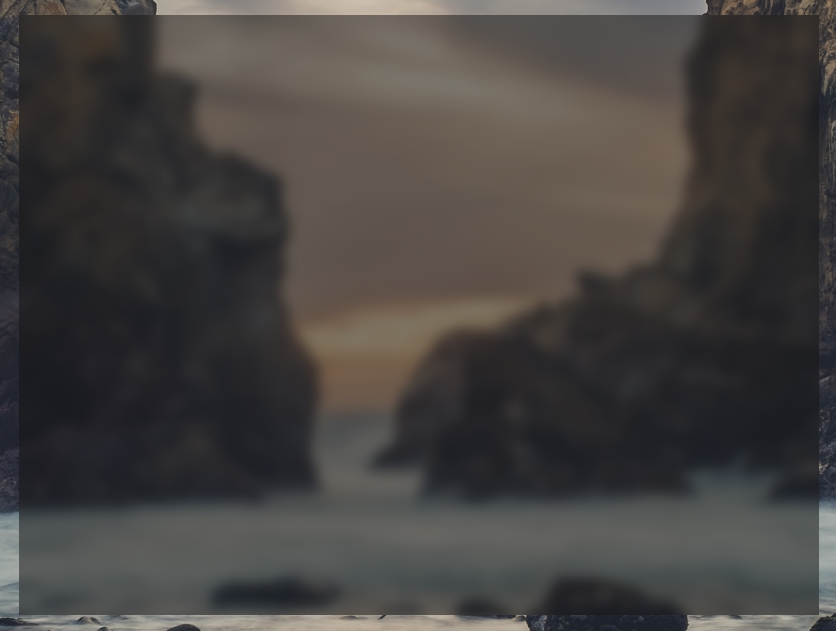 | 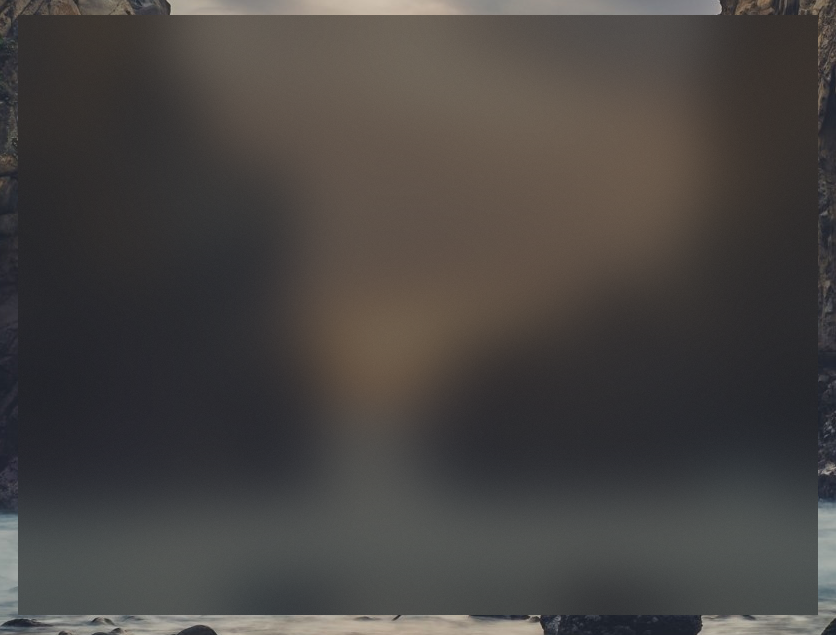 |  |  |
1,075 followers · starred May 2026
1,114 followers · starred Dec 2024
3,918 followers · starred Feb 2023
133 followers · starred Feb 2025
Make your windows vibrant.
[!Tip] If you're using
tauri@v1, you need to use version0.4of this crate.
use window_vibrancy::{apply_blur, apply_vibrancy, NSVisualEffectMaterial};

#[cfg(target_os = "macos")]
apply_vibrancy(&window, NSVisualEffectMaterial::HudWindow, None, None)
    .expect("Unsupported platform! 'apply_vibrancy' is only supported on macOS");

#[cfg(target_os = "windows")]
apply_blur(&window, Some((18, 18, 18, 125)))
    .expect("Unsupported platform! 'apply_blur' is only supported on Windows");
For macOS 26 and newer, you can use the new apply_liquid_glass function with the modern glass effect:
use window_vibrancy::{apply_liquid_glass, LiquidGlassOptions, NSGlassEffectViewStyle};

#[cfg(target_os = "macos")]
{
    let options = LiquidGlassOptions::new(NSGlassEffectViewStyle::Clear)
        .radius(26.0)
        .opaque(false)
        // macOS 27+ only, ignored on macOS 26
        .interactive(true);

    apply_liquid_glass(&window, options)
        .expect("Unsupported platform! 'apply_liquid_glass' is only supported on macOS 26+");
}
The .interactive(true) option enables the glass' visual response to user interactions (NSGlassEffectView.effectIsInteractive). It requires macOS 27 or newer and is silently ignored on macOS 26 and older.
Advanced Usage with WebView:
If you manage the primary content view yourself (for example a WKWebView), you can pass its pointer via the .content_view() method so the crate can reparent it into the glass view's contentView:
use window_vibrancy::{apply_liquid_glass, LiquidGlassOptions, NSGlassEffectViewStyle};
use std::ptr::NonNull;

#[cfg(target_os = "macos")]
{
    let webview: NonNull<std::ffi::c_void> = find_webview(&window);

    let options = LiquidGlassOptions::new(NSGlassEffectViewStyle::Clear)
        .radius(26.0)
        .content_view(webview);

    apply_liquid_glass(&window, options)
        .expect("Failed to apply liquid glass");
}
For a complete example of WebView integration with Tauri, see examples/tauri/src-tauri/src/main.rs.
if you are using tauri, don't forget to:
html, body { background: transparent } see index.html#L12"windows": [ { "transparent": true } ] see tauri.conf.json#L57"macOSPrivateApi": true see tauri.conf.json#L49For a more complete example of usage with tauri, see examples/tauri.
| Function | Supported platforms | Notes |
|---|---|---|
apply_blur&clear_blur | Windows 7/10/11 (22H1 only) | Bad performance when resizing/dragging the window on Windows 11 build 22621+. |
apply_acrylic&clear_acrylic | Windows 10/11 | Bad performance when resizing/dragging the window on Windows 10 v1903+ and Windows 11 build 22000. |
apply_mica&clear_mica | Windows 11 | |
apply_vibrancy&clear_vibrancy | macOS 10.10 and newer | |
apply_liquid_glass&clear_liquid_glass | macOS 26 and newer | Modern glass effect with customizable radius, tint color, opacity and interactive (macOS 27+) options. |
| apply_blur | apply_acrylic | apply_mica | apply_vibrancy |
|---|---|---|---|
| | | |
1,075 followers · starred May 2026
1,114 followers · starred Dec 2024
3,918 followers · starred Feb 2023
133 followers · starred Feb 2025