
README
🕶️
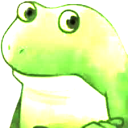
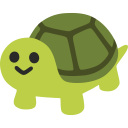
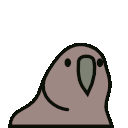
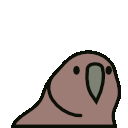

This is a quarantine of some extremely bright PNG files. They render brightest on Chrome-based tools with MacBook Pro screens.
⚠️ Do not upload these to your company Slack ⚠️
⚠️ Do not create your own HDR emojis ⚠️
⚠️ Do not dazzle your coworkers ⚠️
Turning HDR images off
Slack
If you know how to use the Terminal, run this to restart Slack without any HDR emojis:
killall Slack ; open /Applications/Slack.app/ --args --force-color-profile=srgb
(HDR emojis will return the next time you relaunch Slack.)
Chrome
It's the same as above, though I needed to delay relaunching for some reason.
killall 'Google Chrome' ; sleep 3 ; open /Applications/Google\ Chrome.app/ --args --force-color-profile=srgb
HDR emojis will return the next time you relaunch Chrome. To permanently turn off HDR images in Chrome, paste this address in your browser's address bar:
chrome://flags/#force-color-profile
Set the Force color profile setting to sRGB.
Quarantine











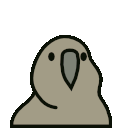
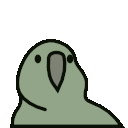
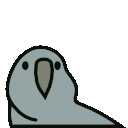
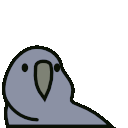
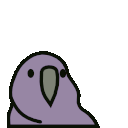
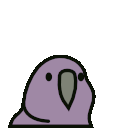
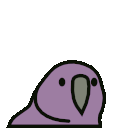
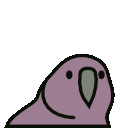
Create your own
⚠️ Do not create HDR emojis ⚠️
Corry Haines has a helpful guide on how to create HDR emojis.
Contributors

8 commits
Similar repos


README
🕶️
This is a quarantine of some extremely bright PNG files. They render brightest on Chrome-based tools with MacBook Pro screens.
⚠️ Do not upload these to your company Slack ⚠️
⚠️ Do not create your own HDR emojis ⚠️
⚠️ Do not dazzle your coworkers ⚠️
Turning HDR images off
Slack
If you know how to use the Terminal, run this to restart Slack without any HDR emojis:
killall Slack ; open /Applications/Slack.app/ --args --force-color-profile=srgb
(HDR emojis will return the next time you relaunch Slack.)
Chrome
It's the same as above, though I needed to delay relaunching for some reason.
killall 'Google Chrome' ; sleep 3 ; open /Applications/Google\ Chrome.app/ --args --force-color-profile=srgb
HDR emojis will return the next time you relaunch Chrome. To permanently turn off HDR images in Chrome, paste this address in your browser's address bar:
chrome://flags/#force-color-profile
Set the Force color profile setting to sRGB.
Quarantine
Create your own
⚠️ Do not create HDR emojis ⚠️
Corry Haines has a helpful guide on how to create HDR emojis.
Similar repos
Contributors
8 commits