VSCode/Cursor extension that turns your editor into a full featured IDE for React Native and Expo.
See the code


Radon IDE is an extension for VSCode and Cursor that turns your code editors into fully-featured IDEs for developing React Native and Expo apps.
This repository is for issue tracking and discussion only.
You can install Radon IDE using extension marketplace in VSCode, Cursor, or Windsurf. Follow our installation guide for more information and direct links to marketplace pages.
Once you have the IDE installed, you can check our Getting Started Guide on how to launch and start using the extension.
Radon IDE is available under a commercial license that can be purchased on our website: ide.swmansion.com. You can use our Free Trial License to evaluate whether the extension works for your project and use cases.
Once you purchase your license, you can follow our License Activation Guide to activate it using the IDE Panel in VSCode or Cursor.
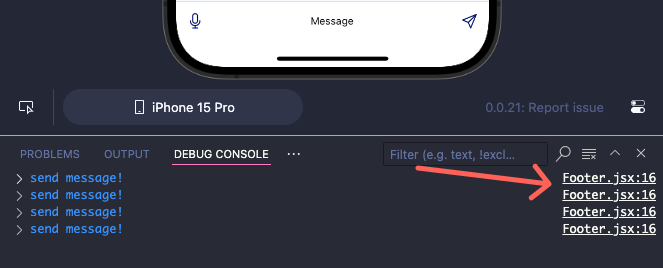
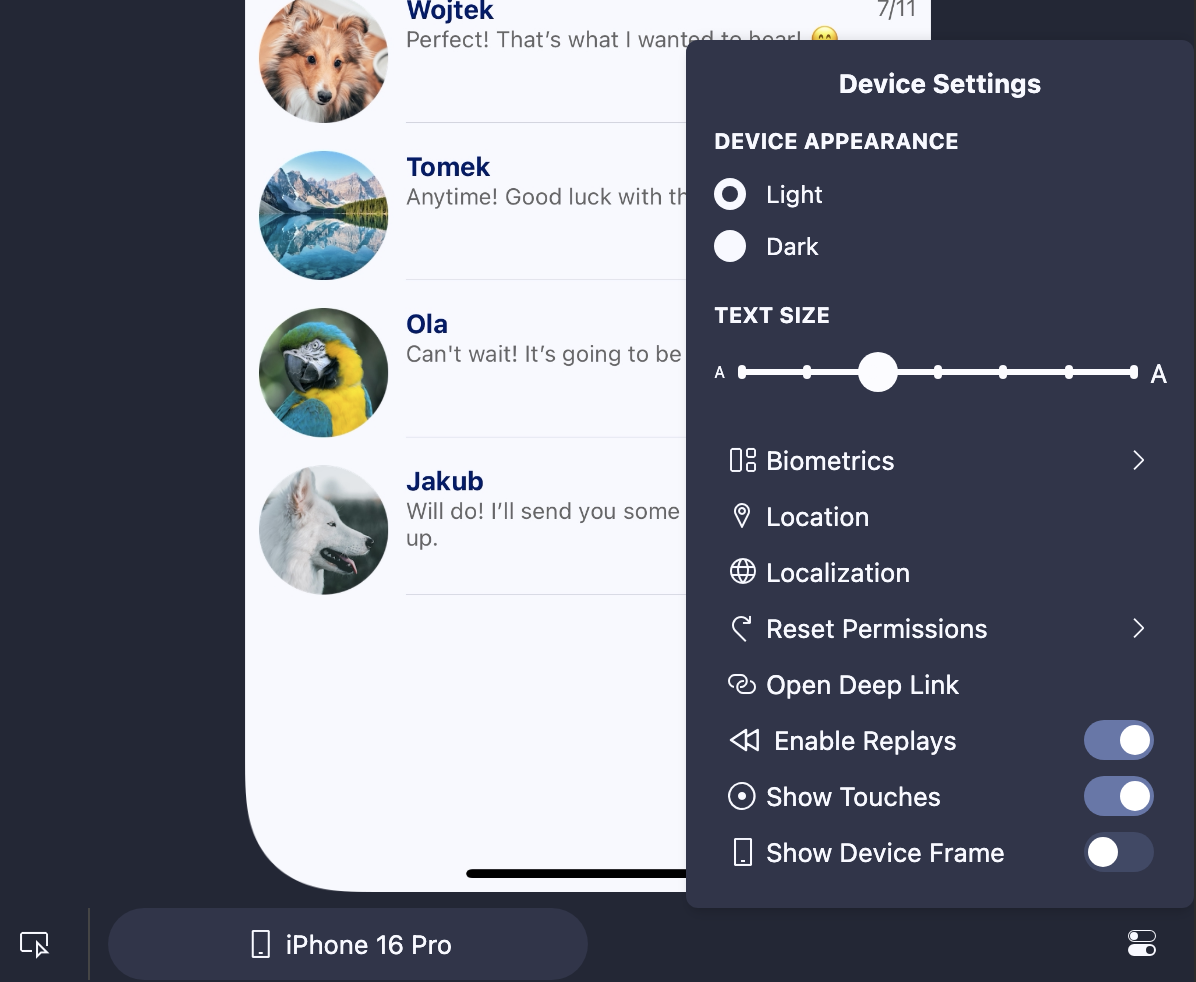
Radon IDE aims to work with all sorts of React Native and Expo projects (see project compatibility page for details), and without any extra configuration, will build and launch your projects, providing an integrated simulator preview right in the editor and enabling a set of integrations that can accelerate the development process, including but not limited to:
Visit the Feature Highlights documentation page, where we showcase the most important features of the extension.
For troubleshooting and a guide on reporting issues, please visit our Troubleshooting Docs.
Visit the Radon IDE website.
Radon IDE is built by Software Mansion
749 followers · starred Jun 2024
771 followers · starred May 2024
3,571 followers · starred Apr 2024
469 followers · starred May 2024
VSCode/Cursor extension that turns your editor into a full featured IDE for React Native and Expo.
See the code
Radon IDE is an extension for VSCode and Cursor that turns your code editors into fully-featured IDEs for developing React Native and Expo apps.
This repository is for issue tracking and discussion only.
You can install Radon IDE using extension marketplace in VSCode, Cursor, or Windsurf. Follow our installation guide for more information and direct links to marketplace pages.
Once you have the IDE installed, you can check our Getting Started Guide on how to launch and start using the extension.
Radon IDE is available under a commercial license that can be purchased on our website: ide.swmansion.com. You can use our Free Trial License to evaluate whether the extension works for your project and use cases.
Once you purchase your license, you can follow our License Activation Guide to activate it using the IDE Panel in VSCode or Cursor.
Radon IDE aims to work with all sorts of React Native and Expo projects (see project compatibility page for details), and without any extra configuration, will build and launch your projects, providing an integrated simulator preview right in the editor and enabling a set of integrations that can accelerate the development process, including but not limited to:
Visit the Feature Highlights documentation page, where we showcase the most important features of the extension.
For troubleshooting and a guide on reporting issues, please visit our Troubleshooting Docs.
Visit the Radon IDE website.
Radon IDE is built by Software Mansion
749 followers · starred Jun 2024
771 followers · starred May 2024
3,571 followers · starred Apr 2024
469 followers · starred May 2024