
| Globe | Wiravketto | ||
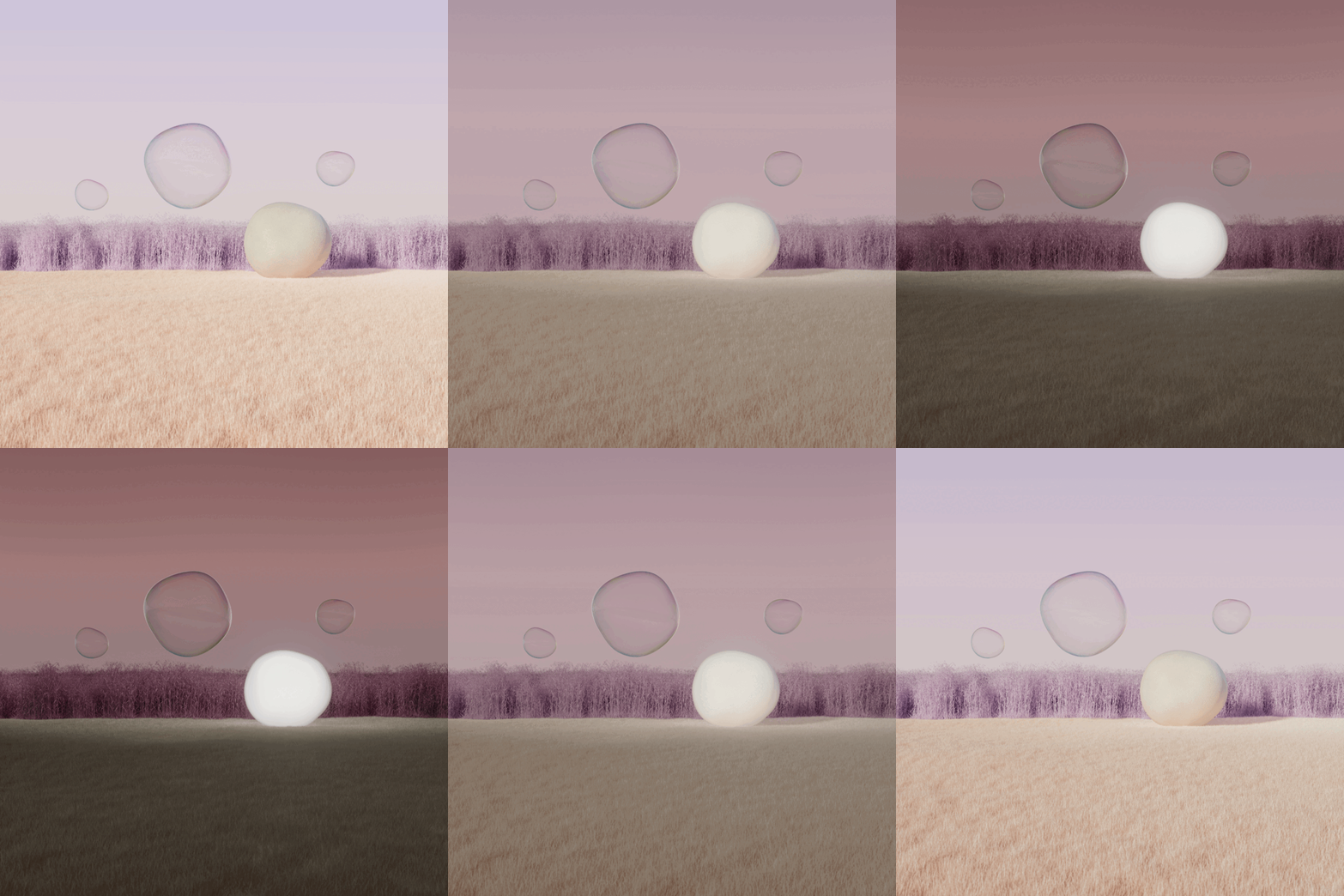 | 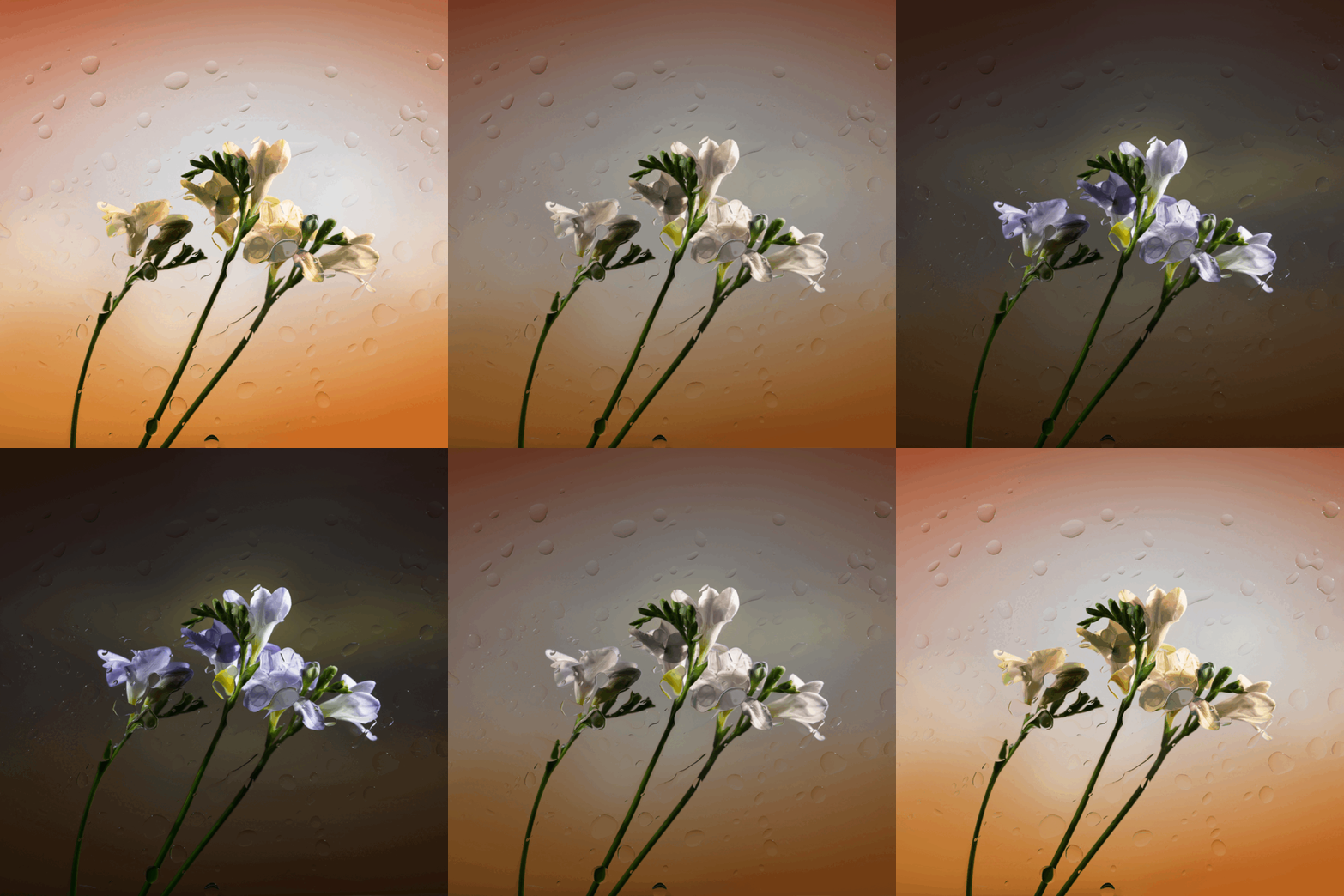 | 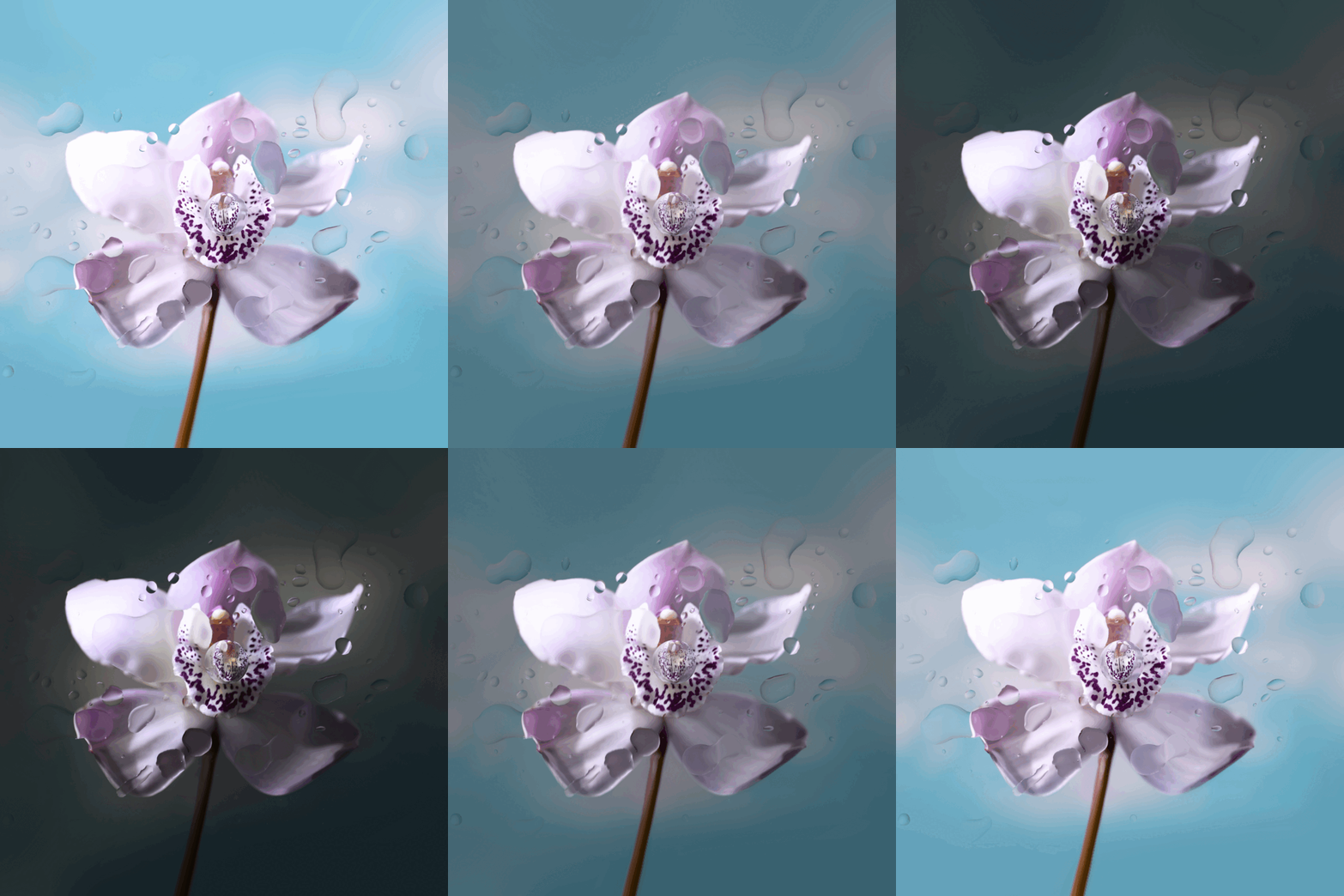 |  |
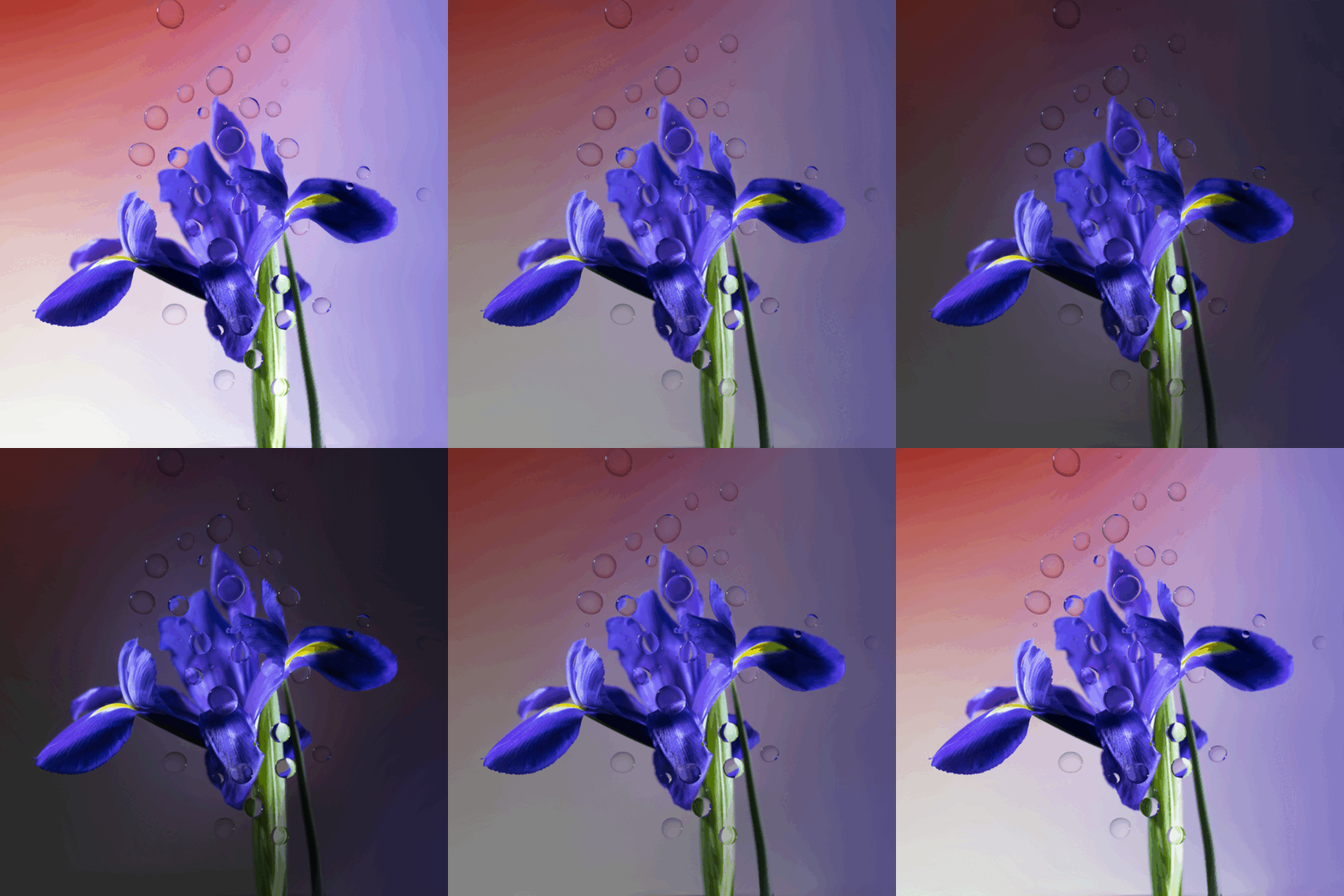
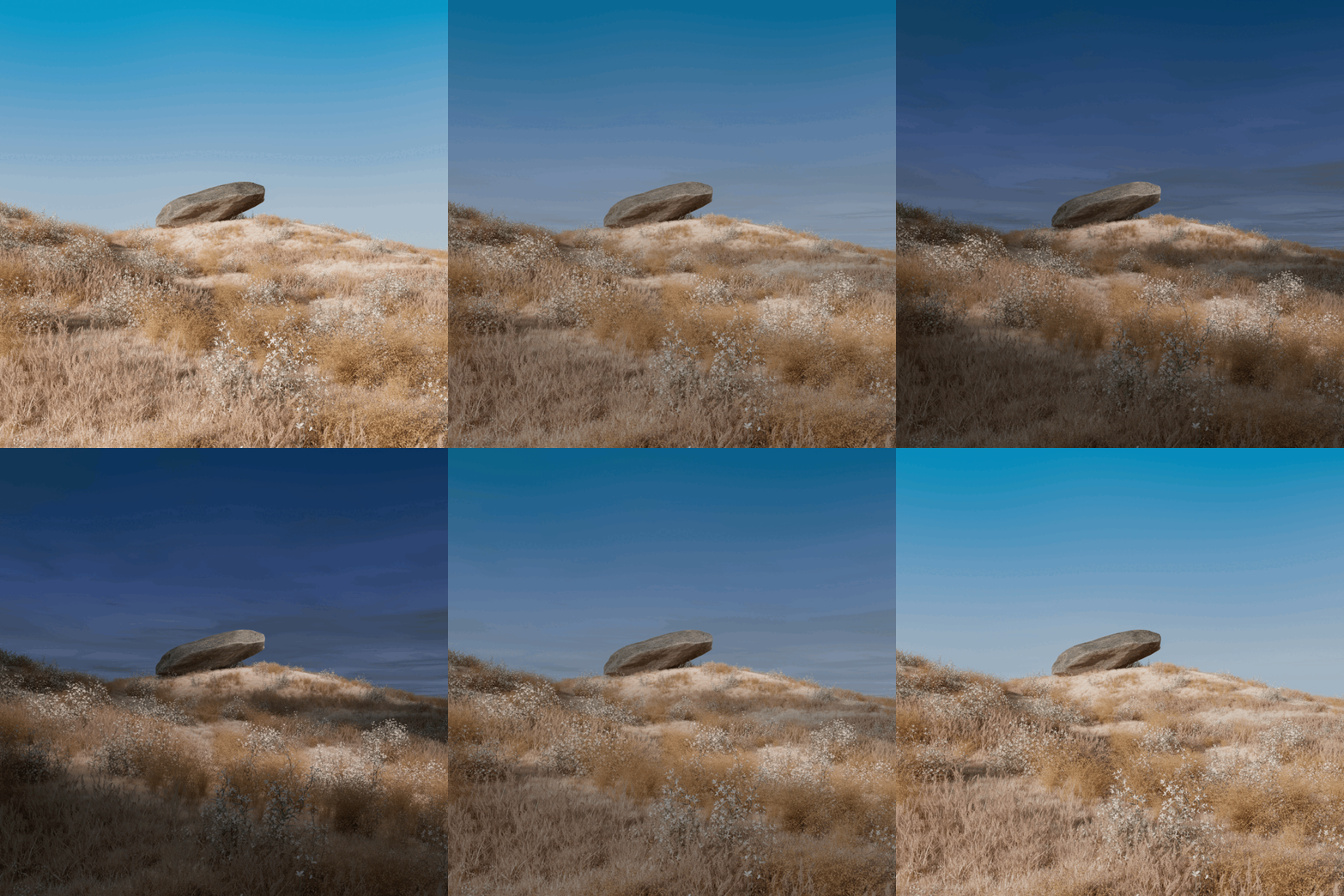
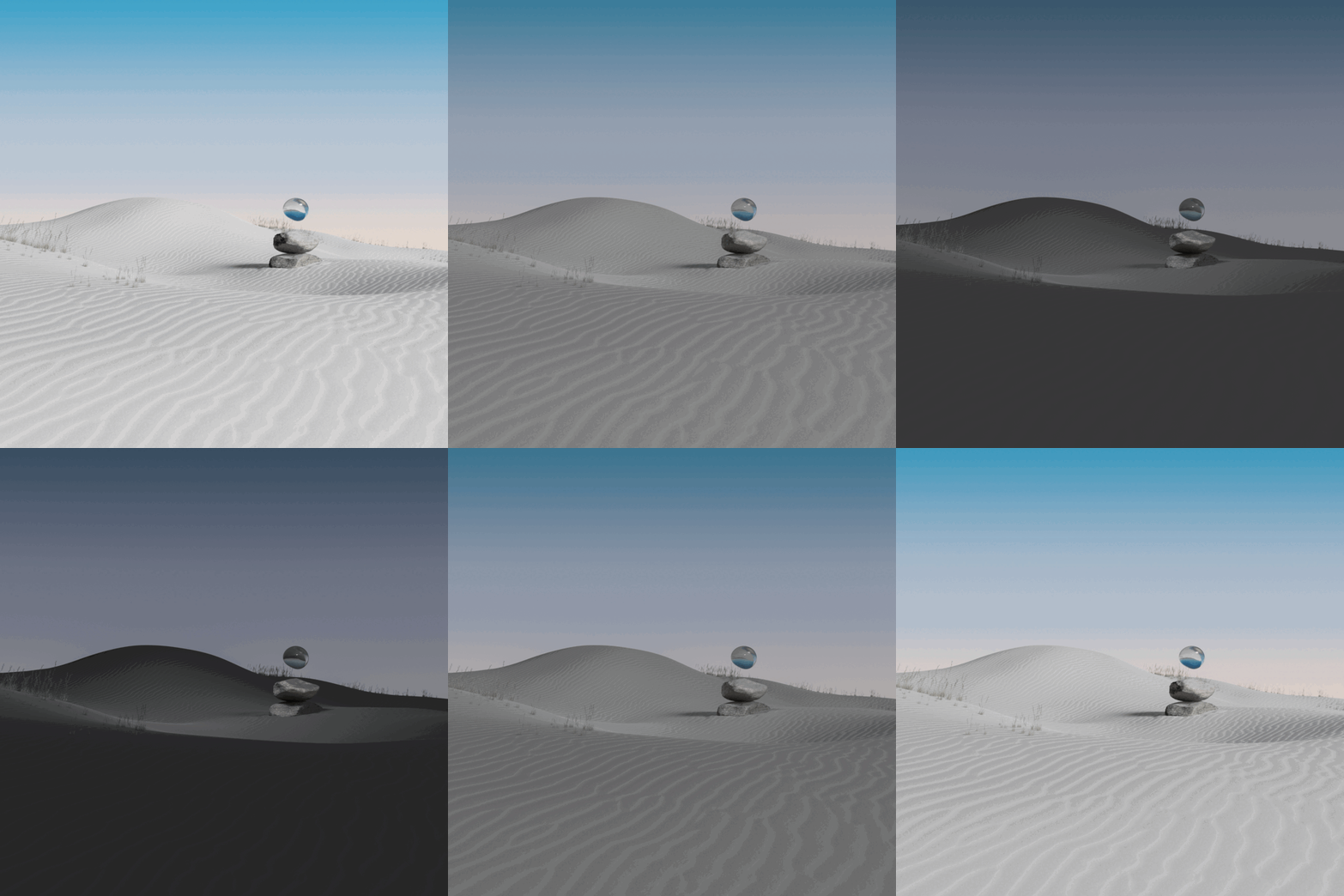
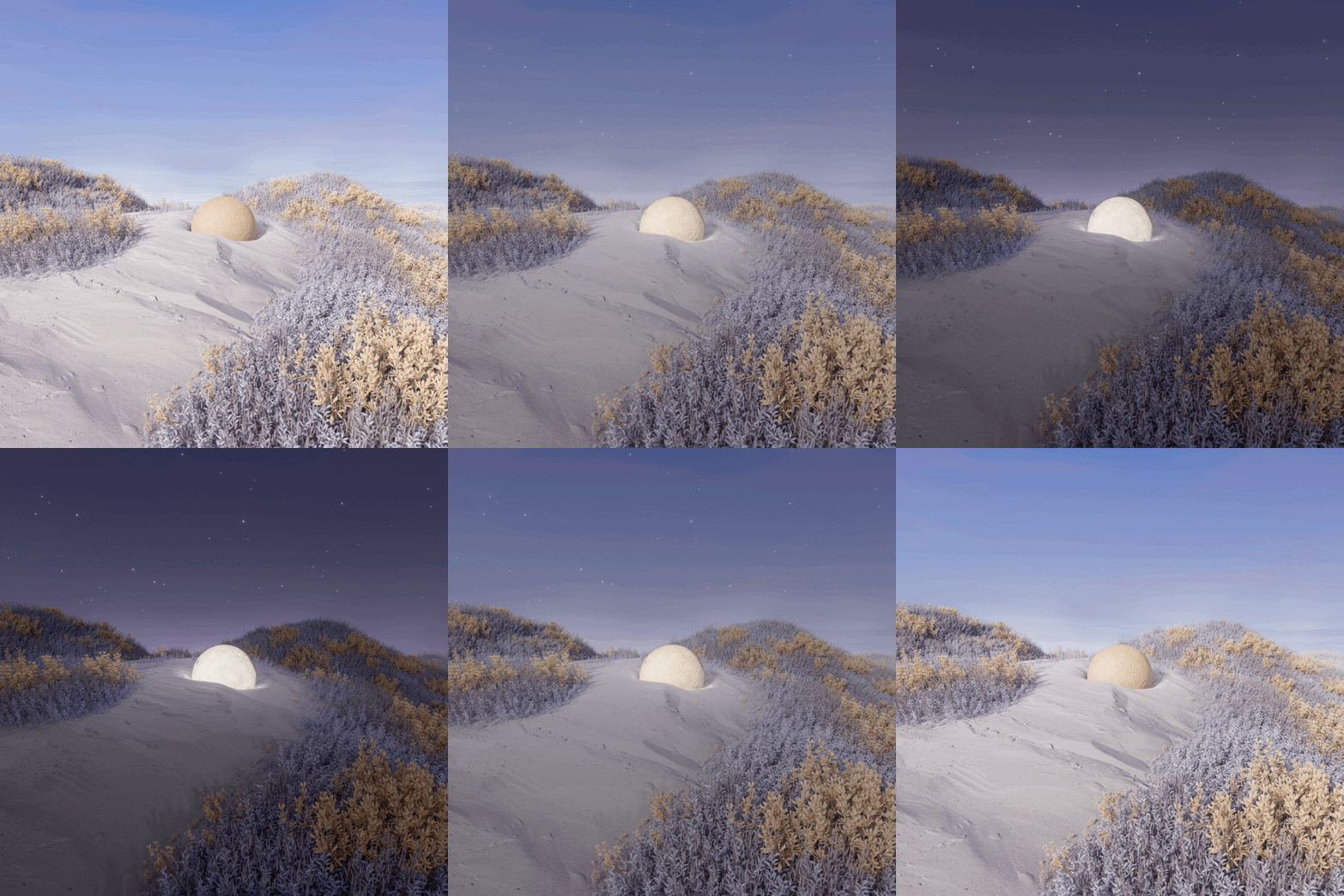
| Viragegy | Rocksketto | Rock | Rocknegy |
 |  |  |  |
| Material | Zorin Blur | Aura | FluidifiedST |
 | 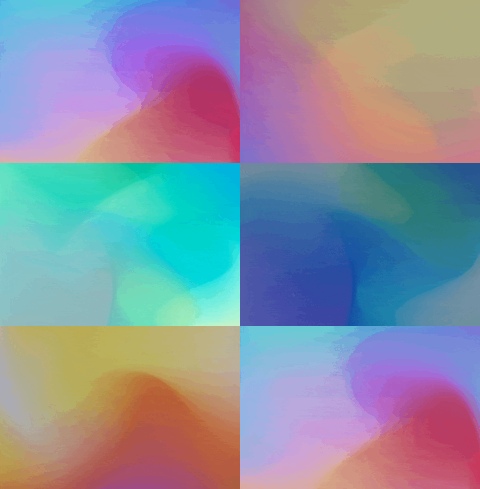 |  | 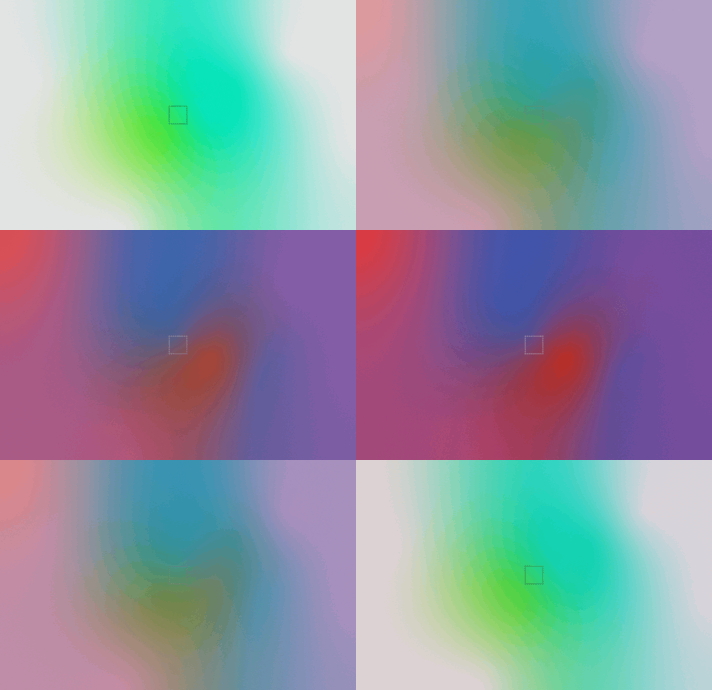 |
| LofiCity | Hills | ChromeOSEarth | Ocean |
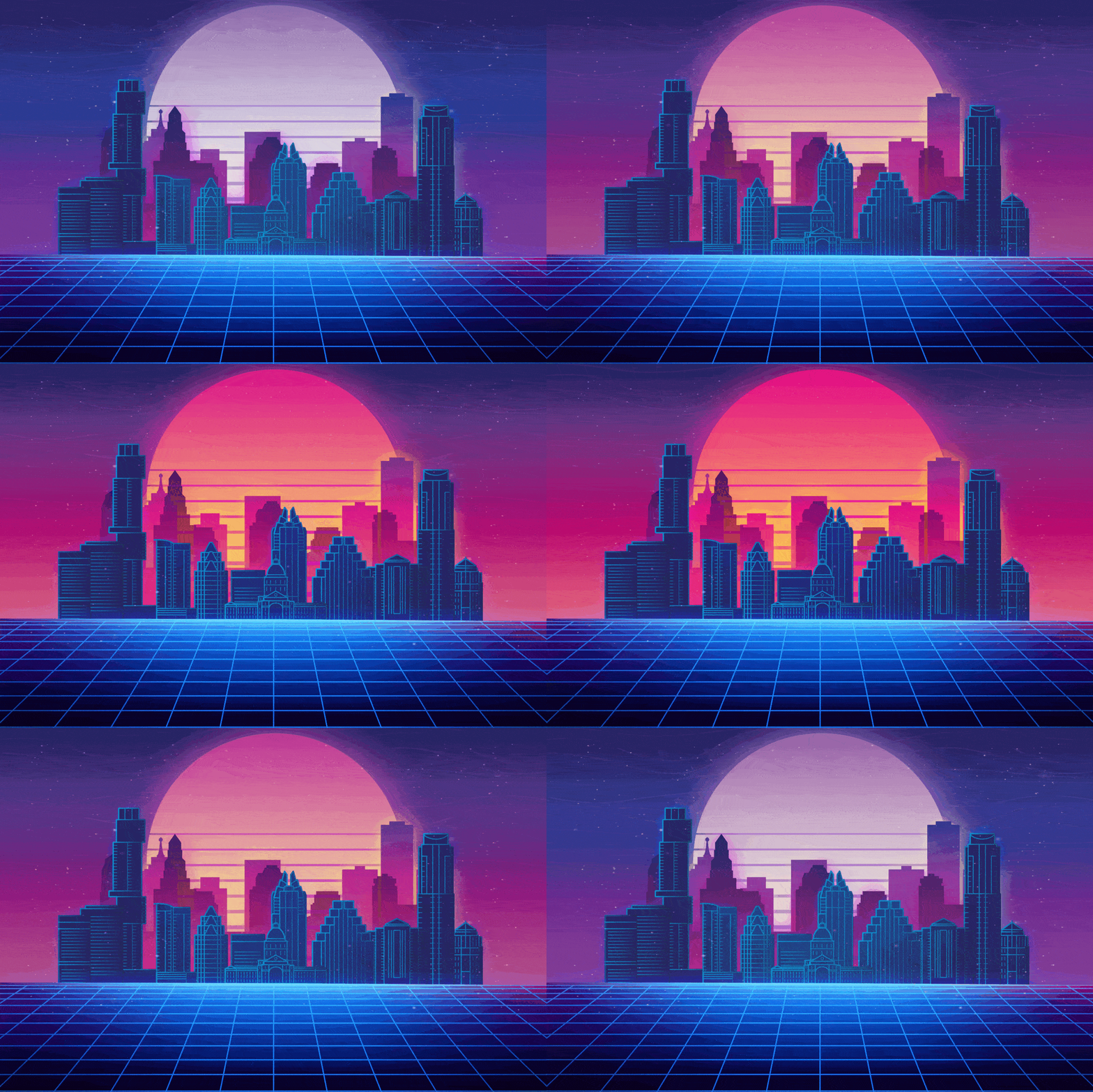 | 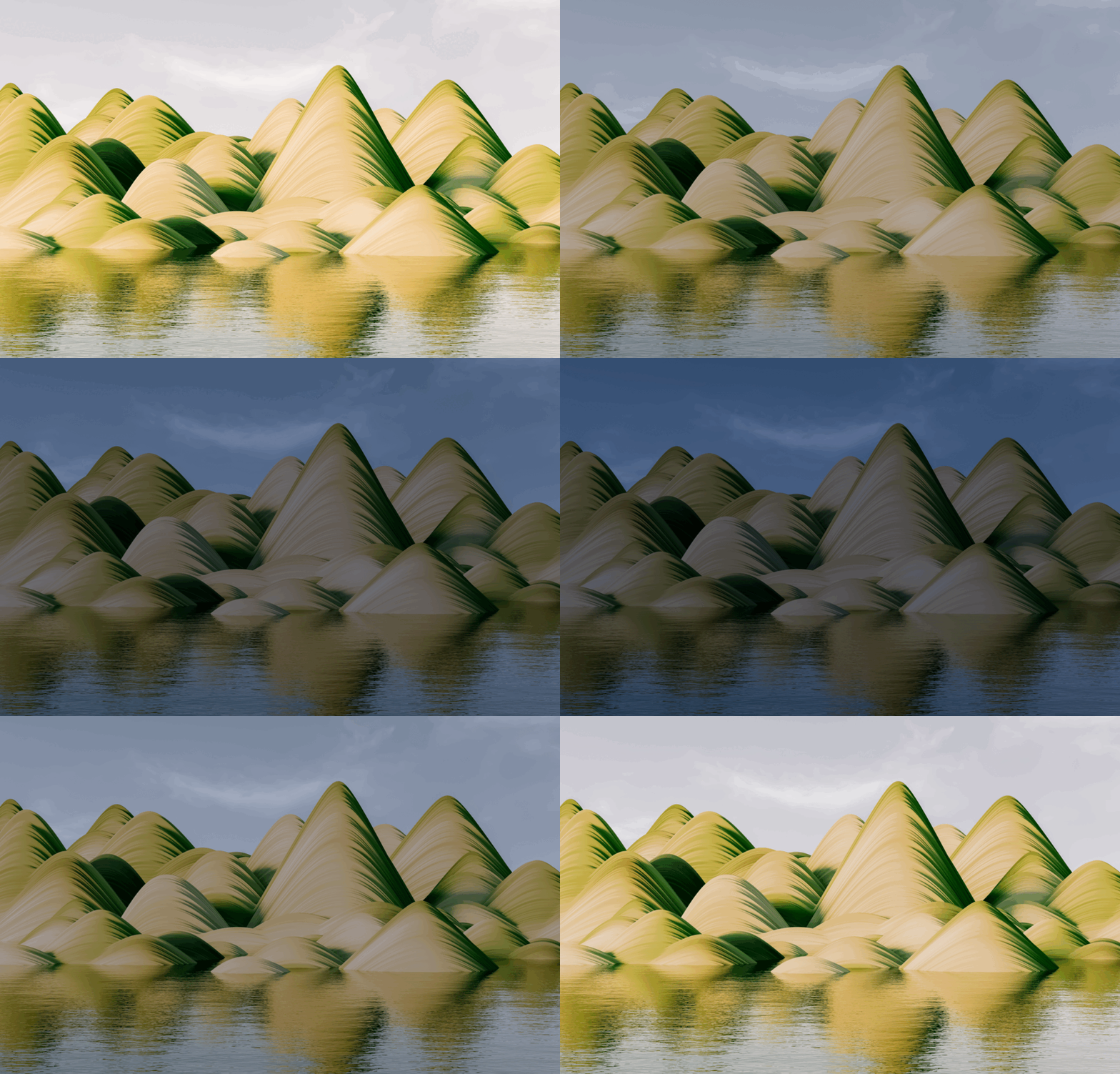 |  | 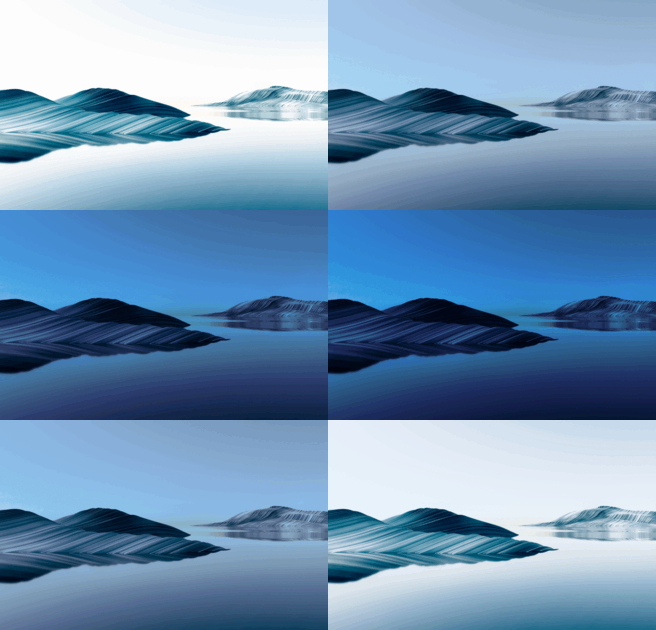 |
| DeadTree | MountainsIsland | ChromeOSFire | Solitude |
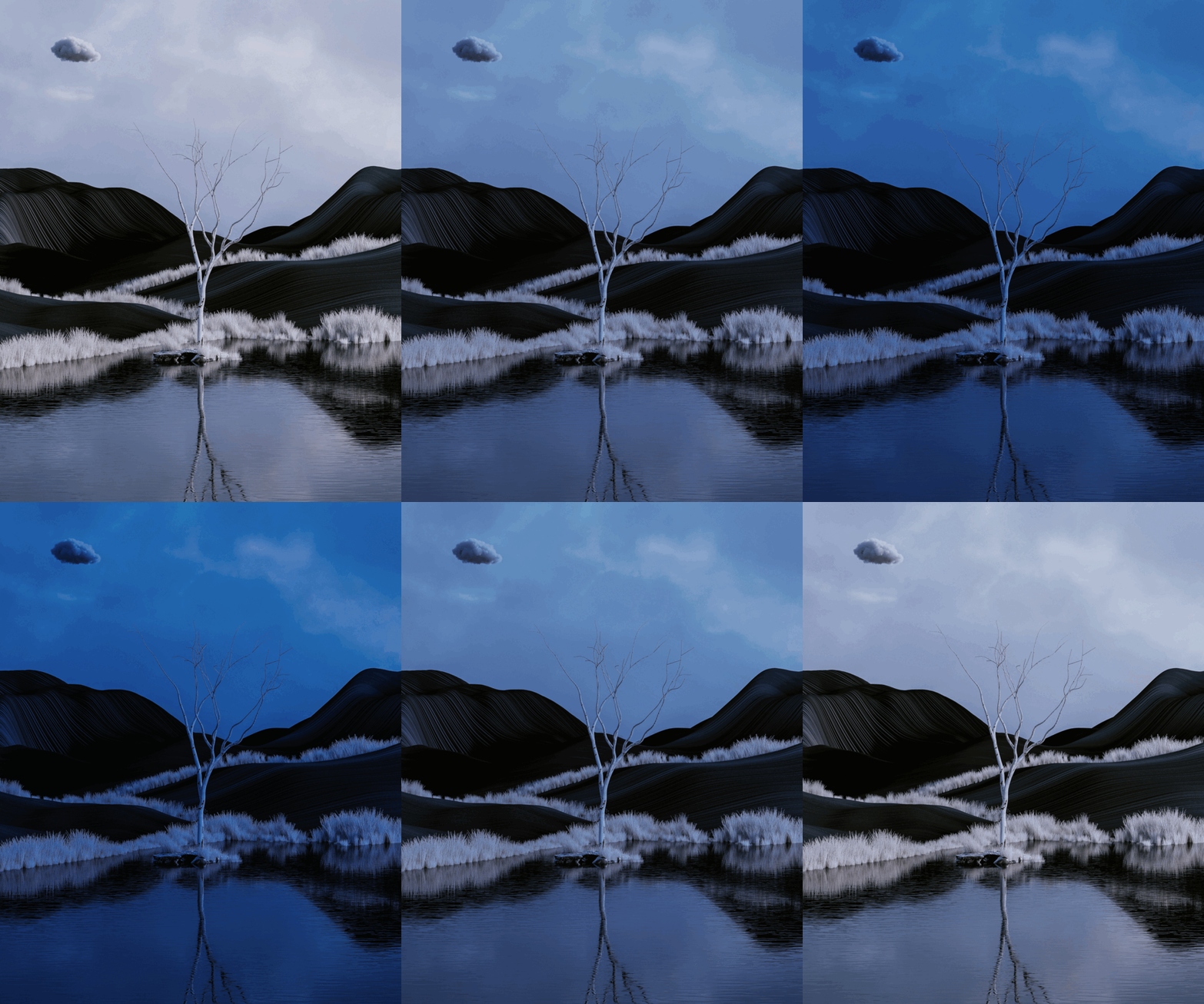 | 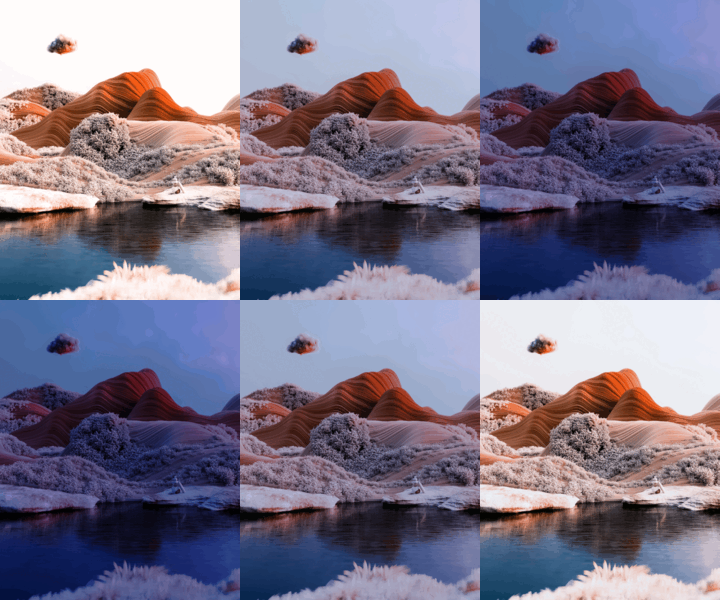 | 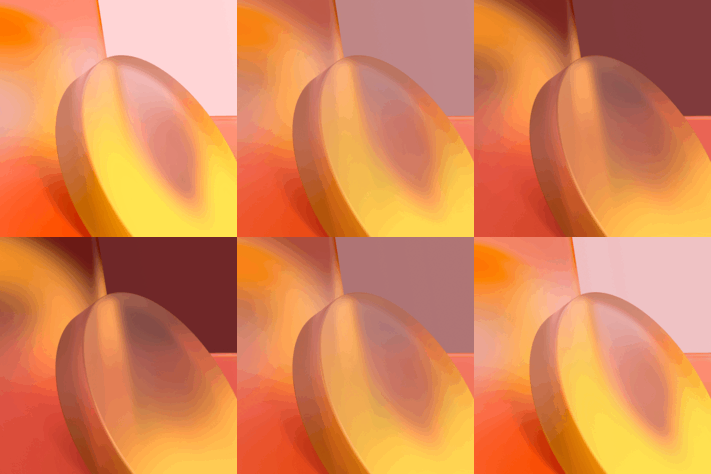 | 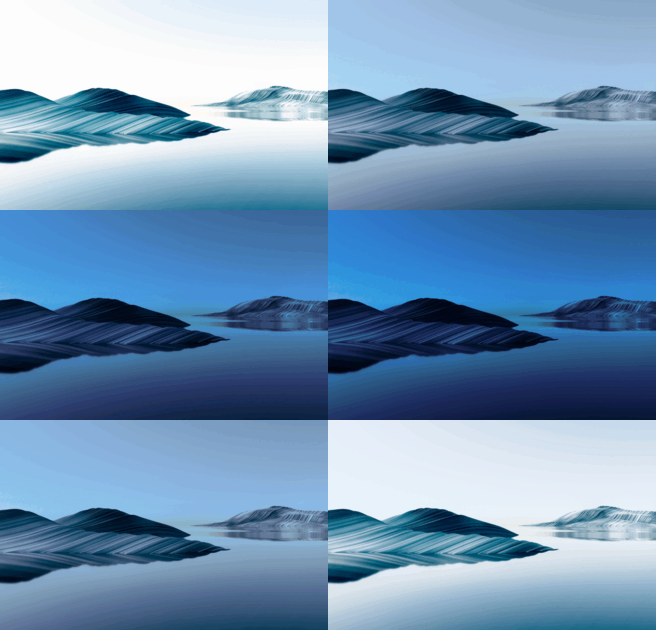 |
| ChromeOSBlues | ChromeOSGreens | ChromeOSEarth | WaterHill |
 |  | |  |
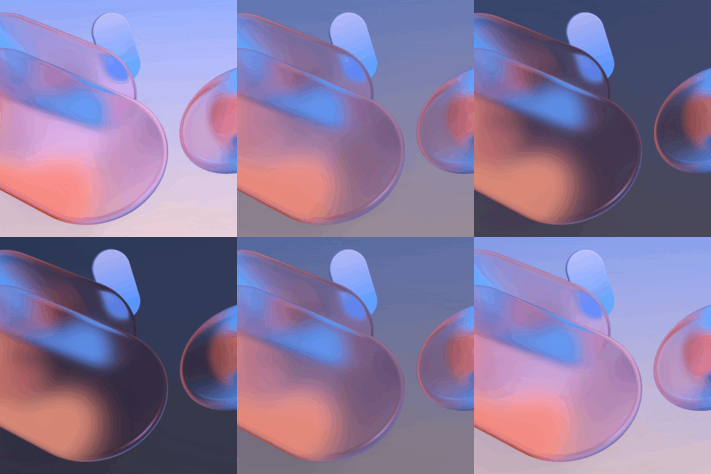
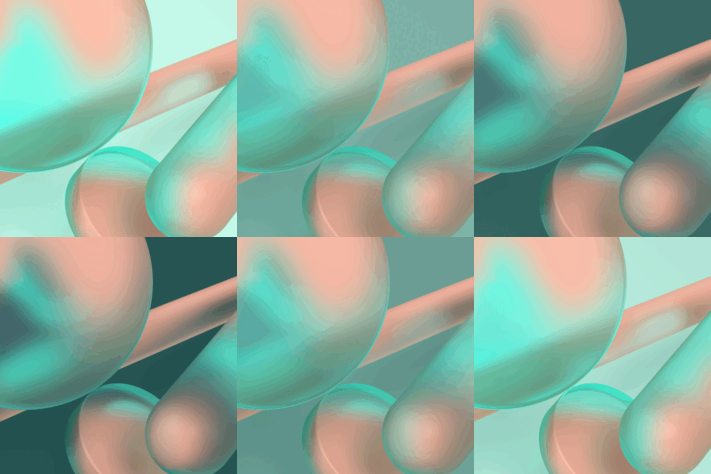
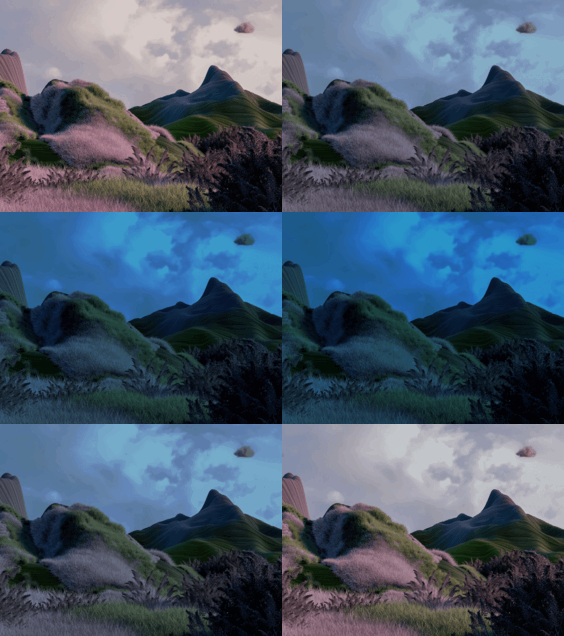
| ChromeOSWind | ChromeOSWater | SolidForest | ChromeOSYellows |
 |  |  |  |
| SolidMountain | Plateau | SolidDesert | SolidIsland |
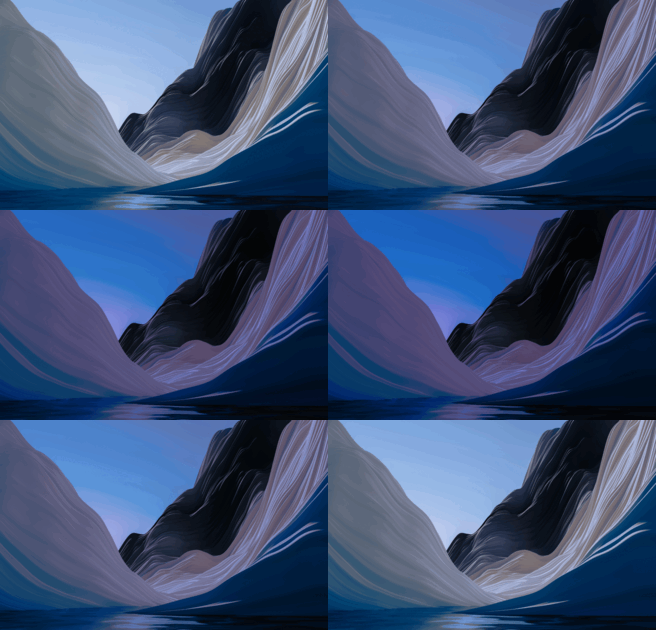 | 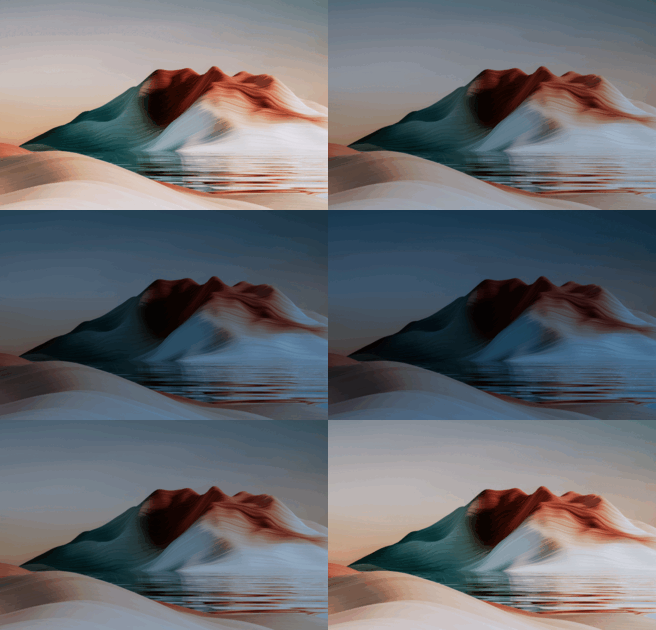 | 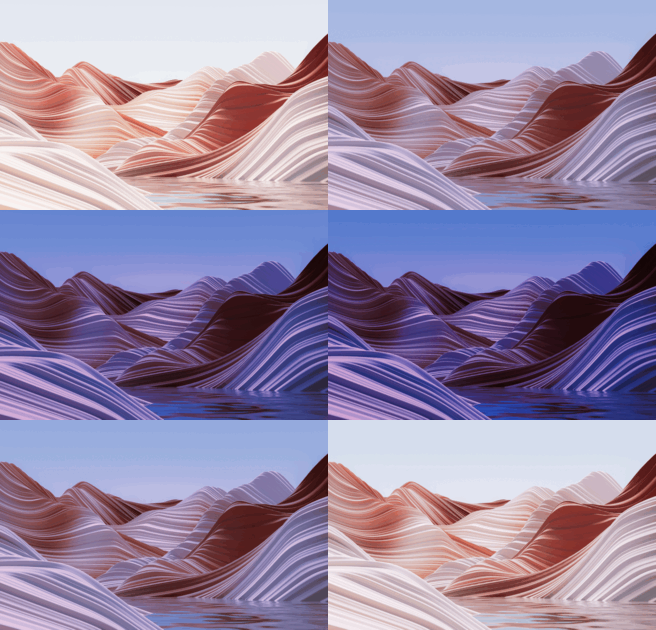 | 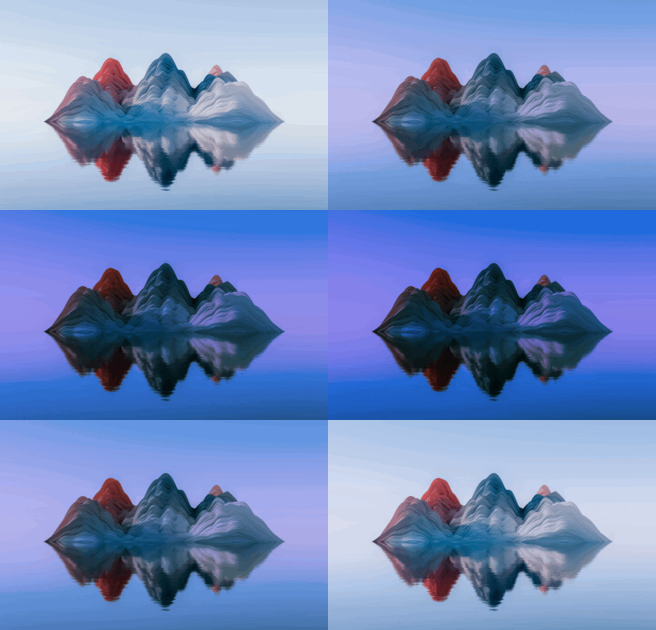 |
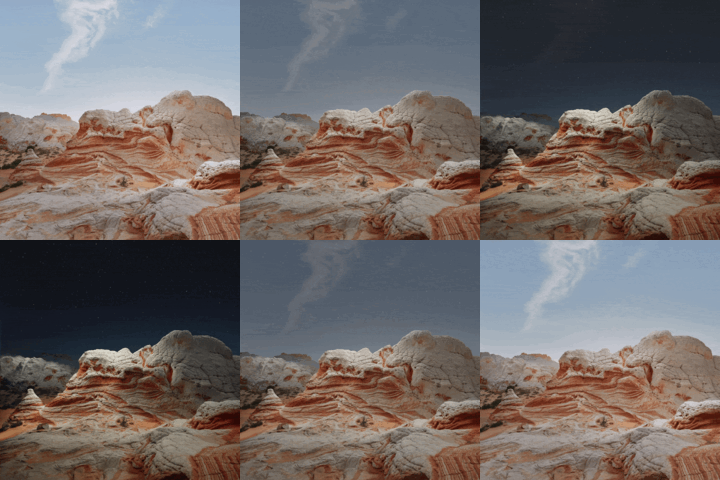
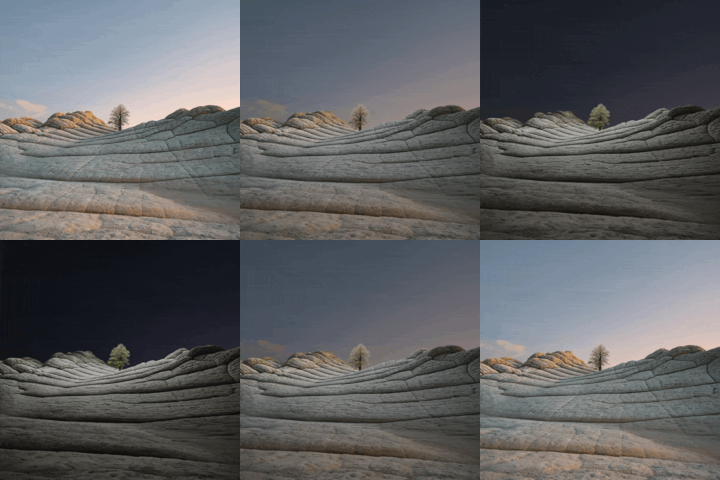
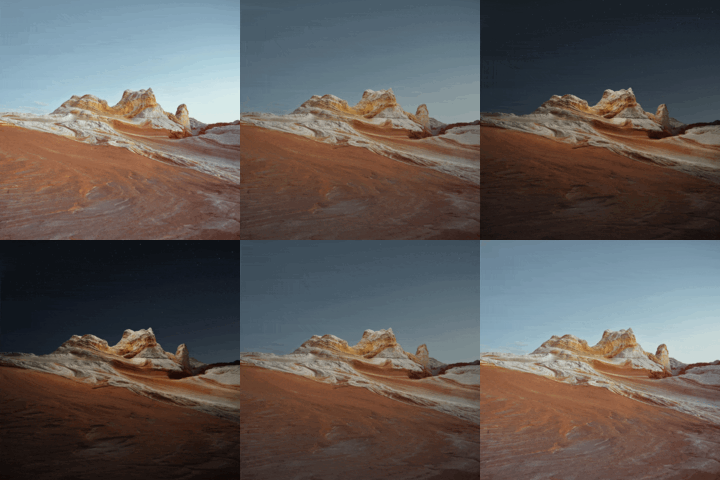
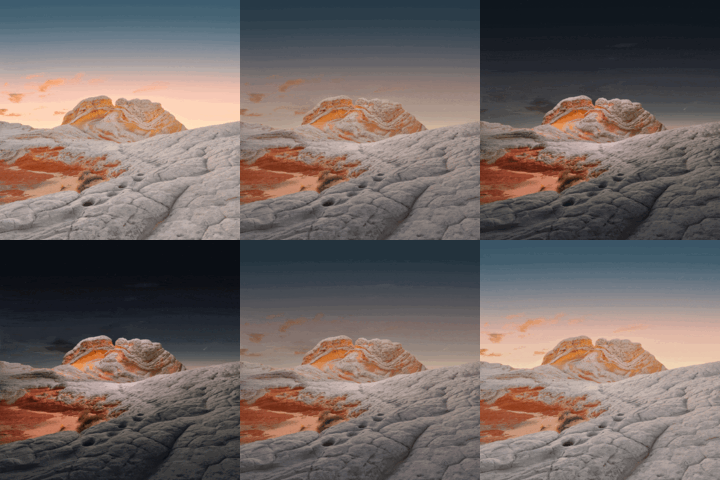
| Desert Valley | Desert Tree | Desert Peak | Dome |
 |  |  |  |
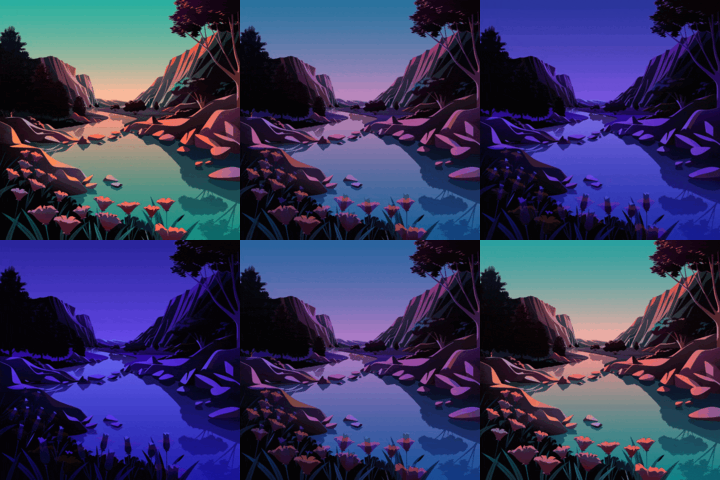
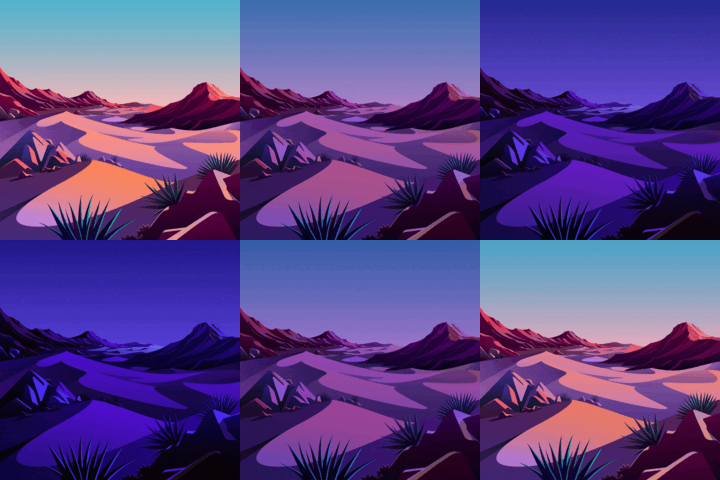
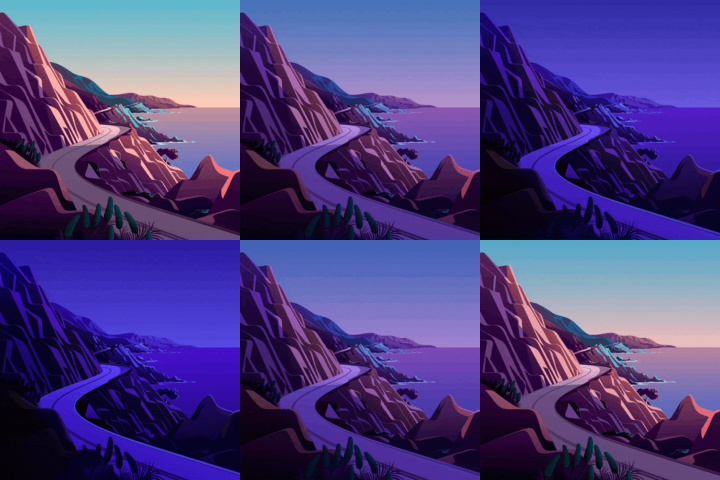
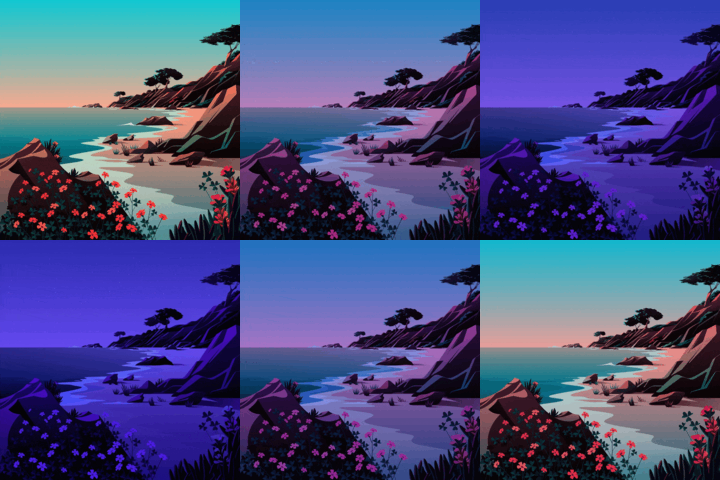
| The Lake | The Desert | Lake the Cliff | The Beach |
 |  |  |  |
| Big Sur 2 | Monterey | Mojave | Mojave V2 |
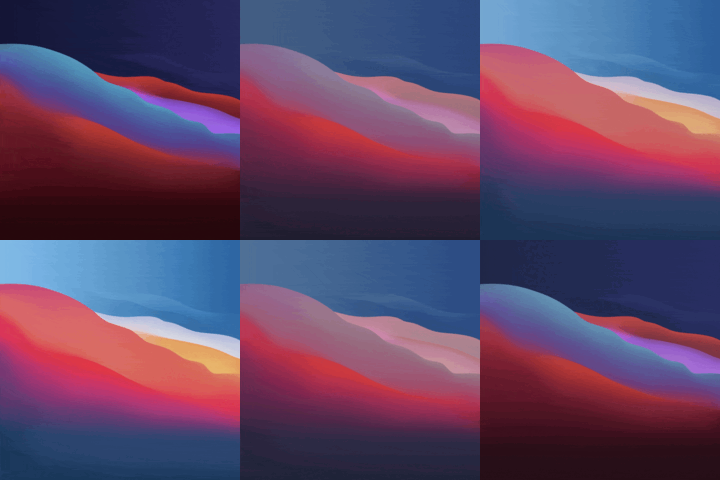 | 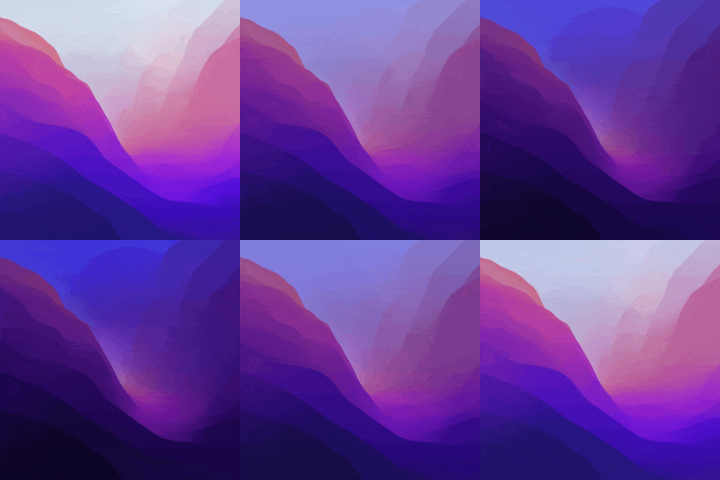 | 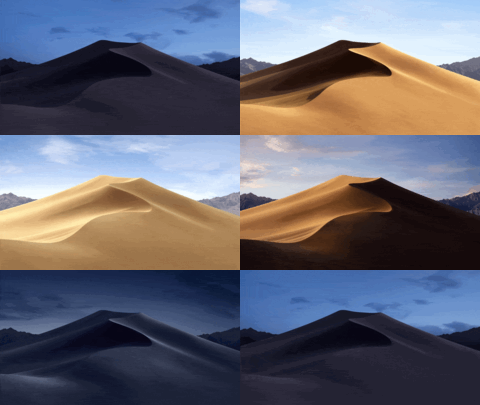 | 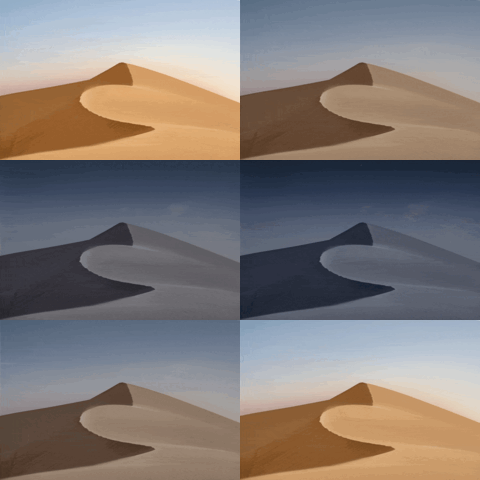 |
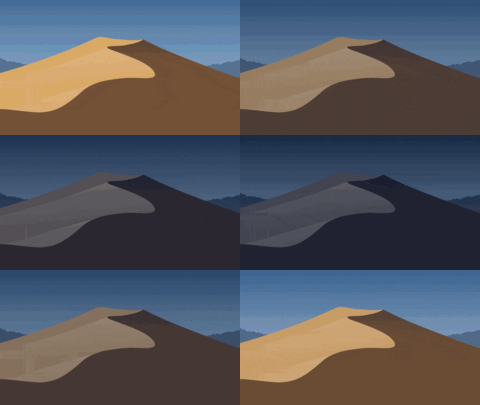
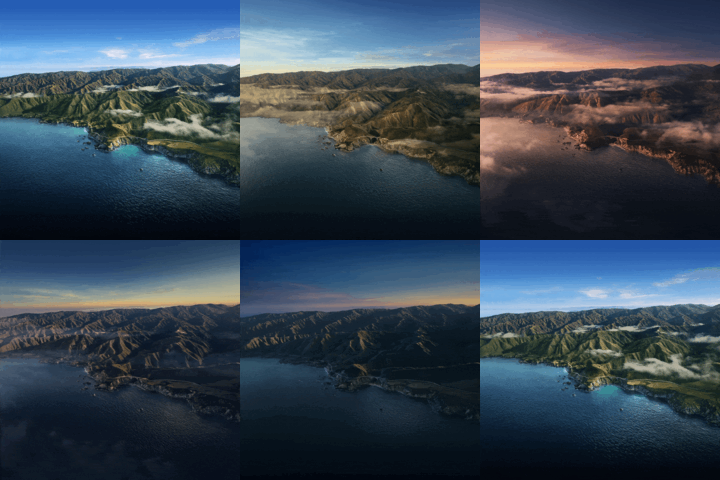
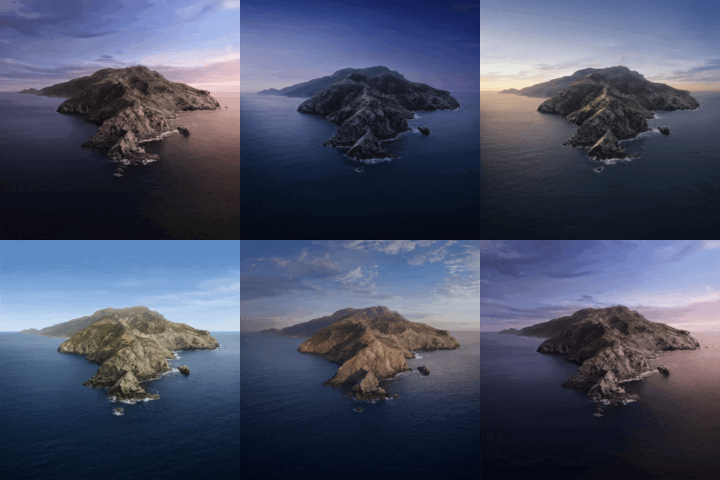
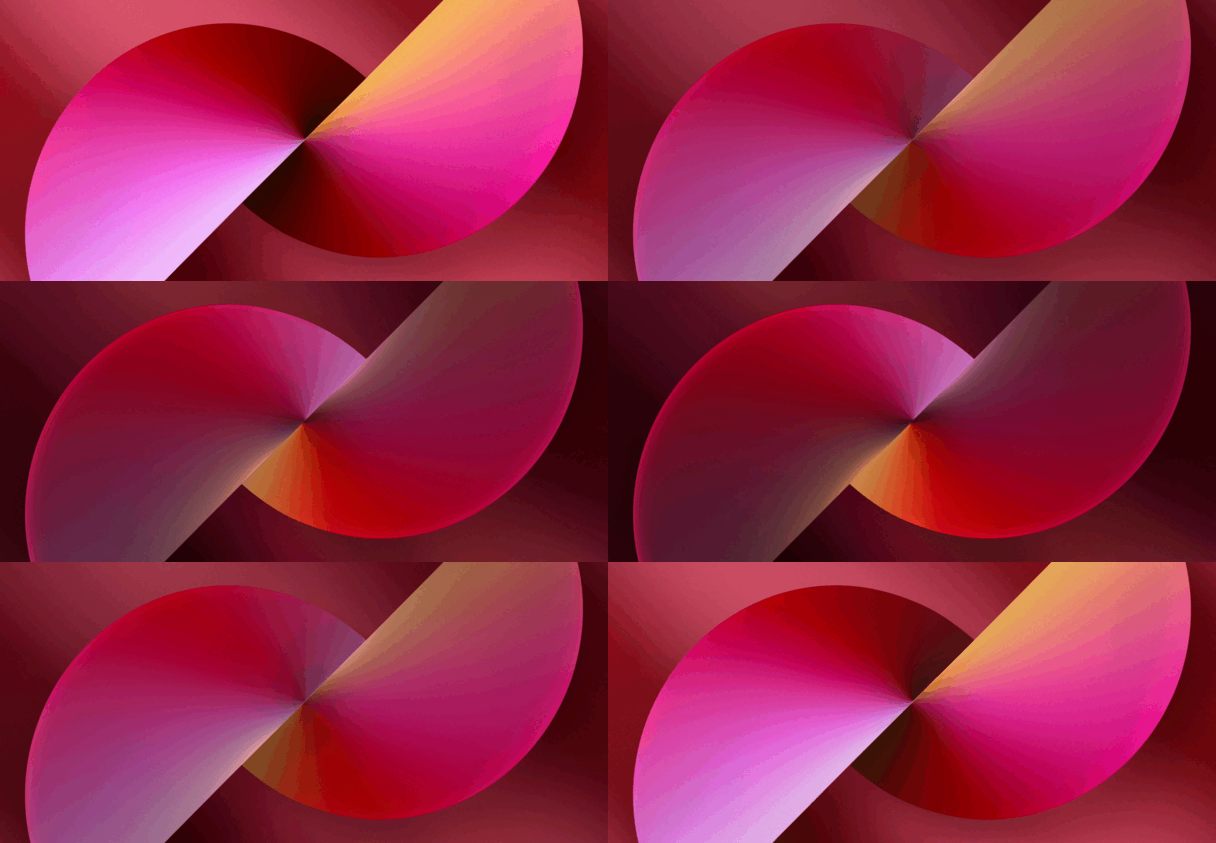
| Minimal Mojave | Big Sur | Catalina | Iphone 13 Red |
 |  |  |  |
| Lofi Dino | Lofi Girl | Lofi Alex | LofiAlexandra |
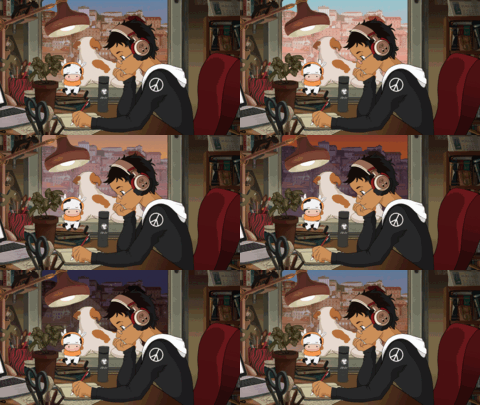 | 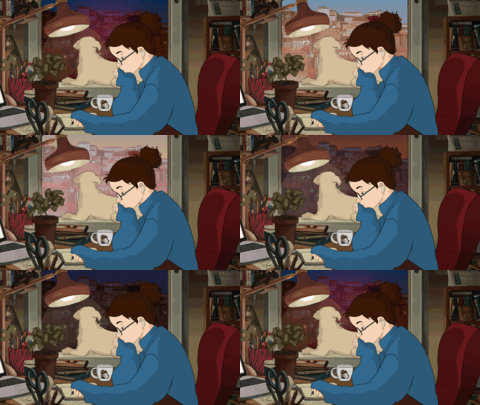 | 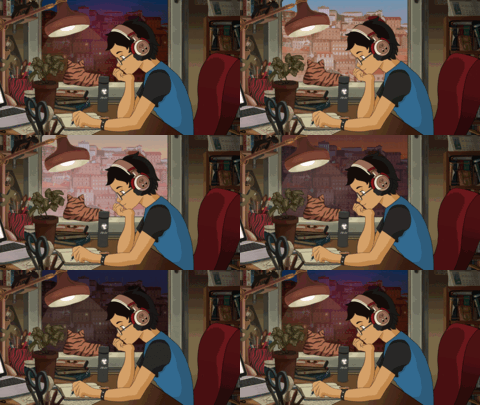 | 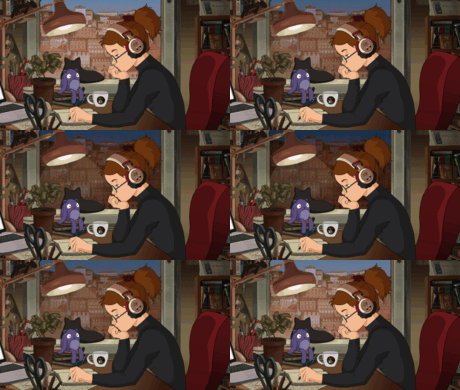 |
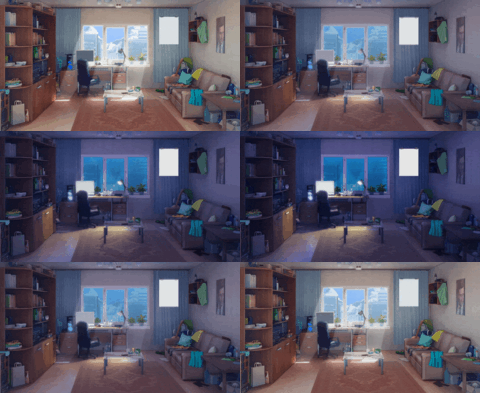
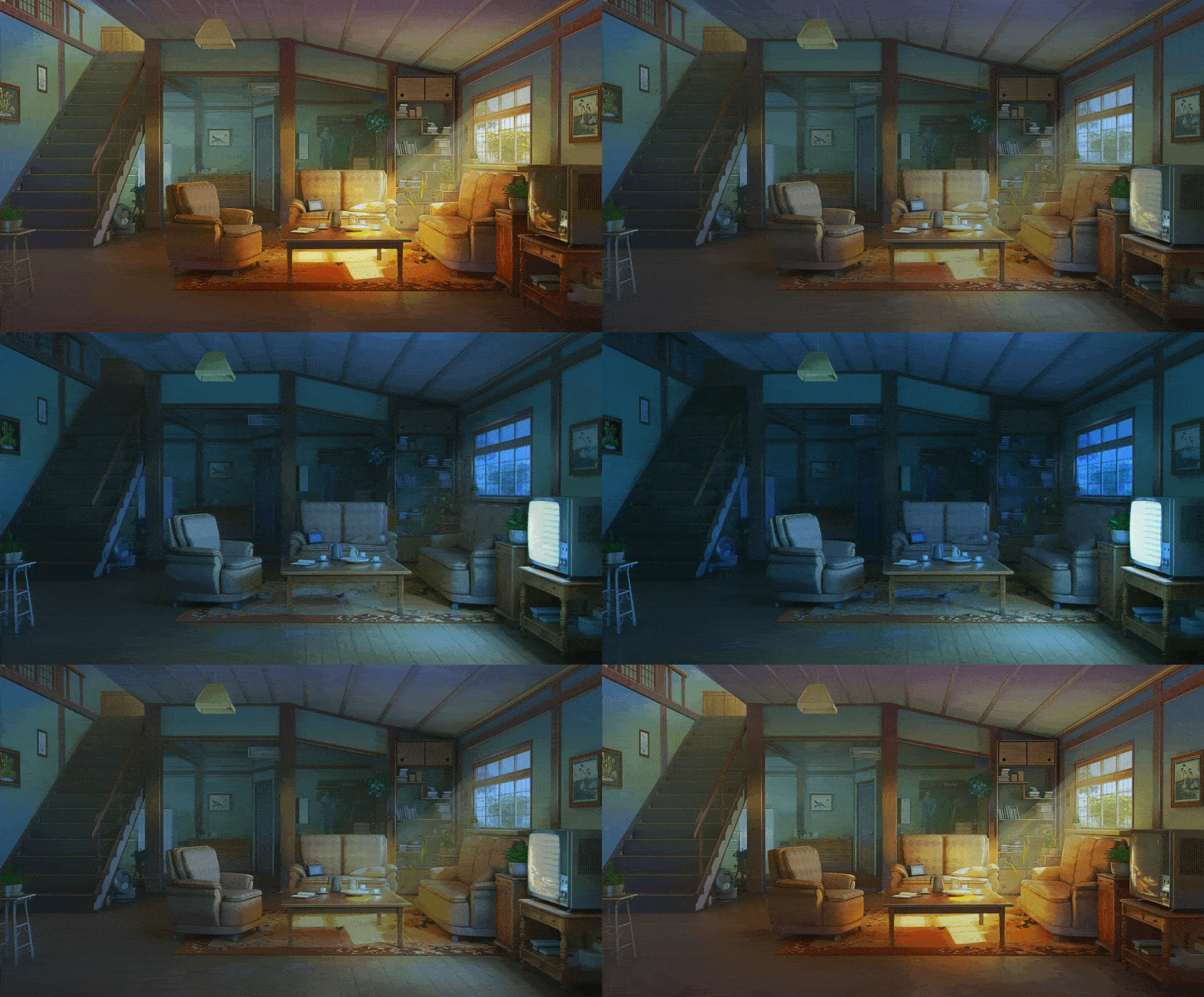
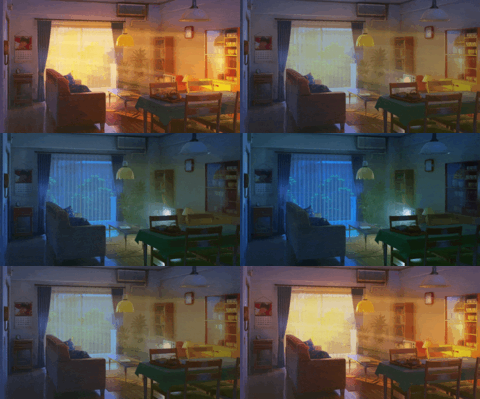
| Dynamic Fry | Anime Room With Board | Himitsu House | Catherine Room |
 |  |  |  |
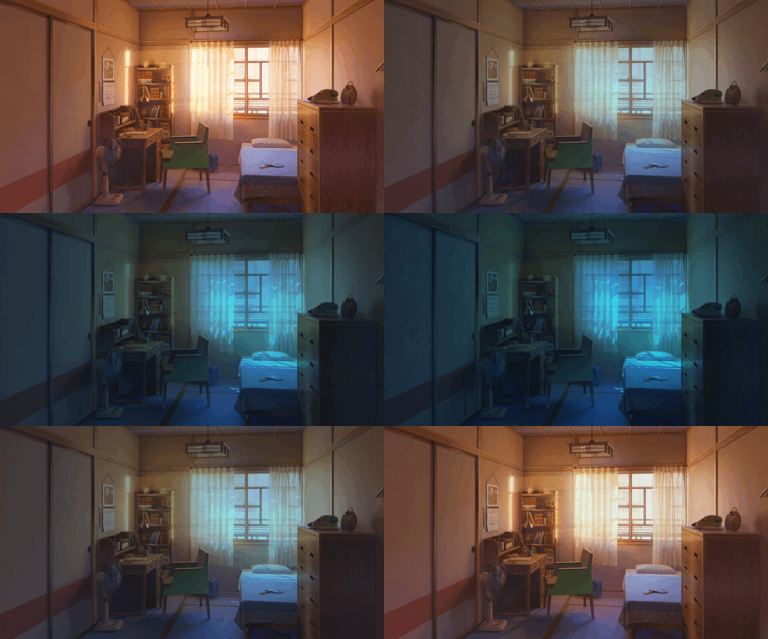
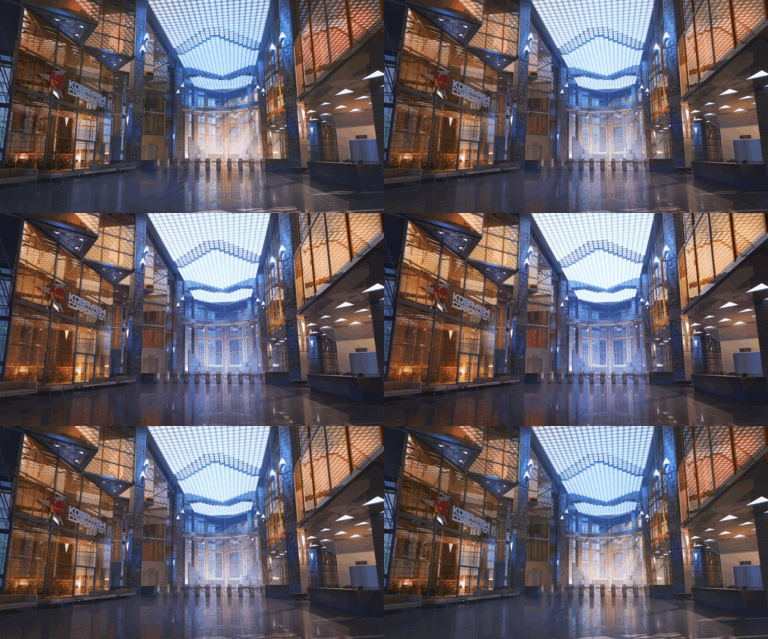
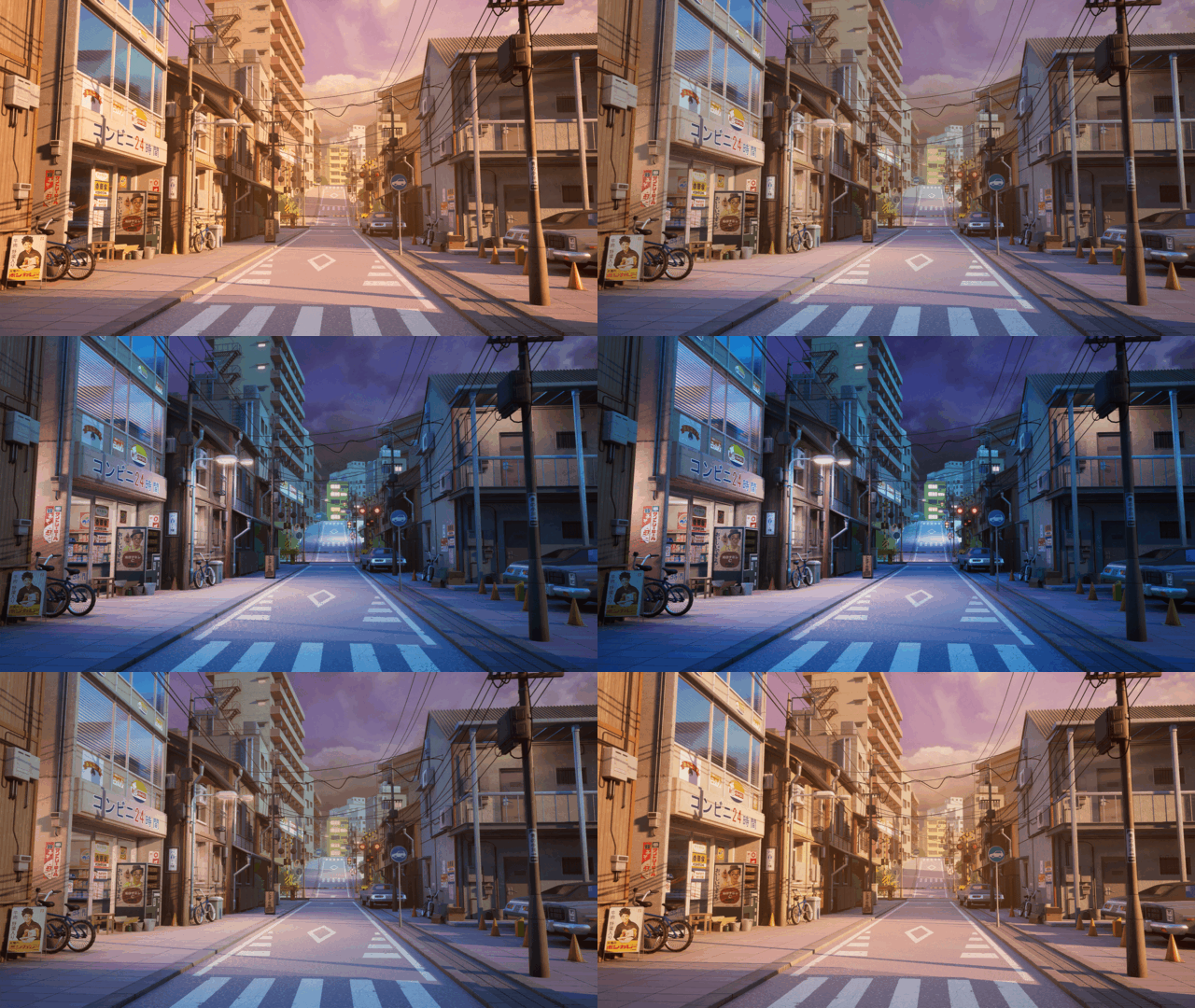
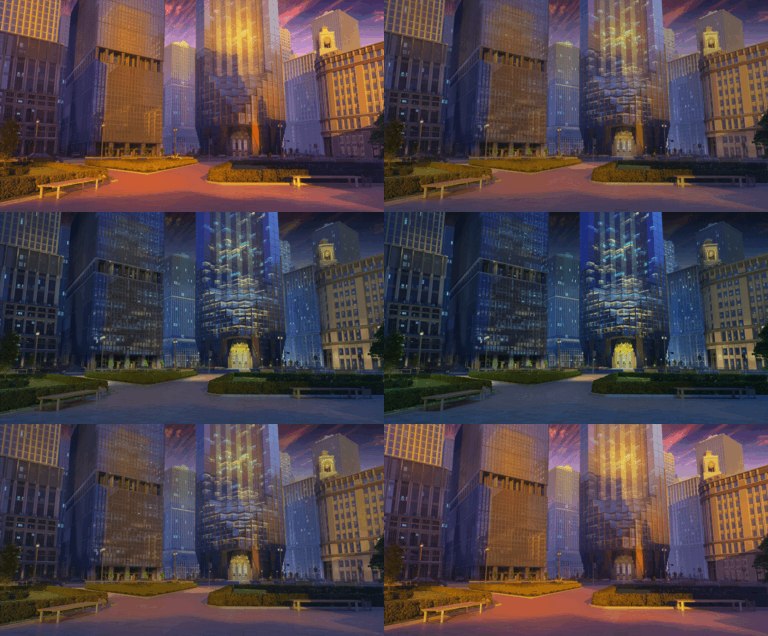
| Kagome Room | Corporation Hall | Tokyo Street | Corporation Street |
 |  |  |  |
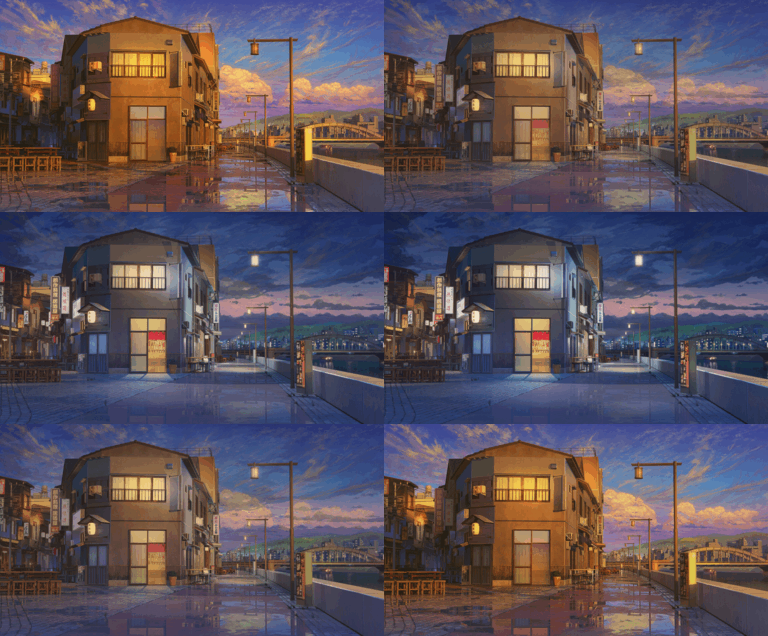
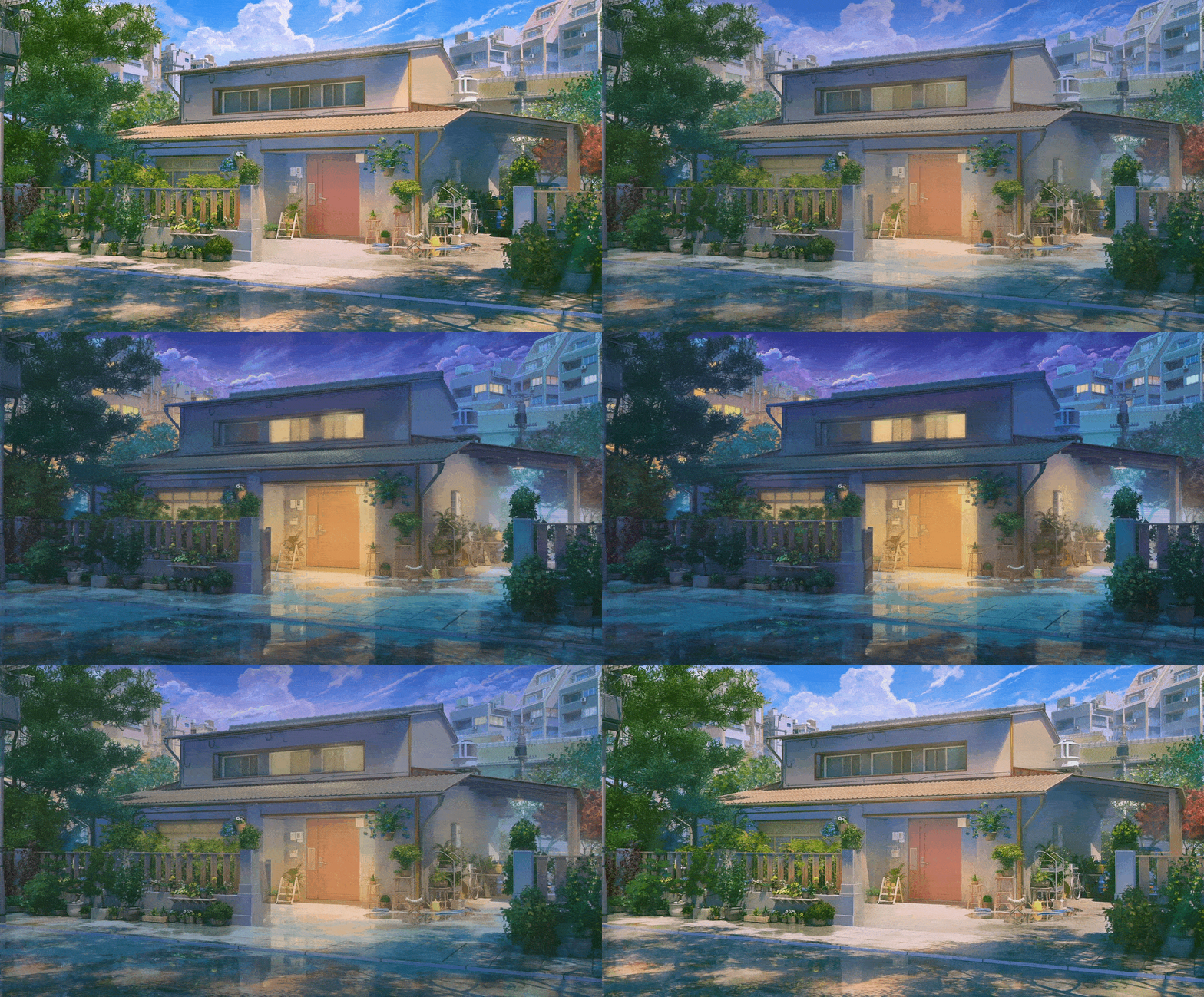
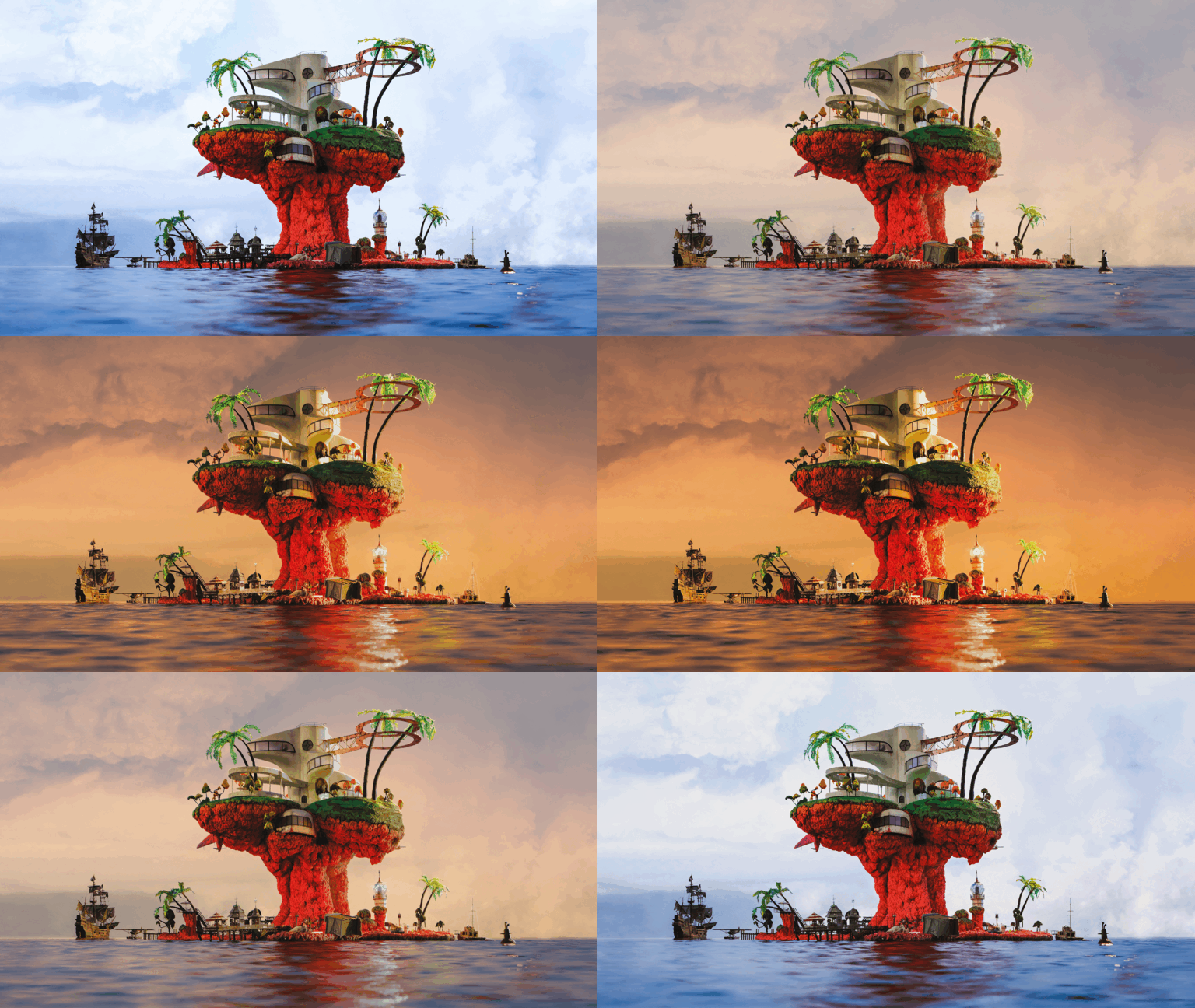
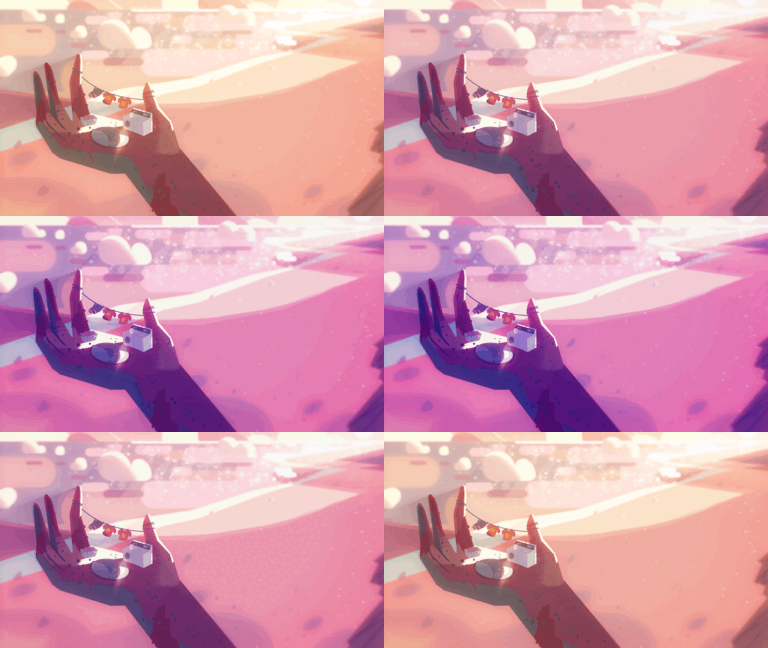
| Riverside | External Himitsu House | Plastic Beach | Steven Universe |
 |  |  |  |
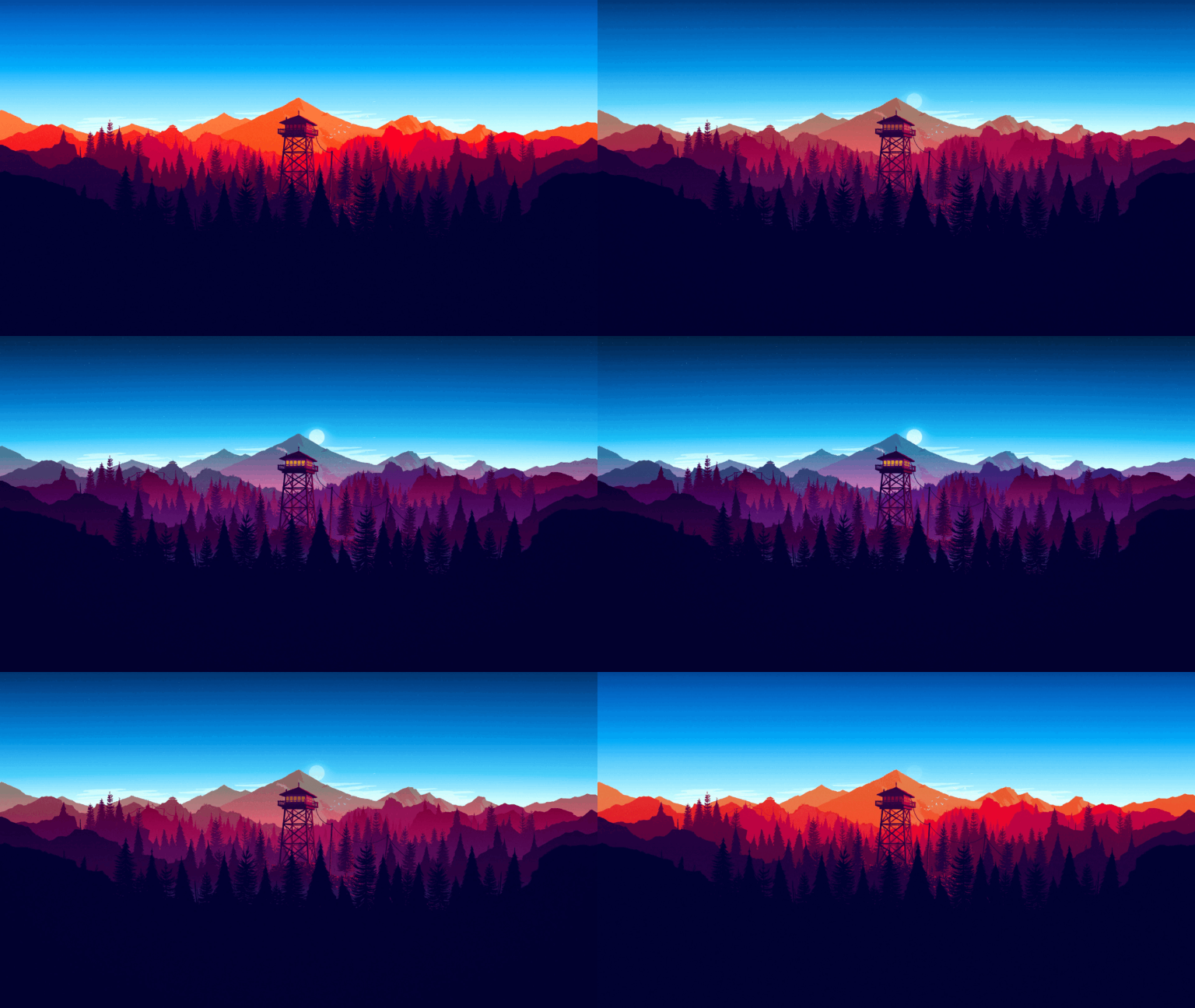
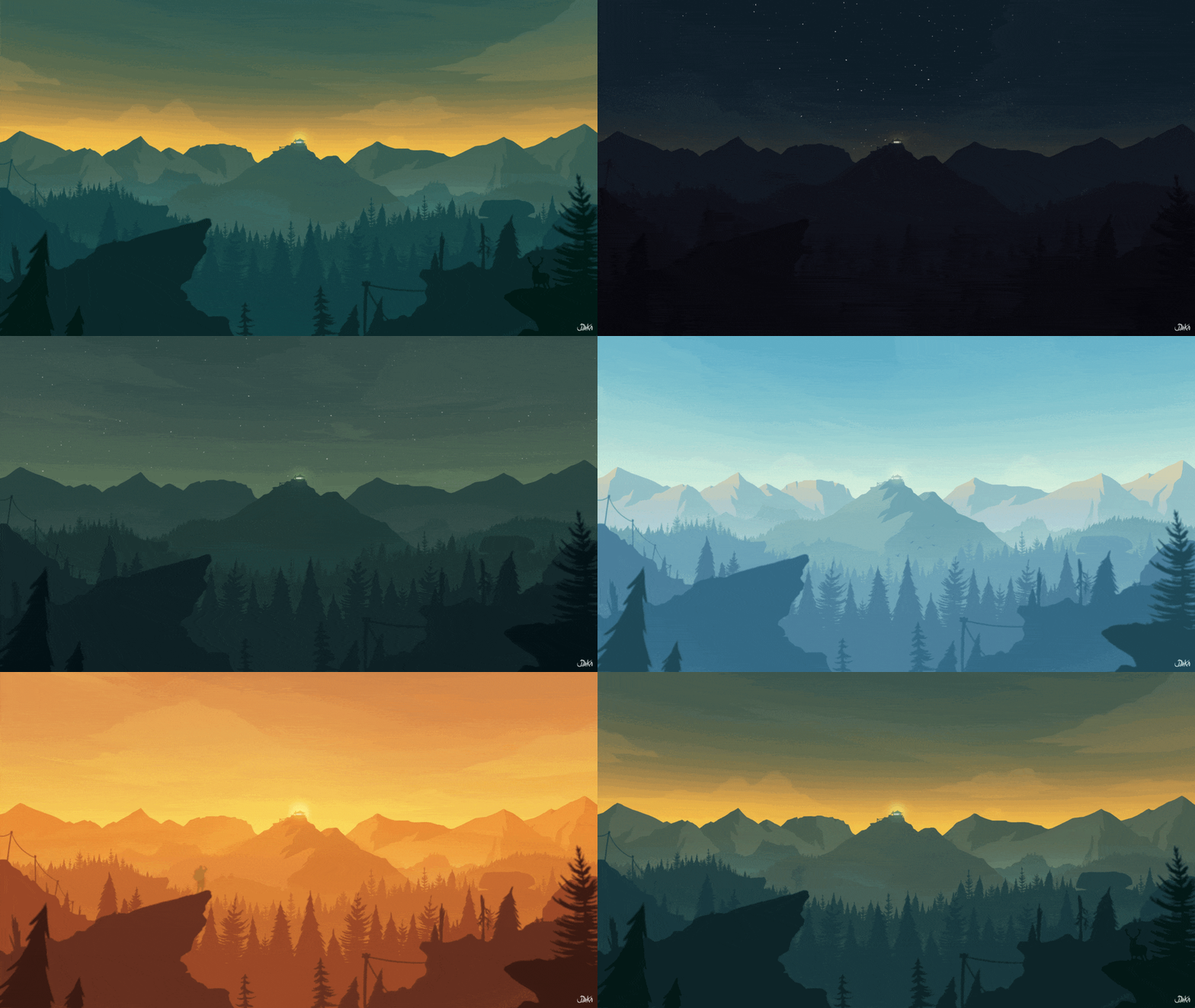
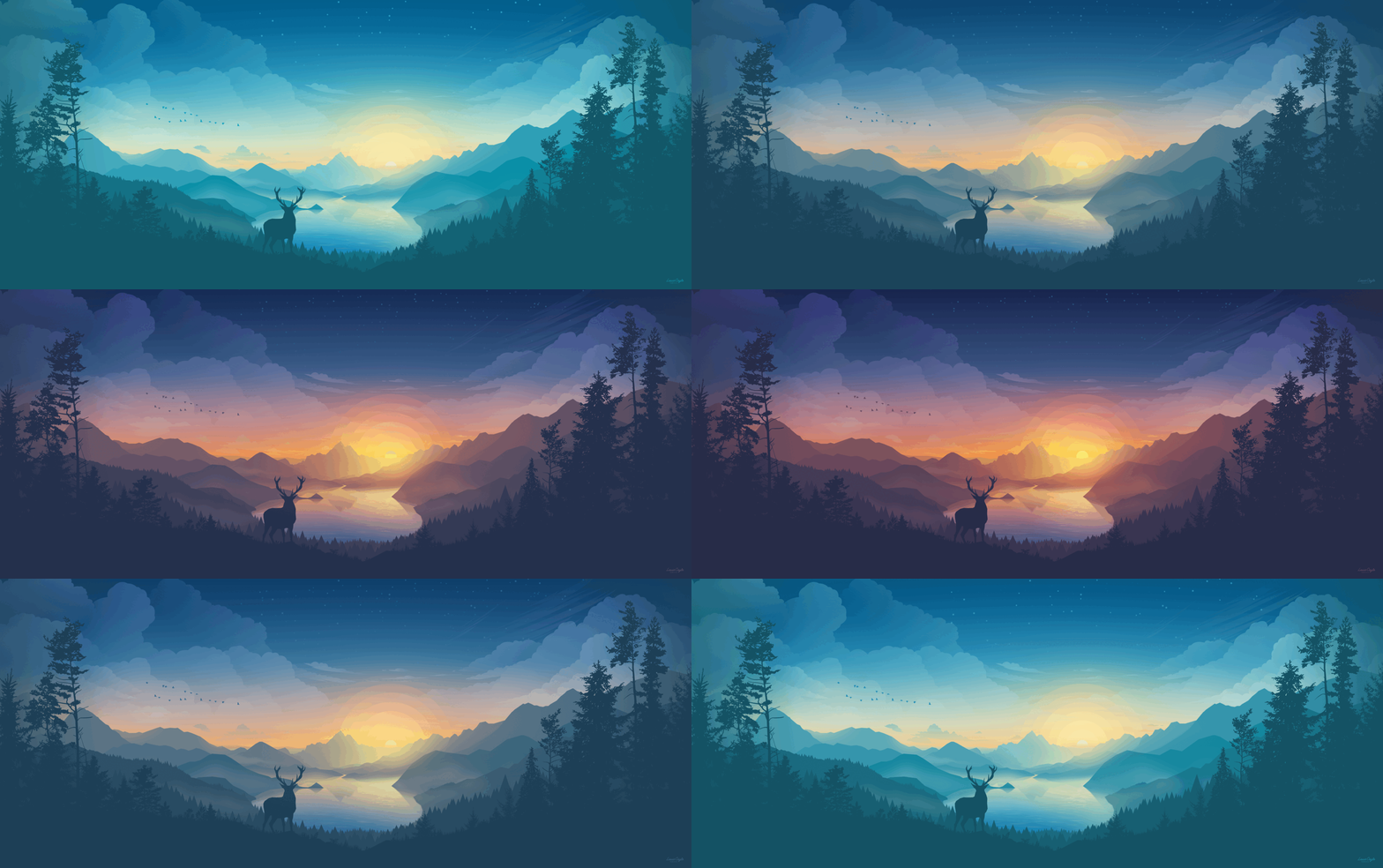
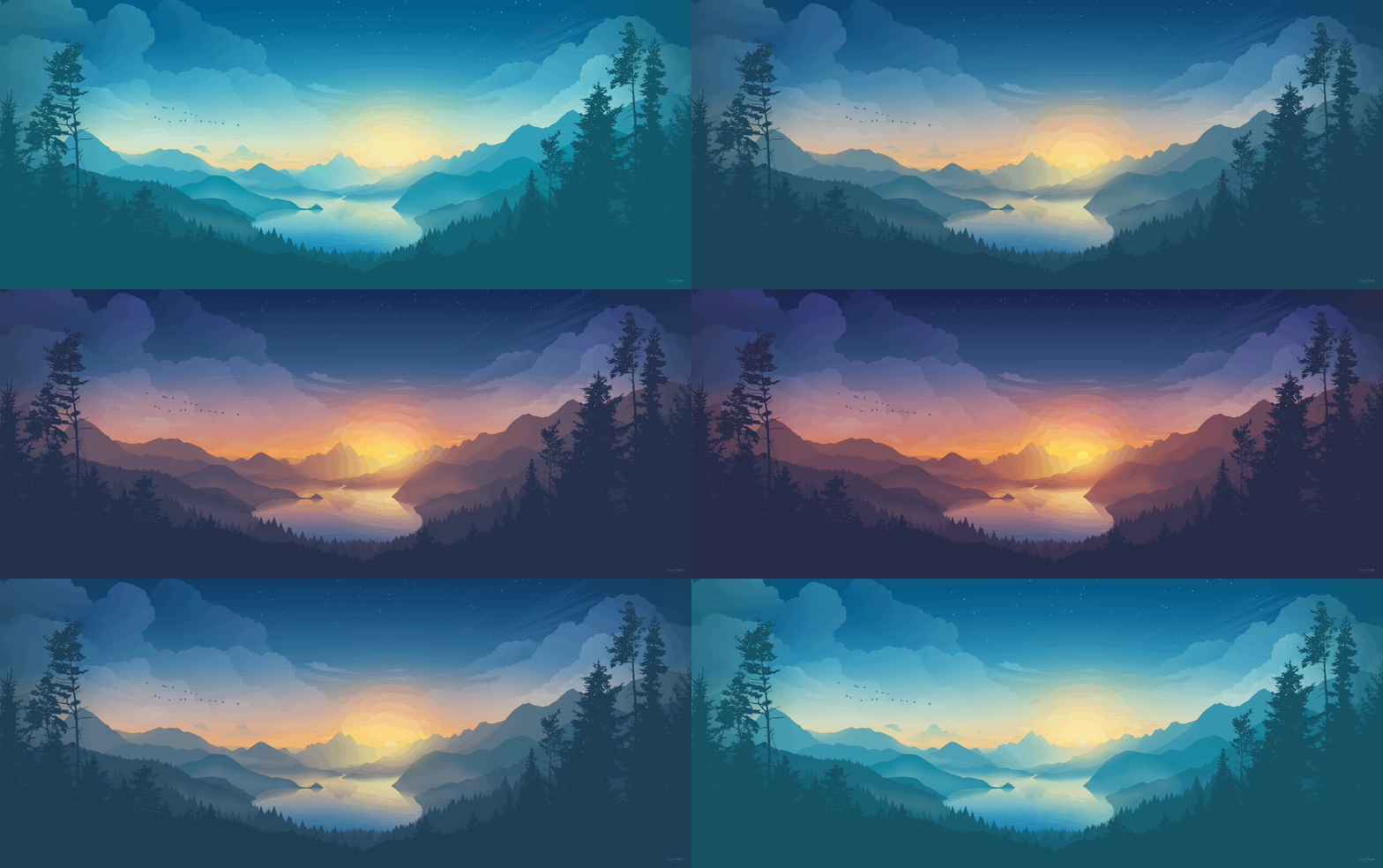
| Firewatch | Firewatch 2 | Lakeside Deer | Lakeside |
 |  |  |  |
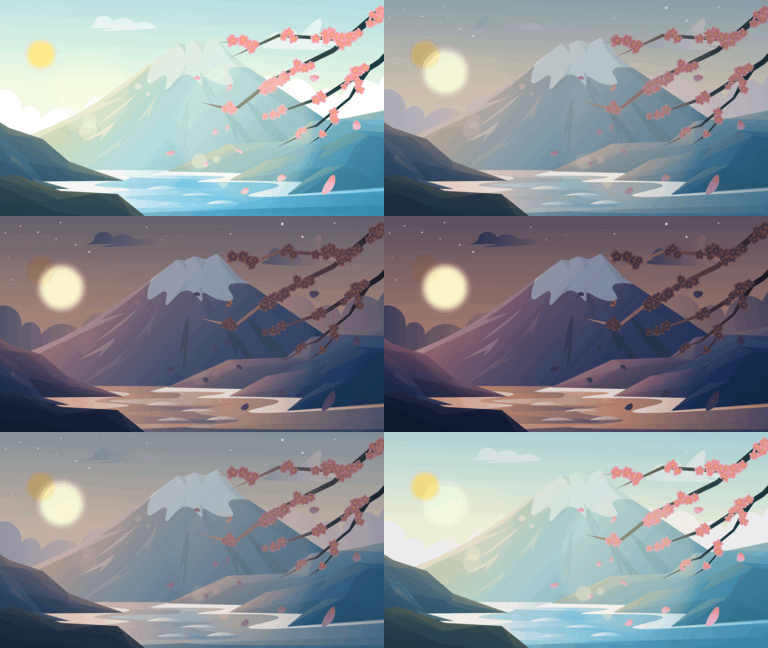
| Fuji | Carvan | Painting Studio | Step By Step |
 | 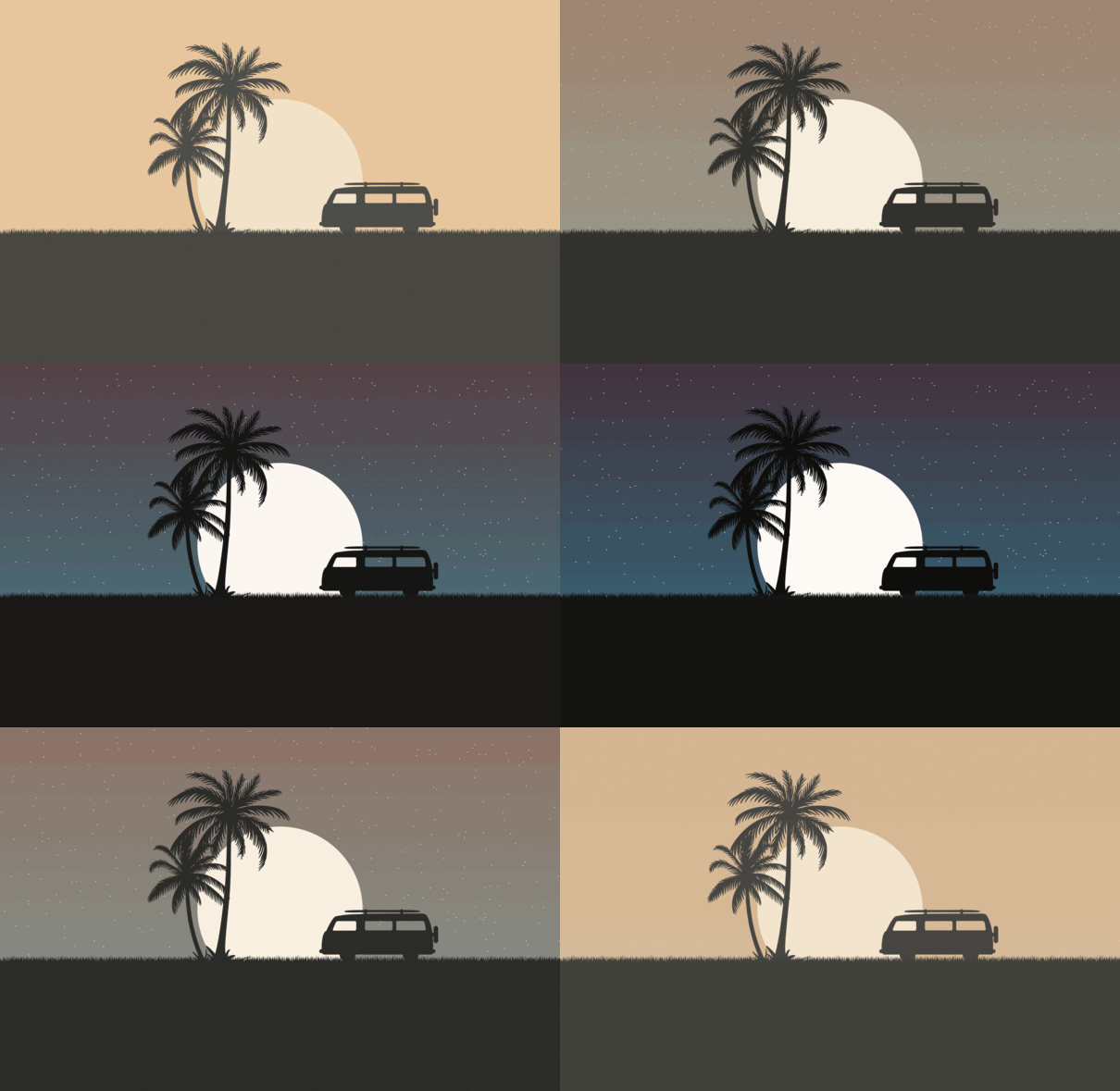 | 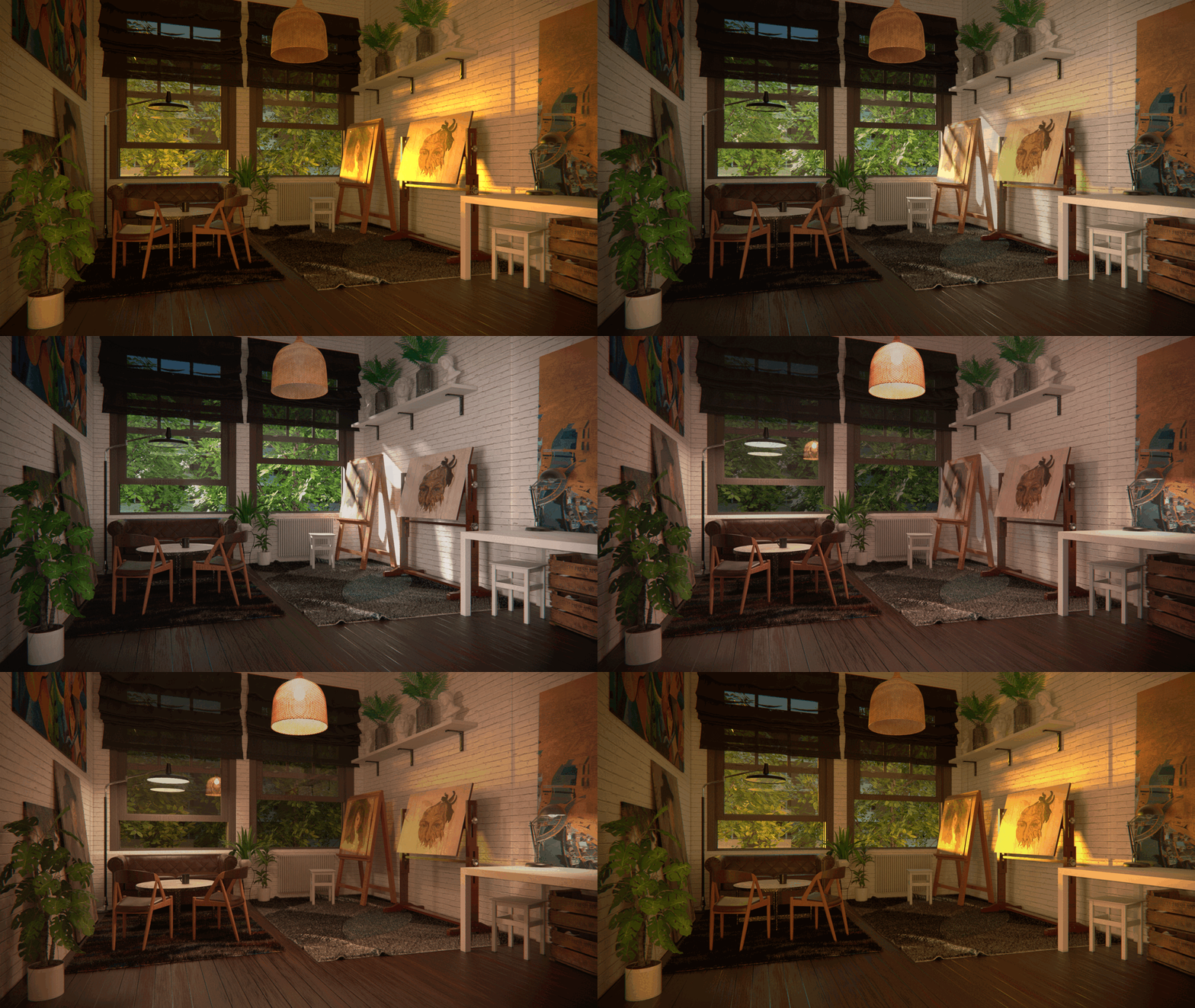 |  |
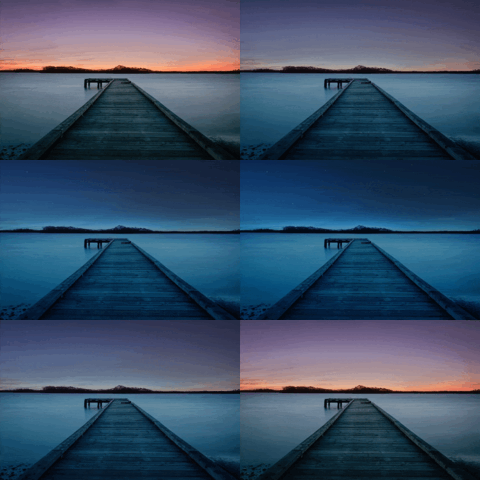
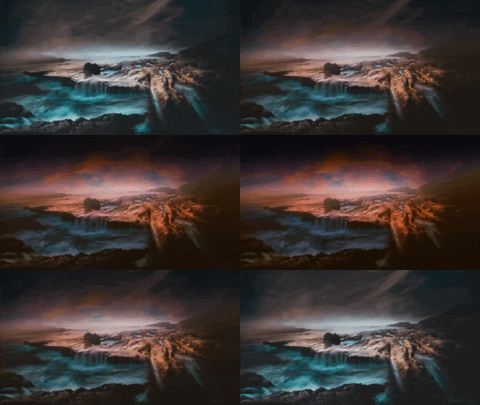
| Windows 11 Lake | Coast | Sunset | Magic Lake |
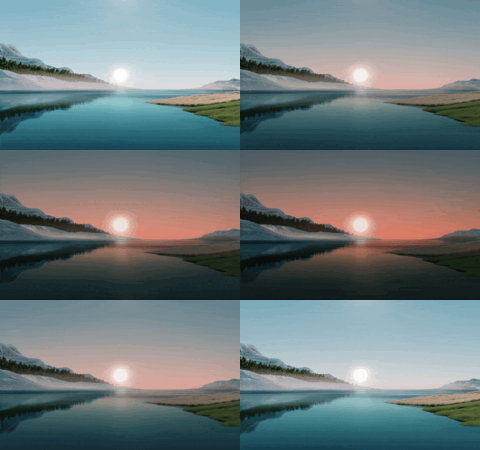 | 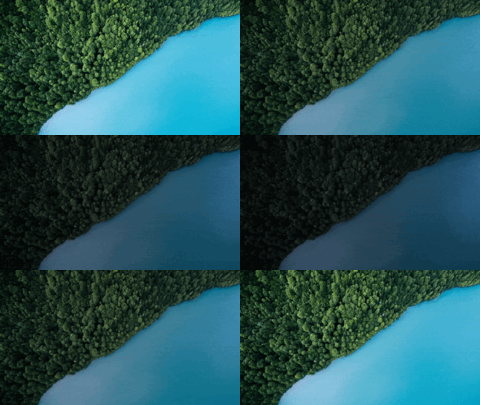 |  |  |
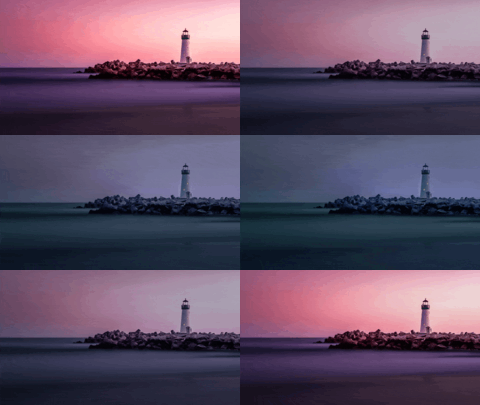
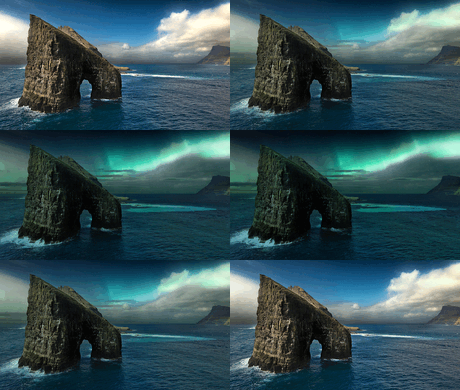
| White Lighthouse | Elementary OS Odin | ||
 |  |
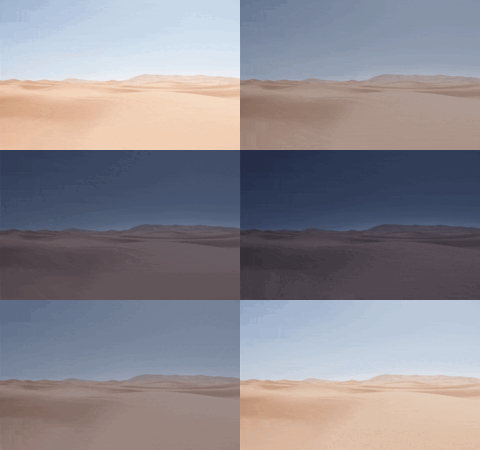
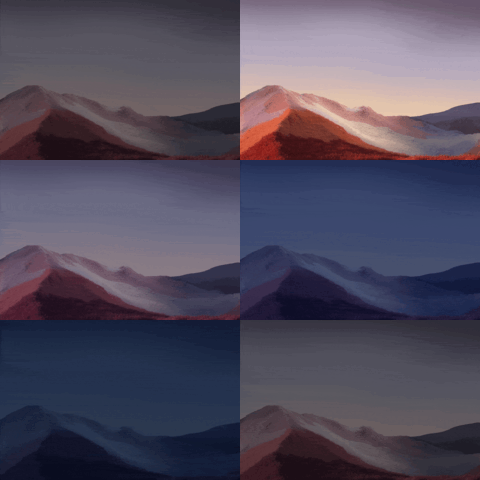
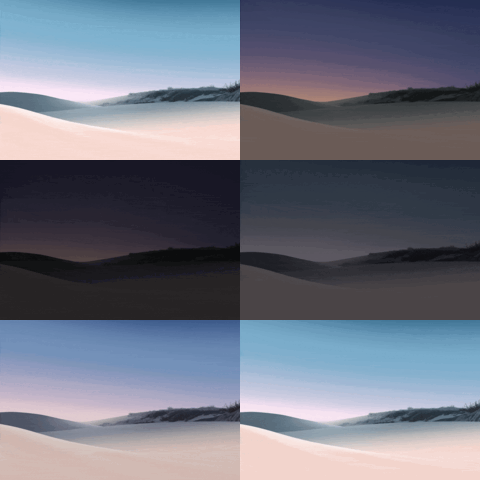
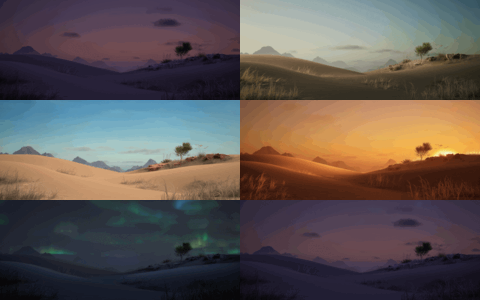
| Desert | Surface | Surface Breeze | Desert |
 |  |  |  |
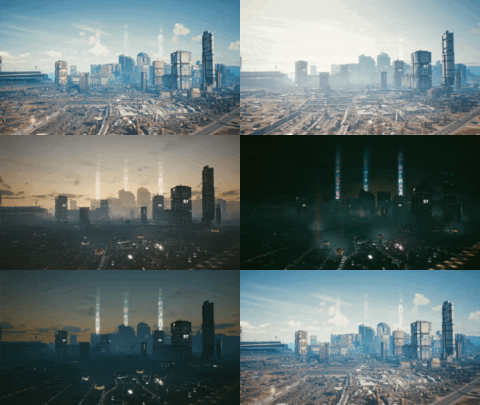
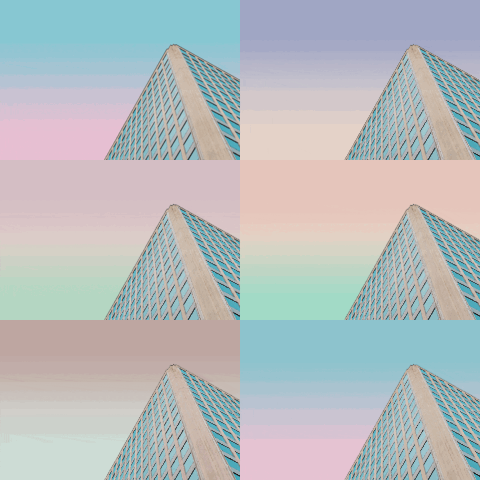
| Cyberpunk | Viktor Forgacs | ||
 |  |
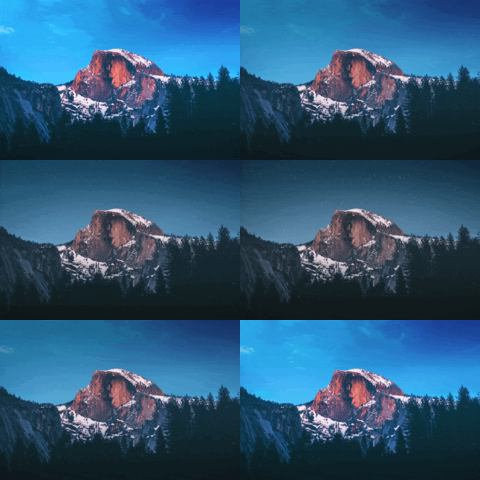
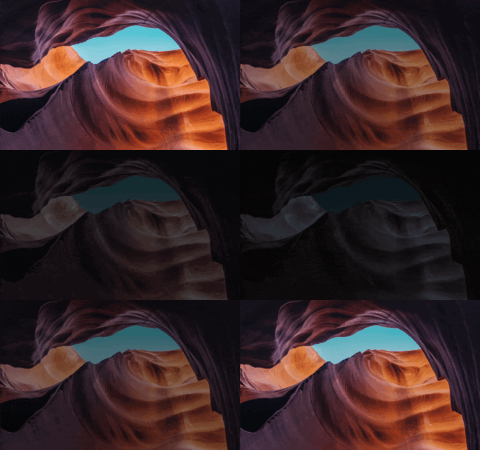
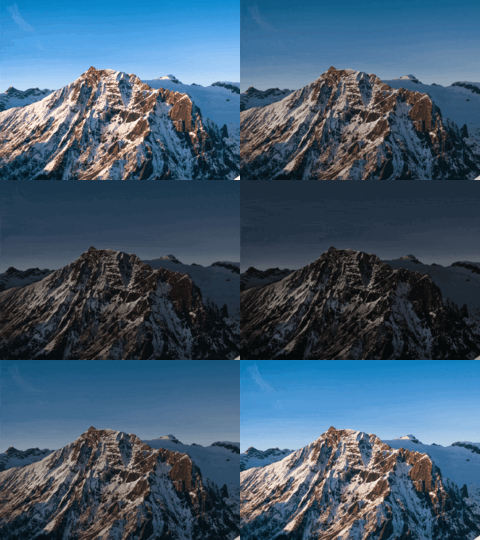
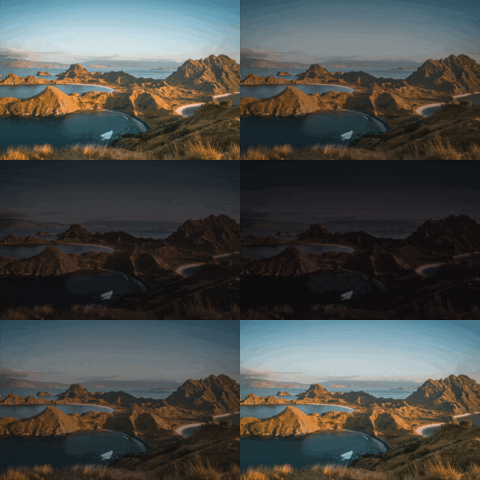
| Snow Capped Mountain | We Yamle | Fede Marin Mountain | Padar Island |
 |  |  |  |
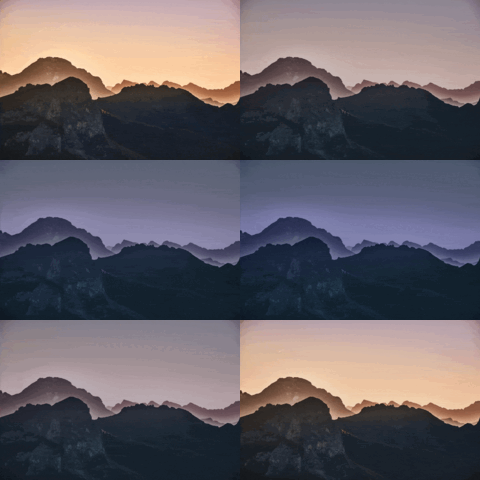
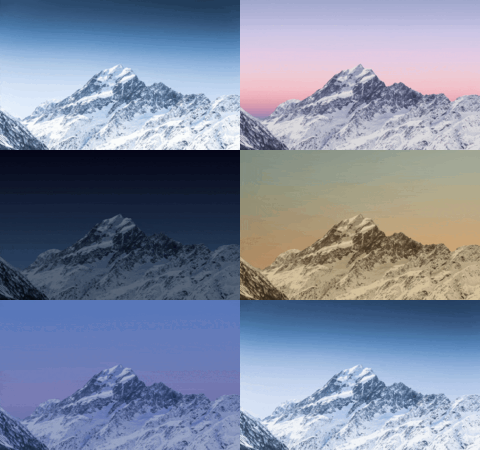
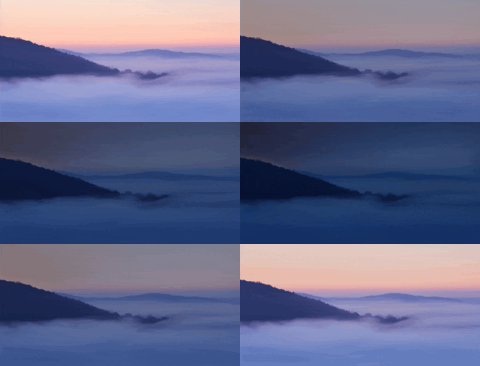
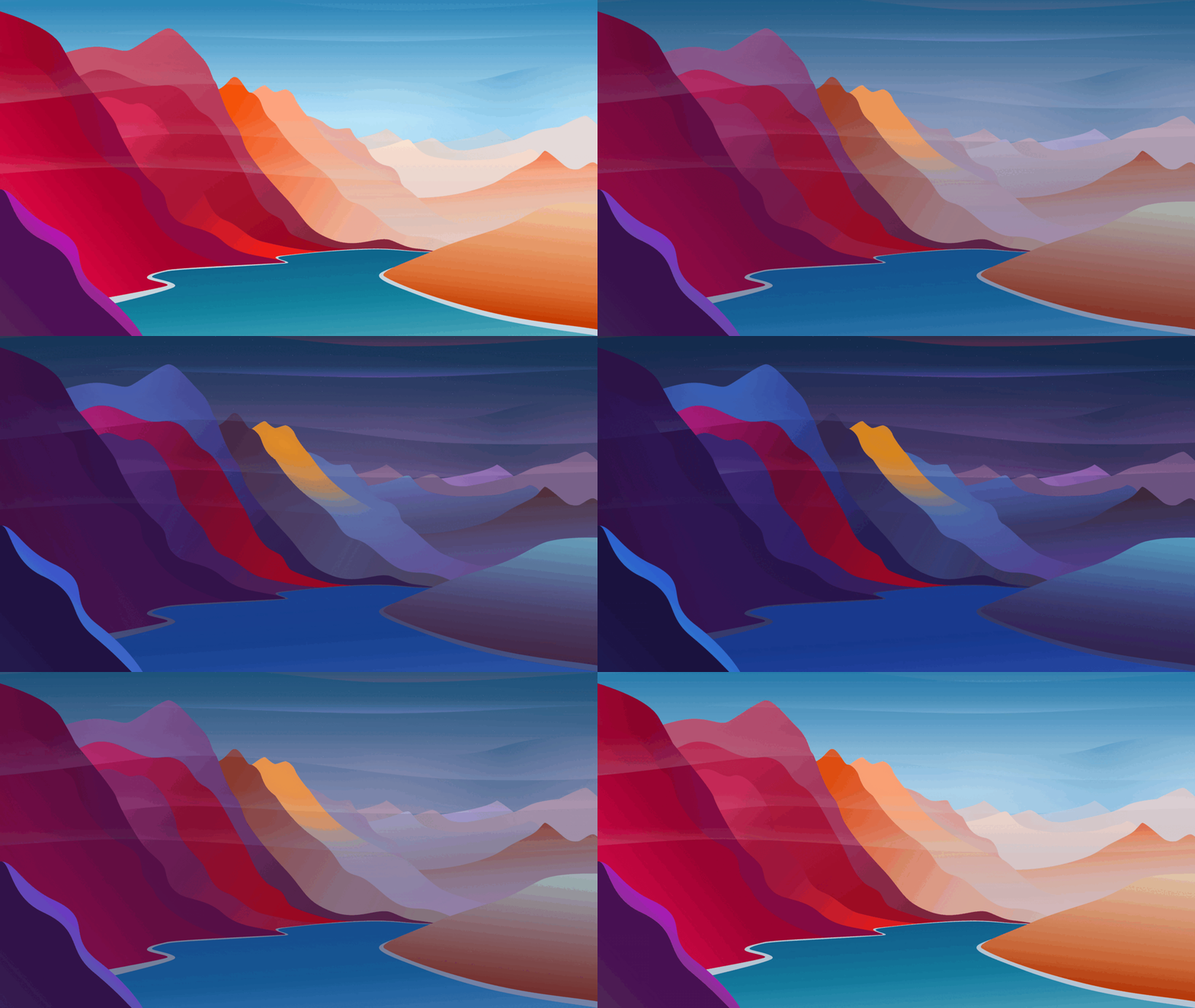
| Rocky Mountain | Zorin Mountain | Zorin Mountain fog | Material Mountains |
 |  |  |  |
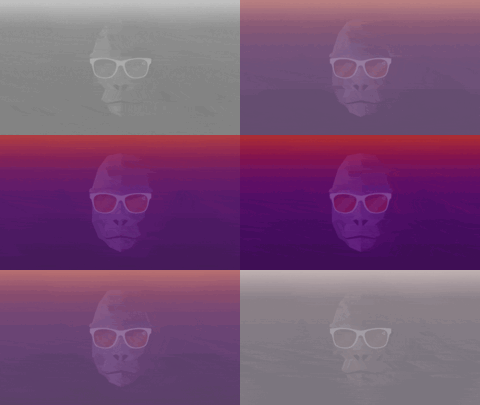
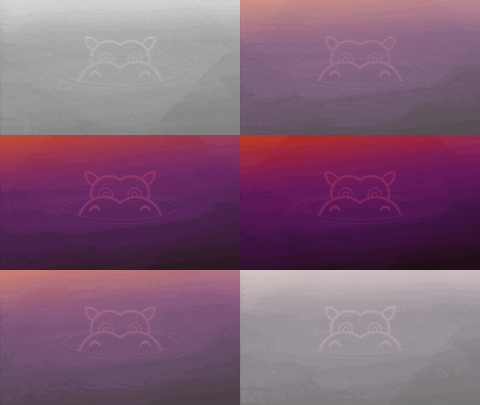
| Ubuntu Minimal | Groovy Gorilla | Hirsuit Hippo | Focal Fossa |
 |  |  | 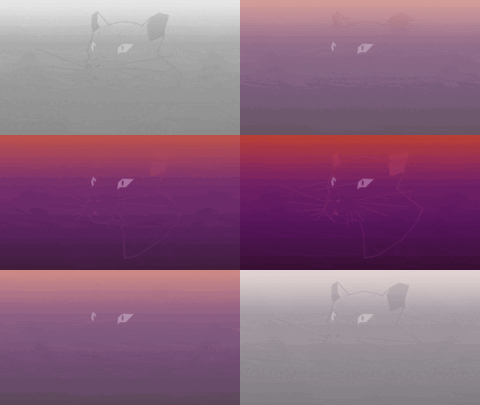 |
| Hiresute Hippo Blue | Adwaita | Fluent | |
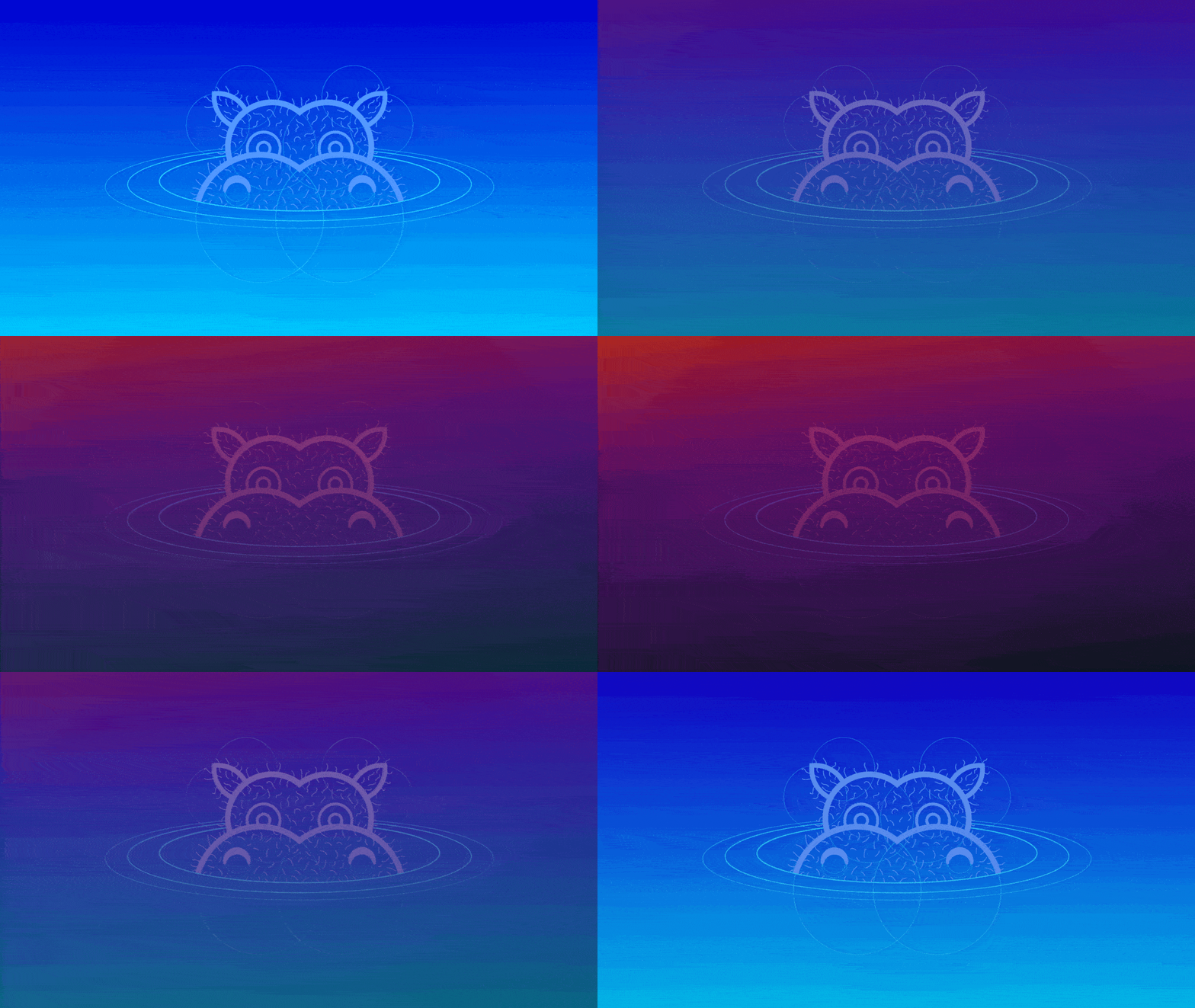 |  |  |
| Windows 11 01 | Windows 11 02 | Windows 11 03 | |
 | 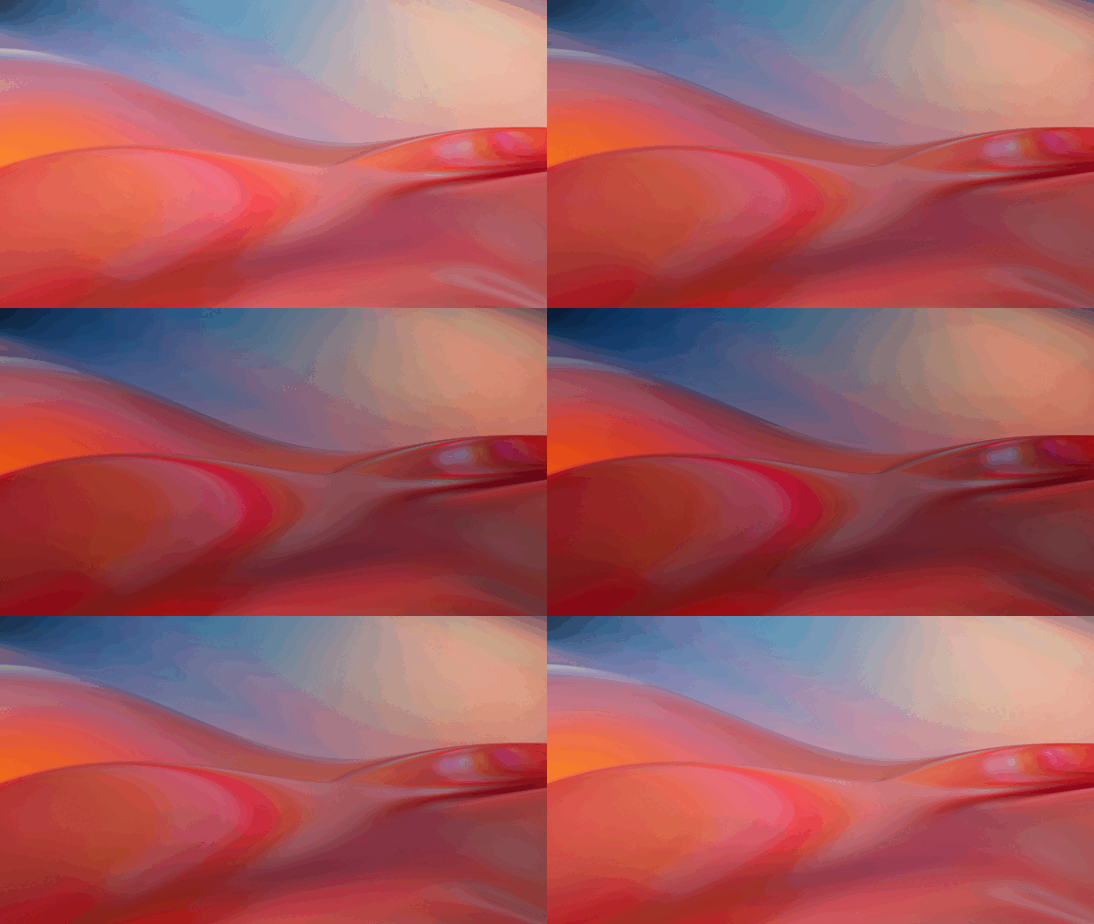 | 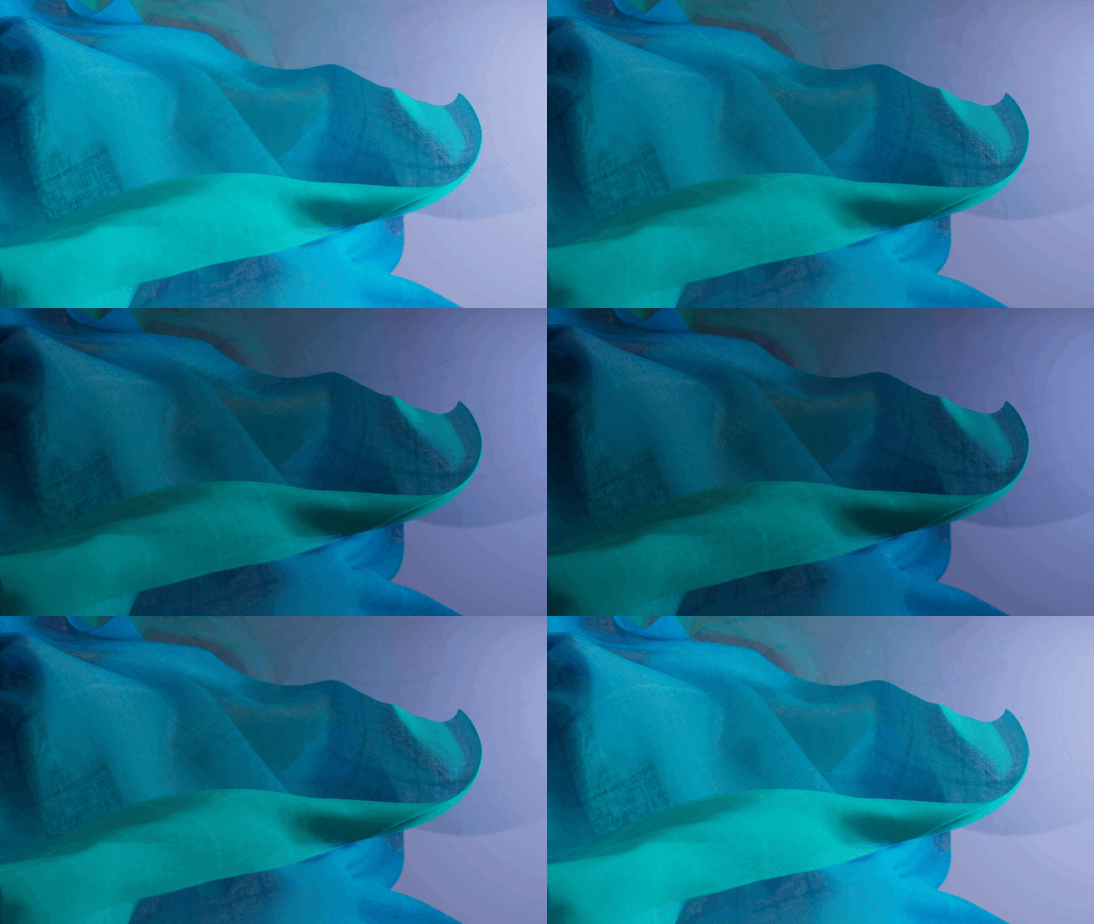 |
| Drool | Disco | Symbolics | Blobs |
 |  |  |  |
| Truchet | Libadwaita | ||
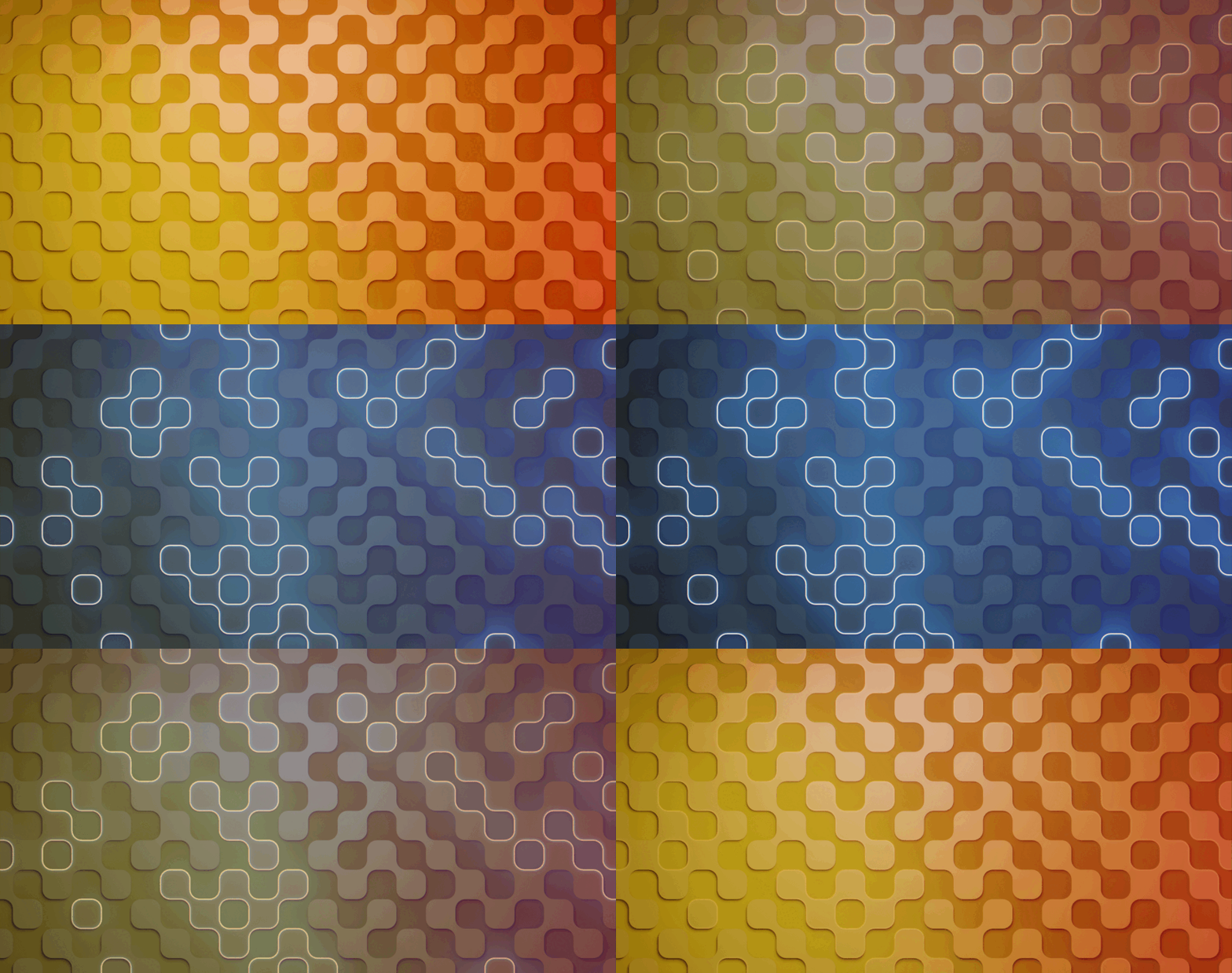 |  |
curl -s "https://raw.githubusercontent.com/saint-13/Linux_Dynamic_Wallpapers/main/Interactive_Install.sh" | sudo bash
curl -s "https://raw.githubusercontent.com/saint-13/Linux_Dynamic_Wallpapers/main/Easy_Install.sh" | sudo bash
Download package:
If you already cloned repository, just pull to fetch recent changes:
cd ~/Linux_Dynamic_Wallpapers
git pull
If not, clone git repository:
cd ~
git clone https://github.com/saint-13/Linux_Dynamic_Wallpapers.git
cd Linux_Dynamic_Wallpapers
Run the command:
sudo bash ./install.sh
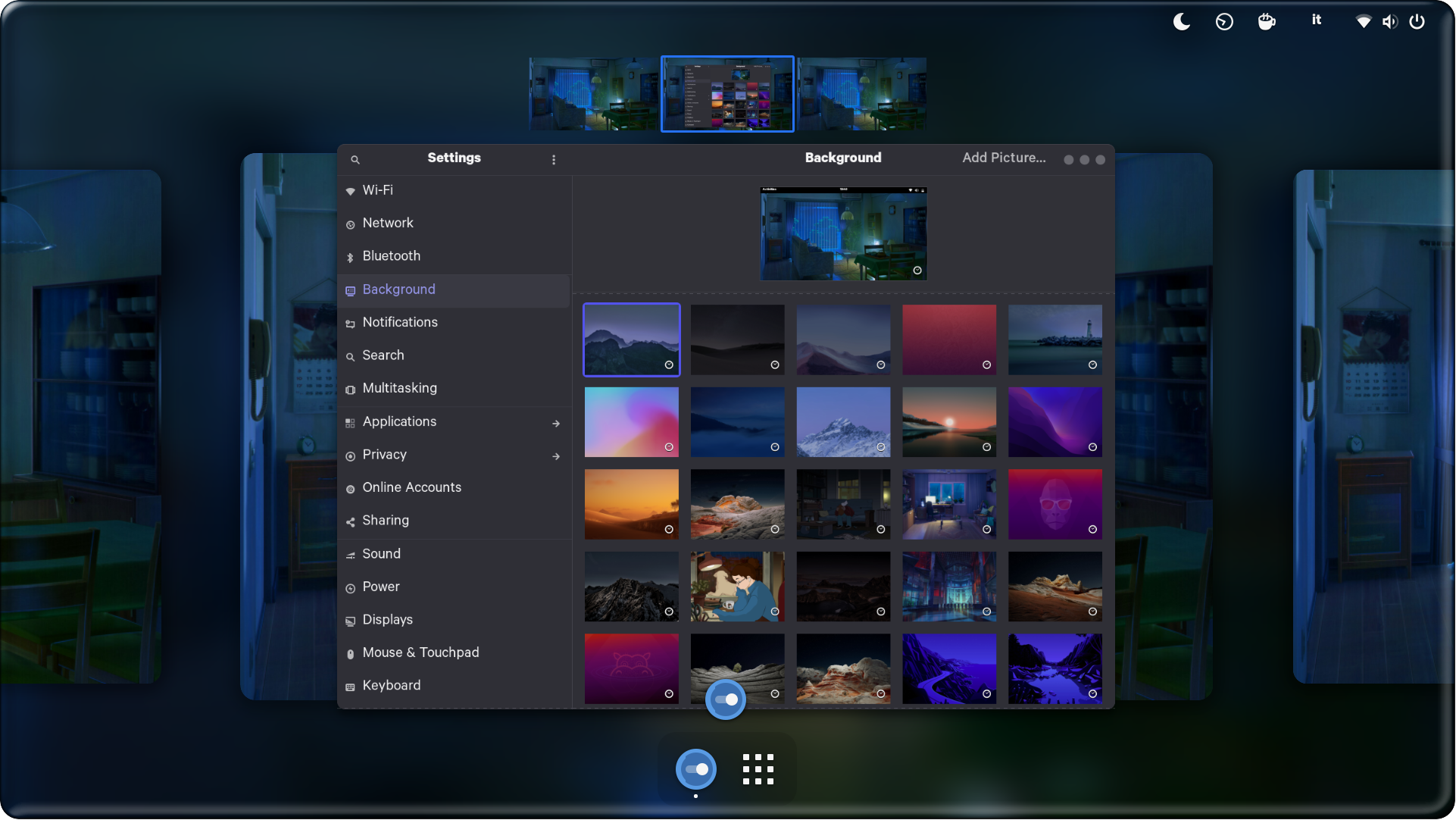
Change your wallpaper from: Settings > Backgrounds
That's it. Enjoy! 🎉
That's great! Here are some basic rules to get you started: Commits should start with a Capital letter and should be written in present tense (e.g. 🎉 Add cool new feature instead of 🎉 Added cool new feature). You should also start your commit message with one applicable emoji. This does not only look great but also makes you rethink what to add to a commit. Make many but small commits!
| Emoji | Description |
|---|---|
🎉 :tada: | When you added a cool new feature. |
🔧 :wrench: | When you added a piece of code. |
♻️ :recycle: | When you refactored a part of the code. |
✨ :sparkles: | When you applied clang-format. |
🌐 :globe_with_meridians: | When you worked on translations. |
🎨 :art: | When you improved / added assets like themes. |
💄 :lipstick: | When you worked on the UI of the preferences dialog. |
🚀 :rocket: | When you improved performance. |
📝 :memo: | When you wrote documentation. |
🪲 :beetle: | When you fixed a bug. |
💞 :revolving_hearts: | When a new sponsor is added or credits are updated. |
✔️ :heavy_check_mark: | When you worked on checks or adjusted the code to be compliant with them. |
🔀 :twisted_rightwards_arrows: | When you merged a branch. |
🔥 :fire: | When you removed something. |
🚚 :truck: | When you moved / renamed something. |
Thanks goes to these wonderful people:
534 followers · starred May 2021
129 followers · starred Oct 2025
138 followers · starred Aug 2024
4 followers · starred Jan 2024
| Globe | Wiravketto | ||
| | | |
| Viragegy | Rocksketto | Rock | Rocknegy |
| | | |
| Material | Zorin Blur | Aura | FluidifiedST |
| | | |
| LofiCity | Hills | ChromeOSEarth | Ocean |
| | | |
| DeadTree | MountainsIsland | ChromeOSFire | Solitude |
| | | |
| ChromeOSBlues | ChromeOSGreens | ChromeOSEarth | WaterHill |
| | | |
| ChromeOSWind | ChromeOSWater | SolidForest | ChromeOSYellows |
| | | |
| SolidMountain | Plateau | SolidDesert | SolidIsland |
| | | |
| Desert Valley | Desert Tree | Desert Peak | Dome |
| | | |
| The Lake | The Desert | Lake the Cliff | The Beach |
| | | |
| Big Sur 2 | Monterey | Mojave | Mojave V2 |
| | | |
| Minimal Mojave | Big Sur | Catalina | Iphone 13 Red |
| | | |
| Lofi Dino | Lofi Girl | Lofi Alex | LofiAlexandra |
| | | |
| Dynamic Fry | Anime Room With Board | Himitsu House | Catherine Room |
| | | |
| Kagome Room | Corporation Hall | Tokyo Street | Corporation Street |
| | | |
| Riverside | External Himitsu House | Plastic Beach | Steven Universe |
| | | |
| Firewatch | Firewatch 2 | Lakeside Deer | Lakeside |
| | | |
| Fuji | Carvan | Painting Studio | Step By Step |
| | | |
| Windows 11 Lake | Coast | Sunset | Magic Lake |
| | | |
| White Lighthouse | Elementary OS Odin | ||
| |
| Desert | Surface | Surface Breeze | Desert |
| | | |
| Cyberpunk | Viktor Forgacs | ||
| |
| Snow Capped Mountain | We Yamle | Fede Marin Mountain | Padar Island |
| | | |
| Rocky Mountain | Zorin Mountain | Zorin Mountain fog | Material Mountains |
| | | |
| Ubuntu Minimal | Groovy Gorilla | Hirsuit Hippo | Focal Fossa |
| | | |
| Hiresute Hippo Blue | Adwaita | Fluent | |
| | |
| Windows 11 01 | Windows 11 02 | Windows 11 03 | |
| | |
| Drool | Disco | Symbolics | Blobs |
| | | |
| Truchet | Libadwaita | ||
| |
curl -s "https://raw.githubusercontent.com/saint-13/Linux_Dynamic_Wallpapers/main/Interactive_Install.sh" | sudo bash
curl -s "https://raw.githubusercontent.com/saint-13/Linux_Dynamic_Wallpapers/main/Easy_Install.sh" | sudo bash
Download package:
If you already cloned repository, just pull to fetch recent changes:
cd ~/Linux_Dynamic_Wallpapers
git pull
If not, clone git repository:
cd ~
git clone https://github.com/saint-13/Linux_Dynamic_Wallpapers.git
cd Linux_Dynamic_Wallpapers
Run the command:
sudo bash ./install.sh
Change your wallpaper from: Settings > Backgrounds
That's it. Enjoy! 🎉
That's great! Here are some basic rules to get you started: Commits should start with a Capital letter and should be written in present tense (e.g. 🎉 Add cool new feature instead of 🎉 Added cool new feature). You should also start your commit message with one applicable emoji. This does not only look great but also makes you rethink what to add to a commit. Make many but small commits!
| Emoji | Description |
|---|---|
🎉 :tada: | When you added a cool new feature. |
🔧 :wrench: | When you added a piece of code. |
♻️ :recycle: | When you refactored a part of the code. |
✨ :sparkles: | When you applied clang-format. |
🌐 :globe_with_meridians: | When you worked on translations. |
🎨 :art: | When you improved / added assets like themes. |
💄 :lipstick: | When you worked on the UI of the preferences dialog. |
🚀 :rocket: | When you improved performance. |
📝 :memo: | When you wrote documentation. |
🪲 :beetle: | When you fixed a bug. |
💞 :revolving_hearts: | When a new sponsor is added or credits are updated. |
✔️ :heavy_check_mark: | When you worked on checks or adjusted the code to be compliant with them. |
🔀 :twisted_rightwards_arrows: | When you merged a branch. |
🔥 :fire: | When you removed something. |
🚚 :truck: | When you moved / renamed something. |
Thanks goes to these wonderful people:
534 followers · starred May 2021
129 followers · starred Oct 2025
138 followers · starred Aug 2024
4 followers · starred Jan 2024



