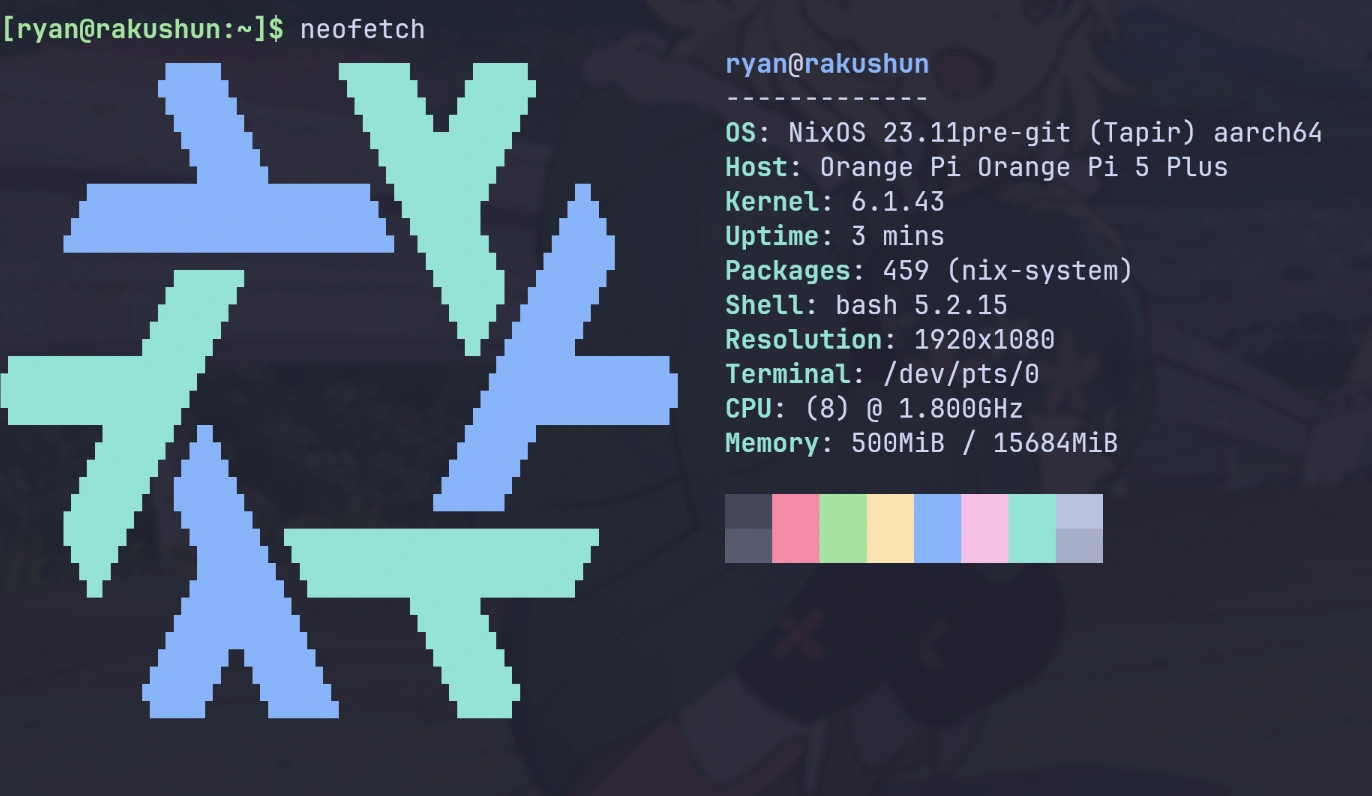
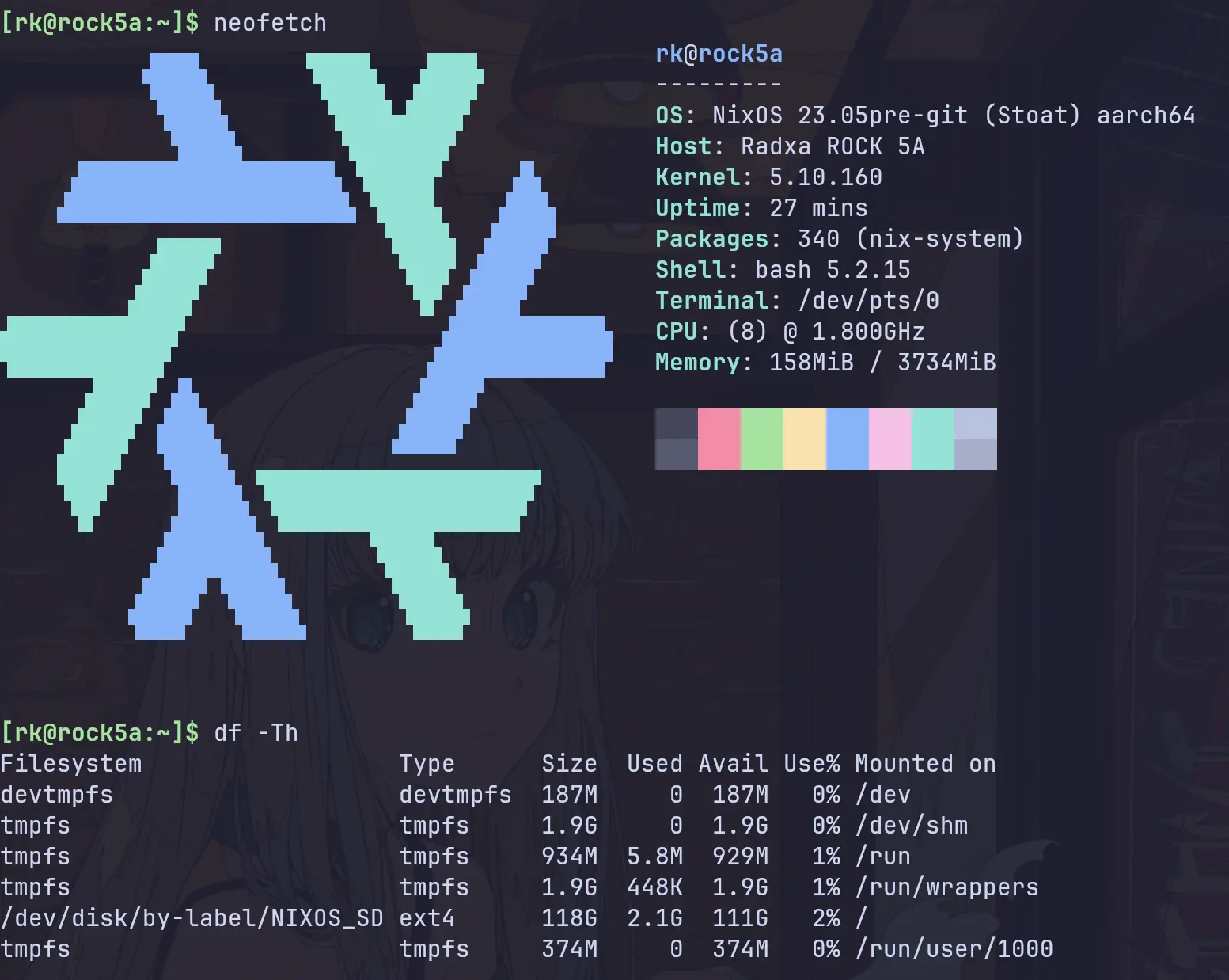
Minimal NixOS running on RK3588/RK3588s based SBC(Orange Pi 5 Plus, Orange Pi 5, Rock 5A, etc)
Nix
170
121 commits
updated Oct 4, 2026
⚠️ Work in progress, use at your own risk...
A minimal flake to run NixOS on RK3588/RK3588s based SBCs, support both UEFI & U-Boot.
Default user: rk, default password: rk3588
⚠️ This project is no longer maintained. Please consider migrating to the actively maintained fork gnull/nixos-rk3588.
UEFI support:
| Singal Board Computer | Boot from SD card | Boot from SSD |
|---|---|---|
| Orange Pi 5 | ✔️ | ✔️ |
| Orange Pi 5 Plus | ✔️ | ✔️ |
| Rock 5A | 🚫 | 🚫 |
U-Boot support:
| Singal Board Computer | Boot from SD card | Boot from SSD |
|---|---|---|
| Orange Pi 5 | ✔️ | ✔️ |
| Orange Pi 5 Plus | ✔️ | 🚫 |
| Rock 5A | ✔️ | 🚫 |
For UEFI, see UEFI.md.
For U-Boot, see U-Boot.md.
See Debug.md
You can use this flake as an input to build your own configuration. Here is an example configuration that you can use as a starting point: Demo - Deployment
A complete Linux system typically consists of five components:
Among these, the bootloader, the kernel, device trees, and firmwares are hardware-related and require customization for different SBCs. On the other hand, the majority of content in the rootfs is hardware-independent and can be shared across different SBCs.
Hence, the fundamental approach here is to use the hardware-specific components(bootloader, kernel, and device trees, firmwares) provided by the vendor(orangepi/rockpi/...), and combine them with the NixOS rootfs to build a comprehensive system.
Regarding RK3588/RK3588s, a significant amount of work has been done by Armbian on their kernel, and device tree. Therefore, by integrating these components from Armbian with the NixOS rootfs, we can create a complete NixOS system.
The primary steps involved are:
And I also got a lot of help in the NixOS on ARM Matrix group!
2,273 followers · starred Jan 2024
223 followers · starred May 2024
148 followers · starred Aug 2023
94 followers · starred Dec 2023
Minimal NixOS running on RK3588/RK3588s based SBC(Orange Pi 5 Plus, Orange Pi 5, Rock 5A, etc)
Nix
170
121 commits
updated Oct 4, 2026
⚠️ Work in progress, use at your own risk...
A minimal flake to run NixOS on RK3588/RK3588s based SBCs, support both UEFI & U-Boot.
Default user: rk, default password: rk3588
⚠️ This project is no longer maintained. Please consider migrating to the actively maintained fork gnull/nixos-rk3588.
UEFI support:
| Singal Board Computer | Boot from SD card | Boot from SSD |
|---|---|---|
| Orange Pi 5 | ✔️ | ✔️ |
| Orange Pi 5 Plus | ✔️ | ✔️ |
| Rock 5A | 🚫 | 🚫 |
U-Boot support:
| Singal Board Computer | Boot from SD card | Boot from SSD |
|---|---|---|
| Orange Pi 5 | ✔️ | ✔️ |
| Orange Pi 5 Plus | ✔️ | 🚫 |
| Rock 5A | ✔️ | 🚫 |
For UEFI, see UEFI.md.
For U-Boot, see U-Boot.md.
See Debug.md
You can use this flake as an input to build your own configuration. Here is an example configuration that you can use as a starting point: Demo - Deployment
A complete Linux system typically consists of five components:
Among these, the bootloader, the kernel, device trees, and firmwares are hardware-related and require customization for different SBCs. On the other hand, the majority of content in the rootfs is hardware-independent and can be shared across different SBCs.
Hence, the fundamental approach here is to use the hardware-specific components(bootloader, kernel, and device trees, firmwares) provided by the vendor(orangepi/rockpi/...), and combine them with the NixOS rootfs to build a comprehensive system.
Regarding RK3588/RK3588s, a significant amount of work has been done by Armbian on their kernel, and device tree. Therefore, by integrating these components from Armbian with the NixOS rootfs, we can create a complete NixOS system.
The primary steps involved are:
And I also got a lot of help in the NixOS on ARM Matrix group!
2,273 followers · starred Jan 2024
223 followers · starred May 2024
148 followers · starred Aug 2023
94 followers · starred Dec 2023