An OBS plugin for removing background in portrait images (video), making it easy to replace the background when recording or streaming.
See the code



A plugin for OBS Studio that allows you to replace the background in portrait images and video, as well as enhance low-light scenes.
⬇️ Download & Install OBS Background Removal ⬇️
Or, browse versions on releases page.
Not working? Please try the Lite version (Live Background Removal Lite) developed by one of us (Kaito Udagawa).
Check out the usage guide page for usage walkthrough and recommendations.
Additional tutorial videos:
Windows:
git clone https://github.com/royshil/obs-backgroundremoval.git
Platforms we support building from source officially:
git clone https://github.com/royshil/obs-backgroundremoval.git
cd obs-backgroundremoval
sudo ./bin/bootstrap
./bin/setup
./bin/build
sudo dpkg -i release/obs-backgroundremoval-*-linux-gnu.deb
The supported platforms are:
We plan to add building scripts for popular platforms such as Windows, Mac, and various distributions of Linux.
This plugin is meant to make it easy to replace the background in portrait images and video. It is using a neural network to predict the mask of the portrait and remove the background pixels. It's easily composable with other OBS plugins to replace the background with e.g. an image or a transparent color.
If you like this work, which is given to you completely free of charge, please consider supporting it by sponsoring us on GitHub:
Reach out to us on GitHub Discussions or the OBS Plugins forum for online / immediate help.
If you found a bug or want to suggest a feature or improvement please open an issue.
If you are looking for hands-on help or private consultation please select a sponsorship tier.
GPU support:
Number of CPU threads is controllable through the UI settings. A 2-thread setting works best.
The pretrained model weights used for portrait foreground segmentation are taken from:
Image enhancement (low light) models are taken from:
Some more information about how I built it: https://www.morethantechnical.com/2021/04/15/obs-plugin-for-portrait-background-removal-with-onnx-sinet-model/ and https://www.morethantechnical.com/2023/05/20/building-an-obs-background-removal-plugin-a-walkthrough/
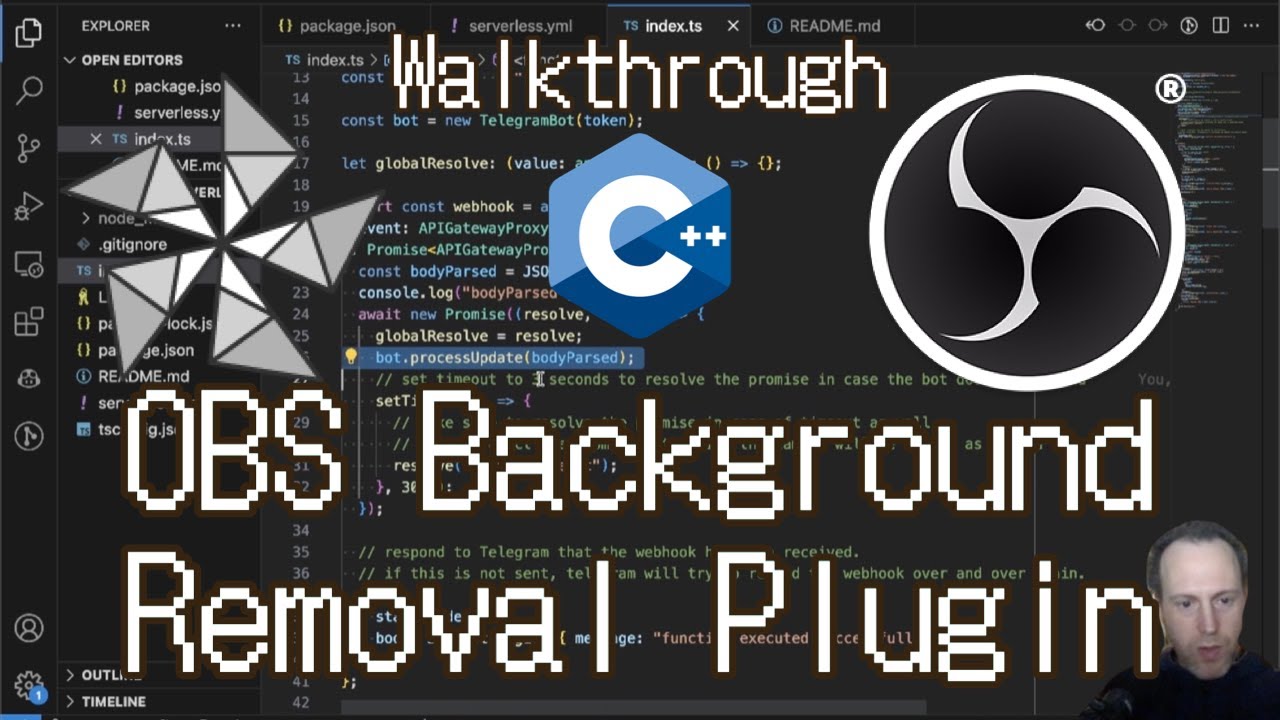
This video on YouTube will take you through the major parts of the code and explain them.
(top 24 of 42)
57 followers · starred Jun 2025
68 followers · starred Nov 2025
1,700 followers · starred Feb 2022
1,954 followers · starred Jul 2022
An OBS plugin for removing background in portrait images (video), making it easy to replace the background when recording or streaming.
See the code
A plugin for OBS Studio that allows you to replace the background in portrait images and video, as well as enhance low-light scenes.
⬇️ Download & Install OBS Background Removal ⬇️
Or, browse versions on releases page.
Not working? Please try the Lite version (Live Background Removal Lite) developed by one of us (Kaito Udagawa).
Check out the usage guide page for usage walkthrough and recommendations.
Additional tutorial videos:
Windows:
git clone https://github.com/royshil/obs-backgroundremoval.git
Platforms we support building from source officially:
git clone https://github.com/royshil/obs-backgroundremoval.git
cd obs-backgroundremoval
sudo ./bin/bootstrap
./bin/setup
./bin/build
sudo dpkg -i release/obs-backgroundremoval-*-linux-gnu.deb
The supported platforms are:
We plan to add building scripts for popular platforms such as Windows, Mac, and various distributions of Linux.
This plugin is meant to make it easy to replace the background in portrait images and video. It is using a neural network to predict the mask of the portrait and remove the background pixels. It's easily composable with other OBS plugins to replace the background with e.g. an image or a transparent color.
If you like this work, which is given to you completely free of charge, please consider supporting it by sponsoring us on GitHub:
Reach out to us on GitHub Discussions or the OBS Plugins forum for online / immediate help.
If you found a bug or want to suggest a feature or improvement please open an issue.
If you are looking for hands-on help or private consultation please select a sponsorship tier.
GPU support:
Number of CPU threads is controllable through the UI settings. A 2-thread setting works best.
The pretrained model weights used for portrait foreground segmentation are taken from:
Image enhancement (low light) models are taken from:
Some more information about how I built it: https://www.morethantechnical.com/2021/04/15/obs-plugin-for-portrait-background-removal-with-onnx-sinet-model/ and https://www.morethantechnical.com/2023/05/20/building-an-obs-background-removal-plugin-a-walkthrough/
This video on YouTube will take you through the major parts of the code and explain them.
(top 24 of 42)
57 followers · starred Jun 2025
68 followers · starred Nov 2025
1,700 followers · starred Feb 2022
1,954 followers · starred Jul 2022