Javascript library to draw and animate images on hover
HTML
1,885
70 commits
updated Jun 27, 2023
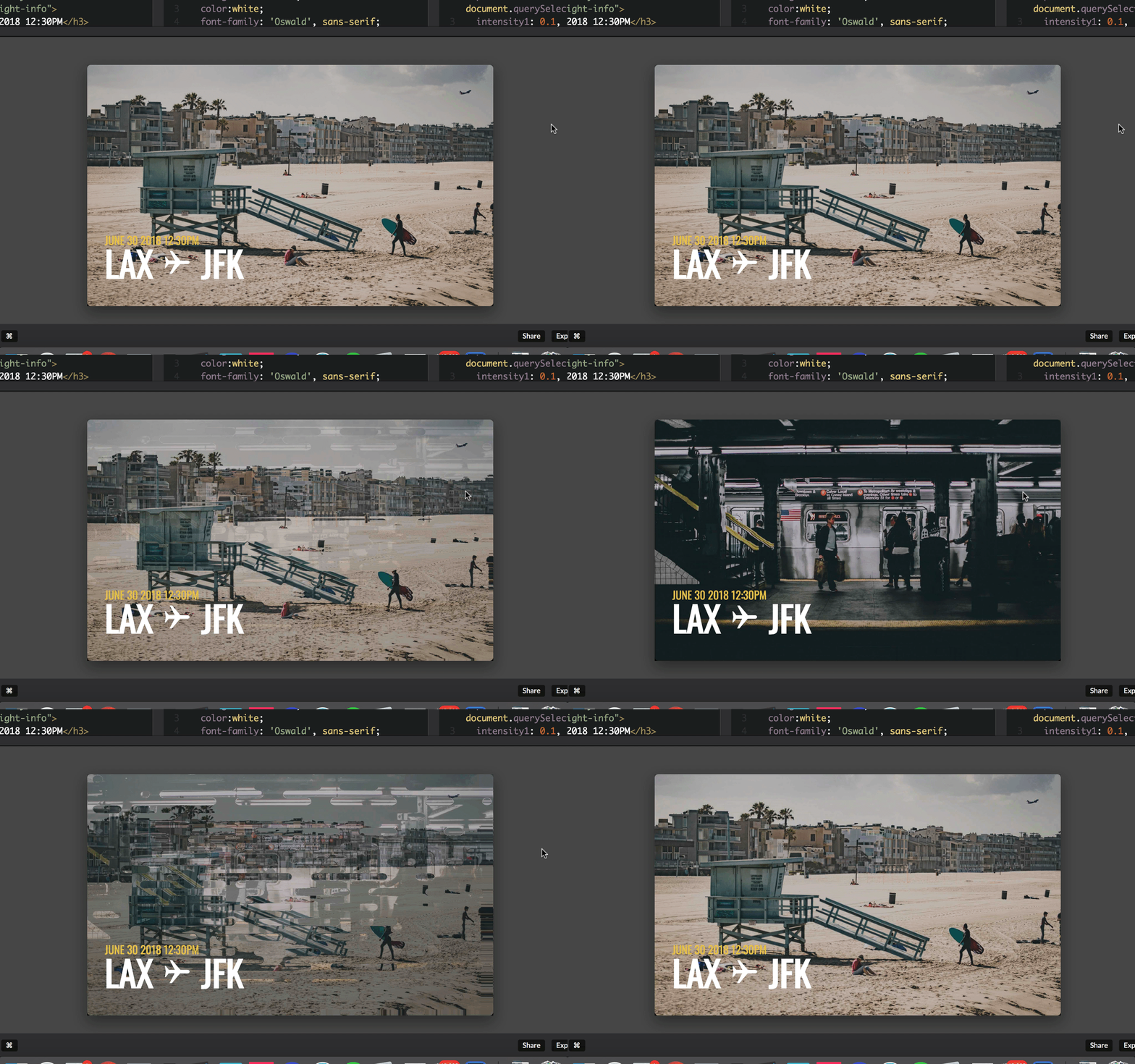
Javascript library to draw and animate images on hover.

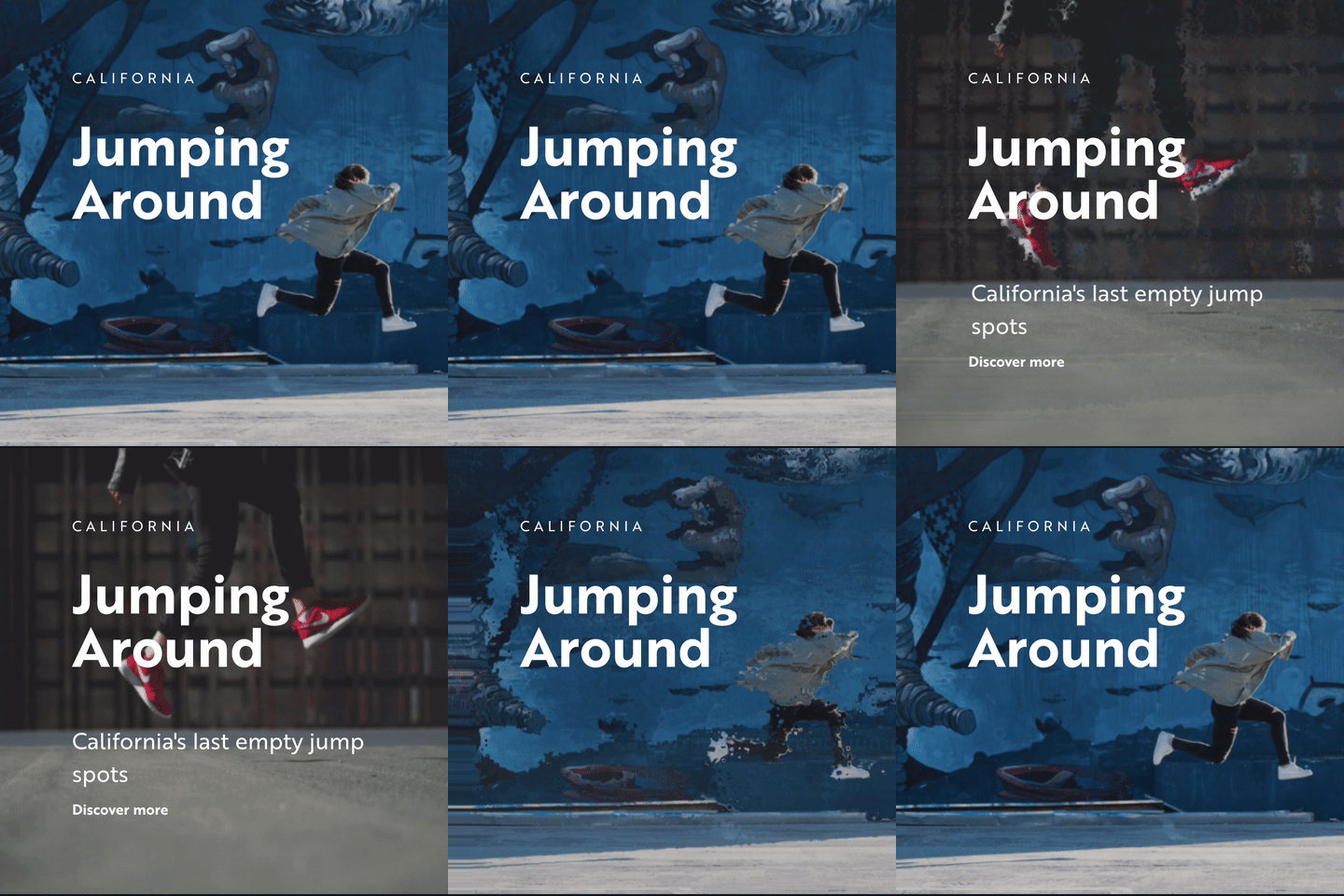

To load the images you'll need to view the demo via a web server, simply go to the demo's folder location and type python -m SimpleHTTPServer 8000 in your terminal. Then access the demo in your browser by typing: localhost:8000
This helper needs Three.js and gsap to do the transition, so you need to include it before this little helper.
Then you only need a div element in HTML to start animating things with a piece of code like this:
<!-- Div to draw the effect -->
<div class="my-div"></div>

<!-- library needed -->
<script src="three.min.js"></script>
<script src="gsap.min.js"></script>

<script src="dist/hover.umd.js"></script>
<script>
    var myAnimation = new hoverEffect({
        parent: document.querySelector('.my-div'),
        intensity: 0.3,
        image1: 'images/myImage1.jpg',
        image2: 'images/myImage2.jpg',
        displacementImage: 'images/myDistorsionImage.png'
    });
</script>
This helper can also be used in node js environments. Three.js and TweenMax scripts are included as dependencies in the package so you don't need to manually include them.
npm install hover-effect
import hoverEffect from 'hover-effect'
Initialize just as you would in the basic usage example above.
| Name | Type | Default | Description |
|---|---|---|---|
parent | Dom element | null | The DOM element where the animation will be injected. The images of the animation will take the parent's size. |
image1 | Image | null | The first Image of the animation. |
image2 | Image | null | The second Image of the animation. |
displacementImage | Image | null | The Image used to do the transition between the 2 main images. |
| Name | Type | Default | Description |
|---|---|---|---|
intensity | Float | 1 | Used to determine the intensity of the distortion effect. 0 is no effect and 1 is full distortion. |
intensity1 | Float | intensity | Overrides the distortion intensity of the first image. |
intensity2 | Float | intensity | Overrides the distortion intensity of the second image. |
angle | Float | Math.PI / 4 | Angle of the distortion effect in Radians. Defaults to Pi / 4 (45 degrees). |
angle1 | Float | angle | Overrides the distortion angle for the first image. |
angle2 | Float | -angle * 3 | Overrides the distortion angle for the second image. |
speedIn | Float | 1.6 | Speed of the inbound animation (in seconds). |
speedOut | Float | 1.2 | Speed of the outbound animation (in seconds). |
hover | Boolean | true | if set to false the animation will not be triggered on hover (see next and previous function to interact) |
easing | String | Expo.easeOut | Easing of the transition, see greensock easing |
video | Boolean | false | Defines if you want to use videos instead of images (note: you need 2 videos, it doesn't work with one image and one video.) |
imagesRatio | Float | 1 | Specify a value if you want a background: cover type of behaviour, otherwise it will apply a square aspect ratio. usage: image height / image width example: 1080 / 1920 |
| Name | Description |
|---|---|
next | Transition to the second image. |
previous | Transition to the first image. |
Thanks to :
Overall
Maintained
Code review
npm
Latest release
Releases this year
1,807 followers · starred Jul 2023
109 followers · starred Mar 2019
147 followers · starred Sep 2021
513 followers · starred Aug 2018
Javascript library to draw and animate images on hover
HTML
1,885
70 commits
updated Jun 27, 2023
Javascript library to draw and animate images on hover.
To load the images you'll need to view the demo via a web server, simply go to the demo's folder location and type python -m SimpleHTTPServer 8000 in your terminal. Then access the demo in your browser by typing: localhost:8000
This helper needs Three.js and gsap to do the transition, so you need to include it before this little helper.
Then you only need a div element in HTML to start animating things with a piece of code like this:
<!-- Div to draw the effect -->
<div class="my-div"></div>

<!-- library needed -->
<script src="three.min.js"></script>
<script src="gsap.min.js"></script>

<script src="dist/hover.umd.js"></script>
<script>
    var myAnimation = new hoverEffect({
        parent: document.querySelector('.my-div'),
        intensity: 0.3,
        image1: 'images/myImage1.jpg',
        image2: 'images/myImage2.jpg',
        displacementImage: 'images/myDistorsionImage.png'
    });
</script>
This helper can also be used in node js environments. Three.js and TweenMax scripts are included as dependencies in the package so you don't need to manually include them.
npm install hover-effect
import hoverEffect from 'hover-effect'
Initialize just as you would in the basic usage example above.
| Name | Type | Default | Description |
|---|---|---|---|
parent | Dom element | null | The DOM element where the animation will be injected. The images of the animation will take the parent's size. |
image1 | Image | null | The first Image of the animation. |
image2 | Image | null | The second Image of the animation. |
displacementImage | Image | null | The Image used to do the transition between the 2 main images. |
| Name | Type | Default | Description |
|---|---|---|---|
intensity | Float | 1 | Used to determine the intensity of the distortion effect. 0 is no effect and 1 is full distortion. |
intensity1 | Float | intensity | Overrides the distortion intensity of the first image. |
intensity2 | Float | intensity | Overrides the distortion intensity of the second image. |
angle | Float | Math.PI / 4 | Angle of the distortion effect in Radians. Defaults to Pi / 4 (45 degrees). |
angle1 | Float | angle | Overrides the distortion angle for the first image. |
angle2 | Float | -angle * 3 | Overrides the distortion angle for the second image. |
speedIn | Float | 1.6 | Speed of the inbound animation (in seconds). |
speedOut | Float | 1.2 | Speed of the outbound animation (in seconds). |
hover | Boolean | true | if set to false the animation will not be triggered on hover (see next and previous function to interact) |
easing | String | Expo.easeOut | Easing of the transition, see greensock easing |
video | Boolean | false | Defines if you want to use videos instead of images (note: you need 2 videos, it doesn't work with one image and one video.) |
imagesRatio | Float | 1 | Specify a value if you want a background: cover type of behaviour, otherwise it will apply a square aspect ratio. usage: image height / image width example: 1080 / 1920 |
| Name | Description |
|---|---|
next | Transition to the second image. |
previous | Transition to the first image. |
Thanks to :
Overall
Maintained
Code review
npm
Latest release
Releases this year
1,807 followers · starred Jul 2023
109 followers · starred Mar 2019
147 followers · starred Sep 2021
513 followers · starred Aug 2018



