Offline markdown to pdf, choose -> edit -> transform 🥂
See the code
English | 简体中文(Simplified Chinese) | 繁體中文(Traditional Chinese)
https://realdennis.github.io/md2pdf/
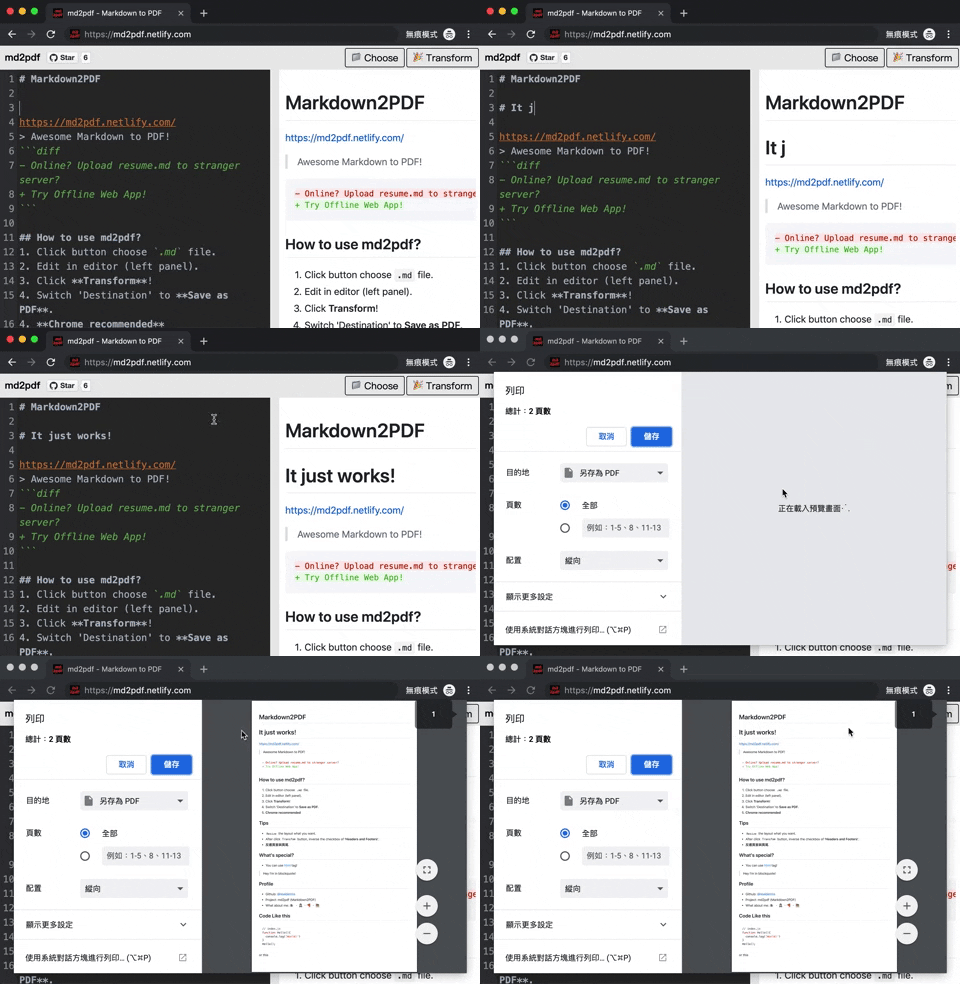
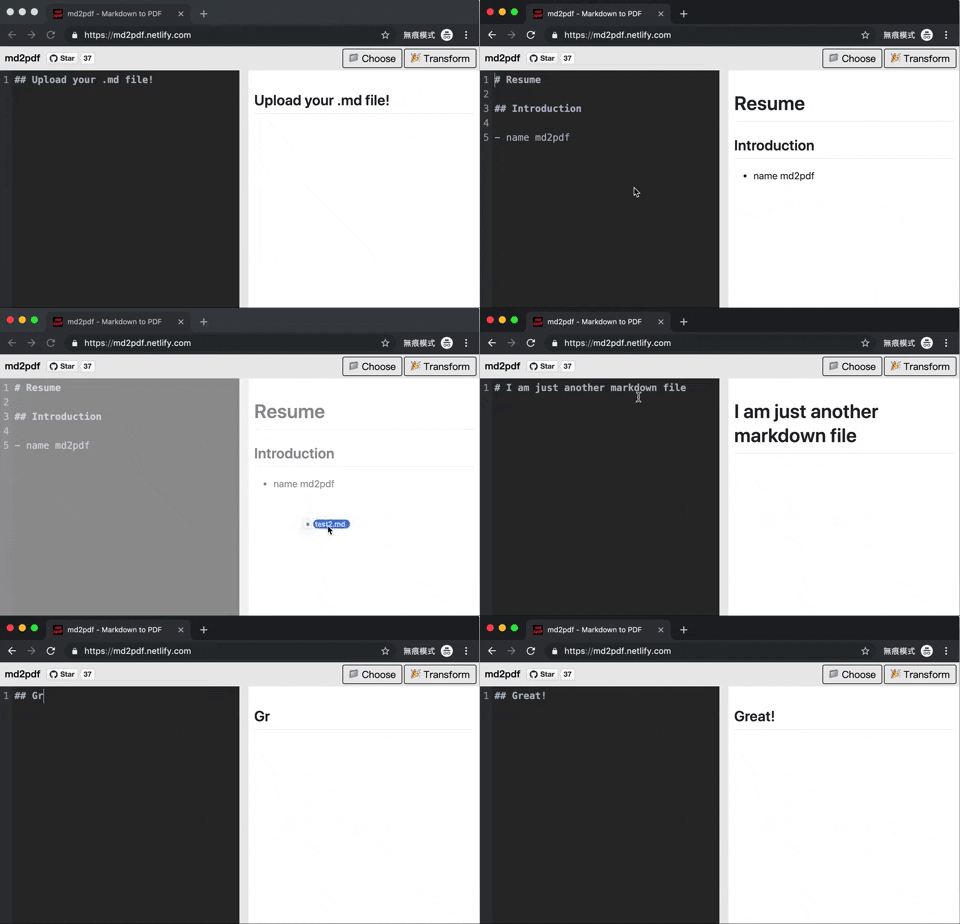
Awesome Markdown to PDF!
- Online? Upload resume.md to stranger server?
+ Try Offline Web App!
.md file.cd into md2pdfdocker compose up -d inside the directoryThe docker compose binds the web server to localhost:8080 by default. You can change this by finding the ports line in docker-compose.yaml.
Note: This docker compose uses the build directive, so your system will go build and optimize the code itself. The application is hosted locally through nginx which is what binds to port 8080.
Resize the layout what you want.Transform button, inverse the checkbox of 'Headers and Footers'.Hey I'm in blockquote!
LICENSE MIT © 2019 realdennis
228 followers · starred Mar 2019
1,973 followers · starred Apr 2025
401 followers · starred Dec 2019
21,894 followers · starred Jan 2026
Offline markdown to pdf, choose -> edit -> transform 🥂
See the code
English | 简体中文(Simplified Chinese) | 繁體中文(Traditional Chinese)
https://realdennis.github.io/md2pdf/
Awesome Markdown to PDF!
- Online? Upload resume.md to stranger server?
+ Try Offline Web App!
.md file.cd into md2pdfdocker compose up -d inside the directoryThe docker compose binds the web server to localhost:8080 by default. You can change this by finding the ports line in docker-compose.yaml.
Note: This docker compose uses the build directive, so your system will go build and optimize the code itself. The application is hosted locally through nginx which is what binds to port 8080.
Resize the layout what you want.Transform button, inverse the checkbox of 'Headers and Footers'.Hey I'm in blockquote!
LICENSE MIT © 2019 realdennis
228 followers · starred Mar 2019
1,973 followers · starred Apr 2025
401 followers · starred Dec 2019
21,894 followers · starred Jan 2026



