
README
Toggle OS X Shadows
Installation
If you have clib installed do:
clib install puffnfresh/toggle-osx-shadows
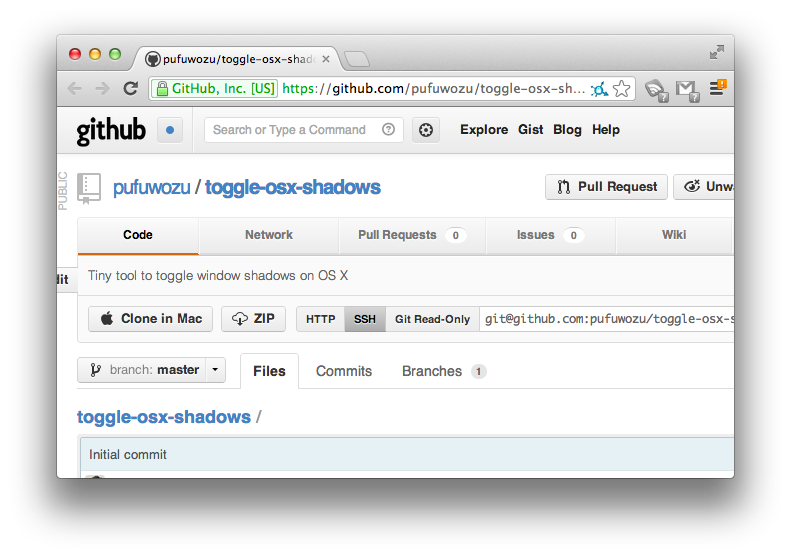
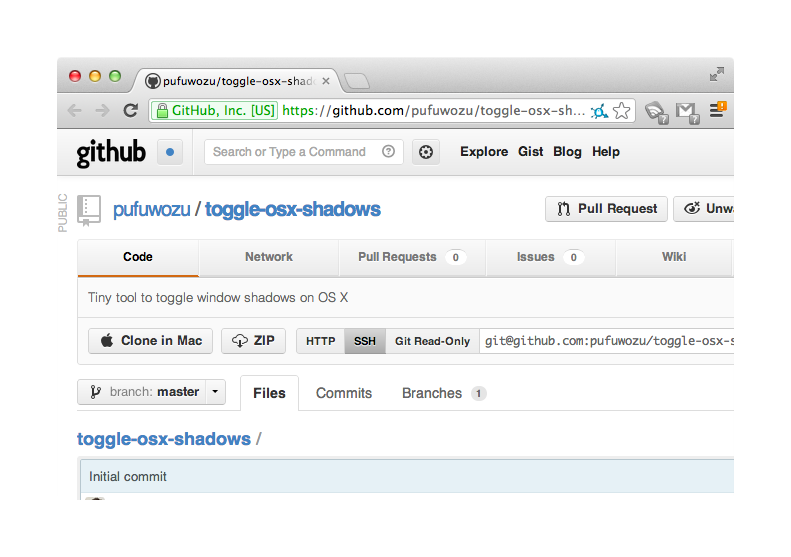
Run the following commands in Terminal to toggle OS X window shadows off.
git clone https://github.com/pufuwozu/toggle-osx-shadows.gitcd toggle-osx-shadowsmake./toggle-osx-shadows
Homebrew install
brew install https://raw.githubusercontent.com/puffnfresh/toggle-osx-shadows/master/homebrew/toggle-osx-shadows.rb
Usage
To turn on shadows again, run ./toggle-osx-shadows (like in step four above), log out, and log back in.
Before
After
Contributors



Similar repos


Languages
C
49.3%
Ruby
44.5%
Makefile
6.2%
README
Toggle OS X Shadows
Installation
If you have clib installed do:
clib install puffnfresh/toggle-osx-shadows
Run the following commands in Terminal to toggle OS X window shadows off.
git clone https://github.com/pufuwozu/toggle-osx-shadows.gitcd toggle-osx-shadowsmake./toggle-osx-shadows
Homebrew install
brew install https://raw.githubusercontent.com/puffnfresh/toggle-osx-shadows/master/homebrew/toggle-osx-shadows.rb
Usage
To turn on shadows again, run ./toggle-osx-shadows (like in step four above), log out, and log back in.
Before
After
Similar repos
Contributors
Languages
C
49.3%
Ruby
44.5%
Makefile
6.2%