
Powerful GenAI plugin for Umbraco backoffice, designed to enhance content creation and management.
C#
2
42 commits
updated May 9, 2025
README
Phases.UGenie is a powerful GenAI plugin for Umbraco backoffice, designed to enhance content creation and management. It integrates seamlessly with Umbraco's rich text editor (RTE) and standard text editor to provide AI-powered content generation, text editing, and image generation. Powered by Microsoft's Semantic Kernel Connectors, it leverages multiple AI services to help you create and manage content more efficiently.
Configuration
UGenie supports configuration through the Umbraco backoffice. After installation, go to the "UGenie Settings" section in the Umbraco backoffice to configure your API keys, image generation preferences, and other options.
- OpenAI: Set your API key and choose the desired model for both text and image generation.
- Azure OpenAI: Set the required API key and model for the Azure service.
- Google Gemini: Set the required API key and model for the Google service.
- In-House Option: Configure your in-house AI endpoint for both text and image generation.
We will be adding all the connectors available in semantic kernel🚀
Configuration Screenshots
Default Model Configuration

Setting up and model selection in Umbraco.
Text generation API Configuration

Configuring text generation options in Umbraco.
Image Generation Configuration

Configuring image generation options in Umbraco.
Need to add the toolbars for RTE so the options will appear, same with the image picker -> create a data type using Custom Image Picker with AI
Screenshots
Below are some screenshots showing the UGenie plugin in action:

Text generation in Umbraco RTE.

Editing and paraphrasing generated content in the Umbraco backoffice.

Image generation using AI in Umbraco.
Demo Video
Watch a demo of UGenie in action:
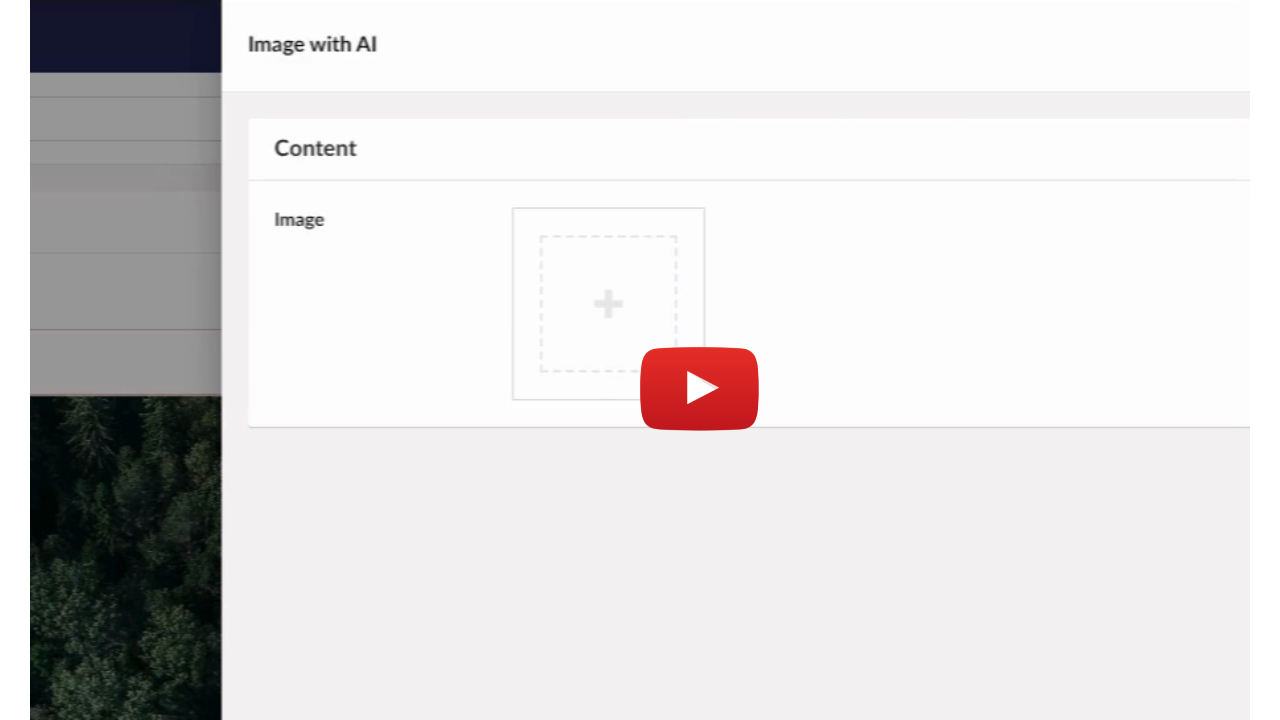
Click the thumbnail above to watch the demo video of UGenie generating content and images.
For more information, please visit the official documentation.
Similar repos


Languages
C#
42.9%
JavaScript
34.6%
HTML
15.5%
CSS
6.9%
Powerful GenAI plugin for Umbraco backoffice, designed to enhance content creation and management.
C#
2
42 commits
updated May 9, 2025
README
Phases.UGenie is a powerful GenAI plugin for Umbraco backoffice, designed to enhance content creation and management. It integrates seamlessly with Umbraco's rich text editor (RTE) and standard text editor to provide AI-powered content generation, text editing, and image generation. Powered by Microsoft's Semantic Kernel Connectors, it leverages multiple AI services to help you create and manage content more efficiently.
Configuration
UGenie supports configuration through the Umbraco backoffice. After installation, go to the "UGenie Settings" section in the Umbraco backoffice to configure your API keys, image generation preferences, and other options.
- OpenAI: Set your API key and choose the desired model for both text and image generation.
- Azure OpenAI: Set the required API key and model for the Azure service.
- Google Gemini: Set the required API key and model for the Google service.
- In-House Option: Configure your in-house AI endpoint for both text and image generation.
We will be adding all the connectors available in semantic kernel🚀
Configuration Screenshots
Default Model Configuration
Setting up and model selection in Umbraco.
Text generation API Configuration
Configuring text generation options in Umbraco.
Image Generation Configuration
Configuring image generation options in Umbraco.
Need to add the toolbars for RTE so the options will appear, same with the image picker -> create a data type using Custom Image Picker with AI
Screenshots
Below are some screenshots showing the UGenie plugin in action:
Text generation in Umbraco RTE.
Editing and paraphrasing generated content in the Umbraco backoffice.
Image generation using AI in Umbraco.
Demo Video
Watch a demo of UGenie in action:
Click the thumbnail above to watch the demo video of UGenie generating content and images.
For more information, please visit the official documentation.
Similar repos
Languages
C#
42.9%
JavaScript
34.6%
HTML
15.5%
CSS
6.9%