Open Translator: Speech To Speech and Speech to text Translator with voice cloning and other cool features
Python
18
98 commits
updated Mar 26, 2026
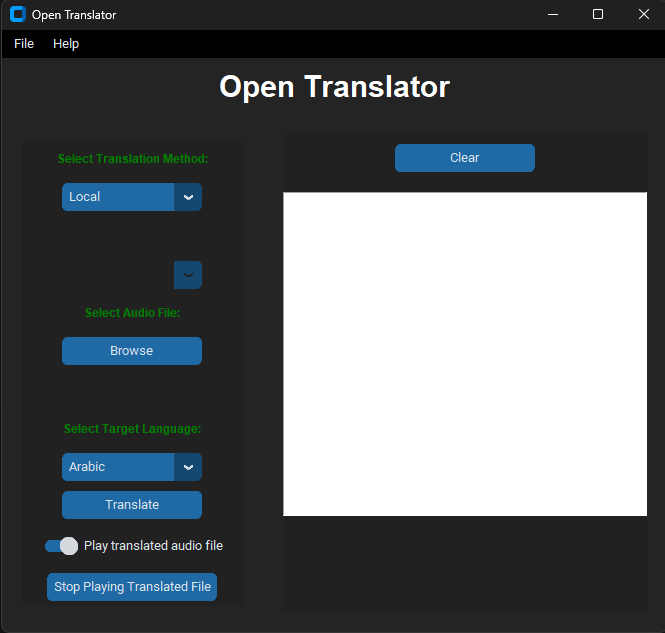
Translate from and to 17 Languages :
File Menu available options:
Convert Audio file to MP3
Extract audio from Video
YouTube Downloader
Replace Audio in Video
Video Text Adder
Voice Recorder
PyTranscriber (shortcut)
Exit
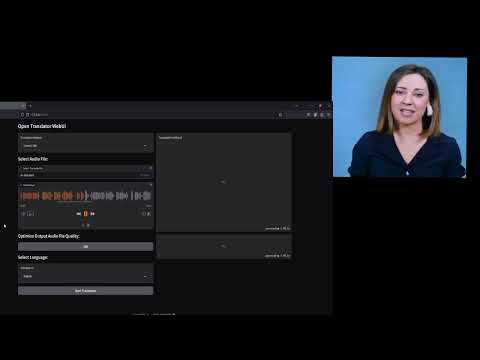
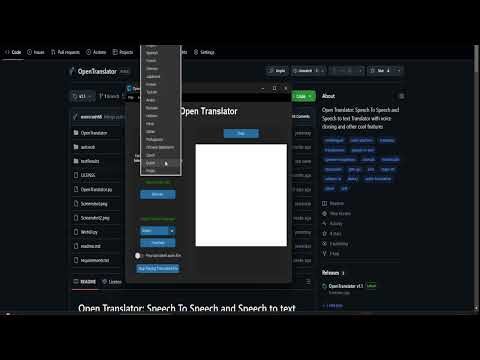
Make sure you have the following dependencies installed:
1- Clone the repository:
git clone https://github.com/overcrash66/OpenTranslator.git
2- Navigate to folder:
cd OpenTranslator
3- Create a vitrual env:
py -3.10 -m venv venv
venv\Scripts\activate
4- Install the required Python packages using:
If you would like to use CUDA 118 - GPU:
PY -3.10
pip install torch==2.1.2+cu118 torchaudio==2.1.2+cu118 --index-url https://download.pytorch.org/whl/cu118
PY -3.12
pip install torch==2.2.1+cu118 torchaudio==2.2.1+cu118 --index-url https://download.pytorch.org/whl/cu118
Install mecab https://github.com/ikegami-yukino/mecab/releases
pip install -r requirements.txt
OR by default you use CPU only:

```bash
pip install -r requirements.txt
5- Run the Script:
python OpenTranslator.py
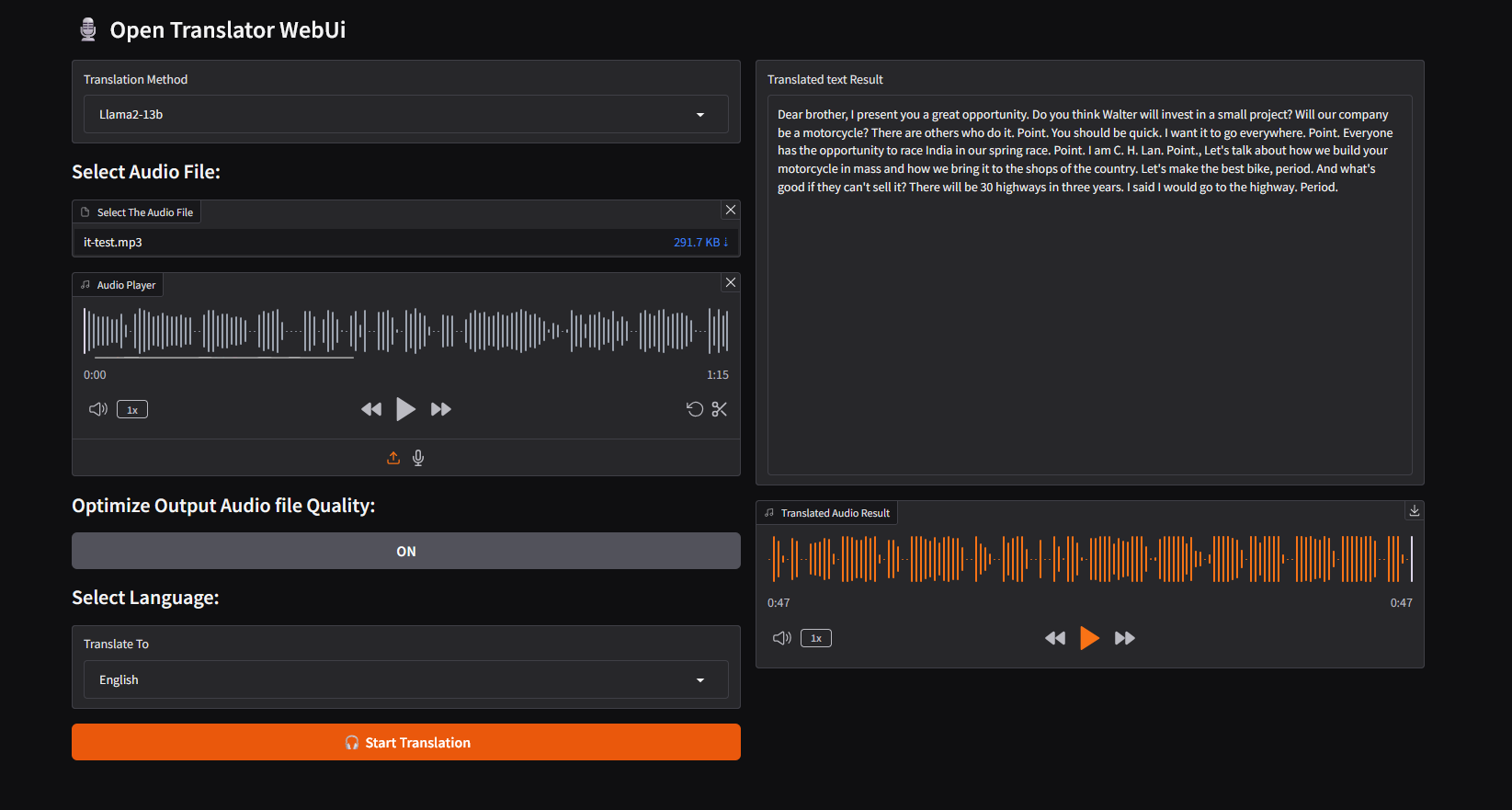
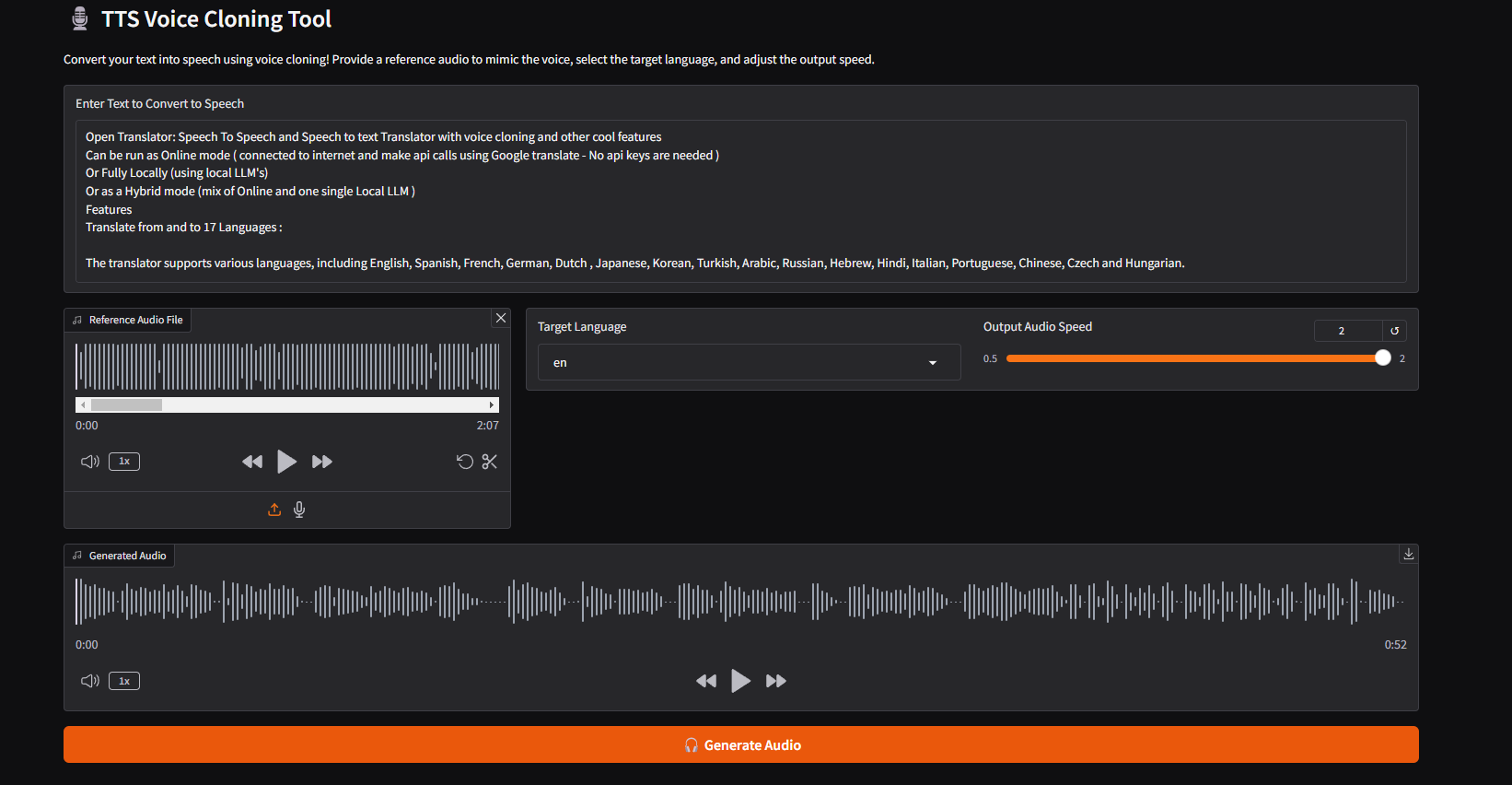
Or Local mode (using a set of LLM's) for audio file translation only, using a WEB UI (Gradio)
python WebUI.py
This project is licensed under the GPL License - see the LICENSE file for details.
Special thanks to: XTTS_V2 whisper v3 Large Llama2-13b-Language-translate autosub gTTS
Open Translator: Speech To Speech and Speech to text Translator with voice cloning and other cool features
Python
18
98 commits
updated Mar 26, 2026
Translate from and to 17 Languages :
File Menu available options:
Convert Audio file to MP3
Extract audio from Video
YouTube Downloader
Replace Audio in Video
Video Text Adder
Voice Recorder
PyTranscriber (shortcut)
Exit
Make sure you have the following dependencies installed:
1- Clone the repository:
git clone https://github.com/overcrash66/OpenTranslator.git
2- Navigate to folder:
cd OpenTranslator
3- Create a vitrual env:
py -3.10 -m venv venv
venv\Scripts\activate
4- Install the required Python packages using:
If you would like to use CUDA 118 - GPU:
PY -3.10
pip install torch==2.1.2+cu118 torchaudio==2.1.2+cu118 --index-url https://download.pytorch.org/whl/cu118
PY -3.12
pip install torch==2.2.1+cu118 torchaudio==2.2.1+cu118 --index-url https://download.pytorch.org/whl/cu118
Install mecab https://github.com/ikegami-yukino/mecab/releases
pip install -r requirements.txt
OR by default you use CPU only:

```bash
pip install -r requirements.txt
5- Run the Script:
python OpenTranslator.py
Or Local mode (using a set of LLM's) for audio file translation only, using a WEB UI (Gradio)
python WebUI.py
This project is licensed under the GPL License - see the LICENSE file for details.
Special thanks to: XTTS_V2 whisper v3 Large Llama2-13b-Language-translate autosub gTTS



